
Table of contents
Top 7 HIPAA-Compliant App Builders (2026): Tested & Reviewed

Written by
Blaze Team

Reviewed by
Nanxi Liu
Expert Verified
For over a decade, I’ve tested HIPAA-compliant app builders to create healthcare software and applications. Here are the 7 best platforms of 2026, including their features, costs, pros, and cons.
7 Best HIPAA Compliant App Builders: TL;DR
1. Blaze: The Best Overall HIPAA Compliant App Builder
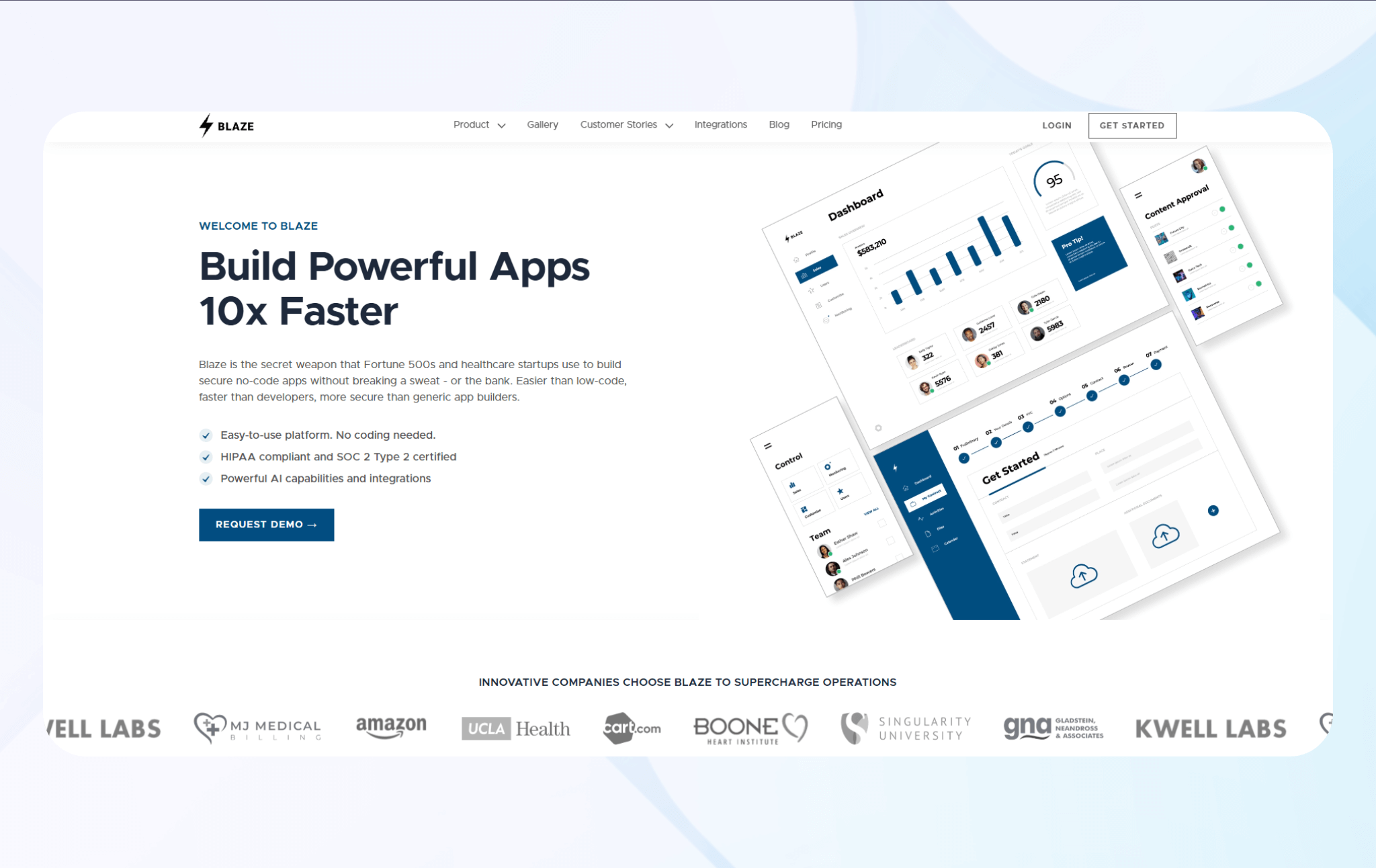
Blaze lets teams build HIPAA-compliant web and mobile apps without code. It provides secure data handling, access control, and automation tools built for regulated industries like healthcare and finance.
Who it’s for: Blaze suits healthcare startups, clinics, and enterprises that need compliant tools or patient portals fast, without developers.
First, I evaluated Blaze's drag-and-drop logic interface, which worked intuitively. I created approval and hospital intake forms by dragging pre-made scheduling and login elements to my building canvas. The platform executed each trigger in real time, without latency, indicating it supports a quality user experience.
I also tested Blaze’s security automation and encryption tools across multiple app environments. The platform kept my data encrypted at rest and in transit, demonstrating reliable HIPAA-grade security. Compliance logs and access records are updated automatically with zero configuration errors.
Because I plan to update my app every quarter, I tested Blaze’s deployment management using dev and production environments. These environments supported swift switching between builds.
Key Features
- Lots of integrations: Blaze offers many integrations that connect securely with EHRs, CRMs, and databases through encrypted APIs, maintaining compliance while enabling data flow.
- AI and automations: Supports AI tools and workflow automation for document processing, patient triage, and data analysis.
- Multi-environment deployment: Allows you to test in different development, staging, and production environments.
Pros
- Rapid app creation: Launch HIPAA-compliant apps quickly without coding. You’re also in control of updating and scaling, so there’s no back-and-forth with agencies.
- Quality onboarding support: Blaze’s onboarding team guides you through setup, compliance configuration, and workflow design, helping you launch smoothly and maintain long-term success.
Cons
- Best for larger teams: Smaller teams or early projects may find Blaze too feature-heavy because the platform serves growing and enterprise-level organizations.
Pricing
Contact Blaze’s team to get a custom quote for the HIPAA-compliant version.
Bottom Line
Blaze’s no-code platform and dedicated implementation team make it easy for anyone, regardless of technical background, to build a HIPAA-compliant app quickly.
2. Knack: Best For No-Code HIPAA-Compliant Healthcare App Creation
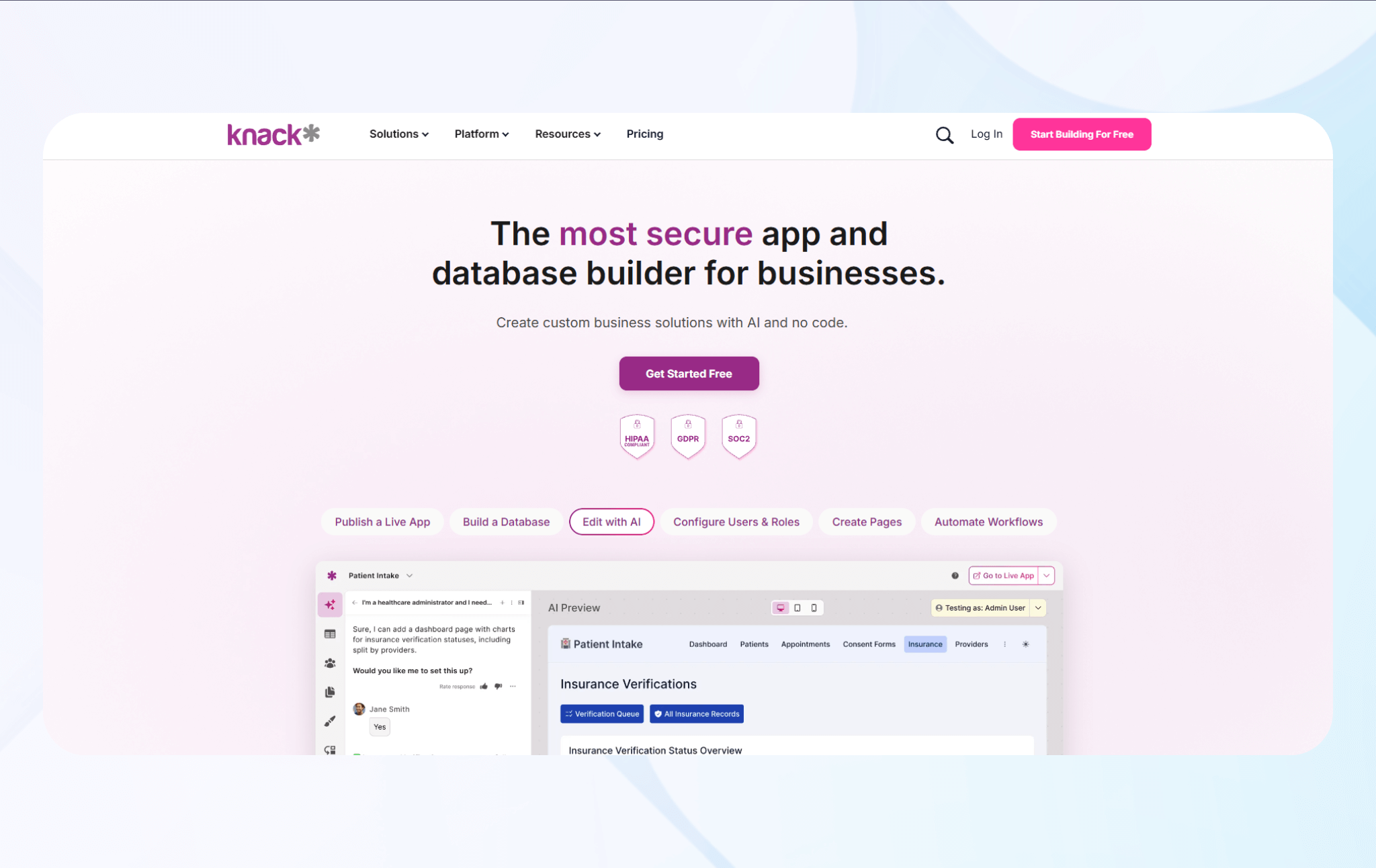
Knack is a no-code platform for creating HIPAA-compliant healthcare apps like patient portals and data management systems.
Who it’s for: Healthcare organizations, clinics, and startups will find Knack suitable for building patient data systems or internal apps without technical teams.
First, I used Knack’s database builder to create a HIPAA-compliant patient intake database. I quickly implemented encryption protocols and access controls right from the drag-and-drop interface.
Knack’s AI-generated data schema accurately placed data in database locations, reducing build time. This feature allowed me to focus on building and maintaining logical relationships between tables and workflows.
I tested integrations with EHR and CRM systems. Knack’s API connections, which I needed to configure manually, enabled smooth synchronization between medical records and external databases.
Key Features
- Flow automation support: The platform's HIPAA-enabled Flows feature allows secure workflow automation.
- Secure integrations: Knack connects safely with EHRs, CRMs, and external APIs through encrypted connections and permission-based access.
- Data auditability: By tracking data changes, access events, and activities in detailed audit logs, Knack provides transparency for compliance reviews.
Pros
- Flexibility without coding: You can design, customize, and manage your apps through a no-code interface, making app development accessible to non-technical staff.
- Transparent data ownership: Knack gives you full ownership of your data and applications.
Cons
- Performance variation under load: Data-heavy healthcare applications may experience slower performance during peak usage periods, which can complicate scaling.
Pricing
Contact Knack’s sales team to receive a custom quote for its HIPAA-compliant enterprise plan.
Bottom Line
Knack is ideal for smaller clinics and practices building secure patient or operations apps.
3. Mendix: Best for Multi-Channel Applications
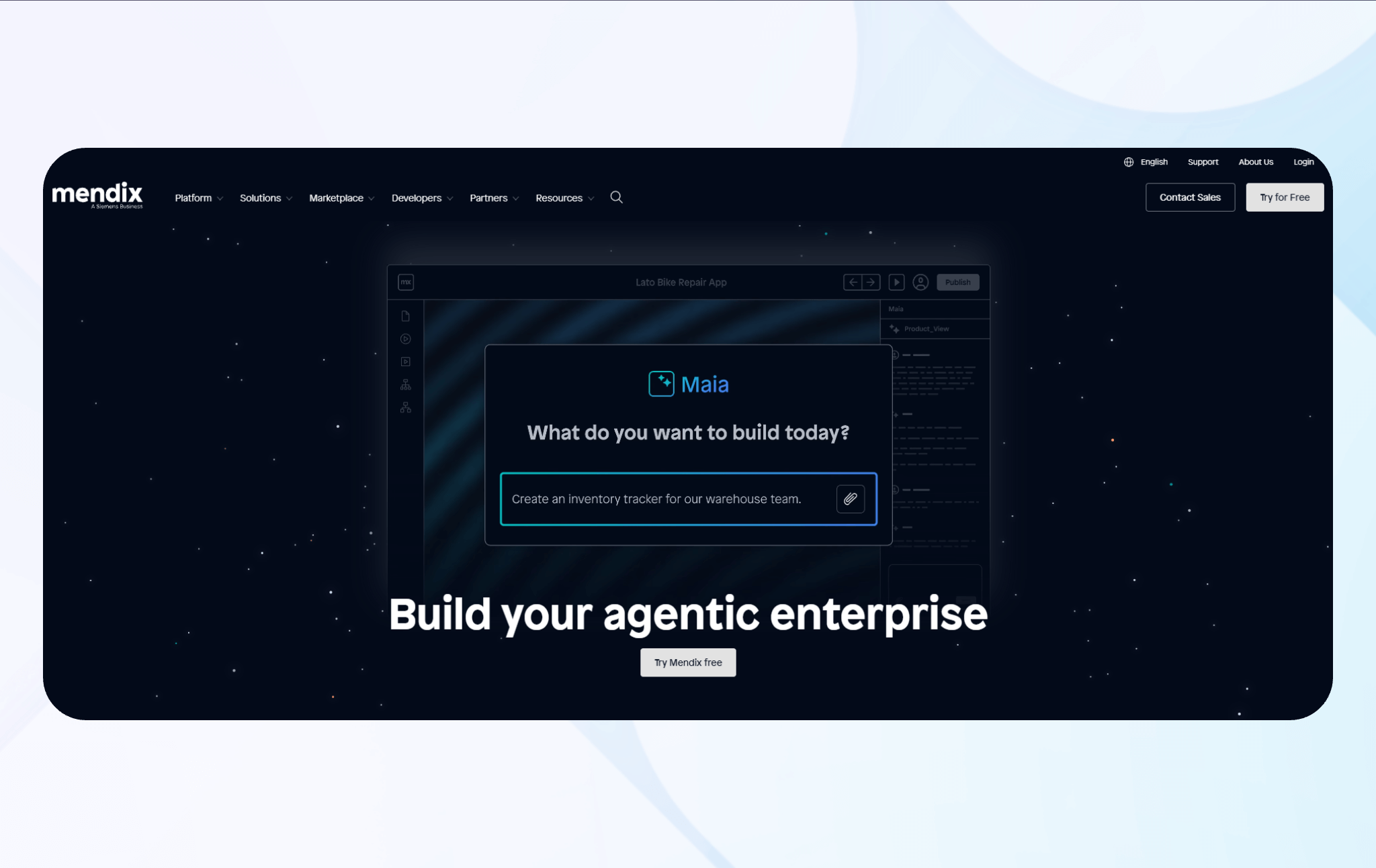
Mendix is a low-code platform for building secure, HIPAA-compliant web and mobile apps by blending drag-and-drop tools with built-in DevOps functionality.
Who it’s for: Mendix enables large organizations with technical teams to build multi-channel apps that integrate backend systems and support rapid iteration.
I evaluated Mendix’s multi-channel deployment system to determine if apps maintained responsiveness and consistent performance. The apps delivered smooth, responsive performance across tablets, laptops, and other supported devices.
Next, I tested Mendix’s governance and access control tools. Role-based permissions and audit logging operated reliably. The system provided visibility into user activity and maintained compliance with enterprise security policies.
Mendix’s DevOps pipeline and CI/CD integration required defining parameters that could be challenging for non-technical users. But I could deploy updates reliably across environments, with automated testing catching configuration issues early, saving precious development time.
Key Features
- Visual low-code platform: Mendix enables web and mobile app creation with visual modeling and drag-and-drop logic, and also allows custom scripting.
- Multi-channel deployment: Apps built in Mendix adapt across web, mobile, and tablet automatically, with consistent UI behavior and responsive design.
- On-prem and cloud hosting: Mendix offers hosting on its cloud platform, on your own servers, or in a hybrid environment.
Pros
- Strong enterprise governance: Built-in security, environment controls, and user permissions allow your IT team to maintain oversight.
- Flexible customization options: You can insert custom Java modules or logic extensions for advanced customization that most no-code platforms don’t offer.
Cons
- Steep learning curve: Although I found the drag-and-drop interface intuitive, advanced features require technical knowledge and scripting. Non-technical teams will have difficulties adopting Mendix.
Pricing
Mendix’s pricing for building HIPAA-compliant apps starts at $998/month.
Bottom Line
If you’re a technical team building multi-channel, enterprise-grade apps, Mendix delivers governance and scalability. There is a learning curve, but the payoff is flexibility.
4. Scytale: Best For Automated HIPAA Compliance and Audit Readiness
Scytale helps you build HIPAA-compliant security assessments and audit readiness apps through its AI GRC (Governance, Risk, and Compliance) platform.
Who it’s for: The platform suits healthcare companies, SaaS teams, and service providers managing PHI (patient health information). It lets you manage compliance workflows from a unified dashboard.
Scytale’s automated compliance dashboard accurately identified control gaps and mapped HIPAA frameworks in real time, eliminating the need to jump between tabs or programs. This capability also cuts the manual review time of compliance requirements.
I also tested its AI questionnaire automation by creating a survey to evaluate vendor compliance with HIPAA data-handling and encryption standards. Using survey results, I identified which vendors lacked required safeguards and automatically generated follow-up tasks for remediation.
When testing Scytale’s integrations, I found it could sync my AWS and Google Cloud accounts. I used the API evidence collector to maintain continuous monitoring without disrupting configurations or interrupting active workloads.
Key Features
- Automated compliance assessments: Scytale continuously scans systems for compliance gaps, maps findings to HIPAA controls, and automatically generates risk reports, so your security team can focus on assessing risks, not writing reports.
- Access monitoring & alerting: You can track user activity and flag risky access behavior, sending alerts when control violations or anomalies arise.
- AI-generated questionnaires: The platform’s AI populates vendor risk surveys and audit forms automatically, streamlining audits and reducing manual effort.
Pros
- Continuous compliance monitoring: Scytale constantly runs checks to help prevent unpleasant surprises and keep your system HIPAA-compliant.
- Adaptive evidence sourcing: The platform integrates with cloud services to automate evidence collection, improving audit transparency.
Cons
- Requires mature environments: Smaller or simpler systems may not generate enough data to get the most benefit from Scytale’s evidence-based compliance pipelines.
Pricing
Contact the Scytale sales team for a quote.
Bottom Line
Scytale stands out by automating compliance and audit readiness. It’s especially suited for healthcare and SaaS companies seeking real-time HIPAA observability by offloading manual tasks.
5. DrapCode: Best For Smaller Clinics and Practices
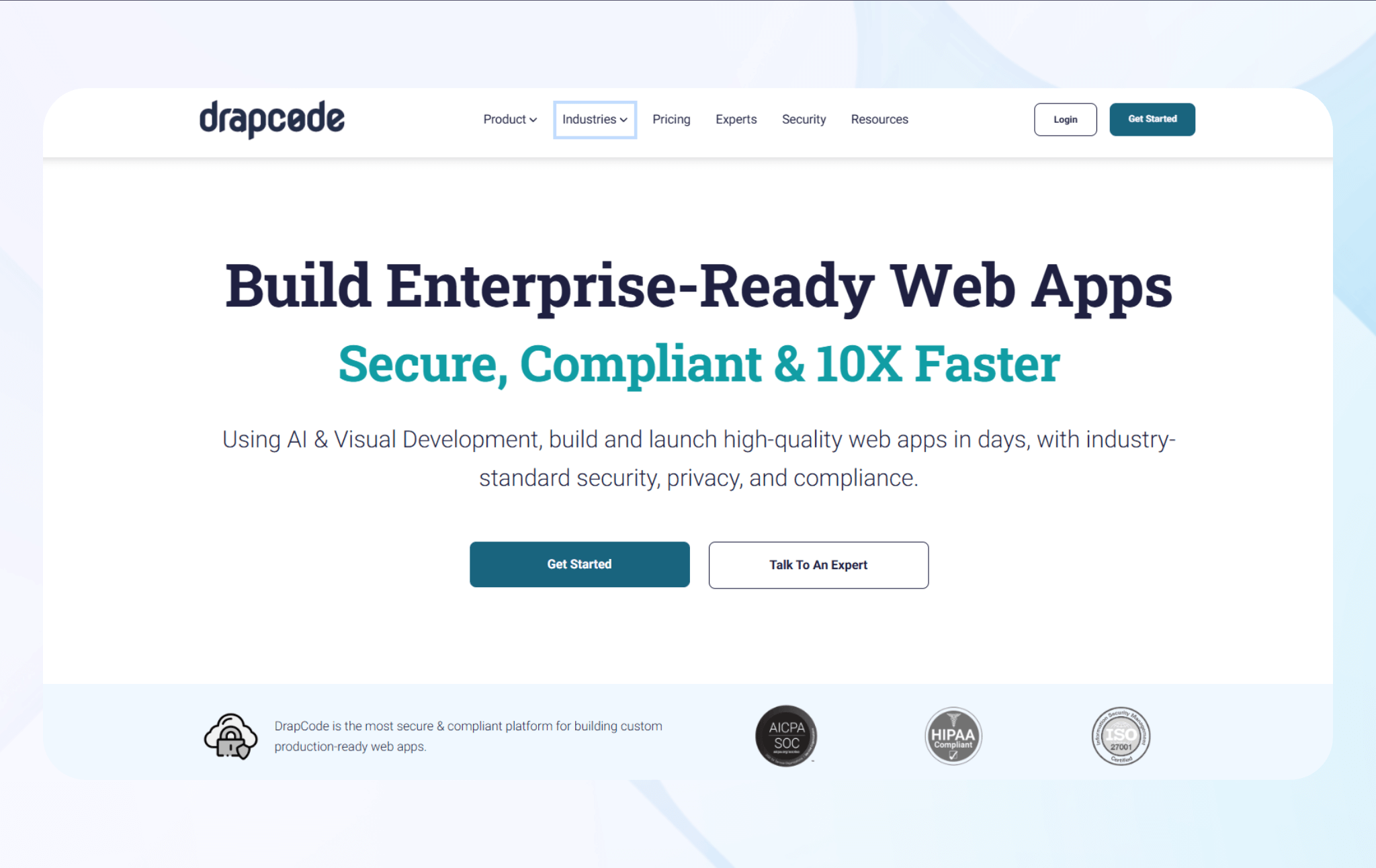
DrapCode is a no-code platform that helps users build secure, HIPAA-compliant web apps with form, logic, and database control.
Who it's for: The platform suits small clinics, solo practitioners, and health startups that need a budget-friendly app without hiring a full-stack development team.
I tested DrapCode’s form builder and created a patient intake form with conditional logic. The field validation system worked reliably and instantly flagged errors. Field-level permission settings also simplified creating role-based permissions.
The visual database builder allowed me to create tables for patients, visits, and doctors. I could customize table views using the visual builder. Setting user-specific data visibility through role mapping felt beginner-friendly and powerful. And, it didn’t require any SQL.
Embedding a third-party ambulatory EHR integration and HIPAA-compliant payment processor took minutes by connecting to an API. I tested a Stripe integration with protected health info, and confirmed that the system encrypted data at rest and in transit.
Key Features
- Built-In database management: You can create relational tables and control how sensitive data is stored, queried, and displayed in the app.
- Secure deployment options: The platform supports SSL, two-factor authentication, audit logs, and HIPAA-compliant hosting for secure handling of patient data.
- API integration tools: DrapCode enables secure connections to platforms like Stripe and Zoom using token-based authentication and encrypted endpoints.
Pros
- Strong database controls: You can design and manage complex health data models, connect tables, and control user-level access within minutes.
- Easy visual builder: The drag-and-drop interface helps non-developers create complete patient management apps without learning backend systems or databases.
Cons
- Complexity: The platform features many advanced configuration options that can overwhelm nontechnical users.
Pricing
The HIPAA-compliant version starts at $650/month. You can also hire DrapCode developers to create your app, starting at $5,000.
Bottom Line
DrapCode balances flexibility with pricing suitable for smaller clinics, but users should expect a learning curve when creating custom healthcare apps.
6. Appian: Best for Workflow and Process Automation
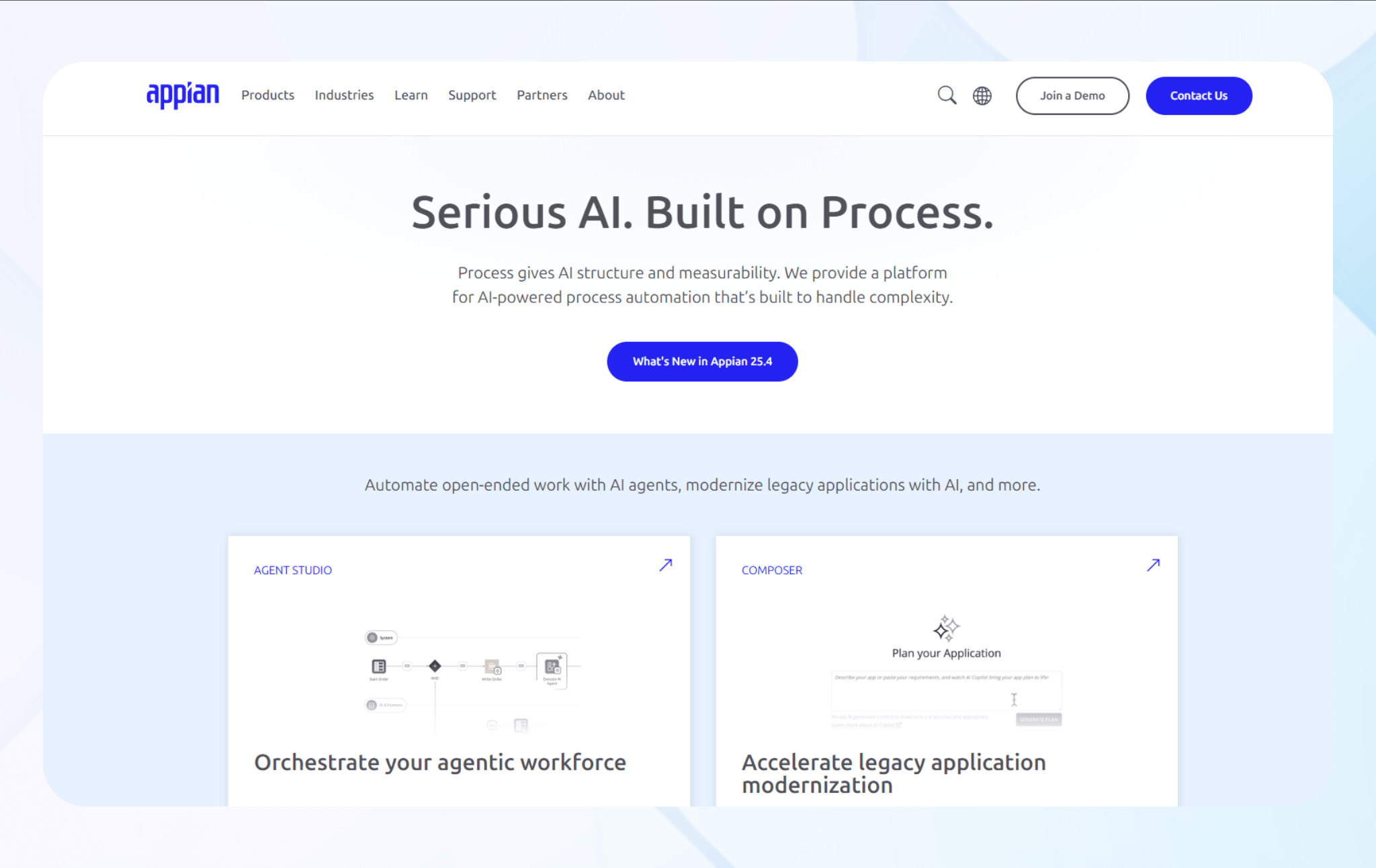
Appian helps teams automate complex workflows and connect siloed systems through a visual low-code platform.
Who it’s for: Enterprise teams, healthcare organizations, and any company handling sensitive data that needs secure, HIPAA-compliant workflow automation will find Appian suitable.
When I tested the process designer, I built a multi-step approval flow in minutes. The visual interface felt smooth and responsive, though complex workflows caused slight delays when multiple rules ran simultaneously.
I tested data integration next, linking a patient database to an external analytics system. The connections synced in minutes.
Then I moved to user permissions, which offered reliability and control. I could clearly define role-based access permissions on the dashboard.
Key Features
- Data fabric and integrations: Appian connects multiple data sources, APIs, and databases without duplicating information.
- AI and intelligent automation: AI features automatically classify documents, extract structured data, and support accurate decision-making.
- Case management and analytics: Appian tracks long-running cases, monitors workflow performance, and generates detailed audit trails.
Pros
- Governance and control: The platform enforces strong access controls, detailed audit logs, and compliance checks, making it an excellent fit for larger organizations.
- Enterprise scalability: Appian’s architecture supports high transaction volumes and complex integrations.
Cons
- Limited UI flexibility: Customizing the user interface can feel restrictive compared to more design-oriented low-code platforms.
Pricing
Contact Appian’s sales team for pricing information.
Bottom Line
Appian appeals to healthcare organizations that need scalability. It delivers performance and security that large organizations need, though teams should plan for higher costs and training time.
7. Caspio: Best for Building Data-Heavy Business Applications
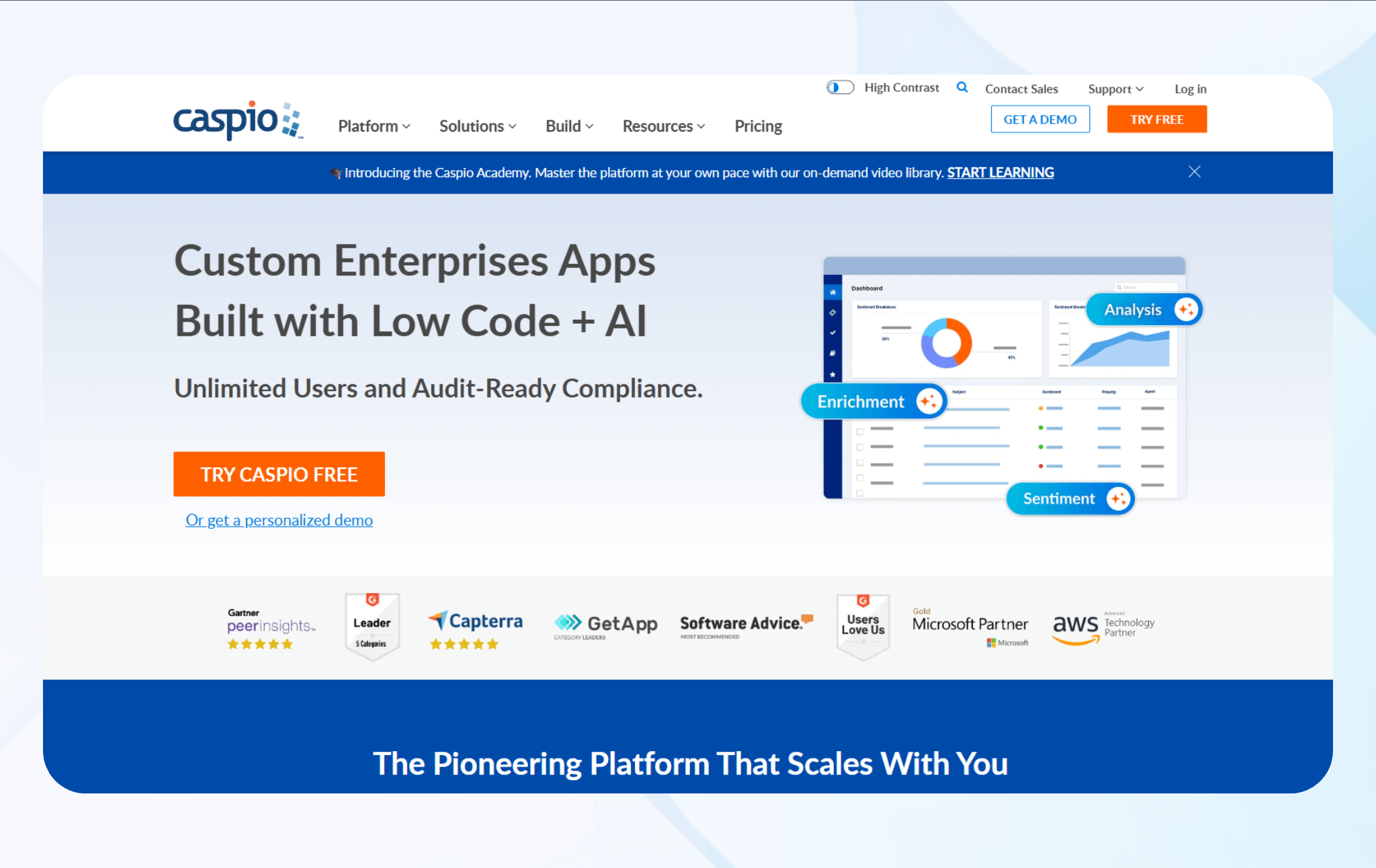
Caspio is a low-code web platform for building HIPAA-compliant apps with forms, reports, dashboards, and logic.
Who it’s for: It’s ideal for healthcare organizations of any size that need HIPAA-level data workflows and relational database apps.
When I tested data forms and reports, I built a multi-table form for tracking patient intake records. The platform featured cascading dropdowns, which worked reliably with my data.
I evaluated user roles and record-level security, defining granular permissions for users and groups. The restrictions held steady under testing, though troubleshooting access conflicts required some advanced configuration work and consumed over an hour before I could publish the permissions.
Key Features
- Automation and triggers: The platform supports scheduled tasks, workflows, and trigger-based actions like notifications or process steps for fast data processing.
- Secure data management: Caspio supports relational databases, data encryption at rest, audit trails, and granular record-level access controls.
- Embedding & deployment: You can embed the apps you build with Caspio into web portals or deploy them to mobile or web environments with responsive design flexibility.
Pros
- Community support resources: Caspio provides tutorials and training. You can also tap into its active user community so your team can onboard more quickly.
- Scalable user access: The platform supports unlimited app users and creators without per-user licensing, which is cost-efficient for organizations with many users.
Cons
- Need for technical skills: Caspio is low-code, so users will need to know the logic behind coding and how APIs work. It’s not a platform for beginners.
Pricing
Caspio pricing starts at $300/month, but you’ll need to pay an extra $500/month (bringing the total to $800/month) for the HIPAA-compliant version.
Bottom Line
If your team needs to build data-intensive healthcare apps with HIPAA compliance, Caspio offers powerful back-end security and automation. But prepare for a learning curve.
How I Tested These HIPAA-Compliant App Builders
I’ve worked with dozens of HIPAA-compliant app builders over the years. Here’s what I tested to determine which ones are the best:
- Data encryption and storage security: Encryption is crucial to HIPAA compliance because it protects patient data at rest and in transit. I verified each platform’s AES-256 or SSL/TLS encryption through its security documentation and testing. File upload and database layers were two other security features I assessed.
- Ease of use: When I evaluated these HIPAA-compliant tools, I noted how intuitive each visual builder was. Platforms that worked without tutorials scored higher than those that needed manual API setup or scripting.
- Audit logging and activity monitoring: These digital records track and prove compliance during audits and investigations. I examined how each tool tracked login activity, data edits, and file access. By testing export capabilities, I confirmed that logs remain tamper-resistant and clearly timestamped for regulatory reporting.
I also considered these additional factors:
- Business Associate Agreement (BAA) availability: A valid BAA legally binds vendors to handle patient data safely under HIPAA law. To confirm that each platform offers a BAA, I double-checked each company’s security policies.
- Secure hosting and data residency: HIPAA requires hosting environments that meet strict physical and network safeguards. To confirm speed and reliability, I ran latency and uptime tests on US-based servers and verified that the setup meets the data residency requirements of most US healthcare providers.
My Final Verdict: Which HIPAA-Compliant App Builder Should You Choose?
To wrap up, I selected Blaze, Knack, and Mendix over the other platforms because these offer better data management, workflow automation, and no-code/low-code flexibility. Yet each platform differs in skills required for use, flexibility, and scalability.
Here’s how to decide which one works best for you:
Choose Blaze if…
You’re part of a medium-sized to enterprise-level healthcare team that wants to build healthcare apps without coding or hiring developers. Blaze’s drag-and-drop interface enables you to develop apps visually, no programming required. You can create various types of medical apps, such as those for EHR systems, messaging, and HIPAA-compliant databases.
Choose Knack if…
You’re a healthcare data manager or IT coordinator seeking to centralize patient data, automate reporting, and create HIPAA-compliant workflows. Knack’s customizable platform simplifies data collection. It allows you to maintain compliance across all patient-facing and administrative healthcare applications.
Choose Mendix if..
You’re part of a technical team at a large healthcare organization. The platform lets you build advanced governance controls and offers integrated DevOps pipelines with flexible deployment options.
Mendix enables you to build interoperable patient engagement portals, HIPAA-compliant project management software, and applications that automate compliance audits.
Avoid these tools if…
You don’t handle PHI or operate in a regulated industry that requires HIPAA compliance. Wellness coaches, fitness studios, and nutrition consultants who collect non-medical data may not need HIPAA-compliant platforms.
If your team already has experienced developers who prefer writing custom code or working with open-source frameworks, these tools aren’t ideal. Just make sure your development team knows how to implement HIPAA compliance platform requirements, like role-based permissions, features for audit logs, and data encryption.
Get Started with Blaze
Want a HIPAA-compliant app builder that doesn’t require technical abilities? Go with Blaze. Instead of coding, you’ll use its visual builder to create a HIPAA-compliant app. No custom scripts and no developers.
Here’s why more healthcare professionals choose Blaze:
- Rapid development: Build and launch complex apps fast with an easy drag-and-drop interface. Launch apps up to 10x faster than traditional coding, saving time and cost.
- Enterprise security: Blaze includes SOC2 and HIPAA compliance to protect sensitive data. Use 2FA, SSO, and auto audit logs to keep every action secure and traceable.
- Integrations: Connect Blaze with any tool or database using ready or custom integrations. Blaze connects to any REST API for smooth system and workflow integration.
- Productivity: Automate workflows, trigger alerts, and run calculations with Blaze’s workflow builder. Blaze streamlines business processes so teams work faster with less manual effort.
- Support: Your team handles updates while Blaze’s experts manage complex changes. Blaze’s team launches your first version tailored to your business needs.
See how you can create scalable, HIPAA-compliant apps and request a demo today.
Frequently Asked Questions
Do I Need a BAA to Be HIPAA Compliant?
Yes, you need a Business Associate Agreement (BAA) to stay HIPAA compliant. A BAA makes your software vendor or host legally responsible for protecting patient data under HIPAA. Without a BAA, your organization is still responsible for data breaches, even if the software meets technical standards.
How Fast Can I Build My Own HIPAA Compliant App?
You can build a HIPAA-compliant app in just a few weeks using a no-code platform like Blaze. However, your build timeline depends on app complexity, integrations, and data needs. Blaze removes the need for developers, letting your team build apps without agencies or in-house programmers.
What Industries Require HIPAA Compliant App Builders?
Industries that handle PHI (protected health information) need HIPAA-compliant app builders. Examples include healthcare providers, telemedicine platforms, insurers, billing agencies, and wellness apps that store patient data. Non-clinical businesses, such as health tech startups or admin service providers, must also comply if they handle patient or insurance data electronically.
The Secure No-Code & AI Platform
Supercharge your team's operations and performance with better apps and tools.
Create custom apps fast
Secure & HIPAA compliant
Streamline complex workflows
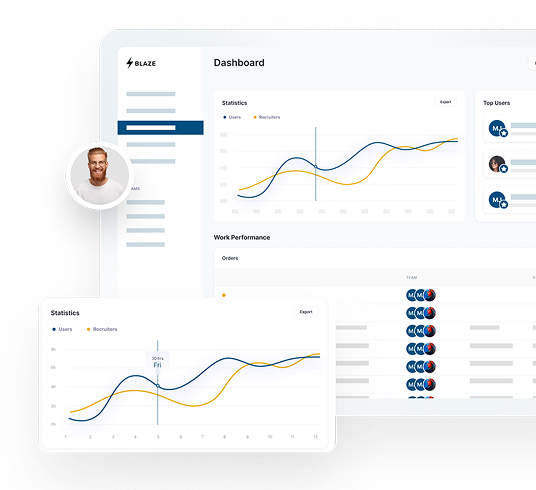
The Secure No-Code Platform
Build apps with best-in-class security.
Related Articles
Discover related guides on healthcare no-code development, HIPAA compliance, security, integrations, and launching apps faster.
Blaze.tech Achieves HITRUST e1 Certification Demonstrating Foundational Cybersecurity
HITRUST e1 Certification validates Blaze.tech is committed to foundational cybersecurity controls and information risk management.

Client Portals: How They Work and When To Get One | 2026
I've deployed client portals for dozens of companies over a decade. Here's how they work, which industries need them, and when to implement one in 2026.

How To Create a Clinician App Without Developers in 2026
A clinician app manages documentation, scheduling, and communication. Discover why you should build your own app without code and key features to include.