
Table of contents
Top 5 HIPAA-Compliant Software Tools in 2026: + Checklist

Written by
Blaze Team

Reviewed by
Nanxi Liu
Expert Verified
After evaluating 15 HIPAA-compliant software tools, I selected the 5 best platforms and identified key features they all shared. Read my reviews to learn how each tool balances security and usability, so you can find the right fit in 2026.
Top 5 HIPAA-Compliant Software of 2025
HIPAA-compliant software isn't a single product category. Different platforms focus on different compliance capabilities, such as custom app security, EHR workflows, patient communication, or large-scale scheduling automation.
The platforms below each specialize in different HIPAA-compliant functions, making them better suited for specific operational needs.
| Software | Best For | Pros | Cons | Pricing |
|---|---|---|---|---|
| Blaze.tech | Building custom HIPAA-compliant healthcare apps | No-code builder for rapid + secure development | Feature depth overwhelming for smaller teams | Custom enterprise pricing via sales demo |
| Healthie | Small practices needing simple EHR workflows | Strong engagement features with unified workflows | Limited advanced logic for complex forms | Starts at $19/month |
| SimplePractice | Small counseling clinics needing all-in-one tools | Central system simplifies scheduling and documentation | Rigid templates restrict deeper customization | Starts at $49/month |
| Weave | Clinics needing AI-powered communication tools | Effective automation with strong EHR integrations | Sync delays occasionally impact scheduling accuracy | Custom pricing from sales team |
| Relatient | Large clinics needing scalable scheduling automation | Handles high volumes with strong outreach performance | Complex setup process slows initial onboarding | Custom enterprise pricing through sales |
1. Blaze.tech: Best Overall HIPAA-Compliant Software
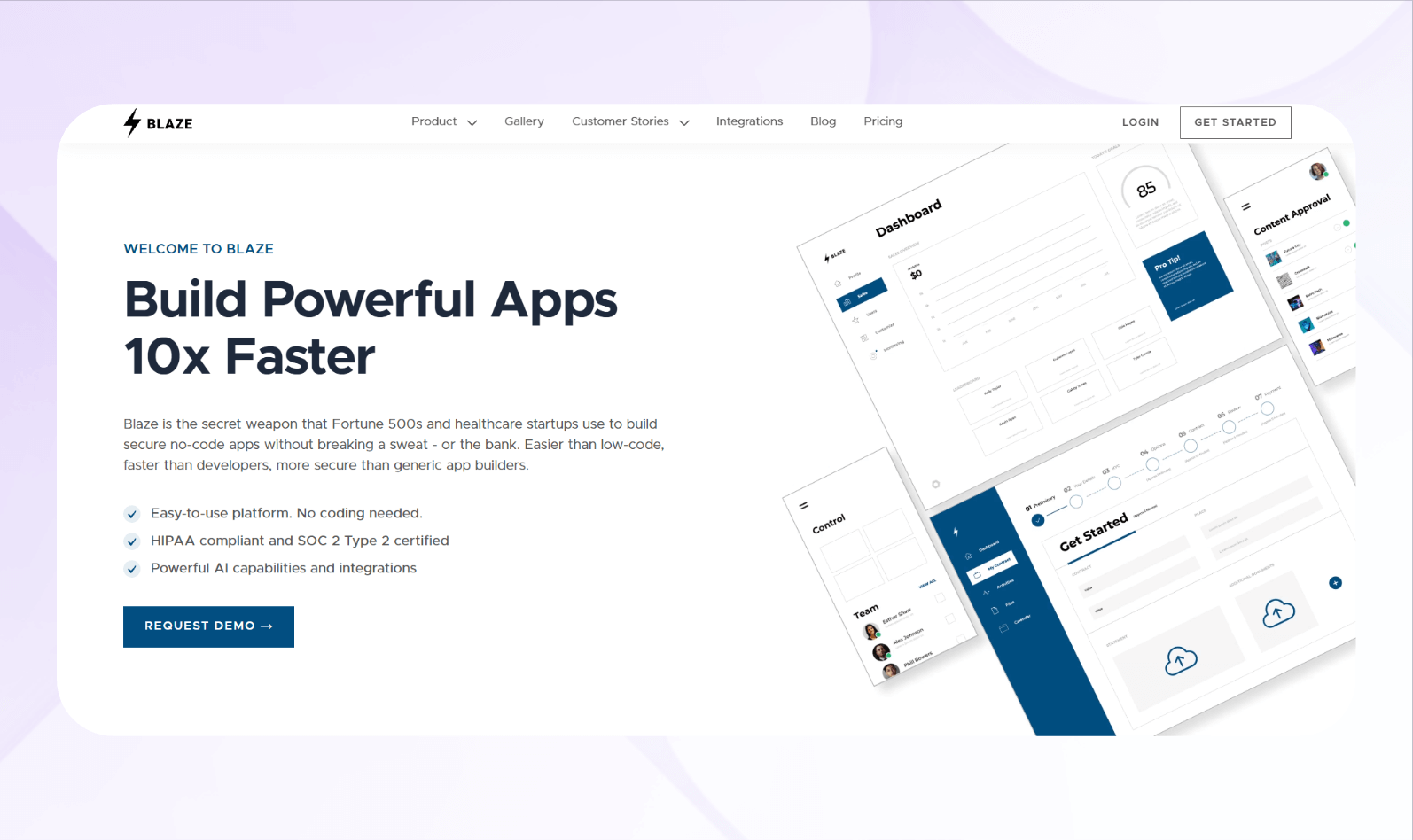
What it does: Blaze lets you create customized HIPAA-compliant software and other applications for your healthcare organization without development experience.
Who it's for: Mid-sized or larger practices that want to quickly craft production-ready apps like EHRs, telehealth tools, and healthcare inventory databases.
We designed Blaze so non-technical team members can create customized applications. You can forget about hiring engineering teams or settling for solutions with limited customization. The simple drag-and-drop interface eliminates the need to write code, and nearly anyone can use it after a short onboarding tutorial.
The Blaze team has helped organizations develop HIPAA-compliant software, including patient portals, telehealth apps, and scheduling tools. Clients have also created software that automates actions such as form submissions, status updates, and notifications through server-side workflows.
Ultimately, Blaze gives healthcare organizations the flexibility of programming, combined with the speed and simplicity of no-code, without sacrificing usability or scalability.
Key Features
- No-code interface: Create forms, dashboards, and workflows by dragging widgets and preset elements onto your screens.
- Integrations: The platform securely connects to external databases, REST APIs, and healthcare systems, such as EHRs.
- Multi-environment deployment: Blaze offers dedicated development, staging, and production spaces for safe testing and release.
Pros
- Scalable: Blaze supports many internal users, multiple applications, and expanding infrastructure needs.
- Create apps rapidly: You can build compliant healthcare tools like portals and dashboards quickly without coding.
Cons
- Complexity for small organizations: Blaze's wide feature set may feel too complicated for startups or lean groups.
Pricing
Learn pricing for Blaze's HIPAA-compliant enterprise version by contacting the sales team and scheduling a demo.
Bottom Line
Blaze lets non-developers build software quickly with the features and security needed for HIPAA compliance, as long as the setup and workflows are handled correctly.
2. Healthie: Great for Small Practices
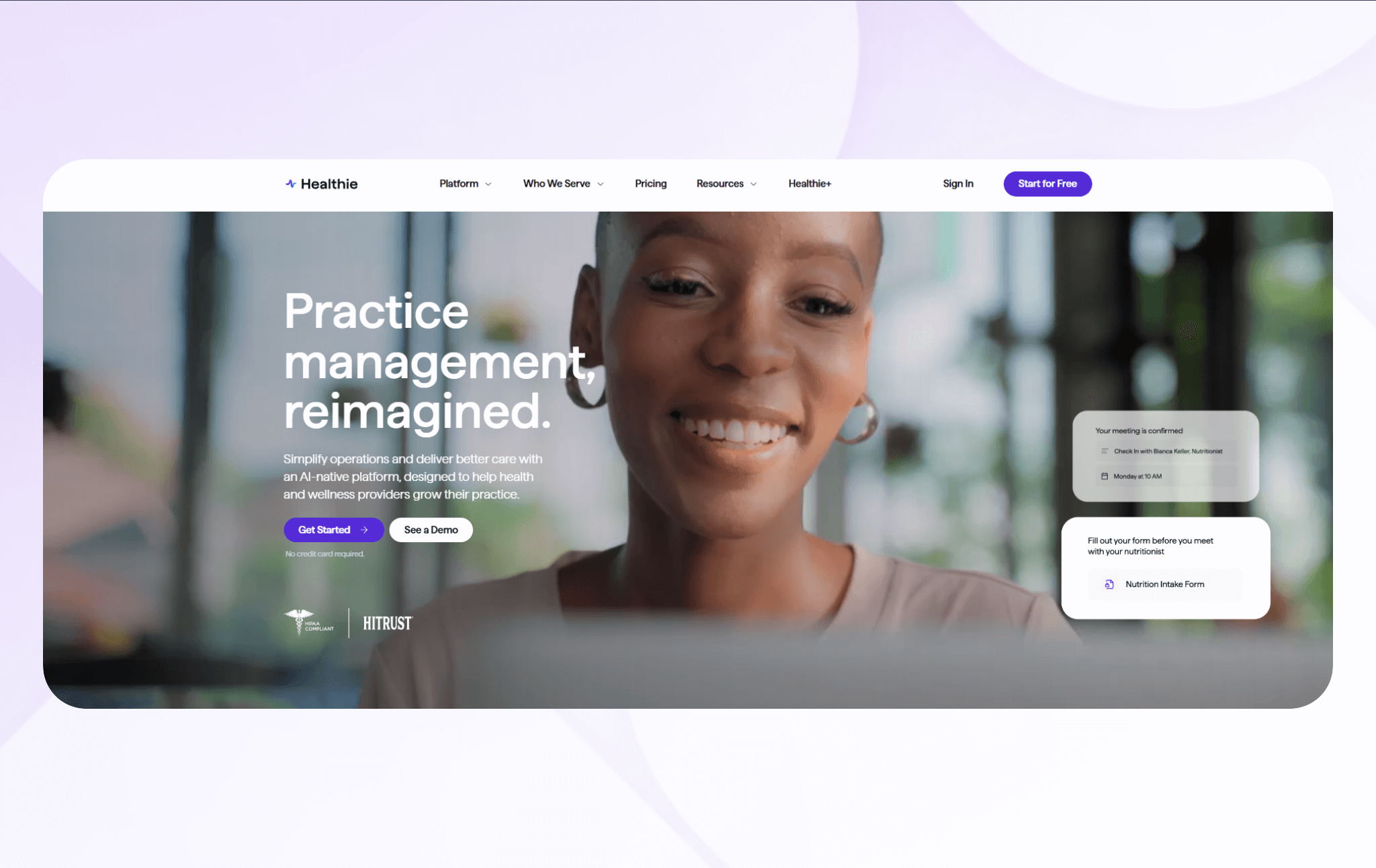
What it does: Healthie provides HIPAA-compliant scheduling, charting, telehealth, billing, and client engagement tools.
Who it's for: Smaller practices with limited front desk staff that need a platform for record-keeping and scheduling.
I tested Healthie's scheduling tools to measure how quickly providers could manage daily appointments. The system processed bookings reliably and consistently delivered quick response times, supporting smooth daily scheduling.
Then, I evaluated Healthie's charting workflows to understand how well clinicians could personalize documentation. The template builder clearly supported essential structured notes, improving record-keeping accuracy and organizing patient information for easy future reference.
Key Features
- Customizable charting templates: Healthie allows clinicians to build structured or free-form templates supporting SOAP notes and assessments.
- Integrated telehealth: Providers conduct secure video visits with automated reminders and in-session documentation tools without needing additional telehealth software or integrations.
- Scheduling and reminders: Practices manage appointment types, availability, and patient bookings with automated reminders.
Pros
- Strong engagement features: Messaging, programs, and progress tracking keep patients involved, helping you maintain continuity of care without relying on separate HIPAA-compliant messaging apps.
- Unified workflows: Scheduling, charting, telehealth, and billing work together in one system, reducing fragmentation and simplifying daily operations for busy practices.
Cons
- Limited advanced logic: Healthie supports conditional questions and branched logic in forms, but building very complex, multi‑step workflows may still feel less powerful than dedicated no‑code automation platforms.
Pricing
Healthie's pricing plans start at $19/month.
Bottom Line
Healthie works well for practices wanting customizable charting, telehealth, and strong engagement tools. It's ideal for smaller practices that need simple, plug‑and‑play HIPAA‑compliant software focused on health‑record management, patient engagement, and virtual care.
3. SimplePractice: Best for Small Counseling Clinics
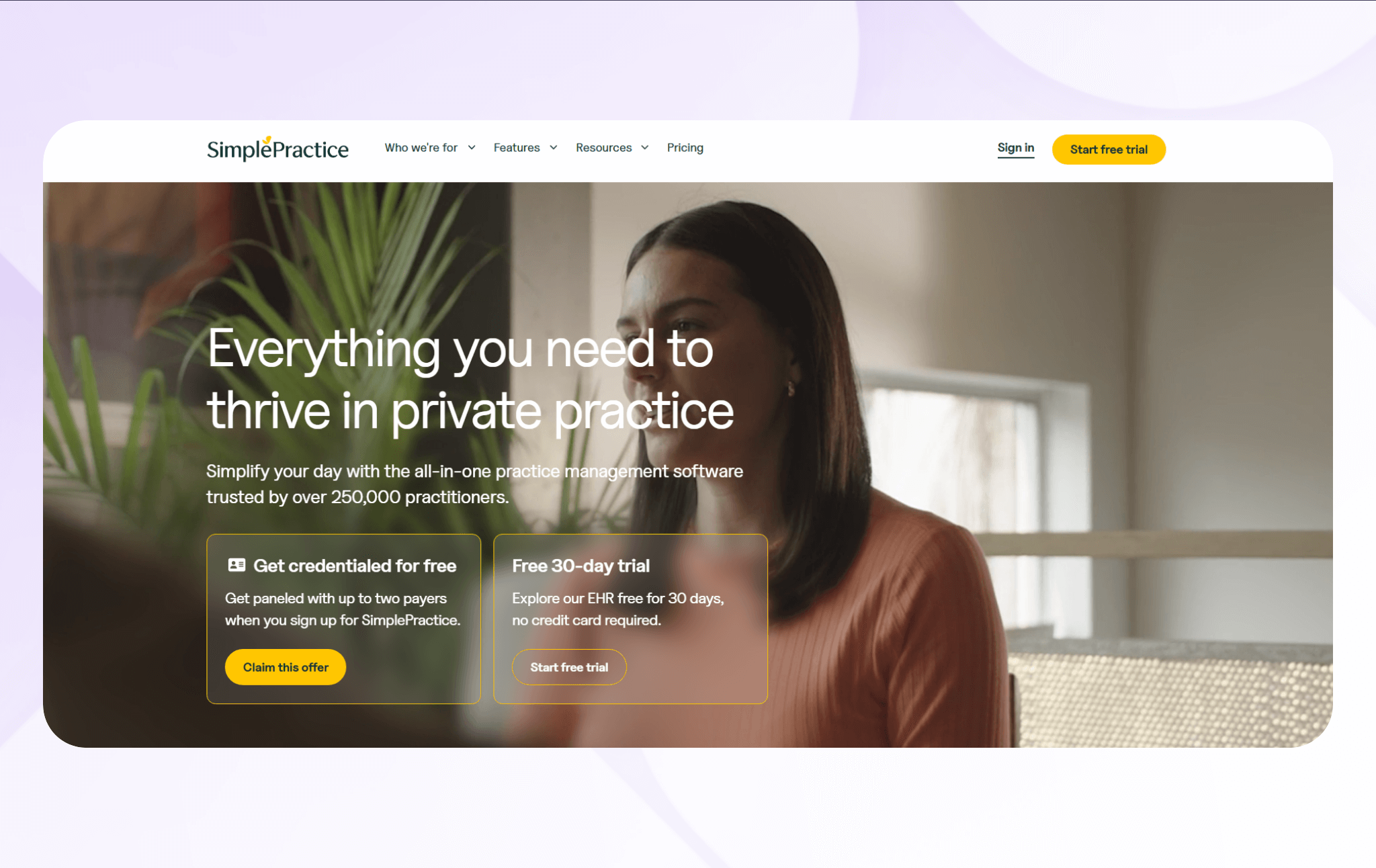
What it does: SimplePractice offers HIPAA-compliant software solutions for scheduling and client records.
Who it's for: Small clinics and mental health providers that need a single tool for billing and scheduling.
I evaluated SimplePractice's scheduling workflow to see how reliably the platform processed new patient appointments. Although I could launch a scheduling application quickly, the platform's intake forms were less flexible than a no‑code form builder. I couldn't implement the conditional fields and automated follow‑ups I usually create in form-logic tools.
SimplePractice's billing suite processed claims, payments, and insurance flows quickly and accurately. The system consistently handled basic billing tasks during testing. However, I still needed to manually adjust secondary submissions, such as updating coordination-of-benefits details and correcting modifier codes.
Key Features
- Built-in telehealth: Send messages to patients or meet with them via live video.
- Patient access and intake tools: Patients can book their own visits, complete intake or consent forms, and view shared documents.
- Billing and coverage workflows: SimplePractice supports invoicing, payments, claim handling, superbills, and insurance processes.
Pros
- One central system: SimplePractice delivers a complete set of functions, so you don't need to pay for extra tools.
- Smooth client experience: The self-service portal and automated reminders make communication easier and give patients quick access to care.
Cons
- Rigid premade templates: You can't fully shape templates or workflows to match your exact preferences.
Pricing
Pricing starts at $49/month if you choose the 30-day free trial.
Bottom Line
If you run a small counseling clinic, SimplePractice could suit your needs. The platform offers an affordable, all-purpose tool that you can launch quickly and without much customization.
4. Weave: Best HIPAA-Compliant AI Tool
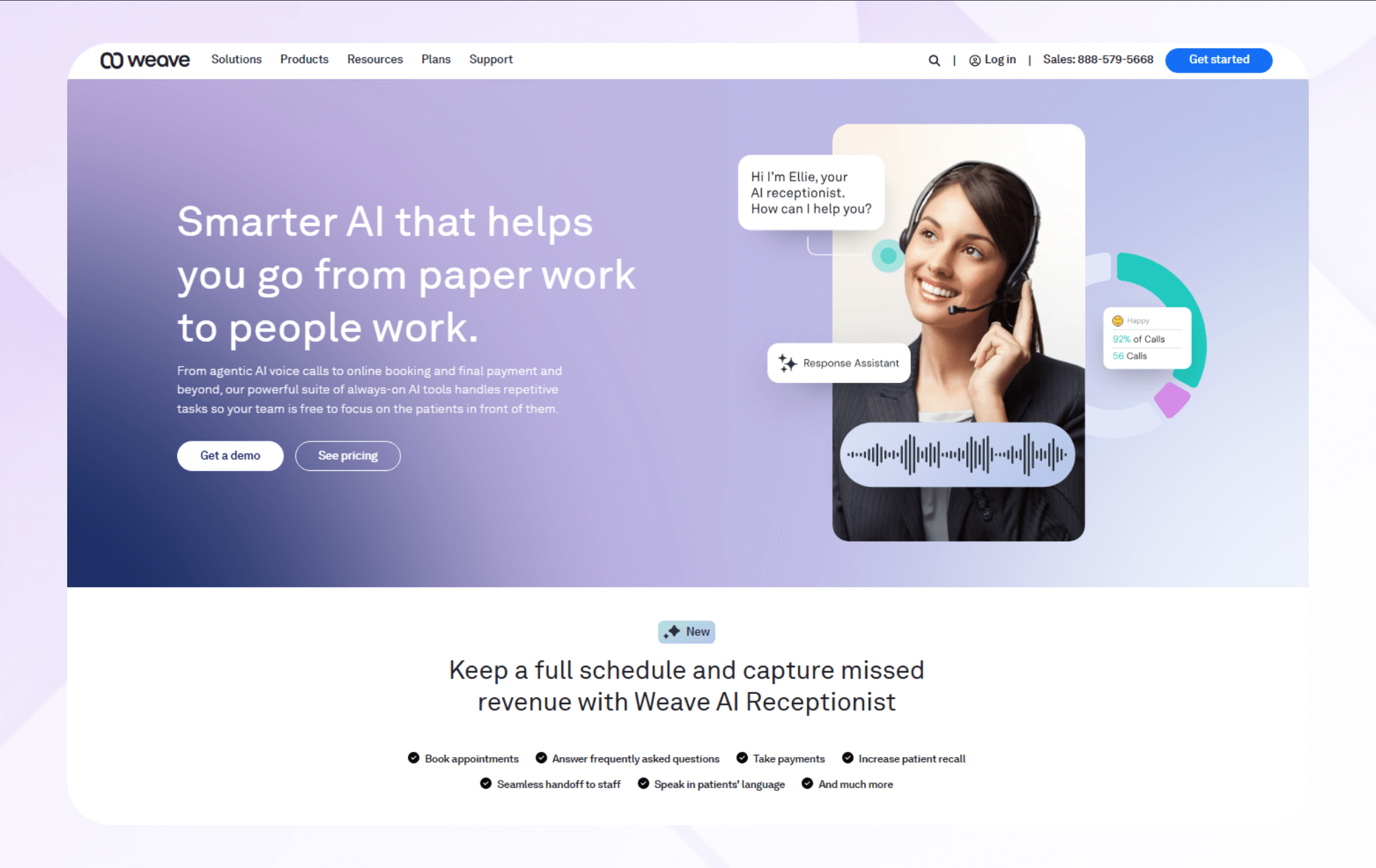
What it does: Weave combines communications, AI automation, scheduling, and patient engagement tools to support HIPAA compliance.
Who it's for: Medical, dental, and wellness clinics that need secure communication tools and centralized scheduling for daily administrative and patient engagement.
I tested Weave's AI messaging tools to learn how well the platform automated patient communication. The system responded quickly, but it required occasional template configurations to provide consistent messaging without a human reviewing automated replies.
My testing also revealed that Weave's scheduling integration managed patient appointments smoothly. The platform synced calendars reliably throughout testing, but I had to manually refresh provider availability, last-minute cancellations, and modified appointment times.
Key Features
- AI-powered messaging: Weave's AI automates patient communication via secure texting and calling.
- Unified communications: Calls, texts, voicemail, and team chat run through one system, allowing staff to manage all communication channels without switching platforms.
- Scheduling integration: The platform syncs with supported practice‑management and EHR calendars to manage bookings, reminders, and confirmations.
Pros
- Effective automation: Weave's AI messaging decreases manual outreach and creates consistent communication workflows.
- Strong integrations: The platform syncs with EHR calendars and practice systems to improve scheduling and communication productivity.
Cons
- Occasional syncing delays: Calendar updates sometimes lag, which can cause brief confusion for staff relying on immediate appointment visibility.
Pricing
Contact the Weave sales team for a custom quote.
Bottom Line
Weave is a strong option for clinics wanting HIPAA-compliant communication software with built-in AI automation and reliable scheduling tools. Its unified messaging system reduces administrative work and simplifies daily operations by combining automation and secure communication in a single platform.
5. Relatient: Best for Large Clinics
What it does: Relatient supports HIPAA-compliant patient engagement, scheduling, reminders, and communication workflows.
Who it's for: Large hospitals, enterprise health groups, and multi-location clinics.
I tested Relatient's scheduling automation to see how well it managed high patient volumes. The system handled rapid booking changes accurately. However, appointment batching required occasional manual adjustments.
Next, I evaluated Relatient's messaging suite to measure how well automated reminders supported patient engagement. The alerts delivered reliably across email, in-app direct messaging, and text.
Key Features
- Omnichannel messaging: The system supports text, email, and voice reminders across large patient populations with varying communication preferences.
- Patient self-scheduling: Patients can book or modify appointments through branded interfaces, improving engagement while reducing front-desk workload.
- EHR integrations: Relatient connects with supported leading EHR and practice-management systems to sync key data domains such as appointments and demographics, helping keep clinical and administrative records aligned.
Pros
- Scalable automation: Relatient is designed for large, multi‑location clinics that manage very high appointment volumes, helping support accurate scheduling and consistent patient communication across locations.
- Strong outreach performance: Automated reminders and confirmations can reduce no‑shows and help clinics keep schedules fuller and more predictable.
Cons
- Complex setup process: Implementation can take time, slowing onboarding for clinics that need immediate workflow improvements.
Pricing
Contact Relatient's sales team for a custom quote.
Bottom Line
Relatient is a strong fit for large clinics needing HIPAA-compliant communication, high-volume scheduling automation, and reliable EHR integrations. Its communication tools can reduce no-shows, while patient self-scheduling improves engagement.
How I Tested These HIPAA-Compliant Software Tools
HIPAA-compliant software must include features such as role-based permissions, encryption, record-keeping, and patient engagement tools. I began with 15 HIPAA-compliant software platforms, and narrowed my list to 5 using sets of sample patient data to test the following:
- Speed of launch: Fast setup matters because clinics need software they can use immediately. I created new accounts, configured core settings, and tracked any delays or steps that slowed the first hour of usage.
- Features to support HIPAA compliance: Patient data security is essential for any medical practice. I reviewed encryption, access controls, audit trails, and communication safeguards. Then, I tested how securely each tool stored records by restricting user permissions and monitoring audit logs.
- Telehealth performance: Clinics rely on telehealth tools that work smoothly across devices. I tested video calls for clarity and stability and evaluated how well documentation, scheduling, and messaging aligned with each platform.
I considered these additional factors:
- Training and onboarding needs: Good onboarding helps staff adopt new systems without frustration. I evaluated tutorials, setup guides, in-app prompts, and support responsiveness to see how quickly teams could begin using core features confidently.
- Integration quality: Accurate data syncing reduces manual entry and prevents errors. I tested connections to EHR calendars, billing systems, and communication tools to see how reliably data transferred and whether any updates required manual correction.
My Final Verdict: Which HIPAA-Compliant Software Should You Choose?
The 5 platforms made my list because each one appeals to a certain type of user. Here's how to determine which platform you should select:
Choose Blaze If You:
Want to build your own fully customized HIPAA-compliant apps, databases, and portals without developers or coding.
Choose Healthie If You:
Run a small practice that needs simple, customizable EHR features like charting, intake forms, scheduling, and telehealth.
Choose SimplePractice If You:
Operate a counseling or mental health clinic and need an all-in-one system for scheduling, billing, intake, and telehealth.
Choose Weave If You:
Want HIPAA-compliant communication with AI-driven messaging, centralized scheduling, and strong patient engagement.
Choose Relatient If You:
Manage a large clinic or hospital system and need high-volume scheduling automation, omnichannel reminders, and enterprise-level communication.
Avoid HIPAA-Compliant Software If You:
Don't handle protected health information and just need lightweight tools without encryption, role-based access, or audit trails.
Key Features of HIPAA-Compliant Software
HIPAA-compliant software's core features keep PHI safe. Here's a checklist for evaluating platforms:
Feature #1: Digital Compliance Reporting
Modern HIPAA compliance platforms provide teams with clear dashboards and audit-ready reports that show system compliance in real time. By organizing policies, logs, and evidence in one place, teams can review compliance, prepare for audits, and catch risks early.
Feature #2: Automated Risk Assessments
Automated risk assessment tools run ongoing or scheduled scans to find security issues in your systems. They assign risk scores and rank problems based on their potential impact on systems that store patient data. This feature helps IT teams focus on the most serious risks first.
Feature #3: Evidence and Audit Trails
Modern HIPAA compliance and logging tools automatically track activity across your systems. They record who accessed protected health information, what action they took, and when it happened. These records accelerate pulling reports when auditors or investigators need proof.
Feature #4: Continuous Security Monitoring
Security monitoring systems alert your team right away when they detect policy violations or attempted unauthorized access. HIPAA-compliant software also flags unusual activity, such as strange login behavior or large data exports, so teams can respond quickly.
Feature #5: HIPAA Policy Management
HIPAA policy management tools keep all your security and privacy policies in one place. Your team can quickly find the latest approved versions instead of searching through scattered files. When you add or update a policy, the system records when it went into effect, so nothing gets lost or unclear.
Feature #6: Employee Training and Tracking
Built-in HIPAA training modules make it easy to train your entire team without bringing in outside trainers. The training focuses on the specific risks each role faces. If someone falls behind, alerts notify managers so they can step in before compliance becomes an issue.
Feature #7: Access Controls and Permissions
Role-based access rules limit which staff members can view specific types of patient information based on job responsibilities. By giving employees only the minimum access needed to complete their work, the system reduces the risk of unauthorized information sharing. For instance, front-desk administrators at a psychologist's office can't access patient notes.
Feature #8: Multi-Factor Authentication
Multi-factor authentication (MFA) adds a second verification step beyond passwords, making it more difficult to access your system. It protects electronic protected health information (ePHI) even when login credentials are compromised, reducing the risk of data breaches and HIPAA compliance violations.
Feature #9: Encryption and Data Security
AES‑256 encryption secures patient files at rest on servers by scrambling data, making it unreadable if the servers are stolen.
TLS protects data in transit between systems, preventing interception. For healthcare organizations, using TLS 1.3 is the recommended standard.
Feature #10: Incident Response Workflows
Guided incident documentation walks your team through the steps to record issues as they happen. Breach evaluation templates walk you through an incident step by step and determine whether it meets HIPAA's definition of a reportable breach. These also help you know if you must notify patients by a specific deadline.
Build Your HIPAA-Compliant Software with Blaze
Healthcare providers need HIPAA-compliant software they can trust without absorbing huge development costs. Blaze gives you a secure, no-code platform for building compliant scheduling tools and other healthcare applications quickly with a simple drag-and-drop interface.
- Build a full suite of software: Create full healthcare management systems, custom EHRs, intake workflows, scheduling tools, and automated processes that match your clinic's unique operational needs.
- Scales with your organization: Build multiple apps as you grow, supported by reliable storage, strong encryption, and performance built for demanding healthcare environments.
- Hands-on implementation support: Get guided onboarding that shortens your build time while the team helps publish and maintain your application to keep it compliant and running smoothly.
Want HIPAA-compliant software you can launch quickly without writing code?
FAQs
What Is Considered HIPAA-Compliant Software?
Platforms that secure protected health information with strong encryption, access controls, audit logging, and secure data transmission can support HIPAA compliance. If a vendor's software handles patient data, they must provide a Business Associate Agreement, or BAA. Your organization must sign that agreement to define who is responsible for HIPAA compliance.
However, technology alone doesn't guarantee compliance. You still need appropriate safeguards, training, and documented policies.
How Often Should HIPAA-Compliant Software Be Updated?
You should update HIPAA-compliant software when you find security issues or when the vendor releases important fixes and updates. Regular check-ins and updates should also be part of your normal security routine. Always review security settings and configurations whenever you make infrastructure or application changes.
Is HIPAA-Compliant Software Enough To Make My Organization Compliant?
No, using HIPAA-compliant software is important, but it doesn't make your organization fully compliant on its own. You also need regular risk assessments, staff training, physical safeguards, written procedures, and a signed Business Associate Agreement (BAA) with any vendor that handles patient data.
The Secure No-Code & AI Platform
Supercharge your team's operations and performance with better apps and tools.
Create custom apps fast
Secure & HIPAA compliant
Streamline complex workflows

The Secure No-Code Platform
Build apps with best-in-class security.
Related Articles
Discover related guides on healthcare no-code development, HIPAA compliance, security, integrations, and launching apps faster.
10 Database Applications: Types, Examples & Use Cases
What do database applications do and how do they help your business? Read on for an overview and 10 real-world examples that could help.
.png)
17 Top Customer Service Platform: 2026 (Tested & Compared)
Shopping for a customer support platform portal and need some inspiration? I reviewed the top 17, shared features, pricing details, and my verdict.
%20(1).png)
8 Healthcare Dashboard Examples (2026)
Explore healthcare dashboard examples for hospital operations, revenue, and compliance. Discover what each dashboard tracks and how to build one.