
Table of contents
Top 10 FlutterFlow Alternatives: Reviewed and Tested | 2026

Written by
Blaze Team

Reviewed by
Justyna Wojcik
Expert Verified
After testing dozens of FlutterFlow alternatives for build speed and ease of use, I selected 10 options. Here's how I reviewed the platforms, what each does better than FlutterFlow, and how to choose one.
10 Best FlutterFlow Alternatives: At a Glance
| Blaze | Best Use Cases | Starting Prices |
|---|---|---|
| Blaze.tech | Secure enterprise no-code apps | $1,350/month when billed annually |
| Bubble | Complex full-stack no-code builds | $59/month |
| Retool | Internal dashboards and workflow tools | $12/month per builder; $7/month per end-user |
| Adalo | Simple mobile MVP app builds | $45/month |
| Glide | Polished business apps from spreadsheets | $25/month |
| GoodBarber | E-commerce and content apps | $30/month content, $40 ecommerce |
| AppSheet | Business apps built from Google Sheets | $5/month per user |
| Softr | Building frontends quickly and without coding | $59/month |
| Bravo Studio | Turning Figma designs into apps | $22/month |
| Appy Pie | Simple mobile apps | $16/app/month |
1. Blaze: The Best Overall FlutterFlow Alternative

Blaze is a no-code FlutterFlow alternative for creating secure applications for medium to large-sized organizations, especially in industries such as finance, healthcare, and manufacturing.
When testing Blaze, I built a client portal. The drag-and-drop tools and database builder were easy to use, and I created my app in under 2 hours. Blaze's integrations also allowed me to connect my external MongoDB source. Blaze's REST API made connecting my custom-made time-tracking tool a breeze.
Advantages Over FlutterFlow
- No-code app building: Blaze requires no development experience. FlutterFlow is a low-code tool that may need custom code for advanced actions or integrations.
- Security features: Blaze offers HIPAA and SOC 2 compliance features, like data encryption and role-based access.
- Scalable: Blaze allows you to create multiple apps and scale to large data volumes for enterprise use, but always be aware of plan and cloud infrastructure limits.
Pros
- Onboarding support: When you sign up with the Blaze Enterprise Plan, their team will help you get set up and walk you through the platform. They'll also help publish your first app.
- Multi-environment deployment: Blaze supports development, staging, and production workspaces for controlled rollouts. This feature gives you control over every version of your app, from MVP to final product.
Cons
- Focused on scaling businesses and enterprises: The platform works best for large companies. Smaller organizations may find Blaze's feature set overwhelming.
Pricing
Blaze's pricing starts at $1,350/month on average when billed annually.
Bottom Line
If you need a powerful, secure no-code app builder for your business, Blaze gives you the features and tools you need. It stands out as the best no-code alternative to FlutterFlow for internal tools, client portals, and complex systems, thanks to its flexibility and strong support.
2. Bubble: Best for Its Ecosystem
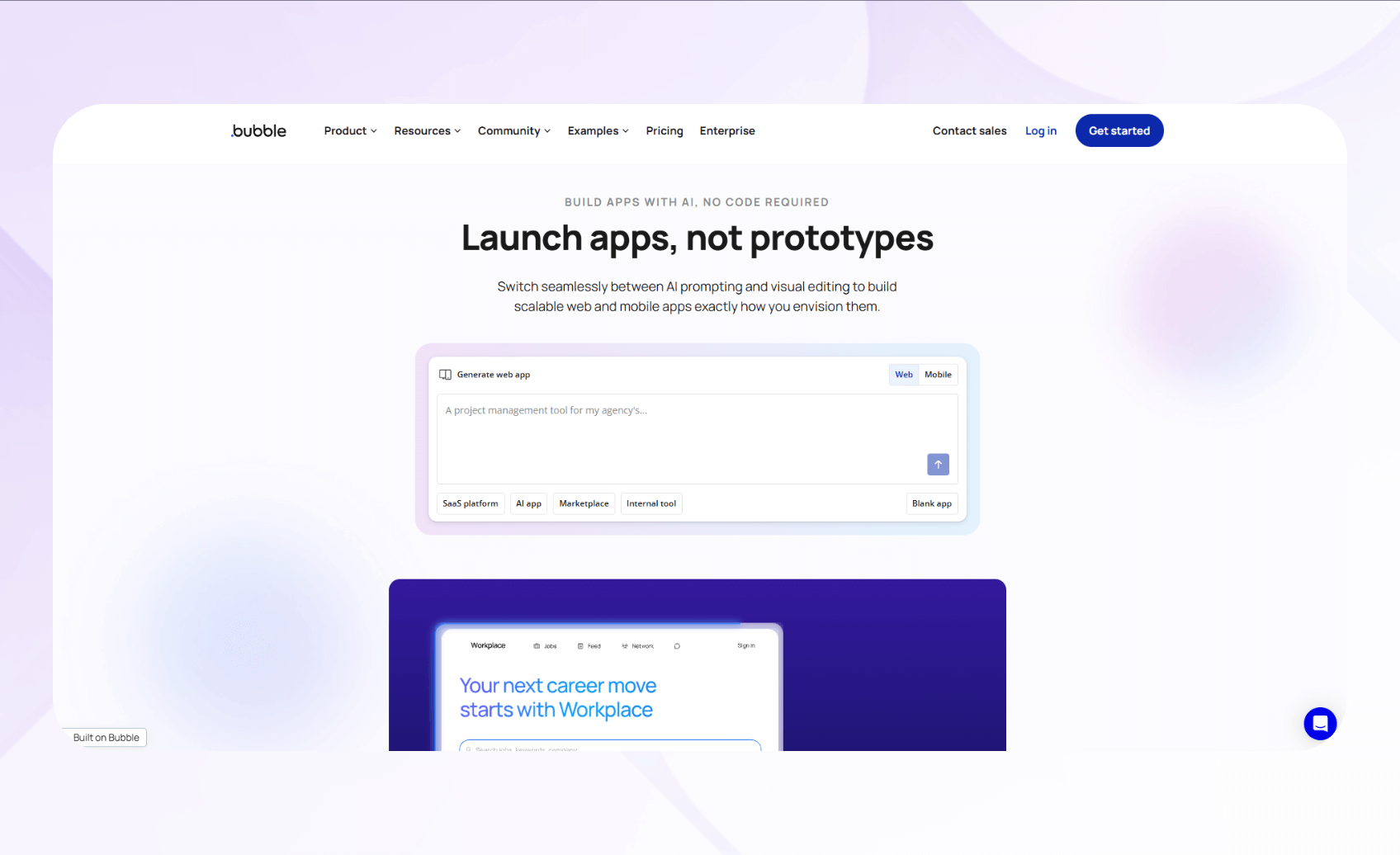
Bubble is a no-code platform for building full-stack web and native mobile apps with visual programming and integrated databases. It suits businesses of all sizes, from freelancers to established enterprises.
During testing, I built a spa booking app with Bubble. The visual tools handled conditional logic smoothly, and the app integrated with my Airtable database. This connection meant I didn't have to build a new database myself using Bubble's built-in database creator.
Advantages Over FlutterFlow
- Native database management: Built‑in database with scaling, relationships, and privacy rules.
- Plugin marketplace ecosystem: Access thousands of free and paid pre-built plugins through Bubble's marketplace for payment processing, authentication, or custom components.
- Responsive design system: Bubble's responsive engine automatically adapts layouts across desktop, tablet, and mobile breakpoints.
Pros
- Strong community support speeds problem-solving: Bubble offers active forums and YouTube tutorials that provide instant answers to technical questions.
- Full-stack capabilities: You can manage frontend, backend, database, and hosting on one no-code platform.
Cons
- Steep learning curve slows: Even though Bubble's a no-code platform, its building interface is complex. You'll need to understand workflows, data structures, and conditional logic to master Bubble.
Pricing
After the free plan, Bubble's pricing starts at $59/month.
Bottom Line
If you want to build a complex app and have the bandwidth to learn a difficult platform, choose with Bubble. This FlutterFlow alternative has a strong support ecosystem to make your app-building process smoother.
3. Retool: Best for Internal Tools And Dashboards
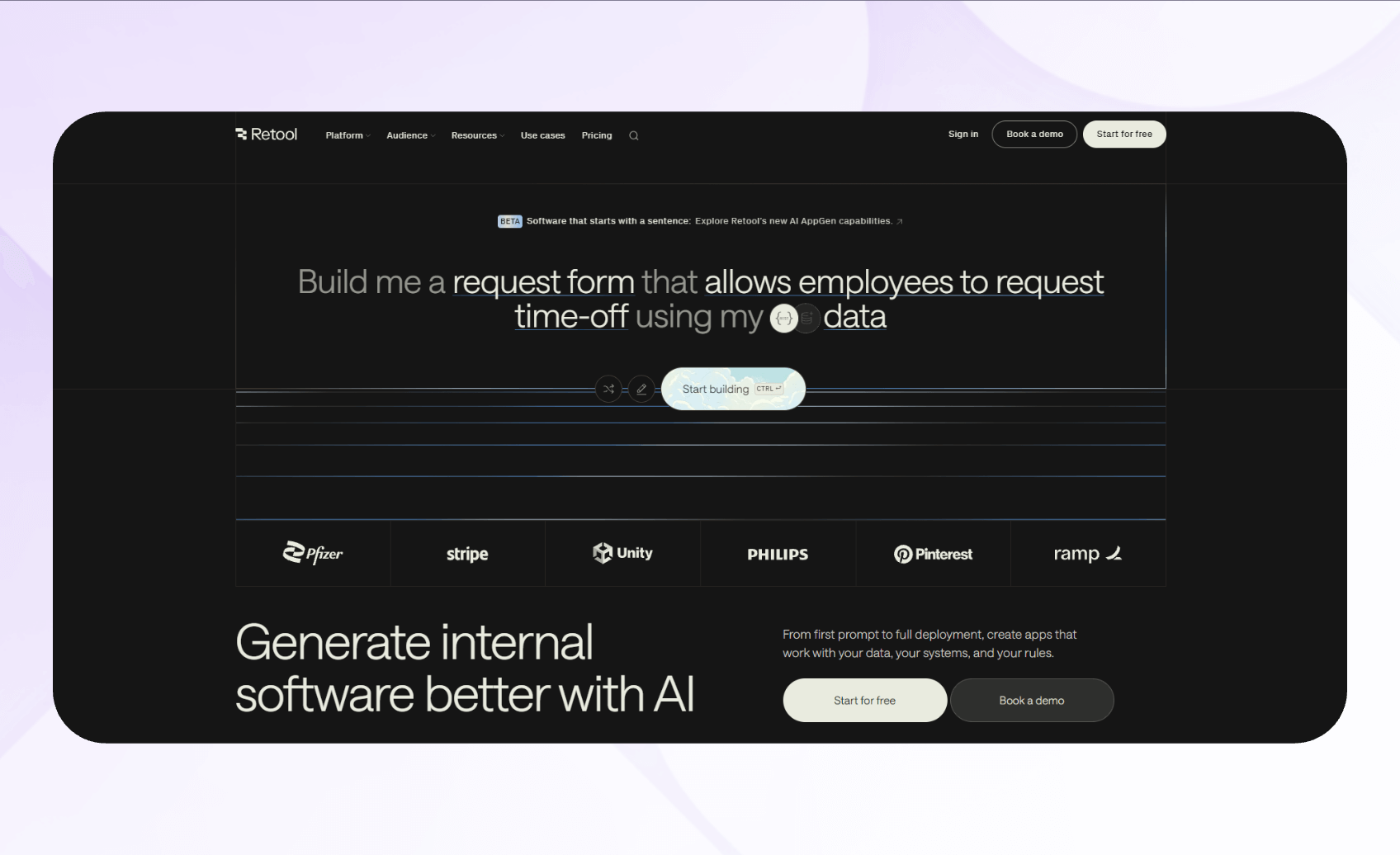
Retool is a low-code platform for building internal tools. It's designed for technical teams and IT departments that need custom internal applications for inventory management, customer support, data visualization, or workflow automation.
I tested Retool by connecting to PostgreSQL and a REST API, and building an inventory-tracking dashboard. The drag-and-drop components assembled quickly, and I used JavaScript commands to custom-code a filtering tool. This feature allowed users to find inventory items more quickly.
Advantages Over FlutterFlow
- Pre-built component library: Retool provides over 100 ready-made UI components, including tables, charts, forms, and buttons, all optimized for internal tools.
- Direct database connectivity: Connect directly to PostgreSQL, MySQL, MongoDB, Google Sheets, and 50+ data sources without building APIs.
- Version control and collaboration: The platform includes Git-based version control, branch management, and collaborative editing features. This integration allows you to review changes and collaborate more effectively.
Pros
- Rapid development for internal apps: Retool's component library and database integrations let you build functional admin panels, dashboards, and workflow tools in hours.
- Production-grade security: Enterprise features like SSO, granular permissions, audit logs, and self-hosting options protect sensitive internal data.
Cons
- Not designed for customer-facing apps: Retool built its UI components and workflows for internal tools rather than consumer products.
Pricing
After its free plan, Retool pricing starts at $12/month per standard user (app editors/builders) and $7/month per end user (users who access the app but do not build it).
Bottom Line
Retool suits folks building internal tools, admin panels, or dashboards. It provides direct database access and enterprise security, excelling at internal workflows.
4. Adalo: Best for Simple Mobile Apps

Adalo lets users create simple native mobile and web apps using drag-and-drop components, visual actions, and premade components, without coding. Freelancers and small businesses will appreciate the platform. It offers enough customization and ease to craft a branded business app without complex workflows.
When I tested Adalo, I used its simple visual builder and premade templates to create a social media app for Porsche enthusiasts. Adalo's component library made building screens fast and predictable. Its no-code database builder was also intuitive, allowing me to build in custom logic without complicated setup or custom scripting.
Advantages Over FlutterFlow
- Easy no-code drag-and-drop builder: You can visually create most screens and flows with pre-built components in the editor, without writing code.
- Ideal for quick MVPs: Adalo is simpler than FlutterFlow, allowing you to piece together a 5 or 6-screen MVP in a matter of hours.
- Built-in database: Adalo includes an internal database that stores user input, app content, and collections.
Pros
- Beginner-friendly interface: Adalo offers a simple layout and intuitive controls for simple app-building. It appeals to users with little experience using no-code tools.
- App store publishing: The platform supports publishing on the Apple App Store and Google Play Store.
Cons
- Not ideal for complex apps: Advanced workflows and if-then actions often need workarounds, which reduces flexibility and the features you can use.
Pricing
Adalo offers a free plan, with pricing starting at $45/month.
Bottom Line
If you want a fast and straightforward FlutterFlow alternative for building basic business apps for ordering and booking, choose Adalo. It's ideal for smaller MVPs, early testing, and creators who don't need complex functions.
5. Glide: Best for Sleek-Looking Business Apps
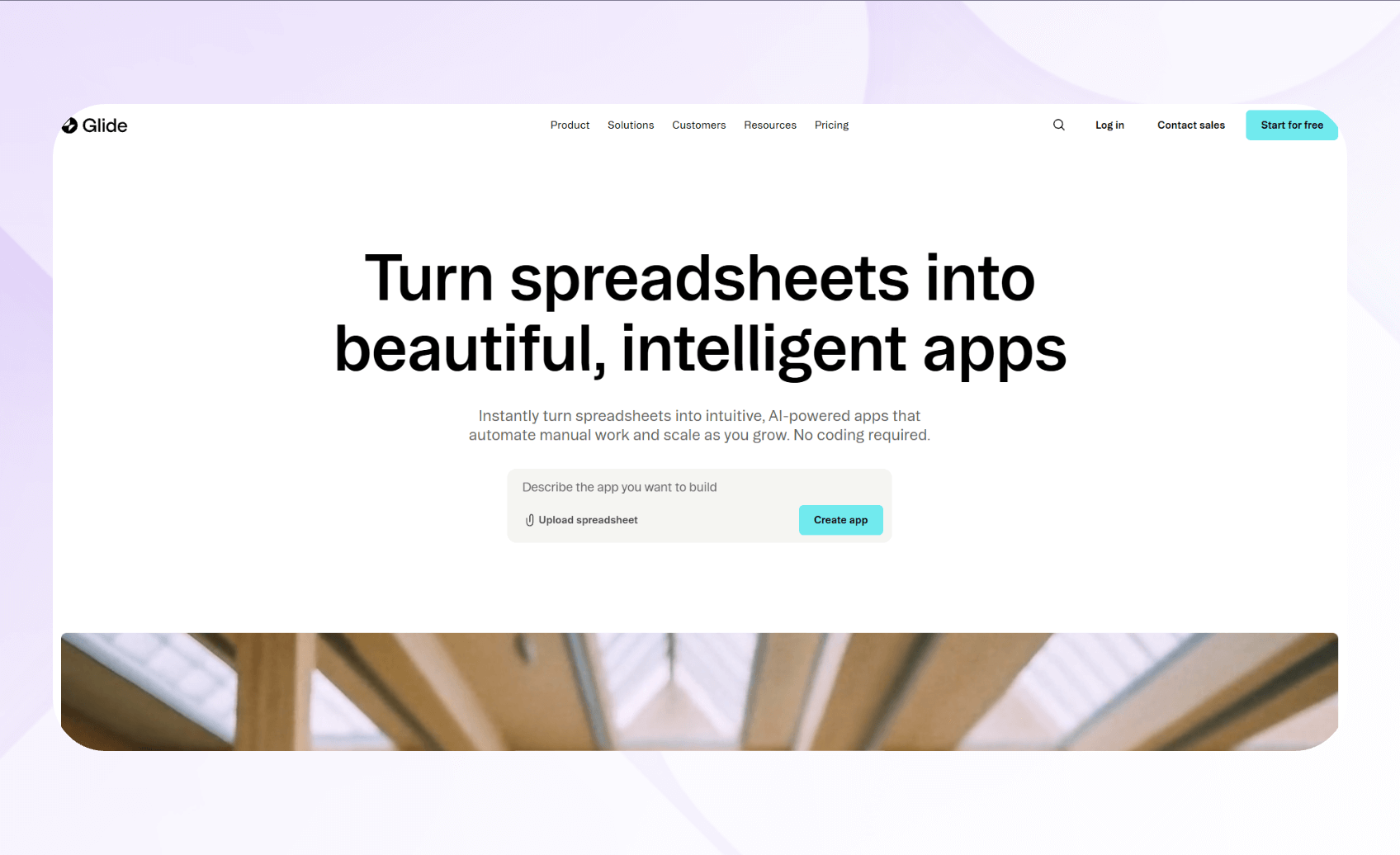
Glide offers polished, aesthetically pleasing templates and components so you can create a beautiful web app or progressive web app without code. Small business owners, consultants, educators, and non-technical teams use Glide to make a variety of internal business and customer-facing apps.
I built a client portal app on Glide using Google Sheets as the backend. The pre-designed templates looked polished, and my data synced automatically between my Google Sheet and Glide. It updated client information in real time without manual refreshes.
Advantages Over FlutterFlow
- Progressive web app (PWA) delivery: Glide apps work across all devices without app store submissions. You can create an app that downloads to a mobile device (PWA) through a link or QR code.
- Built-in user authentication: Add email-based login, role-based permissions, and user profiles in minutes using Glide's integrated authentication system that manages passwords, access levels, and data visibility.
- Computed columns and relations: Create calculated fields, rollup summaries, and table relationships directly in Glide's data editor.
Pros
- Fastest setup from data to app: Glide's spreadsheet integration and built-in database creator let you launch functional apps by connecting existing data sources or making your own database internally.
- Professional aesthetics without design skills: Pre-built components and layouts deliver polished, modern interfaces automatically, saving hours of design work.
Cons
- Limited customization: Glide's component library and data model work best for standard business apps like directories and portals, but struggle with complex logic or custom user interface features.
Pricing
After its free plan, Glide pricing starts at $25/month.
Bottom Line
Pick Glide if you need to quickly build polished, no-code business apps from your spreadsheet data. It's perfect for directories, portals, and simple workflows.
6. GoodBarber: Best for eCommerce and Content Apps
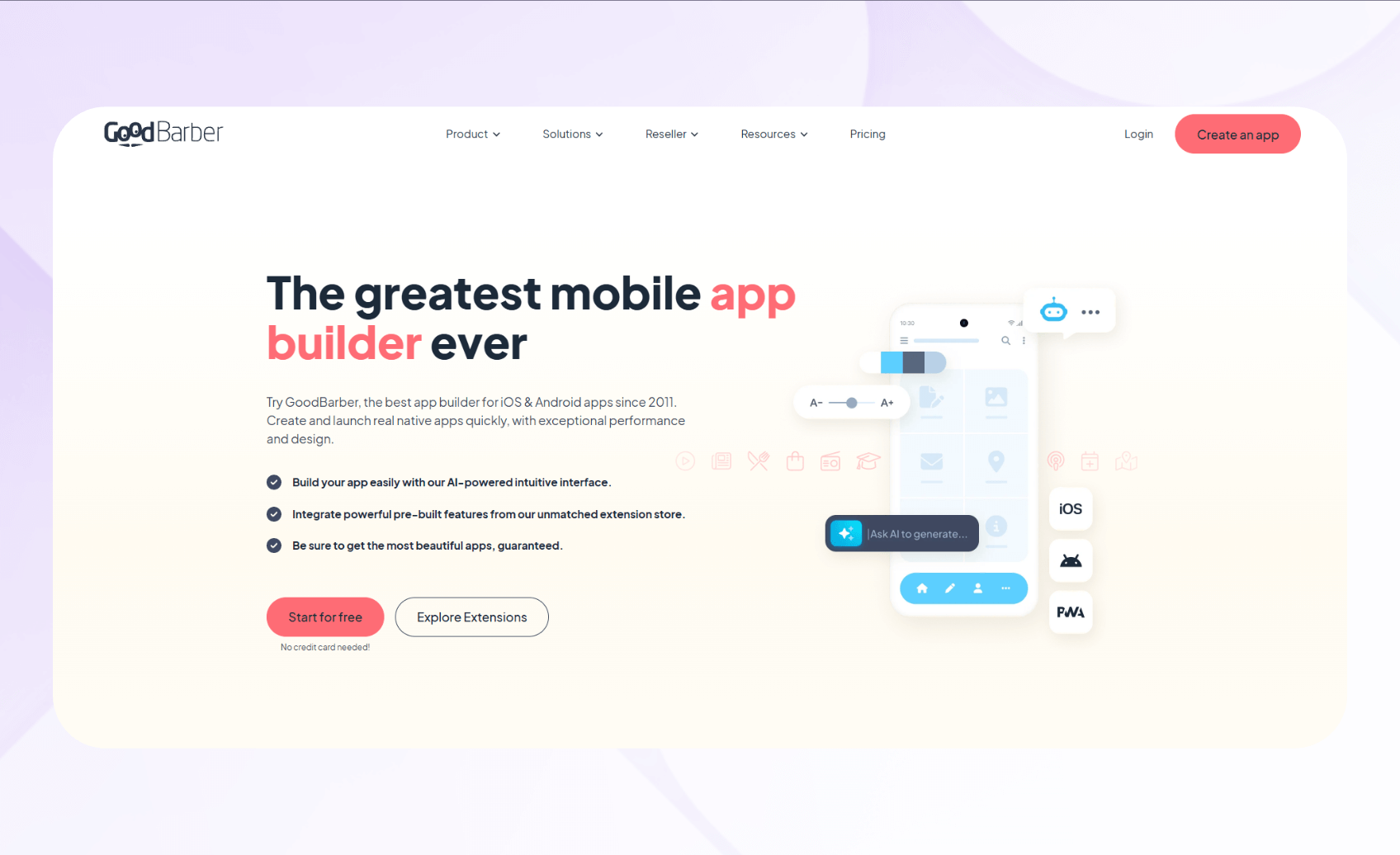
GoodBarber builds Progressive Web Apps (installable web apps), native iOS, and Android apps for selling products online and publishing content. It suits small businesses, content creators, and e-commerce retailers.
When I tested GoodBarber, I created a sample retail store with product variants and payment integrations. The platform's simple drag-and-drop builder made it easy to adjust my design parameters and checkout flows. Business owners who need to rapidly create an app to distribute their goods will find GoodBarber as an excellent fit.
Advantages Over FlutterFlow
- Template-based builder: Template-based app builder supporting content feeds, ecommerce catalogs, and push notifications.
- Extensions marketplace: Includes integrations such as Zapier for automation, YouTube for content synchronization, Meta Pixel for tracking, and options to connect payment services like Stripe.
- Content management system: The content management features support blogs, podcasts, videos, and news sections with options designed for apps seeking consistent publishing workflows.
Pros
- Fast time-to-market: The platform is simple enough to create a basic e-commerce app in just a few hours or days, thanks to ready-made templates and pre-configured content management systems.
- Managed publishing: GoodBarber assists with app store submission and technical maintenance, so you can focus more on content creation, sales, and audience growth.
Cons
- Limited custom development: Layouts follow predefined templates and sections, so you can't freely reposition every element or design fully custom page structures.
Pricing
GoodBarber's content plans start at $30/month, while e-commerce plans start at $40/month.
Bottom Line
GoodBarber excels for e-commerce and content-creation businesses prioritizing fast deployment over complex customization.
7. AppSheet: Best for Internal Business Apps Built From Spreadsheets

AppSheet lets you build apps from data in Google Sheets, Excel, AppSheet's native database, SQL databases, Salesforce, and other cloud data sources. It meets the needs of database-savvy professionals, Google Workspace users, field service teams, and businesses needing rapid internal app deployment from structured data sources.
I tested AppSheet by connecting it to a Google Sheets inventory database. The platform created a working prototype with forms, views, and navigation based on my spreadsheet structure. Then I customized the app to match my navigation preferences.
Advantages Over FlutterFlow
- App generation from existing data: Connects directly to Google Sheets, Excel, SQL databases, Salesforce, and cloud storage to automatically generate app prototypes without manual UI design.
- Spreadsheet-like expressions for business logic: Uses spreadsheet formulas rather than programming syntax to implement conditions, filters, calculations, and dynamic UI elements.
- Google Workspace integration: Integrates deeply with Gmail, Google Calendar, Google Drive, and Apps Script so you can automate workflows and connect AppSheet apps with Workspace services.
Pros
- Uses Google's Gemini: Describe your app or business process in plain English and receive a working draft app with suggested tables, columns, and basic views.
- Included with most Google Workspace subscriptions: For many Google Workspace editions, AppSheet Core licenses are included at no additional cost for domain-verified users.
Cons
- Limited UI customization compared to FlutterFlow: AppSheet uses predefined view types and theme/branding controls rather than free-form drag‑and‑drop layout, so you can't fine‑tune pixel‑level positioning or custom page structures deeply.
Pricing
If you don't have Google Workspace, AppSheet pricing starts at $5/user/month.
Bottom Line
AppSheet is particularly well-suited for Google Workspace organizations that want to rapidly deploy internal tools from spreadsheets and other Workspace data sources. Its no-code automation features let teams build apps and workflows with relatively few configuration steps.
8. Softr: Best for No-Code Frontends
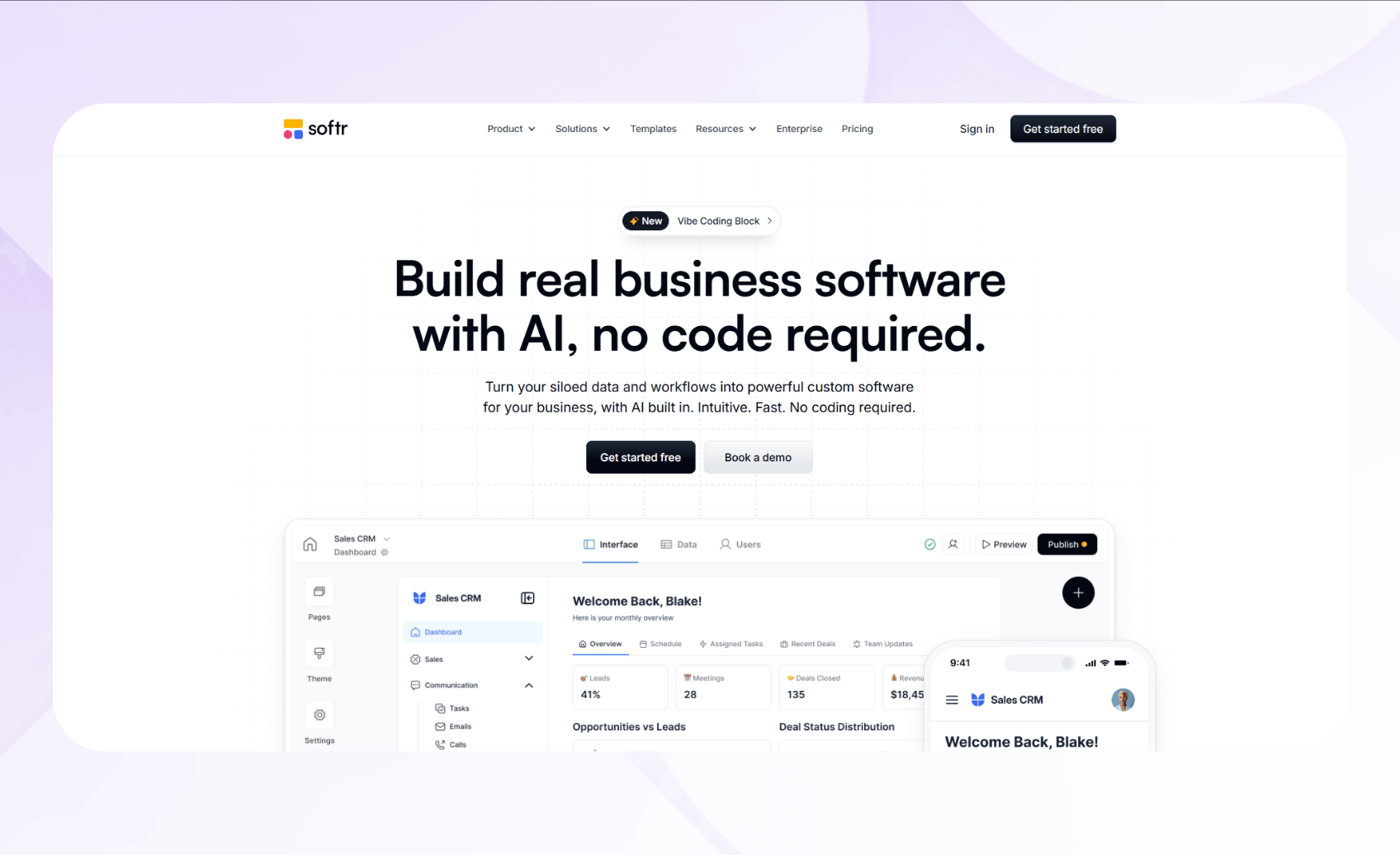
Softr is a no-code platform that turns data from tools like Airtable, Google Sheets, and SQL databases into web apps. The platform targets operations, customer success, HR, finance, and product teams of all sizes that want to create interactive apps from their data.
Advantages Over FlutterFlow
- Native integration with 14+ data sources: Connects directly to Airtable, Google Sheets, Notion, Monday.com, and many others with two-way data synchronization.
- Granular permission system for secure portals: Controls data visibility and editing capabilities down to individual field levels based on user groups and conditional logic.
- Pre-built blocks for rapid prototyping: Provides drag-and-drop components including lists, grids, Kanban boards, calendars, and charts.
Pros
- Exceptional community support: Benefits from active forums, documentation, and notably fast support team responses compared to competitors.
- No per-user costs for unlimited visitors: Softr charges based on logged-in app users, not anonymous visitors viewing public pages or content.
Cons
- Limited mobile responsiveness customization: Softr uses predefined responsive layouts and breakpoints rather than giving complete, per-device control over mobile design. If you need a pixel-perfect mobile design, you may find the template-driven approach restrictive.
Pricing
Softr pricing starts at $59/month.
Bottom Line
Softr excels at enabling teams to build secure client portals and internal tools from existing databases. It offers unmatched speed and simplicity for frontend development without coding.
9. Bravo Studio: Best for Turning Figma Designs Into Mobile Apps
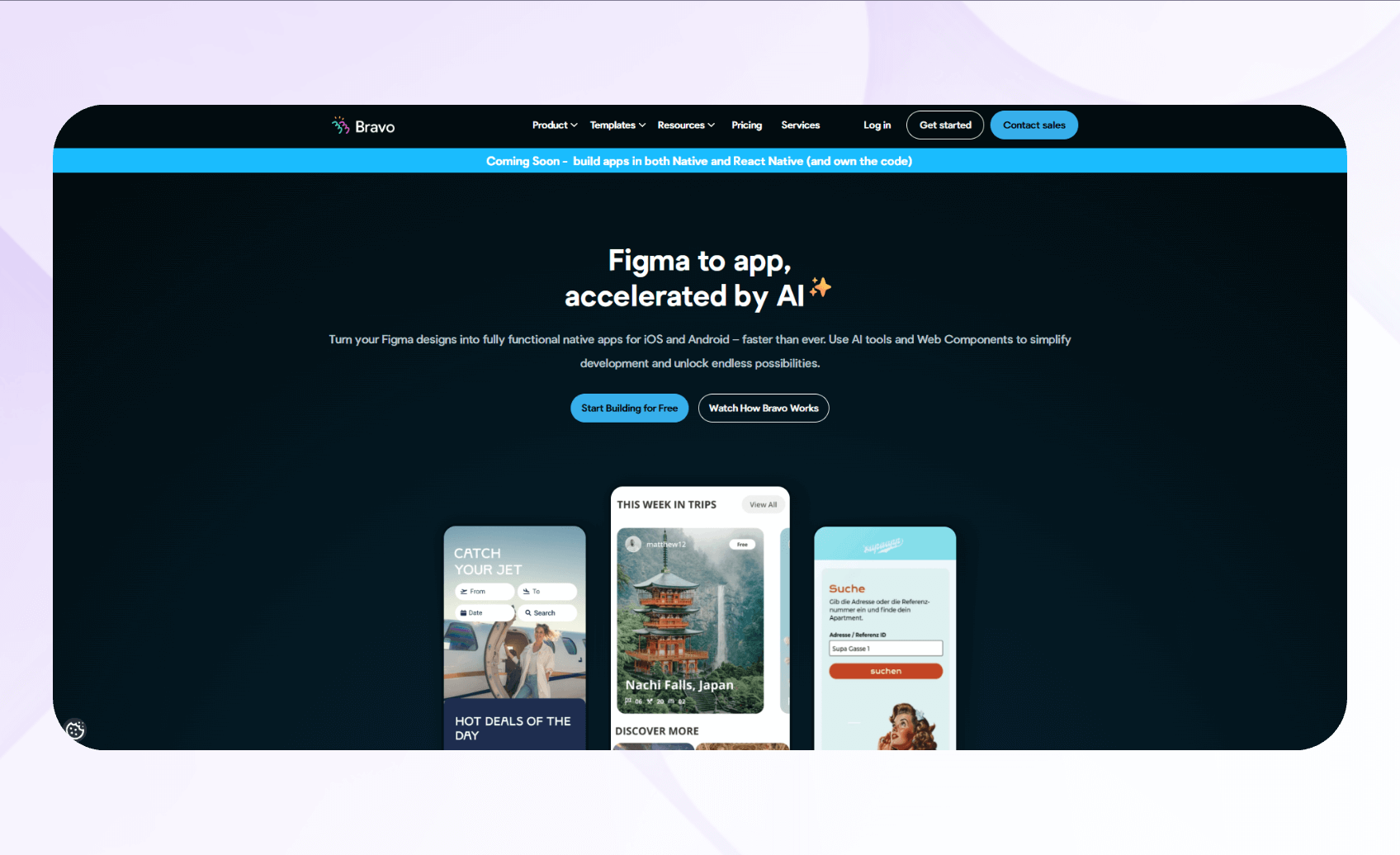
Bravo Studio converts Figma designs into native iOS and Android apps by connecting screens to APIs without code. It's well‑suited for designers, product teams, and agencies that want high‑fidelity mobile apps generated from their Figma designs.
To test Bravo, I imported a Figma prototype into Bravo Studio and automatically generated app screens with interactive elements. The design-to-app conversion maintained a crisp and clear visual fidelity, preserving spacing, colors, and typography without manual adjustments. I could move app elements freely, which gave me loads of control over my app's design.
Advantages Over FlutterFlow
- Direct design file integration: You can import Figma files into Bravo Studio using its web platform or Figma plugin, which brings your designs in while largely preserving their visual appearance.
- Native app output: Bravo generates native iOS and Android application packages from your designs that you can submit to the Apple App Store and Google Play using your own developer accounts.
- No-code data binding for designers: The platform offers visual tools that let designers connect REST APIs and no-code backends to app components without writing code, though setting up and binding data still requires a basic understanding of API requests.
Pros
- Designer-first workflow with immediate preview: Bravo Studio lets creators work in familiar design tools while providing instant mobile previews. This approach reduces the learning curve associated with development environments.
- Backend connectivity without coding complexity: The platform lets designers connect Airtable, REST APIs, and other backends through guided interfaces.
Cons
- Limited logic capabilities for complex interactions: Bravo Studio handles straightforward navigation and data display, but it lacks built-in support for rich, custom business logic or advanced state management.
Pricing
Bravo Studio's pricing starts at $22/month.
Bottom Line
Bravo Studio excels for design-focused teams converting Figma prototypes into mobile apps without coding, allowing designers to create one-of-a-kind mobile apps.
10. Appy Pie: Best for Simple Mobile Apps
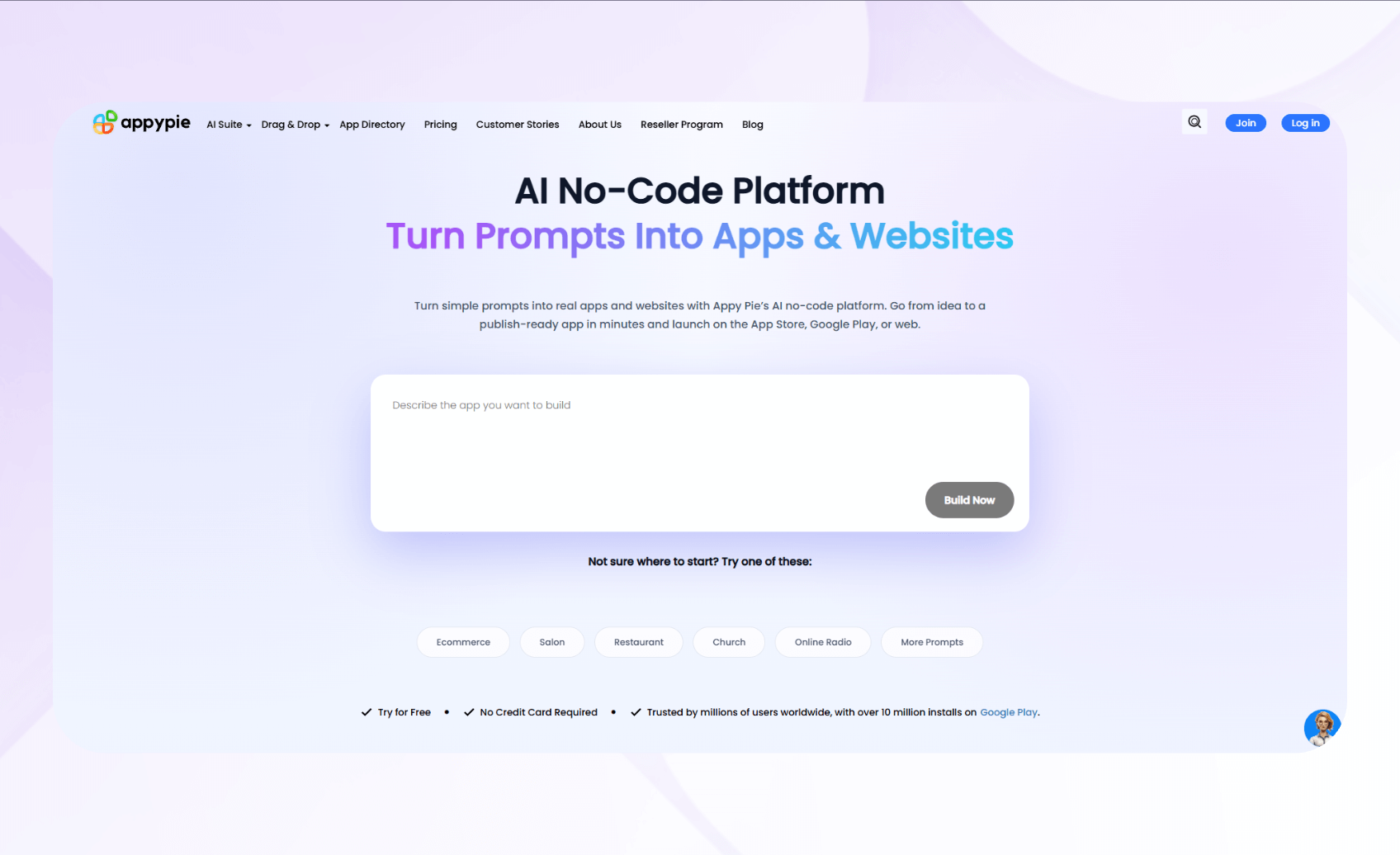
Appy Pie is a no-code app builder that creates basic mobile applications for iOS and Android through template-based design. It's for small business owners, entrepreneurs, and non-technical users who need straightforward mobile apps without complex features or custom requirements.
During testing, I prompted Appy Pie's AI app builder to create an e-commerce app. The platform spun up an app with screens for the homepage, product listings, checkout, and a messaging system. I used the editor to change the app's colors, but couldn't move buttons, text boxes, or listing photos freely on the screen.
Advantages Over FlutterFlow
- Faster app launches: Appy Pie offers many industry-specific templates with preconfigured features and layouts for restaurants, retail, churches, and other common use cases. You can select a template, customize the branding for your business, and publish.
- AI app builder with natural language input: Appy Pie's AI assistant lets you describe your desired app in English, then it automatically generates a functional prototype based on that description. Customize it to fit your brand.
- Push notification system with scheduling: The notification feature lets business owners send targeted messages to app users with simple scheduling tools.
Pros
- Extremely fast setup: If your goal is a standard business app, Appy Pie's template approach potentially lets you launch your app within hours rather than weeks or months.
- Affordable entry point for small businesses: The platform's pricing remains accessible for small businesses and solopreneurs who can't justify expensive development projects or monthly subscriptions.
Cons
- Expensive iOS publishing: Although the pricing to publish an Android app is under $20/month, you'll need to pay $60/month if you want an app for both Android and iOS.
Pricing
Appy Pie pricing starts at $16/app/month.
Bottom Line
Appy Pie suits small businesses needing a mobile app by offering a fast building solution, but it appeals most to organizations that don't need a large feature set or deep customization.
Why I Looked for FlutterFlow Alternatives
FlutterFlow is excellent for folks with development experience looking to build customized frontends fast. But a few key limitations pushed me to look at other platforms:
- Developer skills still required: Although you can still build many features with FlutterFlow's visual tools, the platform works best if you know some basic coding concepts. Advanced customization is easier if you know FlutterFlow or Dart and can work with exported code and outside databases.
- No backend builder: FlutterFlow focuses on the frontend and app logic and expects you to use an external backend (like Firebase or Supabase). You don't get a backend or database builder as some no-code platforms provide.
- Code issues: In the accounts payable app I built, the exported code contained defects that I had to debug and fix manually. FlutterFlow aims to generate usable FlutterFlow code, but you should expect to review and potentially clean up exports for more complex builds.
Always consider your technical abilities and whether you want to build a database with a different tool before choosing FlutterFlow. If you're a beginner and want to create your frontend and backend with one platform, you'll want to go with a FlutterFlow alternative.
How I Tested These Alternatives
I started with a few dozen FlutterFlow competitors and narrowed my list to 10. Here's how I tested each alternative:
- Fast build speed: Development velocity directly impacts how quickly you can publish your app and iterate on updates. I tested each platform by building multi-screen apps with navigation, forms, and data binding. This assessment measured how quickly I could move from concept to functional prototype.
- Scalability: Apps need to handle growth without complete rewrites or performance collapse. I stress-tested platforms with larger datasets, complex state management, and multiple concurrent users to identify performance ceilings.
- Backend builder: FlutterFlow doesn't have a backend builder, which is a major hangup for folks looking for a simple one-stop-shop solution. I selected platforms that offered database builders and created sample databases. To evaluate backend logic and confirm that it fired in the correct order, I ran test workflows and validated queries.
I also considered:
- Ease of use and support: I assessed documentation quality, message board and forum activity, and support responsiveness by intentionally raising issues and seeking solutions.
- Integrations: Most organizations use several software platforms, making third-party connections essential. I tested each platform's integration ecosystem by connecting popular services like Stripe, Google Drive, and various REST APIs.
I eliminated all platforms that didn't offer the features folks looking for a FlutterFlow alternative want. For example, app builders without a database builder quickly fell to the wayside. Then, I could more easily assess which tools offered the best scalability, speed, and integration capabilities.
My Verdict: Which Alternative Should You Choose?
Each of my top 10 FlutterFlow alternatives serves as an excellent option for developing your next app. Here's how to pick the one for you:
Choose Blaze If…
You want a secure, full-stack platform to build and scale enterprise apps without developers.
Choose Bubble If…
You want a no-code tool that offers deep customization, heavy logic, and a large plugin ecosystem, and you can handle a steep learning curve.
Choose Retool If…
Your technical team needs to build internal business tools, such as employee portals and project management apps, using direct database connections and JavaScript.
Choose Adalo If…
You need a simple mobile app for your small business, with a beginner-friendly visual builder and direct app-store publishing.
Choose Glide If…
You're aiming to create polished business apps from spreadsheet data with minimal setup.
Choose GoodBarber if…
You want a native mobile app to promote your e-commerce or content business.
Choose AppSheet if…
You do most of your work in the Google ecosystem and need to bring your data to life by building internal apps directly from Google Sheets or databases.
Choose Softr if…
You already have a database and want to build tools, like client portals or project management boards, using simple logic and clean UI blocks.
Choose Bravo Studio if…
You have some Figma designs that you want to turn into unique, functional mobile apps with APIs.
Choose Appy Pie if…
You want a fast, beginner-friendly way to launch a basic, feature-sparse app without customization or technical complexity.
Stick with FlutterFlow If…
UI speed and native mobile publishing matter most to you, and you want to download your app's code (and you don't mind the bugs).
Use Blaze and Build Your App without Programming
If you need a FlutterFlow alternative that offers a less technical approach to building apps, choose Blaze. It provides a no-code solution that lets you customize your frontend and backend without writing any code.
Here's why teams looking for FlutterFlow alternatives choose Blaze:
- No-code simplicity: Build polished, business-ready apps with an intuitive drag-and-drop builder designed for non-technical teams.
- Integrations: Connect instantly to external databases, APIs, and business tools to automate workflows and sync data in real time.
- Security features: Keep your apps protected with SSO, audit logs, automated security checks, and features that support HIPAA and SOC 2 compliance.
- White-glove support: The Blaze team handles setup, deployment, and maintenance so your app runs reliably at scale.
Ready for an easier and more secure alternative to FlutterFlow? Schedule a free demo with Blaze now.
Frequently Asked Questions
1. What Should I Look for When Choosing a FlutterFlow alternative?
When choosing a FlutterFlow alternative, look for platforms that offer a database builder, scalable infrastructure, and integration capabilities. Determine if the platform requires developer knowledge and evaluate its learning curve relative to your team's technical skills. When handling sensitive data, consider the platform's security controls and compliance frameworks.
2. Can No-Code Platforms Replace Traditional Developers for Some Projects?
Yes, no-code platforms can replace traditional developers for some projects. No-code platforms are well-suited to many standard business applications, such as internal tools, client portals, and workflow automation apps. They work when requirements are simple, and complexity stays low.
3. Are No-Code App Builders Suitable for Scaling a Business Application?
Yes, some no-code app builders are suitable for scaling a business application. Tools like Blaze, Bubble, and other enterprise-focused platforms can scale effectively. Still, each has limits and trade-offs around usage and data volume. Evaluate each platform's infrastructure limitations, pricing at scale, and performance under stress before committing.
The Secure No-Code & AI Platform
Supercharge your team's operations and performance with better apps and tools.
Create custom apps fast
Secure & HIPAA compliant
Streamline complex workflows

The Secure No-Code Platform
Build apps with best-in-class security.
Related Articles
Discover related guides on healthcare no-code development, HIPAA compliance, security, integrations, and launching apps faster.
%20(1).png)
8 Healthcare Dashboard Examples (2026)
Explore healthcare dashboard examples for hospital operations, revenue, and compliance. Discover what each dashboard tracks and how to build one.
%20(1).png)
Healthcare Claims Automation: How It Works (2026)
Healthcare claims automation connects systems to reduce repetitive work. Explore the 9 workflow stages that show how eligibility, validation, and payments move.
%20(1).png)
Healthcare APIs: Types, Examples & How They Work (2026)
Healthcare APIs connect EHRs, labs, and other clinical systems. Learn different API types, standards, examples, and the steps to correctly integrate apps.