
Table of contents
7 Best HIPAA-Compliant No-Code App Builders in 2026

Written by
Blaze Team

Reviewed by
Nanxi Liu
Expert Verified
I've built dozens of apps using HIPAA-compliant no-code app builders over the past 5 years. Here are the top 7 you can use to create apps for your healthcare business without any programming.
7 Best HIPAA Compliant No-Code App Builders: At a Glance
| Tool | Best For | Starting Price | Key Strength |
|---|---|---|---|
| Blaze | Mid-sized healthcare organizations | Contact for quote | Fast, compliant app deployment |
| Knack | Simple internal healthcare databases | Contact for quote | Easy compliance and data control |
| AppMaster | Enterprise backend automation | Contact for quote | Full backend and API generation |
| Xano | Scalable HIPAA-compliant backends | $249/month+ HIPAA add-on | Secure, high-performance data engine |
| AppSheet | Small clinics and practices | $20/month per user + HIPAA fees (contact to learn more) | Quick setup and mobile compatibility |
| DrapCode | Responsive healthcare web applications | $650/month | Visual builder with built-in compliance |
| Tadabase | Professional full-stack healthcare apps | $250/month+ $450 HIPAA add-on | Powerful automation and data scalability |
1. Blaze: Best Overall HIPAA Compliant No-Code App Builder

Blaze is a HIPAA-compliant, no-code app builder that is simple enough for non-technical users to create healthcare apps without programming.
Who it's for: If you're a mid-sized practice or large clinic and want to create your own production-ready applications without relying on developer resources, put Blaze on your shortlist.
When I tested Blaze, I first created a healthcare database. The database builder worked smoothly, letting me drag tables, rename fields, and rearrange relationships with clicks. It felt like managing data in a spreadsheet.
Then, I made a patient login portal for my frontend. I could connect tables, preview updates instantly, and move elements around the layout without breaking links or losing stored information.
I secured the data using Blaze's built-in security, encryption, and permission features. Each record stayed protected through SSL and AES-256 encryption. The platform's role-based permission tools let me create access levels, so only authorized users could view or edit information.
Key Features
- Visual no-code builder: Design your forms, dashboards, and workflows by dragging widgets and premade elements to your app screens.
- Multi-environment deployment: Blaze provides dedicated development, staging, and production environments for safe testing and rollout.
- Integrations: The platform securely connects to external databases, REST APIs, and healthcare systems, like EHRs.
Pros
- Fast app creation: You can build compliant healthcare tools like portals and dashboards quickly, without any coding.
- Scalable for growth: Blaze supports a large number of internal users, multiple applications, and evolving infrastructure needs.
Cons
- Too complex for small teams: Because the platform offers a large suite of features, which may be too much for startups and lean companies.
Pricing
Contact Blaze's sales team to get a custom quote for the HIPAA-compliant enterprise version.
Bottom Line
Blaze gives non-developers a straightforward way to build a HIPAA-compliant app fast and without programming. Its implementation support helps you create and publish your app more smoothly than the other platforms on this list.
2. Knack: Best for Simple Business Databases
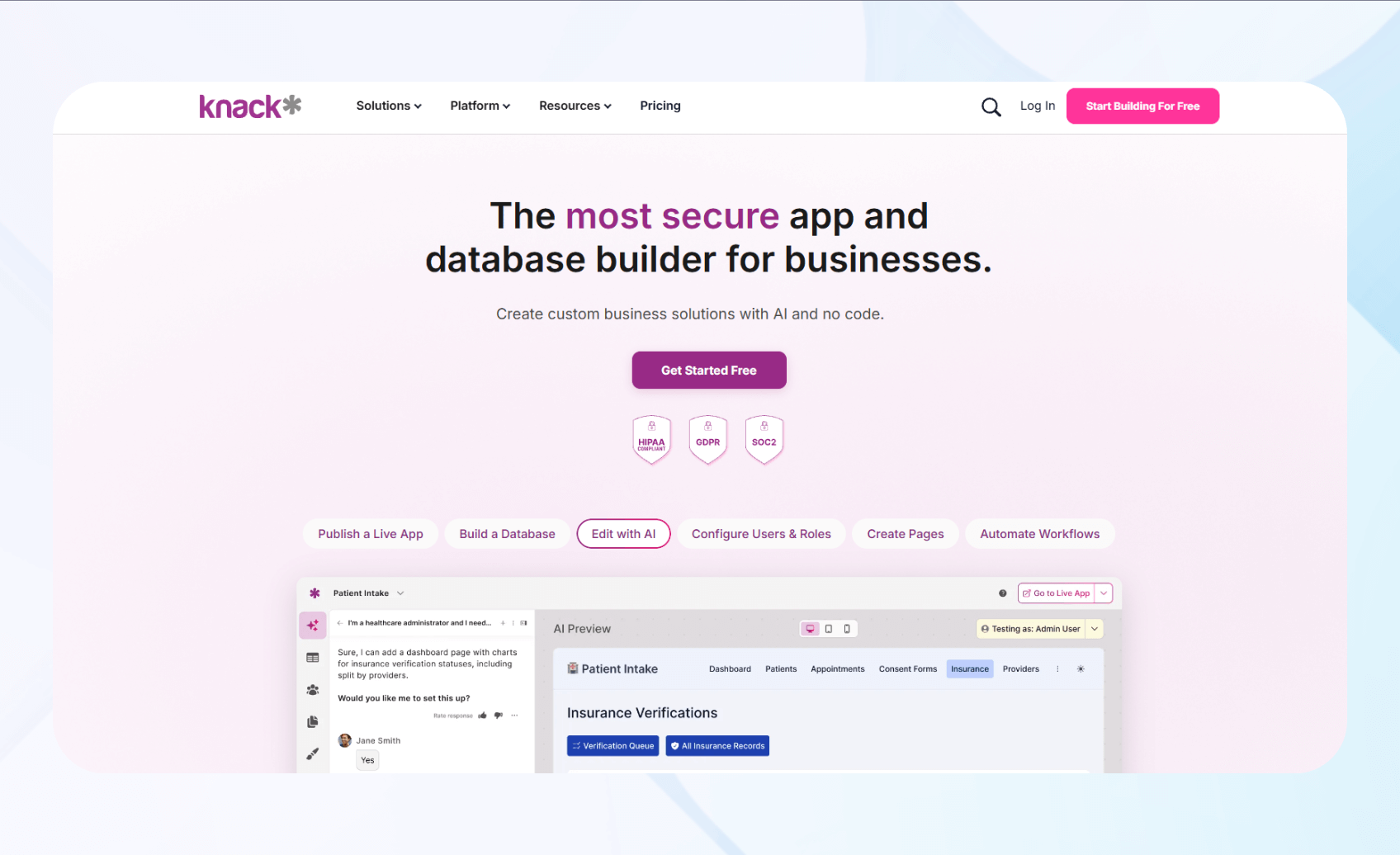
Knack is a HIPAA-compliant no-code app builder for creating secure healthcare databases, portals, and workflow tools.
Who it's best for: Healthcare providers, clinics, and administrative teams who need compliant apps for scheduling and internal data management will find Knack useful.
Using Knack, I built a HIPAA-compliant patient management system. Knacks' drag-and-drop builder felt intuitive, allowing me to add tables, relationships, and permissions easily while maintaining compliance by setting permissions and tracking audit logs.
Next, I tested form workflows, building intake forms with validation rules. Each submission stored data instantly, showing that Knack's backend processed entries securely and consistently without requiring extra scripting or complex setup.
Key Features
- Drag-and-drop database design: The platform allows you to create tables, connect relationships, and manage records visually, making data management simple.
- Automated workflows and forms: Knack allows automation of form submissions, approvals, and patient intake workflows, reducing manual errors.
- Custom roles and permissions: You can define user roles and restrict sensitive patient information to authorized personnel based on compliance settings.
Pros
- Beginner-friendly interface: Non-technical healthcare teams can build and manage HIPAA-compliant applications without developers, using an intuitive drag-and-drop builder that simplifies database and workflow creation.
- Full data ownership: Knack gives you complete control and ownership over your data, helping you maintain compliance without relying on third-party data hosting.
Cons
- Limited scalability for large enterprises: Although suitable for smaller healthcare organizations, Knack may lack advanced scalability features needed for high-volume enterprise applications.
Pricing
Contact Knack's sales team to get a quote for the HIPAA-compliant enterprise version.
Bottom Line
Knack is a solid HIPAA-compliant no-code app builder for smaller healthcare teams seeking simplicity, control, and compliance.
3. AppMaster: Best for Enterprise Backend Automation

AppMaster is a no-code platform that builds HIPAA-compliant backend, web, and mobile solutions.
Who it's for: It appeals to healthcare IT teams, SaaS providers, and enterprises that need backend automation and infrastructure without writing code manually.
When I tested backend generation, AppMaster produced endpoints and database schema automatically from my data model. The result responded quickly and correctly, proving that the generated backend logic works at native speed.
Then I tested workflow automation, wiring triggers across patient record updates and messaging flows. Each trigger fired instantly, and workflows chained reliably.
I explored the API and native output, generating runnable mobile and web apps with full API documentation. I could deploy the app to a simulated app store environment using the generated code, verifying my app was ready to publish.
Key Features
- Full backend generation: AppMaster visually models data and logic, then auto-generates a backend API with endpoints, validation, and documentation.
- Native web and mobile output: You can create deployable web applications and native mobile apps (iOS and Android) from the same logic layer.
- Visual workflow automation: The builder lets you design orchestrated workflow processes, triggers, and conditional paths without coding.
Pros
- Full code export option: You can export generated source code or binaries if you want to further develop your app using coding.
- All-in-one stack: It covers backend, API, frontend, mobile, and integrations in one platform.
Cons
- UI customization limits: The design layer offers fewer styling freedoms and customization than pure frontend frameworks.
Pricing
Request a custom quote for the HIPAA-compliant version.
Bottom Line
AppMaster is ideal for healthcare organizations that need a powerful and scalable HIPAA-ready backend.
4. Xano: Best for Scalable No-Code Backends

Xano is a no-code backend platform that lets users create scalable and HIPAA-compliant APIs, databases, and logic layers without managing infrastructure.
Who it's for: It's built for healthcare teams, startups, and developers who need a HIPAA-compliant backend for apps that scale with growing data and integrations.
I tested Xano's database scaling capabilities by importing large patient datasets. The platform processed records smoothly, proving it could handle HIPAA-protected data without slowing response times.
To evaluate Xano's authentication controls, I set role-based access for admins, doctors, and patients. Each permission worked correctly, restricting sensitive records and providing access for authorized users under compliant conditions.
Finally, I tested integrations and deployment, connecting Xano to Blaze and an EHR API. The deployment ran smoothly, and the system maintained data consistency, syncing securely across the connected applications.
Key Features
- Visual API and logic builder: Xano lets users visually create APIs, automate workflows, and handle complex logic without writing code.
- Scalable database performance: The built-in PostgreSQL database scales with large data volumes, so healthcare applications can handle thousands of patient records without a drop in performance.
- User roles and permission layers: The platform allows granular access control, protecting sensitive medical data by restricting visibility and actions based on user roles.
Pros
- HIPAA-ready security architecture: Xano features data encryption, access control, and audit readiness while supporting BAAs (Business Associate Agreements) for teams handling sensitive healthcare information.
- Flexible integration options: You can connect your backend to multiple data sources and extend backend logic through APIs or external services.
Cons
- Backend builder only: Xano supports building backends but not frontends. If you want to create a full-stack app, you'll need to pay for a HIPAA-compliant frontend builder too.
Pricing
Xano's pricing starts at $249/month, with a HIPAA add-on available as a customized enterprise quote.
Bottom Line
Xano is best for healthcare teams that need a HIPAA-compliant, no-code backend capable of scaling. It delivers power and flexibility, though beginners may need time to master its backend concepts.
5. AppSheet: Best for Small Clinics
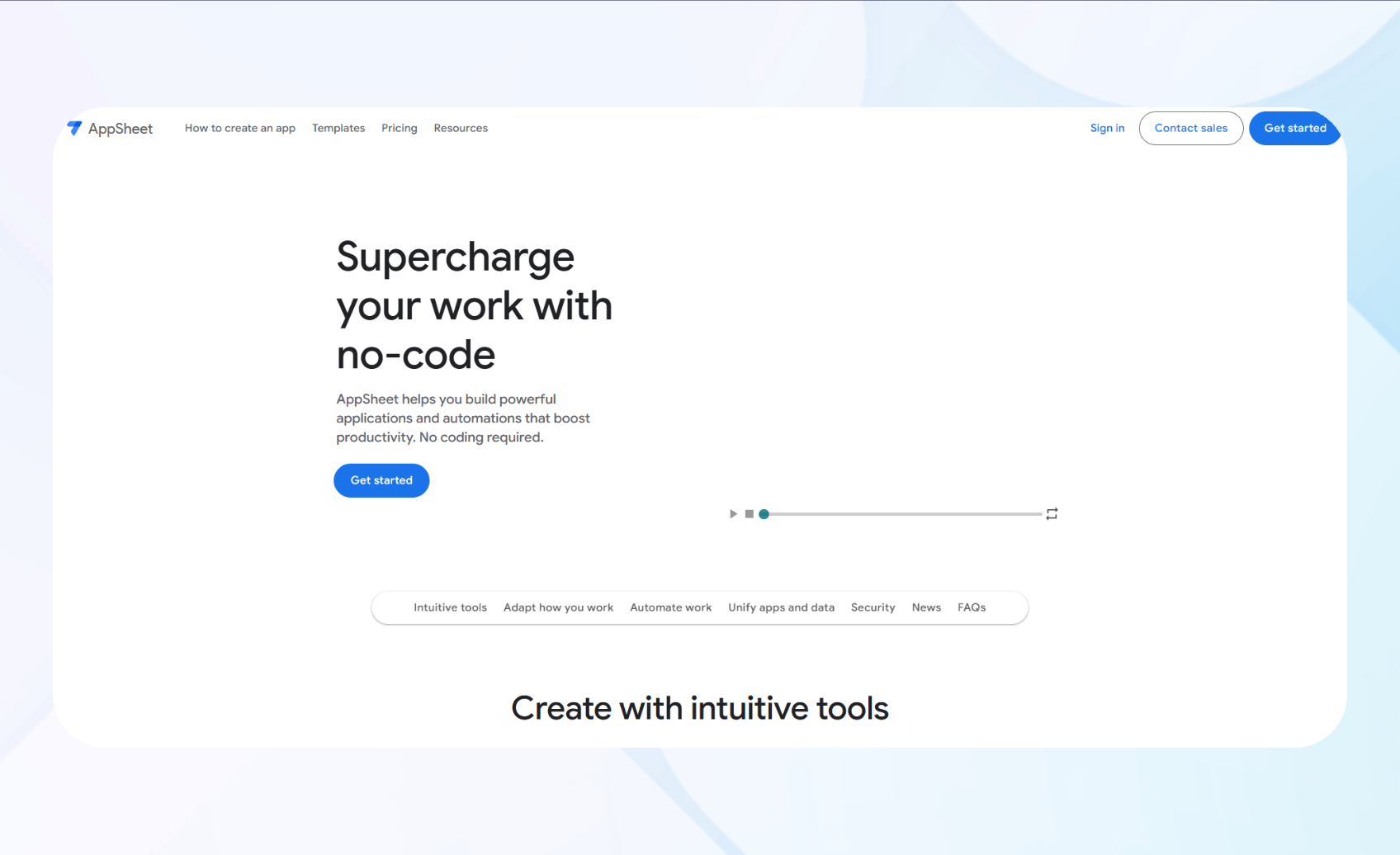
AppSheet is a no-code platform by Google that lets users build HIPAA-compliant internal apps directly from spreadsheets and databases.
Who it's for: Smaller clinics and practices benefit most from AppSheet's budget-friendly prices.
When I tested data connections, I linked AppSheet to Google Sheets and BigQuery. The platform instantly converted the data into an app interface, automatically generating fields and views.
I then tested automation workflows, creating approval requests for patient intake records. Each workflow trigger sent email notifications to assigned staff and updated the database. This evaluation showed that AppSheet can automate repetitive healthcare processes reliably.
To evaluate mobile responsiveness, I tested the app across Android and iOS devices. All forms, charts, and reports rendered correctly, confirming AppSheet's multi-device compatibility.
Key Features
- Create apps from spreadsheets: Build apps directly from Google Sheets, Excel, or SQL databases with automatic schema detection and view generation. No manual setup or coding is required.
- Workflow automation: Create approval flows, reminders, and task assignments that trigger notifications or database updates.
- Offline data capture: Enable offline forms and record submissions that automatically sync once an internet connection is restored.
Pros
- Quick setup for clinics: AppSheet's no-code interface lets non-technical staff build functional healthcare apps in hours rather than weeks.
- Affordable scalability: Pricing remains accessible for small practices, with predictable costs as users or apps increase.
Cons
- Limited UI customization: Templates are functional but restrictive, making it harder to create branded or complex healthcare interfaces.
Pricing
AppSheet's HIPAA-compliant version starts at $20/month per user, with additional fees to enable HIPAA compliance.
Bottom Line
AppSheet is ideal for small clinics that want to create HIPAA-compliant apps quickly, while baking in Google's security and data ecosystem.
6. DrapCode: Best for Responsive Web App Development

DrapCode lets you visually build fully responsive, HIPAA-compliant web apps without coding, with built-in encryption, APIs, and hosting.
Who it's for: Designed for healthcare startups, smaller clinics, and non-technical teams, DrapCode lets you build web apps that scale and integrate with EHR systems.
I began by testing DrapCode's responsiveness across desktop, tablet, and mobile browsers. The editor maintained a consistent layout and functionality on every screen size tested.
By connecting a sample EHR dataset, I evaluated the platform's ability to integrate and transfer data. The visual interface mapped endpoints without any manual configuration.
I tested automation workflows by building a patient-intake form that triggered notifications and updated records. Each workflow executed accurately, though the templates weren't as customizable as those of other platforms
Key Features
- Database designer: Model healthcare records, relationships, and lookup tables visually inside DrapCode's built-in database editor.
- API integrations: Connect to REST APIs, databases, and third-party tools like Zapier or webhooks to sync healthcare data.
- Workflow automation: Automate alerts, notifications, and record updates using triggers that handle repetitive healthcare tasks.
Pros
- Rapid development: Launch production-ready healthcare apps in days using prebuilt components, workflow logic, and responsive templates without coding.
- Compliance built in: Security, encryption, and access tracking simplify applying compliance features.
Cons
- Complex logic setup: Configuring advanced workflows or expressions requires some technical understanding.
Pricing
DrapCode's HIPAA-compliant pricing costs $650/month.
Bottom Line
DrapCode is an excellent choice for small teams that need healthcare web apps to work across desktop and mobile devices.
7. Tadabase: Best for Easy Database Tasks

Tadabase is a HIPAA-compliant no-code platform for designing, automating, and deploying scalable database solutions for healthcare.
Who it's for: It's built for healthcare organizations, IT departments, and operations teams that need custom, secure applications to replace spreadsheets and manual workflows.
I started by creating a database using Tadabase's visual schema designer. It allowed me to model complex relationships, though not with the customization offered by more advanced platforms like Xano.
Next, I tested workflow automations by creating triggers that fired whenever patients submitted an appointment form. This action made appointments in both the master admin calendar and the provider's daily workflow tool.
I also had the app send reminders to all parties 24 hours before each appointment to reduce no-shows and keep the staff prepared. Tadabase's premade scheduling elements made building this feature simple.
I added large datasets and connected them to API endpoints to evaluate data transfer speed and capabilities. My app maintained fast load speeds and responsiveness.
Key Features
- Automation engine: You can build logic-based workflows that automate data updates, notifications, and approvals.
- Advanced integrations: Tadabase lets you easily connect to APIs, Google services, and analytics platforms.
- Performance optimization tools: Built-in caching, query controls, and scalable hosting keep performance humming for large, data-intensive healthcare applications.
Pros
- Scalable data management: Tadabase handles complex, large-scale healthcare databases without sacrificing performance or user experience.
- Deep customization if you're a developer: Folks with development experience can control logic, structure, and front-end design.
Cons
- Steep learning curve for advanced features: Although the no-code interface lets you create smaller, feature-light apps quickly, advanced customization can overwhelm beginners.
Pricing
Tadabase's Professional Plan costs $250/month, plus $450/month for HIPAA compliance.
Bottom Line
Tadabase lets you build full-stack database apps that balance flexibility, automation, and scalability.
How I Tested These HIPAA-Compliant No-Code App Builders
I tested 30+ HIPAA-compliant no-code app builders by creating apps that executed workflow tasks like scheduling and data transfer. Building these apps and testing no-code workflows helped me determine which platforms made my top 7.
Here's what I tested:
- Security and compliance: I needed to create HIPAA-compliant no-code software with encryption, audit logs, and role-based access controls. By simulating PHI (Protected Health Information), I confirmed proper security, user restrictions, and compliance readiness.
- Workflow automation: Automation is essential for reducing manual administrative work. I built and ran patient intake workflows on each platform, verifying that every trigger executed accurately, notifications were sent instantly, and data updates appeared in real time.
- Data integration: Healthcare apps must sync data from different sources. I connected sample EHR datasets and spreadsheets using built-in APIs. After making these connections, I could test data mapping and import speeds, and whether the data stayed synchronized across components during live use.
I also evaluated these factors:
- Mobile responsiveness: Healthcare staff often access systems from multiple devices. I previewed every test app on phones and tablets, checking layout stability, input accuracy, and refresh behavior to confirm reliable multi-device compatibility.
- Scalability and support: Growth and reliability are essential to long-term healthcare operations. I pushed large datasets and concurrent users to test stability, then contacted support teams to evaluate response time and documentation quality.
My Final Verdict: Which HIPAA Compliant No-Code App Builder Should You Choose?
Every team needs secure data management, strong automation tools, and the capability to build scalable healthcare solutions. Each of the HIPAA-compliant app builders accomplishes these capabilities in its own, unique way. Choose:
- Blaze if you run a medium to large-sized clinic and you want a simple no-code platform with excellent onboarding support and scalability.
- Knack if you manage operations for a healthcare team that needs an internal system for tracking patient records, forms, and staff workflows.
- AppMaster if you want a platform for automated backend creation and native app outputs, without writing code manually.
- Xano if you handle backend development or IT infrastructure for a healthcare organization that needs advanced logic and API integrations.
- AppSheet if you're a small clinic that wants to build simple internal apps from spreadsheets quickly and affordably.
- DrapCode if you have a technical team and need custom EHR integrations, visual editing, and apps that work across desktop and mobile devices.
- Tadabase if you need a database platform that can automate workflows, manage large datasets, and support full-stack healthcare applications.
Overall, each platform serves different app development needs, from data-heavy backend creation to full-stack no-code development.
Avoid HIPAA-compliant no-code app builders if…
You plan to build highly complex and customized healthcare systems. No-code tools can accelerate development for simple to complex workflows, but traditional or low-code development offers greater flexibility and control.
Wellness coaches, fitness trainers, and nutrition consultants who only collect basic client data (like names, contact info, and fitness goals) also don't need HIPAA compliance. You can safely use standard no-code app builders if you're not handling protected health information or working in a regulated industry.
Choose Blaze to Build Your Next HIPAA-Compliant App
If you need a no-code HIPAA-compliant app builder with a low learning curve and dedicated onboarding support, go with Blaze. The platform features an intuitive drag-and-drop interface, and the Blaze implementation team will walk you through all the functionalities so you can hit the ground running when you build your app.
Here's why more and more healthcare professionals opt for Blaze:
- Rapid development: Create and deploy advanced applications quickly using Blaze's visual drag-and-drop builder. Most teams finish in a fraction of the time required for traditional coding, reducing both development hours and overall cost.
- Enterprise security: Blaze supports HIPAA and SOC 2 requirements to safeguard sensitive information. Features like SSO, two-factor authentication, and automatic audit logging keep user activity protected and fully trackable.
- Integrations: Link Blaze to your existing systems or data sources using built-in or custom connectors. The platform works with any REST API, making it easy to sync tools and maintain unified workflows.
- Productivity: Use Blaze's workflow automation to handle routine tasks, send alerts, and perform calculations. The system reduces manual workload, allowing your team to focus more on providing care.
Our pre-built compliance features enable you to develop and deploy apps much faster than traditional methods. You can quickly create a functional, compliant app without the need for any coding.
Learn more about how Blaze can help your healthcare organization and schedule a demo today.
Frequently Asked Questions
What Is the Best HIPAA Compliant No-Code App Builder?
The best HIPAA-compliant no-code app builder depends on your specific needs. Blaze excels for mid-sized to large healthcare organizations, offering scalability and security features. Knack works well for smaller teams needing simple database management, while Xano provides powerful backend capabilities for creating databases and backends without code.
Can I Build My Own HIPAA Compliant App Without Coding?
Yes, you can build your own HIPAA-compliant app without coding using platforms like Blaze, Knack, and Tadabase. These platforms provide built-in HIPAA-compliance features, such as encryption and audit logs. You'll need to configure the security settings properly, sign Business Associate Agreements (BAAs), and implement proper data safeguards to maintain compliance.
What Makes a No-Code Platform HIPAA Compliant?
Security features like encryption, role-based permissions, and signed BAAs make a no-code platform HIPAA-compliant. Key requirements include end-to-end encryption (like AES-256), secure data storage, role-based access controls, audit logging, and authentication. The platform must also offer proper data backup, recovery procedures, and compliance documentation.
The Secure No-Code & AI Platform
Supercharge your team's operations and performance with better apps and tools.
Create custom apps fast
Secure & HIPAA compliant
Streamline complex workflows

The Secure No-Code Platform
Build apps with best-in-class security.
Related Articles
Discover related guides on healthcare no-code development, HIPAA compliance, security, integrations, and launching apps faster.
%20(1).png)
HIPAA-Compliant LLMs: A 2026 Deployment Guide
HIPAA-compliant LLMs require more than a vendor claim alone. Learn how BAAs, safeguards, and considerations can affect the right model for your organization.
%20(1).png)
Appian Pricing: Plans, Costs, & What You Actually Pay (2026)
Appian offers a free community version, but costs depend on your user count and AI usage. Here’s my breakdown of each Appian pricing plan so you can choose.
%20(1).png)
8 v0 Alternatives That I Tested to Save You Time (2026)
I compared 8 v0 alternatives' backend depth, coding requirements, and pricing. See which tools work best for cloud-based hosting and code portability.