
Table of contents
12 Best Enterprise App Builders in 2026: Tested and Reviewed

Written by
Blaze Team

Reviewed by
Justyna Wojcik
Expert Verified
After testing 40+ enterprise app builders by connecting third-party platforms and scaling a user base, I selected the 12 best tools. I'll review each one's pros, cons, and pricing, so you can choose the best fit.
12 Best Enterprise App Builders: At a Glance
1. Blaze.tech: Best Overall
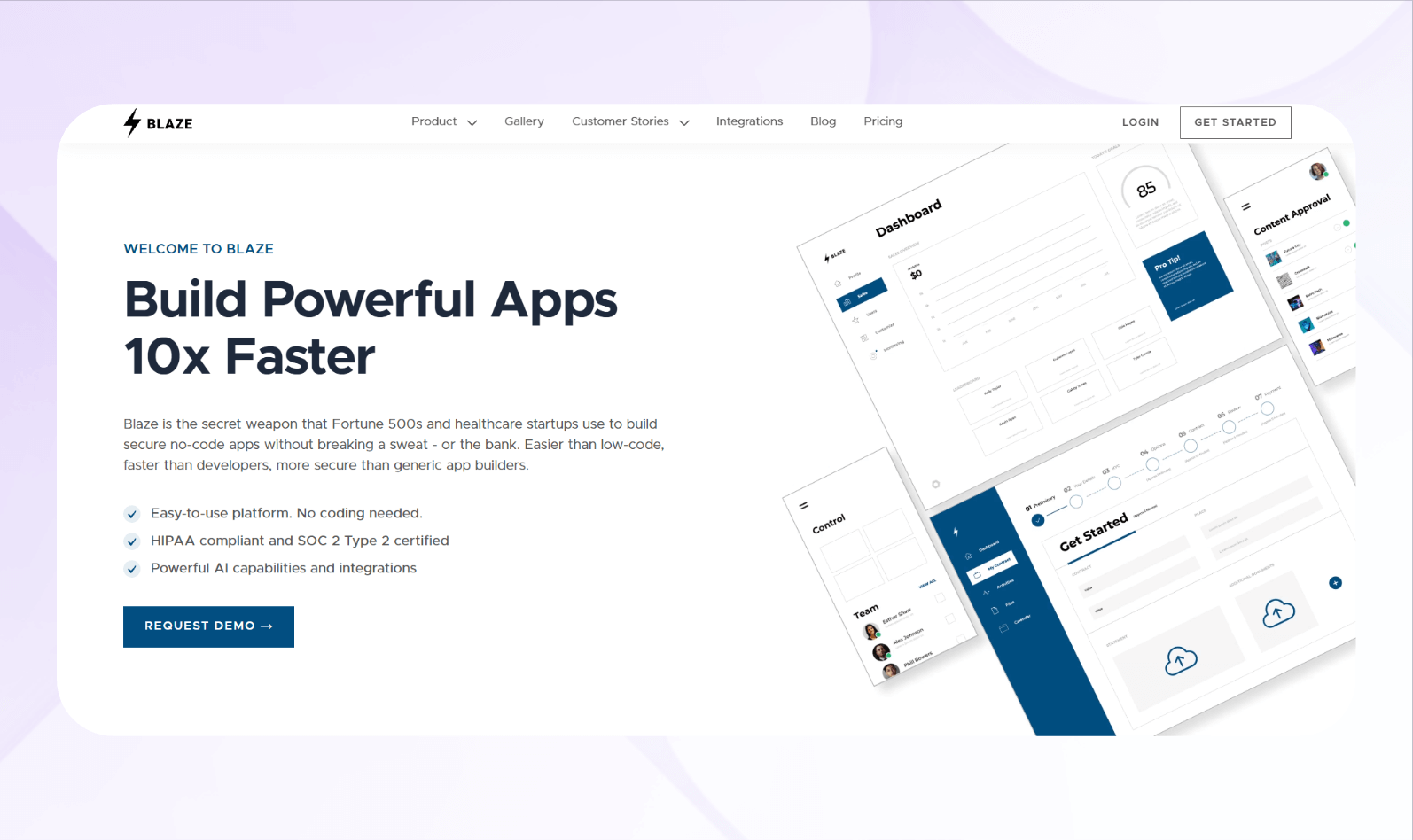
What it does: Blaze is a no-code app builder that lets you rapidly create secure enterprise applications without requiring engineers.
Who it's for: Medium-sized businesses and enterprises aiming to build their own applications without code can use Blaze to craft client portals, marketplace apps, databases, and process automations.
Blaze's simple visual interface allowed me to create a project tracking tool for an operations team. In just a few hours, I launched dashboards that pulled live data from our Airtable and MongoDB project databases. Then, I synced the tool with Gmail and Slack, so the operations team would receive notifications whenever someone made a new entry.
I also created an app that confirmed payment by integrating with Stripe and our HubSpot CRM. When we received a client payment, the system automatically updated customer records and sent an invoice confirmation email. The integration alerted the accounting team instantly.
Key Features
- Fast app development: Blaze offers a drag-and-drop interface, complemented by a library of prebuilt components and AI tools, designed to enable quick and non-programming app creation.
- Enterprise security: The platform provides features that comply with HIPAA and SOC 2 standards, including role-based access control and data encryption at rest and in transit.
- Integration capabilities: You can connect Blaze to the third-party apps you already use, like Google Workspace, Slack, and Airtable.
Pros
- Strong onboarding support: If you select the enterprise plan, Blaze's implementation team provides personalized setup help, which significantly reduces the time to launch compared to self-serve platforms.
- Scalability: We designed Blaze to accommodate growth, so you can create a large number of apps to support your evolving business needs.
Cons
- Large teams only: If you're a smaller team, you may not need Blaze's enterprise-focused feature set.
Pricing
Blaze's pricing plans start at $1,500/month.
Bottom Line
If you need a secure, enterprise app builder that doesn't require developers, I recommend Blaze. Its blend of hands-on onboarding, security features, and a no-code building approach makes it accessible to any enterprise that wants scalable apps.
2. App Builder: Best for Low-Code/No-Code Apps and Code Output
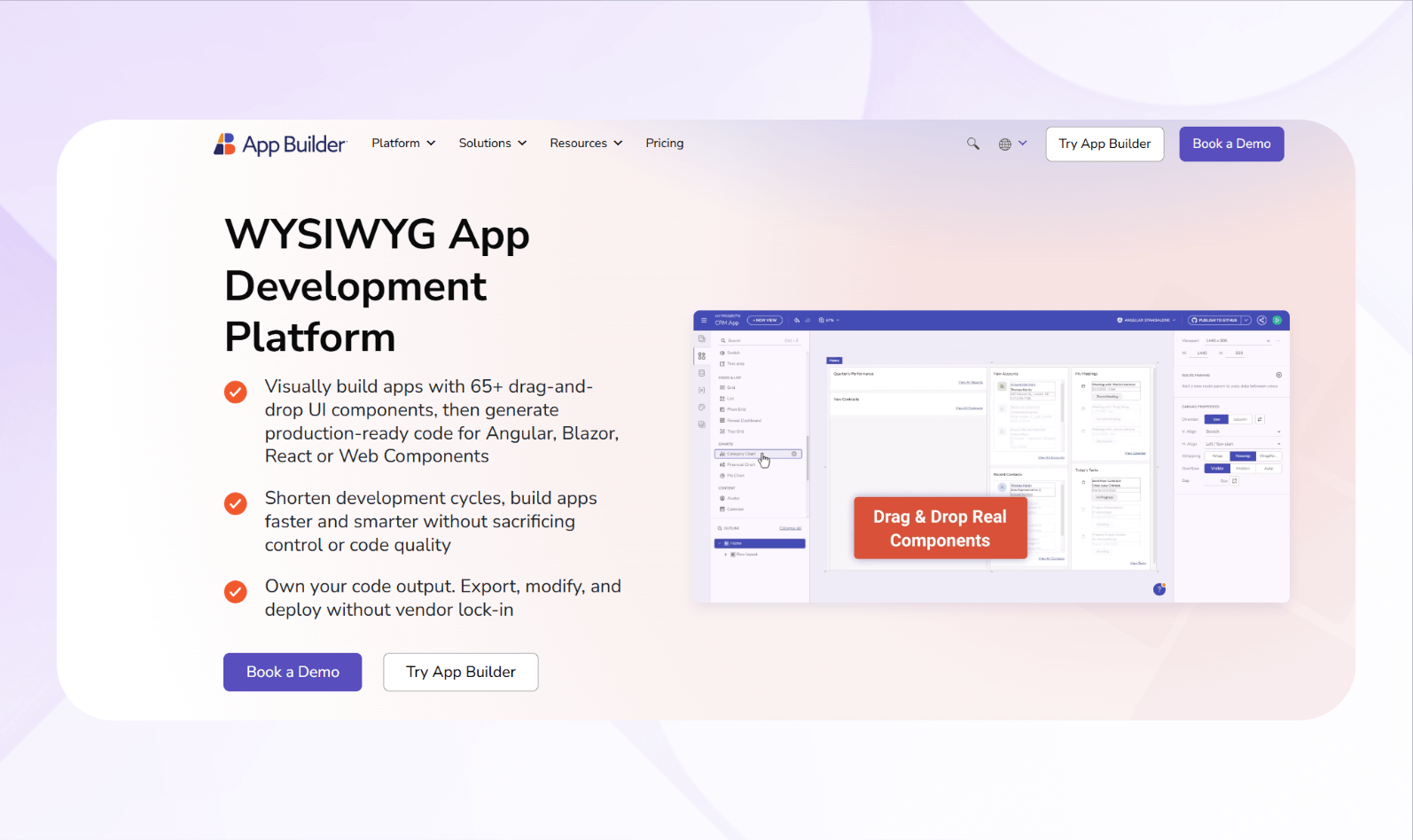
What it does: App Builder lets teams create enterprise web applications and then export their code in Angular, React, or Blazor.
Who it's for: It's ideal for technical enterprise teams who want to accelerate app creation and keep the code for further development.
Using the platform's drag-and-drop canvas, I designed 5 multi-screen layouts. Then, I instantly converted them into code that matched my favorite frontend framework, React. The generated files were clean and readable, requiring little to no refactoring before integration.
I also tested Figma-to-App builder import and discovered that UI elements transferred accurately, with consistent spacing and component mapping. This clean presentation significantly reduced front-end setup time.
Key Features
- Visual builder: Use the drag-and-drop interface to create responsive layouts and functional app flows without coding.
- Code export to frameworks: Generates React, Angular, or Blazor code that's clean, editable, and ready for integration with enterprise systems.
- API integration: Connects REST endpoints, tests payloads, and displays live data directly in the builder preview.
Pros
- Faster delivery: Reduces front-end development time significantly through automation and live previews.
- Strong collaboration tools: Includes GitHub version control, shared workspaces, and role-based permissions for multi-department teams.
Cons
- Backend logic requires coding: If you create complex automations, you'll need external tools or manual scripting.
Pricing
Reach out to App Builder's sales team and schedule a demo for pricing information.
Bottom Line
App Builder is a powerful enterprise app builder for teams that require fast delivery, code exports, and secure collaboration features.
3. Retool: Best for Internal Tools and Workflows
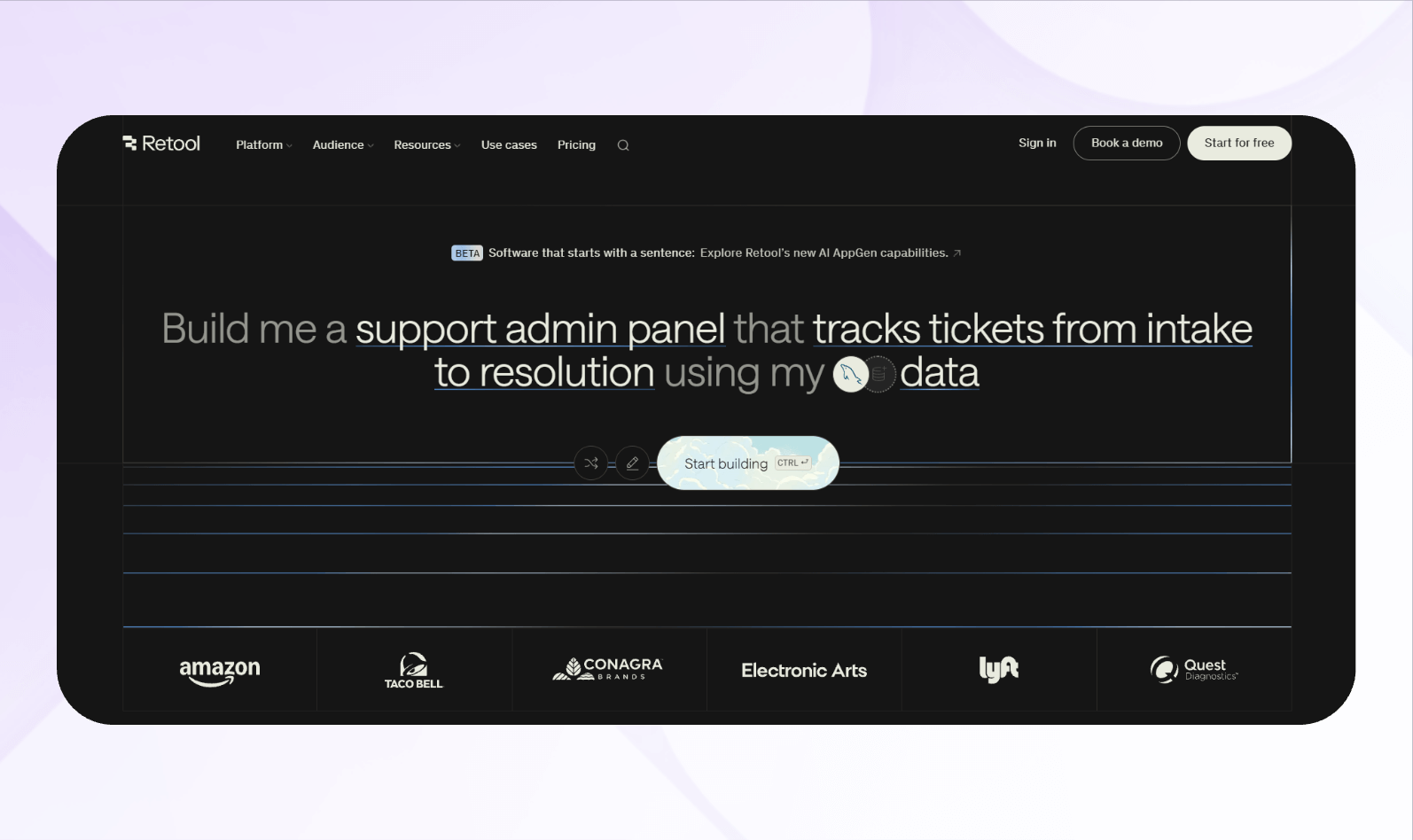
What it does: Retool lets your team quickly build internal applications by connecting databases, APIs, and spreadsheets through a drag-and-drop visual interface.
Who it's for: It's designed for operations, engineering, and analytics teams that need to create internal business tools without building from scratch.
Using Retool's drag-and-drop builder, I created a customer relationship management dashboard. Since Retool allows custom scripting, I created my own dynamic filtering feature for the frontend, so my team could instantly search and segment customer data without reloading the page.
Retool's PostgreSQL database integration connected to my app and could verify data in real time. The visual query editor made complex joins easier to configure, even without my SQL expertise.
Key Features
- Workflow automation: Automates triggers, updates, and API actions, allowing you to execute processes faster, without engineering bottlenecks.
- Security: The platform includes role-based permissions, SAML/SSO, audit logs, and access policies for compliance-ready deployment.
- Flexible deployment: You can choose between cloud hosting and self-hosted options to meet your infrastructure and data residency requirements.
Pros
- Fast app creation: You can build internal tools in hours instead of weeks.
- Enterprise governance: Security and access control features meet the standards of large organizations handling sensitive data.
Cons
- Technical barrier: Your team will need some development experience to write JavaScript or SQL for advanced app logic.
Pricing
Retool pricing starts at $12/month per standard user (a person who builds/edits apps) and $7/month per end user (a person who doesn't build/edit your app but logs in and uses it).
Bottom Line
Combining rapid development, secure integrations, and scalable deployment, Retool is an excellent enterprise app builder for internal tools for different infrastructures.
4. SAP Build Apps (AppGyver): Best for App Development for the SAP Ecosystem
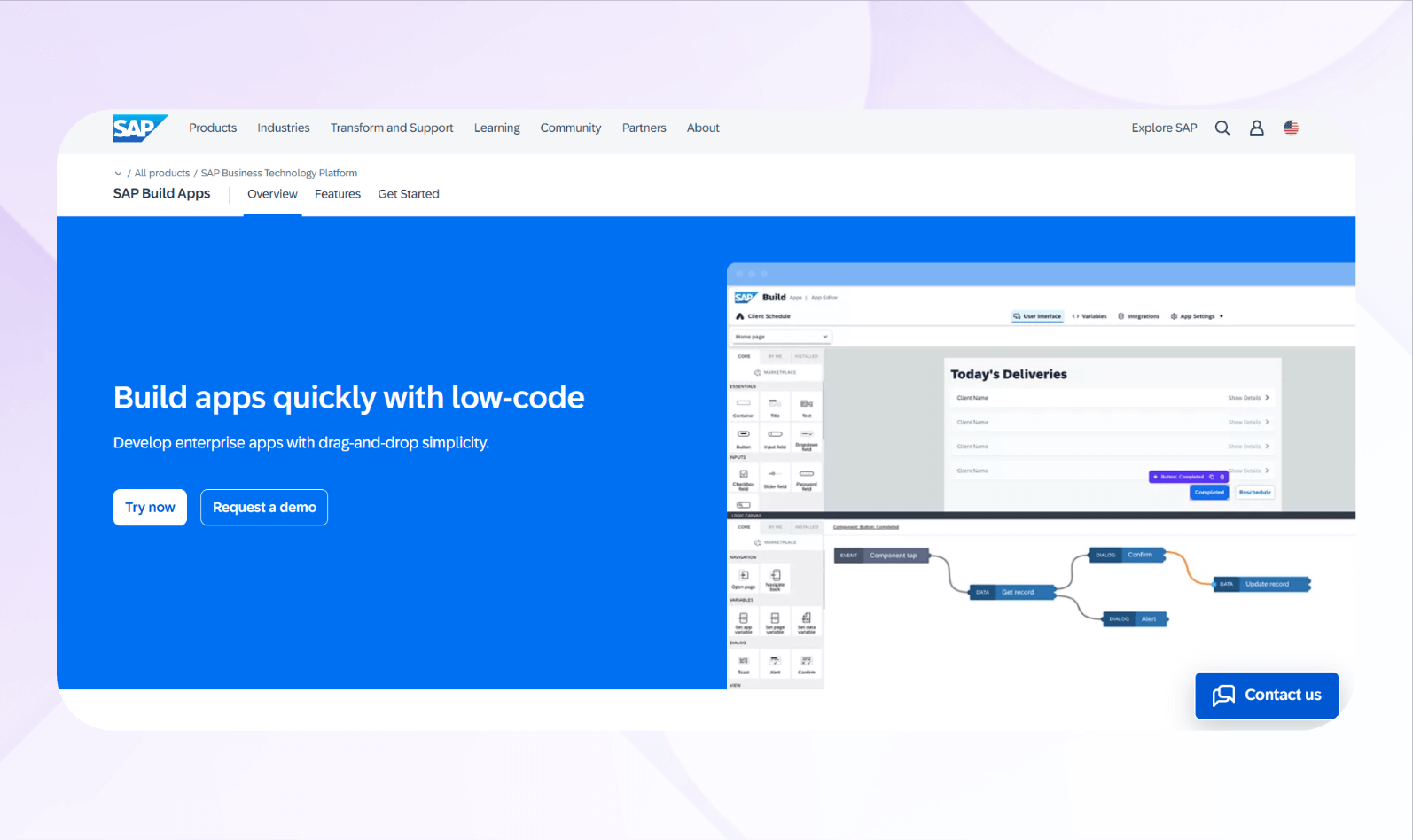
What it does: SAP Build Apps lets you create enterprise web and mobile apps that integrate with SAP.
Who it's for: The platform suits SAP ecosystem developers and business users who want to extend SAP S/4HANA or SuccessFactors workflows.
Build Apps' drag-and-drop canvas lets me assemble mobile tools that I could publish to the Apple App Store and Google Play Store, making it easy for my team to download. The UI builder performed smoothly and maintained a consistent design across screens.
When I connected REST and OData sources to my backend data, I found the platform handled SAP and non-SAP systems while also maintaining strong data-binding. This made configuring logic flows, triggers, and formulas code-free and straightforward.
Key Features
- Backend connectivity: Integrate SAP systems, REST APIs, OData, and cloud functions to build full-stack applications.
- Logic flow engine: Create triggers, decision flows, formulas, and event handling via a visual logic canvas.
- Multi-platform deployment: Publish built apps to web, mobile devices, tablets, and app stores from a single development environment.
Pros
- Deep SAP ecosystem integration: Tight coupling with SAP Business Technology Platform and SAP systems enables you to integrate your apps with enterprise workflows.
- Full-stack capabilities: Supports both front-end interface design and backend logic/data modeling in one environment.
Cons
- Less flexibility for custom UIs: For bespoke or niche UIs, the visual builder may limit fine-grained design or require custom code workarounds.
Pricing
Contact SAP Build Apps' sales department for a quote.
Bottom Line
If your organization already runs on SAP, SAP Build Apps is an ideal option for building enterprise apps that support large workflows and multi-platform deployment.
5. Workato: Best for Data Syncing and iPaaS Integrations
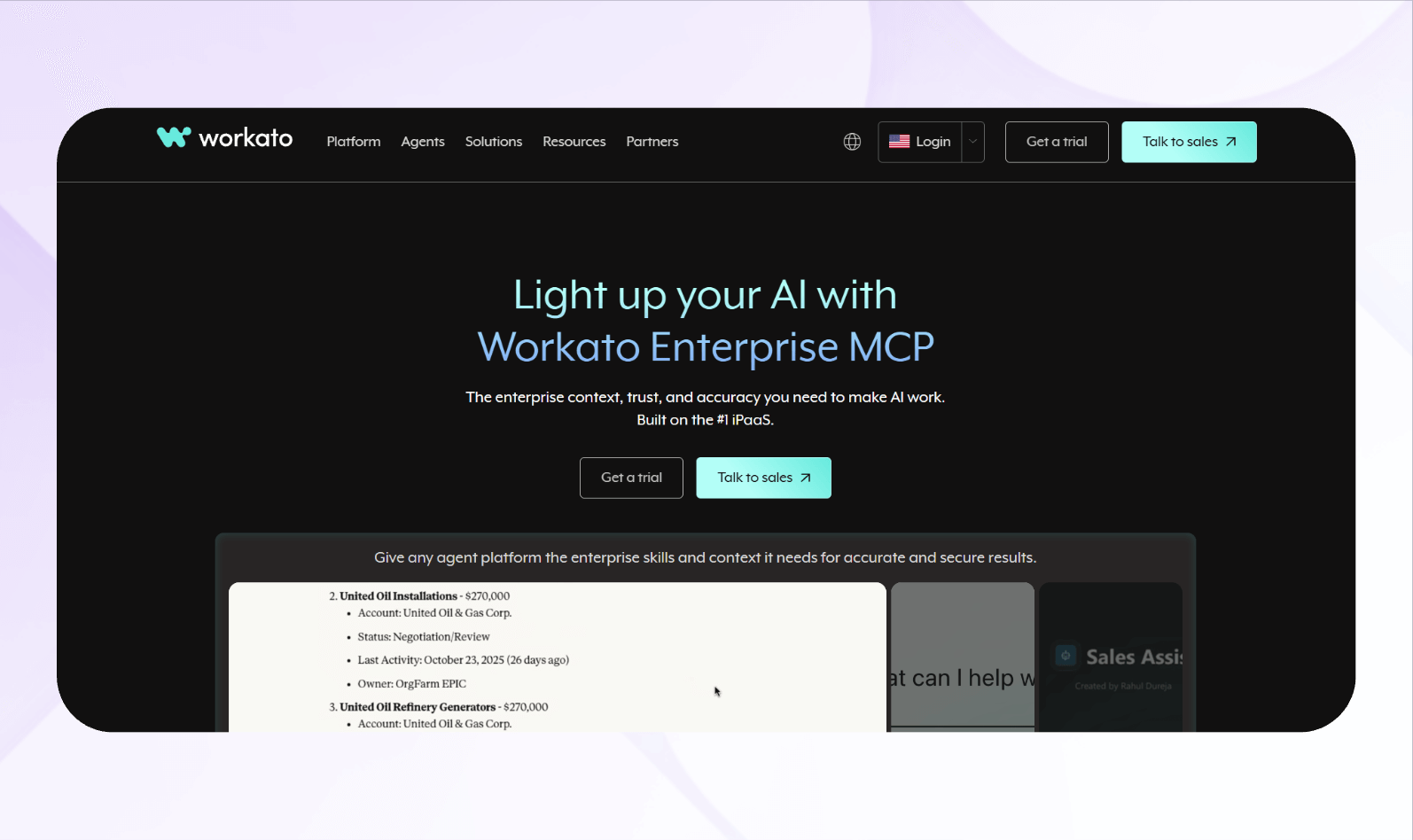
What it does: Workato enables enterprises to build data-management apps and workflows by automating processes and integrating systems at scale.
Who it's for: The platform serves enterprise IT teams who need app-building capabilities combined with iPaaS and data orchestration.
By connecting five cloud applications via pre-built APIs, I created a data-sync workflow between our CRM and ERP. Then, I used Workato's recipe builder to handle complex mappings throughout the system, which executed without errors.
I then built an approval app using embedded forms. My conditional logic and notifications allowed my team to trigger processes without writing any code, but configuring the APIs took longer than I expected.
Key Features
- Connector library: The platform offers hundreds of ready-made integrations for SaaS, on-premise, and database systems to simplify enterprise connectivity.
- Automation builder: Workato's visual interface for creating workflows, triggers, and actions helps automate repetitive business processes.
- Data orchestration: Supports complex data transformations, synchronization, and scheduling between multiple APIs and enterprise databases.
Pros
- “Recipes” accelerates workflows: The Recipes feature lets you automate complex processes by defining triggers and actions that span apps, APIs, and databases.
- End-to-end automation: Workato handles everything from data sync to workflow execution within a single platform.
Cons
- Limited front-end flexibility: The platform focuses on backend automation rather than UI-based app creation.
Pricing
Schedule a demo to learn more about Workato's custom pricing plans.
Bottom Line
Workato is ideal for enterprises that need a secure, scalable platform to connect systems, sync data, and automate complex backend workflows.
6. Zapier: Best for Simple No-Code App Integrations
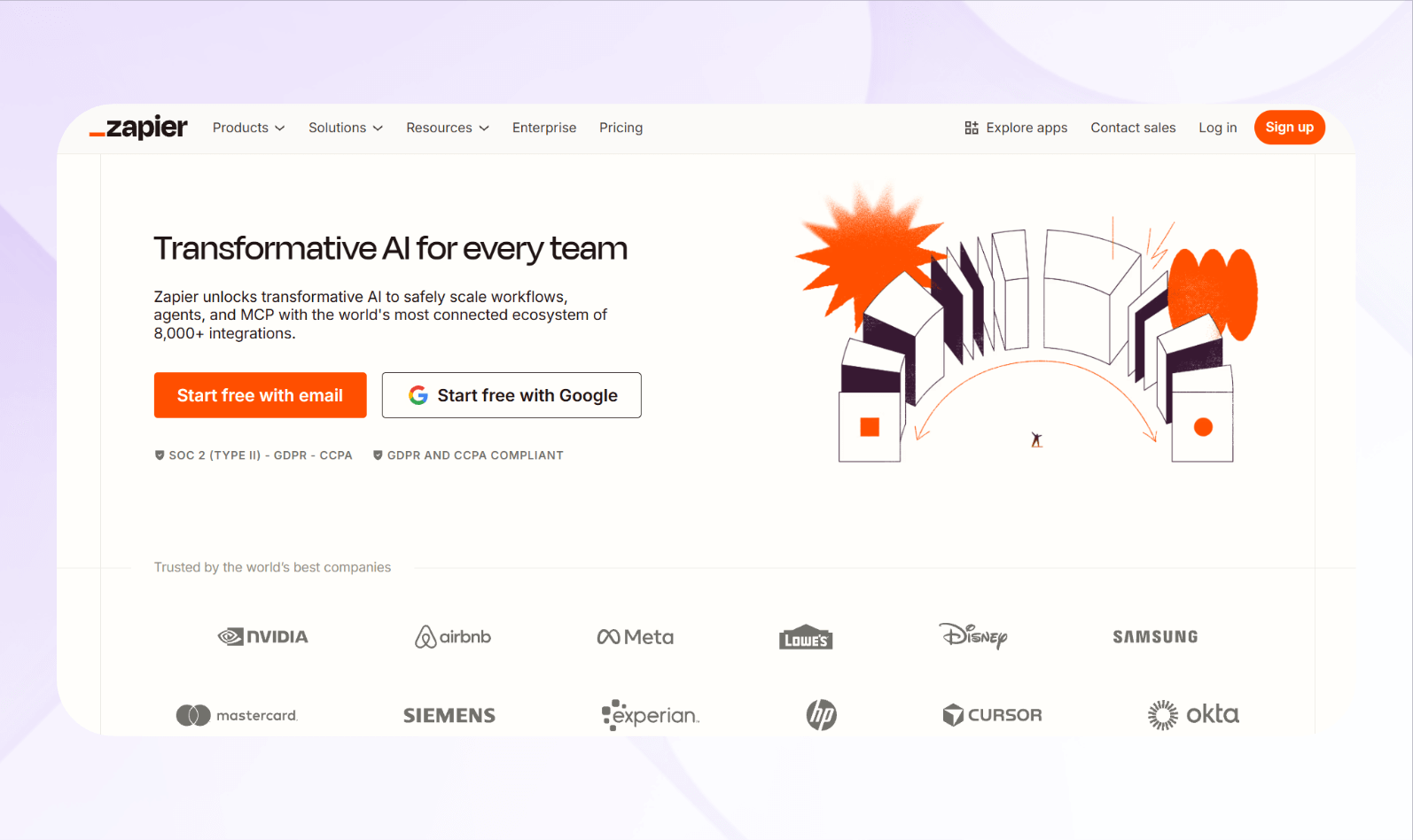
What it does: Zapier lets you integrate with over 8,000 third-party platforms and automates repetitive tasks between them without requiring any coding.
Who it's for: The platform meets the needs of businesses of all sizes, from small startups to enterprise departments that need lightweight, no-code automation.
Zapier allowed me to create a workflow that sent new Google Form submissions to a Slack channel in just a few minutes using the simple flow editor. The trigger executed instantly, with no manual refresh or sync needed.
I even built a multi-step workflow that updated HubSpot records, sent confirmation emails, and created follow-up tasks in ClickUp.
However, after the launch, team members began complaining about missed triggers and duplicate actions. I discovered Zapier's reliability dropped with complex, multi-app workflows, forcing me to add error filters and manual review steps just to keep the automation stable.
Key Features
- Workflow builder: Create automated workflows with triggers, actions, and conditions using a simple, visual interface without writing code.
- Conditional logic: Add filters and branching paths to control when and how you complete tasks for more accurate automation flows.
- Team collaboration: Manage shared workflows, assign user permissions, and centralize automation visibility across departments.
Pros
- Extensive app ecosystem: Connect thousands of business applications using Zapier's large integration library.
- Beginner-friendly interface: The platform is intuitive and straightforward, allowing users to start using it without needing to watch or read tutorials.
Cons
- Weak multi-step performance: Complex multi-step workflows can fail or slow down, forcing users to split processes into smaller, less efficient automations.
Pricing
Zapier pricing starts at $29.99/month.
Bottom Line
Zapier is best for teams that want a simple, no-code automation tool to connect apps, streamline tasks, and save time without developer involvement.
7. UiPath: Best for Robotic Process Automation (RPA)
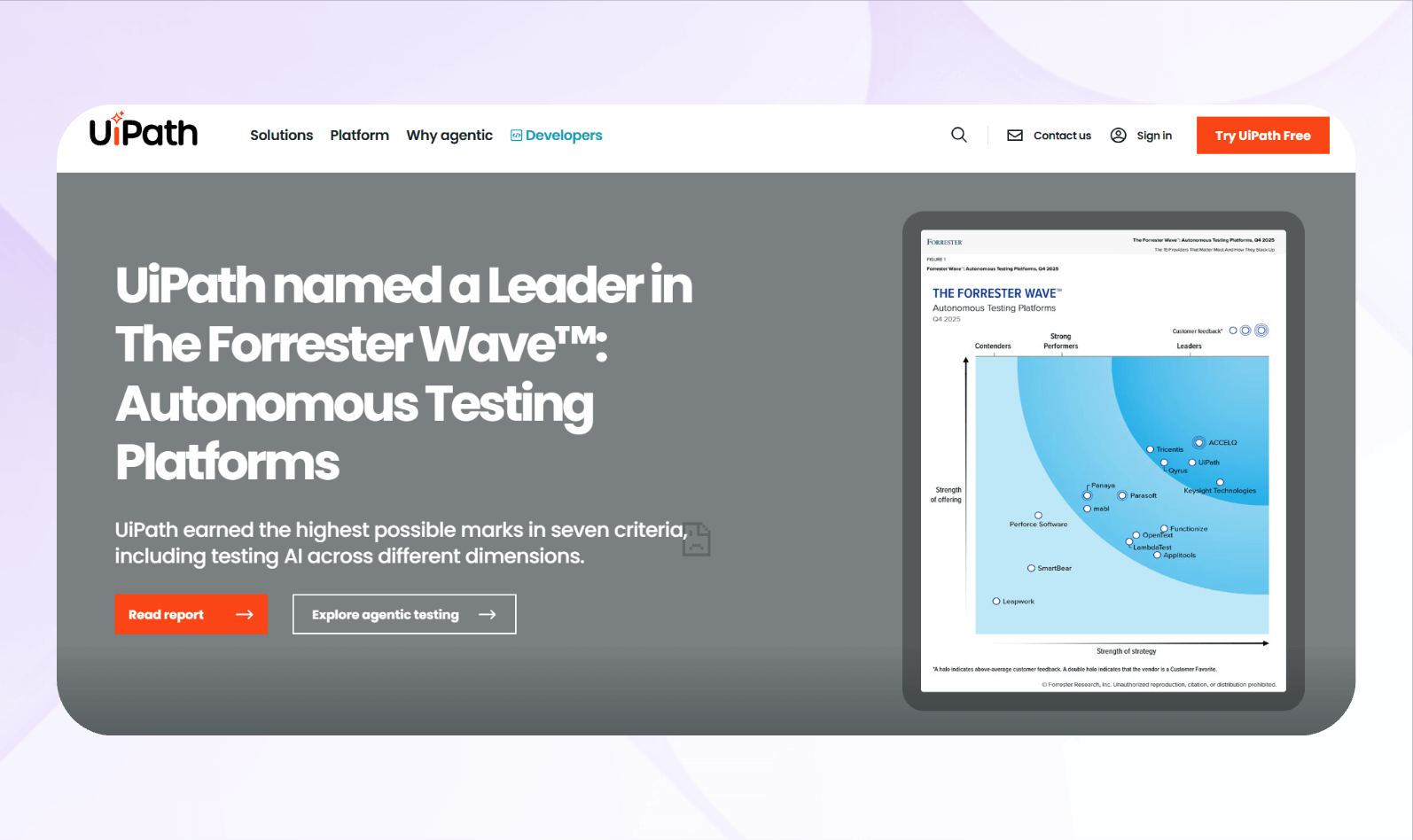
What it does: UiPath automates repetitive, rules-based business tasks using software robots and AI agents that operate across a broad range of functions, including applications, web services, and internal business workflows.
Who it's for: Enterprise process engineers, automation leads, and IT operations teams can scale their business-process automation with UiPath.
I designed an agentic UI automation flow that used software robots and AI agents to extract product listings, pricing, and stock data from supplier websites. The agents then handed the data off to an API connector, which synced it into our Airtable base.
The low-code workflow and agent designer let me quickly compose and customize these agents within a larger enterprise app. I set up event-driven triggers so the agents refreshed competitor data every day. They also highlighted pricing changes in near real time and pushed alerts to Slack when our inventory levels dropped.
Key Features
- Robot studio: Build attended and unattended bots plus coded or low-code AI agents that can perceive context, call tools and APIs, and take actions.
- Orchestrator: Centrally schedule, monitor, and govern robots and AI agents, and route work between them.
- Process mining and task capture: Capture user activity, analyze process flows, and identify opportunities to deploy agents across your workflows.
Pros
- Scalable automation: Lets you scale from simple task bots to enterprise-wide agent deployments working in every department.
- Broad enterprise applicability: Supports agent use cases in finance, HR, operations, IT, and industry-specific workflows, backed by built‑in tools for process discovery and optimization.
Cons
- Requires technical expertise: Designing agents, integrating AI models, and governing them at scale typically requires strong developer skills.
Pricing
Sign up for a free 60-day trial, and then discuss pricing options with the sales team.
Bottom Line
UiPath fits enterprises that are moving beyond simple integrations and want AI agents to autonomously execute and optimize complex, high‑volume business processes.
8. Bubble: Best for Building Fully Custom Web Apps
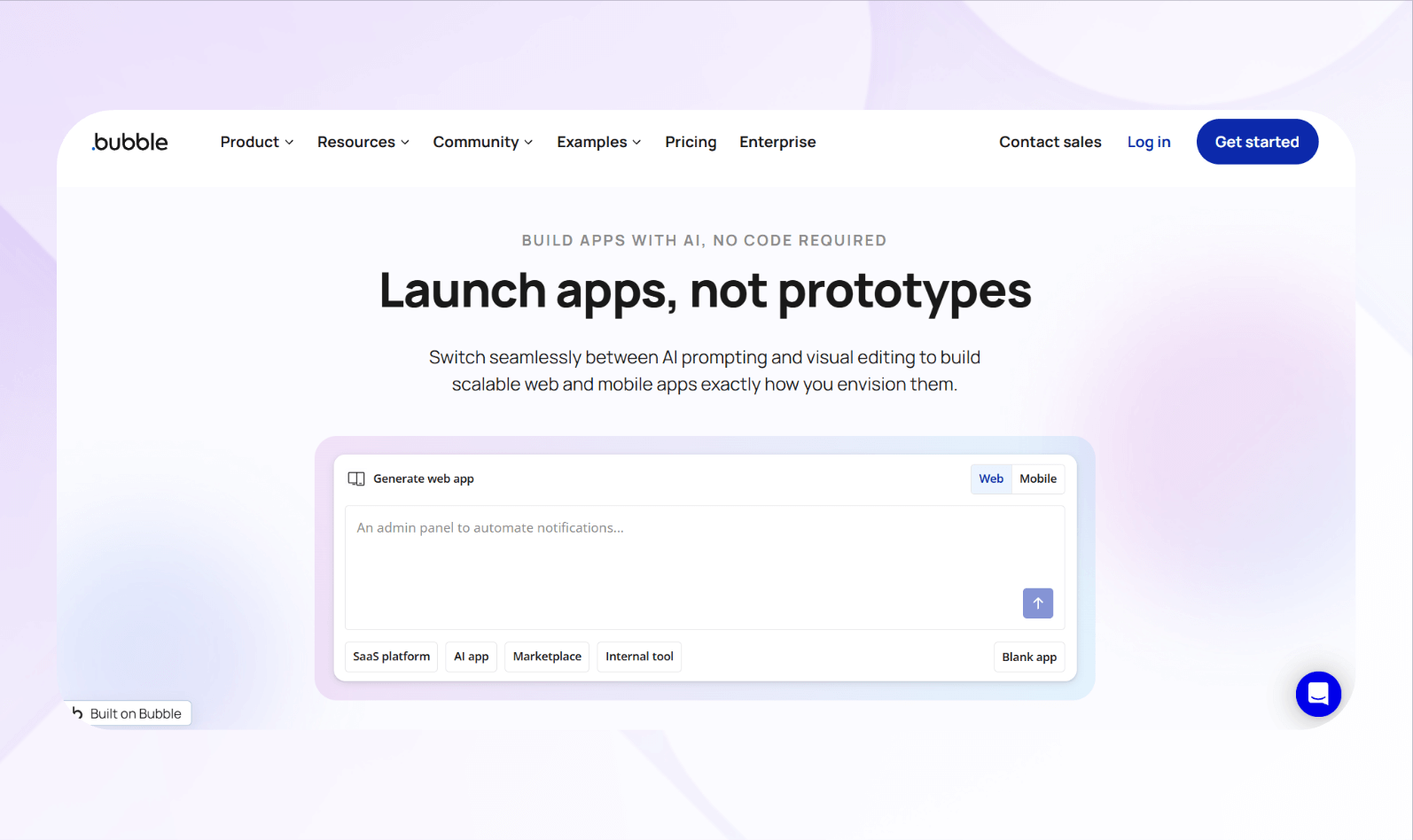
What it does: Bubble is a no-code web and native mobile app builder that lets you create custom web applications, integrating backend logic and responsive UI in one environment.
Who it's for: Teams of all sizes and enterprises needing customized web apps quickly without traditional development teams.
I created a marketplace prototype using Bubble's visual editor, which offered enough flexibility to design custom UI components. Then, I integrated a REST API to pull buyer data. Bubble handled data binding, pagination, and dynamic content reliably with minimal setup.
Then, using third-party wrappers, I published my marketplace app to the Apple App Store and Google Play Store.
Key Features
- API & plugin support: Connect external services through the platform's native integrations, or use REST APIs and custom plugins to extend functionality beyond the built-in feature set.
- Collaboration and deployment: Support for teams, live app hosting, custom domains, and version control simplifies build-to-launch workflows.
- Scalability and performance metrics: Monitor usage via workload units, scale app capacity as needed, and access enterprise infrastructure when required.
Pros
- Rapid customization: Teams can design unique web apps tailored to their business processes without engaging complete developer cycles.
- Unified platform: Bubble lets you build a full-stack app, including both front-end and back-end components, without writing any code.
Cons
- Steep learning curve: Although it's a no-code tool, mastering the interface, data modeling, and performance tuning takes time and effort.
Pricing
Start using Bubble for $69/month.
Bottom Line
For teams ready to build custom web applications quickly and with full control, Bubble offers strong flexibility, unified capabilities, and scalability.
9. Softr: Best for No-Code Web Portals and CRMs
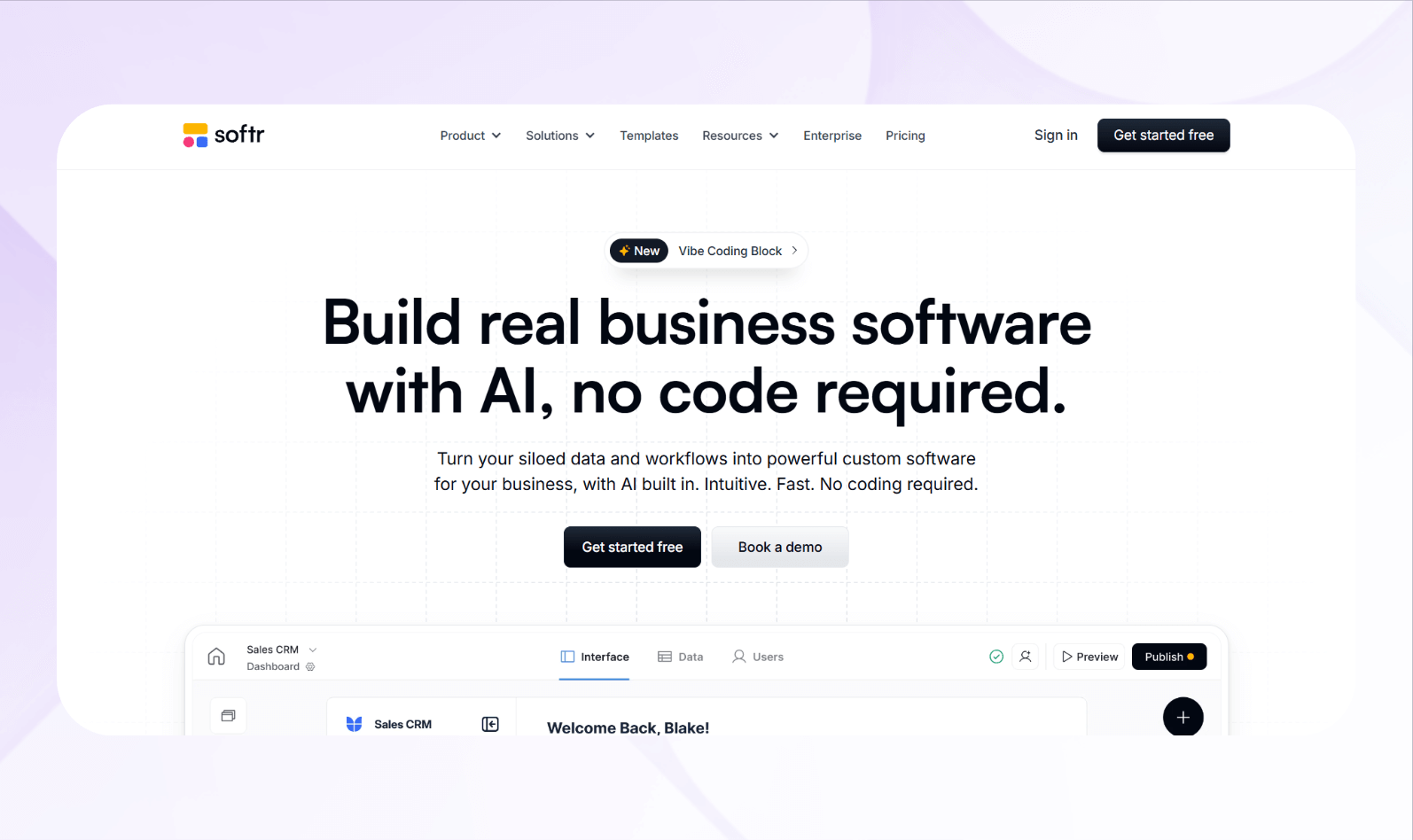
What it does: Softr enables businesses to build web portals, internal CRMs, and membership platforms using no-code blocks connected to data sources.
Who it's for: It is designed for organizations, product teams, and agencies that need to launch client portals or CRM-style tools quickly from pre-existing data sources.
Using data from a connected Google Sheet, I built a client portal from one of Softr's premade templates. The front end synced smoothly with my data source, and I designed customer profile pages in minutes using dynamic layouts and form blocks.
To test scalability, I used an external automation tool to generate 5,000 sample user records in my Google Sheet. Softr handled the imported data and user access rules without major issues, although performance started to slow down during large sync operations.
Key Features
- Data connections: Softr integrates with Airtable, Google Sheets, Xano, Supabase, and REST APIs for real-time data display and updates.
- Prebuilt templates: Ready-to-use designs for CRMs, portals, and internal tools accelerate launch timelines and minimize setup effort.
- Scalable deployment: Create enterprise portals with custom domains, white labeling, and PWA support.
Pros
- Fast app creation: Teams can design and launch portals or CRMs in hours instead of weeks, minimizing developer involvement.
- Easy for non-technical users: Nearly anyone can build, edit, and update portals directly through the visual interface.
Cons
- Not a “full stack” no-code app builder: Softr doesn't offer a backend builder, so you'll need to come up with your own database, or create one using a different tool.
Pricing
Start using Softr for $59/month.
Bottom Line
Softr suits teams that need a no-code enterprise app builder for CRMs or client portals. It's fast, easy to use, and integrates with several data sources.
10. Glide: Best for Apps with a Sleek User Interface

What it does: Glide lets you build polished web apps with brandable design and live data synchronization.
Who it's for: It's great for product teams and business units needing visually appealing internal apps without full developer resources.
Glide Tables, the platform's built-in database builder, let me create my own data structure before designing the front end. After setting up my lists and detail views, I selected a premade template (specifically designed for an ordering app) and began creating my front-end.
I applied custom colors, fonts, and customized elements. However, customization was limited. I couldn't reshape component edges or freely reposition elements within the layout.
Key Features
- Visual designer: Drag-and-drop screens, lists, and detail views let you build full-featured apps with a strong aesthetic emphasis without coding.
- Spreadsheet backend support: Use Google Sheets, Excel, Airtable, or Glide Tables as your data source to power up app content and logic.
- Responsive mobile deployment: Publish web apps optimized for mobile devices, with custom domains and branding, suitable for internal or external distribution.
Pros
- Rapid, beautiful output: You can build internally-used apps with a clean, attractive interface in hours instead of weeks.
- Strong fit for internal tools: If you need visually appealing dashboards, employee portals, or field apps, Glide delivers without requiring code.
Cons
- Styling limitations at scale: For highly custom UI or animations, the builder falls short, and developers may still need to intervene for exact brand fidelity.
Pricing
Start using Glide for $25/month.
Bottom Line
If you want an enterprise app builder that prioritizes design, speed, and live-data mobile apps for internal audiences, Glide delivers substantial value.
11. Mendix: Best for Enterprise-Grade Low-Code Development
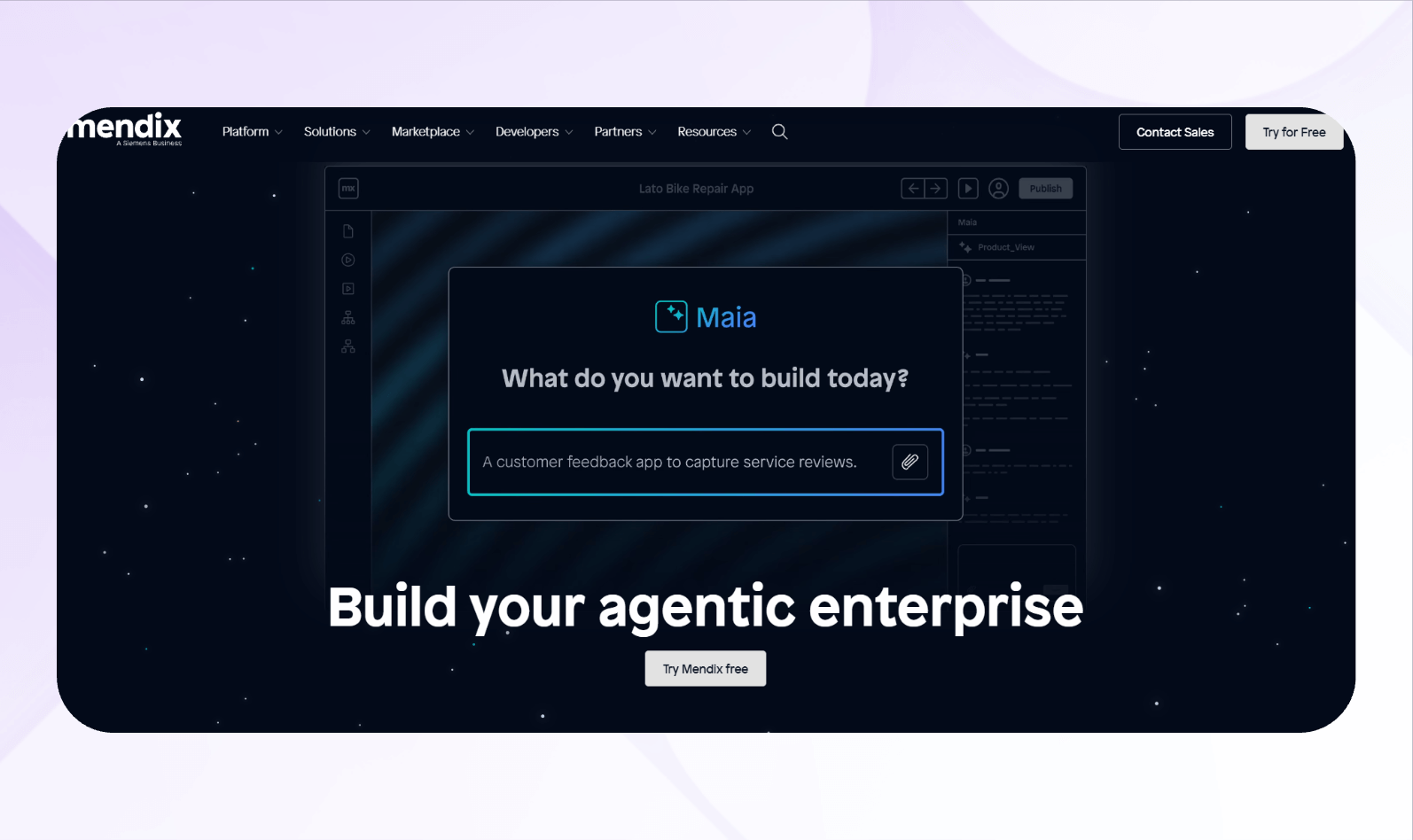
What it does: Mendix accelerates enterprise application development through low-code visual modeling, full-stack extensibility, and cloud-native deployment.
Who it's for: It serves IT teams and enterprise developers building mission-critical web and mobile apps at scale.
I built a mobile data collection app using Mendix's visual modeler, deployed it in 3 hours with a responsive UI and minimal manual coding. For data sources, I connected multiple backend systems via REST, SOAP, and OData.
Overall, my app handled these complex integrations smoothly while maintaining clear data mappings. To monitor data transfer, I created a dashboard that displayed API response times and transaction throughput.
Key Features
- Visual modeling: Create business logic, data models, and UI screens using drag-and-drop and visual rules, while extenders can add custom code when required.
- Multi-channel deployment: Build web apps, mobile apps (native or PWA), and IoT-enabled solutions in one platform and deploy to cloud, hybrid, or on-premises.
- Integration and data access: Connect to REST, SOAP, JDBC, OData, SAP, Salesforce, and other systems and manage data across the enterprise securely.
Pros
- Enterprise scalability: The platform supports large user bases, multiple apps, full-stack deployments, and powerful governance across IT and business.
- Developer and citizen alignment: Teams of business users and professional developers can collaborate effectively, utilizing tools that cater to both skill sets.
Cons
- UI/UX customization limits: For highly customized experiences or very custom front ends, developers may still need to write custom code outside the visual framework.
Pricing
Contact Mendix for a custom quote.
Bottom Line
If your organization needs an enterprise app builder capable of handling complex applications with full governance and scalability, Mendix is a strong choice.
12. Xano: Best for No-Code Backend and APIs

What it does: Xano is a no-code backend builder with API generation, database modeling, and serverless logic.
Who it's for: The platform targets product teams, internal tool builders, and agencies that need scalable backends without hiring a full-time backend engineering team.
Using Xano's no-code interface, I built a new API endpoint in minutes. The visual workflow builder supported branching logic and error handling smoothly. I connected a PostgreSQL database schema and set up table relations and filters. Ultimately, Xano provided intuitive and powerful data modeling for complex queries.
I deployed the backend to production, enabled role-based access and monitored logs. Xano's compliance controls and auto-scaling options met enterprise standards, handling thousands of users without performance issues.
Key Features
- API builder and endpoints: Xano auto-generates REST-based API endpoints, documents them, handles authentication, and exposes data securely to frontends.
- Flexible database backend: You can use a Postgres database with unlimited records, relations, indexing, and performant queries for enterprise data models.
- Integration and automation: Connect with external APIs, run scheduled tasks, and build workflows that trigger on data events or user actions.
Pros
- High scalability and flexibility: The platform supports large datasets, complex logic, and integrations, making it suitable for internal tools or SaaS backends.
- Enterprise-ready security and governance: With features like access control, audit logs, and compliance add-ons, Xano aligns with corporate standards.
Cons
- Doesn't offer a frontend builder: Xano handles the backend only, so you'll still need a frontend builder or codebase for UI, which adds a tool-chain step.
Pricing
Xano's pricing starts at $29/month.
Bottom Line
If you need an enterprise app builder that excels at creating back-end systems with custom APIs and that can scale, Xano is a strong choice. Just be sure to pair it with a frontend tool and plan for growing infrastructure.
How I Tested These Enterprise App Builders
Using sample datasets from my company's operations and marketing departments, I crafted various apps utilizing 40+ enterprise app builders. Here's what I looked for to boil down my list to the 12 best:
- Ease of use: A tool's usability determines how quickly teams can go from concept to launch. I shortlisted platforms that reduced setup time with easy visual editors.
- Integration depth: Enterprise apps must connect smoothly with databases, APIs, and third-party tools. Platforms that handled complex integrations without code earned higher marks.
- Scalability and performance: Reliability matters when apps serve hundreds of users or process large data volumes. I simulated high-traffic scenarios and large data syncs, and builders that maintained fast response times ranked better.
- Security and compliance: Enterprises require governance and data protection at every level. I examined whether each tool could support access control, audit logs, and role-based permissions.
- Support and documentation: Reliable support shortens development time and resolves deployment issues faster. I reviewed help centers, tutorial quality, and response time from customer support.
My Final Verdict: Which Enterprise App Builder Should You Choose?
As my final top 3, I selected Blaze, App Builder, and Retool. Each platform offers excellent onboarding support, a strong visual builder for frontends and backends, and integrations or API capabilities.
Here's how to determine which enterprise app builder suits you:
Choose Blaze If…
You have a non-technical team and want to create enterprise apps without hiring developers. Blaze's implementation team will walk you through the platform and help you publish your first app.
The platform also offers security features like audit logs, multi-factor authentication, and role-based permissions.
Choose App Builder If…
You're a technical product manager, enterprise developer, or design engineer. The platform lets you build apps with its visual designer and keep the code for further customization. App Builder gives you full control over exported React or Angular components.
Choose Retool If…
You are a data engineer, operations lead, or analyst who wants to create enterprise tools that connect directly to databases and APIs with minimal development time. Retool offers
fast, prebuilt components to query, visualize, and manipulate data in a secure and centralized workspace.
Avoid Enterprise App Builders If You…
You're a small or medium-sized business with a tighter budget and simpler needs. Most enterprise app builders are priced and structured for organizations of over 1,000 employees. They need complex infrastructure and scalability. And, if you require total code control and plan to build highly customized apps, visual builders won't match full-code flexibility or performance tuning.
Build Your Next Enterprise App with Blaze
You don't need coding skills or an engineering team to create an effective enterprise app. With Blaze, you can create and scale secure enterprise applications that connect teams, workflows, and systems, all without writing a single line of code.
Here's why Blaze is the best enterprise app builder for your organization:
- No-code ease: Blaze's drag-and-drop builder lets non-technical teams create project management tools, dashboards, and automation workflows in days (sometimes, hours) instead of weeks.
- Customizable enterprise workflows: Every organization operates differently. Blaze lets you design custom workflows for approvals, reporting, and data management that align with your business processes.
- Enterprise compliance: Blaze includes features such as audit logs and role-based permissions to support HIPAA and SOC 2 compliance requirements, though actual compliance depends on how each organization configures and uses the platform.
- Dedicated support: Blaze provides hands-on onboarding and implementation support so your team can launch, test, and scale apps confidently across departments.
Build powerful enterprise applications faster, safer, and without code with Blaze. Schedule a free demo today.
Frequently Asked Questions
What Is an Enterprise App Builder, and How Is It Different From iPaaS or RPA?
An enterprise app builder lets teams create full business applications with custom data models, user interfaces, and access controls. In contrast, iPaaS platforms focus on connecting and syncing data between existing tools. RPA automates repetitive, screen-based tasks inside those tools. Many enterprises use just a few tools to build end-to-end workflows.
Can Small Companies Use An Enterprise App Builder?
Yes, small companies can use an enterprise app builder. However, it's usually worth it only if you need advanced features like security, governance, or multi-user workflows that simpler tools can't handle. For most basic apps, lighter no-code platforms are faster to set up and far more affordable.
Are Enterprise App Builders Secure Enough For Sensitive Company Data?
Yes, most enterprise app builders include enterprise-grade security such as encryption, access controls, and certifications like SOC 2 or HIPAA. However, security features vary by plan, so it's important to review each platform's documentation and governance options before deploying apps that handle sensitive data.
The Secure No-Code & AI Platform
Supercharge your team's operations and performance with better apps and tools.
Create custom apps fast
Secure & HIPAA compliant
Streamline complex workflows

The Secure No-Code Platform
Build apps with best-in-class security.
Related Articles
Discover related guides on healthcare no-code development, HIPAA compliance, security, integrations, and launching apps faster.

10 Best HIPAA-Compliant Telehealth Platforms and Features | 2026
HIPAA-compliant telehealth platforms provide secure medical visits. Top platforms are Doxy.me and Zoom for Healthcare. Compare tools and learn your best fit.
.png)
10 Best Replit Alternatives: Tested for Developer Tasks (2026)
After comparing 10 Replit alternatives, I found differences in compliance features and needed coding skills. Discover platforms and prices to find the best fit.
%20(1).png)
Healthcare Claims Automation: How It Works (2026)
Healthcare claims automation connects systems to reduce repetitive work. Explore the 9 workflow stages that show how eligibility, validation, and payments move.