
Table of contents
Build Custom CRM Without Coding: Guide + Top 4 Tools in 2026

Written by
Blaze Team

Reviewed by
Justyna Wojcik
Expert Verified
Over the years, I’ve helped hundreds of companies build custom CRM systems without programming. Learn how to create your own CRM and the top 4 no-code platforms for building.
What Is a Custom CRM?
A custom CRM is a customer-management system built to accommodate your exact workflows. It consolidates your sales, support, and marketing data into a single, organized space. You tailor your CRM to follow your unique lead-generation and account-management procedures.
These tools often deliver higher performance than many off-the-shelf CRMs, which can require your team to change their workflows to fit the software and may involve manual data entry. Changing workflows and manual data entry often leave teams frustrated.
Benefits of Building a Custom CRM
Creating your own custom CRM lets you decide the layout and which features matter the most. You’ll get these benefits:
- Flexibility: A custom CRM adapts to your exact workflows rather than forcing your team to adapt. It lets you create tailored automations, user experiences, and dashboards that you can reconfigure as your business adopts new policies and procedures.
- Better data control: With security features like role-based permissions, you define who accesses what, how information flows, and where it’s stored.
- Scalability: Custom CRMs scale with your business. You can add new users, features, and data pipelines, keeping your operations fast and reliable.
- Integration power: Connect your custom CRM directly to marketing tools, billing systems, or AI assistants, eliminating data silos and enabling cross-platform automation.
- Regulatory compliance: Some custom CRM solutions include features that support regulated industries, like HIPAA standards for healthcare CRMs and SOC 2 compliance.
When searching for a custom CRM builder, we suggest you choose one that offers the benefits listed above. A CRM that checks all these boxes will grow with your business and integrate with new technologies as they emerge.
How to Build Your Own Custom CRM without Coding
The beauty of custom-crafting your own CRM with a no-code platform like Blaze.tech is that it doesn’t require any coding. You can build your own custom CRM by following these steps:
Step 1: Define Your Goals and Key Requirements
Start by mapping the data relationships your CRM manages. List every component you’ll include, such as contacts, deal stages, and document storage, and define how each connects. Define relationships early so your CRM mirrors your real operations.
Then, plan for scalability. A well-structured CRM stays fast and responsive with 100 or 100,000 records, so set policies for data retention and automatic archiving. Design roles and permissions that scale with your team. Plan automation triggers to handle growing workflow complexity.
Step 2: Build Core Features
Your CRM needs foundational modules to support daily operations. Start with a contact management system, which will be the heart of your CRM’s centerpiece. Design a UI (user interface) that captures details such as industry type, renewal dates, and product preferences.
Include these features in your CRM:
- Deal pipeline tracker: Mirror your real sales process, define stages, and automate date tracking and deal values.
- Opportunity alerts: Set alerts for stalled deals or those requiring quick attention.
- Activity management tools: Build tools such as task boards, activity logs, and scheduling dashboards, along with due dates, to organize daily operations.
- Custom task types: Add and customize task categories like calls, meetings, and follow-ups.
- Automated reminders: Use automatic notifications to maintain accountability without manual oversight.
Once you add each core feature, test it with your team to confirm it works as you want.
Step 3: Design Data Structure
Design your CRM to follow your business logic by creating a database that handles all relevant information. Platforms like Blaze include a no-code database-building tool, but not all custom CRM builders offer this.
A solid CRM database contains the following:
- Contact management: Create a centralized database to store client details, communication history, and relationship status.
- Lead capture system: Integrate web forms or imports to automatically collect and qualify new leads.
- Document storage: Attach proposals, contracts, and notes directly to client or deal records.
- Reporting dashboard: Generate real-time insights on sales performance, conversions, and revenue forecasts.
- User permissions: Set role-based access controls to allow only certain team members to access sensitive client and deal information.
- Audit logs: Track every change made to records for transparency and accountability.
Once your core setup is stable, look for ways to continually refine it and customize views to reduce clutter.
Step 4: Add Automations and Integrations
Don’t add several automations all at once. Instead, create them piece by piece to reduce errors. For example, when a new lead arrives, automate your CRM to check the company size and industry. Then, assign it to the appropriate sales representative, trigger a welcome email sequence, and schedule a follow-up task.
If no contact occurs within a set time, an alternate sequence can begin automatically. Similar automations can manage contract renewals, deal-stage transitions, customer onboarding, or support escalations.
Integrate your CRM with the tools your team already uses to eliminate manual tasks. For instance, sync email and calendar data so all communication history is visible in one place. Connect your payment and subscription systems for real-time updates, and add notifications to your team’s messaging platform to alert the right people at the right time.
Pro-tip: Prioritize integrating software your entire team uses, like email, calendar, and project management tools like Asana. Integrating common tools first saves time and increases productivity.
Step 5: Test and Launch Securely
Introduce your CRM gradually, starting with a small pilot group of team members. Use their feedback to refine and further customize your CRM. Once you’ve made the needed changes, expand to more users, and then implement advanced customization.
If you’re transferring data from an old system to your new CRM, clean and validate it first. Remove duplicates, test imports, and confirm all your data is accurate. Keep your old system active temporarily until you verify that all critical data has transferred correctly.
Assess your new system’s compliance and security. Test your audit logs and role-based access controls with sample data before going live.
Once live, continuously monitor performance and feedback, and continue customizing your CRM as your business sets new goals and adopts new technologies over time.
How Much Does It Cost to Build a Custom CRM?
Creating a no-code CRM can be much less expensive and more time-efficient than hiring an agency for a custom-coded CRM. Let’s compare them head-to-head:
If you’re aiming to save money and build without coding, take a look at our top 4 no-code custom CRM builders.
4 Best No-Code Platforms for Building a Custom CRM
1. Blaze: Best for Regulated and Healthcare Industries
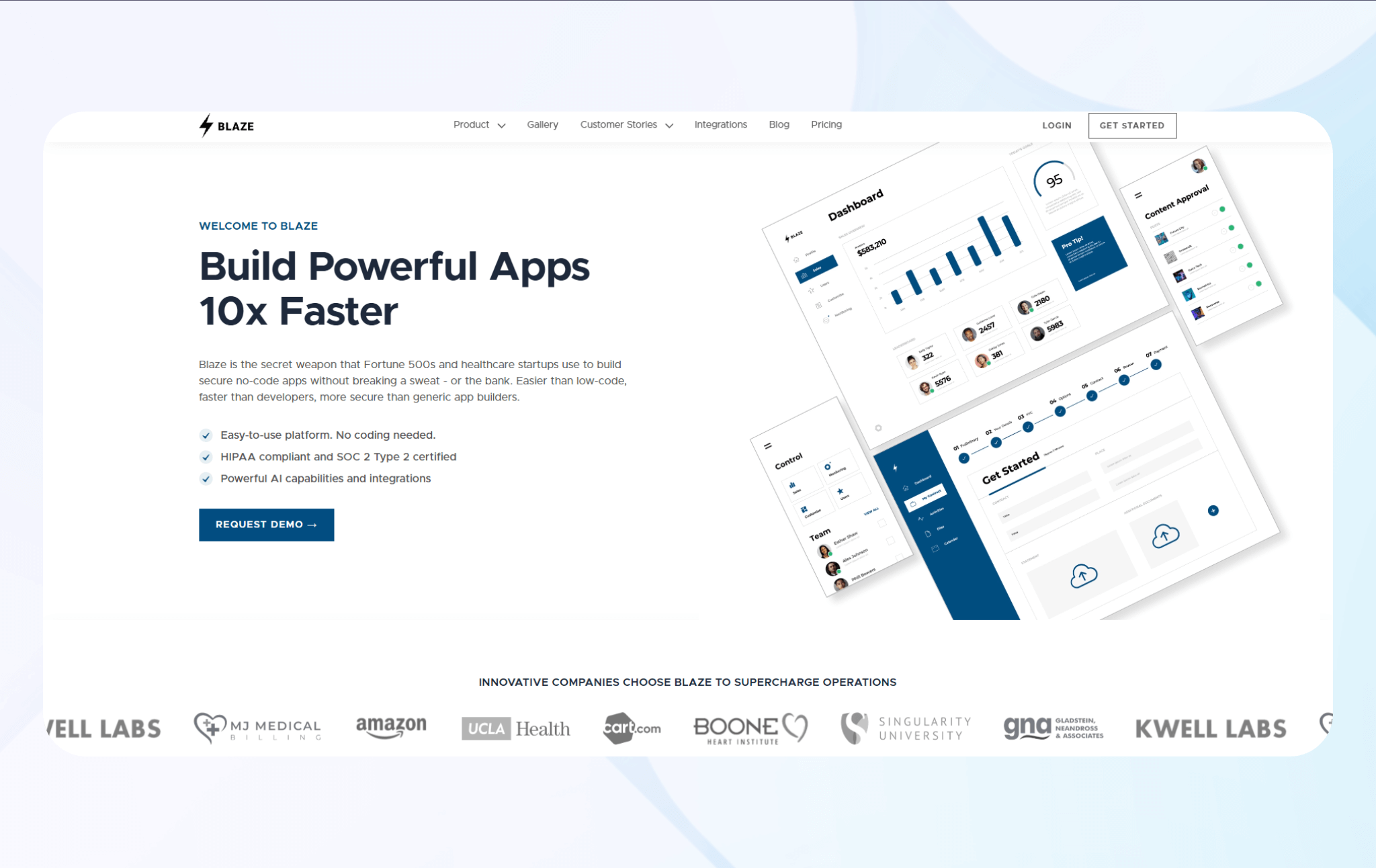
Blaze suits mid-sized and large businesses that need to build custom CRMs at scale. It’s designed for non-technical teams, letting anyone build their own system without coding experience.
Key Features
- Drag-and-drop builder: Blaze’s intuitive interface lets you design complex CRMs by dragging premade elements like charts, screens, and buttons.
- Advanced security: Blaze supports SOC 2 and HIPAA standards, ensuring safe storage of financial and health data. It includes automatic audit logs, two-factor authentication (2FA), and single sign-on (SSO) for strong data protection.
- Integrations: Blaze connects easily with several different third-party tools, including Stripe, Airtable, and Google Sheets.
Pros
- Dedicated implementation support for enterprise plan: If you choose the enterprise version, a Blaze specialist will help you set up databases, workflow automation, and API integrations.
- Unlimited apps and storage: Teams can build multiple CRMs or related portals without hitting storage or app limits.
Cons
- No free trial: You need to book a demo with Blaze’s team since there’s no available trial.
Pricing
Start building your custom CRM on Blaze for $1,500/month. Companies that require HIPAA and SOC 2 compliance should contact sales for a custom quote.
Bottom Line
Blaze suits growing companies that want secure, customizable CRMs without developer support.
2. Creatio: Best for Process-Oriented Custom CRMs
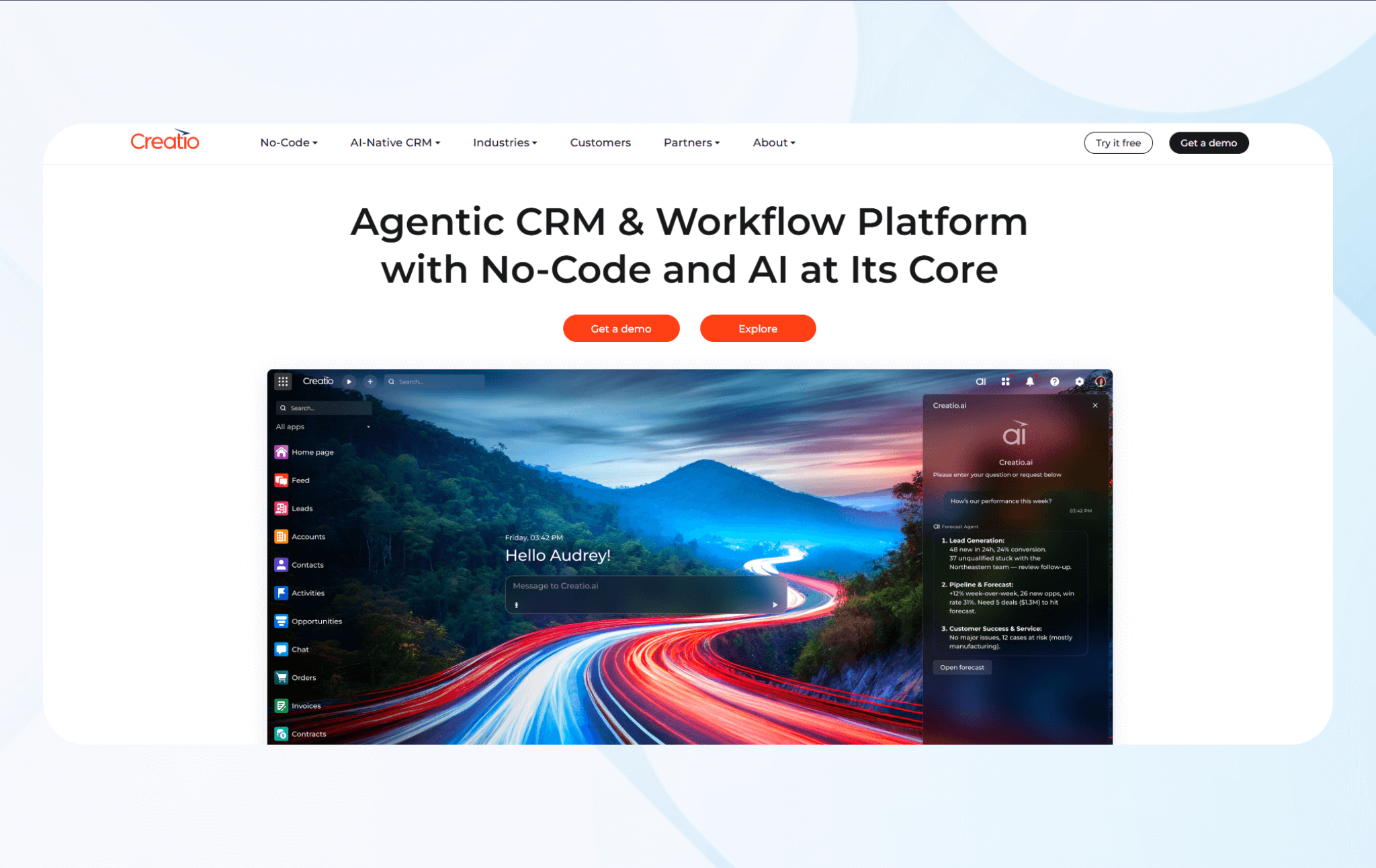
Creatio lets businesses design fully custom CRM systems with built-in workflow automation, sales-marketing-service alignment, and low-code customization tools. It’s ideal for mid-size and enterprise companies with complex workflows that want to unify departments under one CRM.
Key Features
- Low-code customization: Build or modify CRM modules, fields, and dashboards with a drag-and-drop interface. The platform also supports custom code for deeper control.
- Unified customer data: Combines sales, marketing, and service data into one customer profile for clear visibility and stronger team collaboration.
- Business process management (BPM): Automates workflows, approvals, and tasks to cut manual work and keep operations consistent.
Pros
- Strong process automation engine: Removes bottlenecks and speeds up tasks across sales, marketing, and account management.
- Single ecosystem for all teams: Connects all customer-facing functions in one shared interface.
Cons
- Learning curve: Using all features requires some coding skills and API knowledge.
Pricing
Creatio pricing starts at $25/month per user.
Bottom Line
Choose Creatio if you need a CRM that adapts to complex processes, automates workflows end-to-end, and scales with growth. It fits organizations that manage workflows across multiple departments.
3. Caspio: Best for Small Teams Building CRMS
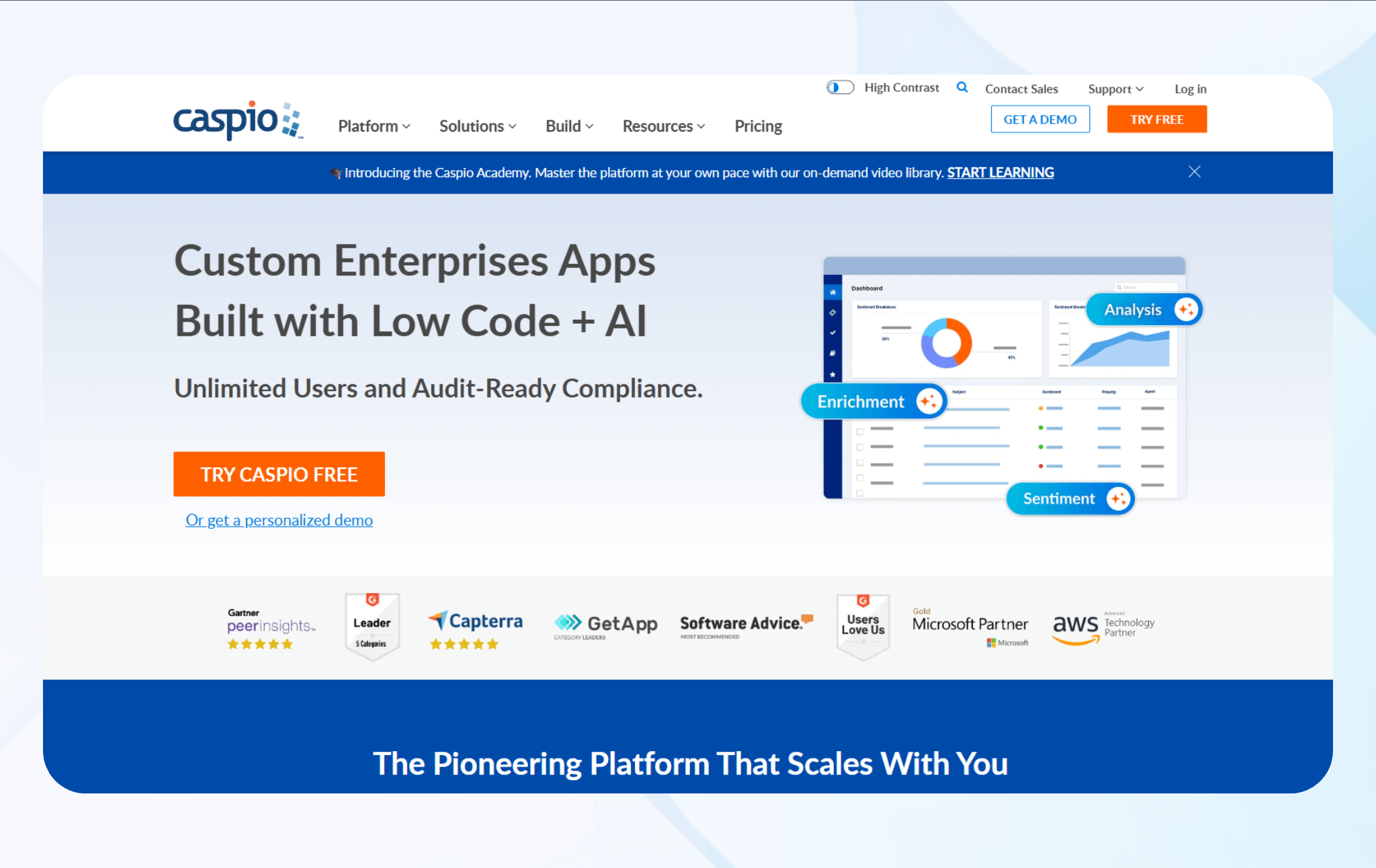
Caspio lets teams create fully customized CRM systems using its visual no-code builder and built-in database tools. It’s a strong fit for organizations with workflows or requirements that standard CRM platforms can’t support.
Key Features
- Built-in cloud database: Centralizes customer data, tracks interactions, and supports relational structures for complex CRM logic across departments and external portals.
- Workflow automation: Completes repetitive tasks with triggers, scheduled actions, and notifications to improve productivity.
- Unlimited users and roles: Deploy your CRM to unlimited internal and external users with secure role-based permissions and single sign-on access.
Pros
- Fully customizable structure: You can design every part of your CRM, from data models to dashboards, to match your business needs.
- Cost-effective scaling: Caspio’s unlimited user model lowers per-seat costs and keeps flexibility and control for large organizations.
Cons
- Complex setup for beginners: The platform’s data modeling and workflow tools require a learning curve, which may slow down non-technical teams.
Pricing
Caspio pricing starts at $100/month.
Bottom Line
Caspio suits teams that want a no-code platform to build a custom CRM that scales, integrates securely, and fits unique processes without user limits.
4. Zoho Creator: Best for Businesses on the Zoho Ecosystem
Zoho Creator is a low-code platform for building business apps like CRMs or workflow systems with forms, databases, and dashboards. It works best for teams that already use Zoho tools such as CRM, Books, or Desk.
Key Features
- Relational database with visual app builder: Build tables, relationships, forms, reports, and pages with drag-and-drop tools. Add automation logic using Deluge, Zoho’s scripting language.
- Workflow automation and scheduling: Create approval flows, rule-based triggers, and time-based workflows to handle repetitive processes automatically.
- APIs and extensibility: Use REST APIs, widgets, and cloud functions to connect Creator apps with other business systems or custom modules.
Pros
- Zoho system integration: Zoho Creator connects with other Zoho apps like CRM, Books, and Desk to enable unified data sharing, automated workflows, and consistent reporting across your business.
- Cost-effective for large teams: Low per-user costs let you onboard team members affordably.
Cons
- Setup complexity: Building advanced workflows or automations takes planning and scripting knowledge.
Pricing
Zoho Creator pricing starts at $12/month per user.
Bottom Line
Zoho Creator is ideal if you want to build custom business or CRM apps inside the Zoho ecosystem. It’s best for teams that value integration, mobile access, and data control.
Why Build a Custom CRM with No-Code?
Hiring a traditional development agency to build a CRM can be slow and costly. When they publish the final product, your CRM will still require ongoing developer support. No-code platforms let you design and launch tailored CRMs faster, with greater control and flexibility, without the engineering overhead.
Here’s why more businesses are using no-code:
Drag-And-Drop Builder for Custom Data Models
A no-code builder lets you visually create and connect data tables and define data relationships without writing code. Design a database that fits and modify structures anytime with no developer intervention. This flexibility also lets non-technical users adapt their CRMs in real time as business needs change.
Real-Time Dashboards and Integrations
With built-in analytics and real-time dashboards, teams can visualize performance, sales pipelines, and customer activity. Use dashboards to visualize even more data from common tools like Slack, QuickBooks, and Google Workspace (platform-dependent). You can create a unified view of your business without relying on manual reporting or expensive third-party BI tools.
Fast, Cost-Effective Deployment
Traditional CRMs require long coding cycles, testing phases, and developer oversight. However, no-code platforms offer prebuilt components like tables and login pages, coupled with a drag-and-drop interface, for rapid building.
You can launch a fully functional CRM in days instead of months and make updates quickly based on feedback. As your business grows, you can scale your CRM without hiring engineers.
No Vendor Lock-in or Long Dev Cycles
No-code CRMs give teams greater control over their data, logic, and integrations. Most platforms allow you to export records and workflows, giving you ownership over your data. This flexibility helps teams update workflows quickly and improve their CRM strategy without costly rebuilds.
Real-World Examples of Custom CRMs
I've built many CRMs across healthcare, finance, and logistics — industries where generic CRMs won’t work. Here's when building custom makes the most sense:
Healthcare CRMs
Off-the-shelf CRMs rarely fit the unique needs of the healthcare industry. Providers need HIPAA-compliant workflows, referral routing, or multi-department coordination. Plus, healthcare providers are dealing with patients, not clients. So, healthcare CRMs must be configured to reflect patients' conditions and histories.
A custom no-code CRM lets clinics centralize patient histories, automate follow-ups, and structure workflows around compliance requirements. Instead of forcing medical staff to adapt to rigid templates, you can custom-craft your own CRM to mirror your clinic’s care delivery process.
Real Estate CRMs
Traditional CRMs treat every lead the same, but real estate clients have unique timelines, preferences, and buying triggers. With a custom no-code CRM, brokerages can sort buyers by the stage-specific signal unique to the real estate industry.
Real-estate brokers can craft systems that track buyer intent, match listings to preferences, automate local-market alerts, and integrate with MLS (Multiple Listing Service) data. Most generic, off-the-shelf CRMs can’t handle these commands without plugins.
Manufacturing CRMs
Most CRMs focus exclusively on sales pipelines. Because manufacturers also must track different metrics for each client, like inventory, production stages, and shipping, generic CRMs aren’t helpful.
A custom no-code CRM lets you build features that connect customer orders directly to real production data. You give your team visibility into capacity, raw material availability, and factory-floor status updates. The CRMs also match your company’s actual build-and-ship workflow, which can help reduce delays and improve forecasting accuracy.
Build a Secure, No-Code Custom CRM with Blaze
Building a custom CRM no longer requires months of coding or an enormous budget if you build it with Blaze. We designed Blaze for non-technical teams so you can easily create nearly any CRM app.
Here’s why more enterprises choose Blaze to build their CRMs:
- No-code customization: Build and modify your CRM with Blaze’s drag-and-drop editor and premade components, no developers required.
- Tailored workflows: Create pipelines, dashboards, and automations that match how your team actually works. Test, deploy, and reconfigure without hiring engineers or long waits.
- Secure and compliant: Protect customer data with security features that meet SOC 2 and HIPAA requirements.
- Fast implementation: Launch in weeks, not months, with guided onboarding and setup support. Blaze’s team will help publish your first app and maintain it long-term.
- Scalable design: Expand features and user access as your business grows.
Ready to see how a custom CRM can improve your sales, marketing, and account management results? Schedule a free demo today and let us show you what's possible.
Frequently Asked Questions
Can I Integrate a Custom CRM with My Existing Software?
Yes, most custom CRMs made with no-code platforms have built-in connectors or REST APIs that integrate easily with your existing software. You can sync data with email, calendars, billing systems, and other apps. These integrations eliminate manual data entry, optimize workflows, and keep information consistent.
What’s the Difference Between a Custom CRM and an Off-The-Shelf CRM?
A custom CRM is designed around your exact workflows, while an off-the-shelf CRM has standard features that might not fit your service model. Custom CRMs let you define data relationships, dashboards, and automations tailored to your business. This setup offers greater flexibility and scalability when properly implemented.
Do I Need Coding Skills to Use Blaze?
No, you don’t need coding skills to use Blaze. Its visual drag-and-drop builder lets anyone create and modify custom CRMs without programming. You can create workflows, automate tasks, and control user permissions all from a central building interface. Blaze’s team also offers hands-on onboarding and support to help you launch a secure, fully functional CRM.
The Secure No-Code & AI Platform
Supercharge your team's operations and performance with better apps and tools.
Create custom apps fast
Secure & HIPAA compliant
Streamline complex workflows

The Secure No-Code Platform
Build apps with best-in-class security.
Related Articles
Discover related guides on healthcare no-code development, HIPAA compliance, security, integrations, and launching apps faster.
10 Database Applications: Types, Examples & Use Cases
What do database applications do and how do they help your business? Read on for an overview and 10 real-world examples that could help.
.png)
17 Top Customer Service Platform: 2026 (Tested & Compared)
Shopping for a customer support platform portal and need some inspiration? I reviewed the top 17, shared features, pricing details, and my verdict.
%20(1).png)
8 Healthcare Dashboard Examples (2026)
Explore healthcare dashboard examples for hospital operations, revenue, and compliance. Discover what each dashboard tracks and how to build one.