
Table of contents
Top 10 No-Code Automation Software: Tested & Reviewed | 2026

Written by
Blaze Team

Reviewed by
Justyna Wojcik
Expert Verified
I spent weeks testing no-code automation software by connecting APIs, syncing databases, and automating approval chains across industries. These 10 platforms handled the toughest workflows without requiring a single line of code.
The 10 Best No-Code Automation Tools: At a Glance
I chose my top 10 no-code automation tools to serve nearly any budget, industry, and workflow.
| Tool | Best for | Ideal Users | Pricing |
|---|---|---|---|
| Blaze.tech | Complex enterprise workflow automation | Enterprise teams that are regulated & data-heavy | Starts at $1,500 per month |
| Make | Advanced logic branching workflows | Technical teams & automation specialists | Starts at $10.59 per month |
| Zapier | Simple trigger action automations | Small teams & nontechnical operators | Starts at $29.99 per month |
| Unito | Two-way data synchronization | Cross-functional operations teams | Starts at $81 per month |
| n8n | Self-hosted & compliant automations | Developers & security-focused organizations | Starts at $24 per month |
| Gumloop | AI-driven workflow automation | Marketers, content creators, operations teams | Starts at $37 per month |
| Workato | Large-scale enterprise automation | Fortune 500 IT departments | Starts at $2000 per month |
| Bardeen | Browser-based task automation | Sales, recruiters, research professionals | Starts at $10 per month |
| Kissflow | Approval-driven business workflows | HR, finance, operations teams | Starts at $2500 per month |
| Tines | Security incident response automation | Security operations center teams | Starts at $1200 per month |
1. Blaze: Best Overall No-Code Automation Tool
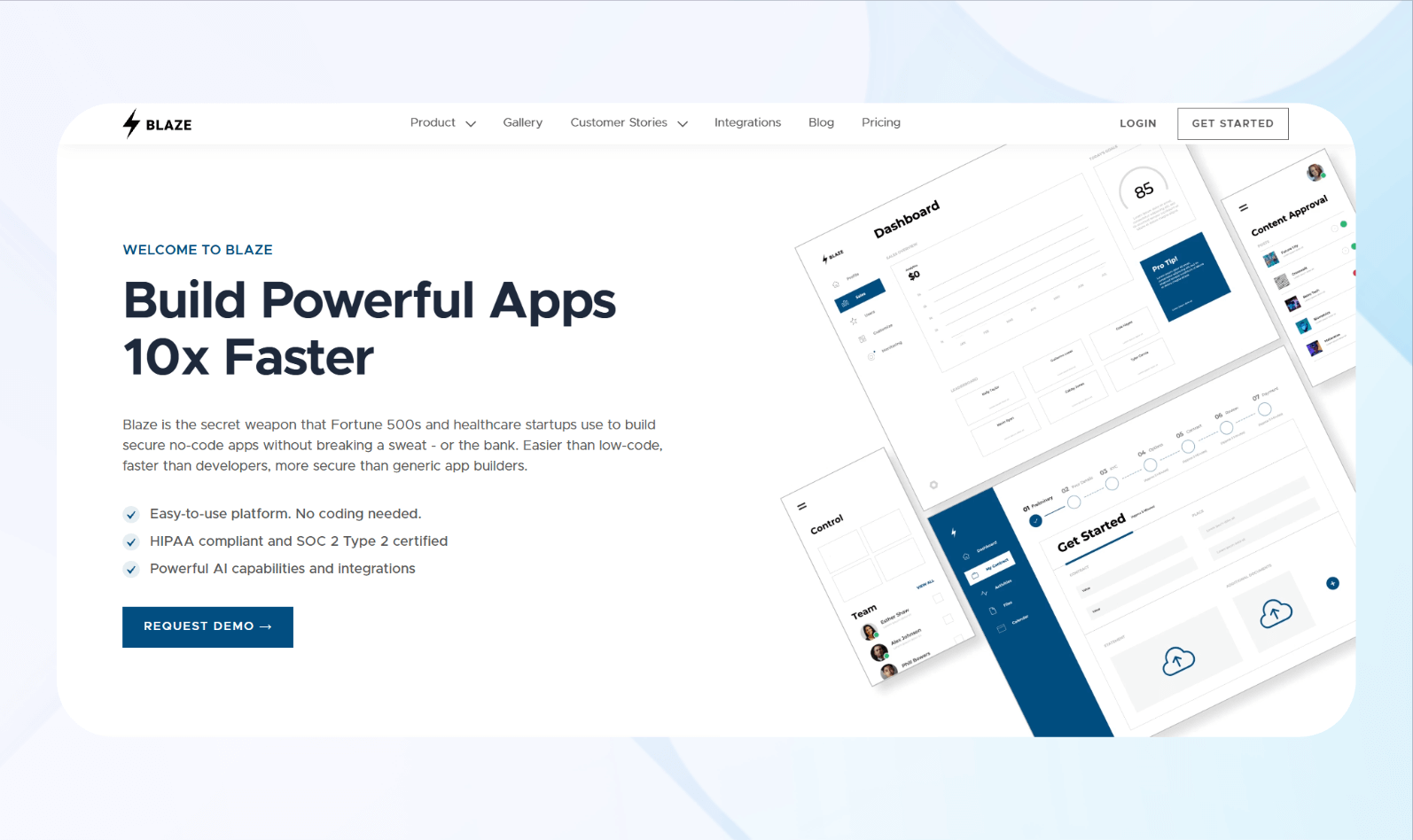
What it does: Blaze enables users to build scalable automations and apps for nearly any workflow without developers.
Who it's for: Mid-sized and enterprise companies in healthcare, logistics, government, and retail.
To test Blaze, I built a client onboarding workflow, integrating it with our HubSpot account to trigger whenever the sales team entered a new client. I configured the workflow to create a dedicated client portal account with login credentials when triggered. The automation sent this data to our internal project management dashboard, which I also built with Blaze.
The automation also notified relevant team members by email after each trigger.
I completed the entire setup in under an hour, thanks to Blaze’s drag-and-drop editor and fast connectors. It triggered reliably and processed client data accurately across multiple test runs.
Key Features
- Workflow automation: You can build multi-step automations using triggers and conditions to replace manual data handoffs.
- Compliance features: Blaze provides role-based permissions, audit logging, and other capabilities to support HIPAA and SOC compliance
- Visual workflow builder: The drag-and-drop interface lets users design automation sequences by connecting trigger events to actions across different applications, without programming.
- Integrations: Blaze connects to databases like MongoDB and Airtable, APIs, and third-party services, allowing automations to span systems.
Pros
- Intuitive interface design: The platform’s clean layout and logical organization make it accessible for non-technical users while still offering depth. Navigation feels natural, reducing the learning curve significantly.
- Reliable execution performance: Automations trigger consistently with minimal delays, ensuring time-sensitive workflows complete as expected without requiring constant monitoring.
Cons
- Not suited for simple apps: Blaze works well for teams that require complex, multi-step workflow automation across their operations. For simple automations, however, a lighter tool will likely cover those needs with less overhead.
Pricing
Blaze’s pricing starts at $1,500/month.
Bottom Line
Blaze’s scalability and ability to handle large amounts of data make it well-suited for growing and enterprise teams. Its intuitive layout and rapid app-building tools justify the investment for teams looking to optimize operational workflows.
2. Make: Best for Advanced Workflow Logic
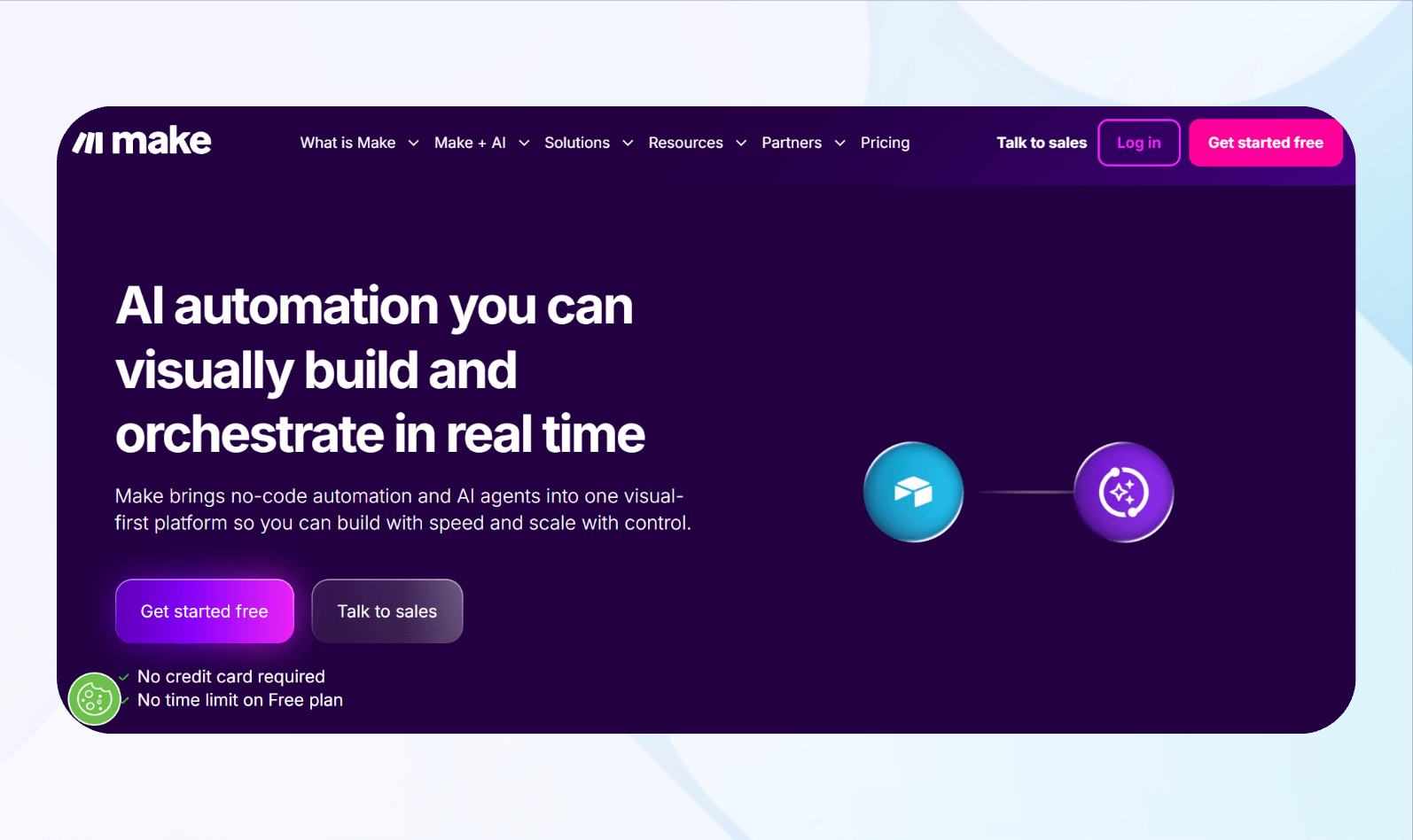
What it does: Make connects over 3,000 apps through visual workflows, enabling users to build automations with advanced logic, data routing, and granular control.
Who it’s for: The platform suits businesses across several industries requiring specialized automation control and data transfer. Its flexibility and scalability make it an excellent choice for small and large companies alike.
During testing, I built a multi-branch workflow using Make’s router feature. My automation sent customer data from QuickBooks to my Airtable database based on purchase value. The visual scenario editor made it easy to map dependencies, and I could control the exact revenue data I wanted to transfer out from QuickBooks.
Overall, Make gave me strong control over logic branching, filters, and data handling across each connected app. Make excels at advanced automation when precision matters more than simplicity.
Key Features
- Visual workflows: Visual workflows enable users to map complex automations with routers, filters, and logic paths, giving granular control over each step.
- Advanced logic: Make supports conditional branching, data parsing, iterators, aggregators, and custom rules that allow precise automation behavior across complex scenarios.
- AI model selection: Make integrates with multiple AI apps and models, including OpenAI’s ChatGPT, Perplexity AI, Anthropic’s Claude, Google’s Gemini AI, and ElevenLabs.
Pros
- Granular control: The platform offers deep visibility into every workflow step, making it ideal for advanced automation requiring precision and customization.
- Affordable entry pricing: Pricing starts at just $10.59/month, making it affordable for entrepreneurs and teams on a budget.
Cons
- Complex interface: Make’s learning curve can overwhelm beginners, increasing onboarding time and slowing productivity for folks unfamiliar with branching logic.
Pricing
Pricing starts at $10.59/month.
Bottom Line
Make suits teams that need no-code automation software with deep logic control and precise data control over their workflows.
3. Zapier: Best for Simple App Automations

What it does: Zapier automates workflows between over 8,000 apps using simple trigger-action sequences.
Who it’s for: Small business owners, freelancers, marketing professionals, and teams wanting straightforward automations between popular apps.
I tested Zapier by creating a basic Zap (integration) connecting new Gmail emails to Trello cards using a premade automation template. Zapier’s simple setup wizard made building this connection straightforward. Each incoming email automatically generated a corresponding task card, appearing on my Trello board within seconds of arrival.
Overall, Zapier’s simplicity impressed me because I could complete the entire setup in under three minutes without consulting any documentation.
Key Features
- Large integration suite: Zapier boasts over 8,000 integrations, making it suitable for most businesses.
- AI features: You can use Zapier’s AI-powered steps and assistants to grab and transform data across integrations.
- Custom coding option: A coding background isn’t required, but Zapier gives you the option to insert custom JavaScript and Python scripts into your automations, and certain setups or integrations can enable additional scripting options.
Pros
- Simple and user-friendly: Zapier’s automation builder is straightforward and intuitive, enabling fast deployment of workflow automations across popular apps with minimal training and maintenance for most teams.
- Large automation suite: The tool offers one of the largest integration suites, letting businesses connect nearly any tool and automate common processes quickly across operations.
Cons
- Limited conditional logic options: Teams needing complex workflows often need higher-tier plans to unlock more powerful logic and scale; otherwise, they may have to accept simplified automations or use workarounds.
Pricing
Zapier pricing starts at $29.99/month.
Bottom Line
Zapier suits businesses aiming to automate simple tasks across a wide range of connected apps, boasting an enormous library of integrations and premade templates.
4. Unito: Best for Two-Way Data Syncing
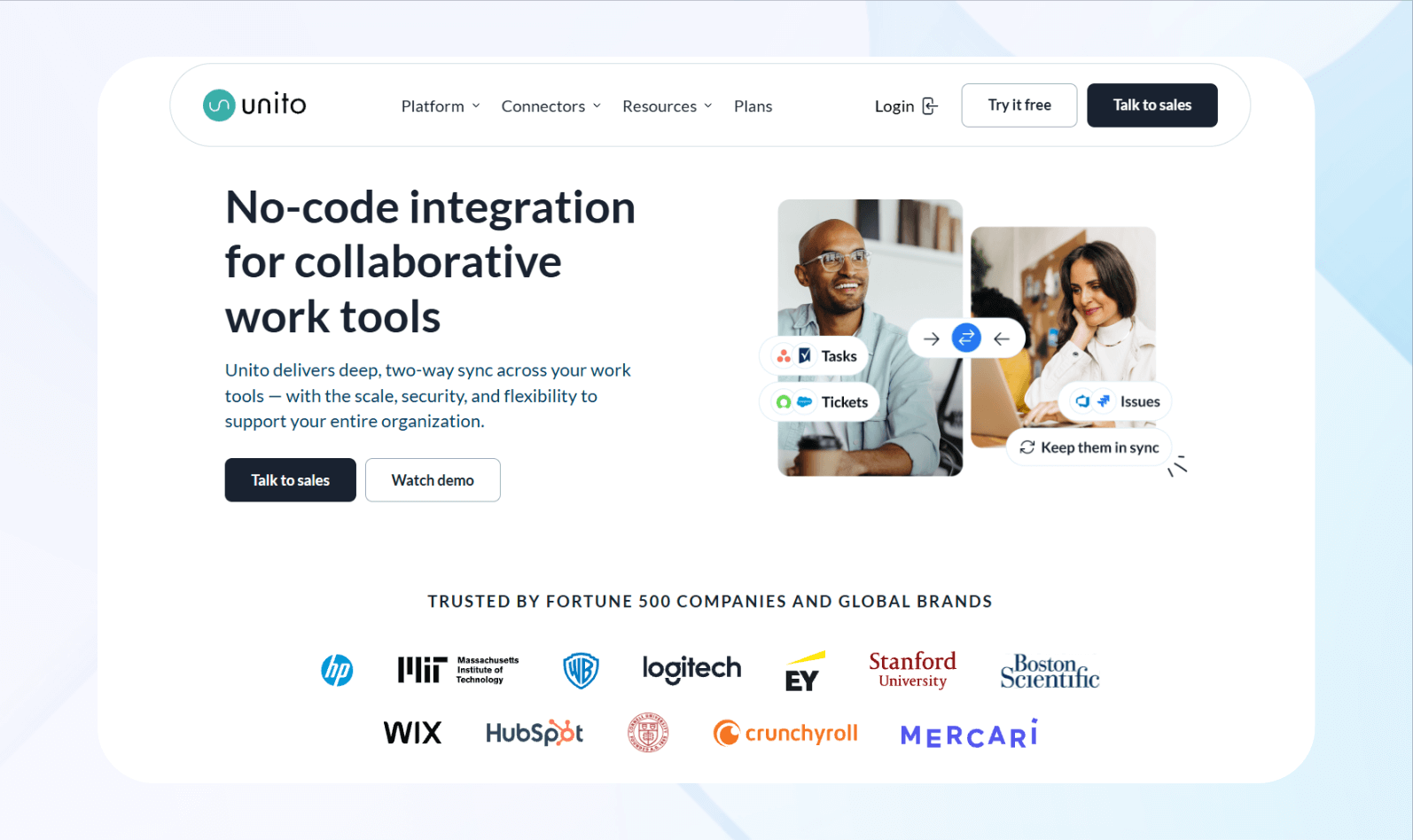
What it does: Unito syncs data between tools in a two‑way, no‑code flow, keeping records updated and consistent across teams and platforms in real time.
Who it’s for: Teams needing aligned data across project management, CRM, support, and operations without manual updates or data silos.
During testing, I synchronized daily tasks assigned in Asana with Trello. I used Unito’s bidirectional flow, then edited a task’s description in Asana. The updated text appeared in the corresponding Trello card within seconds, maintaining perfect consistency across both platforms automatically.
The sync results matched expectations. When I ran updates, the changes appeared quickly across both systems without conflicts or delays seen previously. My overall impression of Unito was that it was a dependable platform that kept data aligned and tools in place.
Key Features
- Two-way syncing: Keep records consistent across platforms by updating changes from either system without manual import or export.
- Custom field matching: You can map unique fields between tools so information remains correct across systems.
- Workflow mapping: Align statuses, stages, and triggers across environments.
Pros
- Eliminates duplicate data entry: Unito significantly reduces duplicates by letting team members work primarily in their preferred applications. You can avoid manually copying information to other platforms, dramatically cutting administrative overhead and human error.
- Supports complex workflows naturally: Compared with many lightweight automation tools that often rely on workarounds for more sophisticated scenarios, Unito can handle multi-directional data flows and intricate team structures.
Cons
- Higher learning curve initially: The platform’s complex mapping options and sync rule configurations require a lengthy setup, which can overwhelm users expecting plug-and-play simplicity from basic automation tools.
Pricing
Unito pricing starts at $81/month. Create a free account on the pricing page to see plans.
Bottom Line
Unito solves the specific challenge of keeping data synchronized across platforms exceptionally well, making it invaluable for teams drowning in duplicate entry.
5. n8n: Best for Self-Hosted Automations
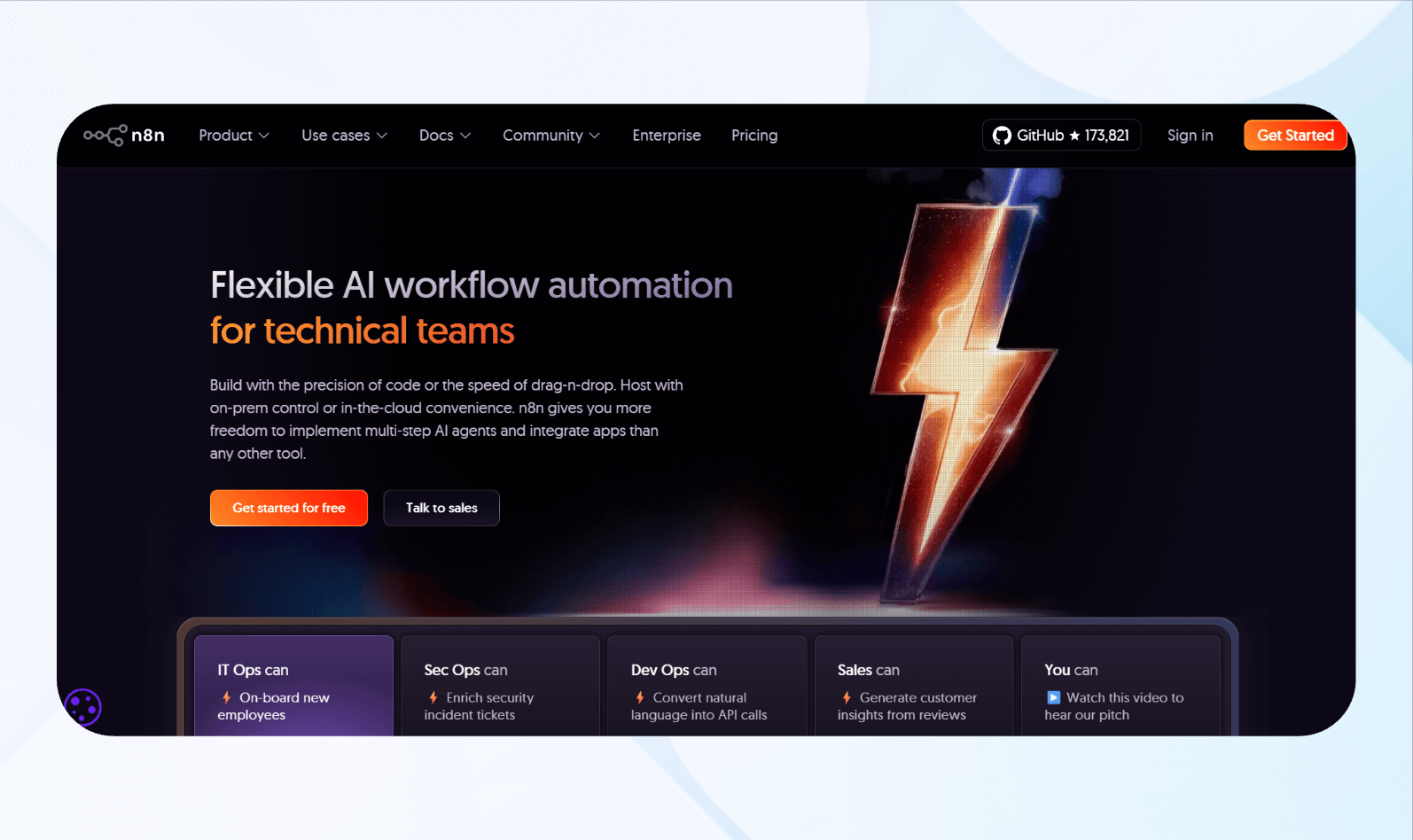
What it is: n8n is a low-code, open-source, and developer-centered automation platform.
What it does: Developers, IT teams, and businesses with strict data compliance requirements needing automation without sending sensitive information to third-party cloud services.
I tested n8n by deploying it in a workflow that connects my database to a Slack channel on my own server. The entire automation ran without external data transmission, processing sensitive information securely. This level of autonomy felt liberating because I knew exactly where my data lived and who could access it.
n8n provided strong flexibility and full control over data flow, logic, and hosting environment choices. Overall, I appreciated n8n’s power and capabilities to keep data secure.
Key Features
- Self-hosting capabilities: Deploy n8n on your own servers, cloud instances, or local machines, and maintain greater control over infrastructure and data sovereignty throughout automation processes.
- Open-source transparency: The core codebase remains publicly accessible on GitHub, allowing technical teams to audit security implementations and customize functionality.
- Extensible node system: Developers can create custom nodes for proprietary applications or specialized integrations not available in the default library.
Pros
- Complete data control: Self-hosting keeps sensitive information in your organizational infrastructure, reducing third-party data exposure risks and satisfying stringent compliance requirements.
- Zero usage-based costs: In self-hosted setups, n8n typically doesn’t charge per workflow execution or task. This makes it appealing for high-volume automation scenarios, subject to the terms of your chosen edition and support plan.
Cons
- Steeper learning curve: Self-hosting complexities, configuration requirements, and troubleshooting without managed support create barriers for non-technical users seeking simple solutions.
Pricing
n8n pricing starts at $24/month.
Bottom Line
n8n delivers high levels of control and cost efficiency for technical teams managing infrastructure, especially when handling sensitive data requiring strict compliance.
6. Gumloop: Best for Simple AI Automations

What it does: Gumloop combines AI with visual workflow automation so users can build processes that generate content, extract and analyze data, and make rule-based or AI-guided decisions without writing code.
Who it’s for: Content creators, marketers, small business owners, and operations or growth teams who want to weave AI into their day-to-day workflows without needing engineering support or expensive custom development.
When I tested Gumloop, I built an AI workflow that analyzed customer feedback emails and automatically categorized them by sentiment and topic. The language model accurately identified complaint themes and emotional tones across 20 test messages. I could then route each message to the appropriate database.
Ultimately, Gumloop’s intelligent processing was impressive because it understood context rather than just matching simple keywords mechanically.
Key Features
- Natural language workflow creation: The platform allows users to describe desired automations in plain English, then generates corresponding workflow structures using AI assistance to interpret intentions.
- AI-powered data extraction: Gumloop can intelligently parse unstructured content like emails, documents, or web pages to extract relevant information without rigid formatting rules or pattern matching.
- Content generation workflows: Users can build automations that produce written content, social media posts, email responses, or marketing copy by feeding AI models with context and instructions.
Pros
- Accessible AI implementation: Gumloop reduces many technical barriers typically associated with AI integration, allowing non-technical users to apply advanced language models in their workflows.
- Rapid workflow prototyping: The natural language creation feature enables users to build functional automations in minutes by describing desired processes conversationally.
Cons
- Inconsistent AI output quality: When testing, Gumloop would occasionally produce unexpected results, generating content that didn’t match my intentions or extract information incorrectly.
Pricing
Gumloop pricing plans start at $37/month.
Bottom Line
Gumloop excels at making AI automation accessible for teams wanting intelligent content processing without technical complexity. The natural language setup and integrated AI models deliver powerful capabilities.
7. Workato: Best for Enterprise Workflow Automation
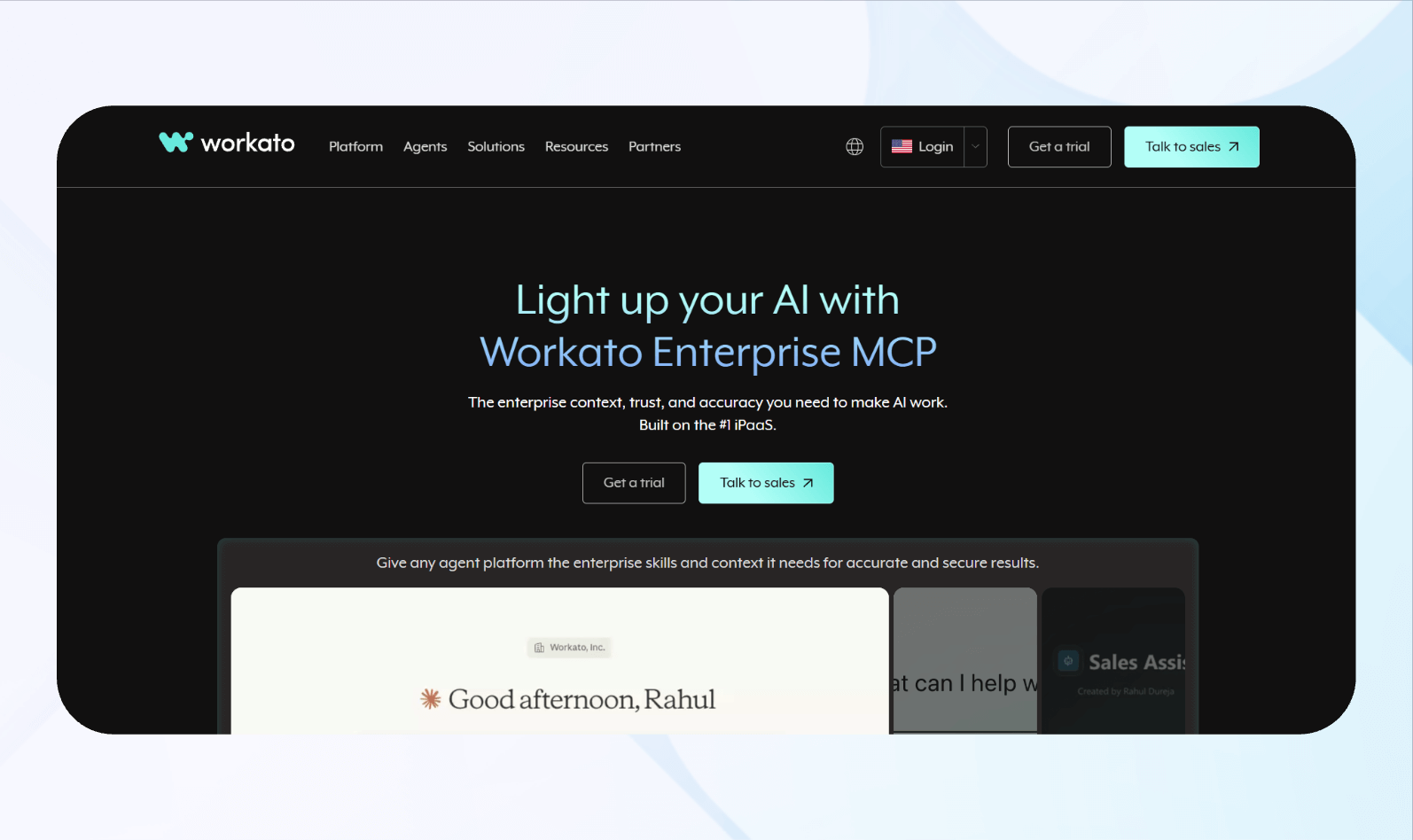
What it does: Workato offers advanced, cloud-native automation with hybrid connectors that connect cloud and on-premises systems.
Who it’s for: Enterprise IT teams, Fortune 500s, and enormous organizations that need large-scale automation with compliance controls, audit trails, and enterprise security.
During testing, I configured a multi-system workflow connecting Salesforce, NetSuite, and custom internal APIs using Workato’s enterprise connector library. The recipe executed across all three systems, processing complex data transformations while maintaining detailed logs throughout.
Workato’s reliability impressed me because the platform handled multiple integrations simultaneously and delivered consistent data outputs.
Key Features
- Recipe lifecycle management: The platform offers version control, testing environments, and deployment pipelines to develop automations safely before releasing them to production.
- Advanced security and governance: Workato implements role-based access controls, encryption, and audit logging to support enterprise compliance needs, including for industries with stricter regulatory oversight.
- Batch processing capabilities: Compared with tools optimized primarily for single-record operations, Workato supports efficient bulk processing, enabling recipes to handle large volumes of records (such as thousands) in batches.
Pros
- Error handling: Workato provides intelligent retry logic, detailed error notifications, and recovery mechanisms that help prevent transient failures from disrupting workflows or causing data loss.
- Audit capabilities: Detailed execution logs capture each automation run, including key data processed, decisions made, and errors encountered, supporting compliance efforts in regulated industries that demand strong traceability.
Cons
- Prohibitive pricing for small teams: The platform offers enterprise-focused pricing models that keep Workato out of reach for small businesses, startups, or individual users who can’t justify costs that match large organizational budgets.
Pricing
Contact Workato’s sales team for a demo and custom pricing.
Bottom Line
Workato is the definitive choice for large enterprises that require automation with governance and security controls.
8. Bardeen: Best for Browser-Based Automation
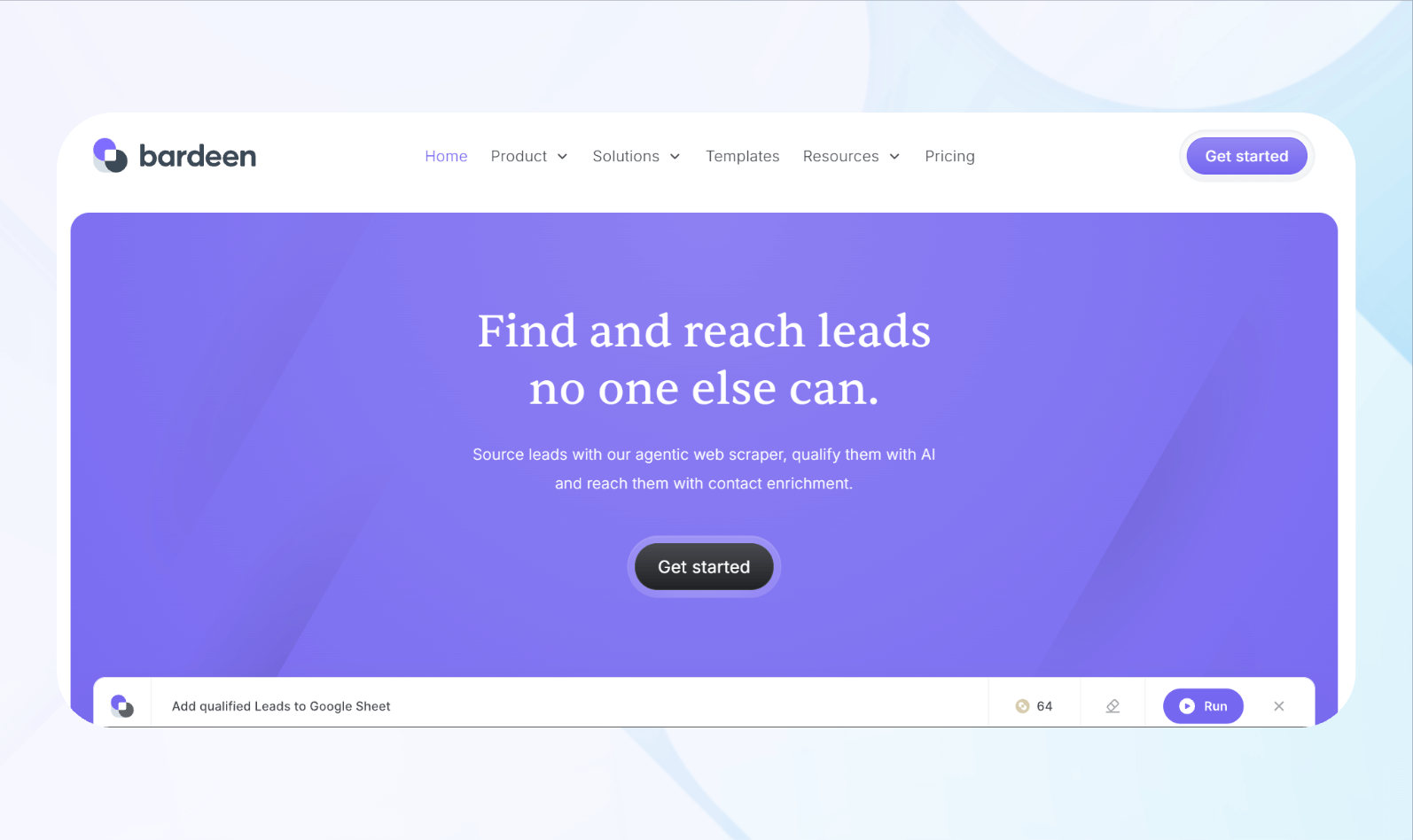
What it does: Bardeen is a browser extension that automates web tasks, data scraping, and application interactions directly within Chrome.
Who it’s for: Sales professionals, recruiters, researchers, and individuals spending hours on repetitive browser tasks like data entry, lead prospecting, or copying information
I tested Bardeen by building an automation that scraped LinkedIn profile data and sent it to a Google Sheet. The scraper captured names, titles, and company information from about 30 profiles and automatically populated the spreadsheet.
Because Bardeen runs as a Chrome extension, its default automations executed locally while the browser was open, giving me direct, on-demand control over when workflows run. Paid plans can also run some automations in the cloud for 24/7 execution. Still, by default, it doesn’t behave like a purely cloud-only automation service that runs continuously in the background.
Key Features
- Manual playbook execution: Users trigger complex multi-step automations on demand via simple shortcuts or interface buttons.
- Direct application integration: Bardeen connects with tools like Notion, Airtable, Slack, and CRMs via its browser-based extension, moving data between web apps without requiring custom API management.
- Workflow suggestions: The platform can securely observe a user’s actions in the browser and other connected tools to identify repetitive workflows worth automating.
Pros
- Instant setup and usage: Installing the Chrome extension is quick, and after creating a free account, users can start running pre-built or AI-generated automations
- Well-suited for repetitive web tasks: Bardeen’s browser-first design excels at automating repetitive web work like data entry, form filling, and moving information between SaaS tools.
- Intelligent automation recommendations: With its workflow intelligence features, Bardeen can observe how teams work across tools and identify repetitive patterns that are good candidates for automation.
Cons
- Browser dependency and cloud options: Many Bardeen automations run locally and require Chrome and the extension to be active, so those particular workflows won’t run if the browser or machine is off.
Pricing
Bardeen pricing starts at $10/month.
Bottom Line
Bardeen helps turn many repetitive browser tasks into low-friction, often one-click automations through shortcuts and playbooks. These capabilities can be especially valuable for professionals doing a lot of manual work in web apps.
9. Kissflow: Best for Approval Workflow Automation
What it does: Kissflow is a low-code automation tool that optimizes approval processes and broader business workflows using customizable forms, configurable routing rules, SLAs (service-level agreements), and automated notifications.
Who it’s for: HR, finance, operations, procurement, IT, and other business teams in organizations of all sizes that need structured approval workflows for various operations.
When testing Kissflow, I designed a purchase order approval workflow that routed requests through department managers and to finance directors. The system automatically escalated pending approvals after a set number of days (in my case, 2) and sent reminder notifications to each decision maker 3 times daily until they responded.
Kissflow’s orchestration didn’t require any IT involvement or custom development work. However, I needed to script custom API integrations with external systems and complex data transformations using JavaScript.
Key Features
- Visual workflow designer: Kissflow’s drag‑and‑drop interface lets users map multi‑level approval flows, set decision points, and assign roles.
- Conditional approval routing: Workflows can branch based on form data such as amount, department, or category.
- Customizable form builder: Users can build intake forms with fields like text, dropdowns, file uploads, and calculated values.
Pros
- Reduces email‑driven approvals: Centralized workflows and dashboards replace scattered email chains, giving requesters and managers clearer visibility into pending approvals and status.
- Rapid deployment with low‑code: Business users can configure and iterate on workflows using low‑code tools, shortening the turnaround compared to traditional custom development.
Cons
- Some developer experience needed: Since it’s a low-code tool, you’ll need some programming experience to use the platform.
Pricing
Kissflow pricing starts at $2,500/month.
Bottom Line
Kissflow excels at building structured, auditable workflows, making it valuable for organizations drowning in request management. The approval-focused design and rapid deployment suit mid-sized companies.
10. Tines: Best for Security and Ops Automation
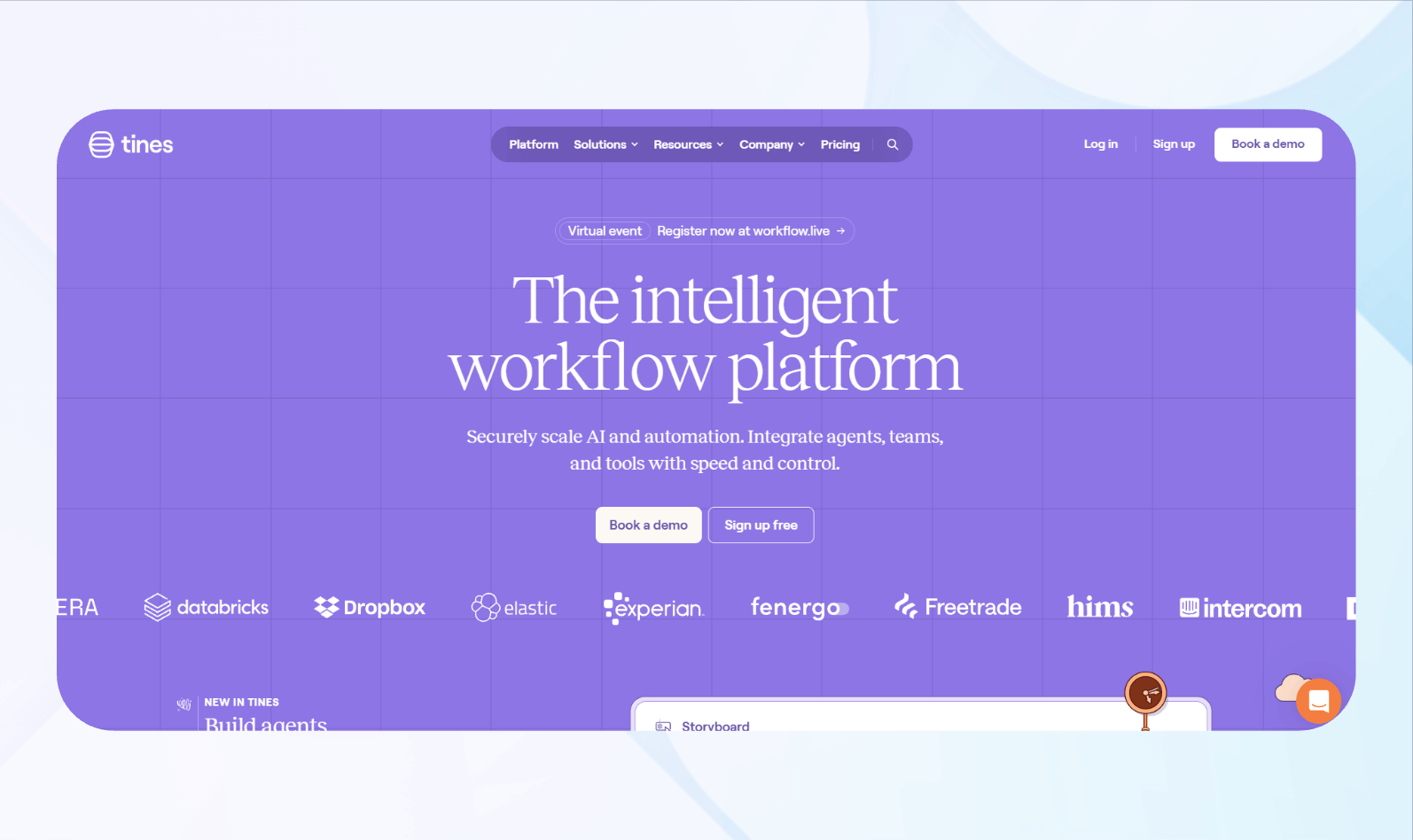
What it does: Tines automates security operations, incident response, and related IT workflows using visual “stories” with connected actions and logic.
Who it’s for: Security operations centers, incident response and detection-and-response teams, and other cybersecurity professionals.
During testing, I created a mock phishing response workflow that automatically analyzed suspicious email reports, checked sender reputation, and quarantined threats across our email system. Tines executed each investigative step sequentially, gathering threat intelligence from multiple sources before autonomously making containment decisions.
Tines’ security automation responded to potential threats almost immediately in my tests, avoiding delays. During each response, it generated notifications for the security team and presented recommended next steps for handling the detected issues, which the team could review and act on.
Key Features
- Security-oriented integrations: Tines provides connectors and actions to interact with standard security and IT systems such as log or SIEM platforms, ticketing systems, threat intelligence sources, and endpoint or network tools.
- Visual story builder: Workflows are modeled as “stories” built through a visual interface, where each node represents an action, such as querying an API, transforming data, or updating another system.
- Credential and secret management: The platform includes secure storage for credentials, keys, and tokens used by workflows, allowing controlled access to sensitive authentication data.
Pros
- Purpose-built for security operations: The product’s concepts, integrations, and typical use cases can align with incident-response workflows, so security teams don’t have to adapt a generic business-automation tool.
- Faster and more consistent incident response: By encoding repeatable playbooks, Tines can perform enrichment, correlation, and some containment steps far faster than manual workflows.
Cons
- Specialized scope: Because it focuses on security and IT operations use cases, Tines isn’t intended as a general-purpose automation platform for departments such as marketing or sales.
Pricing
Contact Tines’ team for a demo and custom quote.
Bottom Line
Tines improves security operations through purpose-built automation that accelerates incident response and significantly reduces manual analytics workflows.
How I Tested Each No-Code Automation Tool
I evaluated many no-code automation tools using a set of financial data to build 2 workflows for each tool. Then, I documented setup time, configuration clarity, and execution consistency. Here’s what I looked for:
- Ease of workflow creation: Visual builders, templates, and guided wizards should form the core of automation development, rather than custom code. I tested each platform by creating multi-step workflows that connect different applications, noting how quickly I could map the logic without consulting documentation.
- Integration reliability: Automation tools can transfer data between third-party applications fast so I looked for the tools with the fewest failures. I monitored execution speed, error rates, and data accuracy under various conditions. Platforms that maintained consistent performance without requiring constant monitoring made my list.
- Advanced logic capabilities: Multi-step workflows need clear decision paths and different ways to handle complex tasks. I tested routers and decision tools on each platform. The best ones gave me strong control without making the interface confusing.
I also considered these factors:
- Customer support and documentation quality: Getting stuck without adequate help resources wastes hours troubleshooting issues that solid support could resolve in minutes. I checked each platform’s support channels by submitting questions through available methods, reviewing documentation, and exploring community forums.
- Error handling and troubleshooting: Automations often run into problems like timeouts, login errors, or messy data. To test, I caused errors on purpose by disconnecting integrations and using bad data. Then I checked how well each platform explained the problem and helped me fix it.
I eliminated all platforms that failed to meet the core needs teams expect from no-code automation tools. For example, I immediately eliminated tools without drag-and-drop builders. Controlling for this capability narrowed the field and made it easier to compare scalability, automation depth, and operational reliability.
My Final Verdict: Which Tool Should You Choose?
Each of my 10 no-code automation platforms is an excellent choice. They all eliminate manual tasks and integrate several apps, but each platform serves distinct use cases and has different technical comfort levels. Here’s how to pick the best one for your organization:
Choose Blaze If You…
Need enterprise security features and require customized workflows connecting databases, APIs, and third-party services.
Choose Make If You…
Want affordable automation and need precise control over complex multi-branch workflows without high pricing.
Choose Zapier If You…
Prioritize simplicity over complexity and need straightforward automations using basic trigger-action sequences.
Choose Unito If You…
Struggle with duplicate data entry across multiple platforms and need accurate bidirectional synchronization.
Choose n8n If You…
Demand complete data sovereignty through self-hosted deployment and have technical teams capable of managing infrastructure.
Choose Gumloop If You…
Want AI-powered content generation and intelligent data extraction without hiring developers or investing in complex infrastructure.
Choose Workato If You…
Operate a large organization and require tools for scaling and governance features to satisfy enterprise compliance and regulatory audit requirements.
Choose Bardeen If You…
Spend hours daily scraping web data and need instant productivity gains through Chrome extensions.
Choose Kissflow If You…
Manage approval-heavy processes and need structured workflows with automated escalations.
Choose Tines If You…
Work in security operations centers and need purpose-built incident response automation and containment across security tool stacks.
Create Custom No-Code Automation Tools with Blaze
If you’re looking to quickly create no-code automations at scale, Blaze is a strong option. Its visual interface lets teams build workflows faster than many competing platforms. You can also create unlimited apps and automations to support your organization’s needs.
Here’s why more businesses go with Blaze:
- Enterprise compliance: Blaze offers audit logs and role-based permissions to support HIPAA and SOC 2 compliance requirements, but your organization’s compliance depends on how it configures and uses the platform.
- Customizable enterprise workflows: Every organization operates differently. Blaze lets you design custom automation sequences for approvals, data routing, and cross-system synchronization that align with your business processes.
- Dedicated support: If you choose the enterprise plan, Blaze provides hands-on onboarding and implementation support so your team can launch, test, and scale automation workflows confidently across departments.
Schedule a free demo today and learn how you can create customized no-code automation tools with Blaze.
Frequently Asked Questions
What Is No-Code Automation Software?
No-code automation software enables users to build automated workflows connecting different applications and services without programming knowledge. These platforms use visual drag-and-drop interfaces, pre-built templates, and intuitive builders that let business users create multi-step automations through simple configurations.
How Does No-Code Automation Differ From Low-Code Tools?
No-code automation differs from low-code tools primarily in technical requirements and the depth of customization. Low-code tools like Kissflow and n8n support custom scripting in JavaScript or Python for advanced scenarios, requiring some developer experience for complex customizations. No-code solutions prioritize accessibility and speed for non-technical users.
Which No-Code Automation Software Is Best for Business Workflows?
The best no-code automation software for business workflows depends on your specific requirements. For instance, Blaze offers enterprise security features like role-based permissions and rapid app building, but Make offers advanced logic at affordable prices. Choose based on workflow complexity and whether you prioritize simplicity or sophisticated automation capabilities.
The Secure No-Code & AI Platform
Supercharge your team's operations and performance with better apps and tools.
Create custom apps fast
Secure & HIPAA compliant
Streamline complex workflows

The Secure No-Code Platform
Build apps with best-in-class security.
Related Articles
Discover related guides on healthcare no-code development, HIPAA compliance, security, integrations, and launching apps faster.
.png)
10 Best Replit Alternatives: Tested for Developer Tasks (2026)
After comparing 10 Replit alternatives, I found differences in compliance features and needed coding skills. Discover platforms and prices to find the best fit.
%20(1).png)
Healthcare Claims Automation: How It Works (2026)
Healthcare claims automation connects systems to reduce repetitive work. Explore the 9 workflow stages that show how eligibility, validation, and payments move.
%20(1).png)
8 Healthcare Dashboard Examples (2026)
Explore healthcare dashboard examples for hospital operations, revenue, and compliance. Discover what each dashboard tracks and how to build one.