
Table of contents
20 Best Enterprise Automation Tools for 2026: Tested & Reviewed

Written by
Blaze Team

Reviewed by
Justyna Wojcik
Expert Verified
I tested over 50 enterprise automation tools and selected the 20 best. My guide reviews these platforms and explains how they simplified my workflows, integrated with third-party enterprise software, and performed other tasks involving high volumes of data.
Disclaimer: These features, costs, and compliance requirements may change over time. While we strive to keep this guide accurate and current, please verify platform specifications, pricing, and regulatory obligations directly with vendors.
20 Best Enterprise Automation Tools of 2025
1. Blaze: The Best Overall Enterprise Automation Tool
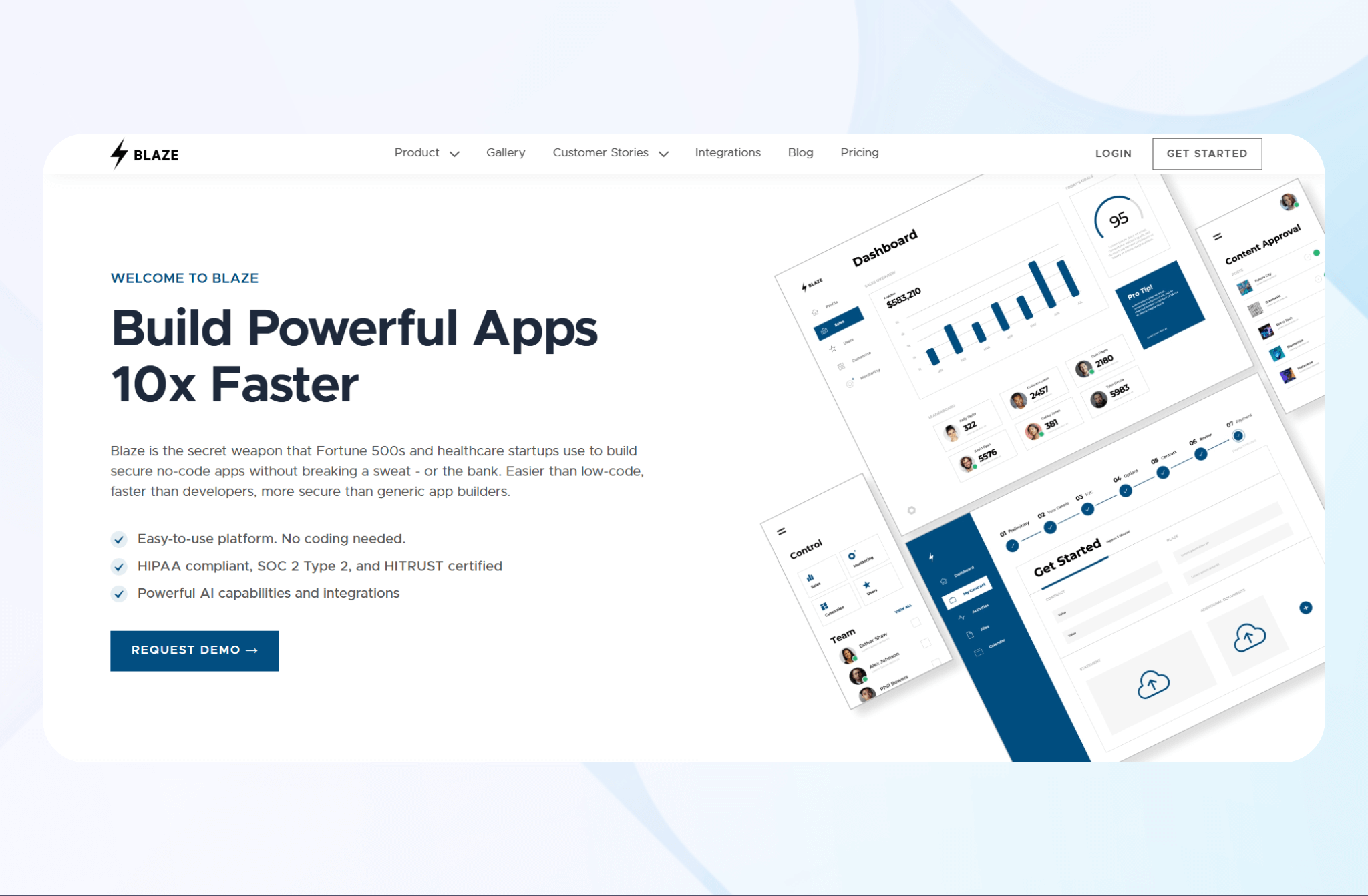
What it does: Blaze.tech is a no-code development platform that enables enterprises to build secure business applications rapidly without programming.
Who it’s for: Enterprises looking to create their own app without a team of developers, to automate processes across HR, accounting, operations, and administration.
We built Blaze to combine enterprise process automation with no-code app creation, which is something most enterprise automation tools can’t do. For instance, Blaze lets you build an automation that syncs real-time revenue data from Stripe with your financial team’s Airtable database.
Plus, you could migrate your data from Airtable and make a custom database with Blaze. It would include everything you need like the frontend and backend logic, without needing any programming or external developers.
Blaze’s visual building interface puts you in the driver's seat for building automations and apps. Drag over prebuilt components such as forms, data filters, and Kanban charts. The platform allows you to configure automated data transfers to other applications you’ve built with Blaze or to third-party integrations.
We’ve used Blaze to build internal project management tools and client portals. Many enterprises already use it for automated workflows like approvals and inventory counting.
Ultimately, Blaze fills the gap between automation and software development. You stop stitching tools together and start building systems that actually fit how your business runs.
Key Features
- Simple drag and drop interface: Instead of code, use Blaze’s visual builder to create apps for enterprise automation.
- AI features: Blaze has built-in AI to detect workflow bottlenecks and automate repetitive steps.
- Scalability: The platform allows you to create multiple apps so you can accommodate growing business needs.
Pros
- Onboarding support: Blaze’s team will introduce you to the platform and help you publish your first app.
- Enterprise security: The platform offers features for HIPAA and SOC-2 compliance.
Cons
- Advanced features: You’ll need to grasp Blaze’s more technical capabilities for complex workflows.
Pricing
Blaze’s pricing starts at $1,500/month.
Bottom Line
Blaze is the best choice for enterprises that need a secure and scalable automation platform for building applications without programming. It delivers speed, consistency, and control across every department.
2. UiPath: Best for Enterprise-Scale Robotic Process Automation (RPA)
What it does: UiPath automates repetitive, rules-based tasks using software that mimics human actions to improve productivity at scale.
Who it’s for: Large enterprises, IT and operations teams managing high-volume workflows, and those who need end-to-end RPA with centralized control and governance.
I tested UiPath Studio by creating an automated document extraction tool. The workflow builder ran flawlessly and allowed me to configure my tool with minimal reference to the documentation.
Next, I used UiPath Orchestrator to manage bots that scheduled and monitored my extraction tool. I deployed it across multiple departments and used bots to control the tool from my central dashboard.
Key Features
- Robotic workforce automation: Software bots perform repetitive, rule-based tasks to reduce human intervention across systems.
- Centralized orchestration: UiPath Orchestrator manages, schedules, and monitors bots from a single dashboard.
- AI-powered document processing: Built-in AI extracts data from invoices, contracts, and forms with high accuracy.
Pros
- Strong AI integration: AI modules improve automation by interpreting unstructured data and executing workflow-specific tasks.
- Extensive training resources: UiPath Academy offers numerous tutorials and certifications that can help your team learn the platform quickly.
Cons
- Steeper learning curve: Advanced automation design requires RPA expertise, limiting ease of use for non-technical staff.
Pricing
Contact UiPath’s sales team for custom pricing.
Bottom Line
UiPath works for enterprises seeking end-to-end robotic process automation with strong AI and analytics capabilities. It’s built for scale and precision.
3. Kissflow: Best for Low-Code Workflow and App Creation
What it does: Kissflow helps enterprises design, automate, and optimize workflows using a visual low-code builder that accelerates app creation without the need for full-stack development skills.
Who it’s for: Operations managers, IT teams, and business leaders who need scalable workflow automation across HR, procurement, finance, and projects.
I tested Kissflow’s workflow builder by creating an employee onboarding process. The drag-and-drop interface made it easy to build forms, automate approvals, and route tasks. But I had to configure API connections for Google Workspace and Slack manually, using some of my development know-how.
Next, I added automated notifications customized to our onboarding workflow using custom JavaScript code. Kissflow’s analytics dashboard then displayed task progress, approval bottlenecks, and cycle times. These insights improved tracking and visibility into process performance for new hires.
Key Features
- Low-code app builder: Create custom business apps using a clear visual interface.
- Workflow automation: Automate end-to-end business processes with conditional logic, approvals, and task routing across teams.
- Integration capabilities: Connect with CRMs, ERPs, and cloud tools like Slack, Salesforce, and Google Workspace.
Pros
- User-friendly interface: Drag-and-drop tools make workflow automation accessible to technical and non-technical staff.
- Flexible customization: Supports tailored business apps by allowing for custom scripting.
Cons
- Performance lag on large datasets: Workflows with heavy data processing can slow down response times.
Pricing
Kissflow’s pricing starts at $2,500/month.
Bottom Line
If your enterprise wants rapid workflow automation and low-code app development, shortlist Kissflow. It strikes a balance between flexibility, ease of use, and scalability.
4. Wrike: Best for Managing Dynamic Workloads Across Teams
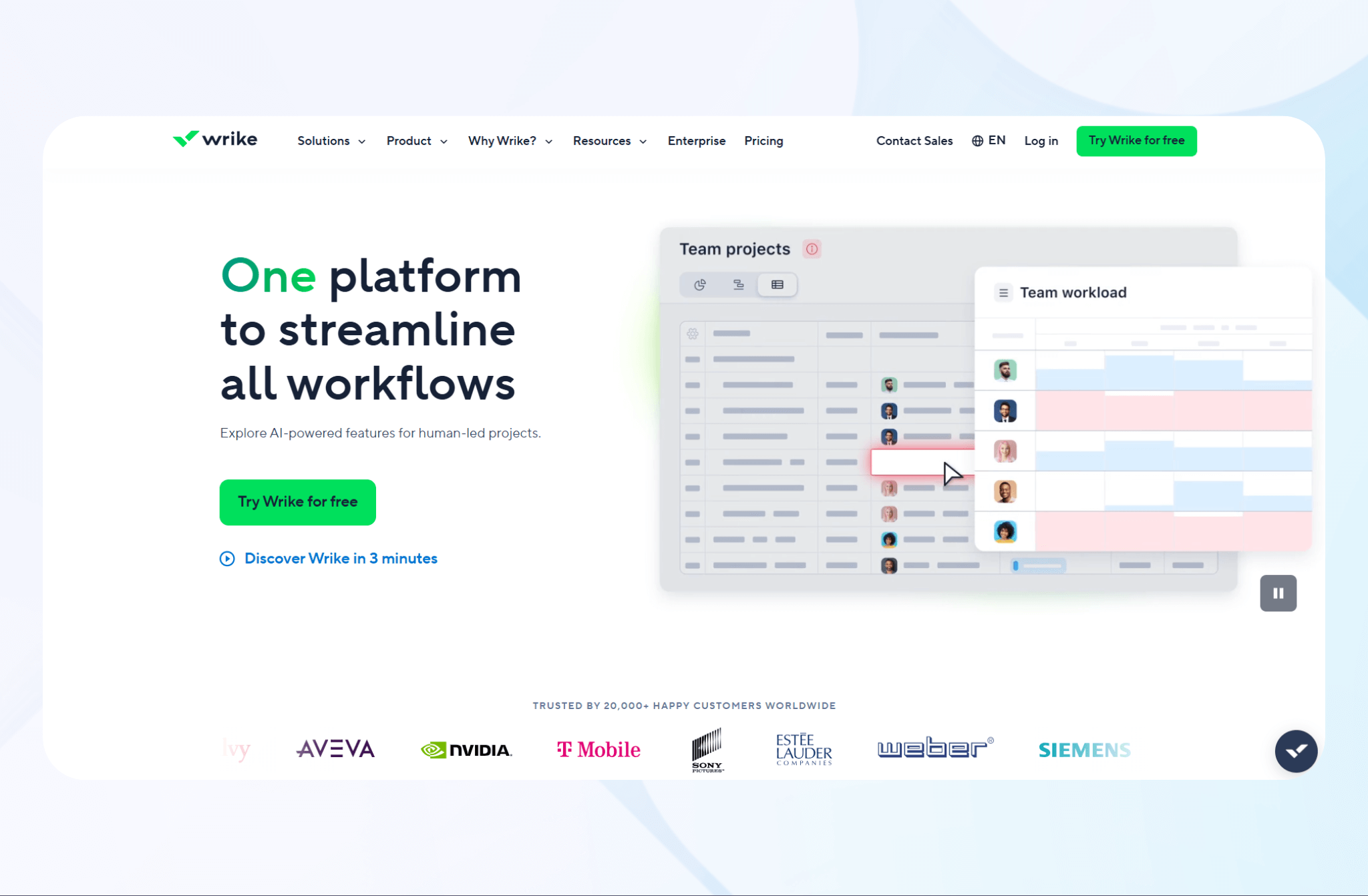
What it does: Wrike simplifies enterprise project and workflow management by automating task assignments, tracking progress, and centralizing collaboration.
Who it’s for: Enterprise teams and project managers who handle multiple projects and need visibility into workload distribution and deadlines.
I tested Wrike’s task automation by creating recurring workflows for a content marketing campaign. The automated task creation feature lets me assign and distribute work rapidly, keeping the project on schedule.
The platform’s customizable dashboards enabled me to visualize the project’s timeline. Clear, color-coded progress bars and workload charts simplified tracking bottlenecks and reassigning tasks, so we always knew our progress toward project goals.
Key Features
- Cross-tool integrations: Connect Wrike with Slack, Google Drive, and over 400 apps.
- Advanced analytics: Gain insights into productivity, workload balance, and performance through visual dashboards.
- Collaborative workspace: Centralize team communication, file sharing, and approvals.
Pros
- Highly customizable interface: Tailor dashboards, workflows, and automations to fit each department’s unique needs.
- Strong collaboration tools: Real-time comments, file sharing, and updates keep teams aligned and responsive.
Cons
- Learning curve for new users: The range of customization options can feel overwhelming during setup if you’re a non-technical user.
Pricing
Wrike’s pricing starts at $10/month per user.
Bottom Line
Wrike is a strong choice for enterprises managing complex workloads across multiple teams. Its automation, integrations, and analytics help enterprises stay organized and aligned across large-scale projects.
5. Workato: Best for Enterprise iPaaS Integrations and Data Syncing
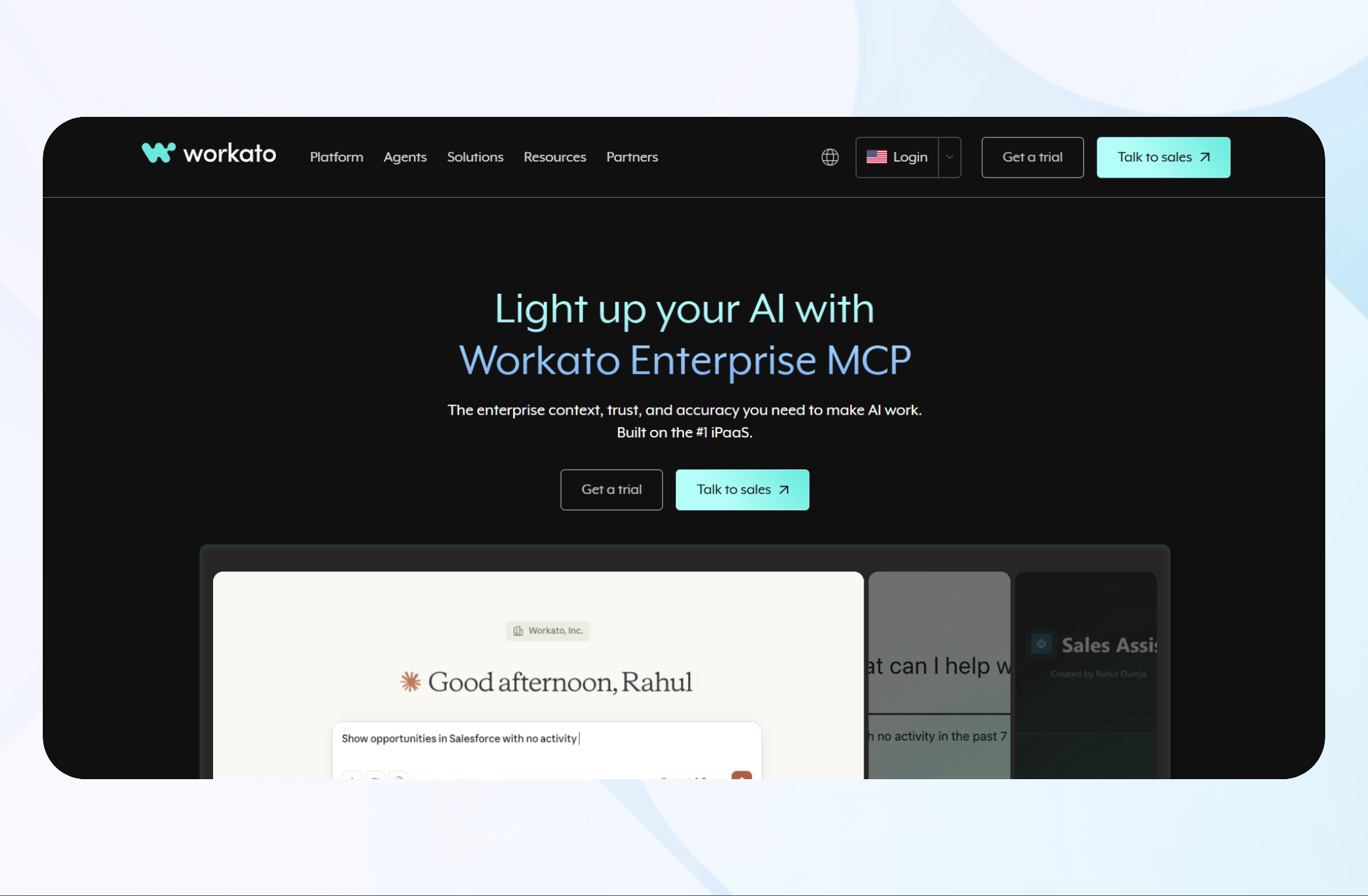
What it does: Workato automates data syncing and workflow integration across enterprise systems, connecting ERPs, CRMs, and cloud applications through an integration platform as a service (iPaaS).
Who it’s for: IT teams and system architects managing large-scale automation, data flow, and API-driven integrations will benefit from this platform.
I tested Workato’s recipe builder by connecting Salesforce and NetSuite. Data synced between customer records and invoices, removing duplicate entries and reducing manual reconciliation across finance and sales.
Next, using its prebuilt connectors for Slack and ServiceNow, I created automated alerts for ticket updates that improved response times. This alignment reduced the need for constant status checks between support and engineering.
Key Features
- AI-driven automation: Machine learning recommends optimizations and identifies inefficient steps.
- Recipe builder: Visual drag-and-drop interface lets you create integrations quickly without deep coding knowledge.
- Scalable architecture: Handles high-volume data transactions and complex multi-system integrations reliably.
Pros
- Strong data consistency: Real-time synchronization keeps records accurate across all connected systems.
- Enterprise-grade compliance: Workato maintains SOC 2 Type II, HIPAA, and ISO 27701 certifications. These frameworks support regulated use cases across healthcare and financial services.
Cons
- Complex setup for advanced recipes: If you’re building larger recipes, you may need to apply programming skills for fine-tuning.
Pricing
Contact Workato’s sales department for a customized quote.
Bottom Line
Workato is best for enterprises that rely on deep system integrations. Its iPaaS model provides seamless data flow, cross-department visibility, and scalable AI-optimized automation.
6. Zapier: Best for Quick No-Code App Integrations
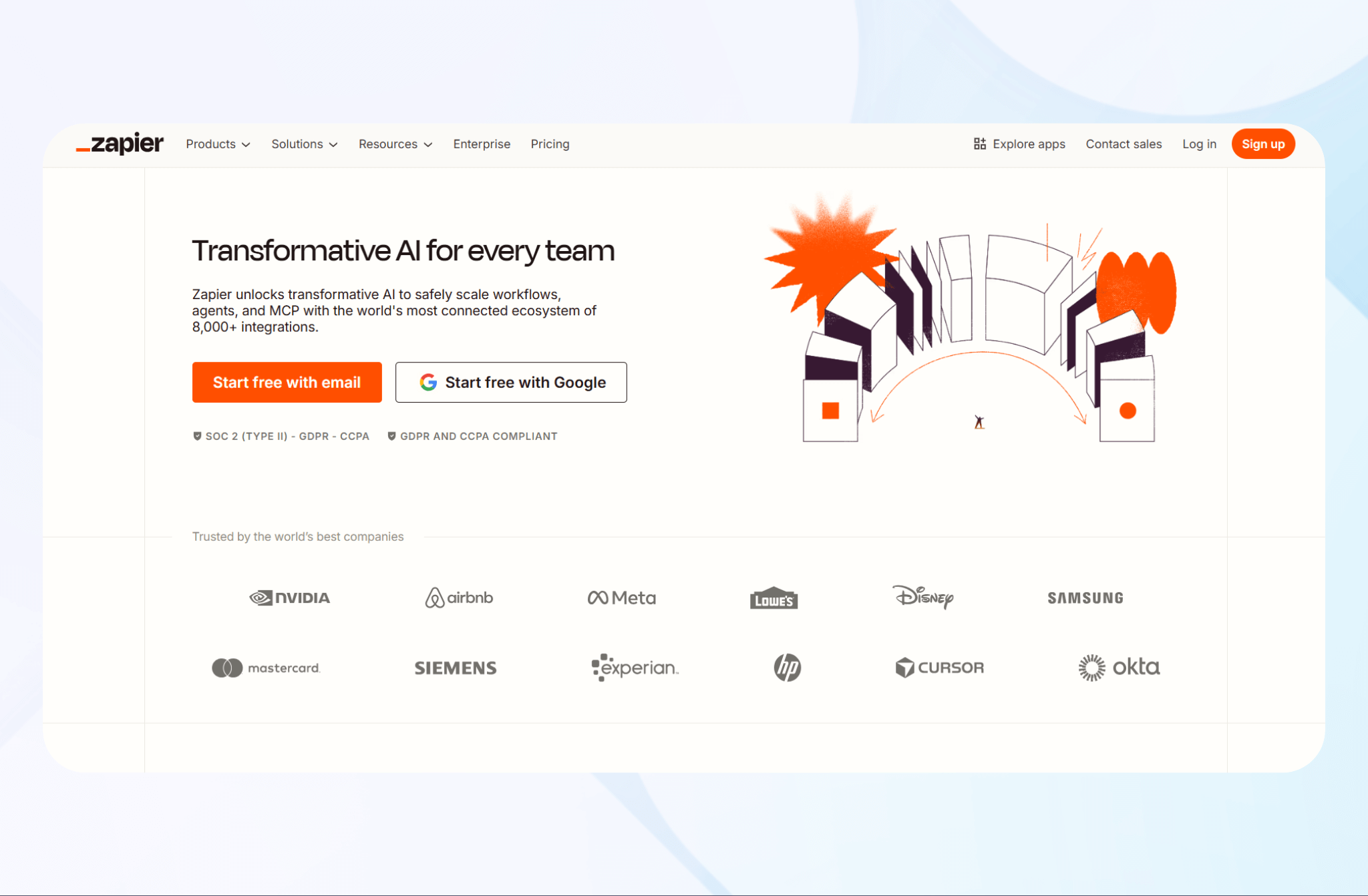
What it does: Zapier integrates with over 8,000 software platforms, allowing you to connect tools, transfer data, and trigger actions without writing any code.
Who it’s for: Small to mid-size enterprises and marketing teams who need fast, no-code automation across many applications.
I tested Zapier by connecting Gmail, Slack, and Notion. Whenever I received a new email, Zapier automatically created a task and sent an alert for immediate follow-up.
Using Zapier’s intuitive workflow builder, I created a multi-step workflow linking Google Sheets and HubSpot. I configured my integration to sync information from HubSpot to my spreadsheet, allowing me to narrow down lead data.
Key Features
- No-code workflow builder: Create multi-step automations visually by linking thousands of supported apps without coding.
- AI workflow suggestions: Get smart recommendations for automations based on connected tools and activity patterns.
- Conditional logic and filters: Set rules to trigger actions only when specific conditions are met.
Pros
- Fast setup: Create automated workflows in minutes with Zapier’s visual builder.
- Wide app compatibility: The platform supports one of the largest app libraries among automation tools, connecting with over 8,000 tools.
Cons
- Performance delays on high volume: Integrations with heavy data flow may experience lag.
Pricing
Zapier pricing starts at $29.99/month.
Bottom Line
Zapier helps teams that need fast, reliable automation without technical setup. It’s a simple way to connect everyday business apps and sync routine tasks.
7. Make: Best for Complex Data Transfer
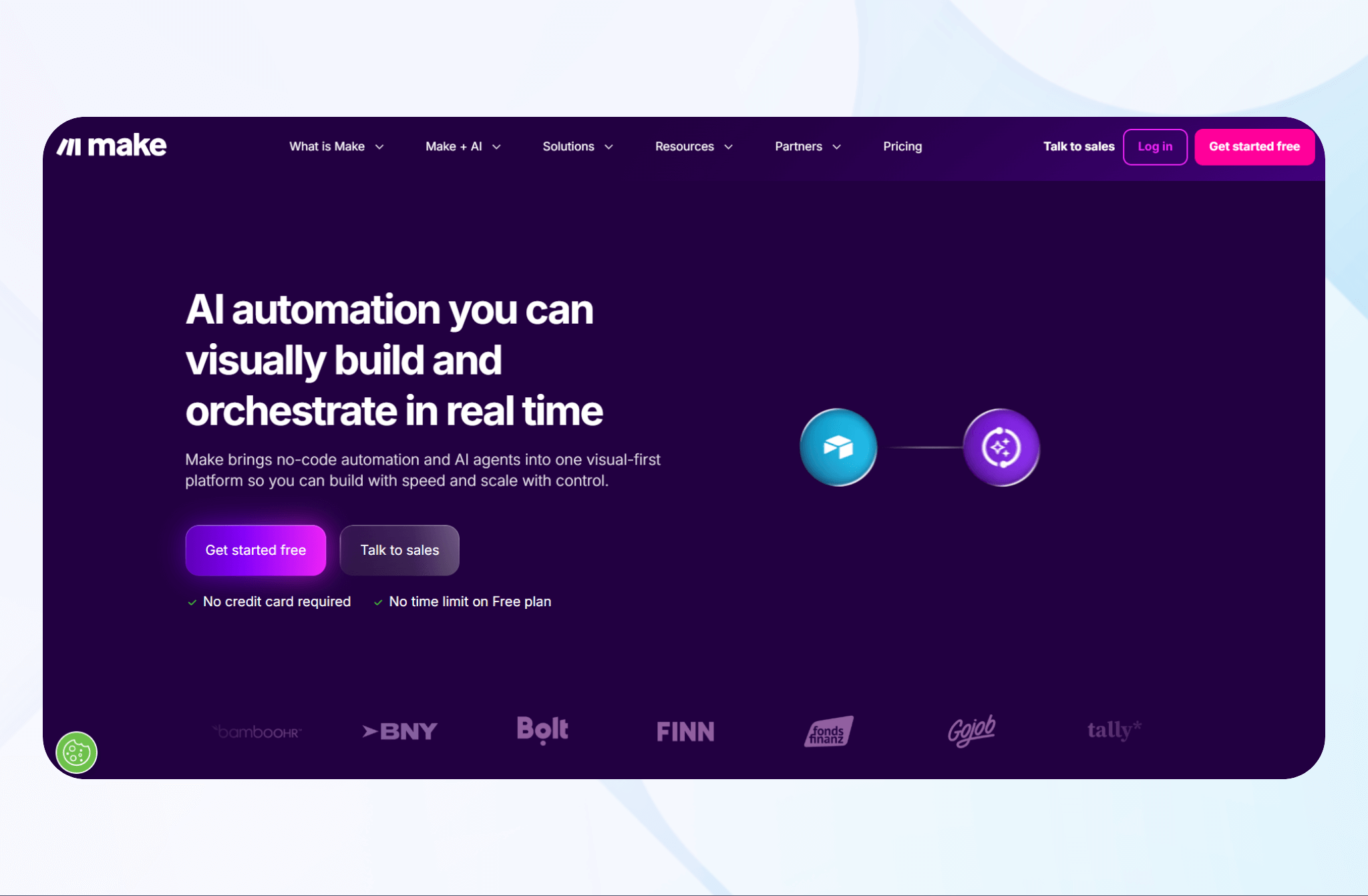
What it does: Make automates complex enterprise workflows with a visual drag-and-drop builder that connects apps, APIs, and databases. It enables teams to design multi-step automations that handle data movement, transformation, and synchronization without code.
Who it’s for: Enterprise teams across industries that need more than basic integrations. It allows for syncing data into specific database fields or orchestrating workflows across multiple systems simultaneously.
I tested Make’s scenario builder by linking QuickBooks with HubSpot. I created invoices that the sales team could automatically share with the finance team. Whenever a client made a payment, Make synced it to both platforms, keeping the sales and finance teams updated.
Make’s granular data control also allowed me to route line items from each payment to designated sections of accounting spreadsheets.
Key Features
- Advanced conditional logic: Build intricate automations with branching rules, filters, and triggers to support several business processes.
- Custom API integration: Use the HTTP module to connect proprietary or unsupported tools through API calls.
- Data mapping tools: Transform, format, and validate data during transfers for rapid integration between systems.
Pros
- Highly visual interface: Ideal for teams that prefer designing automations through simple flowcharts.
- Powerful customization: Supports advanced logic, data transformations, and multi-step workflows without scripting.
Cons
- Learning curve for complex workflows: Setting up advanced logic with multi-step workflows can be overwhelming.
Pricing
Make’s pricing starts at $10.59/month.
Bottom Line
Integrating with over 3,000 third-party platforms, Make is ideal if you want a highly visual and flexible automation platform. Its intuitive interface and deep integration capabilities make it a top choice for workflow design.
8. Tonkean: Best for Human-in-the-Loop Process Automation
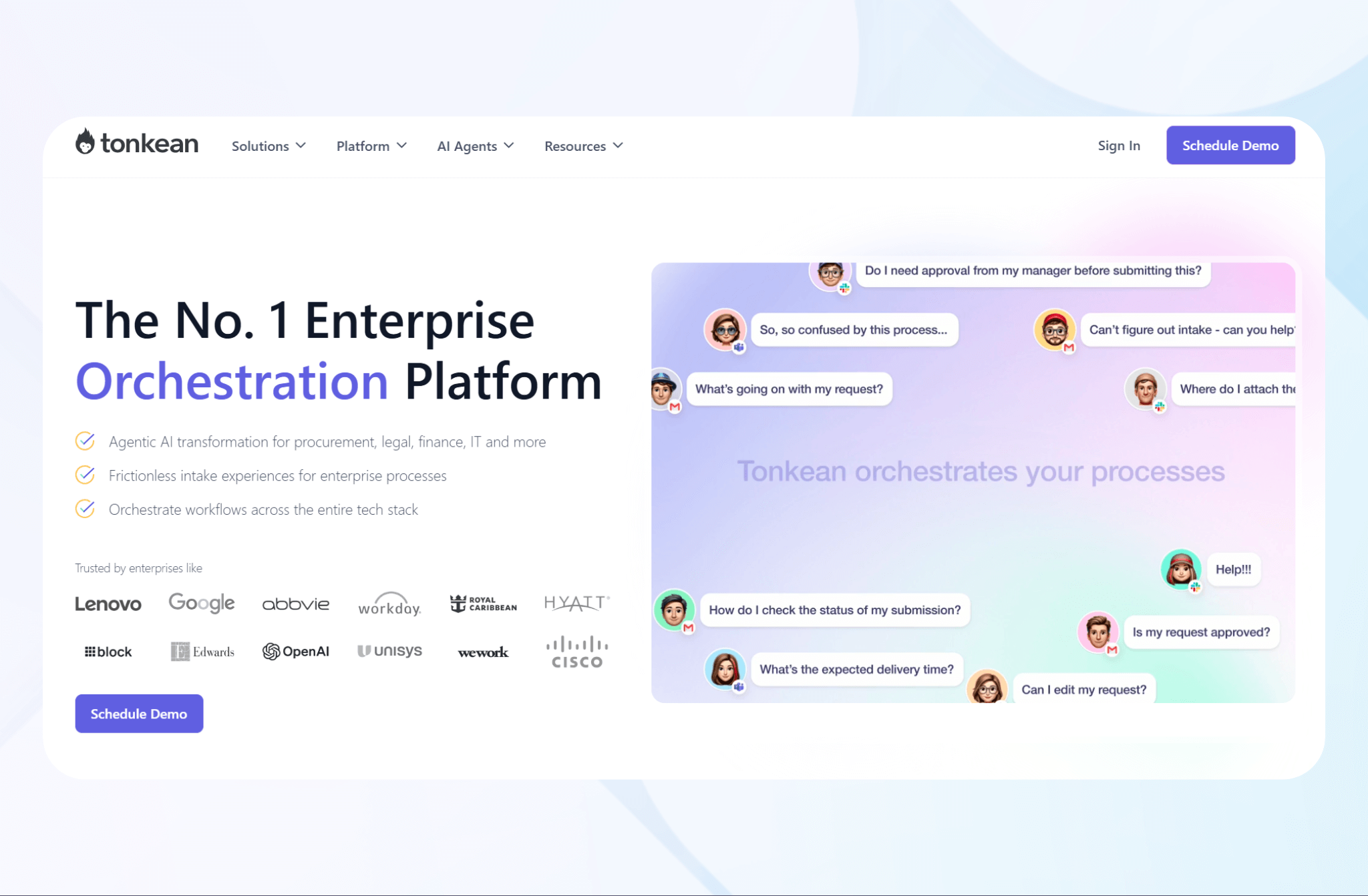
What it does: Tonkean automates enterprise workflows while keeping people involved at critical points. It combines AI-powered automation with manual decision checkpoints, making it ideal for complex business processes that require human oversight.
Who it’s for: Legal and procurement teams managing multi-step approvals, exception handling, and cross-department collaboration where human oversight is still essential.
I tested Tonkean’s workflow builder by automating new vendor intake. The platform collected form data, sent review notifications, and flagged missing details for human validation before final approval.
Next, I integrated Tonkean with Slack and Google Workspace. It created dynamic “people workflows” where employees could approve requests or provide input directly from chat without switching apps.
Key Features
- Human-in-the-loop automation: Combines automation with manual checkpoints, allowing for human input in critical or exception-based tasks.
- AI decision support: Uses machine learning to analyze process data, identify bottlenecks, and recommend automation opportunities.
- Workflow orchestration: Unifies data and tools across departments for visibility and control.
Pros
- Balanced automation approach: Keeps humans engaged in processes requiring oversight, which improves decision accuracy.
- Strong collaboration tools: Integration with workplace chat apps improves participation and response times.
Cons
- Limited off-the-shelf templates: You may need to design custom workflows from scratch for niche use cases, which can be a time-consuming process.
Pricing
Contact the Tonkean team for custom pricing information.
Bottom Line
Tonkean suits enterprises needing automation that works with humans. It blends rapid AI insights with human judgment, making it perfect for compliance-heavy workflows.
9. Pipefy: Best for Scaling Standard Operating Procedures (SOPs)
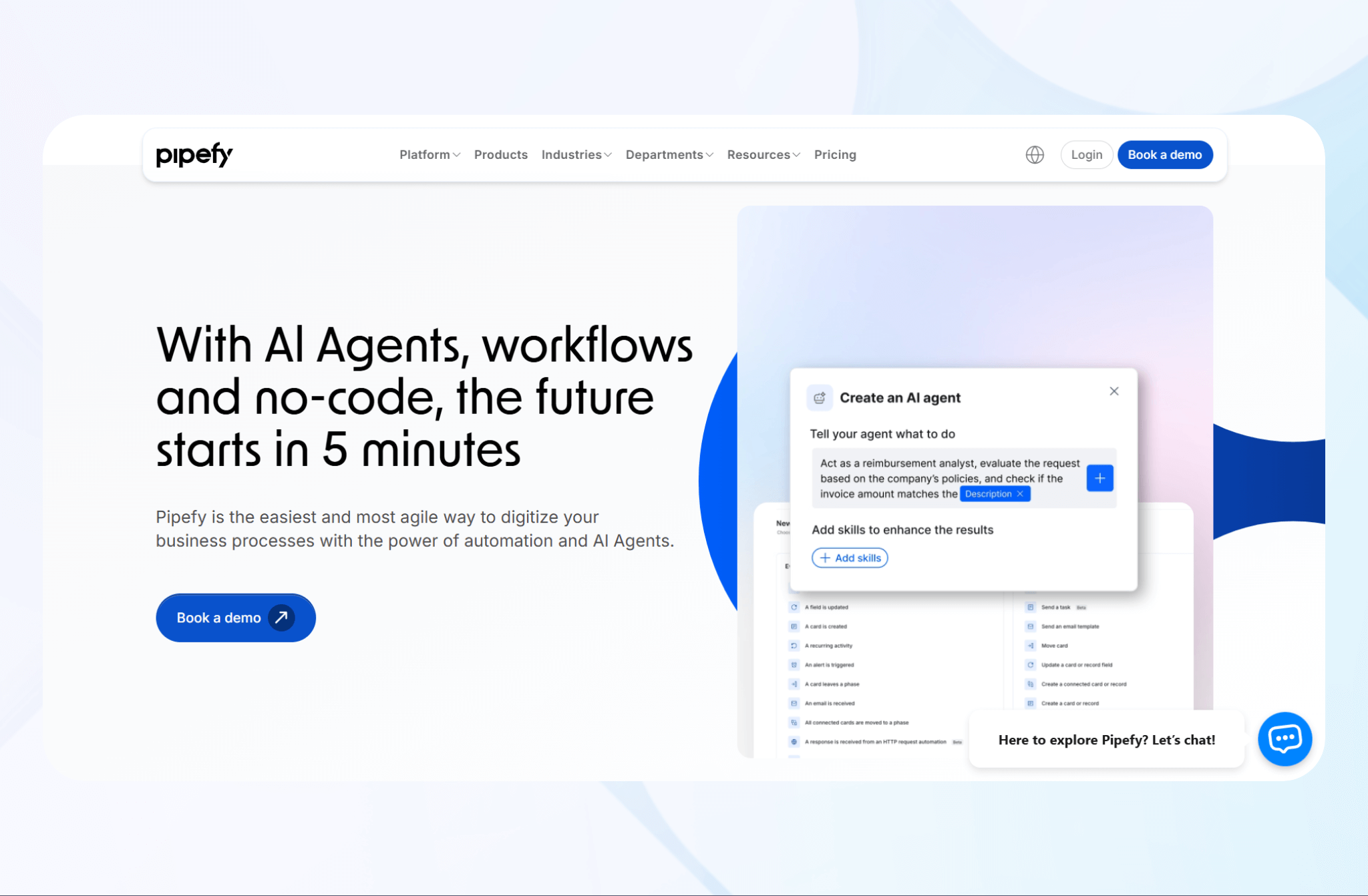
What it does: Pipefy automates and standardizes recurring business processes, helping enterprises build, enforce, and scale SOPs across departments.
Who it’s for: Operations, HR, finance, and procurement teams managing high-volume requests and multi-step approvals that need structure are good fits for Pipefy.
I tested Pipefy’s process builder by creating an employee onboarding workflow. Each task triggered automatically. The result? New hires completed training on time, while documentation and IT coordinated onboarding processes smoothly.
The platform’s conditional logic also allowed me to manage purchase approvals. I could route requests exceeding a specific amount to finance automatically, saving time and enforcing policy compliance.
Key Features
- Process automation: Standardize and automate repetitive business workflows like onboarding, procurement, and approvals with minimal coding.
- Conditional routing: Set logic-based rules that automatically assign tasks or escalate approvals based on defined parameters.
- Integration support: Connect with Google Sheets, Slack, and ERPs for unified data and communication.
Pros
- Easy SOP standardization: Allows you to design workflows that align with your company’s policies and compliance frameworks.
- Fast implementation: Pre-built templates and no-code tools let your team deploy automations quickly.
Cons
- Performance slowdowns: Large-scale workflows with many automations can affect response times.
Pricing
Schedule a demo with Pipefy’s team to learn pricing.
Bottom Line
Pipefy works for enterprises aiming to standardize and scale their SOPs. It delivers structured, repeatable workflows that drive consistency, compliance, and productivity across departments.
10. Pega: Best for AI Decisioning and Business Process Management
What it does: Pega combines business process management (BPM) and AI-powered decisioning to automate complex enterprise workflows.
Who it’s for: Large enterprises, financial institutions, and service providers. Pega provides automation and intelligent decision-making for enterprises managing high-volume operations.
I tested Pega’s workflow automation by building a claims processing system. It automatically verified policy data, routed approvals, and reduced manual review time by more than half.
The platform’s AI decisioning engine analyzed customer behavior patterns and automatically recommended next-best actions. This action improved engagement and conversion rates across content marketing campaigns.
Key Features
- Unified architecture: Integrates data and automation layers for consistent, scalable performance across applications.
- Predictive analytics: Pega identifies trends, forecasts outcomes, and suggests optimizations using machine learning.
- Low-code development: Customize and deploy workflows without heavy coding requirements.
Pros
- Scalable: Handles high data volumes and multi-department operations.
- Compliance controls: Built-in auditing and governance features provide strong security.
Cons
- Developer skills required: Advanced customization and integration may require a development background.
Pricing
Sign up with Pega to try the free Community Edition. But you’ll need to contact sales for more information about paid plans.
Bottom Line
Pega is a popular platform for enterprises that need automation and advanced Business Process Management (BPM) capabilities to deliver smarter workflows and measurable improvements.
11. Creatio: Best for Unified CRM and Process Automation
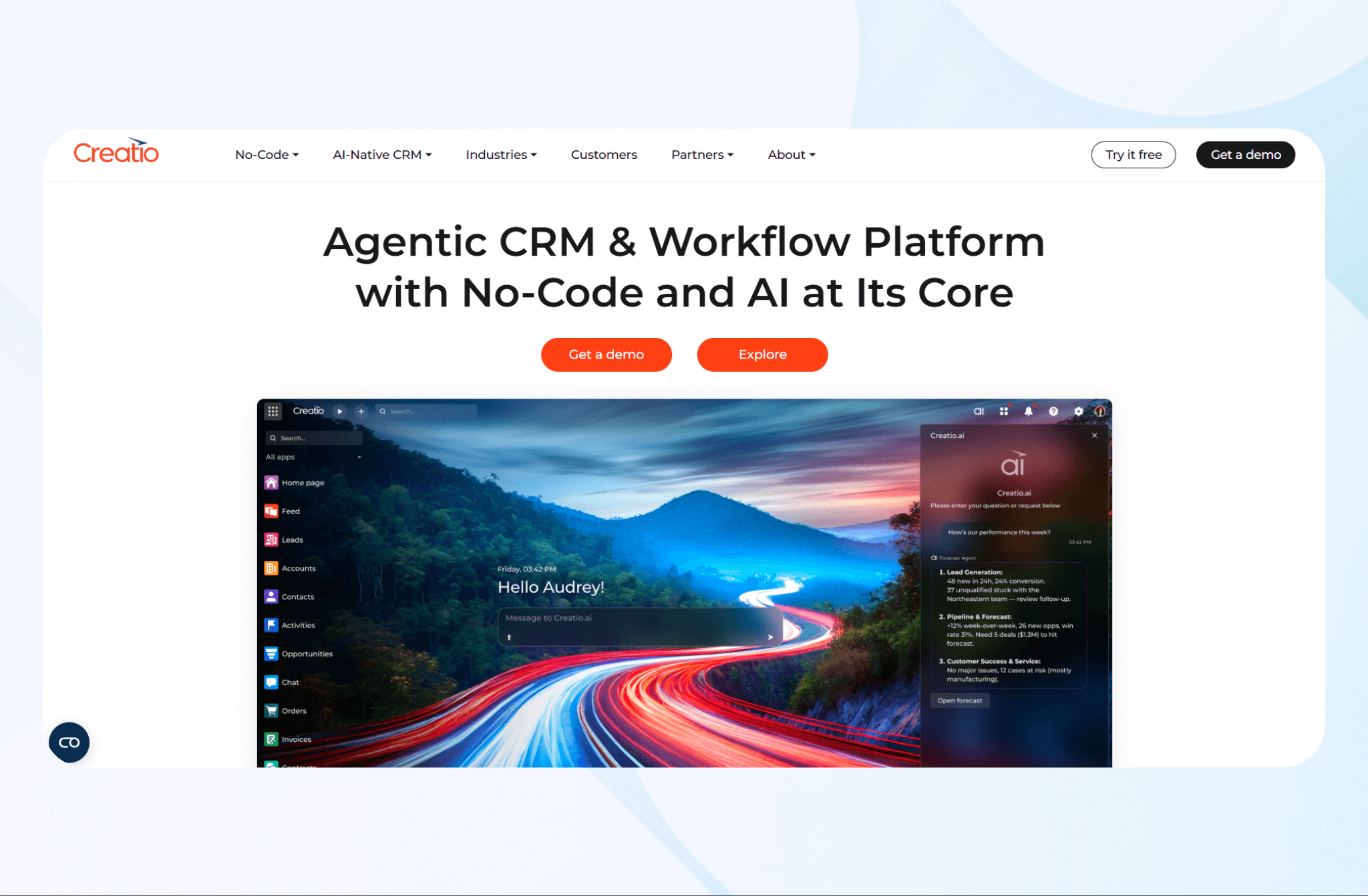
What it does: Creatio combines customer relationship management and process automation, helping enterprises connect sales, marketing, and operations.
Who it’s for: Large sales organizations, customer service teams, and business leaders seeking a single system for workflow automation and analytics.
Using Creatio’s CRM automation, I set up a lead-to-opportunity workflow. The system automatically assigned leads, tracked engagement, and triggered follow-ups based on pre-set scoring rules.
Then, I created a purchase order approval using Creatio’s drag-and-drop interface. This tool allowed me to standardize a multi-department approval chain without writing code. The platform’s AI insights predicted which purchase orders were most likely to be closed, providing my procurement team with actionable intelligence.
Key Features
- AI and predictive analytics: Uses machine learning to forecast outcomes and improve customer engagement strategies.
- Custom dashboards: Track key metrics across departments with real-time performance visualization.
- Omnichannel engagement: Manage customer interactions across email, chat, phone, and social channels.
Pros
- Intuitive design tools: Non-technical users can easily build and adjust workflows.
- Strong AI capabilities: Predictive insights improve both sales performance and customer experience.
Cons
- Complex setup for enterprises: Implementing multiple modules requires planning and IT coordination.
Pricing
Contact Creatio to learn more about their pricing plans.
Bottom Line
Creatio combines CRM with no-code process automation and AI-powered analytics, making it ideal for enterprises wanting to organize sales, marketing, and operations workflows.
12. IBM Cloud Paks: Best for Hybrid Automation
What it does: IBM Cloud Paks unify AI-powered automation and hybrid cloud infrastructure, allowing enterprises to create workflows, manage data, and scale operations.
Who it’s for: They’re designed for large enterprises, IT leaders, and DevOps teams managing hybrid environments that need centralized automation.
I tested IBM Cloud Paks on our business network by deploying bots across our hybrid cloud and server environment. Tasks ran consistently across environments, cutting manual workload and improving process reliability enterprise-wide.
The platform allowed me to detect network anomalies in real time. With each detection, Cloud Paks automatically flagged performance issues and suggested adjustments that reduced downtime across workloads.
Key Features
- Hybrid cloud orchestration: Automates and manages workflows across cloud, on-prem, and edge environments.
- End-to-end observability: Provides real-time visibility into system performance, workloads, and automation health.
- Containerized architecture: Built on Red Hat OpenShift for flexibility, scalability, and multi-environment deployment.
Pros
- True hybrid flexibility: Enables consistent automation and governance across diverse infrastructures and workloads.
- Deep enterprise integrations: Works smoothly with existing IBM tools and major third-party platforms.
Cons
- Training requirement: Your team will need to invest time to master AI features and hybrid orchestration.
Pricing
Schedule a demo with IBM to learn pricing information.
Bottom Line
Cloud Paks deliver an excellent hybrid automation solution for enterprises. They blend AI, scalability, and security to unify workflows across complex multi-cloud and on-premise infrastructures.
Special Mentions
The following 8 enterprise automation platforms didn’t make my top 12, but they all stood out for their flexible automation capabilities and ease of use. Large organizations seeking to escape manual processes can accelerate workflows by adopting any of the following platforms.
13. Tray.io: Best for API-Led Integrations and Enterprise Data Flow
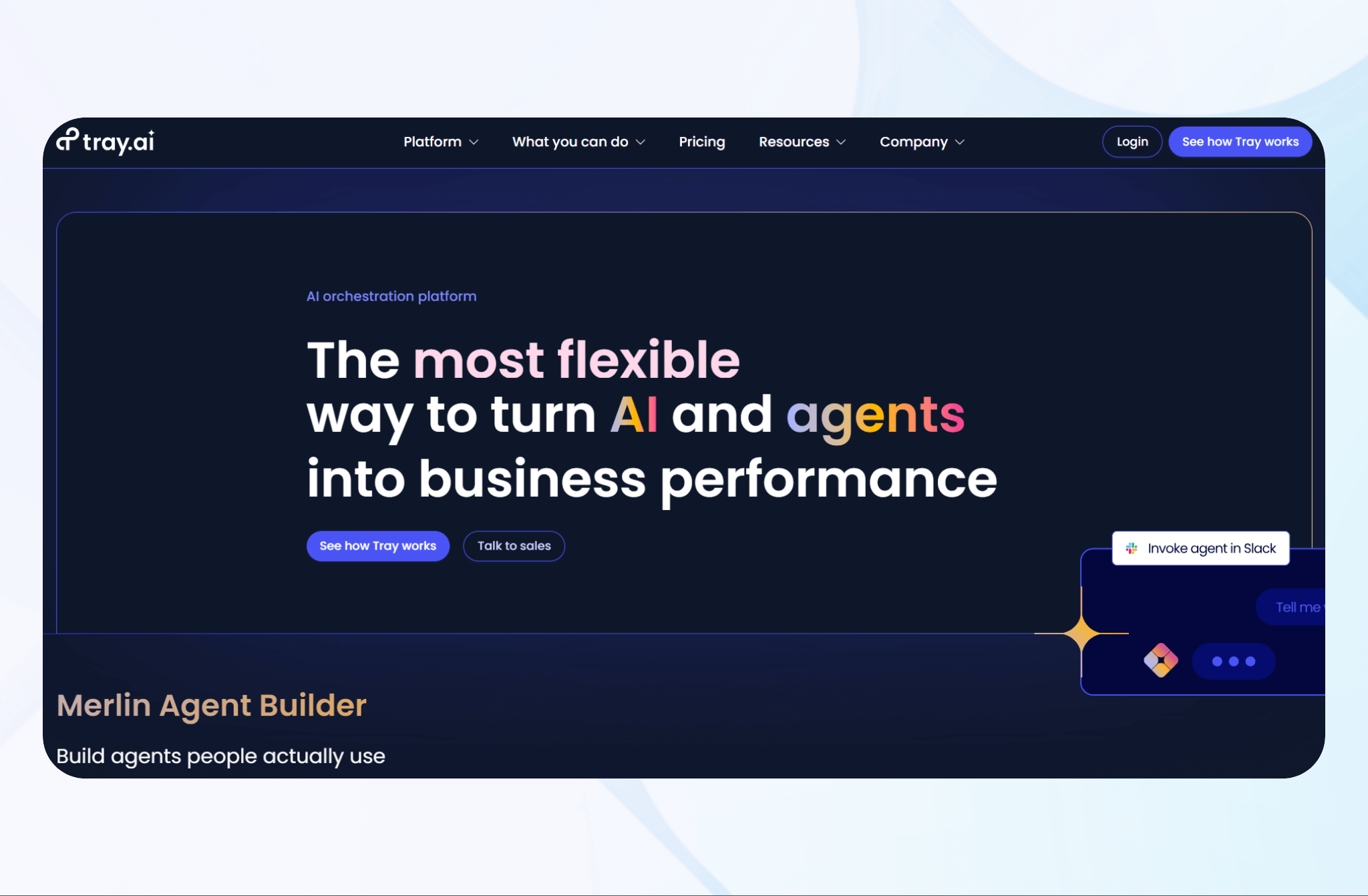
Tray.io lets you automate complex data workflows using API-led integrations. Its low-code platform integrates with CRMs, ERPs, and analytics tools.
Key Features
- Universal connector library: Access prebuilt connectors for thousands of SaaS tools and APIs to unify data and automate tasks enterprise-wide.
- Custom API management: Build, monitor, and scale secure APIs that enable deeper data sharing across internal and external systems.
- Real-time automation: Sync and transform data instantly between applications to eliminate bottlenecks.
Pricing
Contact the Tray team to learn customized rates.
14. Nintex: Best for Workflow Documentation and Compliance
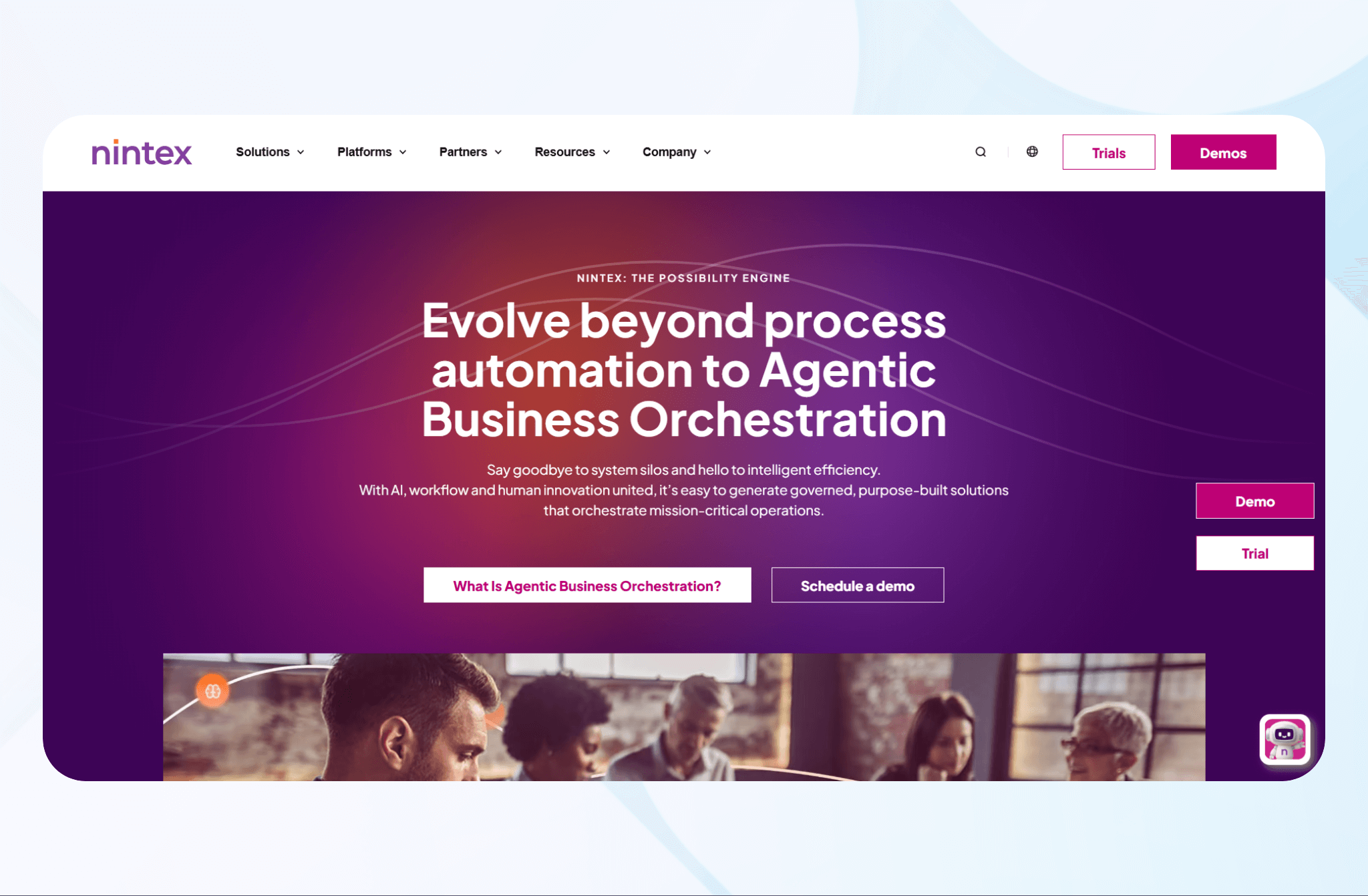
Nintex automates and optimizes enterprise workflows, helping organizations standardize processes and comply with regulations.
Key Features
- Compliance and governance tools: Enforce audit trails, permissions, and standardized procedures to maintain regulatory compliance across industries.
- Integration flexibility: Connect with Microsoft 365, Salesforce, SAP, and other enterprise tools for data synchronization.
- Analytics and optimization: Gain insights into workflow efficiency and identify process improvements through built-in analytics and reporting dashboards.
Pricing
Schedule a demo with Nintex’s team for pricing information.
15. Bizagi: Best for Low-Code Business Process Orchestration
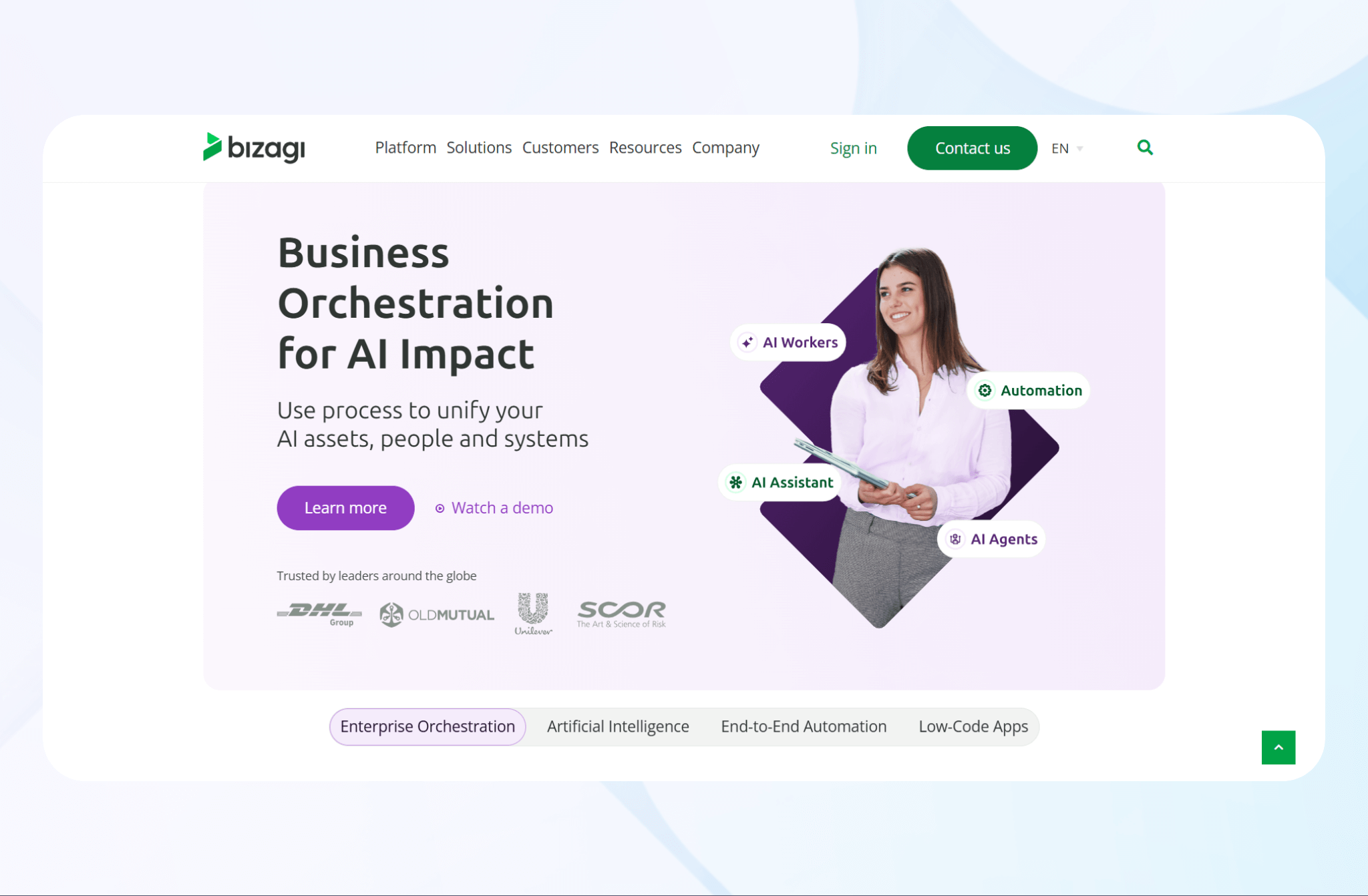
Bizagi lets you model, automate, and optimize complex business processes through a low-code platform.
Key Features
- Simple process modeling: Design and deploy business workflows using an intuitive drag-and-drop interface.
- Process automation engine: Automate multi-step processes with conditional logic, task routing, and system integrations.
- Integration hub: Connect to CRMs, ERPs, and cloud services through APIs to unify enterprise data and eliminate silos.
Pricing
Contact the Bizagi team to request a quote.
16. ServiceNow: Best for IT and Employee Workflow Automation
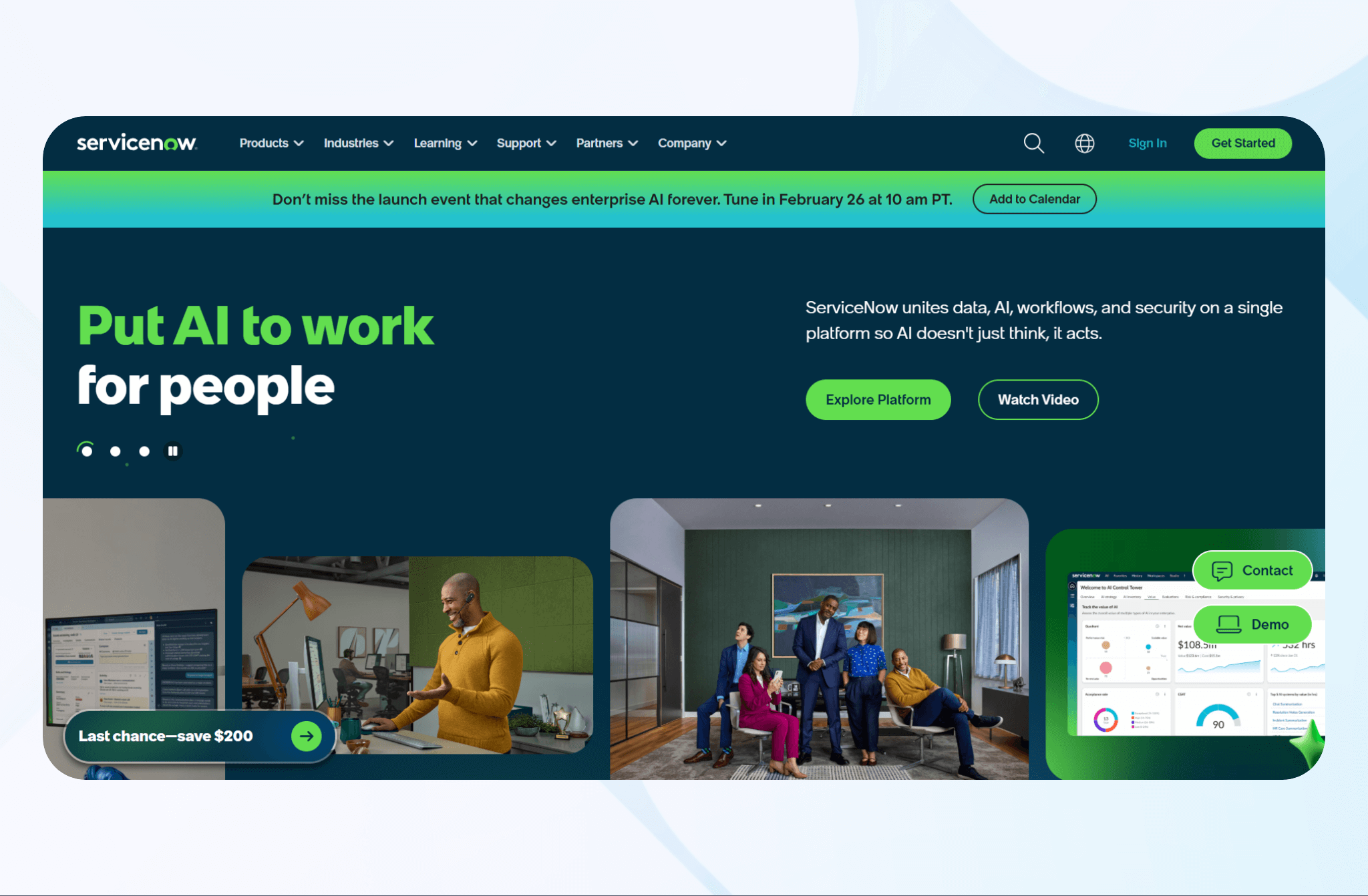
ServiceNow automates IT, HR, and enterprise service workflows through a unified platform.
Key Features
- IT service management (ITSM): Manage incident and change requests with intelligent routing, automated ticketing, and real-time tracking.
- HR service delivery: Automate employee lifecycle processes, from onboarding to offboarding.
- Workflow orchestration: Coordinate cross-department workflows and integrate third-party systems to improve data exchange.
Pricing
Set up a meeting with ServiceNow’s sales team to get pricing.
17. Jestor: Best for Internal Tool Automation Without Code
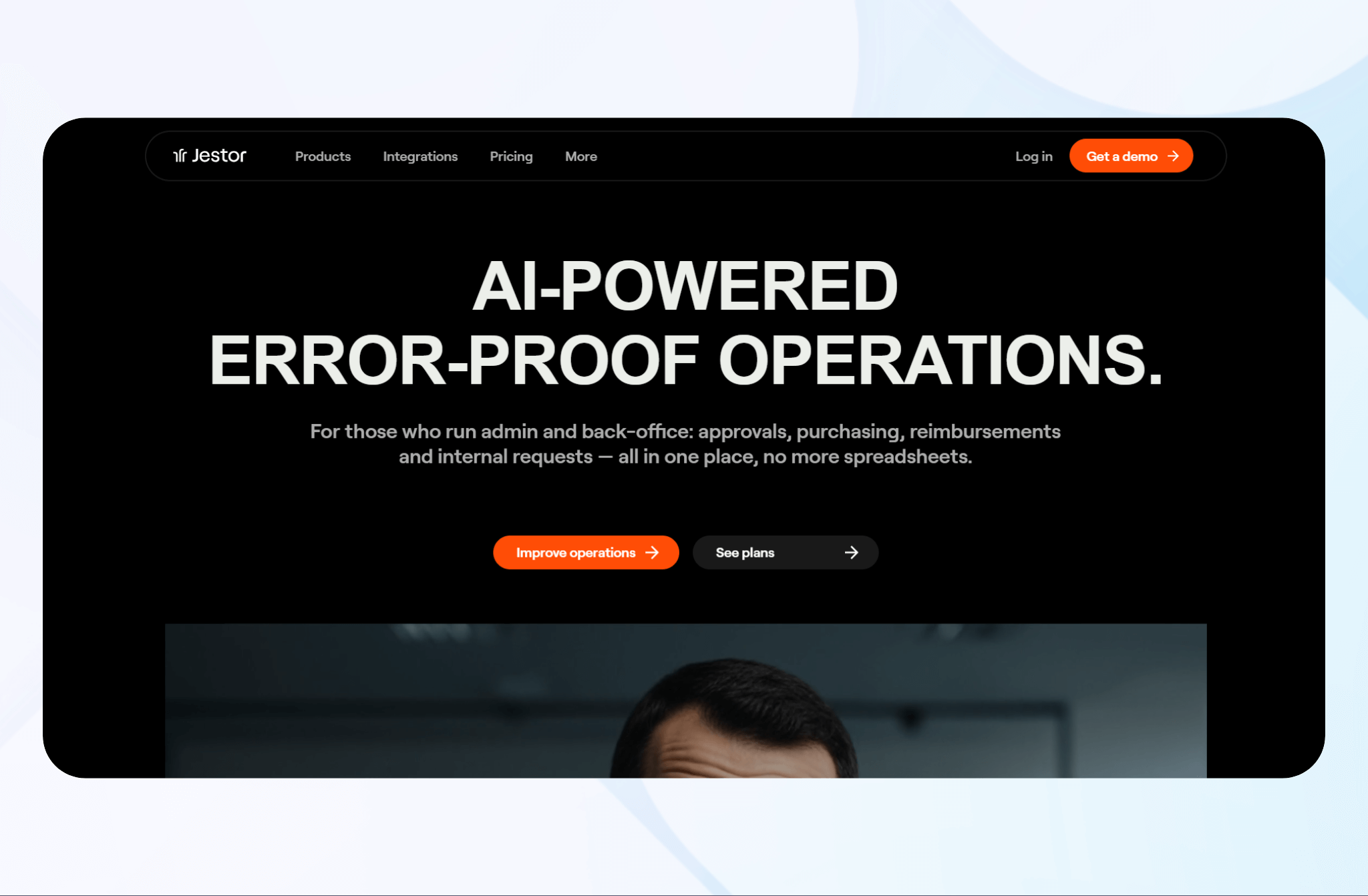
Jestor enables teams to build custom internal tools, automate workflows, and manage data, replacing spreadsheets with scalable, no-code solutions.
Key Features
- Visual workflow builder: Design and automate business processes through an easy drag-and-drop interface without writing code.
- Built-in database management: Replace spreadsheets with structured databases that power apps, dashboards, and automations.
- App integrations: Connect Jestor with tools like Slack, Google Workspace, and CRMs to unify data.
Pricing
Jestor pricing starts at $4/seat per month.
18. Hypatos: Best for Intelligent Document Processing (IDP) in Finance
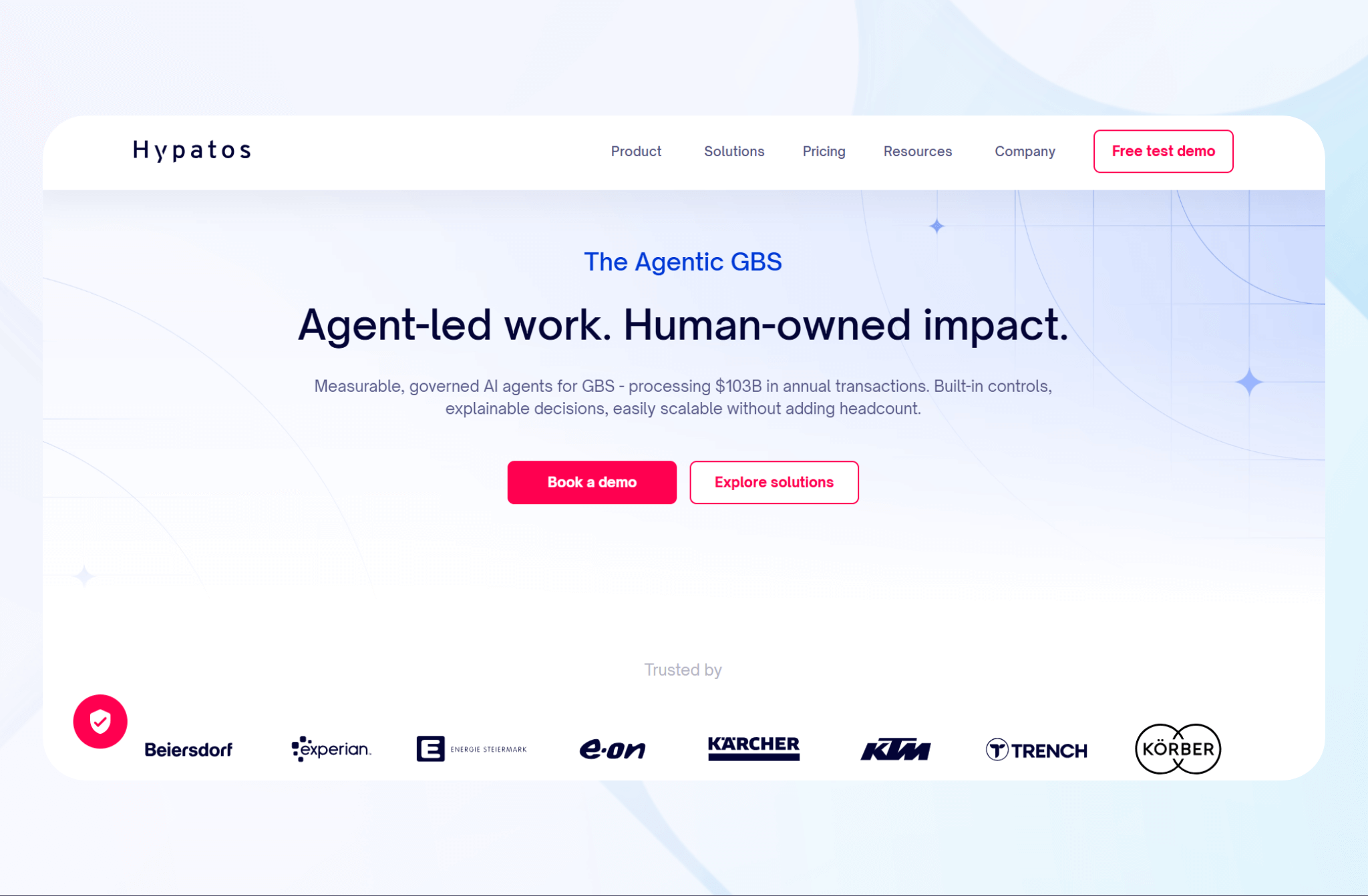
Hypatos automates financial document processing using AI and deep learning to validate data from invoices, receipts, and contracts.
Key Features
- AI-powered data extraction: Uses machine learning and OCR to extract line-item and header data from invoices, receipts, and financial forms.
- Document classification: Automatically categorizes financial documents and routes them to the correct workflow for faster approvals and processing.
- Validation and compliance: Cross-checks extracted data against business rules and accounting systems for accuracy and regulatory compliance.
Pricing
Schedule a free demo with Hypatos to learn more about their pricing plans.
19. Flowise: Best for AI Workflow Orchestration Using Large Language Models
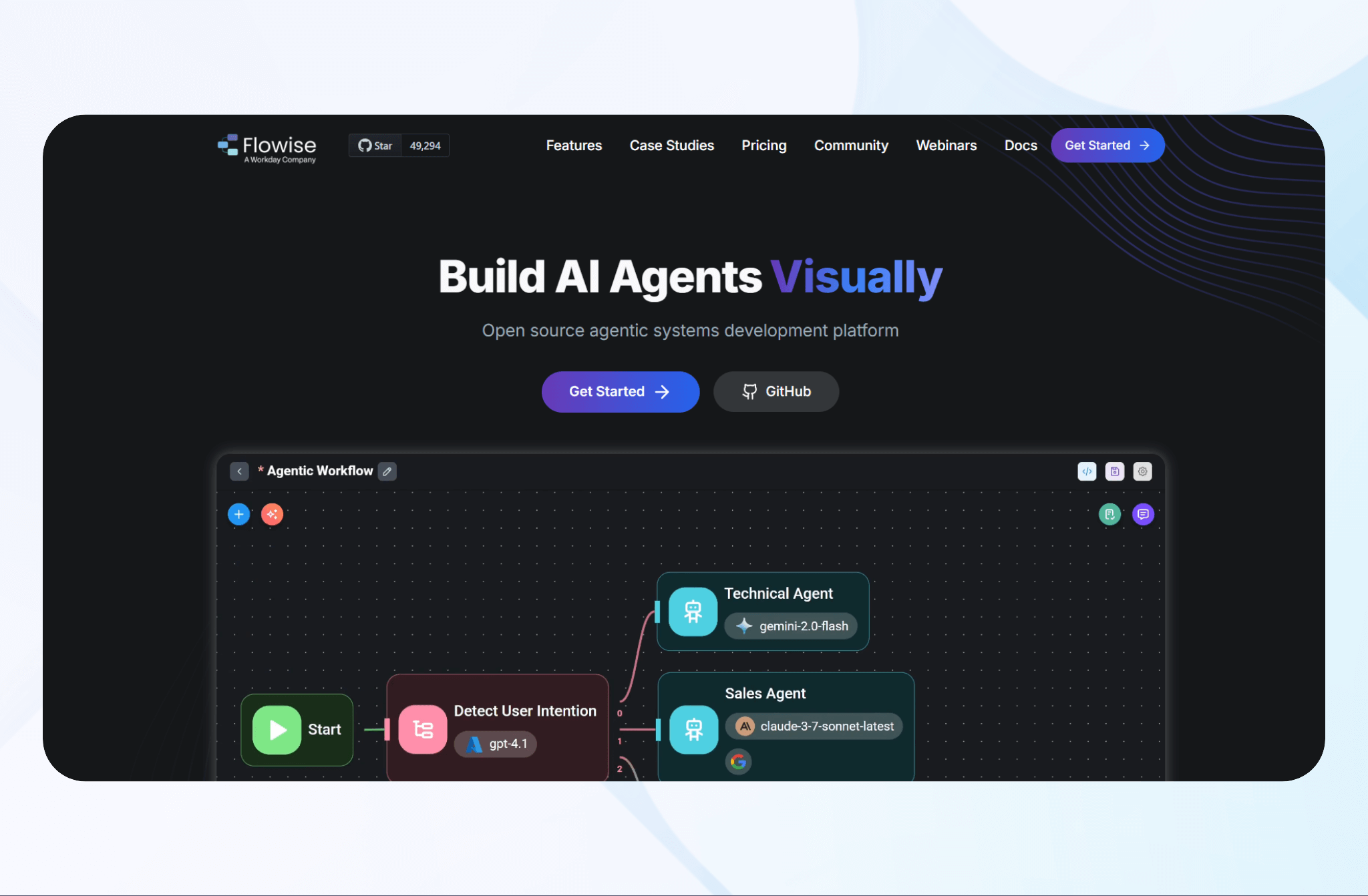
Flowise enables enterprises to build, automate, and orchestrate workflows connecting chatbots, APIs, and data pipelines.
Key Features
- Visual AI builder: Design LLM-powered workflows through an intuitive drag-and-drop interface that integrates OpenAI, Anthropic, and other AI APIs.
- Custom nodes and connectors: Extend automation by adding prebuilt or custom logic blocks to interact with databases, APIs, or third-party services.
- Context management: Maintain data memory across steps to build intelligent, multi-turn conversational workflows and AI agents.
Pricing
Flowise pricing starts at $35/month.
20. Tines: Best for Security and Incident Response Automation
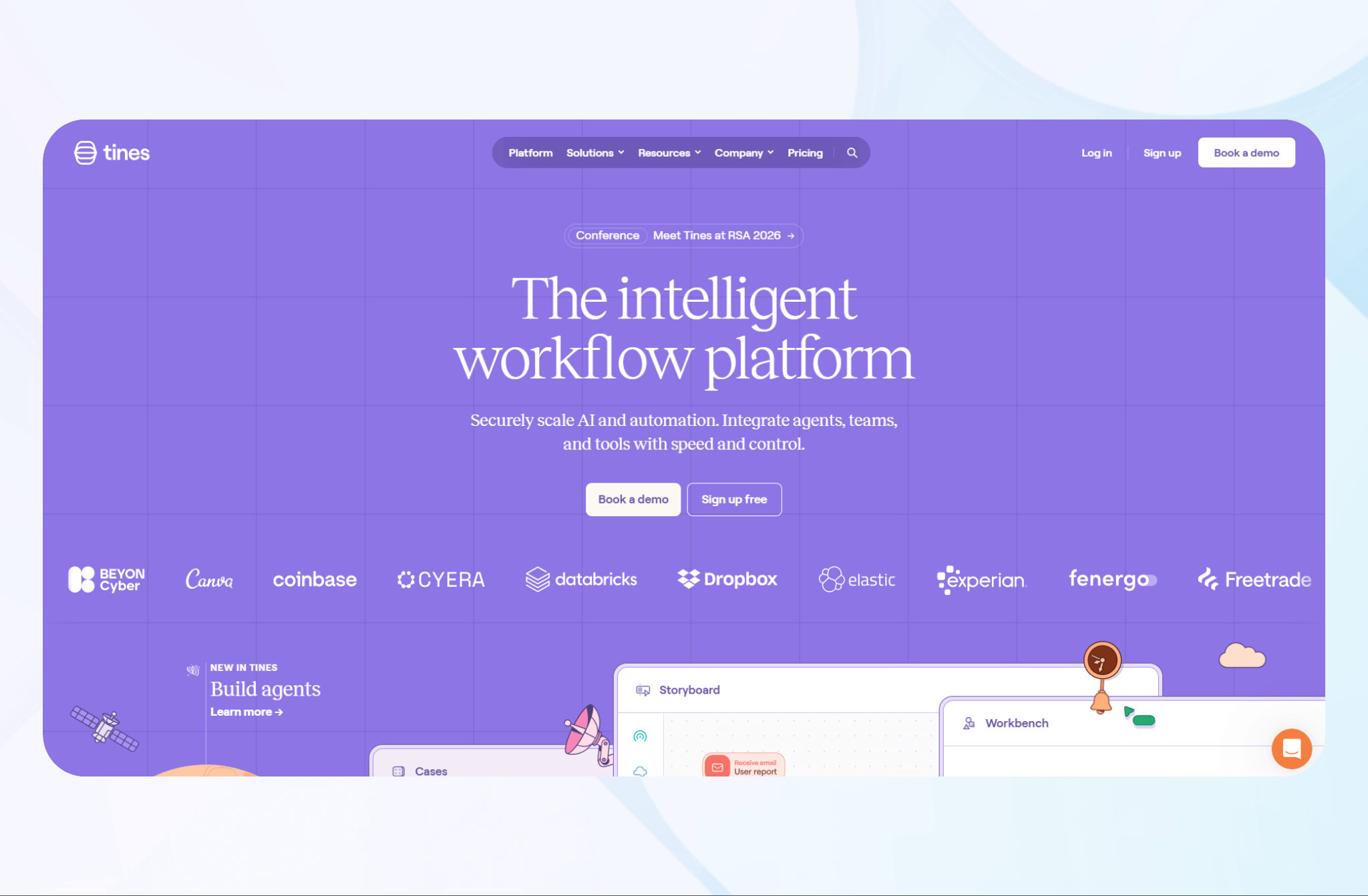
Tines automates cybersecurity workflows by enabling teams to build incident response, alert management, and threat investigation processes through a no-code platform.
Key Features
- No-code builder + integrations: Create automated security workflows using the drag-and-drop builder and connect tools like Splunk, CrowdStrike, and Jira without coding.
- Threat intelligence integration: Pull and correlate data from multiple sources to improve visibility and decision-making during security events.
- Collaboration and reporting: Share workflow updates and generate detailed incident reports for compliance and audit purposes.
Pricing
Book a demo with the Tines team to learn about pricing plans.
How I Tested These Enterprise Automation Tools
With sample datasets in my HR, finance, and marketing data departments, I built several workflows to assess each tool. I started with over 50 enterprise automation tools and weeded out the underperforming platforms by testing the following:
- Ease of workflow creation: I evaluated how quickly I could build and launch a simple workflow, like a document or a data-sync integration between apps. Testing these capabilities allowed me to assess setup time, flexibility, and learning curve.
- Integration depth: An enterprise automation tool’s integration capabilities determine how much data it can gather from other platforms in your tech stack. I tested connections between CRMs, ERPs, and communication tools like Slack and Gmail.
- AI and analytics capabilities: Tools that used AI to identify bottlenecks, optimize workflows, or predict outcomes outperformed those that relied on manual processes. AI-powered tools also gathered and presented metrics better than those without AI.
I also considered these factors:
- Security and compliance: I tested role-based access, audit trails, and encryption to confirm that each platform offered a basic level of protection and governance.
- Vendor support and ROI: Support directly affects long-term success. I assessed onboarding quality, response times, and availability of training materials, prioritizing platforms that provide proactive customer success programs.
What to Look for in an Enterprise Automation Tool
Choosing the right enterprise automation tool starts with knowing the features that lead to results. Look for tools that offer the following:
- Ease of use: No-code/low-code enterprise automation builders let you create and adjust workflows without developers. The result is faster adoption, greater agility, and quicker ROI across departments.
- Integration support: API-based integrations connect data across ERPs, CRMs, and cloud platforms for smooth exchange. Unified connections eliminate silos and remove the need for manual data transfers.
- Robotic Process Automation (RPA) capabilities: RPA handles repetitive tasks like data entry, report generation, and invoice processing. Automating these functions allows your staff to focus on high-value initiatives.
- AI and process mining: AI process mining analyzes workflows to detect hidden bottlenecks. It uses data insights to optimize automation logic and task routing.
- Governance, compliance, and scalability: A strong enterprise automation tool must protect sensitive data and meet standards like HIPAA, SOC 2, and GDPR. Built-in compliance features maintain trust while reducing legal risk.
- Support and ROI: Reliable vendors provide onboarding, training, and responsive technical support, shortening your learning curve. Ongoing support also helps maintain long-term performance.
When evaluating enterprise automation features, begin with a small pilot project that targets a single repetitive process. Track metrics like time saved, error reduction, and employee satisfaction to validate ROI before scaling company-wide. A methodical rollout enables you to design automations that work for the long run.
My Final Verdict: Which Enterprise Tool Should You Choose?
Ultimately, I narrowed my top 20 down and selected Blaze, UiPath, and Kissflow as my top 3. These tools have the features most enterprises require like a broad range of accessibility, automation, and scalability. They also provide flexibility and deep integrations, making them ideal for teams seeking reliable, long-term automation solutions.
Choose Blaze If You…
Need to build automation solutions that can scale with your enterprise and don’t want to hire engineers. Choose Blaze for making applications that even non-technical staff can build and deploy, keeping operations flexible while eliminating IT bottlenecks. You and your team can update apps at your own convenience, without programming.
Choose UiPath If You…
Manage enterprise operations or IT systems that rely heavily on repetitive, rules-based processes such as data entry or document handling. UiPath provides robotic process automation with centralized bot management to reduce manual workload. It’s ideal for automating high-volume, back-office workflows like invoice processing or claims management.
Choose Kissflow If You…
Have a technical team ready to automate workflows. Kissflow’s low-code platform enables users to build flexible apps using JavaScript, integrating HR, procurement, and project management into unified workflows.
Avoid Enterprise Automation Tools If You…
Have simple, linear workflows that don't span across multiple departments or systems. Enterprise automation platforms are built for complex, cross-functional processes. If you're connecting a few apps or automating basic tasks, lighter tools are cheaper and a better fit.
Build Enterprise Automation Tools with Blaze
Creating enterprise automation tools shouldn’t require technical skills or an engineering team. With Blaze, you can build and scale secure automation apps that connect teams, systems, and data across your organization — without writing a single line of code.
Here’s why you should choose Blaze for creating your next enterprise automation tool:
- No-code simplicity: Blaze’s visual drag-and-drop builder lets non-technical teams design and automate workflows without developers. You can build internal tools, dashboards, or approval systems in hours, not weeks.
- Customizable enterprise workflows: Every organization runs differently. Blaze allows you to automate approvals, data transfers, or reporting with workflows tailored to your business processes. No scripts or custom integrations required.
- Enterprise compliance: Blaze offers built-in HIPAA and SOC 2 compliance features. Your automated systems can handle sensitive business data securely and meet global regulatory standards.
- Dedicated support: Blaze offers hands-on onboarding and implementation support. Their team helps you design, test, and deploy your automation tools so you can scale confidently across departments.
Use Blaze to build enterprise automation tools in just a fraction of the time it takes to hire developers. Schedule a Free Demo Today.
Frequently Asked Questions
What Do Enterprise Automation Tools Do?
Enterprise automation tools eliminate repetitive manual tasks and unify workflows across multiple systems and departments. They minimize human error and allow teams to focus on higher-value work like strategy, customer experience, and innovation. As data and processes scale, enterprise automation can handle more tasks without adding complexity.
What Is The Difference Between iPaaS And Workflow Automation?
iPaaS (Integration Platform as a Service) primarily connects systems and synchronizes data via APIs (e.g., ERPs, CRMs). Workflow automation orchestrates human and system tasks, approvals, and decisions across those systems. So, iPaaS moves data between systems, while workflow automation manages tasks between people and systems.
Which Industries Benefit Most From Enterprise Automation?
Industries that require high-volume data processing, strict regulatory compliance, multi-system integration, and fast approval cycles benefit the most from enterprise automation. Businesses in finance, healthcare, manufacturing, retail, and logistics benefit because they handle large volumes of repetitive tasks like invoice processing and inventory tracking.
Do Enterprise Automation Tools Support AI?
Yes, enterprise automation tools support AI through features like predictive analytics and intelligent document processing. These capabilities help identify workflow bottlenecks and recommend optimizations. Enterprise automation tools also extract data from unstructured documents and automate complex decisions.
The Secure No-Code & AI Platform
Supercharge your team's operations and performance with better apps and tools.
Create custom apps fast
Secure & HIPAA compliant
Streamline complex workflows

The Secure No-Code Platform
Build apps with best-in-class security.
Related Articles
Discover related guides on healthcare no-code development, HIPAA compliance, security, integrations, and launching apps faster.
%20(1).png)
6 Best HIPAA-Compliant AI Tools for Healthcare (2026)
I found 6 HIPAA-compliant AI tools that improve data accuracy and save time. Compare healthcare AI platforms for scribing and automation to find the best fit.

10 Best No-Code Website Builders (2026): Expert Tested
After our expert tested 30 no-code website builders, these 10 stood out for design flexibility and e-commerce. Compare features and pricing to find the right fit in 2026.
10 Database Applications: Types, Examples & Use Cases
What do database applications do and how do they help your business? Read on for an overview and 10 real-world examples that could help.