
Table of contents
Top 10 No-Code AI Tools (2026): Tested & Reviewed

Written by
Blaze Team

Reviewed by
Justyna Wojcik
Expert Verified
10 Best No-Code AI Tools of 2026: At a Glance
Most teams waste hours on tasks that no-code AI tools could automate. After testing 25 platforms, I found the 10 best options that can reduce manual work in 2026.
1. Blaze: Best Overall AI Automation Tool
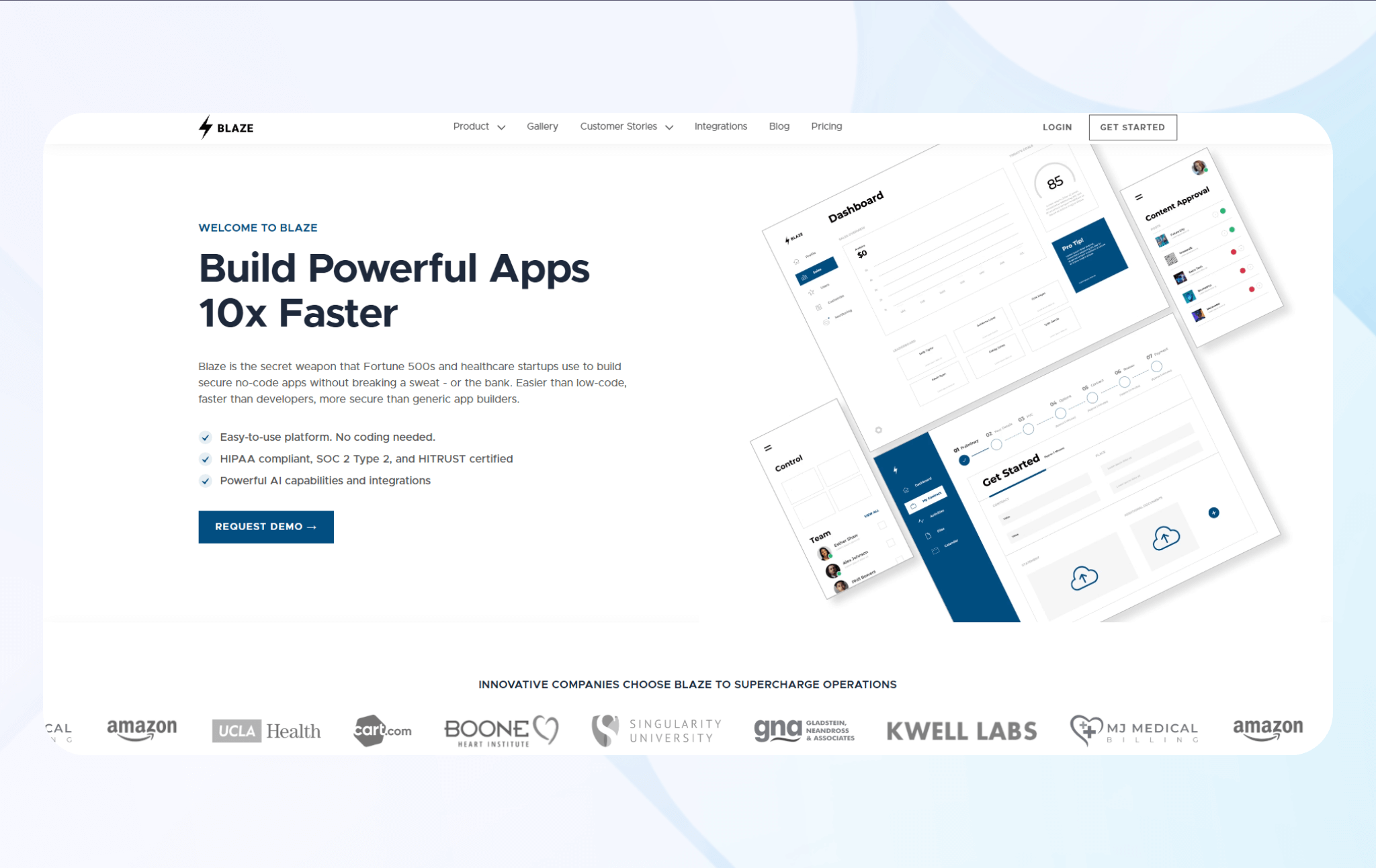
What it does: Blaze, a no-code app builder, lets users create custom apps, AI automations, and workflows without development experience.
Who it’s for: Medium to large-sized organizations building internal apps, systems, and automations without engineers.
We developed Blaze for scaling teams that want to build their own apps without programming.
To test Blaze, I built a lead-scoring workflow with the drag-and-drop editor. It pulled raw Typeform responses, classified intent with ChatGPT, and added scored leads straight into the database. That setup made lead quality visible the moment submissions arrived.
I also created a workflow that sent emails to the finance team whenever Stripe processed payments. The message included the payment amount, client name, and date received. Setup took about 10 minutes, and the workflow ran on its own for about a week, triggering correctly every time a real payment went through.
Key Features
- Native app integrations: Connects directly to several tools, including Salesforce, HubSpot, Google Sheets, and Slack.
- Visual workflow builder: Drag-and-drop nodes connect apps and set trigger conditions without coding.
- Pre-built automation templates: Ready-made workflows for CRM, email, and project management deploy rapidly.
Pros
- Rapid deployment: Workflows can often go live much faster than traditional development, with some teams launching usable apps in hours or less, rather than waiting for multi‑week engineering cycles.
- Template library: Blaze provides components, example apps, and expert-built solutions that cover many common operations scenarios like client portals and approval flows.
Cons
- Not ideal for small-scale needs: Large data storage volumes and scalability features make Blaze overkill for freelancers and small businesses that aren’t planning to grow.
Pricing
Blaze pricing starts at $1,500/month.
Bottom Line
Blaze works best for growing teams that want to avoid constant engineering requests. It lets your team build and manage your own internal apps and automation on the fly, without waiting on developers. Teams focused on lightweight task automations should consider a simpler automation tool like Zapier instead.
2. Zapier: Best for Cross-App AI Automations
What it does: Zapier connects over 8,000 apps and automates data transfer between them using simple trigger-action workflows.
Who it’s for: Teams managing data across multiple platforms who spend hours copying information between disconnected systems.
When I tested Zapier, I connected Gmail to Notion to turn lead emails into database entries. The workflow pulled in the sender’s name, email text, and time sent. My tests used 50 emails, and each one landed in the right spot in Notion.
I also connected Stripe to Google Sheets to track the average payment time for each account. The automation ran for two weeks without issues and sent data to the correct database pages every time.
Key Features
- Multi-step integrations (Zaps): Run several steps in a row across different apps using one automation.
- AI field mapping: Lets you map fields between apps so data flows correctly, and AI by Zapier can help structure or generate output fields for more advanced automations.
- Rule-based data routing: Send data to different apps with rules that you define.
Pros
- Large number of integrations: Connects over 8,000 third-party apps for data transfer and automation.
- Filter logic flexibility: Conditional rules handle complex data routing without creating separate workflows for edge cases.
Cons
- Limited error recovery: Failed steps don’t automatically retry by default, so teams often need to manually redo runs or build custom error-handling patterns.
Pricing
Zapier pricing starts at $29.99/month.
Bottom Line
Zapier works best for teams that already use many different apps and must move large amounts of data between them. When a workflow needs complex logic, long-term data tracking, or custom databases, consider switching to a platform like Make.
3. Make: Best for Complex Logic Automation
What it does: Make lets you build step-by-step workflows that send data to different directions, based on custom rules and repeated steps.
Who it’s for: Teams that run processes where one input can lead to different actions, depending on changing data.
During testing, I built a lead routing system that evaluated submissions from Typeform across budget, industry, and geography. I split the workflow into 7 router paths and processed over 300 Typeform submissions without noticeable slowdowns or misrouted leads for this dataset.
I also created an invoice processing workflow that extracted data from QuickBooks. By combining QuickBooks modules with conditional logic and routers, the workflow compared invoice amounts against purchase orders, flagged entries over a set tolerance, and routed approved records.
Key Features
- Visual scenario builder: Flowchart interface shows all branching paths and decision points.
- Create multiple rules: Check several rules at once and send data down different paths, without writing code.
- Trigger scheduling: Run workflows on a set schedule, when a webhook fires, or when a condition meets certain rules.
Pros
- Runs tasks at the same time: Handle multiple actions at once instead of one by one, which saves time.
- Error handling: When an automation fails, the system takes a specific action instead of just retrying or sending a basic alert.
Cons
- Steep learning curve: The builder interface requires understanding modules, routers, and iterators to create functional workflows.
Pricing
Make pricing starts at $10.59/month.
Bottom Line
Make works best for teams that need complex automations with many rules. Teams that care more about speed and want an easier tool should try Zapier, which gives up control for faster setup and simpler upkeep.
4. n8n: Best for Self-Hosted Automations
What it does: n8n is a low-code platform that runs automation workflows on your own servers or in the cloud.
Who it’s for: Teams with compliance requirements or data residency restrictions that prevent sending internal information through external automation services.
I tested n8n by setting it up on my own server and building a webhook that handled form submissions. The automation processed incoming requests smoothly, and I could view all logs on my server, which made troubleshooting faster.
For another test, I built a workflow that synced revenue data between two PostgreSQL databases. It ran on a schedule and kept login information encrypted on my server.
Key Features
- Self-hosted deployment: Option to run on your infrastructure for control over data storage, processing, and access permissions.
- Source code access: The open-source framework allows you to modify workflows, add custom nodes, or integrate proprietary systems directly.
- Direct database connections: Queries SQL databases natively without requiring API wrappers or external data transfer services.
Pros
- Complete data control: When you self-host, workflow data, credentials, and execution logs stay within your own infrastructure by default.
- No usage limits: Self‑hosted instances don’t impose vendor caps on how many workflows or executions you can configure, but practical limits come from your infrastructure resources and any throttling or concurrency settings you apply.
Cons
- Setup complexity increases: Initial deployment requires technical knowledge that managed infrastructure eliminates.
Pricing
n8n pricing starts at $24/month.
Bottom Line
n8n makes the most sense for teams that must self-host automations and keep their data inside their internal systems. Teams that need to create internal tools should try Blaze, with both automation power and a no-code frontend and database builder.
5. Gumloop: Best for AI Web Scraping
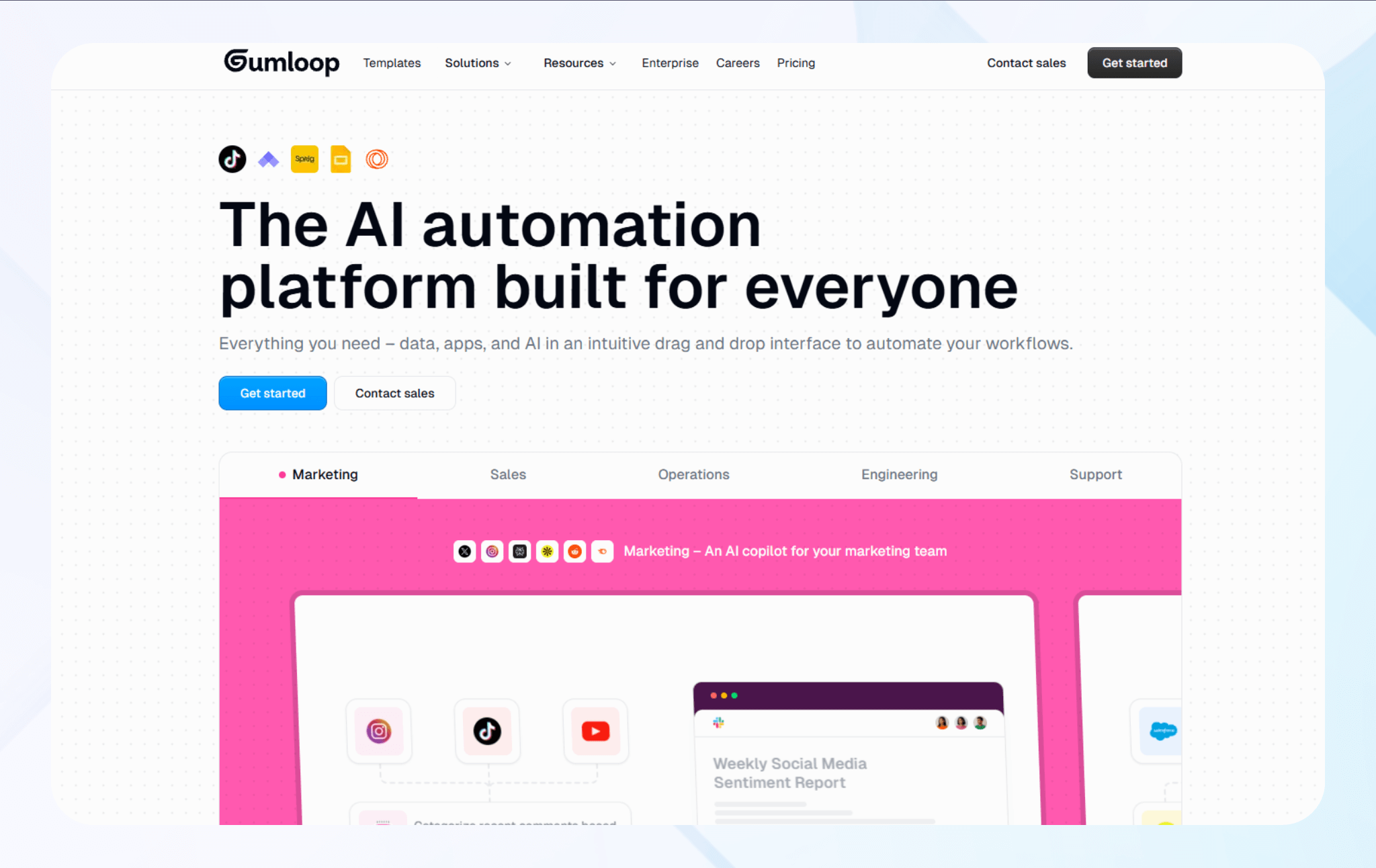
What it does: Gumloop uses AI to pull data from pages without manual copying.
Who it’s for: Teams that collect market or competitor data and spend a lot of time gathering information from different websites by hand.
To test Gumloop, I pulled product details for WiFi routers from 30 online stores. Each site used a different layout, but Gumloop took out prices, descriptions, and specs from most pages without needing custom rules.
Gumloop also handled small differences in how sites listed router details better than basic scraping tools like browser extensions.
Key Features
- Pulls data with AI: Find and collect specific information from web pages by describing what you want in plain language.
- Multi-page data harvesting: Move through pages, click buttons, and follow links to collect data from multiple sites.
- Handles dynamic pages: Wait for pages that load content with JavaScript before pulling data.
Pros
- Easy setup: Tell Gumloop what to collect using normal words instead of writing code.
- Less upkeep: AI extraction handles small page changes better, so workflows may need fewer manual fixes when sites update.
Cons
- Slower at very large scale: Gumloop can run slower when handling huge volumes or complex tasks.
Pricing
Gumloop pricing starts at $37/month.
Bottom Line
Gumloop works best for teams that scrape data from many different websites, removing the need to constantly change rules. Teams that need to scrape data faster and at high volumes should try a tool like n8n that uses fixed rules instead.
6. Bubble: Best for AI Web Applications
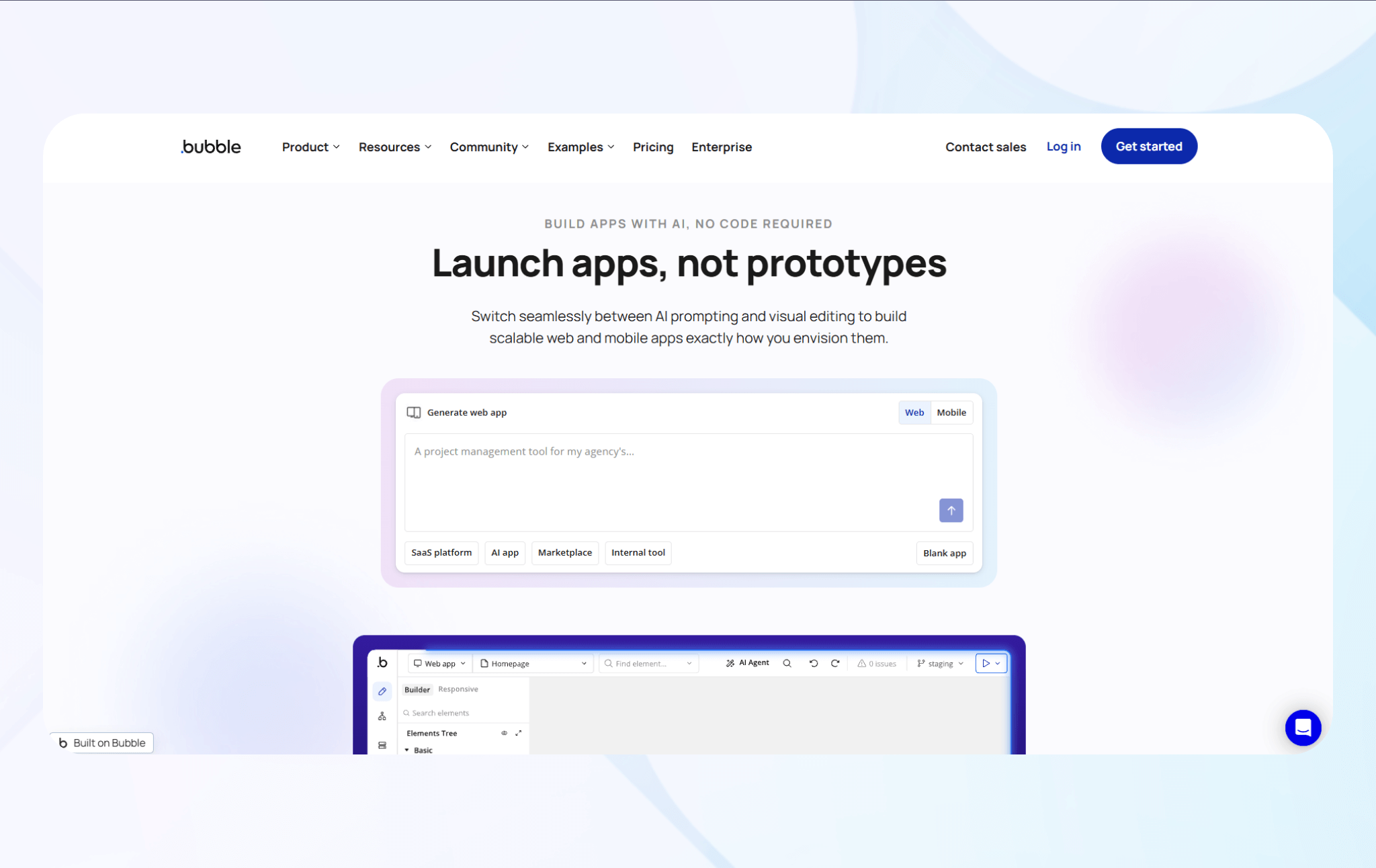
What it does: Bubble builds full web and native applications with databases, user logins, and app rules without writing code.
Who it’s for: Teams testing product ideas or building internal tools who need to publish highly customized web and mobile apps.
I tested Bubble by building a project management tool that assigned tasks and tracked deadlines automatically. The visual editor required a few hours of tutorials and forum help, and overall build time was longer compared to other no-code tools.
Community forum responses often arrived within minutes, which helped unblock specific editor and database issues during the build.
Key Features
- Visual builder: Build your app by dragging premade buttons and screens onto a canvas with a real-time preview of layout changes.
- Database builder: Create and manage databases with linked records, access rules, and search tools, all in one place.
- Workflow automation: Build step-by-step workflows that run when users take actions, on a schedule, or when an app sends a request.
Pros
- All-in-one app platform: Build your front end, back end, and database in one place, without managing separate services.
- Web and mobile apps: Create apps people can use in a browser or download from the Apple App Store or Google Play.
Cons
- Learning curve: Although Bubble’s a no-code AI tool, its complex interface takes several weeks to completely learn.
Pricing
Users can build a web app for $32/month, or a web and mobile app for $69/month.
Bottom Line
Bubble works best for teams that need custom data transfer tools, user access controls, and connected screens built in one place. Teams building internal tools with clear, structured workflows often choose Blaze instead, which offers faster build time and less time spent learning the interface.
7. Glide: Best for AI Internal Apps
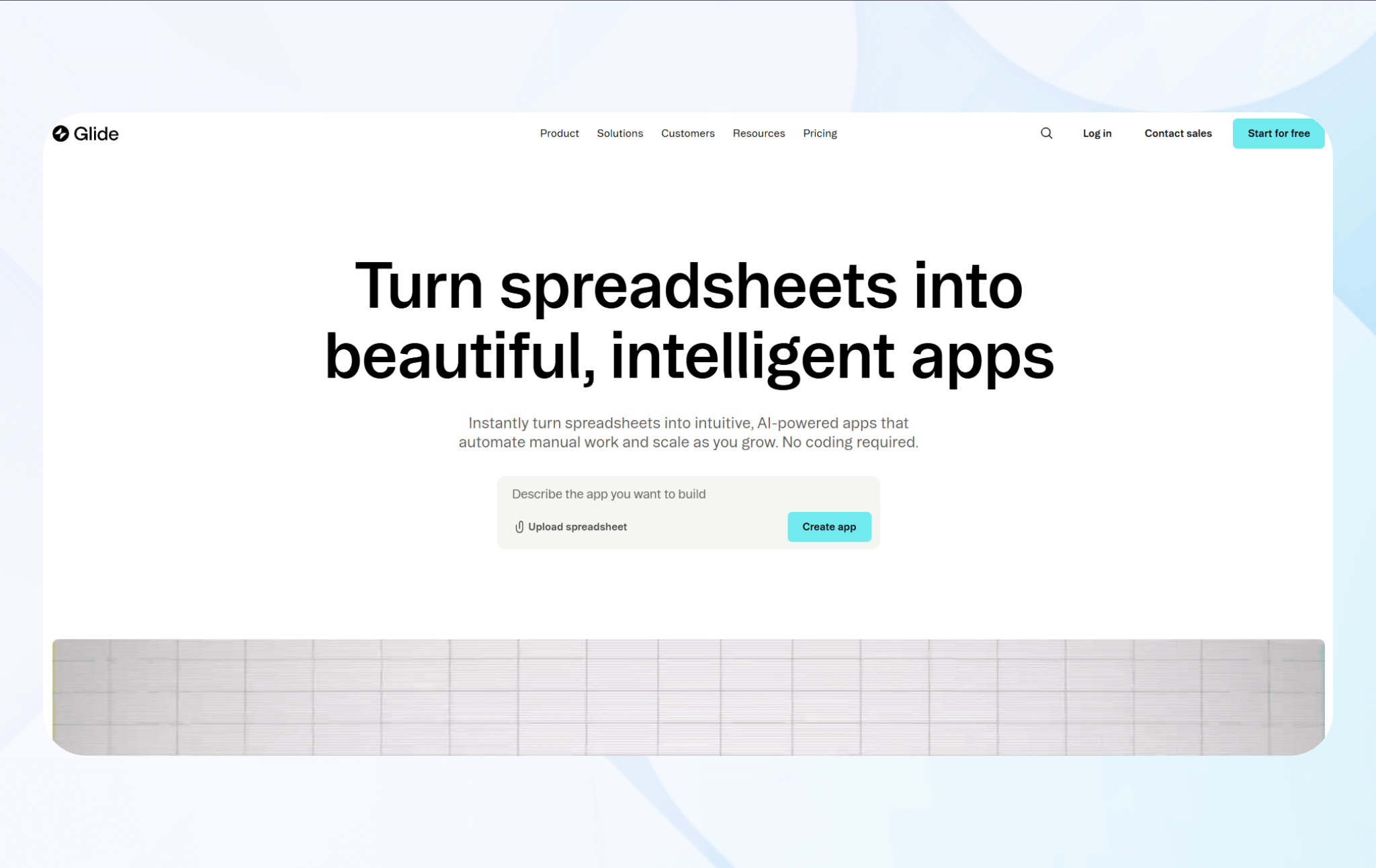
What it does: Glide turns spreadsheets into mobile and web apps with forms, dashboards, and simple workflows. You don’t need to rebuild or move your data to get started.
Who it’s for: Small and mid-sized teams that run their work in shared spreadsheets and need better screens, controls, and user access than basic cell editing allows.
I tested Glide by building an inventory app with a Google Sheet. The platform allowed me to add search and edit forms that automatically tracked inventory changes.
In another test, I built an employee directory app with photo uploads, department filtering, and role-based access. Glide automatically adjusted the layout for different screens, so each user saw only the data they were allowed to see after signing in.
Key Features
- Spreadsheet data sync: Connects directly to Google Sheets, Airtable, or Excel, and updates changes in real time.
- Premade tool library: Pre-built UI elements like lists, forms, cards, and charts let you build your user interface quickly.
- Calculated columns: Add new values based on your data, pull in related information, and total results without changing your original spreadsheet formulas.
Pros
- Simple data setup: Start with your existing Google Sheets, Excel, or Airtable spreadsheets and use them as the app’s data source. You can switch to Glide Tables later if needed.
- Built for non-technical teams: Teams already comfortable with spreadsheets can pick up Glide quickly because the data works the same way they’re used to.
Cons
- Workflow limits: You can build multi-step approvals and detailed processes, but they often require extra tables and more rules because Glide’s workflow tools are simpler.
Pricing
Glide pricing starts at $25/month.
Bottom Line
Glide works best for teams that already manage their work in shared spreadsheets and want quick apps with basic workflows without changing how their data is set up. Teams that need more advanced logic or deeper system connections should switch to Retool.
8. Voiceflow: Best for Conversational AI Design
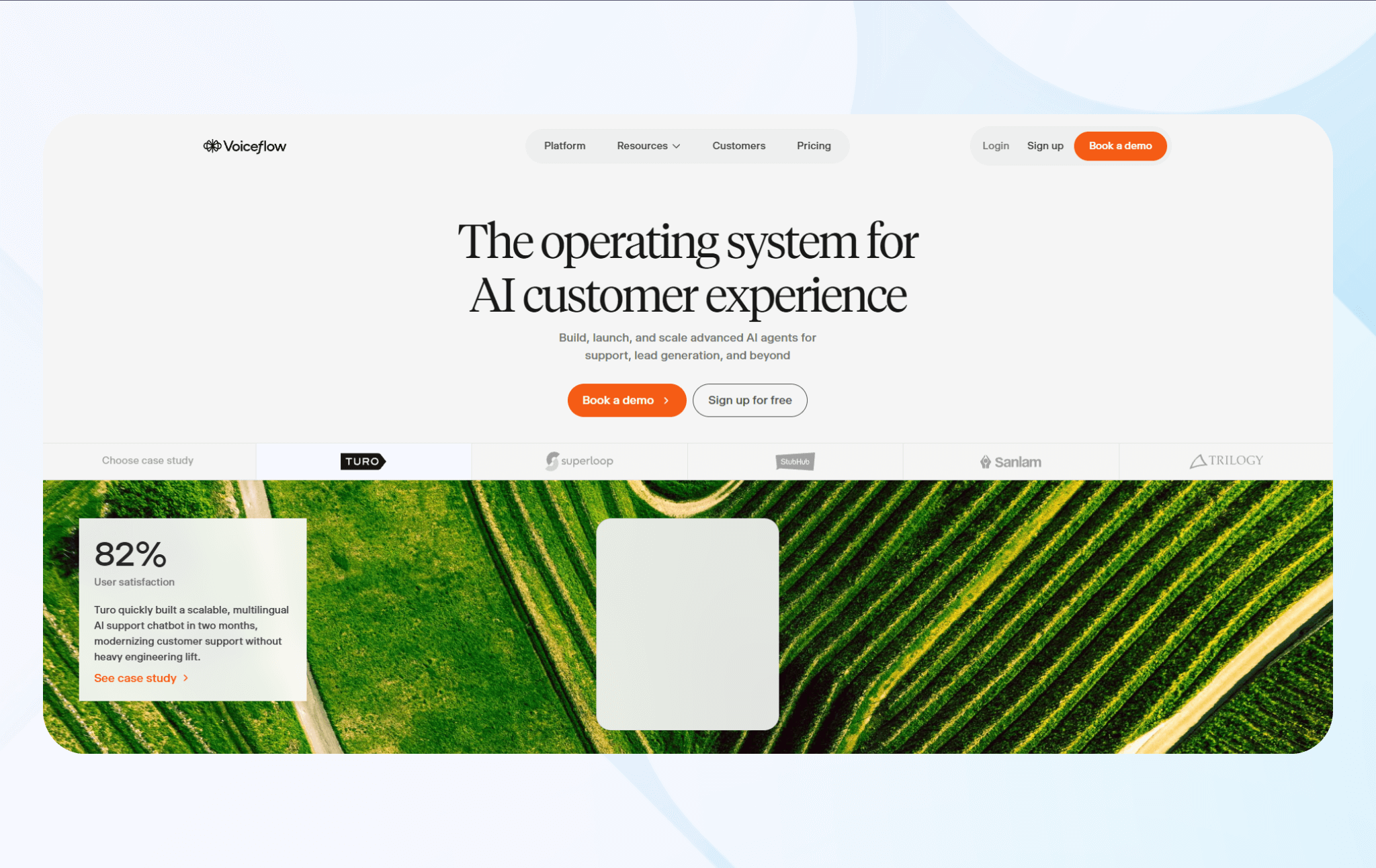
What it does: Voiceflow lets you design chatbot and voice AI conversations using visual steps and rules, without writing code.
Who it’s for: Teams building chatbots or voice assistants that need to plan conversation paths for customer service, sales, or support.
I tested Voiceflow by building a customer response bot that asked follow-up questions and adjusted replies based on each answer. The visual canvas made it easy to spot missing steps, dead ends, and pacing issues before launch.
Voiceflow also let me test conversations with realistic timing and basic voice playback. This helped catch pacing problems before launch. Four teammates reviewed the flows at the same time, helping us find prompt mistakes before publishing our voice AI.
Key Features
- Visual editor: Build how your app handles conversations using blocks for messages, questions, rules, and integrations.
- Interactive testing: Try conversations in real time using built-in previews before connecting them to live platforms.
- Intent and keyword setup: Define what users want and the important details using examples and settings instead of training models directly.
Pros
- Finds logic gaps early: The visual layout makes it easy to spot missing conversation paths before testing goes too far.
- Team-friendly reviews: Non-technical teammates can review flows and suggest changes without touching code.
Cons
- Harder to manage large flows: When conversations grow very large, the visual editor can feel crowded and harder to navigate.
Pricing
Voiceflow pricing starts at $60/month.
Bottom Line
Voiceflow works best for teams that want to plan complex conversations early. It helps map out multi-step dialogues and get feedback before training any AI models. If you’re more focused on backend actions or data workflows, consider tools like n8n, Make, or Zapier.
9. Retool: Best for Developers
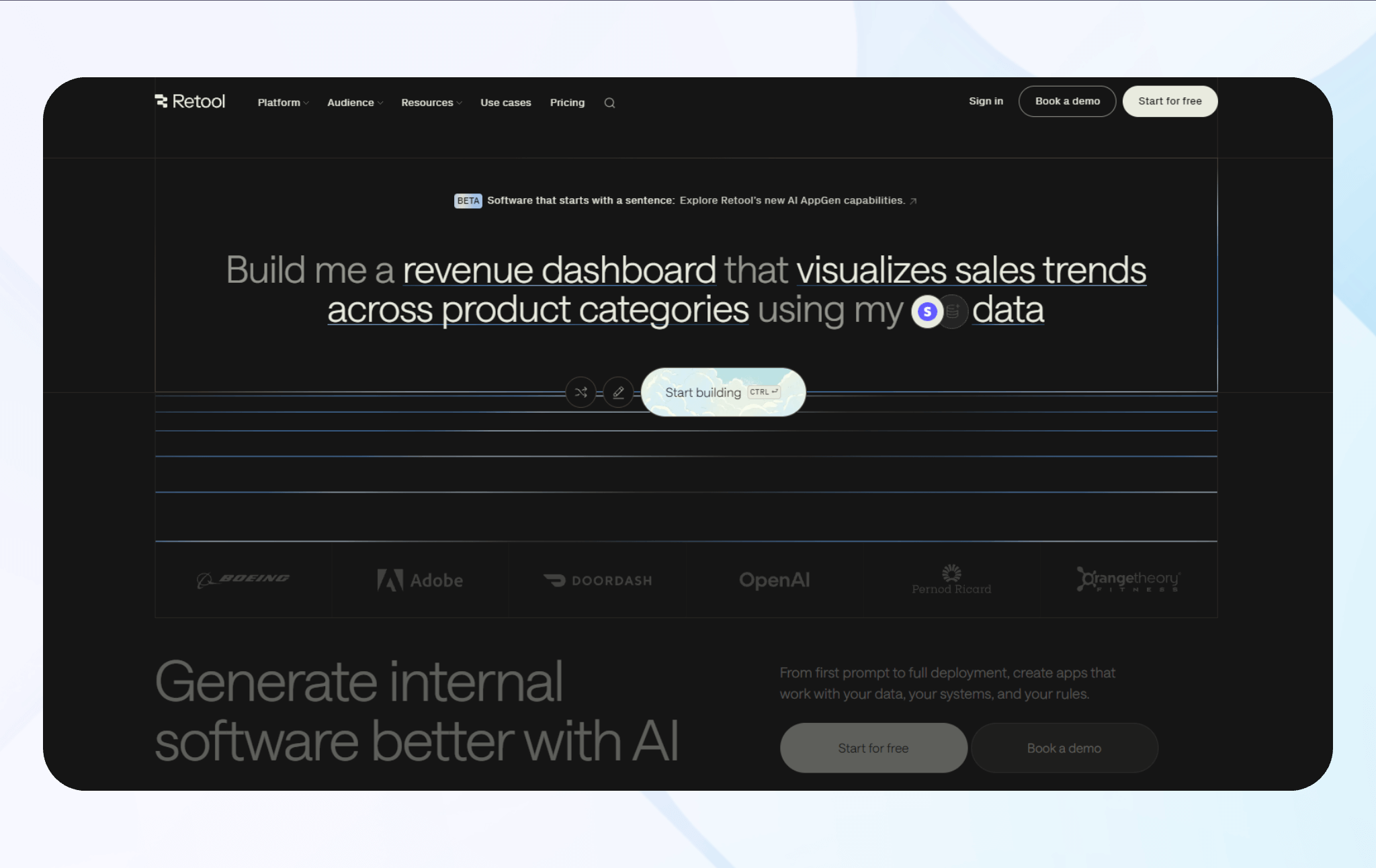
What it does: Retool helps teams build internal dashboards and admin tools that connect directly to company databases.
Who it’s for: Engineering teams that build internal apps for non-technical coworkers who need access to company data.
I tested Retool by building a customer support dashboard using a sample PostgreSQL database. The drag-and-drop editor connected to my database in seconds and returned results almost instantly.
Retool also included tools for editing data in bulk, setting approval rules, and tracking changes. I used JavaScript to adjust data query results and send Slack messages when records changed.
Key Features
- Direct database connections: Connects directly to PostgreSQL, MySQL, MongoDB, and other databases without custom API setup.
- Drag-and-drop components: Build screens and interfaces using tables, forms, charts, and buttons without writing HTML or CSS.
- JavaScript code editor: Add custom logic, calculations, and data changes using JavaScript when needed.
Pros
- Fast build time: You can go from idea to live tool in hours instead of waiting through long development cycles.
- Less API work: Teams can work directly with databases instead of building and maintaining internal APIs.
Cons
- Advanced builds require technical skills: You still need JavaScript knowledge and a solid understanding of how databases work if you want to create advanced applications with custom logic.
Pricing
Retool pricing starts at $12/month per builder and $7/month per internal user. Builders create or edit the app or workflow. Internal users only log in and use the tool.
Bottom Line
Retool works best for engineering teams building internal dashboards that connect to live databases, supporting custom logic and full front-end design. But teams without developers should choose a simpler solution like Glide or Blaze instead.
10. Akkio: Best for Predictive Business Analytics
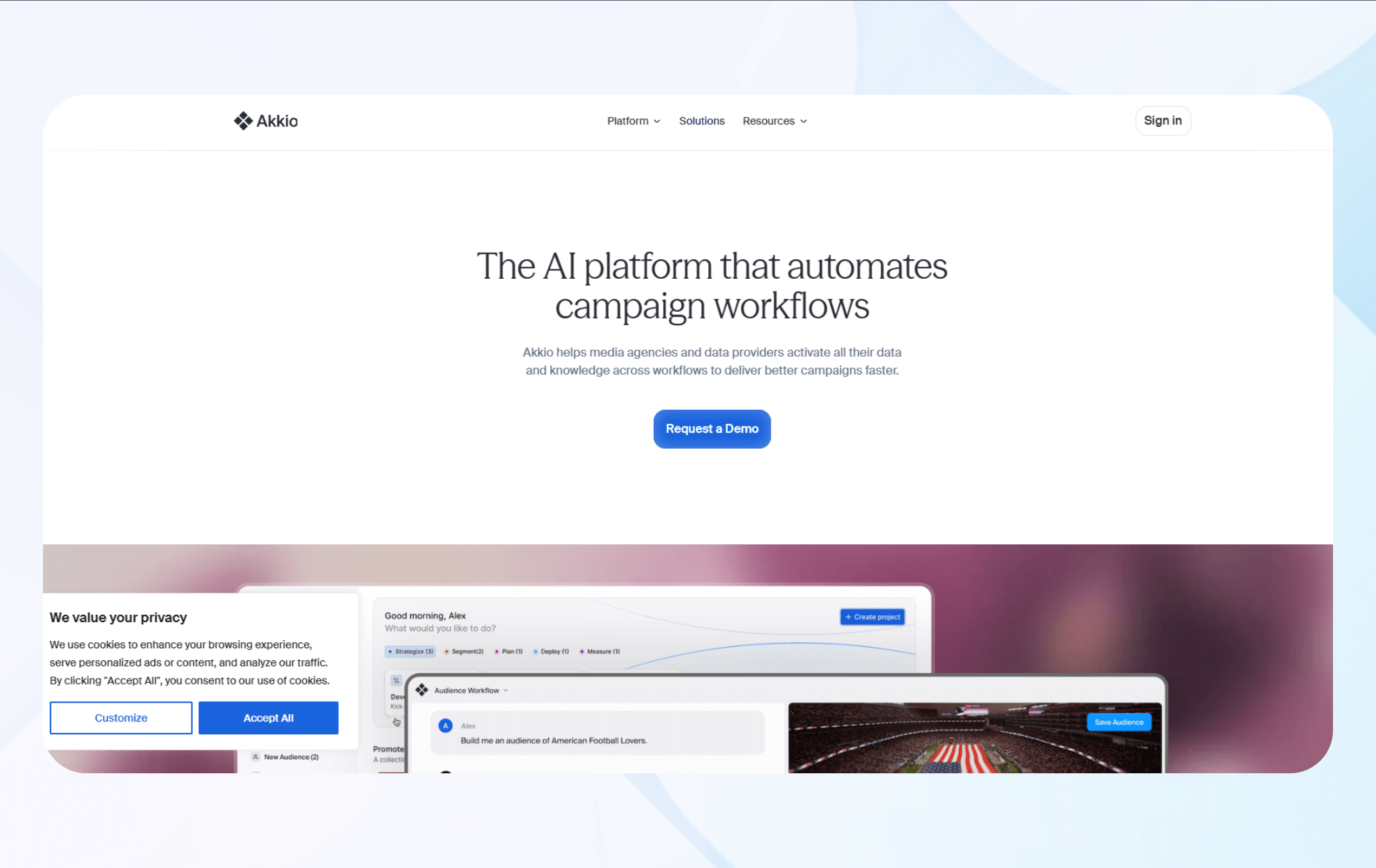
What it does: Akkio helps businesses train machine learning models on business data to predict outcomes without writing code or understanding algorithm selection.
Who it’s for: Analysts forecasting metrics like churn or revenue who lack data science resources but need prediction accuracy beyond spreadsheets.
During testing, I trained a churn prediction model on dummy customer data, including features such as payment times and delays in Slack responses. Akkio selected algorithms, handled missing values, and produced predictions with 87% accuracy on test data.
Then, I built a sales forecasting model that predicted the likelihood of deal closure using pipeline data and engagement metrics. The interface explained which factors most influenced predictions, and confidence scores helped prioritize outreach efforts effectively.
Key Features
- Automated model training: Automates algorithm selection, hyperparameter tuning, and validation for common tasks.
- Natural language: Asks questions about data in plain English and receives predictive insights.
- Real-time predictions: Deployed models typically serve predictions via APIs with low-latency scoring.
Pros
- Fast iteration cycles: Automated pipelines can train and compare models in minutes to hours, enabling faster scenario testing than fully manual data science workflows.
- Actionable feature insights: Built-in feature importance and related interpretability views help teams identify which variables most strongly influence model outputs.
Cons
- Black box explanations: Even with feature importance charts and basic interpretability tools, complex ensemble models can remain opaque, which can complicate audit requirements.
Pricing
Contact Akkio directly for a custom quote.
Bottom Line
Akkio works best for teams that want quick predictions from messy business data when spreadsheets stop being useful. If your team needs to design custom features or implement more control over how models work, consider Retool instead.
How I Tested These No-Code AI Tools
Before testing, I selected 25 no-code AI tools. Then, I evaluated the actual operational workflows on each platform using sample data. Each test involved connecting tools to third-party platforms like Slack and Google Sheets, processing sample information, and letting automations run. Here’s what I looked for:
- Workflow execution reliability: Tools should run smoothly on their own after setup, without constant checking. I built multi-step automations on each platform and let them handle live data over time.
- Setup speed vs. capability: Some platforms deploy quickly but hit limitations fast, others offer depth at the cost of complexity. I timed how long it took to build functional workflows from scratch, then tested whether those workflows could handle logic and error scenarios without requiring workarounds.
- Integration capabilities: Most operations involve moving information between tools that don't integrate natively. I connected databases to third-party apps such as CRMs and payment systems, then verified if data mappings held up when source formats changed.
I also assessed the following:
- Error visibility and recovery options: I intentionally triggered errors by disconnecting APIs, sending malformed data, and exceeding rate limits, then evaluated recovery time and complexity.
- Data access control: Since no-code AI tools act on their own, I checked how well each platform controlled access. I looked at whether teams could limit what AI agents could read and if teams could control who accessed the AI output.
I reviewed each platform in the above 5 characteristics. Then, I selected the 10 top-performing no-code AI tools.
My Final Verdict: Which No-Code AI Tool Should You Choose?
Each of these top 10 no-code AI tools excels in its own way, but the one you pick depends on your workflow and goals. Follow this advice to choose the ideal tool:
Choose Blaze If You…
Need to build and scale internal apps like client portals, telehealth apps, or relational databases.
Choose Zapier If You…
Work with dozens of tools that require reliable data transfer between apps.
Choose Make If You…
Run workflows that follow clear rules, make choices at each step, and need to reshape data as conditions change.
Choose n8n If You…
Want an open-source solution that you can run on your own servers.
Choose Gumloop If You…
Regularly scrape websites or need a data extraction tool.
Choose Bubble If You…
Need web applications or want to build customer-facing tools.
Choose Glide If You…
Want to build a full-stack app from spreadsheets.
Choose Voiceflow If You…
Design chatbots or voice assistants requiring visual conversation mapping.
Choose Retool If You…
Have engineering experience and need to create admin panels that connect to data sources.
Choose Akkio If You…
Need to forecast business metrics but lack data science resources.
Build Fast with Blaze’s No-Code AI Platform
If you want a no-code AI tool that helps you scale and build apps rapidly, choose Blaze. It’s a no-code AI app builder that’s designed to create internal business tools like client portals, dashboards, and customized databases.
Here’s why more businesses go with Blaze:
- Speed meets security: Build and deploy AI-driven workflows and internal systems faster than traditional development without compromising security controls.
- Customizable enterprise workflows: Design AI-assisted workflows for approvals, reporting, routing, and data handling that match how your organization actually operates.
- Enterprise compliance: Blaze includes audit logs and role-based permissions to support HIPAA and SOC 2 requirements, depending on configuration and usage.
Schedule a free demo today and see how Blaze can help you build apps and AI tools at scale.
Frequently Asked Questions
1. What are no-code AI tools?
No-code AI tools are platforms that enable teams to build apps, automations, and AI-driven workflows using visual builders rather than code. They replace most manual processes and developer-built scripts with premade templates and a drag-and-drop interface. No-code AI tools can also connect triggers, logic, and integrations so workflows run with minimal technical setup.
2. Which no-code AI tools can I use to create custom-built internal software?
You can use no-code AI tools like Blaze, Bubble, and Glide to create custom-built internal software. Blaze focuses on secure internal apps and automations for enterprise operations. Bubble lets teams build web apps for both internal and customer-facing tools. Glide converts spreadsheets into mobile and web apps with forms and dashboards.
3. What’s the difference between no-code AI tools like Zapier, Make, and n8n?
Zapier, Make, and n8n differ in complexity and deployment. Zapier connects with over 8,000 apps and works well for simple automations and basic data transfers. Make uses visual workflows and routing tools, which makes it better for processes that need detailed data handling. n8n is open source and lets you host the platform on your own servers.
The Secure No-Code & AI Platform
Supercharge your team's operations and performance with better apps and tools.
Create custom apps fast
Secure & HIPAA compliant
Streamline complex workflows

The Secure No-Code Platform
Build apps with best-in-class security.
Related Articles
Discover related guides on healthcare no-code development, HIPAA compliance, security, integrations, and launching apps faster.
%20(1).png)
8 v0 Alternatives That I Tested to Save You Time (2026)
I compared 8 v0 alternatives' backend depth, coding requirements, and pricing. See which tools work best for cloud-based hosting and code portability.
%20(1).png)
Appian Pricing: Plans, Costs, & What You Actually Pay (2026)
Appian offers a free community version, but costs depend on your user count and AI usage. Here’s my breakdown of each Appian pricing plan so you can choose.
.png)
Healthcare App Ideas: 13 Apps for Your Organization (2026)
Explore 13 healthcare app ideas for patients and providers. Learn real-world examples, integrations, and build complexity to choose the right one for you.