
Table of contents
8 Top AI Tools for Healthcare: Tested & Reviewed in 2026

Written by
Blaze Team

Reviewed by
Nanxi Liu
Expert Verified
I analyzed 25+ popular AI tools for healthcare and selected the 8 best tools that are well-suited for large, compliance-heavy organizations.
Disclaimer: Information in this article, including product features, pricing, regulatory approvals, HIPAA/compliance claims, integrations, and technical details, may change. While we aim to keep content accurate and up to date, always consult official vendor documentation, relevant government or regulatory guidance, and qualified healthcare compliance or legal professionals before making purchasing, clinical, or compliance decisions.
What Do AI Healthcare Tools Do?
AI healthcare tools automate tasks like charting, scheduling, and claims processing. They can also help physicians prescribe the most effective medications and recommend evidence-based treatment options.
Here are some workflows that these AI tools support:
Administrative and Workflow Automation Processes
Healthcare AI tools automate documentation, scheduling, and claims processing. They reduce scribe and medical recording workloads, delivering consistent, data-driven outputs that minimize human errors, allowing your team to complete tasks more efficiently.
AI scheduling tools improve patient flow and resource use, while AI-integrated EHR (electronic health records) reduces data entry bottlenecks, increasing billing accuracy and compliance.
These workflows allow administrative staff and physicians to focus more on patient care and decision-making.
Diagnostic and Imaging Tasks
Providers use diagnostics and imaging AI tools to analyze X-rays, MRIs, and CT scans faster than manual review. Trained on large-scale imaging datasets, these systems can help identify fractures, tumors, and potential early-stage cancers with greater speed and more support for prioritization.
Chronic Disease Management
Predictive algorithms and wearable sensors monitor chronic conditions like diabetes and heart failure, helping providers identify risks before complications develop. Data insights trigger alerts for adjustments or impending emergencies.
Chatbots and virtual assistants help keep patients engaged by providing insights based on recently recorded metrics. These tools also track medication regimens and remind your patients to take their medication or follow at-home procedures, like glucose testing.
Precision Medicine
Precision medicine tools use AI to analyze genomic data and predictive modeling to create treatment plans tailored to each patient's biology. Algorithms analyze genetic variations to predict drug responses and reduce trial-and-error prescribing.
This approach is growing rapidly, but not yet widely implemented across all healthcare settings like other AI healthcare tools.
Top 8 AI Tools for Healthcare in 2026
Here's a look at my top AI tools for healthcare, compared side-by-side. Some are no-code AI healthcare tools, which let you develop AI healthcare apps without code. Others require a development background. Compare them side-by-side:
| | Ideal Users | Strengths | Weaknesses | Starting Price |
|---|---|---|---|---|
| Blaze.tech | Medium and large healthcare organizations | HIPAA-compliant no-code AI workflow builder | Better for medium-to-large-sized orgs | Custom pricing |
| IBM Watsonx | Large hospitals and research institutions | Advanced analytics and model governance tools | Complex data prep delays full deployment | Custom quote based on usage |
| Google Cloud Healthcare API | Health data engineers and AI teams | Scalable FHIR and DICOM data integration | Multi-layered pricing structure issues | Variable rates per storage and requests |
| PathAI | Pathology labs and diagnostic departments | FDA-cleared pathology AI image analysis | Integration requires custom IT configuration | Custom pricing |
| Keragon | Hospitals and outpatient administrative teams | HIPAA-compliant no-code automation workflows | Limited analytics compared to competitors | $149 per month |
| Nuance Dragon Medical One | Physicians and clinical documentation specialists | Accurate voice-to-text medical transcription | Requires setup and user training time | $99 per month |
| Tempus | Oncologists and precision medicine programs | Genomic sequencing and clinical trial matching | Pricing limits smaller practices | Custom pricing |
| Aidoc | Radiology and emergency imaging departments | Real-time AI alerts for diagnostics | Dependent on imaging data quality | Custom pricing |
1. Blaze: Best Overall AI Healthcare Tool

What it does: Blaze lets healthcare teams build automated workflows and integrate AI tools into patient data, scheduling, and monitoring without programming.
Who it's for: We created Blaze for medium to large-sized clinics, telehealth providers, and care management teams that need HIPAA-compliant AI workflows and patient engagement tools.
I've built several apps with Blaze for e-commerce, manufacturing, and logistics. Blaze also works for building AI healthcare workflows because it's a HIPAA-compliant platform, with an OpenAI (makers of ChatGPT) integration.
For an AI healthcare application, I built a sample EHR integration workflow. The system transferred data from records to the app smoothly by integrating AI models to categorize patient information and generate structured summaries for faster review.
Key Features
- Drag-and-drop app builder: Allows non-developers to design patient portals, dashboards, and care workflows with integration-ready components.
- Predictive analytics integrations: You can analyze data to identify patients at higher risk for complications or missed medications.
- Workflow automation engine: Blaze automates intake forms, scheduling, and reminders through conditional logic and AI triggers.
Pros
- Accessible no-code platform: Healthcare teams can build and iterate digital tools without coding, reducing dependency on developers or third-party software.
- Strong compliance and security: Provides a BAA (Business Associate Agreement) for HIPAA standards and also offers security features like role-based permissions and audit logs.
Cons
- Enterprise-focused platform: Blaze is best suited for medium to large-sized clinics that need scalable automation.
Pricing
Contact our sales team to get custom pricing for the HIPAA-compliant Enterprise plan.
Bottom Line
Blaze suits healthcare organizations seeking a HIPAA-compliant AI platform to automate workflows and improve patient engagement without coding. It's versatile, secure, and designed for clinical scalability.
Disclosure: Blaze is our product. We included it because it fits HIPAA-oriented workflow use cases. Evaluations of other tools are based on sandbox testing, vendor demos, documentation, and published materials.
2. IBM Watsonx: Best for Large Healthcare Organizations

What it does: IBM Watsonx uses AI to analyze structured and unstructured healthcare data, support clinical decision-making, and govern enterprise AI models across large-scale systems.
Who it's for: Hospitals, health systems, and research organizations needing enterprise-level AI infrastructure on a HIPAA-compliant cloud, and data integration across workflows.
I built a clinical decision-support module with sample data that combined patient records, research data, and medical guidelines. It provided data-driven insights to support evidence-based decisions that physicians must make daily.
To evaluate physician workflows, I tested the natural language processing feature by converting unstructured physician notes into structured data. Watsonx's ability to rapidly organize messy data is a notable strength that can improve your clinical documentation and analysis.
Key Features
- Clinical decision support: Watsonx analyzes healthcare datasets and research sources to generate insights that support your decision-making.
- Data ingestion and management: The platform aggregates structured and unstructured data from EHRs, lab systems, and research databases to create unified datasets for analysis and predictive modeling.
- Model governance and transparency: Includes built-in tools for monitoring model drift, auditing performance, and documenting algorithmic decisions for compliance.
Pros
- Advanced data analytics: Integrates AI models with clinical and operational data to generate predictive and analytical insights.
- Proven brand and ecosystem: Backed by IBM's enterprise AI legacy and partner ecosystem in healthcare, Watsonx offers strong technical support, research collaborations, and extensive documentation.
Cons
- Complex data preparation: Watsonx needs standardized, well-structured data to perform optimally, which can delay deployment in systems with fragmented records.
Pricing
IBM Watsonx offers usage-based pricing that varies by compute resources and data volume. A free trial is provided so you can evaluate the platform, but contact the team for a custom quote.
Bottom Line
IBM Watsonx is a strong fit if you're a large healthcare enterprise seeking AI analytics, data-driven decision support, and compliance-ready infrastructure. It demands resources but delivers deep intelligence and scalability once fully integrated.
3. Google Cloud Healthcare API: Best for Data Integration

What it does: Google's Cloud Healthcare API ingests, stores, and handles healthcare data in FHIR (Fast Healthcare Interoperability Resources), HL7v2 (Health Level Seven Version 2), and DICOM (Digital Imaging and Communications in Medicine) formats for analytics and AI.
Who it's for: Healthcare organizations, clinical data engineers, and AI teams needing interoperable, standards-based data integrations for analytics, imaging, and EHR workflows.
I loaded dummy clinical records and observed smooth creation and retrieval via REST endpoints to assess the FHIR ingestion feature. Errors occurred only when I omitted complex custom profiles from the configuration, revealing the need for careful schema setup.
Next, I tested DICOM support by uploading sample imaging studies and found that the API managed bulk import and retrieval with scalable performance. However, large studies of around 2 GB required chunking due to size limits.
Key Features
- Bulk import and analytics: It enables bulk operations and export of FHIR and DICOM data into BigQuery or Cloud Storage for large-scale analytics.
- Compliance: Google built the tool with Cloud IAM access control, region-specific data residency, and helps organizations meet HIPAA requirements, and supports ISO 27001 and HITRUST frameworks for ePHI handling.
- Serverless scalability: The managed service scales automatically, removing manual infrastructure management so your team can focus on healthcare data workflows.
Pros
- Mature interoperability: The API provides a managed environment with standards-based FHIR, HL7v2, and DICOM stores, reducing the need to build or maintain custom interoperability infrastructure.
- Part of the Google ecosystem: The Google Cloud Healthcare API integrates with services like BigQuery, Dataflow, and Vertex AI to enable end-to-end healthcare data and AI workflows.
Cons
- Complex pricing: Pricing spans data storage, API requests, and data operations such as import, export, and transformation, making forecasting complex for high-volume workloads.
Pricing
Google Cloud Healthcare API charges for data storage, input volume, and data retrieval. Visit the pricing page for precise details.
Bottom Line
The Google Cloud Healthcare API is designed for healthcare organizations that require secure data interoperability and AI readiness. Its scalability and compliance make it a strong choice.
4. PathAI: Best for Diagnostics
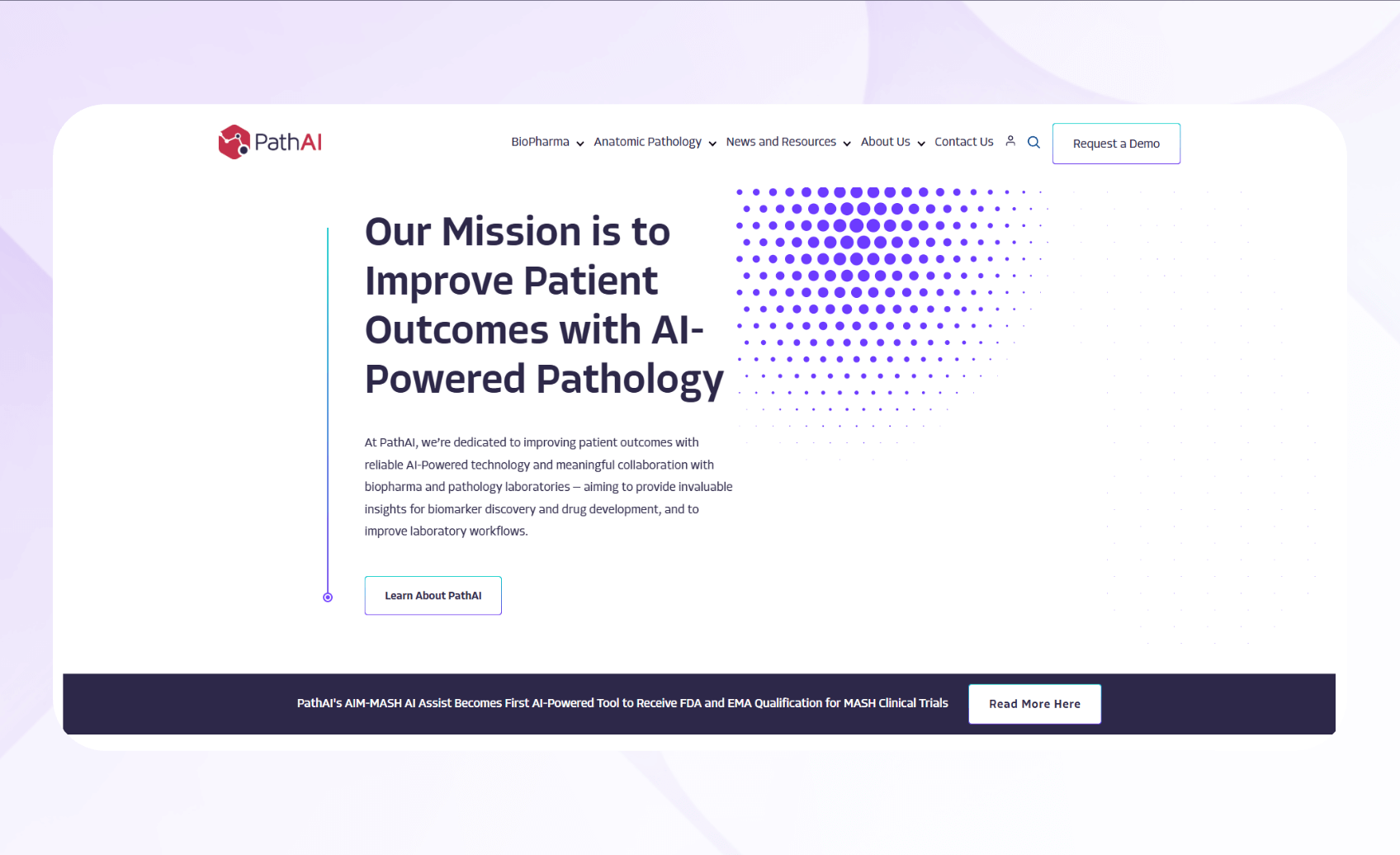
What it does: PathAI delivers pathology image analysis tools that help pathologists highlight regions of interest, standardize review workflows, and support consistent case evaluation.
Who it's best for: Pathology labs, hospital diagnostic departments, and biopharma R&D teams seeking automated and standardized histopathology analysis for clinical diagnostics, clinical trials, and biomarker discovery.
To test PathAI, I first evaluated its AISight workflow software by examining its capabilities to support intelligent case assignment and caseload balancing across pathologists. My results indicated that supervisors can use this to assign and reassign cases while monitoring case volumes and individual workloads using filterable charts.
Next, I assessed Path's prioritization dashboards. I tested collaboration features, such as AISight Live, for real-time shared case review. Then, I exercised the Laboratory Information System (LIS) integration using AISight Link to verify basic interoperability and data exchange between AISight and the LIS.
I found that the system allowed me to configure user permissions and workflows to route cases to other users or groups for secondary review.
Key Features
- Image analysis automation: Uses deep learning models to segment whole-slide images, identify tumor and tissue structures, and quantify biomarkers for diagnostic insights.
- Guided review workflows: Highlights algorithm-detected regions of interest and enables rapid navigation across digital slides, reducing review time and supporting diagnostic prioritization.
- Biopharma and diagnostics integration: Supports clinical diagnostics and biopharma research through validated data pipelines, standardized annotations, and regulatory-compliant infrastructure.
Pros
- Regulatory readiness: PathAI's AISight Dx platform has received FDA clearance for clinical use in the primary diagnosis of certain histopathology slides. It also supports HIPAA compliance.
- Faster pathology workflow: Automated detection and scoring streamline the review process, allowing pathologists to focus on complex diagnostic evaluations.
Cons
- Integration challenges: Integrating AISight with existing slide scanners, LIMS, or digital pathology systems may require custom IT setup and vendor collaboration.
Pricing
Schedule a demo to learn about customized pricing plans.
Bottom Line
Diagnostic labs and biopharma teams will find that PathAI improves accuracy and speed in pathology workflows. Its validated AI models and regulatory strength make it a suitable enterprise option.
5. Keragon: Best for Workflow Automation in Hospitals

What it does: Keragon automates healthcare workflows for documentation, appointment scheduling, and claims verification through a HIPAA-compliant no-code platform.
Who it's for: Hospital administrators, outpatient centers, and small practices aiming to automate manual workloads.
Keragon's automated scheduling feature pulled data from my test EHR to create sample surgery schedules. In my limited tests, Keragon helped automate parts of the claims submission process and handled my example ICD-10 (International Classification of Diseases, 10th Revision) scenarios correctly.
However, real-world performance will depend on your underlying systems, data quality, and configuration.
The platform also generates hospital admissions forms. I could build patient intake templates in minutes, and then pull details from the stored data. This process felt intuitive, requiring minimal input.
Key Features
- Workflow builder: The platform automates your key administrative tasks, such as scheduling, billing, and patient intake, through secure API integrations.
- Compliance: The platform offers HIPAA-compliant data storage, sharing, and access controls.
- Visual editor: Keragon's drag-and-drop interface allows your non-technical staff to design and adjust workflow automations quickly.
Pros
- Fast onboarding: The no-code setup process enables your team to launch and test automations rapidly.
- Flexible integrations: With over 300 available connectors, you can link your existing EHR, CRM, or billing systems directly into automated workflows.
Cons
- Analytics availability: Advanced reporting features aren't as in-depth as other platforms.
Pricing
Keragon's pricing starts at $149/month.
Bottom Line
Keragon works for healthcare teams focused on reducing repetitive administrative work while maintaining strict HIPAA compliance, offering strong automation flexibility with low technical barriers.
6. Nuance Dragon Medical One: Best Medical Dictation Software

What it does: Nuance Dragon Medical One delivers cloud-based medical speech recognition and voice-dictation tools that convert your voice notes into structured clinical documentation.
Who it's for: The platform supports HIPAA compliance, so it works for physicians, nurse practitioners, physician assistants, and other clinical staff.
I tested Nuance's dictation feature by reading off sample podiatrist consultation scripts. The tool recognized specialty-specific medical vocabulary accurately and captured notes with minimal editing required.
Next, I evaluated its integration capabilities by sending the transcribed notes to an EHR. This workflow saved time, but it required an initial setup for each template.
Key Features
- Voice recognition: The platform's developers trained its advanced AI speech models on medical terminology to convert clinician dictation into accurate text.
- Direct EHR integration: Nuance integrates with over 200 EHR systems, enabling you to dictate directly into patient charts and eliminate repetitive manual entry.
- Auto-text and command templates: You can create personalized voice shortcuts and templates for recurring phrases to improve documentation speed and maintain note consistency.
Pros
- Productive documentation: The platform improves productivity and reduces documentation tasks.
- High Medical Vocabulary Accuracy: The system adapts to your speech patterns and recognizes terminology across many specialties, maintaining strong transcription precision.
Cons
- Implementation and training needs: Initial setup, like configuring user profiles, linking EHR systems, and learning voice commands, requires IT assistance and training time.
Pricing
Pricing starts at $99/month.
Bottom Line
If you want to offload documentation work, reduce typing, and integrate voice into your clinical workflow, Dragon Medical One delivers a high-accuracy solution.
7. Tempus: Best for Oncology
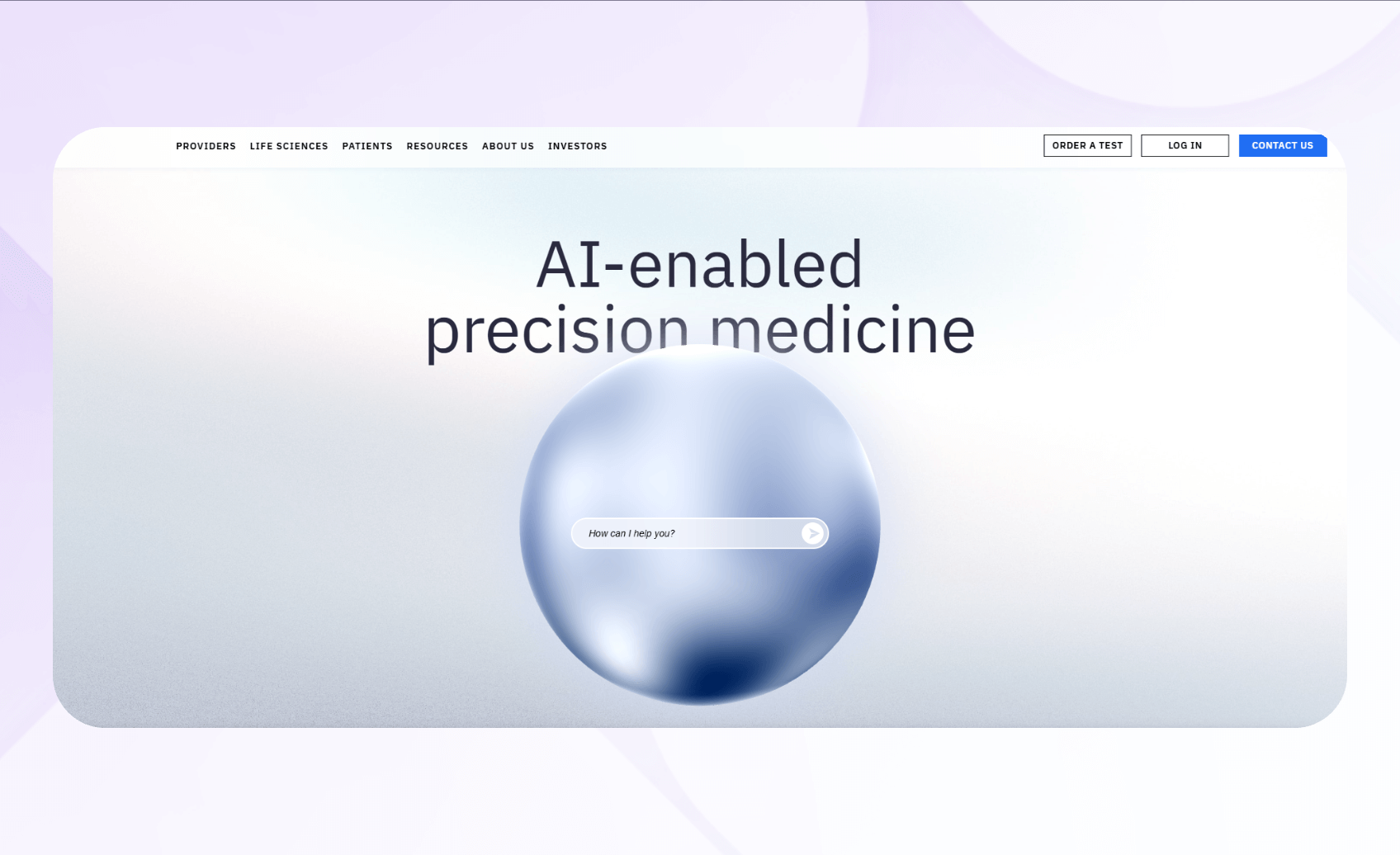
What it does: Tempus offers AI-powered precision medicine solutions that merge genomic sequencing, clinical data, imaging, real-world evidence, and predictive analytics.
Who it's for: the HIPAA-compliant platform started in oncology, but it now supports use cases in cardiology, neurology/psychiatry, dermatology, radiology, and pharmacogenomics.
I tested Tempus Hub's order management system by first assessing its one-click CTS (Comprehensive Therapy Selection) feature, a workflow in the Hub that enables you to order bundled Tempus products, such as DNA and RNA sequencing tests. Real-world users monitor up-to-date order status across desktop and mobile devices.
My evaluation also focused on Tempus One's AI-enabled clinical assistant. After I fed it 10 non-PHI sample patient profiles, the assistant produced concise summaries of each patient's available history and previously documented treatment information. This feature demonstrates how physicians could review case context more efficiently within the platform.
Key Features
- Genomic profiling: Performs DNA and RNA sequencing to identify actionable variants that help you create personalized treatment plans.
- Clinical trial matching: Tempus uses AI to match patient genomic and clinical data with ongoing studies across multiple specialties.
- Multimodal data integration: Aggregates genomic, clinical, and imaging data into a unified analytics environment, enabling you to identify patterns, assess risk, and optimize treatment strategies across multiple therapeutic domains.
Pros
- Molecular insights: Combines DNA, RNA, and other biomarker data for high-accuracy analysis that improves diagnostic confidence and supports personalized therapy decisions.
- Cross-specialty applicability: Tempus now provides clinical decision-support tools for cardiology, neurology, psychiatry, and additional precision-medicine programs.
Cons
- Custom pricing: Testing and analytics costs vary by assay type, specialty, and service scope, which may limit accessibility for smaller practices or research programs with tight budgets.
Pricing
Contact the Tempus sales team to learn pricing.
Bottom Line
Tempus is ideal for practices aiming to combine genomics and AI for precise, personalized care. Its advanced sequencing and trial-matching tools justify the investment for precision medicine programs.
8. Aidoc: Best for Radiology

What it does: Aidoc analyzes CT, MRI, and X-ray with AI for advanced detection. It reduces delays, accelerates turnaround times, and improves diagnostic accuracy.
Who it's for: Designed for radiology departments, emergency imaging units, and multispecialty hospitals, Aidoc provides faster triage and workflow integration across imaging systems.
During testing, I explored Aidoc's intracranial hemorrhage module in a sandbox environment using AI-generated sample studies. The system rapidly highlighted suspected hemorrhage cases, giving me a clear view of how notifications would appear in a radiologist's actual reading workflow.
Then, I ran sample pulmonary embolism studies through the platform to observe how Aidoc detects possible issues. I intentionally limited these tests to evaluate the user interface and workflow capability, not clinical accuracy or diagnostic performance.
Key Features
- Real-time alerts: The HIPAA-compliant platform automatically flags life-threatening conditions such as intracranial hemorrhage and pulmonary embolism, supporting faster triage and escalation within existing radiology and care workflows.
- Multi-modality support: Aidoc operates across CT, MRI, and X-ray modalities, supporting imaging for many specializations.
- Continuous learning and expansion: The company continuously updates Aidoc's algorithm portfolio with new clinical indications and improved performance.
Pros
- Rapid diagnostics: The technology can provide faster turnaround times for critical findings, helping teams reduce time-to-notification for critical findings.
- Better prioritization of time-sensitive findings within the diagnostic queue: The AI detects time-sensitive abnormalities that might otherwise wait in the diagnostic queue, improving patient safety and care quality.
Cons
- Dependence on data and workflow readiness: The platform's performance depends on high-quality imaging data and compatible infrastructure.
Pricing
Schedule a demo with the Aidoc team to learn pricing information.
Bottom Line
If your imaging team wants to identify urgent findings faster, Aidoc provides an AI system that integrates directly into existing workflows. Its FDA-cleared modules and published studies indicate improved turnaround times across radiology departments, making it a viable investment for large-scale radiological clinics.
How I Tested These AI Tools
To compare these tools, I focused on their day-to-day use rather than running formal clinical studies. By building sample data for patient records, billing workflows, and imaging files using no real patient data, I integrated each tool into a sandbox environment whenever possible. For other tools, I relied on vendor demos, public documentation, and case studies.
I started with 25 AI tools, evaluating each on the following criteria:
- Compliance readiness: I assessed whether the vendor supports HIPAA‑aligned features such as encryption, access controls, and BAAs, where required.
- Implementation and workflows: Reviewing implementation and workflow capabilities showed me how user-friendly each platform is. I considered setup experience, EHR or workflow integrations, and how intuitive the interface was for healthcare administrators or clinicians.
- Evidence of impact: I reviewed published studies or customer stories that describe productivity gains, diagnostic support, or other clinical improvements, rather than measuring clinical outcomes myself.
I also considered these capabilities:
- Scalability: Healthcare organizations range from small clinics to large enterprise networks, so scalability is crucial. I examined whether each tool could handle larger data loads and multi-user workflows without performance drops.
- Vendor support: Reliable support results in smooth deployment and effective troubleshooting. I assessed how quickly vendors responded to queries, the availability of documentation, and access to live assistance or onboarding specialists.
My Final Verdict: Which AI Healthcare Platform Should You Choose
I selected Blaze, Watsonx, and the Google Cloud Healthcare API as my top three AI healthcare tools because each one offers automation and interoperability. These capabilities appeal most to healthcare professionals seeking scalable AI tools. However, each excels in a different operational area.
Choose Blaze If…
You manage a clinic or specialty practice that needs to customize patient workflows, automate scheduling, and securely centralize patient records, and you want to create your AI workflow tools without coding. Blaze also offers the best onboarding support and provides sufficient scalability to meet the needs of growing providers.
Choose IBM Watsonx If…
Your large healthcare organization or research institution needs enterprise AI infrastructure for predictive modeling, diagnostics, and real-time insights. Watsonx provides a powerful machine learning environment that integrates with structured and unstructured data sources, like EHRs and imaging repositories.
Choose Google Cloud Healthcare API If…
You lead a healthcare system, digital health startup, or analytics team that needs to connect EHR, imaging, and lab data systems. Google Cloud Healthcare API can unify medical data formats like FHIR, HL7v2, and DICOM into one secure, cloud-based ecosystem for AI analysis and health insights.
Avoid These Healthcare Tools If…
You operate a wellness, fitness, or nutrition coaching business that doesn't handle protected health information, and you don't need clinical workflows or diagnostic capabilities. If your clinic already has an in-house technical team, you may want to consider developing a solution tailored to your organization's workflow and internal data systems.
Create AI Tools for Healthcare With Blaze
Want to create your own AI tool for healthcare without programming? Go with Blaze. Instead of coding, the platform provides a drag-and-drop editor for creating AI workflows and healthcare apps.
Here's why more healthcare providers choose Blaze:
- Rapid development: Build and launch AI workflow apps fast with an easy drag-and-drop interface. Launch apps up to 10x faster than traditional coding.
- Integrations: Connect Blaze with any tool or database using ready or custom integrations. Blaze connects to any REST API for smooth system and workflow integration.
- Support: Your team handles updates while Blaze's experts manage complex changes. Blaze's team launches your first version tailored to your business needs.
See how you can create scalable AI tools for healthcare and request a demo today.
FAQ
What Counts as an AI Tool in Healthcare?
Any software that uses artificial intelligence to automate, analyze, or assist in medical or administrative tasks counts as an AI tool in healthcare. These include diagnostic imaging algorithms, predictive analytics platforms, and workflow automation systems. Together, they strengthen decision-making, improve documentation, and provide better patient care.
Are AI Tools Replacing Doctors?
No, AI tools aren't replacing doctors. They're helping doctors and other care providers process large data sets and detect patterns fast. However, AI tools lack medical judgment and human empathy. Physicians use them to improve diagnostic accuracy, reduce manual documentation, and make faster, evidence-based decisions.
How Much Do Healthcare AI Tools Cost?
Healthcare AI tools vary in cost depending on their features and scale. Smaller automation platforms typically start around $100 per month, while enterprise-grade solutions, such as IBM Watsonx or Tempus, can cost several thousand dollars per license. Most vendors use custom pricing models based on user count, integration needs, and data-processing volume.
The Secure No-Code & AI Platform
Supercharge your team's operations and performance with better apps and tools.
Create custom apps fast
Secure & HIPAA compliant
Streamline complex workflows

The Secure No-Code Platform
Build apps with best-in-class security.
Related Articles
Discover related guides on healthcare no-code development, HIPAA compliance, security, integrations, and launching apps faster.
%20(1).png)
Cerner vs. Epic: Which EHR System Is Better? (2026)
I compared Cerner vs. Epic across clinical features, usability, interoperability, implementation, and cost. See which EHR better fits your organization.
%20(1).png)
Mendix vs. Appian: Which Low-Code Platform Is Better? (2026)
I compared Mendix vs. Appian across app development, process automation, integrations, scalability, and pricing. Find out which platform fits your needs.
%20(1).png)
8 Best Base44 Alternatives and How to Pick (2026)
After comparing 8 Base44 alternatives, I found clear differences in code access and mobile deployment. See which platform best matches your project needs.