
Table of contents
9 Best Quickbase Alternatives for Workflows (2026)

Written by
Nanxi Liu

Reviewed by
Blaze Team
Expert Verified
If Quickbase's 20-user minimum or API rate ceilings are holding your team back, try Microsoft Power Apps for Microsoft-centric organizations, Caspio for database-heavy applications, and Blaze.tech if you need a healthcare app.
I compared 8 Quickbase alternatives based on app-building capabilities, ease of use, and workflow automation. By the end, you'll know which Quickbase alternative best fits your team size, technical resources, and integration needs.
Top 9 Quickbase Alternatives and Competitors in 2026
1. Microsoft Power Apps: Best for Microsoft-Centric Organizations
2. Caspio: Best for Database Applications
3. Zoho Creator: Best for Zoho Ecosystem Users
4. Mendix: Best for Full Stack Development
5. Knack: Best for Building Online Database Applications
6. Airtable: Best for Flexible, Spreadsheet-Based Workflows
7. OutSystems: Best for Complex Enterprise Applications
8. Smartsheet: Best for Budget-Conscious Teams
9. Blaze.tech: Best for Healthcare Organizations
How to Pick the Right Quickbase Alternatives
Each of my Quickbase alternatives fits a different organization size and workload. Here’s how to pick what’s best for you:
Choose Microsoft Power Apps If You:
Are already using many apps in the Microsoft ecosystem and need a platform that easily integrates.
Choose Caspio If You:
Need to build database-driven business applications with substantial control over data, interfaces, and workflows.
Choose Zoho Creator If You:
Already use Zoho products and want to build custom apps that connect to them.
Choose Mendix If You:
Need to build full-stack applications with visual development tools and custom code when needed.
Choose Knack If You:
Need a simple visual builder for turning structured business data into internal tools, portals, and database applications.
Choose Airtable If You:
Prefer spreadsheet-style data management and need flexible workflows and simple data visualization tools.
Choose OutSystems If You:
Need to develop complex enterprise apps and have the technical resources and budget to support a more advanced low-code platform.
Choose SmartSheet If You:
Are on a budget and have a small team that needs to manage projects, approvals, or operations.
Choose Blaze.tech If You:
Run a healthcare organization and need custom apps and integrations with healthcare software like EHRs that can support HIPAA-enabling features.
How I Chose These Quickbase Alternatives
I evaluated each Quickbase alternative based on its app-building capabilities, ease of use, automation features, integrations, and ability to support growing business requirements. Here’s how I assessed each platform:
- App-building capabilities: Whether each platform can build databases, internal tools, workflows, portals, and custom business applications for common business use cases such as project management and CRM.
- Ease of use: How accessible the platform is for business users regardless of technical ability. If the platform does support technical users, I evaluated how much control they have over custom code, APIs, integrations, data models, and application logic.
- Workflow automation: Platforms need to help cut manual tasks by allowing users to automate approvals, notifications, data updates, routing, and other repeatable business processes.
- Integrations: How well each alternative connects with common business software, databases, APIs, and existing enterprise systems.
- Scalability: As you build more apps and add users, the platform can support larger datasets, more complex features, and wider use across your organization.
Glanceable Quickbase Alternatives by Use Case
1. Microsoft Power Apps: Best for Microsoft-Centric Organizations
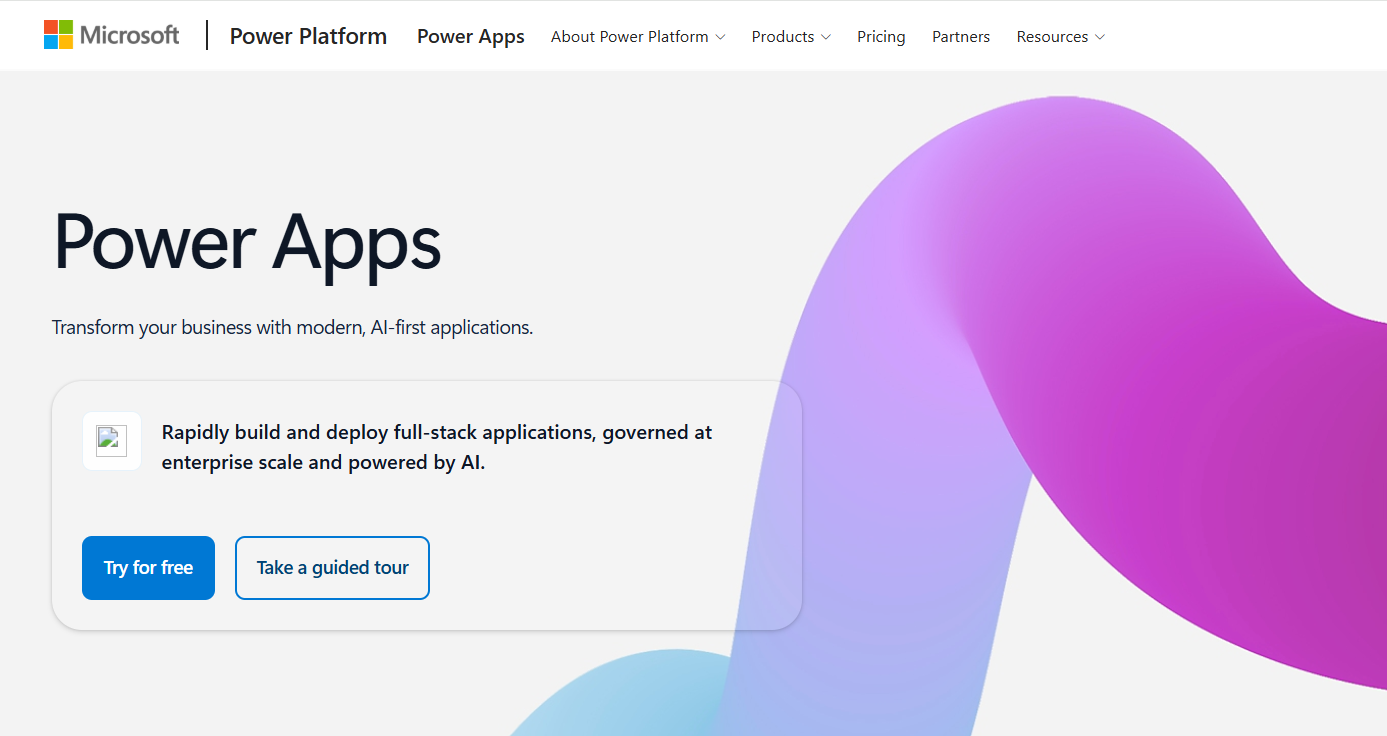
Microsoft Power Apps lets you self-build business apps that easily integrate with any platform in the Microsoft ecosystem. These connections speed up your workflows if you’re already using Microsoft products.
“I like that Microsoft Power Apps is very easy to use. If something isn't easy enough, I can just ask Copilot for help, which I find amazing. The initial setup was quite easy for me because it was already done by the IT developers, so I didn't need to do anything; it was just already there.” - Power Apps user, G2
Key Features
- Custom app building: Create business applications around company data, processes, forms, and user requirements.
- Microsoft Dataverse: Store structured application data with business logic and access controls.
- Workflow automation: Trigger Power Automate workflows from apps to handle repeatable business processes.
Pros
✅ Technical flexibility: Custom connectors and APIs give you technical options that extend beyond standard low-code components.
✅ Enterprise scalability: Supports large-scale deployments across extensive development teams and user bases.
✅ Centralized data: Dataverse stores structured business data in one controlled database that teams can access and use across multiple applications.
Cons
❌ Licensing complexity: Premium connectors, certain Dataverse capabilities, on-premises deployment, and custom APIs can affect licensing requirements.
❌ Microsoft-focused: If you use apps or platforms outside of Microsoft, you may get less value from its tight integrations.
Best for
- Microsoft 365 and Dynamics 365-heavy organizations
- Businesses that need to create custom apps
- Enterprises standardizing internal applications
- Teams that need controlled, connected data
Pricing
Start using Microsoft Power Apps for $20/month per user.
2. Caspio: Best for Database Applications
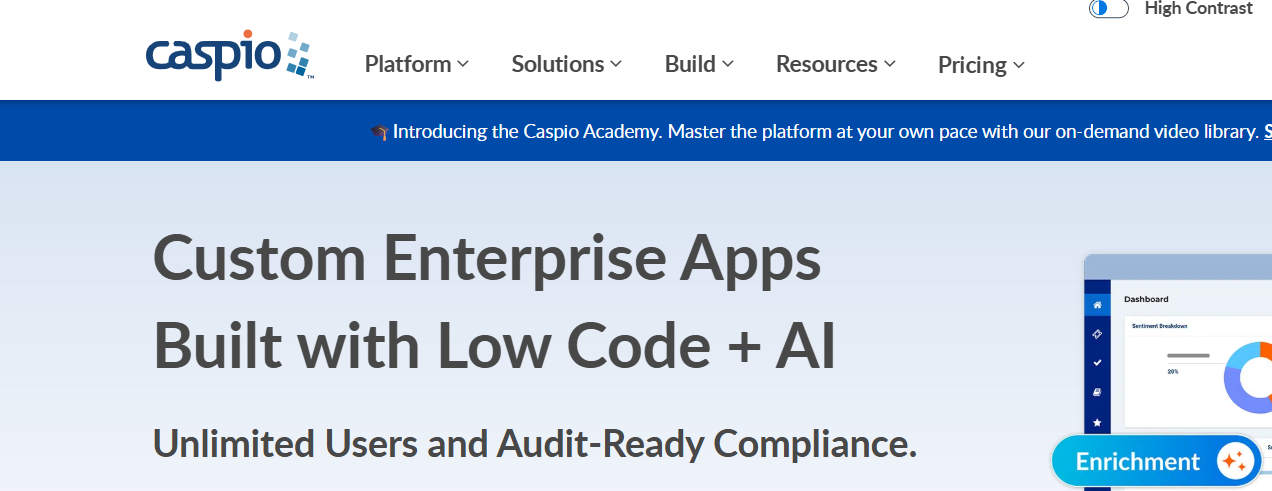
Caspio provides a database web application builder that’s backed by Microsoft SQL Server. It combines visual development with options for custom code, APIs, and advanced database functionality.
“Very user-friendly for our employees. You can create your site the way you want it so that it works best for your team.” - Caspio user, G2
Key Features
- Relational database: Structure connected business data for applications that require complex record relationships.
- Visual app builder: Create forms, reports, dashboards, and workflows without building interfaces from scratch.
- API integrations: Connect Caspio applications with external services through APIs, webhooks, and extensions.
Pros
✅ Unlimited app users: Every current pricing tier includes unlimited application users without per-user subscription charges.
✅ Database focus: Handles applications that depend heavily on structured and interconnected business records.
✅ Developer extensibility: APIs and webhooks let technical teams extend applications beyond visual tools.
Cons
❌ Less suited to interface-heavy applications: Teams prioritizing highly customized front-end experiences may prefer more design-focused platforms.
❌ Usage-based extras: Additional storage, integrations, automation capacity, and other resources can increase costs.
Best for
- Nearly any database-heavy internal business application
- Custom inventory and tracking systems
- Web portals for customers and employees
- Teams avoiding per-user pricing
Pricing
Caspio pricing starts at $300/month.
3. Zoho Creator: Best for Zoho Ecosystem Users
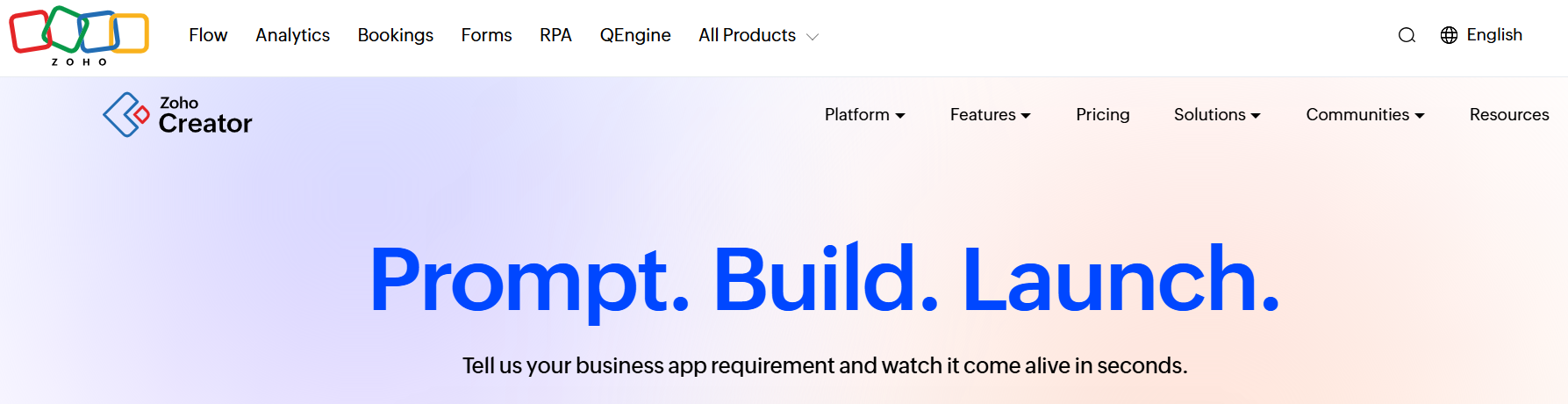
Zoho Creator is a low-code platform for building custom web and mobile applications, automating workflows, and managing business data.
“In my day-to-day usage, Zoho Creator makes it very easy to build and manage custom applications using its intuitive drag-and-drop UI, while still allowing flexibility through Deluge scripting for more complex logic.” Sachin S., G2
Key Features
- Zoho integrations: Connect Creator applications directly with other Zoho products your teams use.
- Multi-device access: Run applications across web, iOS, Android, and tablet interfaces.
- Developer customization: Add custom logic, APIs, cloud functions, and JavaScript widgets when needed.
Pros
✅ Low entry price: Paid plans start well below many enterprise low-code platforms.
✅ Flexible development: Visual tools handle simpler builds while scripting supports more complex requirements.
✅ Mobile deployment: Teams can deliver the same applications across desktop and mobile devices.
Cons
❌ Per-user pricing: Subscription costs can increase if more team members need access.
❌ Enterprise feature limits: Advanced analytics and integration flows require the Enterprise tier.
Best for
- Smaller organizations on a budget
- Teams already using multiple Zoho apps
- Businesses automating multi-step approval workflows
Pricing
Zoho Creator plans start at $12/month per user.
4. Mendix: Best for Full-Stack Development
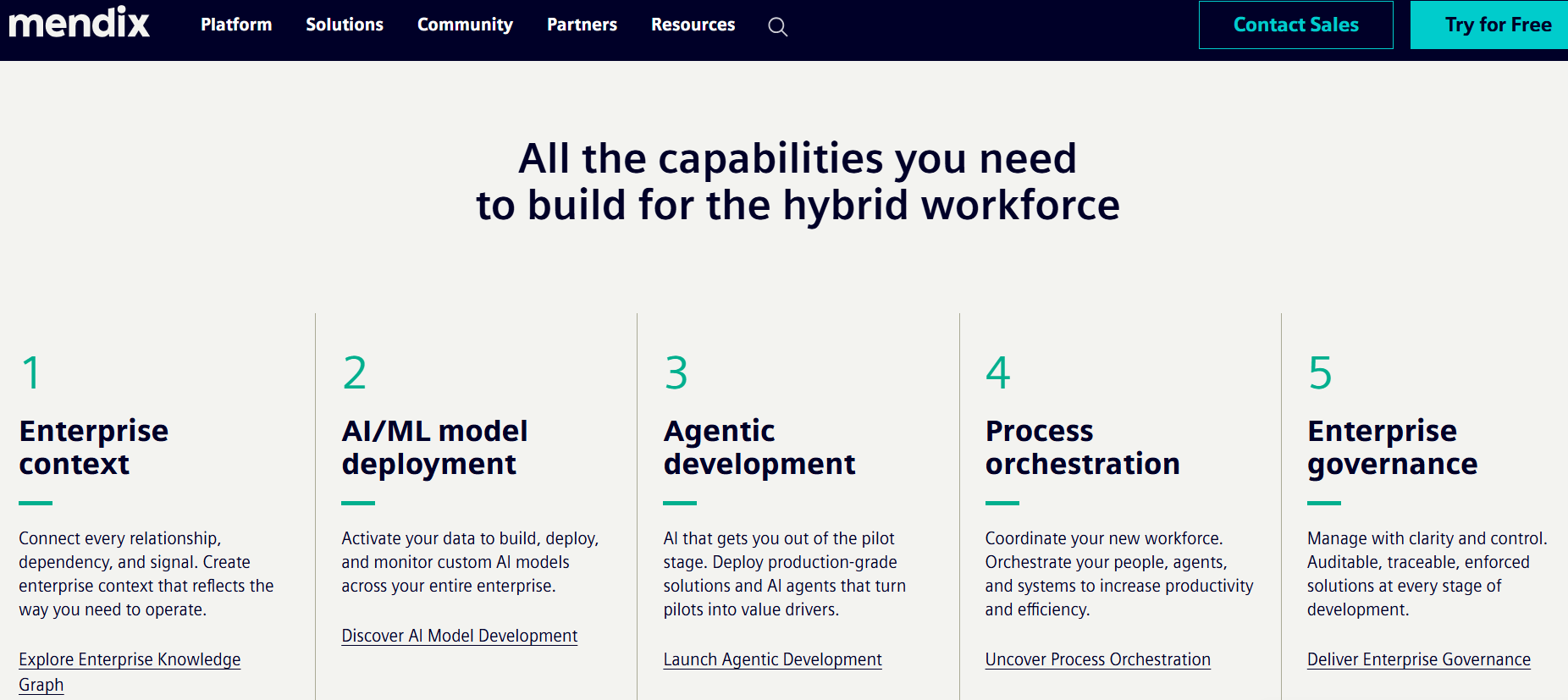
Mendix combines visual development with tools for app logic and data management. You can build internal tools, customer portals, and mobile apps, then connect them to other systems through APIs.
“What I liked most about Mendix is the speed at which we can build and deliver applications without losing the flexibility to handle complex requirements. It is very practical for real business use cases, and at the same time it allows deeper technical work through custom widgets, integrations, Java actions, and deployment automation when needed.” - Krishnakumar S., Capterra
Key Features
- Reusable components: Add prebuilt connectors, modules, and widgets from the Mendix Marketplace.
- Flexible deployment: Run applications across Mendix Cloud, Kubernetes, Azure, or private infrastructure.
- Mobile development: Build native and progressive web apps for multiple device types.
Pros
✅Free plan available: Mendix offers a Free plan at $0/month for learning, experimentation, prototypes, and demos.
✅ Full-stack scope: Teams can manage front-end, logic, data, integrations, and deployment together.
✅ Developer collaboration: Multiple developers can work together within the same development environment.
Cons
❌ High starting cost: Standard pricing starts at $1,090 per month, and required cloud computing resources cost extra.
❌ Enterprise features cost even more: High availability and horizontal scaling require the Premium plan.
Best for
- Enterprises building complex full-stack applications
- Organizations that need to modernize legacy business systems
- Companies requiring flexible deployment environments
- Developers building web and mobile applications
Pricing
Mendix pricing plans start at $1,090/month.
5. Knack: Best for Building Online Database Applications
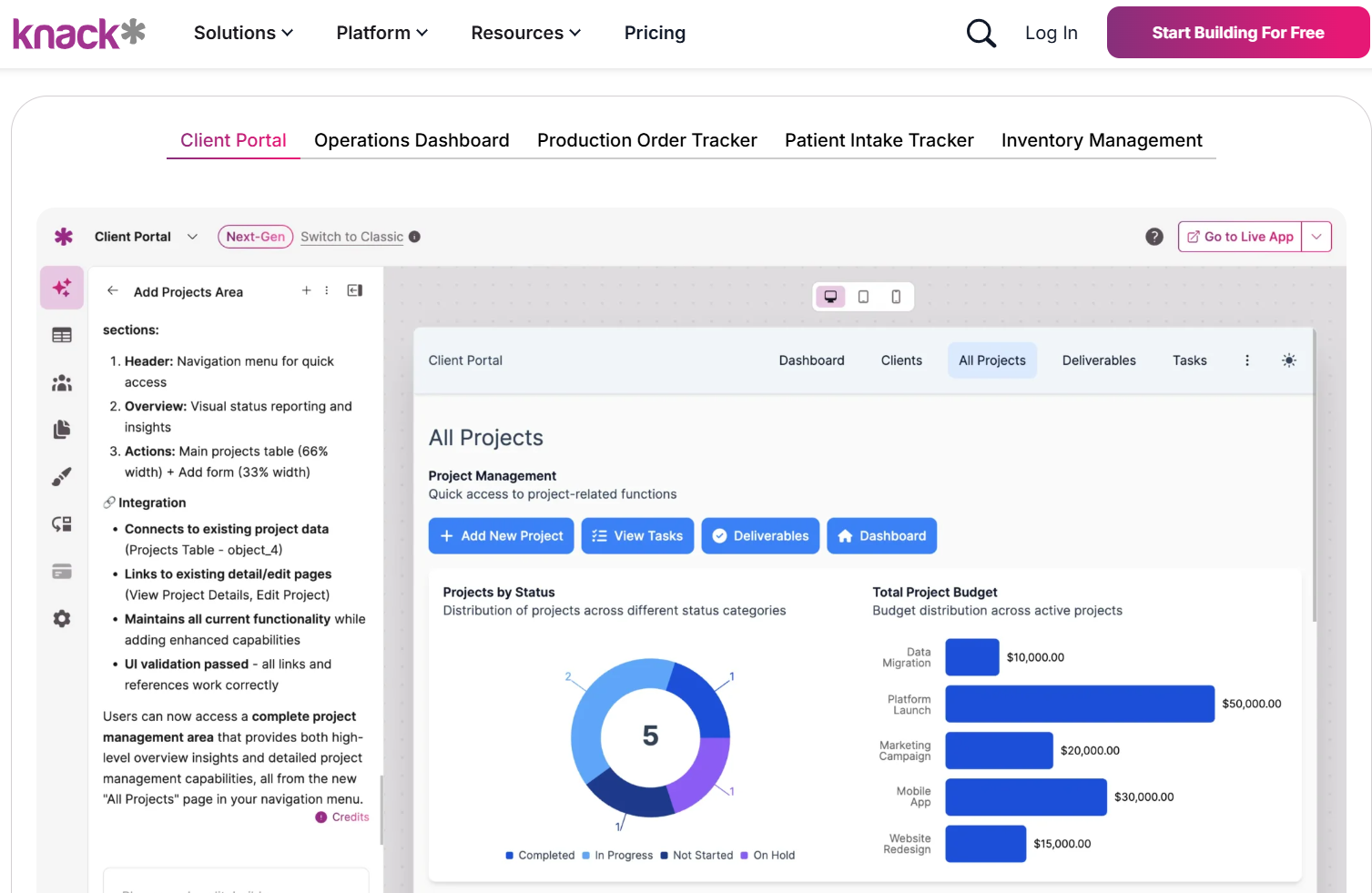
Knack lets you create databases and web apps without code. Its visual database builder connects tables and relationships with forms, views, and workflows.
“A rather easy-to-use tool that allows quite a bit of creativity in creating web apps. The customer support has been the best part about Knack. Whenever I have questions in developing my app or better understanding the platform the response I get is always timely and extremely helpful!” - BH, Trustpilot
Key Features
- Workflow automation: Automate record updates, scheduled tasks, emails, and processes across your applications.
- Relational database: Connect related tables so your apps can centrally manage structured business data.
- External integrations: Knack integrates with 400-plus platforms; you can also build integrations through Knack's API.
Pros
✅ Database flexibility: Connected tables support one-to-many, many-to-many, and other record relationships.
✅ Accessible building: Visual tools let non-technical people create database-backed applications.
✅ Flexible interfaces: Custom roles and protected pages support distinct experiences for different users.
Cons
❌ Record limits: Standard plans cap database records, potentially increasing costs for data-heavy applications.
❌ Costly compliance: Knack’s HIPAA plans start at $499/month, while its GovCloud option requires custom pricing.
Best for
- Customer and employee portals
- Teams with large user populations
- Inventory and asset tracking applications
- Connected records with role-based access
Pricing
Knack pricing plans start at $59/month.
6. Airtable: Best for Flexible, Spreadsheet-Based Workflows
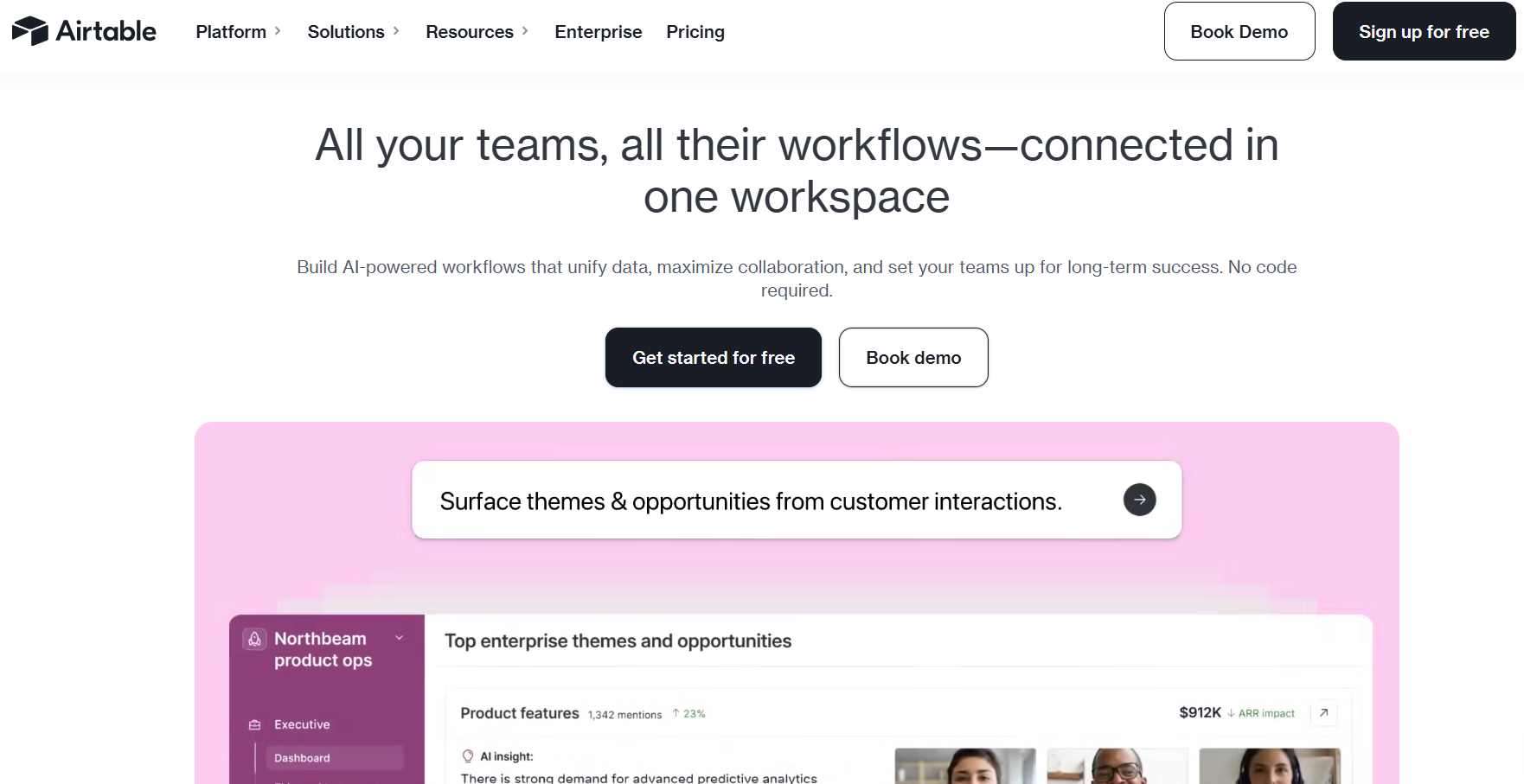
Airtable combines a spreadsheet-style interface with relational data management, giving you templates, integrations, automations, and app-building tools for organizing business data and workflows.
Important note: In August 2026, Bending Spoons agreed to acquire the company for $1.285 billion in cash, with plans to continue investing in its platform and expand its capabilities for teams and larger organizations.
“Airtable made it easy for our team to turn scattered information into a clear, visual workflow. The templates and different views were straightforward to learn, and the kanban view was especially useful for tracking projects.” - Diane R., Trustpilot
Key Features
- Linked records: Connect related tables to manage dependencies without duplicating information across spreadsheets.
- Multiple views: Display shared data through calendars, timelines, Gantt charts, and filtered views.
- Interface Designer: Create tailored interfaces that give teams relevant data and controls.
Pros
✅ Familiar interface: A spreadsheet-style data visual builder simplifies app creation.
✅ Free plan: Individuals and small teams can build lightweight applications without paying for a subscription.
✅ Workflow flexibility: You can configure the same underlying data for different departmental workflows.
Cons
❌ Per-seat costs: Every editor increases costs as application adoption spreads across teams.
❌ Record limits: The Team plan caps bases at 50,000 records, restricting data-heavy applications.
Best for
- Marketing and content production workflows
- Cross-functional project and resource tracking
- Teams migrating from complex spreadsheets
- Departments building flexible internal workflows
Pricing
Start using Airtable for $24/month.
7. OutSystems: Best for Complex Enterprise Applications
OutSystems uses visual tools to build apps, manage data, connect APIs, and create workflows.
“With three years of hands-on OutSystems development, what stands out most to me is the speed-to-value ratio. I can build and ship enterprise features in days—work that would take weeks in traditional stacks…” - Rushikesh B., G2
Key Features
- Application monitoring: Track application performance and identify problems before they disrupt end users.
- Integrated DevOps: Manage app updates, testing, approvals, dependencies, and releases across different environments.
- Full-stack development: Create interfaces, data models, APIs, workflows, and business logic with visual builders.
Pros
✅ Enterprise scalability: Applications can scale vertically and horizontally as workloads and users increase.
✅ Strong governance: Central controls help large teams consistently manage application portfolios.
✅ Complex app support: Developers can handle complex logic, integrations, and cross-functional workflows.
Cons
❌ Pricing complexity: Production costs depend on the selected platform configuration, capacity, and enterprise requirements.
❌ Developer-oriented: Its enterprise development scope exceeds what simple departmental workflows typically require.
Best for
- Large, complex business applications
- Legacy system modernization projects
- Integration-heavy application development
Pricing
Get in touch with the OutSystems sales team for a custom quote.
8. Smartsheet: Best for Project and Workflow Management
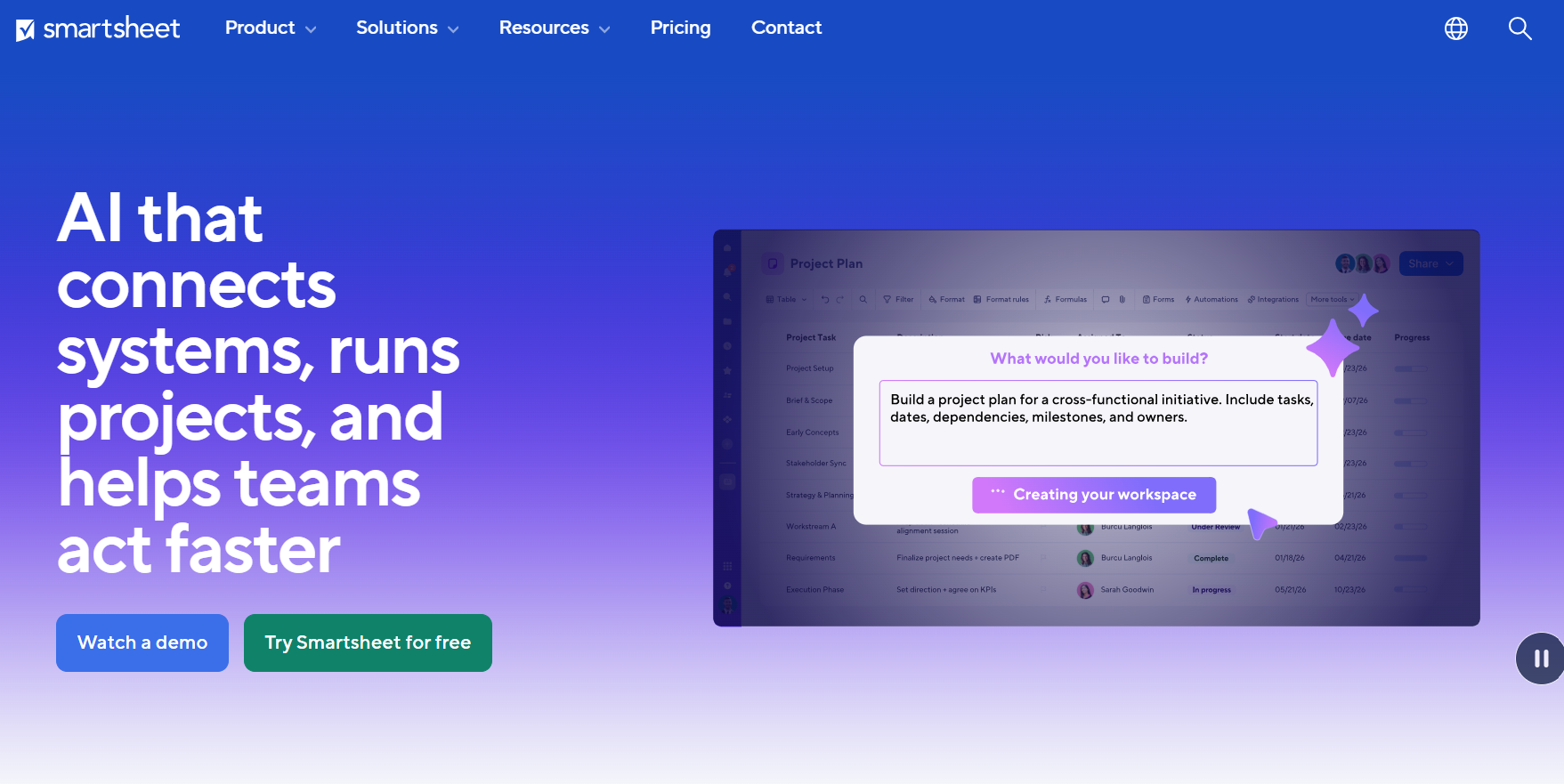
Smartsheet combines spreadsheet-style work management with forms, dashboards, reports, multiple project views, and no-code automation.
“Smartsheet takes all the benefits of Excel and creates an intuitive and super-simple to use platform. We use it to manage construction jobs and track job costs and documents all in one place. And the platform could not be more affordable!” - Julieann, Capterra
Key Features
- Workflow automation: Automate approvals, reminders, notifications, and updates via rules-based workflows.
- Broad integrations: Connect Smartsheet with over 175 business tools.
- Custom forms: Collect information and automatically send it into workflows.
Pros
✅ Familiar interface: The spreadsheet-style layout simplifies managing work.
✅ Strong automation: Automated workflows handle repetitive approvals, notifications, reminders, and updates.
✅ Flexible visualization: Teams can view the same project information differently, based on their needs and roles.
Cons
❌ Less app-focused: Teams building custom business apps may need a more powerful development platform.
❌ Higher feature costs: Advanced integrations and features may require higher-priced plans or paid add-ons.
Best for
- Project management
- Cross-functional operational workflows
- Workflows involving multiple teams
- Teams tracking projects and tasks at scale
Pricing
Start using Smartsheet for $12/month per user.
9. Blaze.tech: Best for Healthcare Organizations
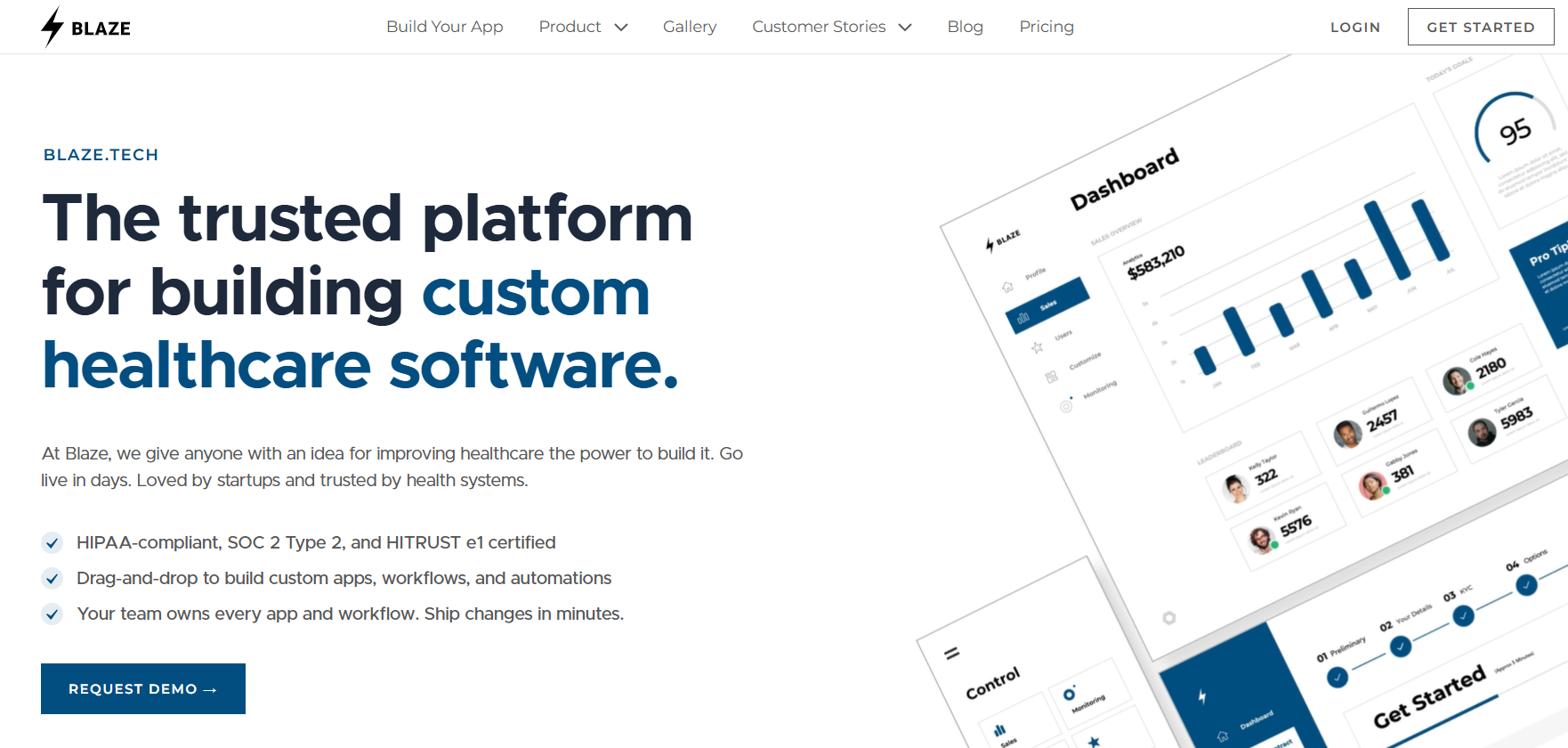
Blaze is a healthcare app builder that lets you build custom healthcare apps yourself or work with its team to build them for you.
“Blaze allowed us to connect seamlessly with our custom databases, APIs, CRMs, and third-party apps. They were able to help us set everything up correctly.” - Jonathan M., G2
Key Features
- Test with sample data: Try Blaze’s free sandbox and build workflows with realistic sample patient data before connecting an EHR or signing a BAA.
- EHR/EMR integrations: Connect apps to Epic, Oracle Health, athenahealth, and eClinicalWorks to access clinical data.
- AI workflow automation: Use OpenAI to build tools that assist with documentation, sort intake information, and summarize data.
Pros
✅ Build it yourself or get help: Build and manage apps with your own team, or have Blaze’s technical team build and launch them for you.
✅ Fast launch: Non-technical teams can build and launch working healthcare apps in days.
✅ OpenAI integration: Use OpenAI under a BAA to automate patient intake, document review, CPT coding, and other healthcare tasks.
Cons
❌ Vendor builds take longer: When Blaze’s implementation team handles the build, expect more lead time before launch.
❌ No built-in video calls: You’ll need to connect an existing Zoom account for video appointments.
Best for
- Healthcare organizations handling PHI
- Teams building patient-facing applications
- EHR-connected clinical workflows
- Digital health companies scaling custom software
Pricing
Start using Blaze for $750/month.
How to Choose the Right Quickbase Alternative
The right Quickbase alternative depends on what you need to build, who will use it, and how the platform fits your existing systems. Use these steps to compare your options.
Step 1: Determine Your Application Complexity
Define the applications you plan to build and the level of customization they require. Simple databases and approval workflows need different capabilities than customer portals or enterprise applications with complex logic, permissions, and multiple interfaces.
Step 2: Compare Pricing as Your User Count Grows
Calculate costs based on your expected users, applications, records, and required features. Per-user pricing can become expensive as adoption grows, so consider other platforms that charge by application, usage, or capacity.
Step 3: Check Your Integration Requirements
Identify the systems your applications need to connect with, such as CRMs, ERPs, databases, EHRs, or accounting software. Compare native integrations, API access, webhooks, and any plan restrictions on the connections you need.
Step 4: Evaluate Security and Compliance Requirements
Match each platform's security controls to the data your applications will handle. Check for role-based permissions, audit logs, SSO, relevant certifications, and industry-specific requirements such as HIPAA support or a signed BAA.
Step 5: Determine How Much Implementation Support You Need
Assess whether your team can design, integrate, deploy, and maintain applications independently. Straightforward projects may only require documentation and standard support, while complex integrations or regulated applications can justify guided implementation and dedicated technical assistance.
Build Your Next Healthcare App With Blaze
If you’re comparing Quickbase alternatives for healthcare, Blaze gives you a platform built around healthcare workflows, integrations, and compliance requirements. Here’s why more healthcare organizations go with Blaze:
- Healthcare software built for you: Work with a three-person implementation team, including a project manager, healthcare developer, and integration engineer, to build patient portals, clinical databases, and other production-ready applications. Blaze can also connect your EHRs and other healthcare systems.
- Opt to self-build: Use Blaze’s visual builder to create custom healthcare dashboards, databases, and applications without relying on traditional development resources.
- Replace repetitive administrative work: Automate patient intake, document routing, approvals, reminders, and other repetitive workflows while keeping your existing EHR in place.
- Faster implementation than traditional builds: Get custom healthcare applications into production in weeks instead of waiting months for traditional development.
- AI integrations for clinical workflows: Support automated patient intake, document extraction, OpenAI integrations, and other AI use cases alongside secure EHR and EMR connections.
- Built on compliance-ready infrastructure: Blaze provides a HIPAA-enabling, HITRUST e1-certified, SOC 2 Type II platform for building healthcare applications.
Schedule a free build consultation call today and see how Blaze can address the healthcare integration, compliance, and customization issues that made you search for Quickbase alternatives.
Frequently Asked Questions
Are There Any Free Quickbase Alternatives?
Yes, there are free Quickbase alternatives. Try Mendix's Free plan, Airtable's free tier, and Blaze.tech’s sandbox. These options let teams build lightweight apps and avoid upfront subscription costs while testing workflows.
Is Airtable a Good Quickbase Alternative?
Yes, Airtable is a good Quickbase alternative, but only for specific workflows and apps. If your team wants spreadsheet-style data management, linked records, and multiple views, Airtable will be a good fit. It's flexible for cross-functional workflows and cuts manual updates, though per-seat costs and record caps limit scale for data-heavy applications.
What Is the Best Quickbase Alternative for Small Businesses?
Zoho Creator and Knack are the best Quickbase alternatives for small businesses. These tools have low starting prices, easy-to-use visual builders, and automation features. They reduce reliance on developers and keep setup costs manageable.
Sources
1. U.S. Department of Health & Human Services. “Summary of the HIPAA Security Rule.” HHS.gov. https://www.hhs.gov/hipaa/for-professionals/security/laws-regulations/index.html
2. U.S. Department of Health & Human Services. “Security Rule Guidance Material.” HHS.gov. https://www.hhs.gov/hipaa/for-professionals/security/guidance/index.html
3. National Institutes of Health: StatPearls. “Health Insurance Portability and Accountability Act (HIPAA) Compliance.” NCBI. https://www.ncbi.nlm.nih.gov/books/NBK500019/
Build a HIPAA-Compliant App Today
Request the app you want. Blaze AI assembles it for you and your healthcare team.
Trusted by Fortune 500s and startups
HIPAA compliant, SOC 2 and HITRUST certified
Zero coding required

Ready to Build Your Custom Healthcare App?
Launch your own healthcare app today that's fully HIPAA compliant.
Related Articles
Discover related guides on healthcare no-code development, HIPAA compliance, security, integrations, and launching apps faster.
%20(1).png)
Hospital App Development: Features, Steps, and Costs in 2026
Hospital app development costs range from $1,000 to over $1 million. Compare needed features, EHR integrations, development steps, and the 3 build approaches.
%20(1).png)
EHR Implementation Cost Breakdown
This EHR implementation cost breakdown reveals upfront, ongoing, and hidden expenses. Compare costs from client projects and research to help you budget.
%20(1).png)
7 Top White Label Telehealth Platforms + How to Pick (2026)
I reviewed seven white-label telehealth platforms to see how they compare. Explore pricing, branding, integrations, and the best fits available.