
Table of contents
EHR Integration: Guide + 6 Platforms Compared | 2026

Written by
Blaze Team

Reviewed by
Nanxi Liu
Expert Verified
After helping dozens of healthcare organizations with EHR integration, I’ve discovered that disconnected healthcare systems are a major cause for slow data entry and duplicate record errors. Here’s why your practice needs EHR integration, popular use cases, and a walkthrough of 6 major EHR integration providers.
EHR Integration: The 30-Second Answer
EHR integration connects an electronic health record system to the other apps or software a clinic uses. Information can move between systems automatically. This connection helps providers avoid manually entering the same patient information in several places, which saves time and reduces mistakes.
Types of EHR Integrations
The four main types of EHR integrations are native, API-based, middleware integrations, and custom EHR integrations. Each one moves data differently and handles scaling as well as data controls in its own way.
Native EHR Integrations
Vendors like Epic and Oracle Health build native EHR integrations directly into their systems, which makes them ready to use out of the box. These integrations connect the EHR to common tools like lab systems, pharmacy software, or patient portals.
Instead of building a connection from scratch, healthcare teams set up a connection that the vendor already approved. Usually, you can set up native EHR integrations faster than middleware or API-based integrations.
However, you can only use the features and limits that the vendor allows.
API-Based Integrations
API-based integrations use standardized HL7 FHIR R4 REST APIs as connection endpoints to link an EHR with external third-party applications. These connections stream data between both apps in real time or near-real time.
Instead of waiting for scheduled file exports, a patient engagement tool can request data directly from the EHR and pull up patient records during a call.
The 21st Century Cures Act now requires certified EHR systems to support standardized FHIR APIs. This allows healthcare organizations to share patient data through common interfaces when requested.
Middleware Integrations
Middleware platforms like Mirth Connect, Rhapsody, and Redox help systems communicate when they use different data formats or protocols. Middleware translates messages between each app, allowing you to avoid rebuilding each system.
For example, a hospital may receive ADT data feeds from several different EHR systems. The middleware platform routes all of that data through one integration engine. It organizes the data into a standard format and then sends it to the next system.
This type of connection gives the hospital one managed data pipeline instead of many separate connections that each need their own maintenance.
Custom EHR Integrations
Healthcare organizations build custom integrations when standard APIs and middleware can’t support their unique workflows, or they use older, legacy EHRs.
For example, an organization may need to connect a custom claims processing system to an older EHR. They’ll need to hire engineers specializing in healthcare app development to build a special integration that connects to the older software. This integration will control how data moves and changes between systems.
Custom integrations take longer to build. But they match the organization’s needs instead of forcing teams to work around software limits.
Popular EHR Integration Use Cases
Popular EHR integration use cases include patient portals and appointment scheduling. These integrations reduce duplicate data entry and prevent disconnected systems from slowing down staff workflows. Here are some of the most common places where connected systems improve patient care:
- Patient portals: By replacing admin tasks like printing visit summaries or answering calls about lab results, the EHR updates the patient portal automatically. Patients log into the portal and can view information on their own. If you’re interested in patient portal development, read our article.
- Appointment scheduling: Patients book appointments directly in the scheduling app, which connects to the EHR. Providers can see patient schedules and visit history from one place.
- Billing: When billing connects directly to clinical documentation, the system can automatically match charges to the care provided. This removes manual review steps that often slow down reimbursement.
- Lab systems: Doctors can send lab orders directly from the EHR. Lab results return automatically as organized data inside the patient record.
- Telehealth: A connected telehealth platform can pull a patient’s medications, health conditions, and history from the EHR so providers know the patient’s background before the virtual visit starts.
- Analytics: Reporting tools that are connected to live EHR data can track what’s happening in real time instead of relying on outdated spreadsheet exports.
- Prescription monitoring drug monitoring program (PDMP): A PDMP integration shows a patient’s controlled substance history inside the prescribing workflow. This allows clinicians to review the information before writing the prescription instead of checking it later.
Without integrating these use-cases, staff may need to read faxed PDFs and enter the results by hand, which increases the chances of errors and slows down work.
Common EHR Integration Challenges
Providers and organizations face challenges such as integrating with legacy systems and vendor approvals. Here’s an overview of the challenges you may encounter:
Legacy EHR System Limitations
Many older EHR systems were built before modern data-sharing standards existed. Some legacy designs don’t support modern web APIs. Others rely on older HL7 v2 connections or vendor-managed file transfers just to transfer patient data.
EHR integration with these legacy systems may take months. Modern, FHIR-based EHRs are built for current interoperability standards. These systems can complete the same integration in days instead of weeks.
Vendor Approval and Access Delays
Even when an EHR supports API access, the vendor still controls who can use it and when. For example, Epic requires outside developers to register through its Showroom program and complete a formal review before the system allows production access.
That approval process can add weeks to a project timeline. Delays in contracts, vendor approvals, and purchasing on both sides can slow the project even more.
Providers often overcome this challenge by validating workflows before automating data exchanges.
Data Mapping and Synchronization Problems
Data mapping and synchronization problems happen when systems struggle to consistently match, organize, and update shared patient data. These problems often result from connected systems storing the same patient data in different formats.
These differences can create duplicate records, missing information, or mismatched patient data when systems exchange information.
For example, one system may list a patient as “Robert” while another lists the same patient as “Bob.” Without matching rules set up before data transfer begins, the integration may treat them as two different people instead of one patient record.
Avoid this challenge by implementing a consistent data structure across all connected apps.
HIPAA and Security Requirements
Since most EHR integrations handle protected health information (PHI), organizations need to obtain a Business Associate Agreement (BAA). This is a contract between healthcare organizations and vendors that defines how they can share and protect patient data before protected health information moves between systems.
Any integration that transfers PHI must also include HIPAA-enabling features like encrypted data transfer, role-based access controls, and audit logs that track who accessed information and when.
The healthcare organization must make sure its integration meets HIPAA security requirements. Organizations must constantly educate providers about HIPAA rules and consistently monitor and stress test all apps that handle PHI to avoid healthcare data breaches and penalties.
Workflow Disruption Risks
An integration can create more problems if it automates the wrong part of a workflow. For example, staff may manually review information before it moves into another system. If an integration skips that review step, mistakes can spread through downstream systems without anyone noticing.
Problems often start when teams design automation rules without input from the people who actually manage the workflow every day.
Avoid workflow disruption by mapping the full process with frontline staff before automating data movement between systems.
Why You Should Consider EHR Integration
You should consider EHR integration because it reduces data entry and improves several systems and workflows. Each example below shows tasks that EHR integration can cut down:
Reduce Duplicate Data Entry
Duplicate data entry wastes time and increases the chance of mistakes. For example, a clinician may document a patient visit in the EHR. Front desk staff may then need to enter the same information again in a billing system. Each manual transfer increases the chances of errors.
A connected integration allows staff to enter the information only once and automatically share it across systems.
Connect Disconnected Healthcare Systems
Many healthcare organizations use several different systems that weren’t originally designed to work together. Some patients have records spread across several systems, like an emergency room EHR, specialist EHR, pharmacy system, and lab network.
Without integration, providers may only see part of the patient’s history. Missing information can lead to weaker care decisions or treatment mistakes.
EHR integration helps those systems share information so clinicians can see a more complete patient record before making decisions.
Improve Scheduling and Patient Workflows
A scheduling system without EHR integration may not know that the patient missed a follow-up appointment or still has an unresolved lab order.
Connected scheduling systems show that information before staff confirm the appointment, which helps clinics prepare for the visit ahead of time.
Billing and Revenue Cycle Operations Support
Billing accuracy depends on whether the clinical documentation matches the info patients submit for payment. When billing systems are disconnected from the EHR, coders may work from incomplete information, which can lead to denied claims.
An integrated billing workflow pulls data directly from the patient encounter record so the billed services match the documented care.
Top 6 Software for EHR Integration: At a Glance
I evaluated 12 EHR integration platforms based on EHR connectivity, FHIR data access, and workflow automation. From there, I selected the six strongest options for different healthcare teams and use cases.
1. Redox: Best for Healthcare API Interoperability
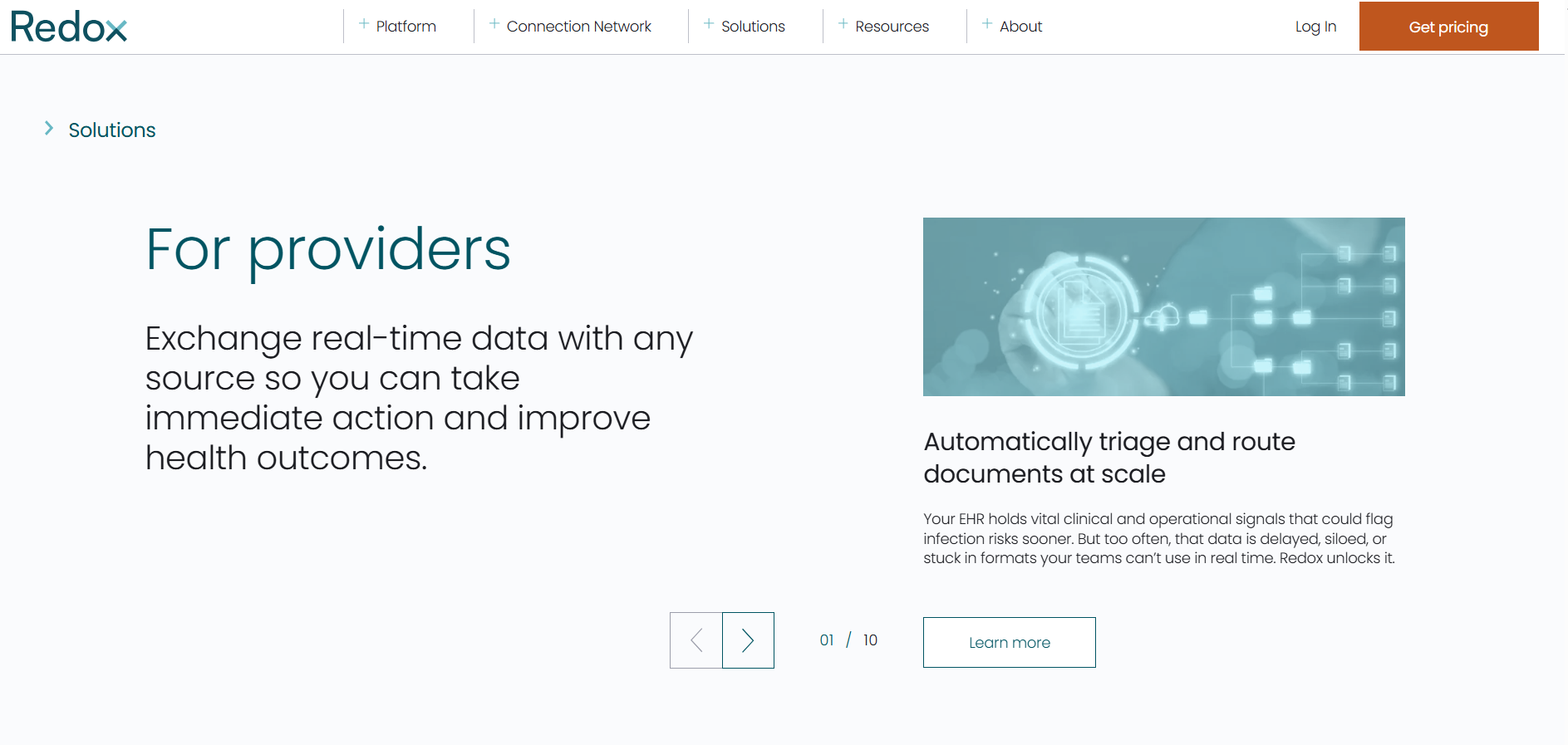
What it does: Redox simplifies EHR integration by giving applications one managed API connection while Redox handles the separate connections to each healthcare system behind the scenes.
Who it’s for: Digital health companies and healthcare organizations that need to connect their applications to multiple health systems and EHRs quickly.
Pros
- Pre-built EHR connections: Redox has thousands of pre-built system connections that already live and are available.
- Managed translation layer: Translates and normalizes source messages (including HL7, FHIR, and other formats) into a consistent JSON/FHIR schema before they reach your application.
- Reduced build overhead: Integration maintenance stays with Redox, not your engineering team.
Cons
- Cloud-only architecture: Redox runs in the cloud, which may be a concern for organizations with strict policies against sending PHI to external cloud services.
- Less control over data processing: Limited visibility into how data is routed and transformed inside the platform, so troubleshooting integration issues and validating data flows can be more difficult.
Pricing
Contact Redox’s sales team to get custom pricing.
Bottom Line
Redox works well for health companies that need to connect with multiple EHR systems through a single integration layer. If your organization requires on-premise deployment, consider Rhapsody.
2. 1upHealth: Best for FHIR-Based Healthcare Data Access
What it does: 1upHealth collects clinical and health data from EHRs and related systems.
Who it’s for: The tool fits payer and digital health use cases, especially where regulatory interoperability and population‑scale data are required.
Pros
- Bulk data access: Combines patient and member records from different systems into one FHIR-based data platform. This allows organizations to run large-scale and long-term searches across patient populations.
- Patient‑mediated connections: Supports patient‑authorized access flows where individuals connect their own EHR records via OAuth.
- CMS interoperability support: Provides prebuilt FHIR APIs and services designed to help payers implement CMS interoperability use cases (such as Patient Access and Payer‑to‑Payer exchange).
Cons
- FHIR‑first design: The platform is built around FHIR APIs and data models and doesn’t function as a traditional HL7 v2 interface engine, so organizations with large HL7 v2 footprints need additional tooling or partners for HL7‑to‑FHIR translation.
- Developer‑dependent: Effective use of the platform requires engineering resources to design, build, and maintain integrations and data workflows.
Pricing
Contact the 1upHealth team to learn custom pricing.
Bottom Line
1upHealth works best for organizations that need to bring patient records together from many systems. If you need a managed integration layer instead of building data workflows yourself, try Redox.
3. NexHealth: Best for Patient-Facing Workflow Integrations
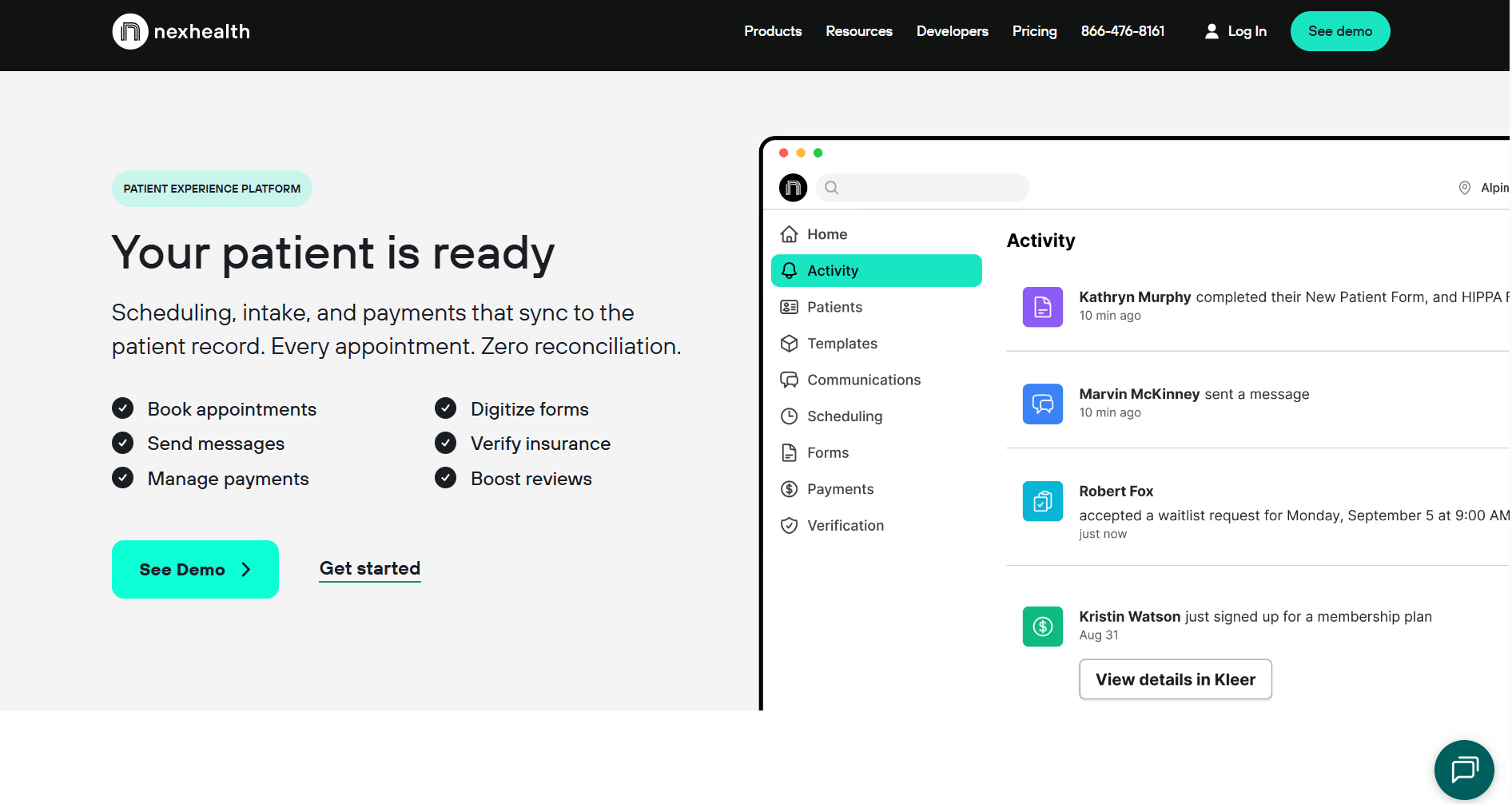
What it does: NexHealth automates online scheduling, digital forms, and patient communications within supported EHR and practice management systems.
Who it’s for: Dental and outpatient medical practices looking to replace manual front‑office coordination with integrated online scheduling, forms, and reminders.
Pros
- EHR-synced scheduling: For supported systems, online appointment bookings write back into the schedule, so staff usually don’t need to manually re-enter data.
- Automated patient communication: Reminders and follow‑ups are driven by synced appointment and patient data, reducing the need to manage a separate contact list.
- Flexible subscription model: Offers subscription‑based plans; many smaller practices use shorter‑term or non‑enterprise agreements, with exact terms depending on the plan and contract.
Cons
- Dental and outpatient focus: Optimized for dental and general outpatient workflows, so highly specialized practices may find that integration depth and workflow coverage don’t meet all of their specialty‑specific needs.
- Not a data platform: Designed as a patient experience layer, not as a general‑purpose data integration or transformation platform between clinical systems.
Pricing
Contact the NexHealth team for custom quotations.
Bottom Line
NexHealth works best for healthcare practices that want to simplify scheduling, forms, and patient communication. Larger teams that need to transfer information across several systems should try Redox.
4. Arcadia: Best for Population Health Data Integration
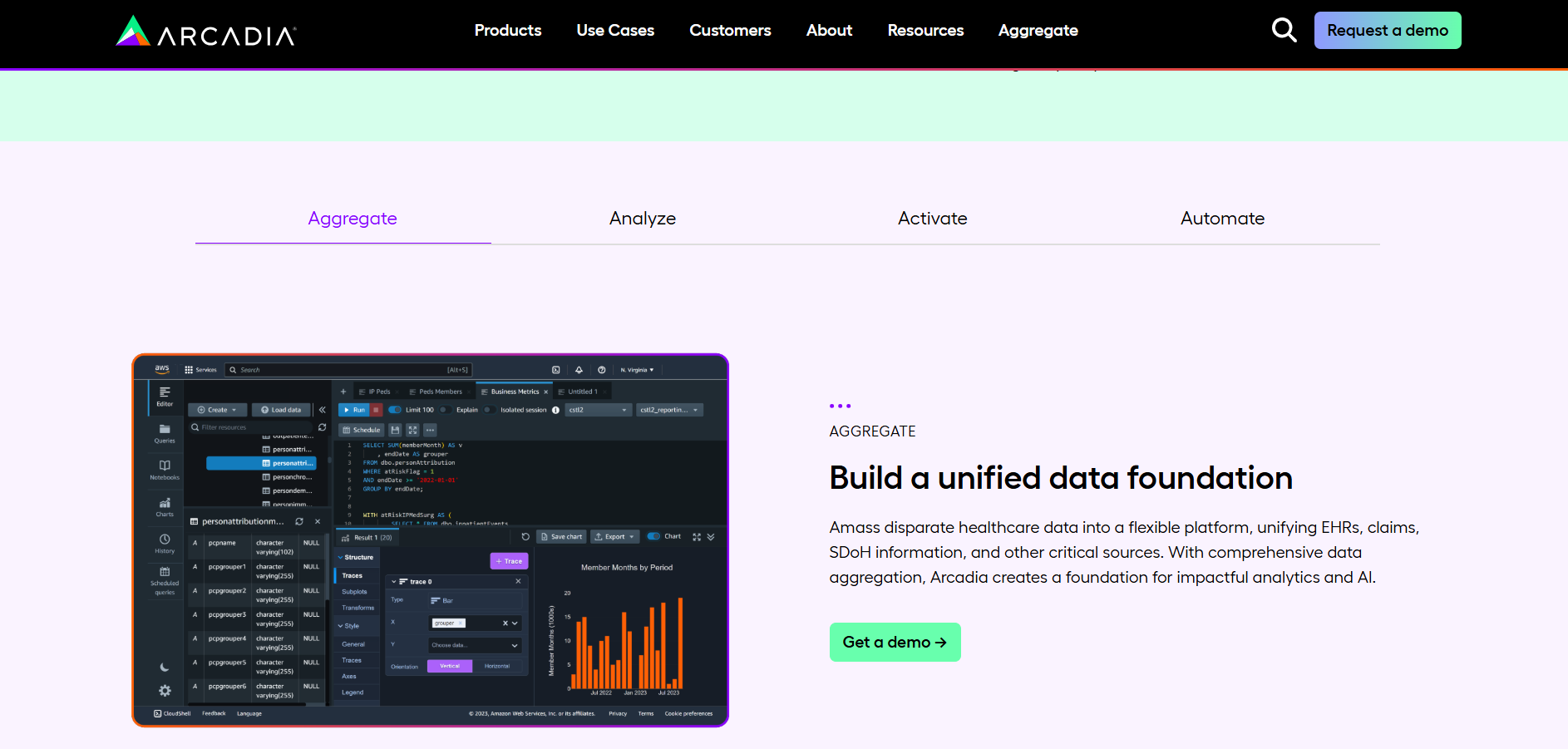
What it does: Arcadia combines clinical, claims, and related data from multiple EHRs and other sources into a unified, analytics‑ready data platform.
Who it’s for: Health systems and provider groups that manage value-based care across multiple EHR systems.
Pros
- Multi-source data normalization: By pulling data into one unified patient record, it reduces the need for teams to manually clean, organize, and combine data before reporting or analytics.
- Value-based care tools: The platform includes built-in quality measures and value-based care reports so organizations can start tracking performance faster without building custom reports from scratch.
- Risk stratification at scale: Arcadia uses combined clinical and claims data to identify high-risk patients across the full patient populations so teams can focus outreach and care management on patients who may need attention most.
Cons
- Not a point-of-care workflow tool: Focuses on population health management and analytics. It doesn’t function as a full in-EHR workflow tool that clinicians use directly during patient visits, although its insights can still support clinical decisions.
- Enterprise and value-based care focus: Mainly targets larger healthcare organizations that manage value-based care contracts and combine data from many systems.
Pricing
Contact the Arcadia team for custom pricing.
Bottom Line
Arcadia works best for organizations that need a complete view of patient and insurance data from different systems. If you need FHIR data access from multiple EHRs without the value-based care analytics layer, try 1upHealth.
5. Rhapsody: Best for Enterprise Healthcare Data Interoperability
What it does: Rhapsody provides an integration engine that routes, transforms, and delivers clinical messages between different health IT systems.
Who it’s for: Large health organizations managing multiple EHRs and clinical systems across locations.
Pros
- Multi‑format protocol support: Can work with common healthcare messaging standards such as HL7 v2 and FHIR, and often supports additional or custom formats so you can manage integrations in one place.
- Deployment flexibility: Typically available for on‑premise installation and can also be deployed in private or hosted cloud environments, allowing organizations to align integration infrastructure with their security and IT policies.
- Support availability: Enterprise support options often include extended or 24/7 coverage, with regional teams providing assistance depending on the support plan an organization selects.
Cons
- Requires dedicated engineering support: Organizations usually need technical staff or integration engineers to build, manage, and monitor interfaces on the platform.
- Enterprise-oriented platform: The platform mainly targets larger healthcare organizations with high data volumes, so smaller clinics or practices with limited IT resources may find it too complex or expensive for their workflows.
Pricing
Contact the Rhapsody team for a custom quote.
Bottom Line
Rhapsody works best when moving information between systems is the main challenge. If you need to build new healthcare apps and workflows, try Blaze.tech.
6. Blaze.tech: Best for Customizable Internal Healthcare Workflows
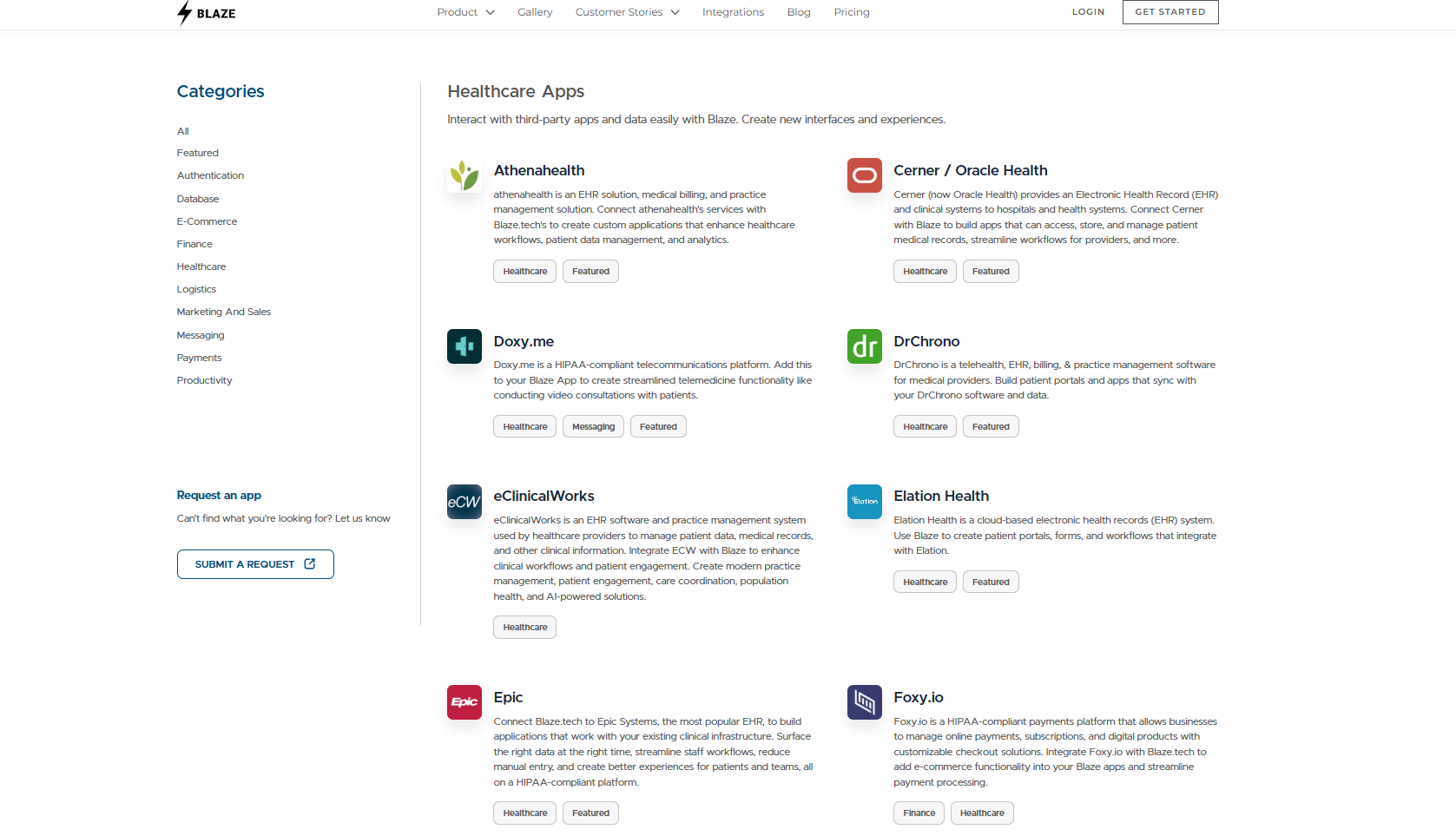
What it does: Blaze is a healthcare app development company that builds healthcare apps and integrations.
Who it’s for: Mid-sized to enterprise clinics and healthcare organizations that need to build custom apps and integrations.
Pros
- Faster development speed: The company builds integrations and custom apps quickly and in less time than other EHR integration providers.
- REST API connectivity: Connects to any EHR exposing a REST API, not just a fixed vendor list.
- Compliance included: HIPAA enabling features and SOC 2 Type II coverage can be built into each integration.
Cons
- Vendor-hosted only: Organizations requiring on-premise or self-hosted deployments cannot use Blaze as designed.
- Complexity for small practices: Single-location clinics with standard workflows gain little from a platform built for custom complexity.
- Custom-built, not a pre-built connector library: Teams needing fast, plug-and-play connections may prefer purpose-built integration vendors
Pricing
Contact Blaze’s sales team to learn custom pricing plans.
Bottom Line
Blaze is a strong fit for teams that need a custom healthcare application or software with EHR integration. If your goal is to connect existing systems through a dedicated integration solution, try Redox.
How To Choose the Right EHR Integration
Each of my top 6 EHR integration platforms solves a different problem. The right choice depends on what you need to connect, who owns the technical work, and how deep into the data layer you need to go. Here’s how to pick the right one for you:
Choose Redox If You:
Need to connect a health product to multiple EHRs without building each integration separately.
Choose 1upHealth If You:
Want normalized FHIR data from multiple EHRs feeding analytics platforms or data products.
Choose NexHealth If You:
Run a dental or primary care practice and need EHR-connected front-office automation
Choose Arcadia If You:
Manage value-based care contracts and need population health analytics across multiple EHRs.
Choose Rhapsody If You:
Need flexible deployment options and robust multi-format healthcare messaging.
Choose Blaze If You:
Need custom patient-facing workflows built on EHR data and faster deployment than traditional development.
Avoid EHR Integration If You:
Have a small practice with one or two app integrations, so your workflow complexity doesn’t justify the implementation overhead these platforms require.
Let Blaze Build a Custom EHR Integration
EHR integration shouldn’t require you to hire a 7-figure dev team or wait a year-long timeline. Blaze delivers custom EHR integration solutions that are built, tested, and production-ready so your clinical workflows actually work the way you need them to.
Here’s why more healthcare companies choose Blaze:
Get secure, EHR-integrated healthcare apps built for you: Receive production-ready software like custom patient portals, telehealth platforms, and clinical databases that integrate with your existing EHR system.
Faster EHR implementation than traditional builds: Launch in weeks, not months, with a 3-person expert team: a project manager, healthcare developer, and integration engineer.
Modern integrations built for real clinical environments: Supports HL7, FHIR, and API-based EHR connectivity alongside AI-powered features like automated patient intake and clinical data extraction.
Built on compliance-ready infrastructure: Blaze is a HIPAA-enabling, HITRUST e1-certified, SOC 2 Type II healthcare app development platform your compliance team can stand behind.
Schedule a free build consultation call today and see how Blaze can help you solve fragmented EHR data issues that slow down your care delivery
Frequently Asked Questions
Does EHR Integration Require HIPAA Compliance?
Yes, EHR integration requires HIPAA-compliant features if any connected apps touch PHI. This means you’ll need a Business Associate Agreement (BAA) from the vendor, plus encrypted data transfer, role-based access controls, and audit logs. Meeting these requirements upfront avoids costly penalties and breach liability and helps your practice comply with HIPAA standards.
What Are the Most Common EHR Integration Standards?
The most common EHR integration standards are the HL7 FHIR R4 REST APIs, HL7 v2 messaging, and vendor-native APIs. The 21st Century Cures Act now mandates certified EHR support for FHIR, which cuts custom-build time significantly.
How Long Does an EHR Integration Project Take?
An EHR integration project takes between a few days for modern FHIR-based EHRs and several months for legacy systems requiring custom builds. Vendor approval processes, such as Epic's Showroom review, can add weeks, so early planning reduces costly delays.
Sources
1. U.S. Department of Health & Human Services. “Summary of the HIPAA Security Rule.” HHS.gov. https://www.hhs.gov/hipaa/for-professionals/security/laws-regulations/index.html
2. U.S. Department of Health & Human Services. “Security Rule Guidance Material.” HHS.gov. https://www.hhs.gov/hipaa/for-professionals/security/guidance/index.html
3. National Institutes of Health: StatPearls. “Health Insurance Portability and Accountability Act (HIPAA) Compliance.” NCBI. https://www.ncbi.nlm.nih.gov/books/NBK500019/
The Secure No-Code & AI Platform
Supercharge your team's operations and performance with better apps and tools.
Create custom apps fast
Secure & HIPAA compliant
Streamline complex workflows

The Secure No-Code Platform
Build apps with best-in-class security.
Related Articles
Discover related guides on healthcare no-code development, HIPAA compliance, security, integrations, and launching apps faster.
%20(1).png)
Blaze.tech vs. Knack: Healthcare App Comparison | 2026
When choosing between Blaze.tech vs. Knack, you’ll find Blaze is for healthcare, while Knack serves broader business use cases. Learn about integrations and ease of use.
%20(1).png)
Quickbase Review: Features, Pricing & Verdict? (2026)
My Quickbase review comes from using its app builder to create a database automation. Learn about how it manages data and compare pricing plans to find a fit.
%20(1).png)
HIPAA Integration: Requirements & Examples (2026)
HIPAA integration requires more than connecting two HIPAA-capable platforms. Discover different connection types and which one best suits your organization.