
Table of contents
7 Top Healthcare Scheduling Apps & Software: Tested for 2026

Written by
Blaze Team

Reviewed by
Nanxi Liu
Expert Verified
I tested 35+ healthcare scheduling apps to find which ones reduced manual workloads and increased patient engagement. Here are the 7 best platforms that offer real-time scheduling, customization, and notifications.
Top 7 Healthcare Scheduling Apps: At a Glance
| Tool Name | Best For | Ideal User | Starting Pricing |
|---|---|---|---|
| Blaze.tech | No-code custom healthcare scheduling app builder | Mid- to large-sized clinics needing flexible workflows | Contact sales for a custom quote for enterprise pricing |
| Acuity | Simple self-managed appointment scheduling | Solo providers managing schedules independently | $61/month HIPAA plan |
| SimplePractice | Mental health scheduling practice management | Therapists managing recurring client sessions | $49/month |
| Phreesia | Integrated intake and scheduling payments automation | Hospitals optimizing front-office patient workflows | Contact sales for a custom quote |
| NexHealth | Patient self-scheduling with system sync | Practices reducing phone booking volume | Contact sales for a custom quote |
| Jane | Staff resource provider scheduling coordination | Multi-provider clinics managing shared resources | $54/month |
| Skedulo | Mobile workforce scheduling route optimization | Home health teams delivering field care | Contact sales for a custom quote |
1. Blaze: Best Overall Healthcare Scheduling App Builder
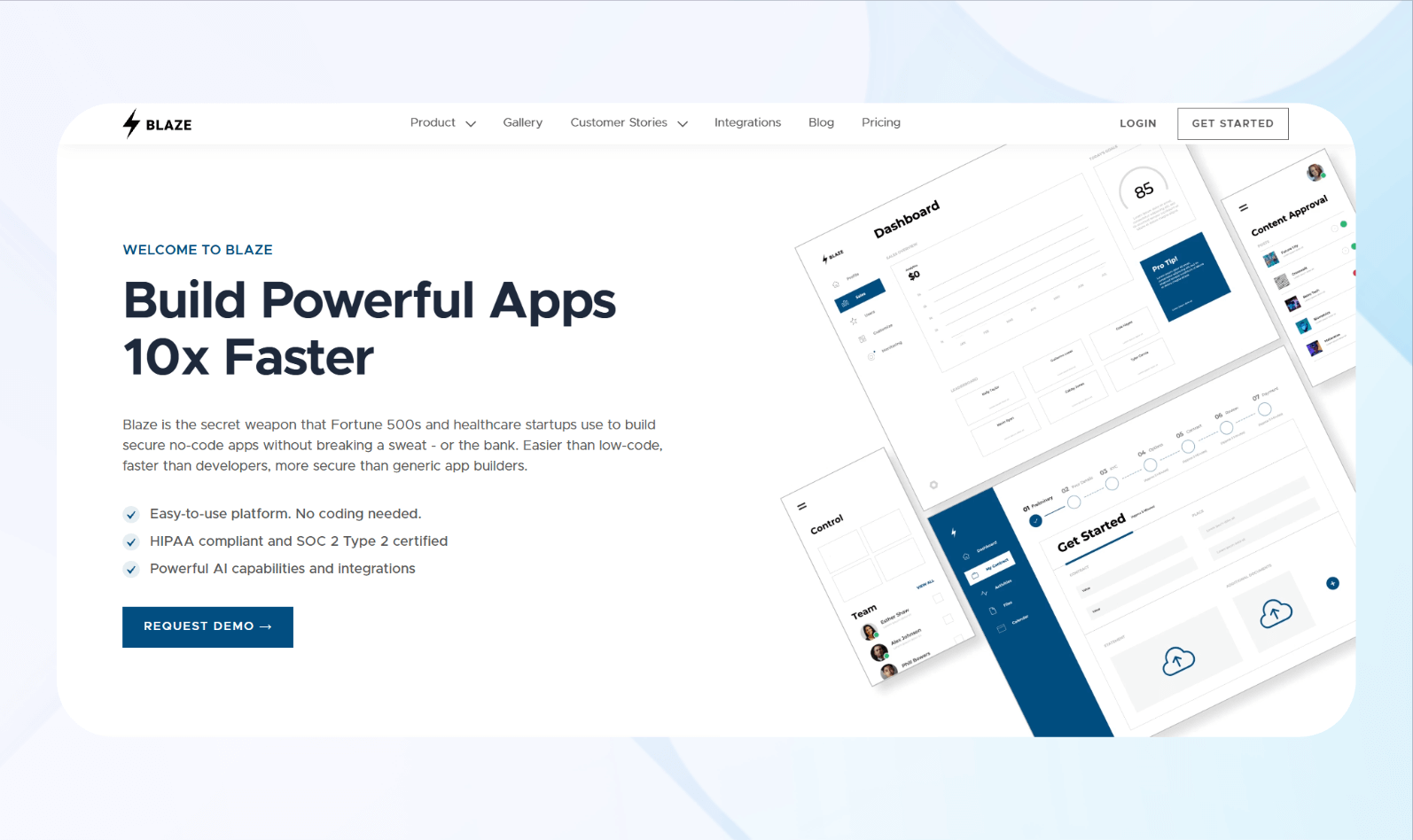
What it does: Blaze lets healthcare teams build custom scheduling apps with automated bookings, reminders, permissions, and HIPAA-compliant workflows without coding.
Who it's for: Mid-sized clinics, hospitals, and healthcare administrators needing flexible scheduling tied to real clinical workflows.
Blaze doesn't offer a premade scheduling app. Instead, it lets you build your own scheduling app without code. You can use the drag-and-drop interface to create scheduling features that many off-the-shelf apps don't support.
For instance, you can make your own branded scheduling calendar and show provider availability with custom Gantt charts.
Blaze also lets you build healthcare apps, such as an EHR or telehealth app, providing you with a single tool for creating multiple apps and software for your practice.
I tested Blaze's appointment scheduling by building a sample patient calendar with simple availability rules. My system handled appointment types and scheduling conflicts without issues. The drag-and-drop builder allowed me to finish the app in about 30 minutes.
Next, I tested patient booking and automatic confirmations on both desktop and mobile. The final setup sent confirmations, reminders, and reschedule notices correctly, without slowing down my calendar.
Key Features
- No-code ease: The platform's drag-and-drop interface and premade elements allow you to build a custom-made healthcare scheduling app without development experience.
- Integrations: Blaze connects scheduling workflows with EHRs, databases, calendars, and APIs to keep appointment data synchronized across systems.
- Patient self-scheduling: Patients can book, confirm, and reschedule appointments. Send automated reminders to reduce no-shows and front desk workload.
Pros
- Scalable: Blaze offers large amounts of storage space and allows you to build other applications, such as hospital databases and telehealth apps.
- Onboarding support: When you sign up for the HIPAA-compliant enterprise version, Blaze's implementation team will assist you with building and publishing your first app.
Cons
- Feature overload: Teams seeking a lightweight scheduling tool may find the platform more complex than necessary.
Pricing
Contact Blaze's sales team for a custom quote.
Bottom Line
Blaze is the platform for building a customized healthcare scheduling app. It supports compliance and long-term scalability, and offers more simplicity than a low-code platform and better flexibility than an off-the-shelf scheduler.
2. Acuity: Best For Solo Providers
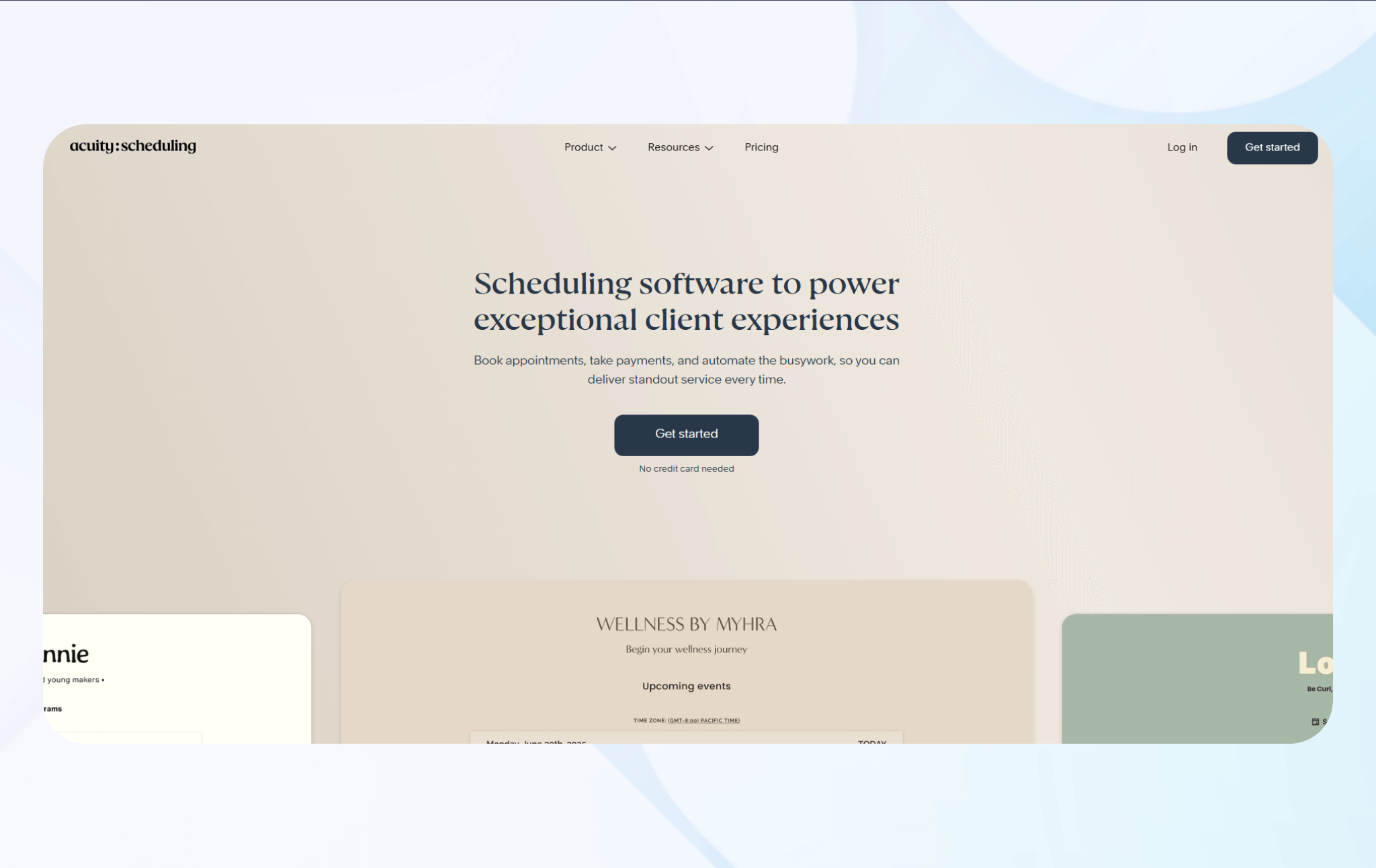
What it does: Acuity automates appointment booking by letting clients self-schedule 24/7 from a branded online page that shows real-time provider availability.
Who it's for: Solo providers, therapists, and small private practices that want to manage appointments independently, with Acuity's HIPAA-capable plan.
I began testing by setting up appointment types via session lengths and availability windows. The setup process felt fast and intuitive, and I could configure the scheduler smoothly. In real practice, this feature offers an efficient and reliable solution for solo providers managing their own schedules.
Next, I tested patient confirmations after receiving bookings. Everything synced instantly, and reminders fired correctly in real conditions. My impression was that Acuity eliminates most manual back-and-forth with patients.
Key Features
- Automated reminders: Acuity can send automated emails and, on eligible plans and regions, text reminders as appointment dates approach.
- Calendar integrations: The platform syncs with Google, Outlook, and iCloud calendars to prevent double bookings.
- Appointment customization: Providers can configure appointment types, intake forms, buffers, and availability without technical setup.
Pros
- Supports HIPAA compliance: The platform provides the necessary features and a Business Associate Agreement to help users comply with HIPAA standards.
- Ease of setup: Solo providers can launch scheduling quickly without training or technical assistance.
Cons
- Limited workflow customization: Complex healthcare scheduling logic or multi-role, conditional workflows are challenging to implement.
Pricing
Acuity's HIPAA-compliant pricing plan starts at $61/month.
Bottom Line
Acuity works best for solo healthcare providers without deep customization requirements. It offers fast, affordable scheduling without a complex setup.
3. SimplePractice: Best For Mental Health Teams
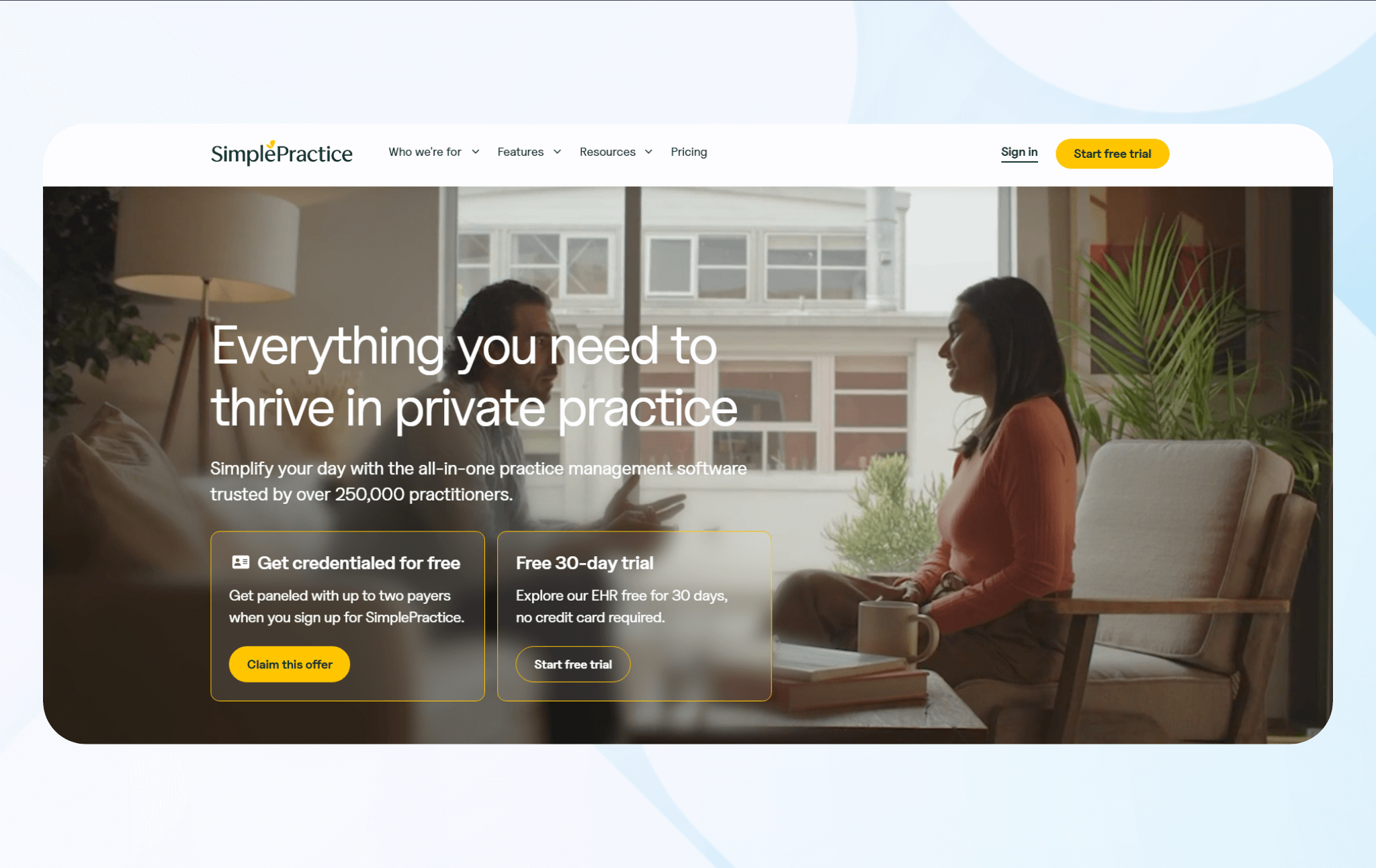
What it does: SimplePractice combines scheduling, documentation, billing, telehealth, and reminders to manage appointments and client workflows for mental health practices and teams.
Who it's for: Therapy practices, psychologists, counselors, social workers, and behavioral health teams.
When I tested SimplePractice, I set up a recurring appointment scheduling workflow. The scheduling tool consistently sent alerts about upcoming appointments. Calendars stayed accurate and in sync across all connected devices.
Next, I assessed automated reminders and telehealth links during the day-to-day experience with clients booking sessions online. This functionality supported smooth patient engagement during remote sessions.
Key Features
- Telehealth and reminders: The platform combines secure video sessions with automated email and optional text reminders that confirm visits and share unique links for remote appointments.
- Intake forms and documentation: Clients can complete intake, consent, and other admission forms online before appointments through the client portal.
- Insurance billing integration: Claims submission connects directly to scheduling data, supporting revenue cycle management for practices that accept insurance payments.
Pros
- Mental health focus: SimplePractice supports recurring therapy workflows, documentation, and compliance with tools designed for these specialties.
- Practice management: The platform combines scheduling, billing, documentation, and telehealth, allowing providers to manage their entire practices in one place.
Cons
- Limited customization: Templates and workflows follow predetermined structures that may not provide the flexibility for some needs.
Pricing
Start using SimplePractice for $49/month.
Bottom Line
SimplePractice delivers integrated therapy documentation and progress note management for mental health professionals. It prioritizes therapy-specific workflows, HIPAA compliance, and practice management.
4. Phreesia: Best For Intake And Scheduling
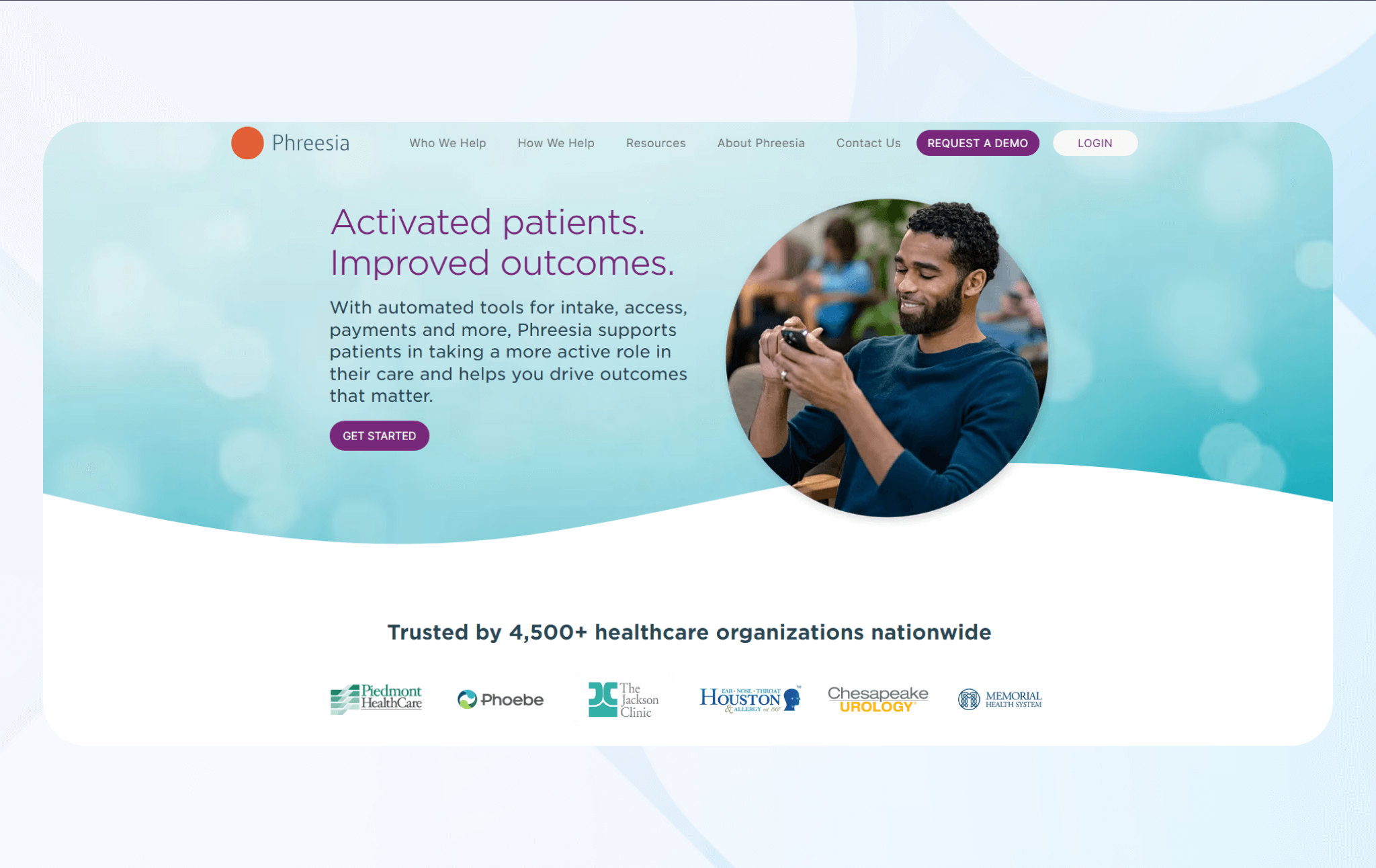
What it does: Phreesia is a HIPAA-compliant scheduling platform that integrates digital patient intake, online scheduling, eligibility and benefits verification, and payment collection.
Who it's for: Hospitals, health systems, specialty groups, and ambulatory care centers that want to automate patient intake, eligibility checks, and payments alongside scheduling.
When I tested Phreesia, I built digital intake forms that could guide patients through medical history, insurance information, and consent documents before appointments. The system adapted questions based on previous responses, creating personalized workflows that captured necessary information.
I used sample data to evaluate the platform's insurance verification feature. It checked coverage eligibility and benefits before scheduled appointments without staff intervention. Real-time verification results appeared in staff dashboards, flagging potential coverage issues early.
Key Features
- Intelligent patient intake: Adaptive digital forms guide patients through medical history, insurance, and consent using branching logic.
- Automated insurance verification: The system runs eligibility and benefits checks before appointments.
- Integrated payment processing: Phreesia estimates patient responsibility from verified benefits, accepts copay and balance payments before or during visits, and supports multiple PCI‑compliant payment methods.
Pros
- Strong automation: Phreesia automates digital intake, eligibility verification, and payment workflows in one platform.
- Revenue cycle optimization: Upfront insurance verification and patient payment collection can support better cash flow and shorter accounts receivable cycles.
Cons
- Learning curve: Patients may find the digital intake features challenging to complete.
Pricing
Contact Phreesia's sales team for a custom quote.
Bottom Line
Phreesia delivers exceptional value for healthcare organizations prioritizing front-office automation, combining scheduling with intake and payment capabilities.
5. NexHealth: Best for Patient Self-Scheduling
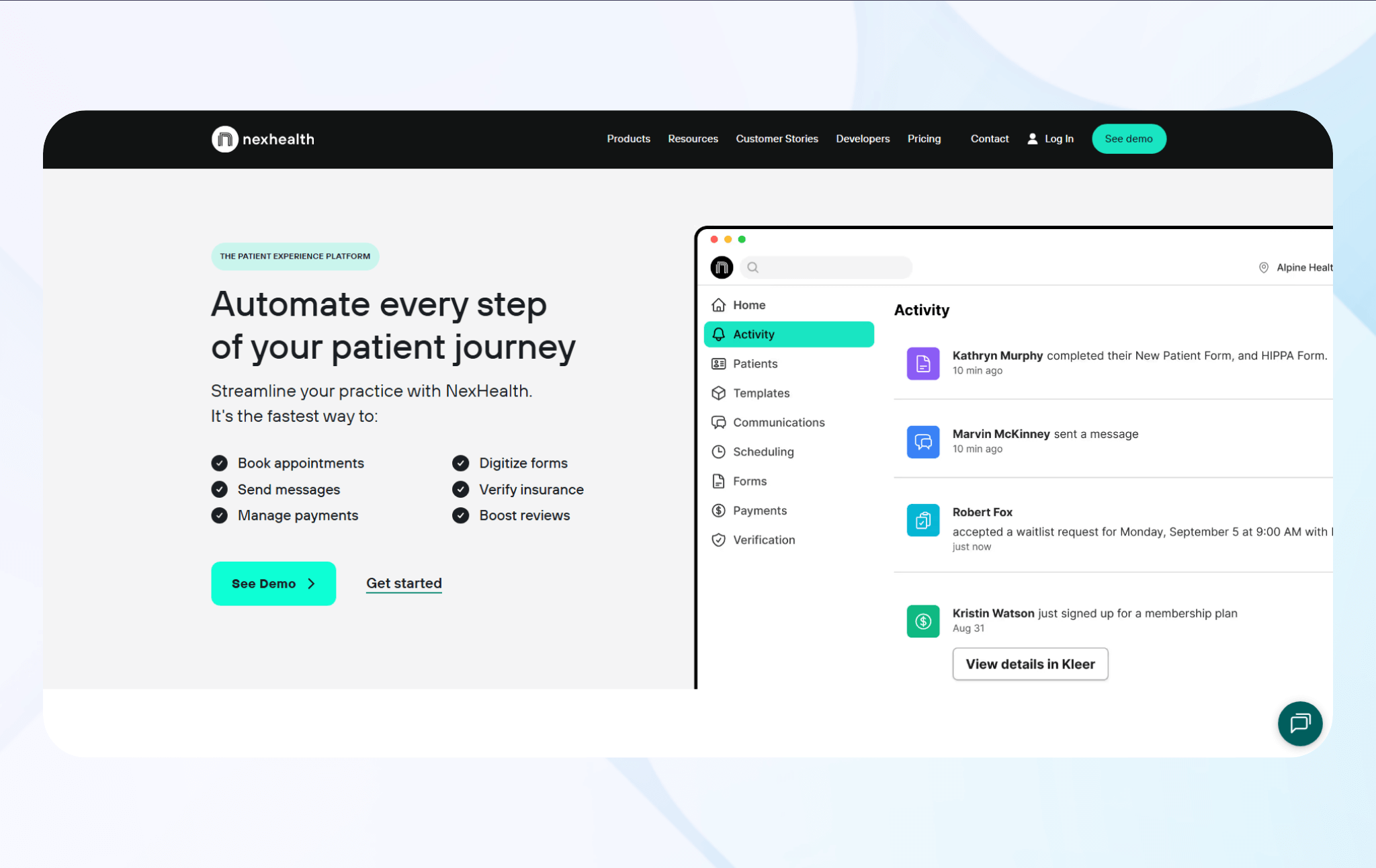
What it does: NexHealth supports HIPAA compliance and enables patients to book, modify, and cancel appointments independently through online booking experiences that read and write to existing practice management systems in (near) real time.
Who it's for: Medical and dental practices wanting to reduce phone volume by providing 24/7 online booking access that integrates with their current software.
I first tested NexHealth's online booking feature, which displayed accurate, real-time availability reflecting my sample provider schedules across multiple locations. The system lets patients select appointment types, choose preferred time slots, and receive confirmation without staff involvement.
Next, I assessed the platform's two-way synchronization. This feature updated the system when I scheduled patient appointments through the portal. It also reflected scheduling changes made by the staff in third-party software. These changes appeared in the patient-facing booking interfaces, allowing them to see new appointment details.
Key Features
- Flexible booking rules: Customizable scheduling settings control which appointment types patients can book online, define booking times, and set provider availability.
- Multi-channel patient communication: Automated confirmations, reminders, and follow-ups reach patients via SMS and email.
- Real-time availability display: The patient booking portal shows up-to-date open time slots synchronized with practice management calendars.
Pros
- Reduces administrative burden: The self-scheduling features can cut booking-related phone calls, freeing staff time for higher-value patient support.
- Improves schedule utilization: Waitlist automation and easy rescheduling tools help fill gaps from last-minute cancellations faster.
Cons
- Integration dependency: NexHealth depends on compatibility with existing practice management systems, which can limit options for practices on less common software.
Pricing
Contact NexHealth for a custom quote.
Bottom Line
NexHealth excels for practices prioritizing patient convenience. The platform is ideal if you're aiming to offload administrative tasks, as it delivers accessible online booking.
6. Jane: Best for Staff and Resource Management
What it does: Jane, a platform that supports HIPAA compliance, manages practitioner schedules, staff availability, and appointment coordination.
Who it's for: Multi-provider clinics, specialists, physiotherapy clinics, chiropractic offices, massage therapy practices, and wellness centers.
I first tested Jane's staff scheduling tools with a set of sample practitioner schedules. The flexible platform lets me set unique availability patterns for each practitioner across different days. The system accommodated rotating schedules, part-time providers, and complex availability rules without manual workarounds.
My last step involved evaluating the resource management feature using a dummy dataset of medical equipment. The platform tracked which practitioners needed specific equipment and allocated resources automatically based on appointment requirements.
Key Features
- Flexible practitioner availability: Individual schedule controls let each provider set their own working hours, recurring availability, and time off.
- Multi-provider calendar views: Customizable calendar views show individual practitioner schedules or a clinic-wide view with easy-to-read color-coding.
- Treatment room coordination: Room and resource management tools track treatment room assignments with appointments.
Pros
- Holistic practice management: The platform combines scheduling, charting, billing, and patient communication tools in a single system.
- Practitioner-focused features: Jane serves allied health and wellness professionals, offering treatment-specific appointment types, customizable intake forms, and documentation templates across several specialties.
Cons
- Limited scalability: The platform is designed for small and mid-sized clinics, so it may not suit larger clinics that require advanced hierarchical management and enterprise reporting.
Pricing
Jane pricing starts at $54/month.
Bottom Line
Jane delivers value to clinics and practitioners by prioritizing intuitive multi-provider scheduling and practice management. Its features improve coordination while maintaining a user-friendly design that simplifies staff onboarding.
7. Skedulo: Best for Mobile Healthcare Teams
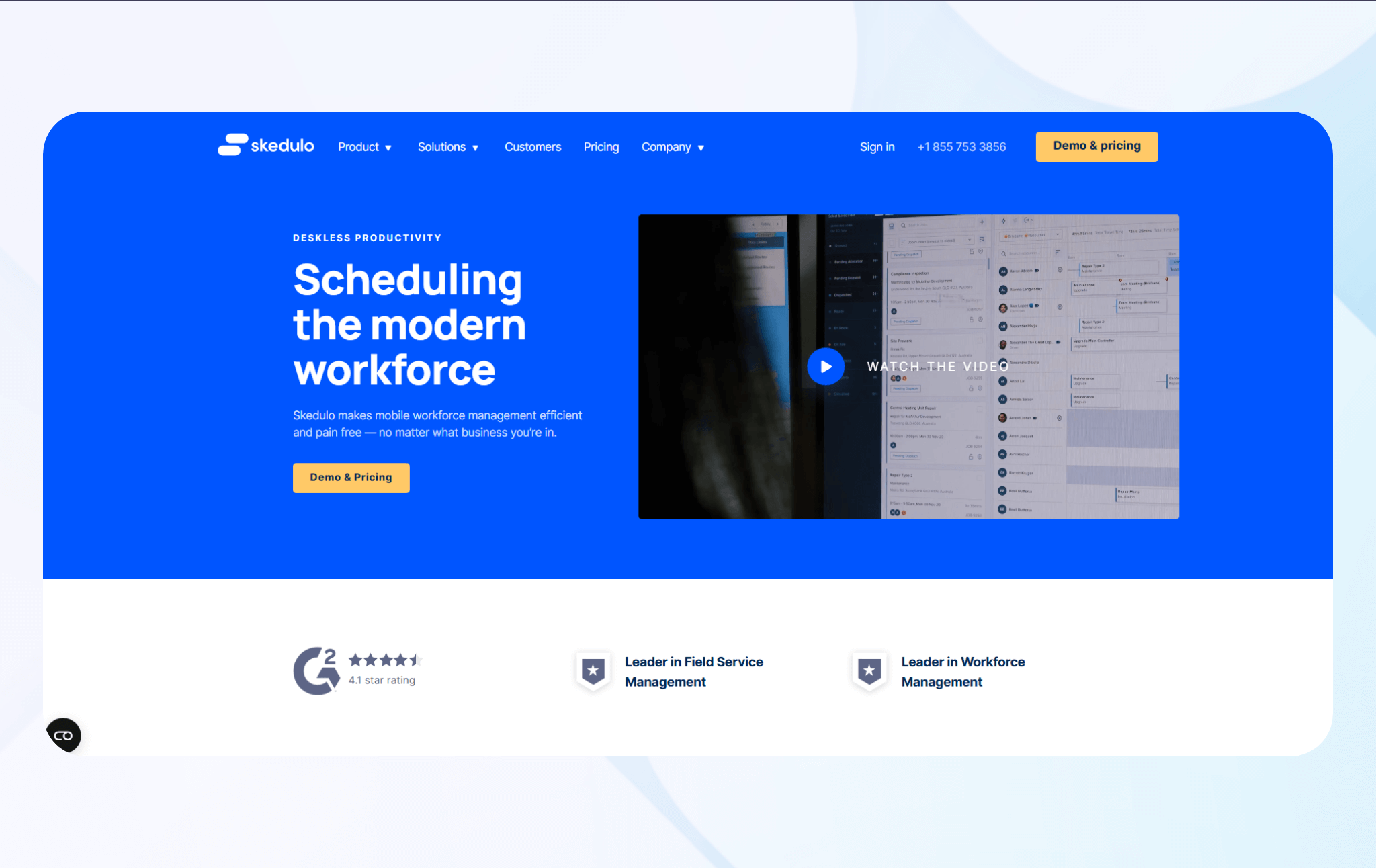
What it does: Skedulo coordinates scheduling, dispatching, and route optimization for mobile healthcare workers.
Who it's for: Home health agencies, mobile phlebotomy services, visiting nurse organizations, and other healthcare providers delivering in-home patient care that need field coordination.
When testing, I first evaluated the Skedulo workforce scheduling feature using a sample spreadsheet of in-home nurses. The platform automatically assigned visits based on provider location, skills, and patient requirements. Skedulo also calculated optimal routes that minimized travel time between appointments while accounting for provider availability.
Then, I assessed Skedulo's mobile app functionality using sample patient data. Each nurse received complete access to schedules, patient information, and documentation tools all in one place. This functionality would simplify patient management and improve care delivery in real use cases.
Key Features
- Intelligent route optimization: Scheduling and routing tools assign visits based on provider location, skills, availability, and patient needs, generating ideal commuting routes.
- Skills-based assignment: Automated matching connects patient needs with providers who have the right skills, certifications, and equipment.
- Dynamic schedule adjustment: Real-time rescheduling tools help handle cancellations and urgent requests by suggesting nearby available providers, updating routes, and triggering notifications.
Pros
- Mobile workforce optimization: The platform can improve productivity through routing, automated assignments, and real-time coordination.
- Scalable: Skedulo supports small agencies through large, distributed mobile workforces, with centralized oversight and controls for multi-region operations.
Cons
- Complex implementation process: Deploying mobile workforce management often requires configuration, workflow redesign, and staff training.
Pricing
Contact the Skedulo team for a custom quote.
Bottom Line
Skedulo excels for healthcare organizations managing mobile workforces, delivering route-optimization and field-coordination tools. The platform supports HIPAA compliance and provides mobile workers with app functionality that promotes high-quality patient care delivery.
How I Tested These Scheduling Apps
To cut down on guesswork, I tested 35+ medical scheduling tools using mock clinic data. With each platform, I built provider-based appointment types and rules to see how they handled everyday booking demands. Here's what I looked for:
- Booking and scheduling workflows: Healthcare providers need scheduling systems that reduce administrative burden and maintain accuracy. I tested each platform's booking interface by creating sample appointments or staff schedules.
- Integration capabilities: Most practices rely on multiple software systems that must connect to avoid data silos and duplicate entry. I evaluated how well each platform connected with EHR systems, practice management software, and communication tools.
- Automation features: Automated reminders, confirmations, and follow-ups can help reduce no-show rates and free staff from repetitive communication tasks. I tested reminder systems by scheduling test appointments and monitoring how reliably notifications triggered through email and SMS channels.
I also considered these factors:
- Compliance: Healthcare scheduling apps must protect patient information through HIPAA-compliant infrastructure. I reviewed each platform's security documentation, looked for information about Business Associate Agreements, and confirmed that vendors documented the use of encryption for data in transit and at rest.
- Scalability: Providers need scheduling solutions that accommodate growth. I analyzed feature limitations and evaluated whether the platforms could effectively support expanding teams and locations.
My Final Verdict: Which Scheduling App Should You Choose?
My top 7 healthcare scheduling apps offer automation, patient engagement tools, and workflow-optimization capabilities to address common scheduling challenges. However, each appeals to healthcare organizations with different needs.
Follow this guidance to find one that suits your practice:
Choose Blaze If…
You want to create your own customizable scheduling solution for your unique clinical workflows, without coding.
Choose Acuity If…
You're a solo provider or small practice seeking affordable, straightforward appointment scheduling without complex features or extensive customization requirements.
Choose SimplePractice If…
You run a mental health practice that needs integrated scheduling, telehealth, documentation, and billing tailored to talk-counseling workflows.
Choose Phreesia If…
You prioritize front-office automation, combining scheduling with digital intake, insurance verification, and payment collection.
Choose NexHealth If…
You want to reduce phone volume through patient self-scheduling that integrates with your existing practice management system.
Choose Jane If…
You manage a multi-provider practice and require intuitive staff scheduling, treatment room coordination, and practitioner-focused features.
Choose Skedulo If…
You coordinate mobile healthcare teams delivering home-based care and need intelligent route optimization, GPS tracking, and field workforce management capabilities.
Avoid These Tools If…
You prefer entirely manual scheduling processes, lack a budget for subscription-based appointment coordination software, or don't have the clientele to justify purchasing it.
Create a Custom Healthcare Scheduling App with Blaze
Now that you know about healthcare scheduling apps, it's time to consider a customizable option tailored to your practice's unique workflows. Build your own system without developers or coding with Blaze, a no-code app builder that lets you craft your own healthcare scheduling solution.
Here's why more healthcare organizations go with Blaze:
- Rapid deployment with security: Build and deploy scheduling workflows far faster than traditional development methods while keeping strong security practices in place.
- No-code simplicity: Blaze's drag-and-drop builder lets non-technical teams create appointment systems, patient portals, and automated reminder workflows in days instead of weeks.
- Tailored clinical workflows: Blaze lets you design custom workflows for appointment types, provider schedules, and patient communication that align with your clinical processes, with absolutely zero developers.
- Compliance ready: Blaze includes features such as audit logs and role-based permissions to support HIPAA and SOC 2 compliance requirements, though actual compliance depends on how you configure the platform.
Schedule a free demo today and learn how you can build your own healthcare scheduling app with Blaze.
Frequently Asked Questions
1. What features should I look for in a healthcare scheduling app for my practice?
You should look for a healthcare app that offers automated appointment reminders, calendar synchronization, and patient self-booking capabilities. Prioritize HIPAA-compliant platforms offering customizable appointment types and provider availability management. Systems that integrate with existing EHR or practice management systems will simplify record-keeping.
2. Are healthcare scheduling apps more effective than manual scheduling systems?
Yes, healthcare scheduling apps are more effective than manual scheduling systems, particularly as patient volume grows. These tools automate reminders, which helps reduce no‑shows and cuts down on phone tag with patients. Healthcare scheduling apps help prevent double-bookings through synchronized calendars and provide 24/7 patient booking access.
3. Can healthcare scheduling apps support patient self-scheduling and automated reminders?
Yes, healthcare scheduling apps can support both patient self-scheduling and automated reminders by offering online portals. The portals typically display provider availability, often across multiple locations. Patients can book, modify, or cancel appointments, and the platforms automatically send confirmation emails and SMS reminders before appointments.
The Secure No-Code & AI Platform
Supercharge your team's operations and performance with better apps and tools.
Create custom apps fast
Secure & HIPAA compliant
Streamline complex workflows

The Secure No-Code Platform
Build apps with best-in-class security.
Related Articles
Discover related guides on healthcare no-code development, HIPAA compliance, security, integrations, and launching apps faster.
%20(1).png)
Cerner vs. Epic: Which EHR System Is Better? (2026)
I compared Cerner vs. Epic across clinical features, usability, interoperability, implementation, and cost. See which EHR better fits your organization.
%20(1).png)
Mendix vs. Appian: Which Low-Code Platform Is Better? (2026)
I compared Mendix vs. Appian across app development, process automation, integrations, scalability, and pricing. Find out which platform fits your needs.
%20(1).png)
8 Best Base44 Alternatives and How to Pick (2026)
After comparing 8 Base44 alternatives, I found clear differences in code access and mobile deployment. See which platform best matches your project needs.