
Table of contents
7 Top White Label Telehealth Platforms + How to Pick (2026)

Written by
Nanxi Liu

Reviewed by
Blaze Team
Expert Verified
Most telemedicine platforms can put your logo on a video visit room. But not all connect insurance billing across payer networks or let you integrate custom patient and provider portals.
I evaluated 7 white-label telemedicine platforms and found Blaze.tech is the best for custom-built platforms, OpenLoop excels at turnkey virtual care, and Doxy.me is ideal for branded video telehealth.
My guide compares white-label customization, telemedicine features, healthcare integrations, security and compliance, and pricing. By the end, you'll know which platform best fits how you want to deliver virtual care.
7 Best White Label Telehealth Platforms: TL;DR
- Blaze.tech: Best for Custom Telemedicine Platform
- OpenLoop: Best for Turnkey Virtual Care
- Healee: Best for Rapid Deployment
- Doxy.me: Best for Branded Video Telehealth
- Cuvo Health: Best for Fully Managed Telehealth Brands
- DrCare247: Best for Practices Bringing Their Own Clinicians
- Healthie: Best All-in-One Platform
How I Evaluated Each White Label Telemedicine Platform
I evaluated each white label telemedicine platform based on factors such as customization and available features. Here’s what I looked for:
- White label customization: Branding options include custom domains, logos, colors, mobile apps, portals, and adjustable workflows. I also checked how much control each platform gives you over the UI and how users navigate it.
- Telemedicine features: The platform’s virtual care tools should include video consultations, appointment scheduling, patient intake, messaging, payments, e-prescribing, and provider dashboards. I compared which tools each one provides.
- Healthcare integrations: Connections with other healthcare systems can shape how well a platform fits your current setup. I checked support for EHRs, pharmacies, labs, payment processors, and healthcare APIs.
- Security and compliance: Healthcare safeguards vary by platform and plan. I reviewed what each vendor discloses about HIPAA support, BAAs, encryption, access controls, audit logs, SOC 2, and HITRUST.
White Label Telemedicine Platforms: At a Glance
1. Blaze.tech: Best for Custom Telemedicine Platform
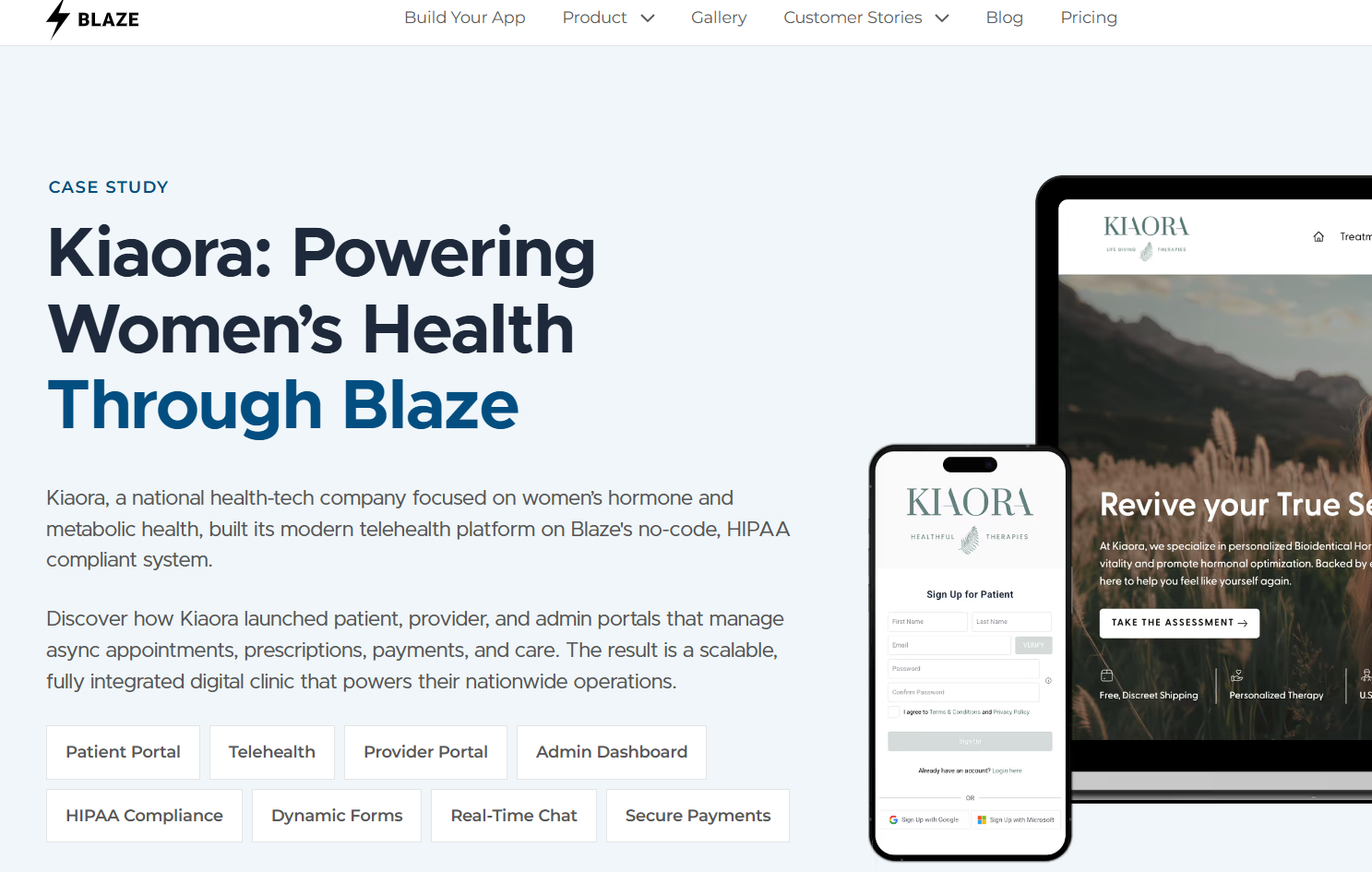
Kiaora, one of our customers, built a women's health telehealth platform running connected patient, provider, and admin portals. The build integrates Stripe, Cal.com, SendGrid, and Plaid Identity Verification for payments, scheduling, email notifications, and patient identity verification.
The platform goes beyond telehealth by using Blaze for appointments that don’t require a live visit. It handles prescriptions, secure messages, billing, and other clinic tasks. Cal.com connects with Blaze to handle scheduling.
Key Features
- Connected patient portals: Patient, provider, and admin portals can share one secure, HIPAA-compliant environment, helping keep records synchronized.
- Built-in compliance coverage: Blaze can sign BAAs within days and provides HITRUST e1-certified and SOC 2 Type II infrastructure.
- Direct EHR integration: Pre-built connectors for Epic, Oracle Health, athenahealth, and eClinicalWorks can bring clinical data into Blaze apps.
Pros
- Self-build option: Choose to use Blaze’s visual tools to create your telehealth platform, patient portals, dashboards, and intake forms.
- Launch in weeks: Blaze’s vendor-assisted builds have reached fully operational platforms in weeks rather than months.
- OpenAI integration with BAA coverage: Connect OpenAI under a BAA to automate patient intake, extract information from documents, assist with CPT coding, and support clinical workflows.
Cons
- Video lives outside Blaze: Virtual Visits run through integrated accounts or one you connect with Blaze’s REST API, adding a second vendor contract.
- EHR integrations can take more work: Connecting with systems like Epic and athenahealth may require extra development time and increase project costs.
What Real Users Say
“I really like the multi-environment deployment, something I didn't see other platforms offer. We use the advanced workflow builder a lot as well as the user permissioning system. We also have AI used in various projects.” - Julian C., G2
“The initial engagement with Blaze had a learning curve. The platform is robust and was transformative for our operations, but it did also require a dedicated period to learn.” - Ryan C., G2
Pricing
Start using Blaze for $750/month.
Bottom Line
Blaze fits users who need more flexibility than a fixed telemedicine template provides. Choose DrCare247 if you want to add virtual care to a product you already have instead of building a separate telemedicine platform.
2. OpenLoop: Best for Turnkey Virtual Care
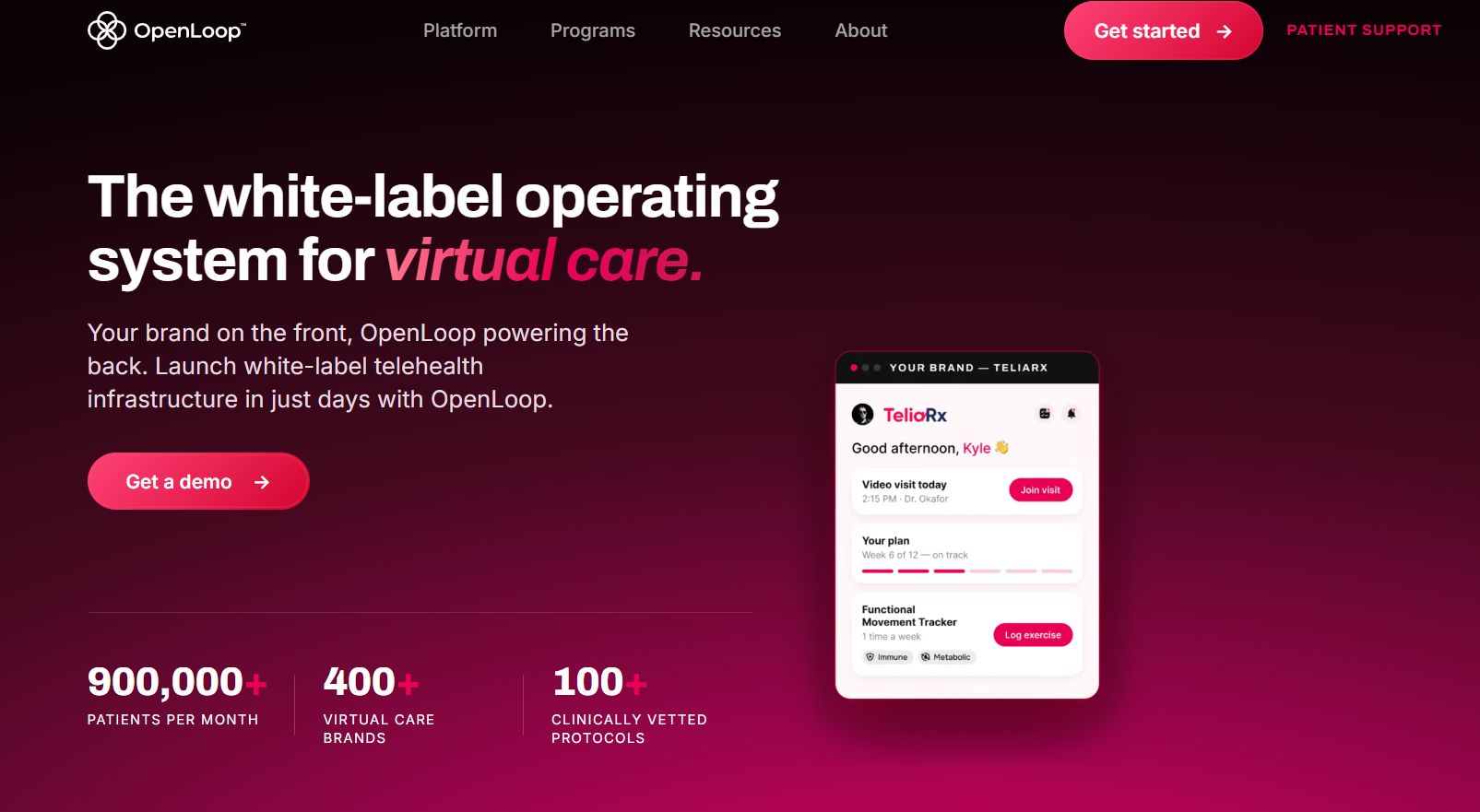
OpenLoop provides clinicians with licensing and credentialing help, technology, and patient support for branded telehealth platforms.
Who it's for: Providers launching services such as GLP-1 care, hormone therapy, or dermatology.
I reviewed OpenLoop's platform pages, product announcements, clinician network, and published service lines. Its scope suits operators that want to keep their own brand in front of patients while outsourcing much of the technology and clinical infrastructure behind it.
Key Features
- Licensing and regulatory support: Helps with provider licensing, credentialing, regulatory requirements, and license renewals.
- Insurance and billing support: OpenLoop is credentialed with more than 600 payer networks. Its revenue cycle management (RCM) services help handle insurance billing and payments.
- White-label virtual care platform: Launchpad provides branded websites and patient portals. It also handles intake, scheduling, video visits, billing, and patient communications.
Pros
- Cash and insurance payments: The platform supports direct payments and insurance billing. Brands can also access its nationwide payer network.
- Fewer tasks for your internal team: OpenLoop can handle staffing, pharmacy fulfillment, scheduling, billing, patient messages, and support.
Cons
- Less control over the setup: The platform has built-in clinical protocols, intake steps, and workflows. Teams that want to build each workflow themselves may find this setup limiting.
- Shared clinician bench: OpenLoop powers more than 300 organizations through its clinician network. Brands that want their own dedicated provider team may prefer a model that gives them more direct control over clinician selection and management.
What Real Users Say
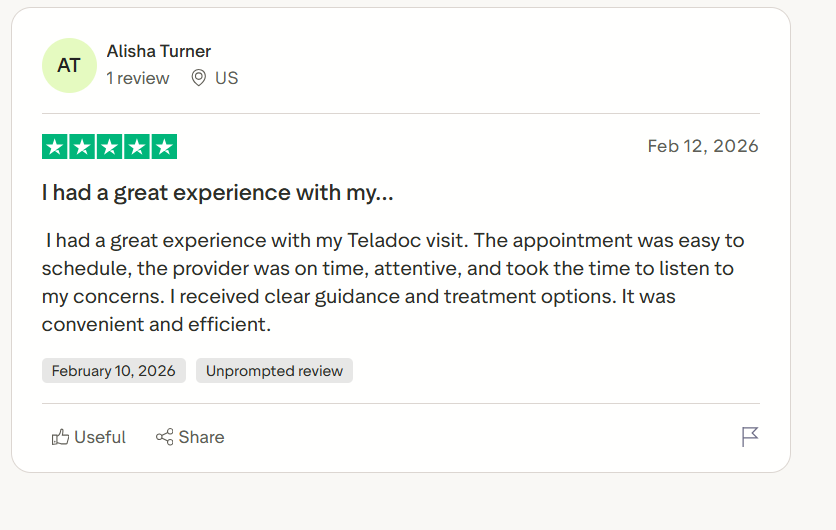
“I had a great experience with my Teladoc visit. The appointment was easy to schedule, the provider was on time, attentive, and took the time to listen to my concerns. I received clear guidance and treatment options. It was convenient and efficient.” - Alisha, Trustpilot
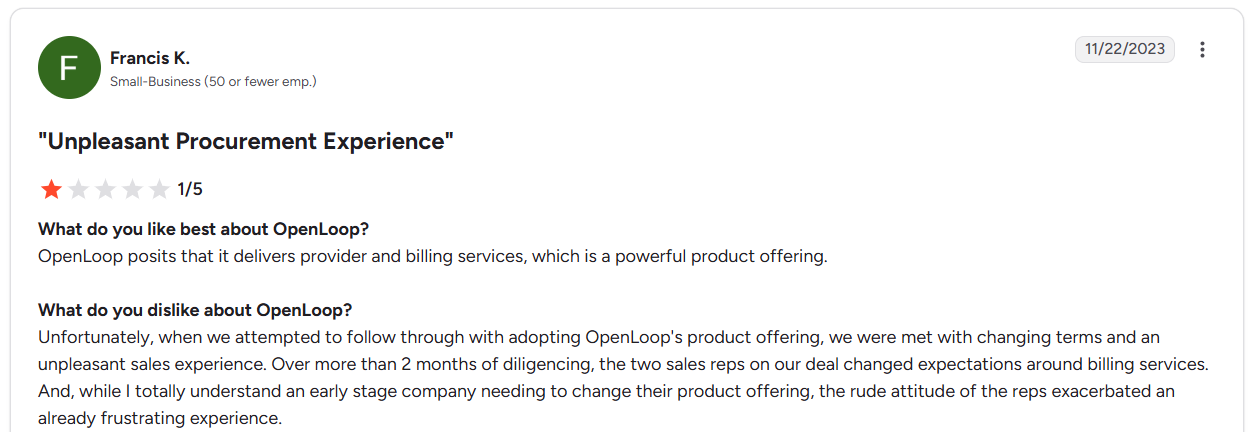
“Unfortunately, when we attempted to follow through with adopting OpenLoop's product offering, we were met with changing terms and an unpleasant sales experience. Over more than 2 months of diligence, the two sales reps on our deal changed expectations around billing services.” - Francis, G2
Pricing
Contact OpenLoop’s sales team to get a custom quote.
Bottom Line
OpenLoop works best for organizations that already have a client base and need to handle licensing, staffing, and compliance as business grows. Teams that want more control over their patient workflows may prefer a custom platform like Blaze.tech.
3. Healee: Best for Rapid Deployment
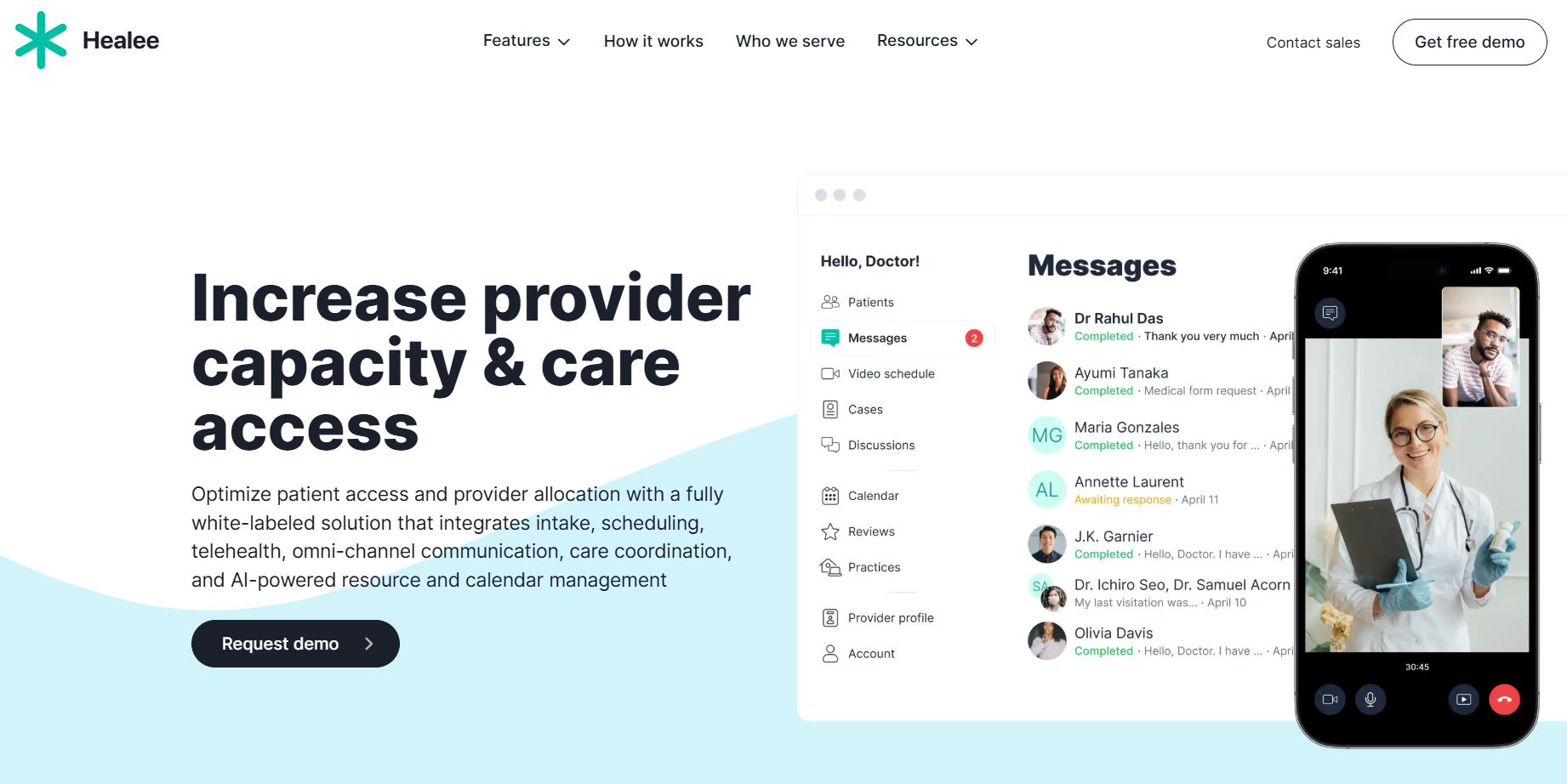
Healee provides white-label technology for patient intake, scheduling, telehealth, communications, medical charting, and payments.
Who it's for: Medical groups and digital health organizations that want branded virtual care without developing and maintaining a telehealth platform from scratch.
I reviewed Healee’s white-label pages and use-case documents. Each white-label customer gets its own version of Healee with custom branding, a domain, selected features, and patient workflows. Some plans also include branded iOS and Android apps.
This setup works well for healthcare providers that want a branded patient experience but don’t want to build a telehealth platform from scratch.
Key Features
- Separate platform replica: Each white-label customer receives an independent platform replica running on dedicated infrastructure.
- Branded mobile apps: Supported versions can include native iOS and Android apps published with the organization's branding.
- Adjustable care pathways: Teams can make condition-specific patient journeys using Healee's existing components and infrastructure.
Pros
- Healee maintains the platform: Healee handles server scaling, backups, security, integration monitoring, and updates.
- Flexible interfaces: Teams can choose which features patients and providers see based on how they deliver care.
Cons
- No clinician network: Healee provides the software, so organizations need their own licensed providers and clinical teams.
- Custom work costs extra: Work outside the standard setup comes with extra development and project management fees.
What Real Users Say
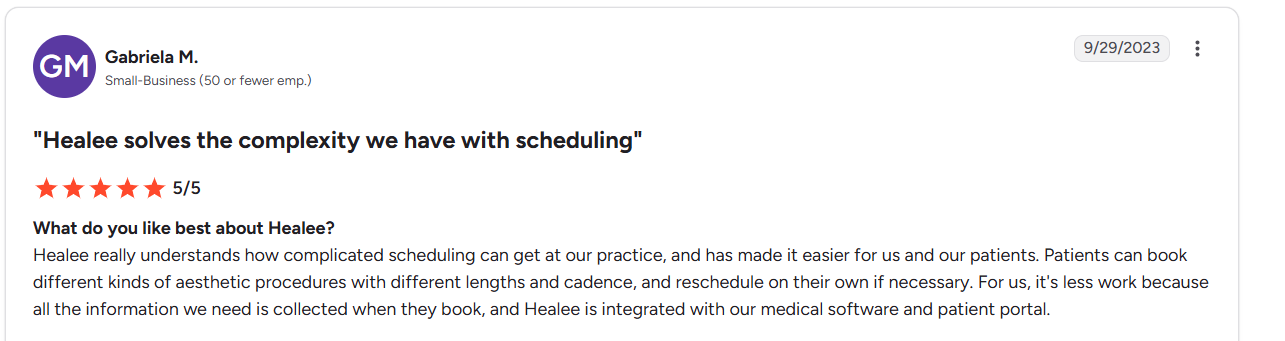
“Healee really understands how complicated scheduling can get at our practice, and has made it easier for us and our patients. Patients can book different kinds of aesthetic procedures with different lengths and cadence, and reschedule on their own if necessary.” - Gabriela., G2
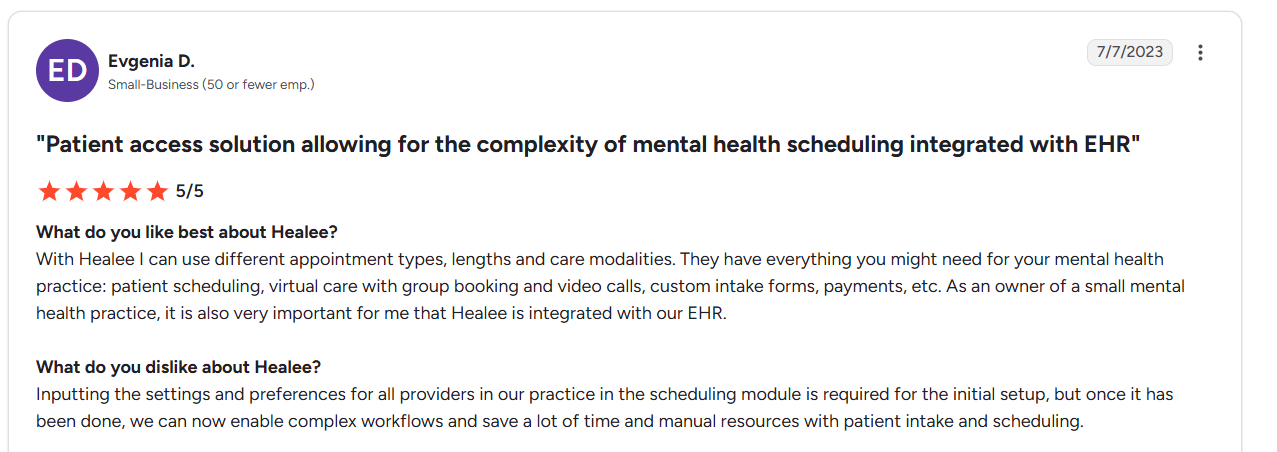
“Inputting the settings and preferences for all providers in our practice in the scheduling module is required for the initial setup…” - Evgenia., G2
Pricing
Contact Healee’s sales team for a custom quote.
Bottom Line
Healee fits practices that already employ clinicians, run predictable care pathways, and need a branded app live within weeks. But if you’re a digital provider and you need a nationwide provider network, try OpenLoop.
4. Doxy.me: Best for Branded Video Telehealth
Doxy provides a browser-based telehealth platform for running video appointments, virtual waiting rooms, patient intake, and care coordination without replacing your existing EHR.
Who it's for: Therapy and outpatient practices that run back-to-back video sessions and want their logo on the waiting room.
I reviewed Doxy.me's full feature list and use cases. The paid plan adds custom clinic branding, shared rooms, provider-to-provider patient transfer, and intake workflows. That scope fits practices that need a branded visit room.
Key Features
- Clinic-wide custom branding: Premium applies your branding across every provider room in the clinic.
- Patient transfer and routing: Staff route waiting patients to the right provider through shared clinic rooms.
- Group calls for up to 25 participants: You can hold calls of up to 25 participants for family or group therapy.
Pros
- Patient tech support: Patients click a link and join, so staff can avoid login troubleshooting calls.
- Reliable EHR backup: Clinicians keep it ready when their EHR's built-in video fails mid-session.
Cons
- Borrowed web address: Clinic links live on a Doxy.me subdomain, so brands never own the address.
- Per-user pricing: Costs can add up for clinics with large user numbers.
What Real Users Say
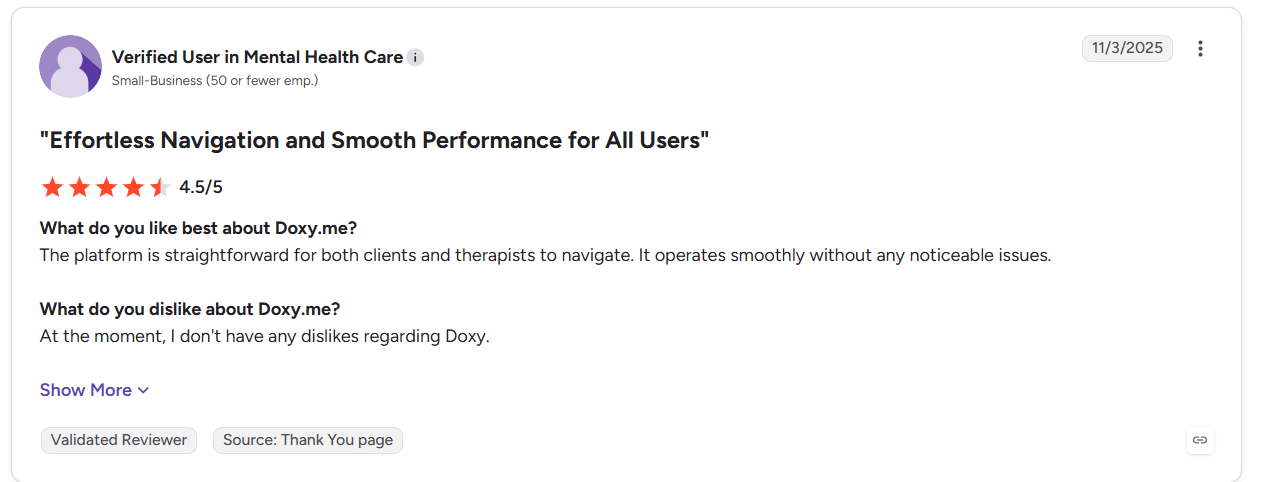
“The platform is straightforward for both clients and therapists to navigate. It operates smoothly without any noticeable issues.” - User, G2
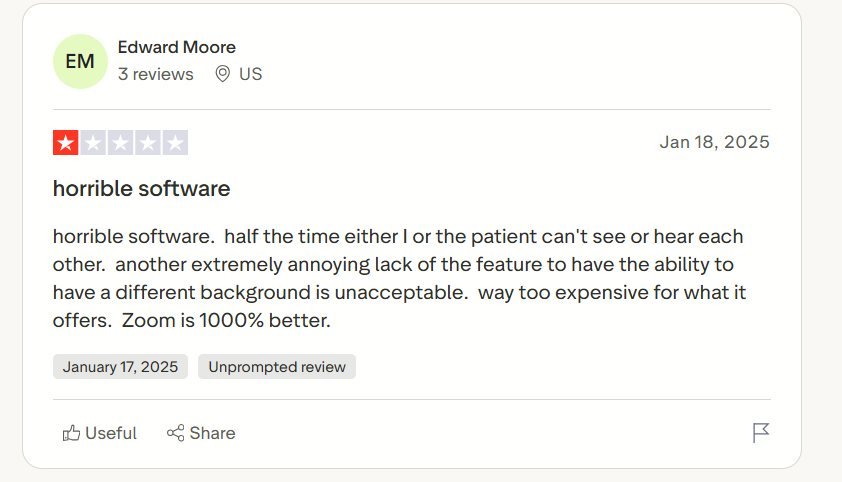
“Horrible software. Half the time the patient or I can't see or hear each other. Another extremely annoying lack of the feature to have the ability to have a different background is unacceptable. Way too expensive for what it offers.” - Edward, Trustpilot
Pricing
Doxy’s pricing starts at $29/user per month.
Bottom Line
Doxy.me works best for established practices that already have patients and need a branded space for video visits. If you need help with prescriptions, Cuvo Health can provide prescribing clinicians for these programs.
5. Cuvo Health: Best for Fully Managed Telehealth Brands
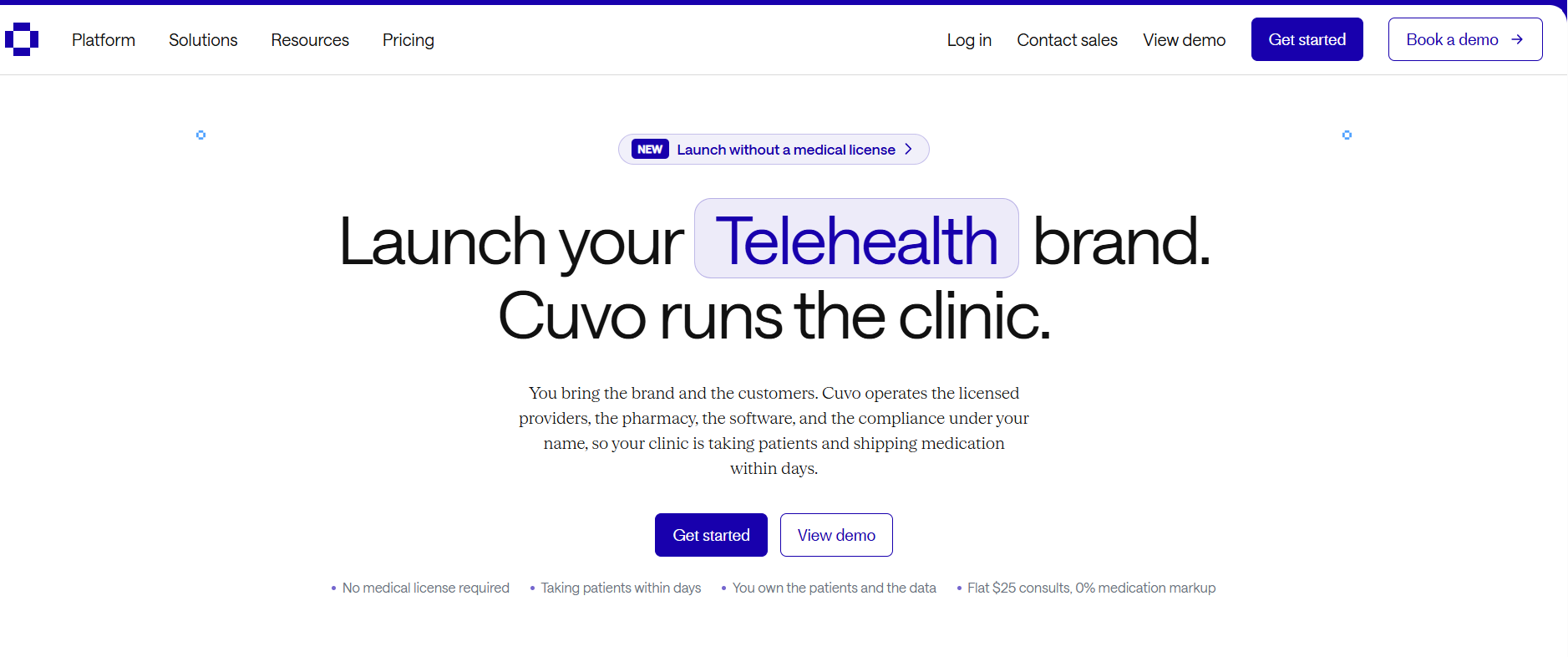
Cuvo runs the clinical infrastructure behind a branded telehealth business, including providers, MSO structure, prescribing, pharmacy fulfillment, patient software, and compliance.
Who it's for: Non-clinician founders and consumer health brands that want to launch cash-pay telehealth without building their own clinical infrastructure.
I reviewed Cuvo's current website, pricing documentation, and full plan comparison. Cuvo operates the licensed clinical infrastructure behind a customer's brand, including providers, prescribing, pharmacy fulfillment, patient software, and compliance.
The telehealth builder also sets up and maintains the business structure needed to keep business operations separate from medical decisions made by licensed clinicians.
Key Features
- Managed business structure: Cuvo sets up and maintains the business structure needed to run a branded telehealth service.
- 17-pharmacy network: Every plan includes 17 partner pharmacies, home delivery, cold-chain shipping, and no medication markup.
- Subscription billing: Built-in tools handle subscriptions, repeat billing, failed payments, and other payment tasks.
Pros
- Clear costs upfront: Cuvo publishes its setup, monthly platform, and completed-visit fees, so you can estimate costs before contacting sales.
- Built for non-clinician founders: You can own and run the non-clinical business without a medical license. Licensed clinicians remain responsible for medical decisions.
Cons
- Fees for each consultation: Each completed consultation costs another $25 on top of the monthly platform fee.
- Some business features cost more: SOC 2 Type II reporting, SSO, and uptime SLAs require a higher-level plan or setup.
What Real Users Say
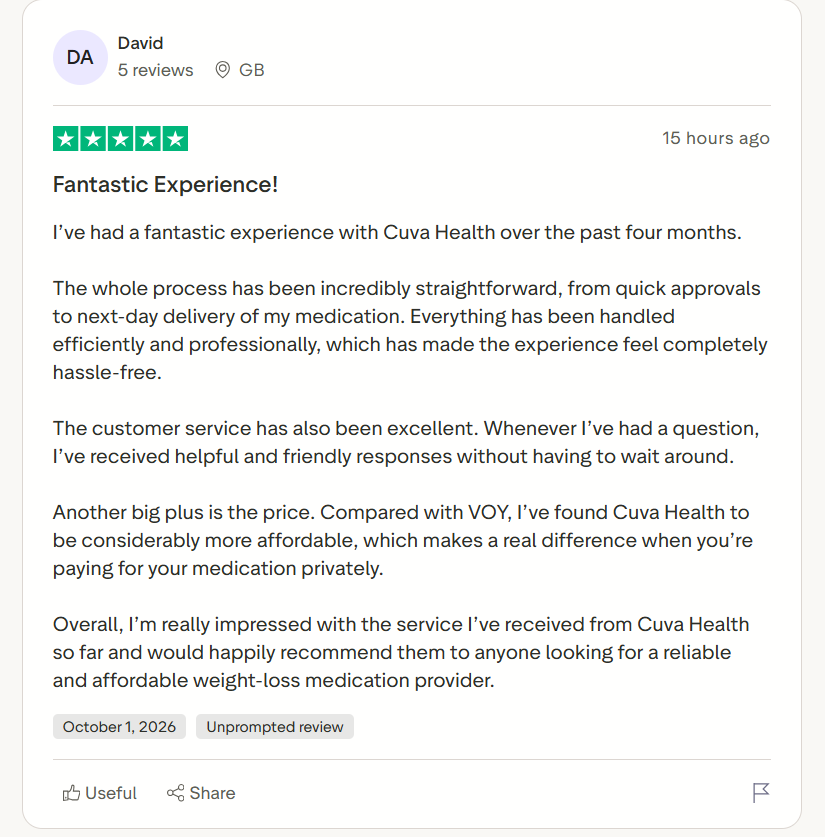
“I’ve had a fantastic experience with Cuva Health over the past four months. The whole process has been incredibly straightforward, from quick approvals to next-day delivery of my medication.” - David, Trustpilot
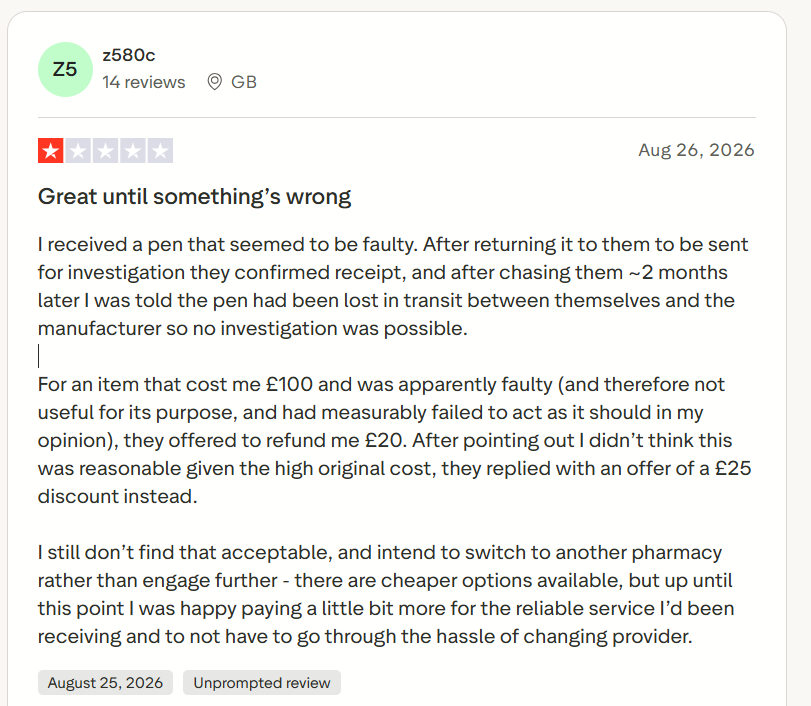
“I received a pen that seemed to be faulty. After returning it to them to be sent for investigation, they confirmed receipt, and after chasing them ~2 months later, I was told the pen had been lost in transit between themselves and the manufacturer, so no investigation was possible.” - User, Trustpilot
Pricing
Cuvo’s pricing starts at $997/month.
Bottom Line
Cuvo suits founders who already have an audience but don’t have a medical license. If your program needs to accept insurance, OpenLoop may be a better fit because its clinicians work with hundreds of insurance networks.
6. DrCare247: Best for Practices Bringing Their Own Clinicians
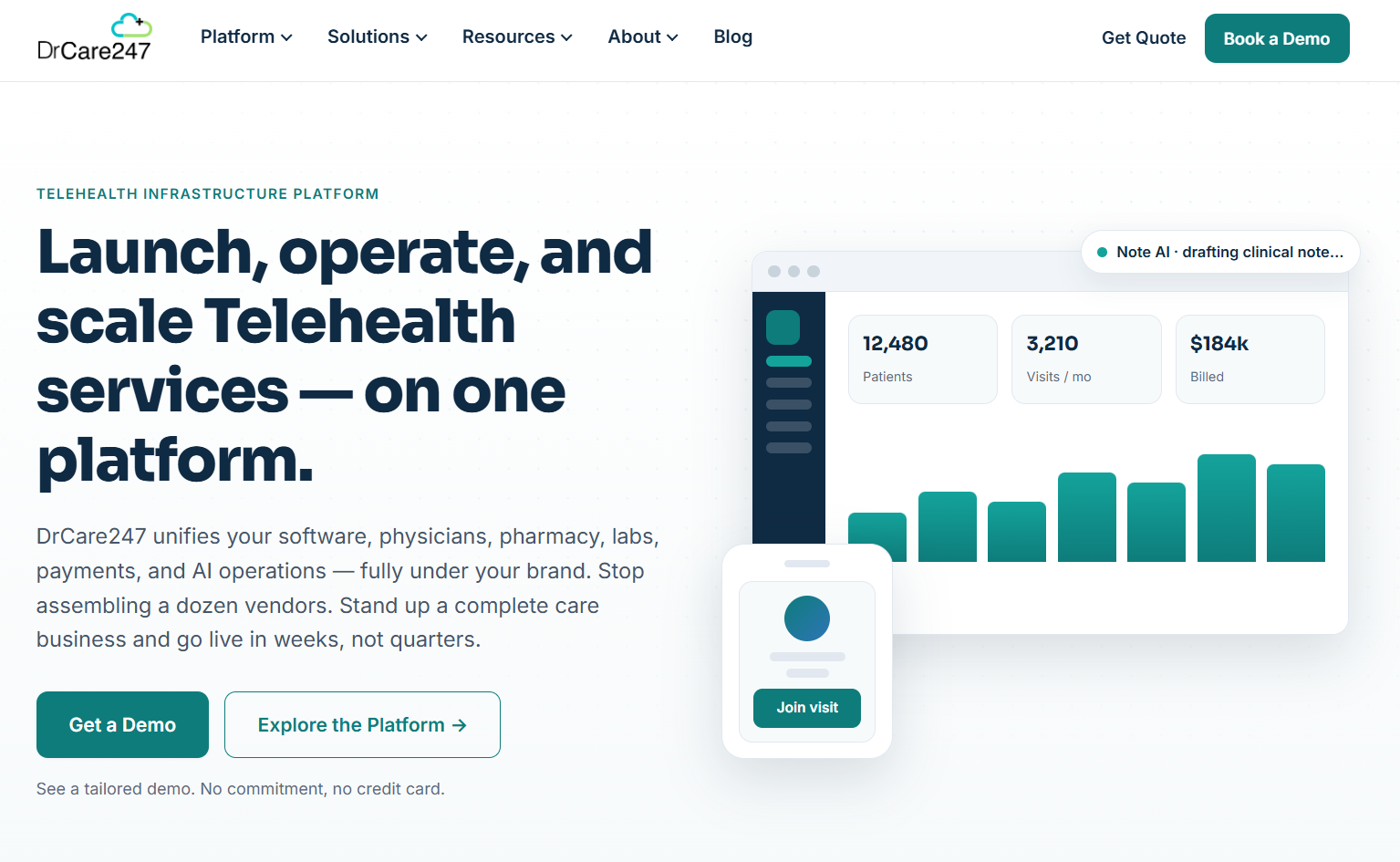
DrCare247 combines branded video visits with scheduling, e-prescribing, and other telehealth tools in one platform.
Who it's for: Practices and healthcare organizations that want branded virtual care and tools for managing patients and daily tasks.
I reviewed DrCare247's current platform pages and Capterra profile. The platform combines telehealth and other care tools, allowing organizations to use their own providers and offer care under their own brand. This setup can help practices move existing services online while keeping their patient relationships.
Key Features
- Platform integrations: DrCare247 can connect with other healthcare and business systems.
- Built-in patient records: DrCare247 includes basic EHR and documentation tools alongside its telehealth features.
- Built-in e-prescribing: Providers can manage prescriptions as part of the same virtual care workflow.
Pros
- Keep your own clinicians: Continue using your current providers while adding branded telehealth services.
- Several tools in one platform: DrCare247 combines telehealth, scheduling, patient records, prescriptions, payments, and other care tools.
Cons
- Basic EHR: Practices with complex EHR needs should compare DrCare247's Lite EHR with the system they already use.
- Existing systems may overlap: If you have a pre-existing EHR, scheduling tool, and payment system, you may end up paying for unneeded features.
What Real Users Say
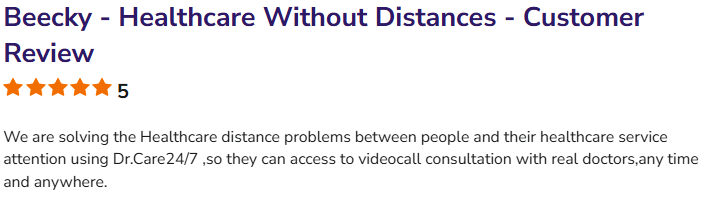
“We are solving the Healthcare distance problems between people and their healthcare service attention using Dr.Care24/7,so they can access video call consultation with real doctors, any time and anywhere.” - Roberto, SoftwareAdvice
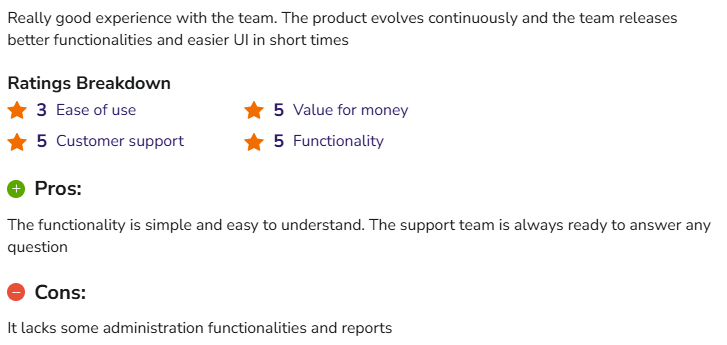
“It lacks some administration functionalities and reports.” - Diego, SoftwareAdvice
Pricing
Contact the team to get a custom quote.
Bottom Line
Fix: DrCare247 fits practices whose physicians already hold state licenses and have established patient trust. Small practices that only need video visits will start faster on Doxy.me's free tier.
7. Healthie: Best All-in-One Platform
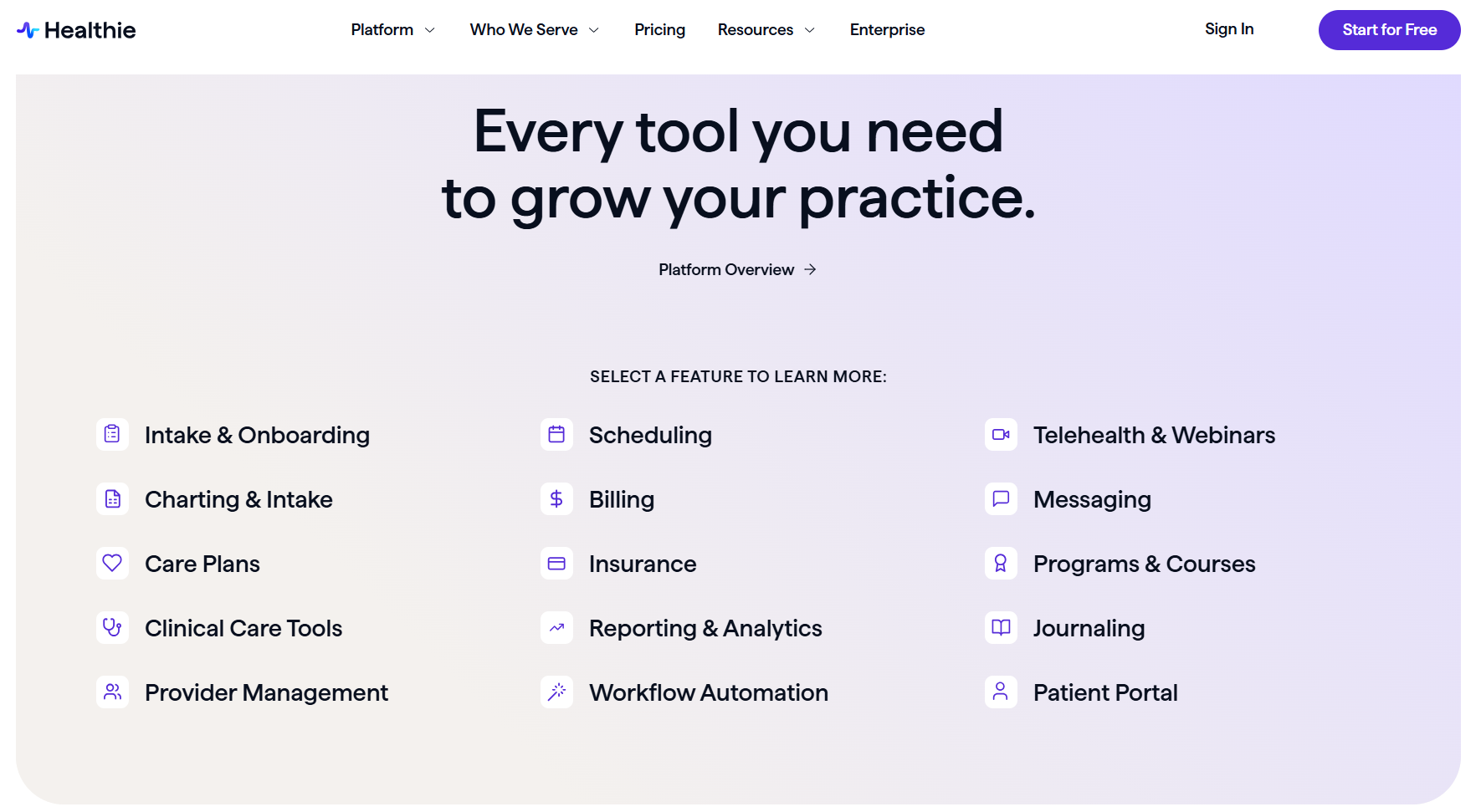
Healthie combines telehealth, EHR charting, and other features in one clinical platform.
Who it's for: Practices and healthcare organizations that want to consolidate virtual care and practice management into one system.
I reviewed Healthie’s current pricing, features, integrations, and white-label options. Every plan includes scheduling, payments, charting, telehealth, a client portal, and Healthie’s standard iOS and Android app.
Enterprise customers can also add a fully branded web platform or their own branded mobile app.
Key Features
- Built-in telehealth: Every plan includes 1:1 video visits. Plus and higher plans also include Healthie’s HIPAA-compliant Zoom integration.
- AI charting add-on: AI Charting creates transcripts and draft notes from telehealth, in-person, and phone visits.
- Insurance claims tools: Claim.MD handles eligibility checks, claim submissions, payment tracking, and ERAs within Healthie.
Pros
- Several tools in one platform: Healthie combines scheduling, charting, telehealth, payments, messaging, and patient engagement tools.
- Supports growing teams: Group and Enterprise plans provide extra tools for organizations with multiple clinicians and more complex needs.
Cons
- White labeling requires Enterprise: A fully branded web experience and branded iOS/Android app aren't available on the normal self-service plans. Both are optional Enterprise add-ons.
- Extra features can increase costs: E-prescribing, AI charting, claims tools, EPCS, APIs, and full white-labeling may cost extra or require higher plans.
What Real Users Say

“Healthie provides a comprehensive solution for clinicians of various disciplines: dietitians, mental health professionals, physical therapists, etc. It offers customizable templates for quick setup, a client portal to track nutrition and activity while also integrating with some wearable technology.” - Jeanette., G2
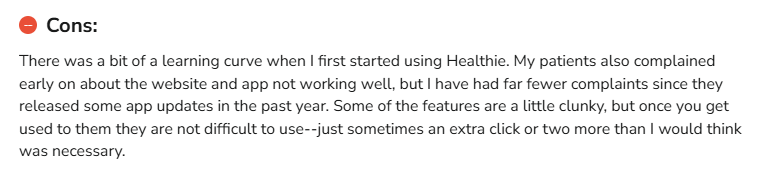
“There was a bit of a learning curve when I first started using Healthie. My patients also complained early on about the website and app not working well, but I have had far fewer complaints since they released some app updates in the past year.” - Erica, SoftwareAdvice
Pricing
Healthie’s pricing starts at $19.99/month.
Bottom Line
Healthie is a cost-effective, all-in-one telemedicine platform that fits smaller practices. If you need a branded digital solution, try Cuvo Health.
My Final Verdict: Which Telemedicine Platform Should You Choose?
Each of my top seven white-label telehealth platforms is a strong option for healthcare organizations that want to deliver virtual care under their own brand.
Here's how to pick the one for you:
Choose Blaze.tech If You…
Want to build custom patient, provider, and admin portals in addition to a telemedicine platform, with EHR connectors included.
Choose OpenLoop If You…
Want an established clinician network, licensing support, and insurance billing across 600+ payer networks behind your branded virtual care program.
Choose Healee If You…
Employ your own clinicians and want a branded app and patient portal.
Choose Doxy.me If You…
Already run a practice and only need a branded waiting room for video visits.
Choose Cuvo Health If You…
Have an audience but no medical license, and need providers, prescribing, and pharmacy fulfillment handled.
Choose DrCare247 If You…
Already have licensed physicians and loyal patients, and want branded video visits, scheduling, and e-prescribing combined in one simple platform.
Choose Healthie If You…
Run a smaller practice and want charting, telehealth, payments, and an EHR consolidated into one platform.
Avoid White Label Telehealth Platforms Entirely If:
- You run a hospital or health system on Epic or Oracle Health, because their native telehealth modules already keep visits inside your existing records.
- You see only a handful of virtual patients each month, since your current EHR's built-in video or a HIPAA-compliant Zoom account will cover it at lower cost.
Build a Custom Telemedicine Platform with Blaze
A typical white-label telehealth platform locks you into fixed templates, preset workflows, and a patient experience that looks like every other brand on the same vendor. Blaze lets you build branded patient, provider, and admin portals around how your practice actually delivers care, without hiring a development team.
- Replace repetitive administrative work: Automate patient intake, document routing, approvals, appointment reminders, and other manual tasks without replacing your existing EHR.
- Faster implementation than traditional builds: Launch your branded telehealth portals in weeks, not months.
- Built on compliance-ready infrastructure: Blaze is a HIPAA-enabling, HITRUST e1-certified, SOC 2 Type II platform for building healthcare and telehealth apps.
Schedule a free build consultation call today and stop forcing your care model into rigid templates by launching branded portals built around your exact workflows.
Frequently Asked Questions
What Is a White-Label Telemedicine App?
A white-label telemedicine app is a ready-built virtual care app that carries your logo, colors, and domain. Patients book visits, message providers, and join video calls without seeing the underlying platform. Some vendors include branded iOS and Android apps on standard plans, and others, like Healthie, reserve fully branded apps for enterprise customers.
What's the Difference Between a White-Label Telehealth Platform and a White-Label Telehealth Provider?
A platform supplies the software, including intake, scheduling, video, charting, and payments, and you supply the licensed clinicians. A provider model, like OpenLoop or Cuvo Health, adds a clinician network, prescribing, and often pharmacy fulfillment behind your brand. If you don't have licensed providers on staff, you need the provider model.
Can I Launch a Peptide Therapy Program on a White-Label Telehealth Platform?
Yes, you can launch a peptide therapy program on a white-label telehealth platform. But you need a model that includes licensed prescribers and compounding pharmacy partners, since peptide protocols require a valid prescription and 503A pharmacy fulfillment. Confirm which peptides can currently be compounded legally before you launch, because FDA rules on compounded peptides keep changing.
Do White-Label Telehealth Platforms Include an EHR?
Yes, some white-label telehealth platforms do include an EHR, but depth varies widely. Healthie is built around a full EHR with charting, care plans, and claims tools, and DrCare247 includes a lighter EHR alongside its telehealth features. Doxy.me runs video visits alongside your existing EHR without replacing it.
Does My White-Label Telemedicine Platform Need to Be HIPAA Compliant?
In almost every case, yes, your white-label telemedicine platform needs to be HIPAA compliant. If your app handles protected health information, HIPAA applies, and any platform vendor storing that data must sign a business associate agreement (BAA). You must also include features like role-based permissions and encryption. HIPAA compliance applies to your organization as a whole.
Sources
1. U.S. Department of Health & Human Services. “Summary of the HIPAA Security Rule.” HHS.gov. https://www.hhs.gov/hipaa/for-professionals/security/laws-regulations/index.html
2. U.S. Department of Health & Human Services. “Security Rule Guidance Material.” HHS.gov. https://www.hhs.gov/hipaa/for-professionals/security/guidance/index.html
3. National Institutes of Health: StatPearls. “Health Insurance Portability and Accountability Act (HIPAA) Compliance.” NCBI. https://www.ncbi.nlm.nih.gov/books/NBK500019/
The Secure No-Code & AI Platform
Supercharge your team's operations and performance with better apps and tools.
Create custom apps fast
Secure & HIPAA compliant
Streamline complex workflows

The Secure No-Code Platform
Build apps with best-in-class security.
Related Articles
Discover related guides on healthcare no-code development, HIPAA compliance, security, integrations, and launching apps faster.
%20(1).png)
7 Top White Label Telehealth Platforms + How to Pick (2026)
I reviewed seven white-label telehealth platforms to see how they compare. Explore pricing, branding, integrations, and the best fits available.
%20(1).png)
Top 9 Cursor Alternatives: Tested & Ranked 2026
I compared 9 Cursor alternatives' pricing plans and codebase editing features. See which platforms work for agent building so you can pick for your workflow.
.png)
Scytale Pricing: Plans, Costs, and What You Pay (2026)
Scytale pricing isn’t publicly listed, making budgeting difficult. But I researched the 5 plans and their features to uncover where additional costs can appear.