
Table of contents
8 Best Base44 Alternatives and How to Pick (2026)

Written by
Nanxi Liu

Reviewed by
Blaze Team
Expert Verified
Base44 gets you from a prompt to a working prototype fast. But you may need an alternative if you want a native iOS app, more control over hosting, or HIPAA-enabling features for healthcare apps.
I found 8 top Base44 alternatives. They include Lovable for full-stack web apps, Bolt for building apps in your browser, and Replit for developers. I compare code access and ownership, backend options, mobile support, and pricing.
By the end, you’ll know which Base44 alternative best fits how you build, host, and manage your app.
8 Best Base44 Alternatives: TL;DR
- Lovable: Best for AI-Built Full-Stack Apps
- Bolt.new: Best for Fast Full-Stack Prototyping
- Replit: Best for Developer-Controlled AI Building
- Cursor: Best for Working With Existing Code
- Bubble: Best for Complex No-Code Apps
- FlutterFlow: Best for Native Mobile Apps
- Blaze.tech: Best for Healthcare App Development
- v0: Best for React and Next.js Interfaces
Why Look for Base44 Alternatives?
Base44 turns natural-language prompts into working applications. But some seek alternatives because Base44 doesn’t meet the following criteria for them:
- Infrastructure control: Teams needing direct infrastructure management may prefer another platform. Base44 manages infrastructure by default, although projects can export source code for deployment elsewhere.
- Development workflow: Developers may want a code-only environment with a command-line interface and access to repositories and IDEs. Base44 supports code editing and GitHub integration, but remains AI-builder focused.
- Credit usage: Longer development cycles can make usage limits more important. AI development and application integrations consume separate credits, adding another cost variable to monitor.
- Native mobile development: Client-facing mobile apps may call for a more mobile-focused platform. Base44 supports web apps, while alternatives offer dedicated native iOS and Android workflows.
- Specialized requirements: Healthcare projects can require EHR integrations, HIPAA-enabling features and BAAs (Business Associate Agreements), and specialized implementation expertise. General-purpose builders may require additional services to meet those needs.
Which Base44 Alternative Should You Choose?
Choose based on what your project needs beyond Base44. Development workflow, code access, mobile deployment, and industry requirements can each point toward a different platform.
Choose Lovable If You…
Need to build full-stack applications through natural-language prompts while keeping ownership of your generated code.
Choose Bolt.new If You…
Want to prototype full-stack applications rapidly in a browser-based development environment.
Choose Replit If You…
Need to build beyond React and Next.js projects. Replit supports languages including Python, JavaScript, TypeScript, Java, C++, Go, Rust, Ruby, PHP, and Swift.
Choose Cursor If You…
Need an AI coding environment for working directly with existing repositories, debugging code, refactoring, and making changes across a codebase.
Choose Bubble If You…
Want to create complex web or native-mobile applications through a visual development environment.
Choose FlutterFlow If You…
Want to develop mobile applications using Flutter and deploy them to Apple’s App Store and the Google Play Store.
Choose Blaze.tech If You…
Need to build healthcare applications with HIPAA-enabling features and BAAs, implementation support, and healthcare integrations.
Choose v0 If You…
Are aiming to build React and Next.js applications with AI in a developer-focused environment that includes a command-line interface, code access, and support for external libraries.
Stick With Base44 If You…
Prioritize managed application development and rapid deployment.
Top 8 Base44 Alternatives: At a Glance
1. Lovable: Best for AI-Built Full-Stack Apps
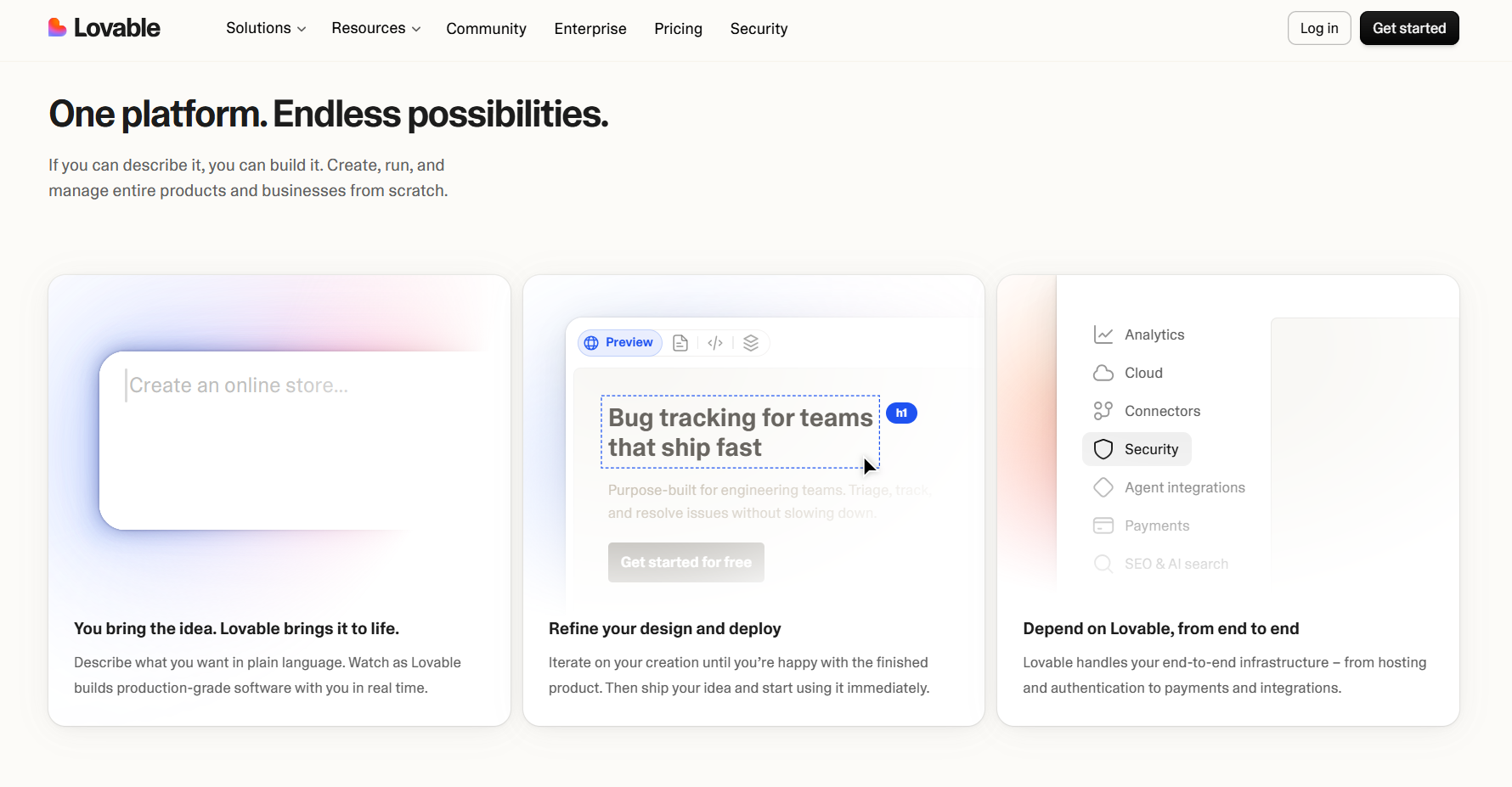
Lovable fits organizations that need to quickly build a functional full-stack web application by offering a tool to create apps from natural-language prompts. It also supports frontend development, backend functionality, databases, authentication, and deployment.
“I used Lovable because one of my business mentors recommended it. I'm not very tech-savvy, so at first I had no idea how to use it. With my mentor's guidance, I used another AI, Claude, to write prompts for Lovable. Together with Claude writing prompts for me, Lovable did a great job creating my website.” - Naohime, Trustpilot
Key Features
- Natural-language app generation: Describe the app you want, and Lovable can build the frontend, database, login system, storage, and backend through Lovable Cloud.
- Code editing: Edit the generated code directly when prompts can’t make exact changes.
- Integrations: Connect your app to outside tools for payments, databases, analytics, email, content, and other business needs.
Pros
✅ Fast development: Turn a prompt into a working web app quickly, making it useful for prototypes and testing new ideas.
✅ Easy to get started: Build working web apps fast with natural-language prompts.
✅ Full-stack capabilities: Add databases, user logins, file storage, payments, backend functions, and integrations without setting up every service yourself.
Cons
❌ Technical skills still matter: Complex apps may require code changes, API connections, or developer troubleshooting when prompts can’t get the results you want.
❌ Focused on web apps: Lovable is less suitable for projects that need native mobile apps.
Best for
- Non-technical founders testing web app ideas
- Startups building working MVPs and demos
- Developers who want AI generation and code access
- Teams that need to build websites or web apps fast
Pricing
Lovable’s pricing starts at $25/month.
2. Bolt.new: Best for Fast Full-Stack Prototyping
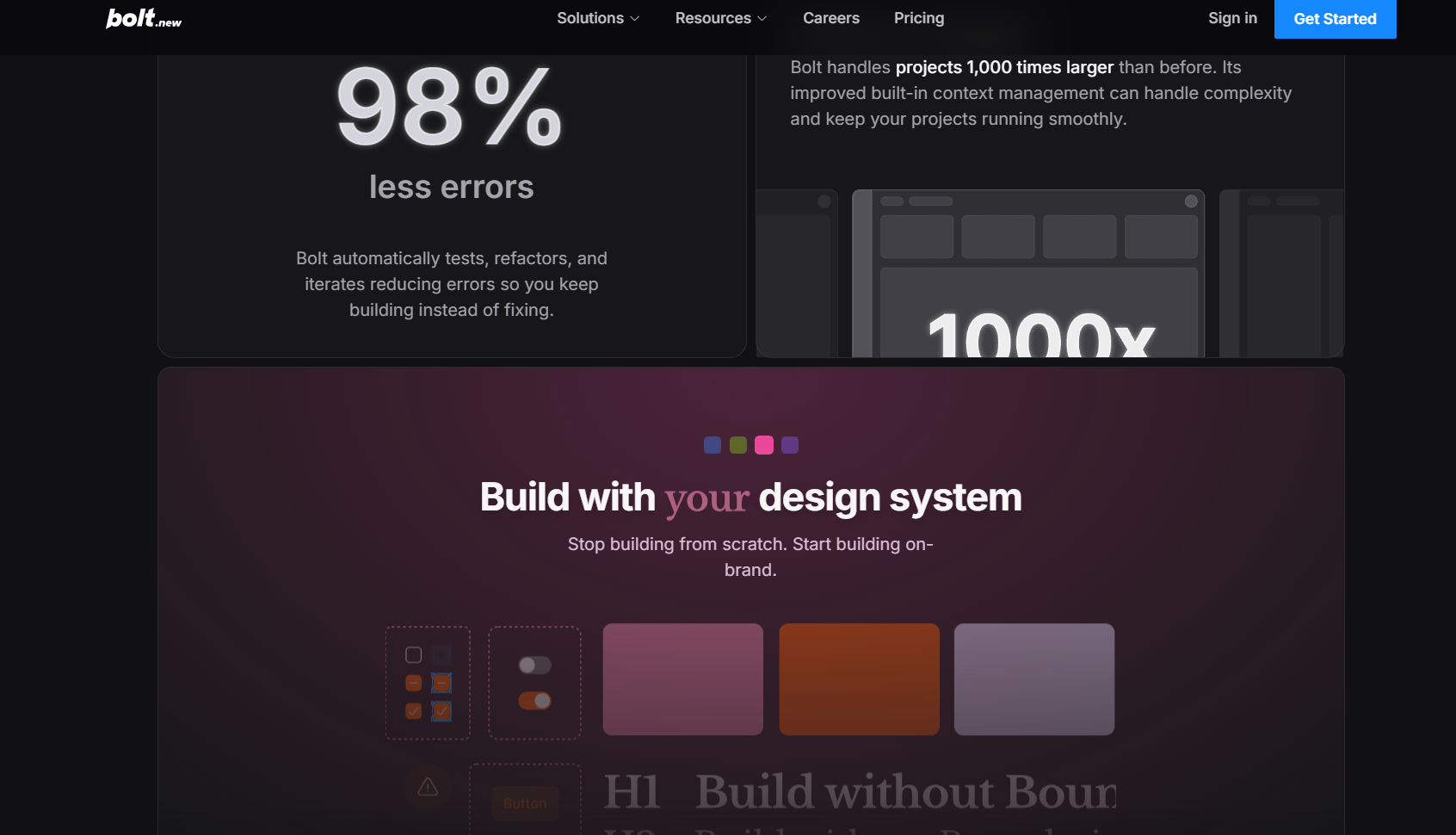
Bolt.new stands out for rapidly turning prompts into working full-stack applications inside a browser-based development environment.
“What I like most about Bolt.new is how quickly I can go from an idea to a working application. As a lead AI engineer, it’s useful when I want to test a product idea or prototype something without spending a lot of time setting everything up from scratch.” - Ritvik R., G2
Key Features
- In-browser WebContainers: Run Node.js development tools directly in the browser.
- Figma and GitHub imports: Bring existing Figma designs or GitHub repositories into Bolt.
- Live preview: Generate code and immediately preview the running application in the browser.
Pros
✅ Minimal setup: Start building without installing a local development environment, while keeping access to generated code through Bolt's browser-based IDE.
✅ Strong design imports: Import Figma frames into new or existing projects and save your layouts while adding rules and functionality through Bolt.
✅ Editable code: Inspect and change generated code directly in the browser, connect projects to GitHub, or continue development through an external developer workflow.
Cons
❌ Token-based usage: AI development uses tokens, so many prompts and complex iterations can increase costs.
❌ Browser requirements: WebContainers work best in Chromium-based browsers. Other browsers may have limited functionality due to technical differences and security requirements.
Best for
- Hackathon teams rapidly building functional applications
- Founders validating web application ideas
- Developers prototyping Node.js web applications
- Teams converting Figma designs into applications
Pricing
Bolt pricing starts at $25/month.
3. Replit: Best for Developer-Controlled AI Building
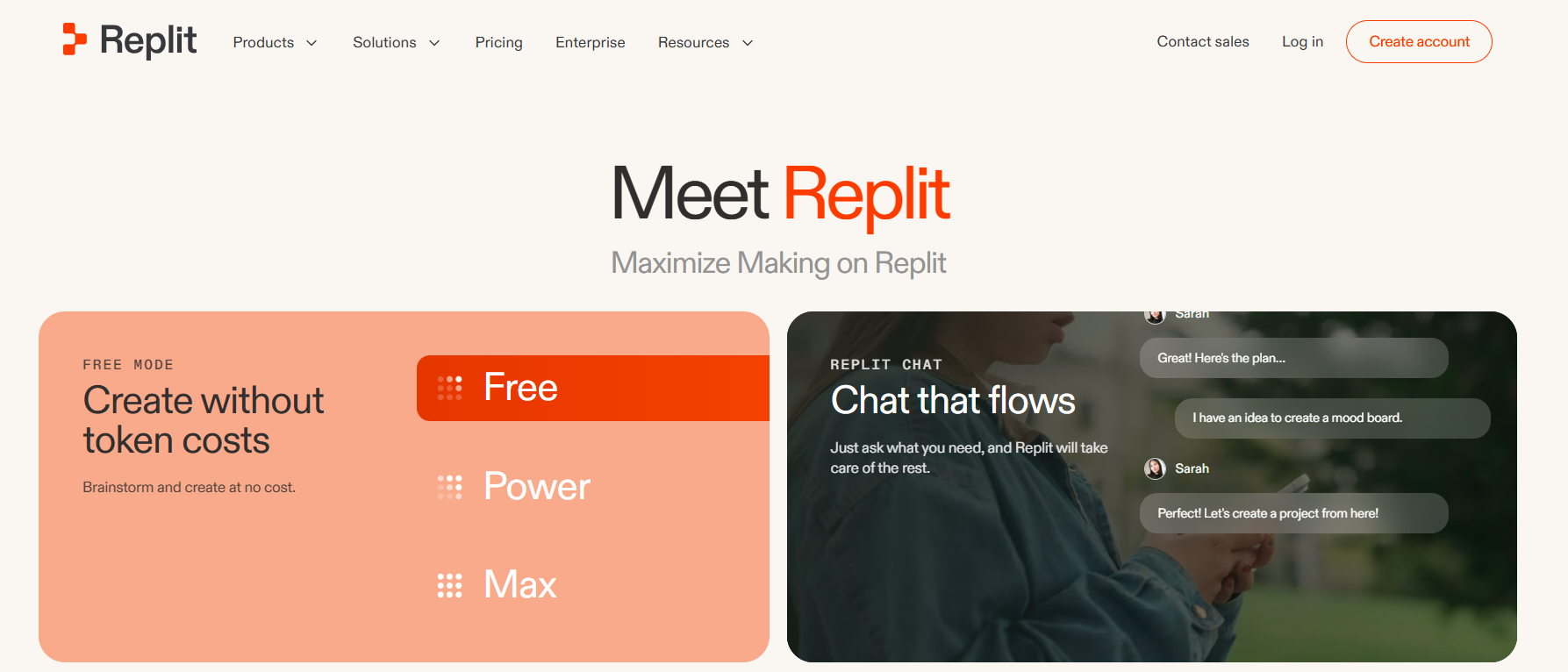
Replit stands out for combining AI application generation with a broader, general-purpose development environment to build agents to work alongside project files and databases.
“I've now built five SaaS applications using Replit, and it has completely changed the way I develop software. One of those businesses was successfully sold for a substantial amount of money, which gave me the confidence to continue building every new project on the platform.” - Keiran, Trustpilot
Key Features
- Agent modes: Use Economy or Power modes across plans, while Pro and Enterprise add Turbo Mode for more demanding AI development tasks.
- GitHub workflows: Import GitHub repositories and use version-control workflows.
- Collaborative workspace: Invite up to five collaborators with Core or 15 with Pro, allowing multiple people to contribute within shared development workspaces.
Pros
✅ Broad language support: Use languages and ecosystems such as Python, JavaScript, TypeScript, Java, C++, Go, Rust, and others.
✅ Direct code control: Inspect and edit project files alongside Agent, making Replit suitable for developers who want AI assistance without surrendering code-level control.
✅ Integrated development tools: Access project files, packages, databases, deployment, secrets, and development tooling from one environment.
Cons
❌ Usage-based costs: Agent usage can create additional charges beyond the subscription price, making costs harder to predict during intensive or complex development cycles.
❌ More complex environment: Replit requires more developer skills than simpler prompt-first builders, creating additional controls and concepts for beginners.
Best for
- Developers building across multiple programming languages
- Teams requiring direct access to project code
- Existing projects moving into AI-assisted development
- Teams combining AI agents with development tools
Pricing
Replit pricing starts at $20/month.
4. Cursor: Best for Working With Existing Code
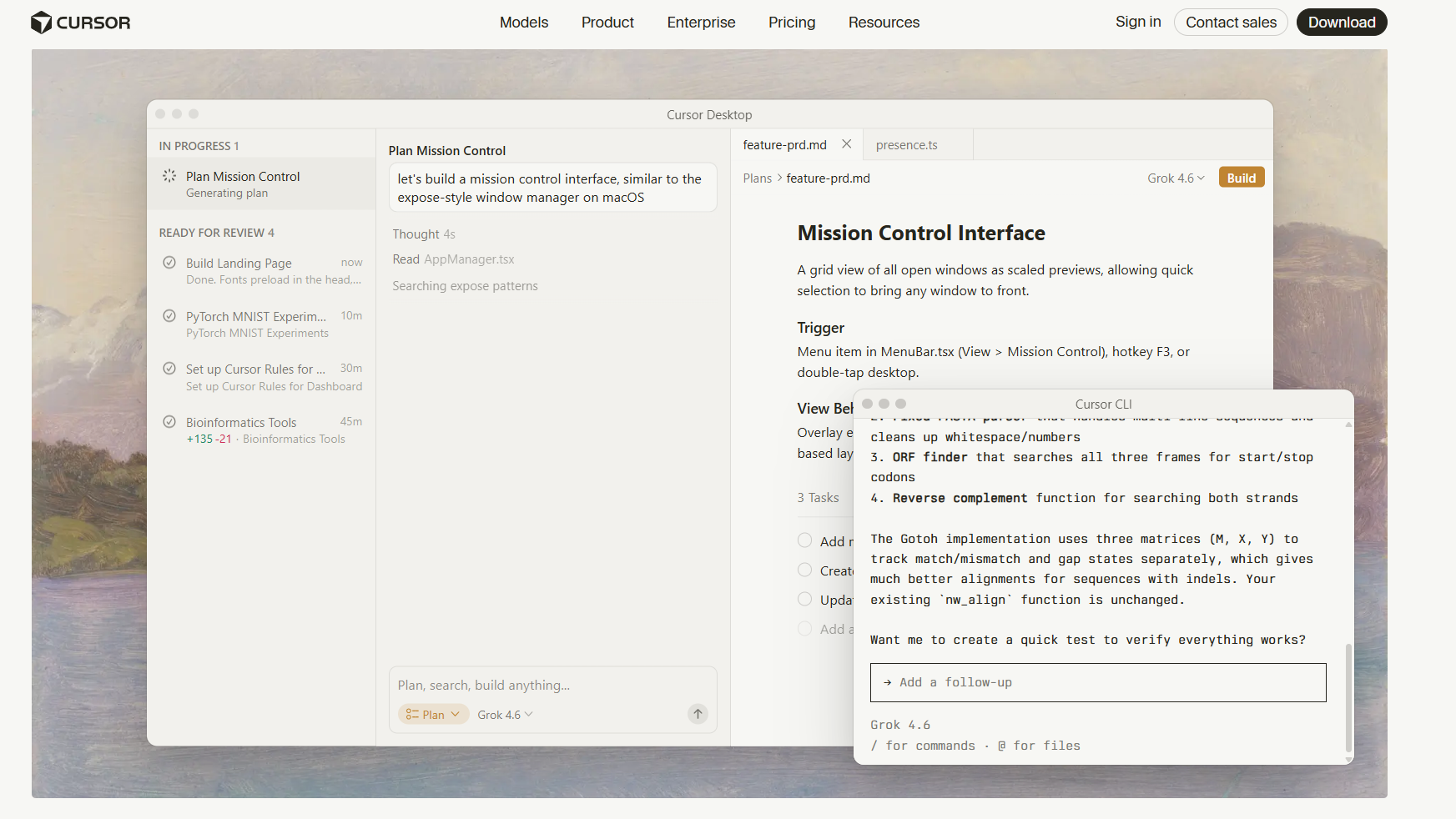
Cursor is an AI code editor and coding agent built around working directly with source code. It’s particularly useful for changing code and debugging.
“The AI integration in Cursor feels genuinely woven into the coding workflow instead of bolted on as an afterthought. Inline code generation and chat-based editing pull context from the whole codebase, not just the open file, so suggestions actually match existing architecture and coding patterns rather than generic boilerplate.” - Muhammed, G2
Key Features
- Codebase understanding: Search and read files across a library to understand existing code and project structure.
- Agent: Complete development tasks by searching code, reading and editing files, and running commands.
- AI code editing: Generate, modify, explain, debug, and refactor source code directly within the environment.
Pros
- ✅ Existing project support: Work directly with established repositories, making Cursor useful for maintaining and expanding existing apps.
- ✅ Codebase context: Search and analyze files across a repository so developers can understand and change larger projects.
- ✅ Familiar development environment: Cursor supports many popular VS Code extensions and familiar editor workflows.
Cons
- ❌ Code-centric workflow: Cursor works directly with source code, making it a poor Base44 alternative for non-technical users seeking a visual, no-code tool.
- ❌ Requires review: The tool can make changes across files and execute commands, so developers still need to review generated code and verify changes before deployment.
Best for
- Developers adding features to existing apps
- Teams working with existing code
- Developers improving large software projects
- Technical teams using AI to write code
Pricing
Start using for $20/month.
5. Bubble: Best for Complex No-Code Apps
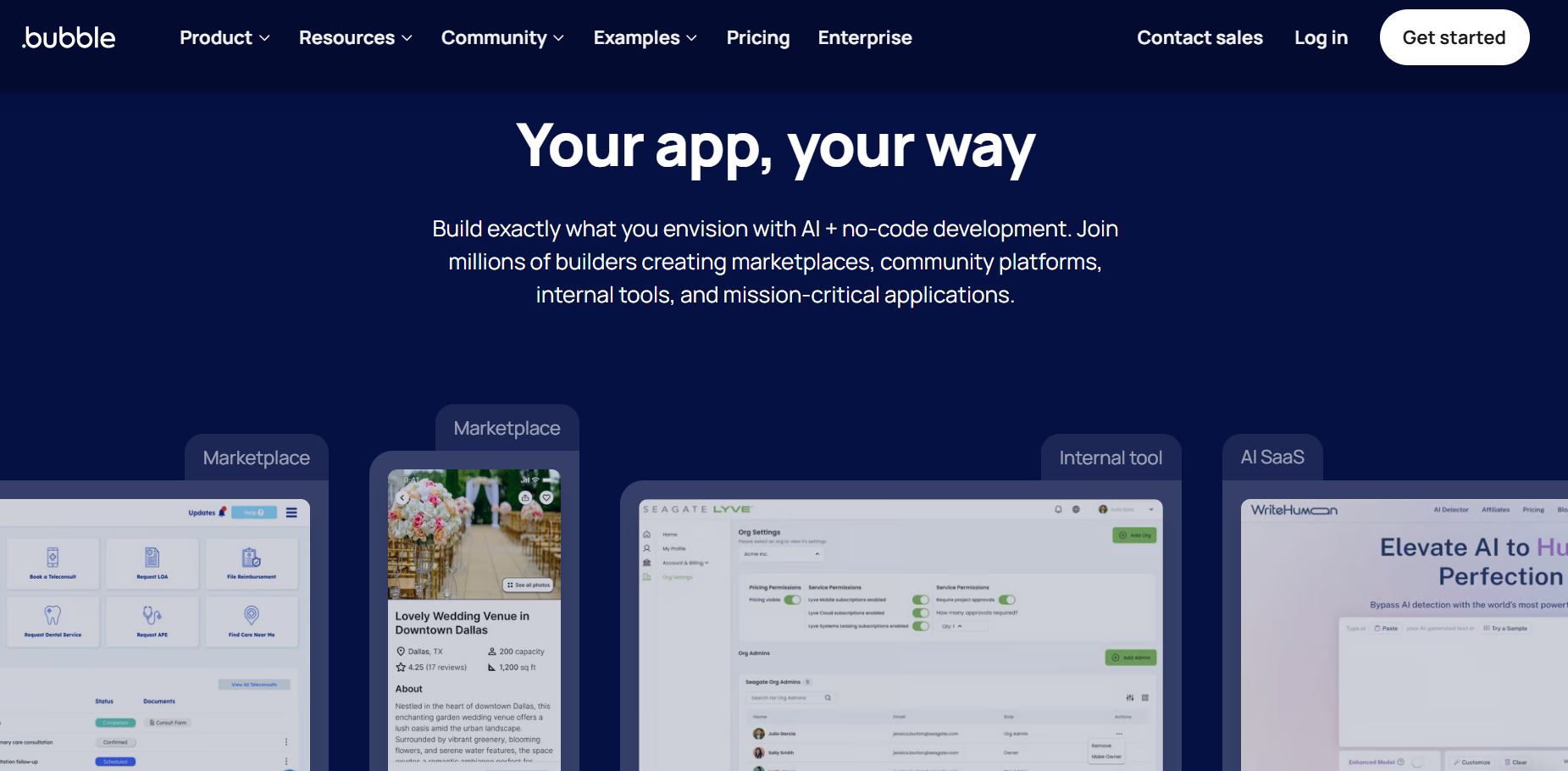
Bubble, a platform that has offered services since 2012, combines its tried-and-tested visual app builder with AI-generation capabilities to let you design apps for nearly any use case.
For more information on Bubble, read our Bubble review.
“Bubble still wins for two-sided marketplaces, role-based SaaS, and anything with complex conditional logic. The visual workflow builder is still faster than writing that logic from scratch. Nothing has replaced it for that specific use case.” - Bubble user, Reddit
Key Features
- Visual workflow engine: Build conditional logic, recurring workflows, scheduled tasks, and backend processes visually while controlling when actions run and what triggers them.
- Integrated database: Structure application data, relationships, searches, and privacy rules within Bubble.
- Plugin ecosystem: Extend applications through more than 7,000 plugins covering payments, analytics, authentication, maps, APIs, interface components, and other functionality.
Pros
✅ Advanced visual logic: Build rules-based workflows and steps, API connections, and complex actions through Bubble's visual development environment.
✅ Integrated data tools: Manage data, searches, relationships, and privacy rules within the platform.
✅ Native mobile support: Build native mobile apps for iOS and Android while sharing databases, workflows, and API connections.
Cons
❌ Learning curve: Learning the Bubble interface takes dedicated study time.
❌ Usage-based costs: Bubble measures usage with workload units, so resource-intensive or rapidly growing apps could increase costs.
Best for
- Anyone building multi-sided marketplace applications
- SaaS products requiring complex visual workflows
- Businesses of all sizes that need connected web and mobile apps
- No-code builders requiring detailed application control
Pricing
Bubble pricing starts at $59/month for a combined web/mobile app. It’s $29/month for web only and $42/month for mobile only.
6. FlutterFlow: Best for Native Mobile Apps
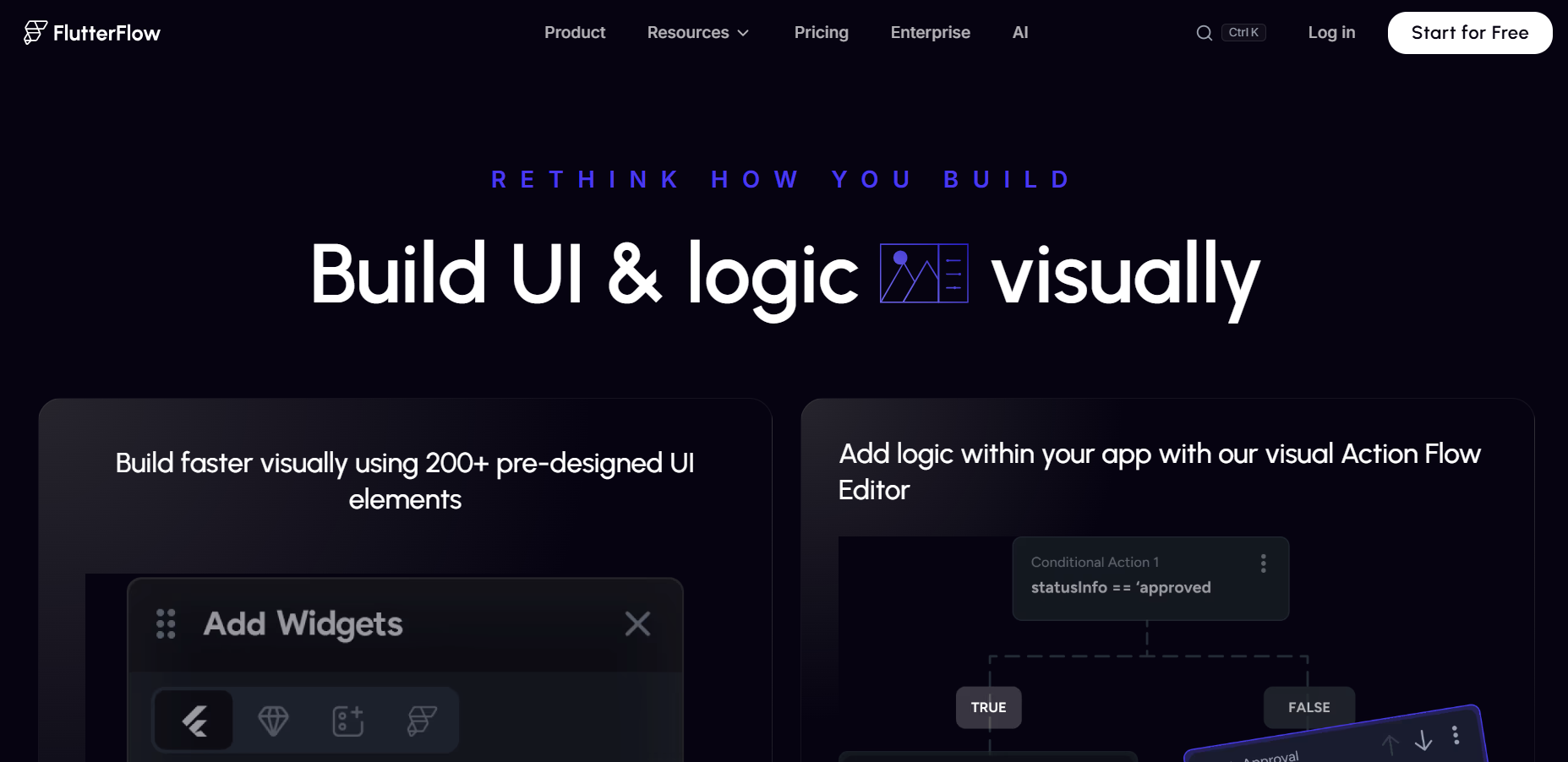
FlutterFlow suits folks who need a native app and want to keep the underlying code. It generates Flutter and Dart code through a visual drag-and-drop builder, which can then be compiled for iOS, Android, and web.
“FlutterFlow makes lots of sense in 2026. Directionless AI solutions keep generating features that no one understands and thus have zero reliability, even in an MVP, whereas in a platform like FlutterFlow, the builder knows whatever they have built.” Reddit user
For a deeper understanding of FlutterFlow and all its features, check out our FlutterFlow review.
Key Features
- Custom code: Add custom Dart functions, actions, widgets, and packages when FlutterFlow’s visual tools don’t support what your app needs.
- Figma integration: Import supported Figma designs and styles into FlutterFlow.
- Firebase and Supabase integration: Connect Firebase or Supabase for authentication, databases, storage, and other backend services directly within FlutterFlow's interface.
Pros
✅ Cross-platform development: Build iOS, Android, and web apps from a shared Flutter codebase.
✅ Code ownership: Export generated Flutter source code and continue development outside FlutterFlow.
✅ Mobile deployment: Deploy applications to Apple's App Store and Google Play using FlutterFlow's supported mobile deployment workflows.
Cons
❌ External backend: For databases, the platform typically relies on connecting services such as Firebase or Supabase.
❌ Platform dependencies: Exported code gives you more control over your app. However, you may still need to maintain FlutterFlow-generated code and any connected backend services.
Best for
- Small businesses building iOS and Android applications
- Agencies developing cross-platform client applications
- Developers requiring exportable Flutter source code
- Teams targeting mobile app-store distribution
Pricing
FlutterFlow’s plans start at $39/month.
7. Blaze.tech: Best for Healthcare App Development
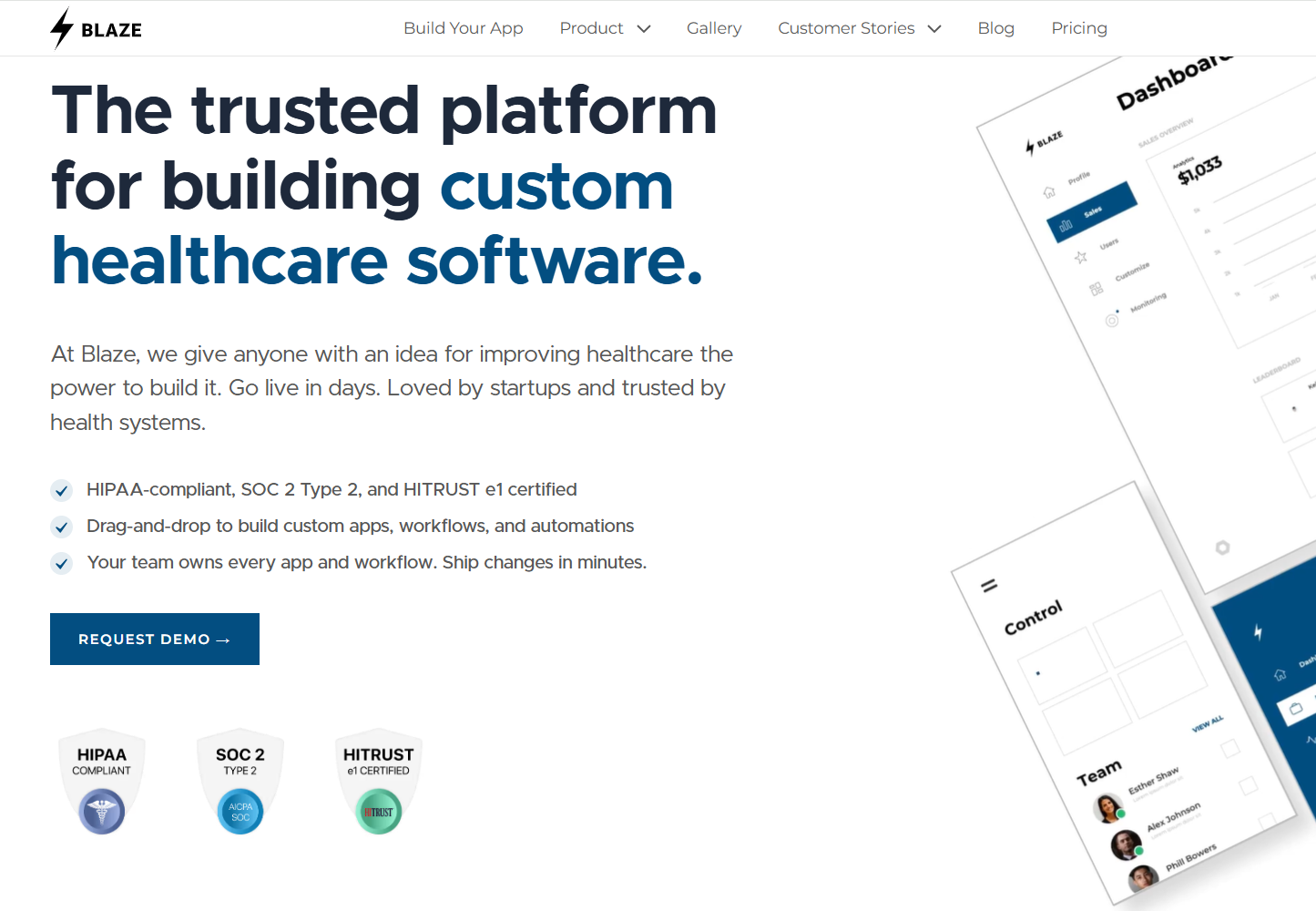
Blaze.tech offers a visual builder and vendor-assisted services. It specializes in developing custom healthcare apps, such as patient portals, EHRs, scheduling tools, and care management workflows.
“Our journey with Blaze has been exceptional. Their support and implementation have been absolutely top-notch...their implementation team was thoughtful, incredibly responsive, and was insanely proactive.” - Ryan C., G2
Key Features
- HIPAA-enabling security: SOC 2 Type II, BAAs, and HITRUST e1 certification included. Blaze also offers audit logs, role-based permissions, and encryption.
- EHR/EMR integrations: Pre-built connectors pull live clinical data from Epic and Athenahealth directly
- AI with OpenAI BAA: Build intake chatbots, CPT coding, and clinical decision support under a signed BAA
Pros
✅ Flat-fee scaling: Pay one monthly fee with no per-user charges, so cost doesn't climb as your team grows.
✅ Vertical depth: Build pharmacy apps, behavioral health EHRs, multi-tenant lab systems, and other healthcare applications.
✅ Vendor-assisted option: Blaze’s implementation team can launch fully operational apps in less time than many self-build platforms.
Cons
❌ No native video: Blaze requires connecting an existing Zoom account if you are building a telehealth app.
❌ Healthcare-focused: Blaze isn’t a good fit if you need a non-healthcare app, like one for manufacturing or logistics.
Best for
- Healthcare organizations of all sizes that need custom patient portals and intake systems
- Startups scaling iterative healthcare app development
- Teams wanting implementation help on their first build
- Non-technical staff wanting to build and manage their apps independently
Pricing
Blaze’s pricing starts at $750/month.
8. v0: Best for React and Next.js Interfaces
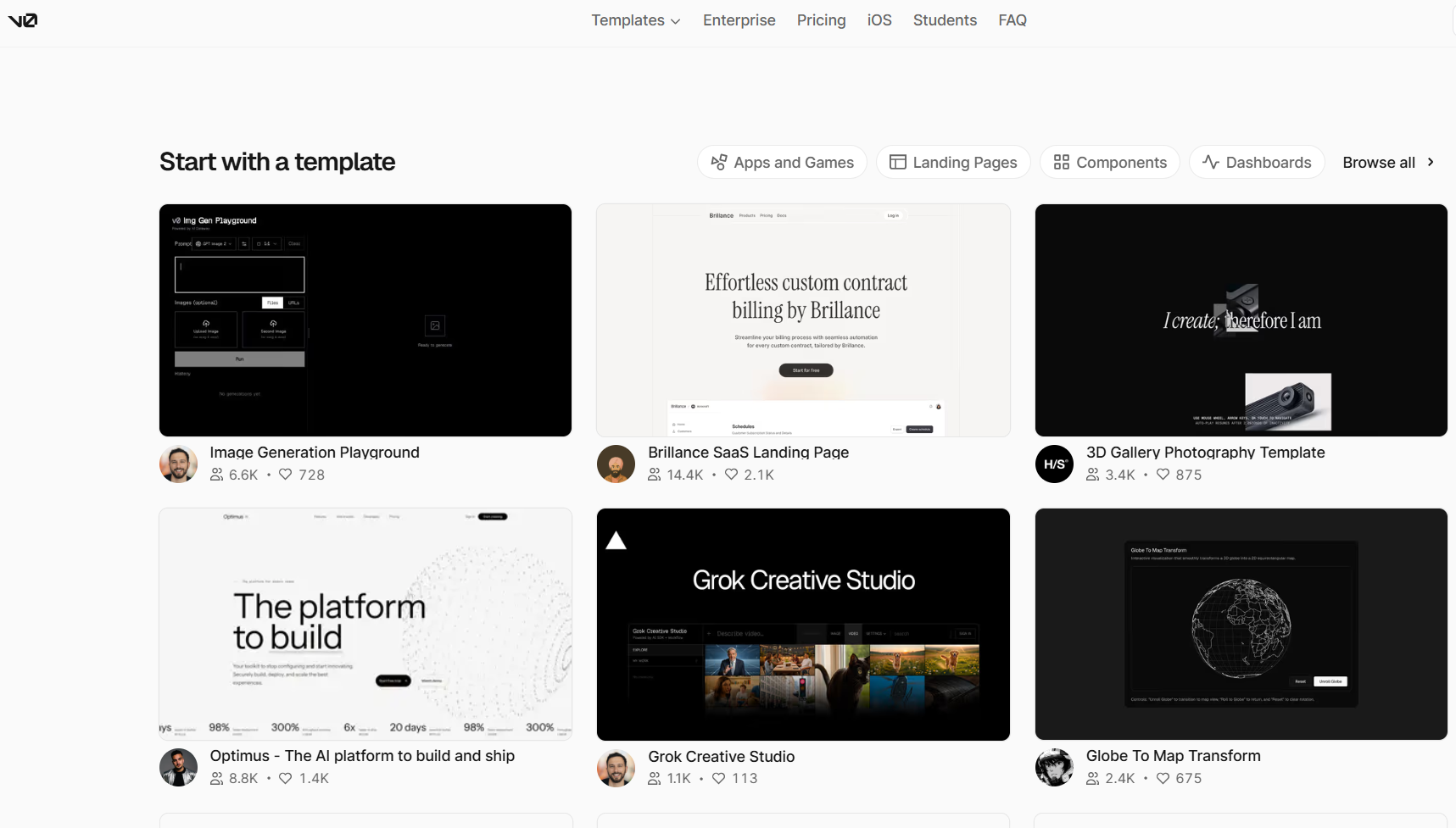
Vercel's v0 turns natural-language prompts into web apps using React, Next.js, and Tailwind. It can generate interfaces, rules, and database connections.
“The product is very good; they also added additional credits after some failed attempts. Was using it for a couple of months, created several projects successfully.” - Alex, Trustpilot
Key Features
- Figma input: Start from Figma designs, screenshots, or prompts, giving you multiple ways to translate visual concepts to your apps.
- Modern web stack: Generate code using technologies such as React, Next.js, and Tailwind.
- Vercel deployment: Publish apps directly to Vercel, keeping application generation, deployment, and hosting within the same ecosystem.
Pros
✅ Next.js integration: Build within the Next.js and Vercel ecosystem, making v0 relevant to teams already using those technologies.
✅ Full-stack capabilities: Create interfaces, app logic, database connections, APIs, and integrations in one place, giving v0 capabilities beyond basic frontend development.
✅ Direct deployment: Deploy apps directly to Vercel’s cloud without setting up a separate hosting provider or manually moving your project.
Cons
❌ Built around Vercel: v0 works especially well with Vercel, but it may be less convenient if you use another hosting platform.
❌ High costs: v0 uses credits for AI features. Add in the per-user pricing, and frequent prompts and revisions can use your included credits quickly and lead to extra costs.
Best for
- React and Next.js developers
- Teams that already use Vercel
- Developers building full-stack web apps
- Teams turning designs into working apps
Pricing
Vercel pricing starts at $30/month per user.
How to Evaluate Base44 Alternatives for Your Needs
Evaluate each Base44 alternative by matching their development models to your application. Compare each option against your technical requirements, team skills, deployment needs, and expected usage. Consider these factors:
- Code ownership: Determine whether you can export, modify, and host the generated source code independently. Limited code portability can make future transfers or custom infrastructure changes difficult.
- Backend architecture: Compare built-in databases, authentication, storage, server functions, and APIs with platforms that rely on external services. Consider who manages each component after you publish.
- Pricing predictability: Review all costs, including subscription fees and token usage. Estimate how much you’ll use the platform during development and after launch to avoid unexpected costs.
- Integration coverage: Check native integrations alongside support for REST APIs, webhooks, SDKs, and custom connectors. Prioritize platforms that support the apps and software you must connect to.
- Team scaling model: Compare per-user fees, collaborator limits, shared usage, and enterprise pricing. Consider how much your team may grow so you can estimate cost increases.
Blaze: The Best Base44 Alternative for Healthcare Apps
If you're evaluating Base44 alternatives for building a healthcare app, consider a tool that offers HIPAA-enabling features, EHR integrations, and vendor support. I’m talking about Blaze. It’s purpose-built for healthcare teams that need compliance and clinical depth more than a prompt-based building tool.
- Healthcare software built for you: An expert-led three-person implementation team, including a project manager, healthcare developer, and integration engineer, builds apps such as production-ready patient portals and clinical databases. Blaze's Integrations team can also connect your EHRs and other systems.
- Opt to self-build: Use Blaze's visual builder to create custom healthcare dashboards and applications without hiring developers.
- Replace repetitive administrative work: Automate patient intake, document routing, approvals, reminders, and other manual tasks without replacing your existing EHR or starting over on a new stack.
- Faster implementation than a generic app builder: Launch a compliant, clinical-grade product in weeks instead of months.
- Built on compliance-ready infrastructure: Blaze is a HIPAA-enabling, HITRUST e1-certified, SOC 2 Type II healthcare app development platform.
Schedule a free build consultation call today and see how Blaze can help you build your healthcare app in a fraction of the time.
Frequently Asked Questions
Are There Any Free Base44 Alternatives?
Yes, Lovable, Bolt.new, Replit, Bubble, Blaze, FlutterFlow, and v0 all offer free or low-cost tiers. However, credits, collaborators, and deployment features are limited. Using a free version helps teams test ideas before committing budget, avoiding wasted spend on unproven concepts.
What are the HIPAA-Compliant Base44 Alternatives?
Blaze.tech is the only healthcare-focused Base44 alternative on this list with explicit HIPAA support, BAAs, SOC 2 Type II, and HITRUST e1 certification. Vercel can also support HIPAA workloads for v0-built apps under eligible plans and a BAA.
You must configure your applications and connected services appropriately to meet HIPAA standards, as well as provide proper physical security and staff training. In the end, your organization is responsible for achieving and maintaining compliance. Compliance doesn’t apply to your app alone. Code export or GitHub access also doesn't establish HIPAA compliance.
What Is Better Than Base44?
The app builders that are better than Base44 depend on what you need. Replit works for developer control, FlutterFlow for native mobile, Bubble for complex no-code logic, and Blaze excels at building healthcare apps. Matching the platform to your specific need avoids costly trips back to the drawing board.
Build a HIPAA-Compliant App Today
Request the app you want. Blaze AI assembles it for you and your healthcare team.
Trusted by Fortune 500s and startups
HIPAA compliant, SOC 2 and HITRUST certified
Zero coding required

Ready to Build Your Custom Healthcare App?
Launch your own healthcare app today that's fully HIPAA compliant.
Related Articles
Discover related guides on healthcare no-code development, HIPAA compliance, security, integrations, and launching apps faster.
%20(1).png)
Hospital App Development: Features, Steps, and Costs in 2026
Hospital app development costs range from $1,000 to over $1 million. Compare needed features, EHR integrations, development steps, and the 3 build approaches.
%20(1).png)
EHR Implementation Cost Breakdown
This EHR implementation cost breakdown reveals upfront, ongoing, and hidden expenses. Compare costs from client projects and research to help you budget.
%20(1).png)
7 Top White Label Telehealth Platforms + How to Pick (2026)
I reviewed seven white-label telehealth platforms to see how they compare. Explore pricing, branding, integrations, and the best fits available.