
Table of contents
6 Best HIPAA-Compliant AI Tools for Healthcare (2026)

Written by
Blaze Team

Reviewed by
Nanxi Liu
Expert Verified
The best HIPAA-compliant AI tools for healthcare are Aisera for triage chatbots and HIPAA-Compliant Messaging Apps, Suki AI for automated note-taking, and Nabla for telehealth workflows. After testing 15 AI tools, I narrowed my list to 6 based on data-handling transparency and output accuracy.
How I Tested These HIPAA-Compliant AI Tools
To find the best HIPAA-compliant AI tools, I evaluated 15 platforms using hands-on testing where available, along with product demos and documentation reviews. I compared security features, healthcare integrations, and real-world user feedback from customer reviews.
What I looked for:
- Actual BAA availability: A Business Associate Agreement (BAA) is a legal requirement that defines each party's responsibilities for handling protected health information (PHI). It’s crucial for your organization’s ability to comply with HIPAA rules. I checked whether each company offered a BAA and if you needed a HIPAA-compliant plan to receive one.
- Data handling transparency: I reviewed each platform's privacy documentation to understand how it handles healthcare data and whether its policies clearly explained data usage, retention, and customer protections.
- Clinical documentation drafting: Generating discharge summaries, progress notes, and referral letters is a core feature of any AI tool for healthcare. I evaluated each tool using realistic clinical workflows, focusing on output accuracy, medical terminology, and performance across common healthcare tasks.
- Audit logging and access controls: Healthcare organizations need a clear record of who accessed patient data and when. I reviewed each platform's audit logging and access control capabilities and tested user permissions where trial access was available.
Top 6 HIPAA-Compliant AI Tools for Healthcare: At a Glance
1. Aisera: Best for Patient Triage Chatbots
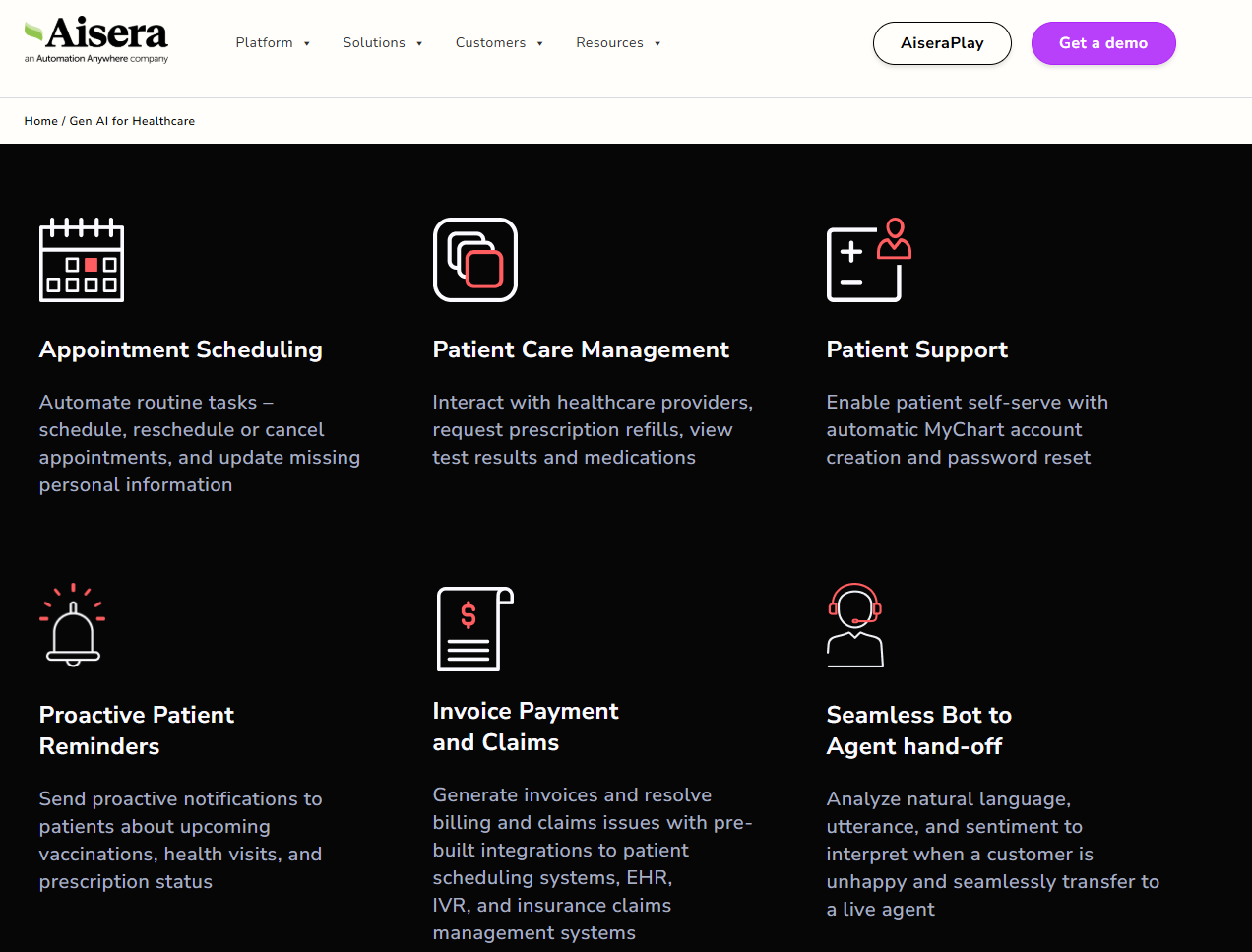
What it does: Aisera handles patient-facing tasks by automating scheduling, triage, and prescription refill requests conversationally.
Who it’s for: Hospital systems and large provider networks drowning in repetitive inbound patient requests daily.
During a guided vendor demo, I observed Aisera's appointment scheduling workflow using sample Epic EHR data. It handled scheduling, rescheduling, and cancellation requests within a single conversation thread without dropping context.
Key Features
- Conversational appointment scheduling: Automates booking, rescheduling, and cancellations across patient-facing channels for standard requests.
- Prescription refill automation: Lets patients request refills and routes approval-required cases to the right clinical staff.
- EHR and enterprise integrations: Connects with major systems like Epic, Oracle Health, and Salesforce through APIs, connectors, and professional services.
Pros
- Deep integration capabilities: Connects with Salesforce, Zendesk, ITSM platforms, and major EHRs, without substantial API knowledge.
- Strong automation potential: Helps resolve most routine tasks, like scheduling and documentation, without human involvement.
- Tier-one ticket deflection: By handling routine patient requests automatically, Aisera helps support teams manage higher patient volumes without increasing headcount at the same rate.
Cons
- No self-service onboarding: Organizations must work directly with Aisera or an implementation partner. It doesn’t have a self-service signup option.
- Implementation can be resource-intensive: EHR integrations, enterprise system connections, and model tuning often require dedicated technical teams and months of deployment work.
What Real Users Say
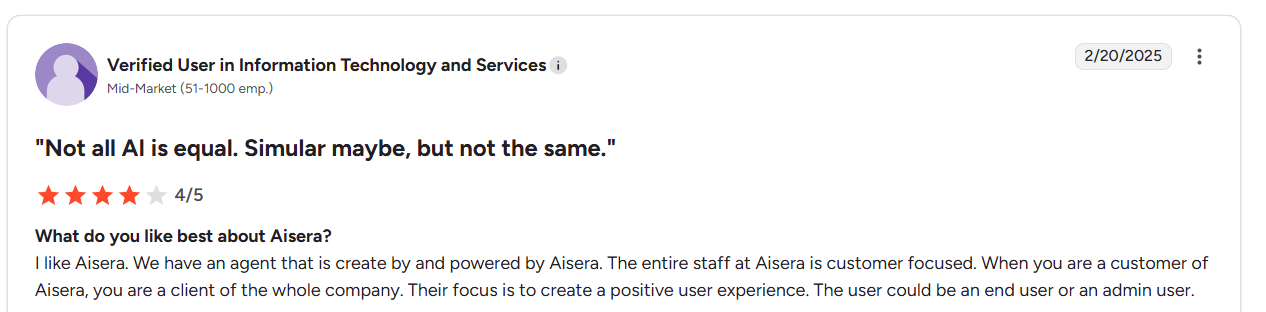
“I like Aisera. We have an agent powered by Aisera. The entire staff at Aisera is customer-focused. When you are a customer of Aisera, you are a client of the whole company. Their focus is to create a positive user experience. The user could be an end user or an admin user.” - User, G2.
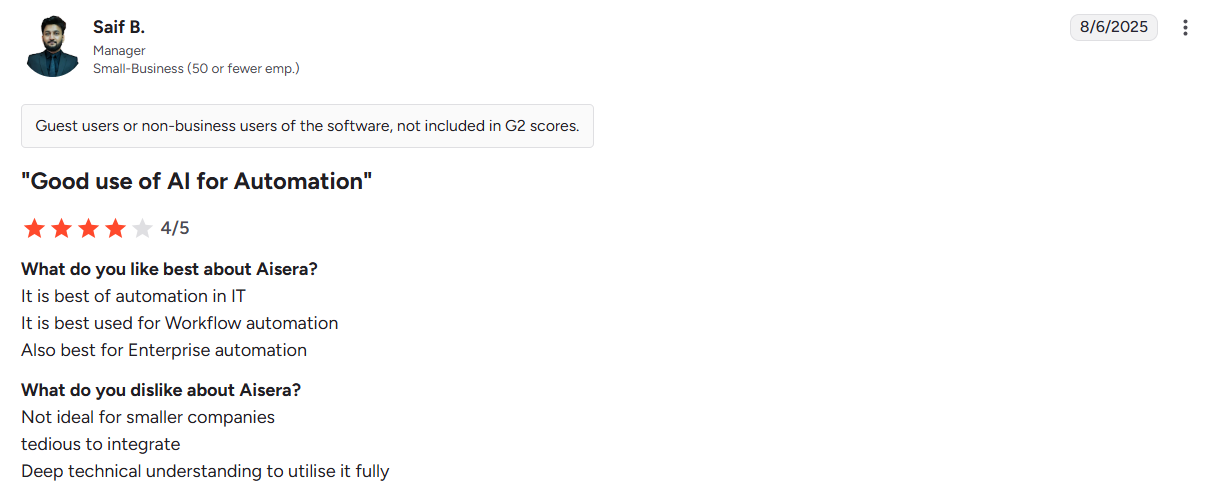
“Not ideal for smaller companies…tedious to integrate…Deep technical understanding to utilise it fully…” - Saif B., G2
Pricing
Contact Aisera’s team to get custom pricing.
Bottom Line
Aisera is a strong fit for hospitals and large provider networks that want to automate high-volume patient interactions, such as scheduling and prescription refills. Healthcare teams that need a faster deployment process or have limited technical resources may find an out-of-the-box solution, like Hyro, easier to implement and maintain.
2. Suki AI: Best for AI Medical Scribing
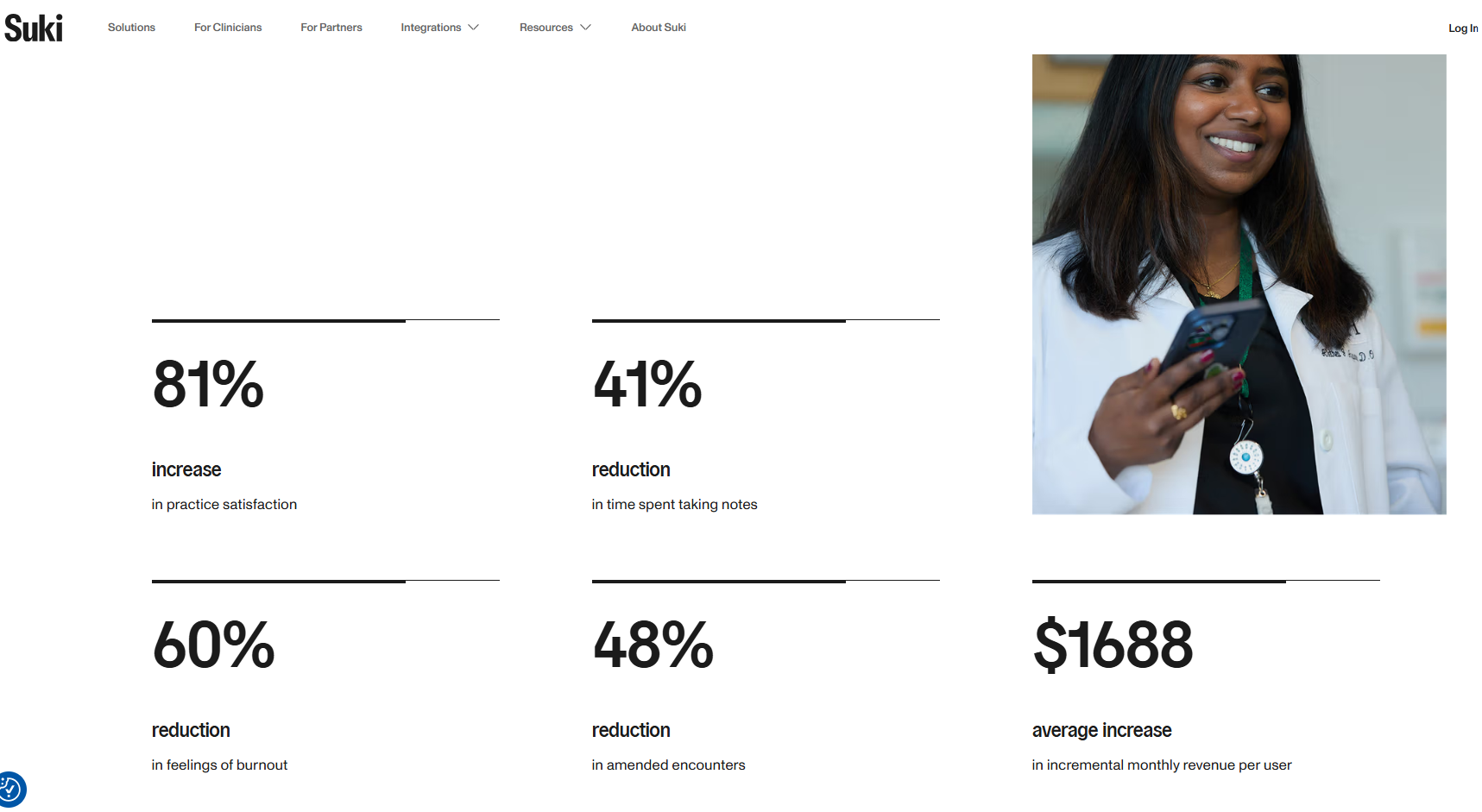
What it does: Suki AI generates structured clinical notes from ambient patient–provider conversations in real time.
Who it’s for: Providers who see high patient volumes and routinely spend evenings finishing notes instead of ending their shift on time, especially in primary care and similar ambulatory settings.
I tested Suki using simulated counseling sessions. Using sample SOAP notes, Suki generated structured documentation without requiring explicit dictation commands, saving about 30–40 minutes of review time. However, it doesn’t fit well with front office flows like billing or scheduling.
Key Features
- Ambient note generation: Creates structured clinical notes directly from patient-provider conversations automatically.
- Multi-EHR write-back: Sends approved notes directly into supported EHR systems after review.
- Voice command access: Retrieves chart information through spoken requests during sessions.
Pros
- Reduces after-hours charting: Cuts documentation workload that frequently extends beyond clinic hours.
- Strong EHR connectivity: Integrates with major EHR platforms used across healthcare organizations.
- Physician review control: Keeps clinicians responsible for final documentation before chart submission.
Cons
- Requires speaking workflows: Poor fit for clinicians who prefer typing documentation.
- Limited team-wide utility: Non-clinical staff receive minimal benefit from daily platform use.
What Real Users Say
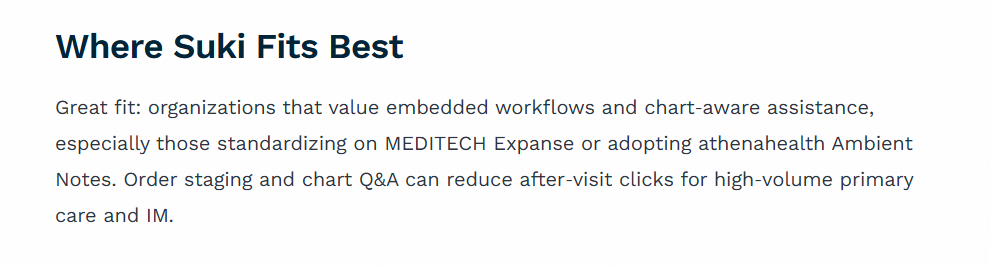
“Great fit [for] organizations that value embedded workflows and chart‑aware assistance, especially those standardizing on MEDITECH Expanse or adopting athenahealth Ambient Notes. Order staging and chart Q&A can reduce after‑visit clicks for high‑volume primary care and IM.” - Twofold Review

“Suki does not handle patient communication, call answering, appointment scheduling, or triage. Practices using Suki must maintain front-desk staffing or use separate tools. See our ranking of the best AI medical receptionists in 2026.” - DeepCura Review
Pricing
Contact Suki AI for a custom quote.
Bottom Line
Suki AI suits outpatient clinicians who want to save time on note-taking and documentation. If you need automation across non-clinical workflows such as billing or scheduling, try Aisera.
3. Nabla: Best for Telehealth Notes
What it does: Nabla automatically records live patient sessions into structured clinical notes.
Who it's for: Clinicians who record every visit for liability purposes and want to avoid manually typing encounter summaries between or after appointments.
I tested Nabla by holding a mock-patient telehealth session. During the “session,” I recommended and explained complex medications to test Nabla’s drafting capabilities. It drafted usable, structured notes within seconds.
However, Nabla excels most at documenting online conversations, so I would only recommend it for providers who spend a significant portion of their day conducting telehealth consultations.
Key Features
- Multi-language support: Handles diverse accents and languages without specialty-specific retraining requirements.
- EHR integration options: Supports direct chart workflows across supported healthcare systems.
- Ambient note capture: Listens during visits and generates structured documentation from conversations automatically.
Pros
- Fast usable drafts: Produces near-final notes quickly after patient encounters conclude.
- Easy setup: Works from a browser and phone, avoiding heavy EHR build or IT projects.
- Scales across specialties: Adapts well to different specialty terminology without rebuilding workflows.
Cons
- Poor fit for brief visits: Minimal documentation encounters rarely justify ambient recording workflows.
- Requires recording comfort: Clinicians opposed to ambient audio capture will resist adoption.
What Real Users Say

“I just tried a dictation software called Nabla. It doesn’t do anything special per se, but it’s integrated into Epic. It creates a fairly good HPI, and fills in the best it can review systems and what you’ve spoken aloud about the physical exam.” - User, Reddit
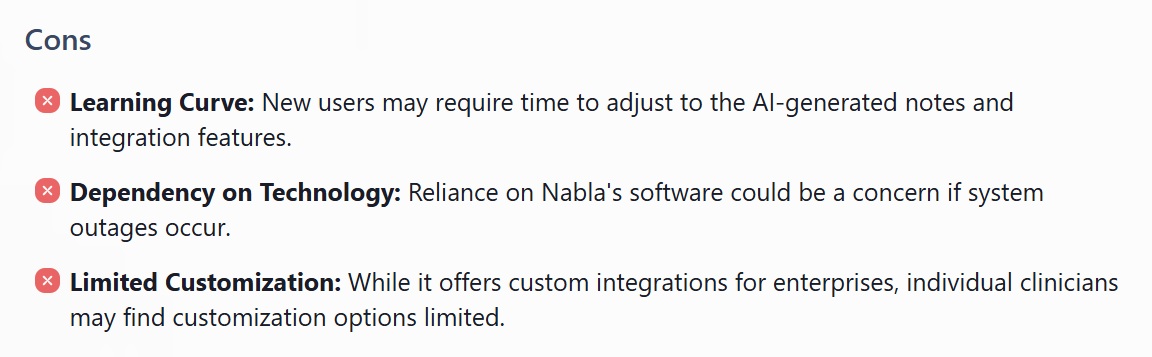
“New users may require time to adjust to the AI-generated notes and integration features.” - Futurepedia Review
Pricing
Contact Nabla’s team for customized pricing.
Bottom Line
Nabla makes the most sense when providers need a simple transcriber for telehealth or even in-person visits. If you’re looking for a more general-purpose HIPAA-compliant AI layer for coding and outreach, try an enterprise platform like LucasAI.
4. ChatGPT for Healthcare: Best for Enterprise AI Model Infrastructure
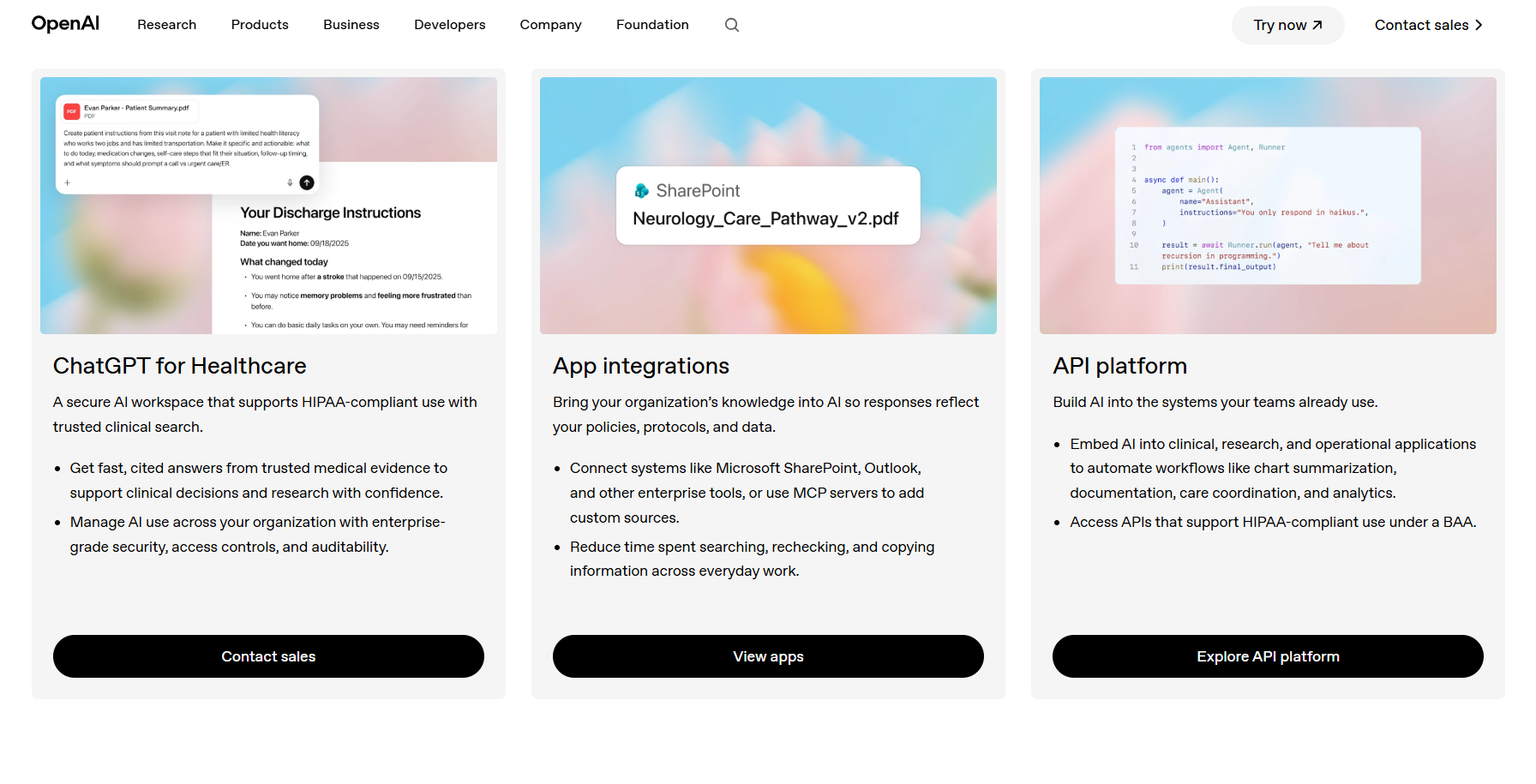
What it does: ChatGPT for Healthcare (owned by OpenAI) gives providers a clinical, research, and administrative AI healthcare tool.
Who it’s for: Healthcare teams of all sizes building custom AI applications across multiple departments and for various cases.
Using the free trial, I ran a sample chart summarization workflow. After I uploaded a mock patient chart with visit notes and lab results, the model generated a clinical summary that identified key conditions and recommended follow-up items.
However, the summary occasionally left out supporting details that providers would want before making clinical decisions.
Key Features
- Configurable data controls: Gives organizations control over retention, encryption, and logging policies.
- Grounded knowledge retrieval: Connects internal policies and documents to generated responses.
- Enterprise governance tools: Centralize identity, permissions, and usage management across teams.
Pros
- Supports diverse workflows: Handles documentation, research, operational tasks, and knowledge retrieval.
- Widely adopted foundation: Powers many healthcare products already used across the industry.
- Auditable response generation: Can ground outputs in approved policies and reference materials.
Cons
- Not a complete application: Organizations must build workflows or purchase products built on top.
- Requires internal oversight: You’ll need to onboard a technical team to manage how staff use the system and review AI-generated outputs.
What Real Users Say
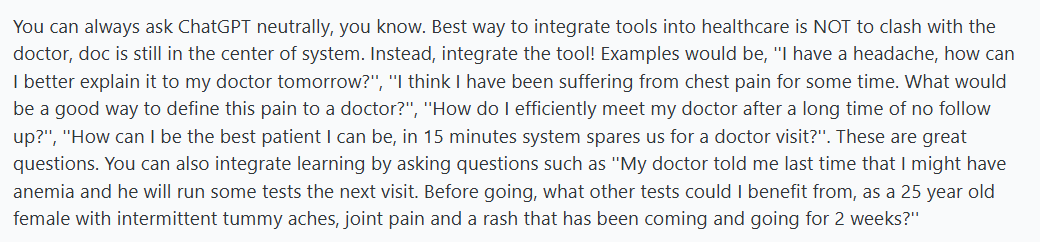
“You can always ask ChatGPT neutrally, you know. The best way to integrate tools into healthcare is NOT to clash with the doctor; the doctor is still at the center of the system. Instead, integrate the tool! Examples would be, ''I have a headache, how can I better explain it to my doctor tomorrow?” - Medical Professional, Reddit

“It's solid, but at least in my niche surgical subspecialty, I've actually had better results with Doximity's AI. Not super excited about going back to ChatGPT, so I probably won't try this.” - User, Reddit
Pricing
Contact OpenAI’s team for a quote.
Bottom Line
ChatGPT for Healthcare fits organizations that want a single AI platform for building clinical and operational tools while maintaining consistent security and data management practices. If you need a simple, ready-to-use solution for medical scribing, try Suki.
5. Corti AI: Best for Real-Time Clinical Decision Support
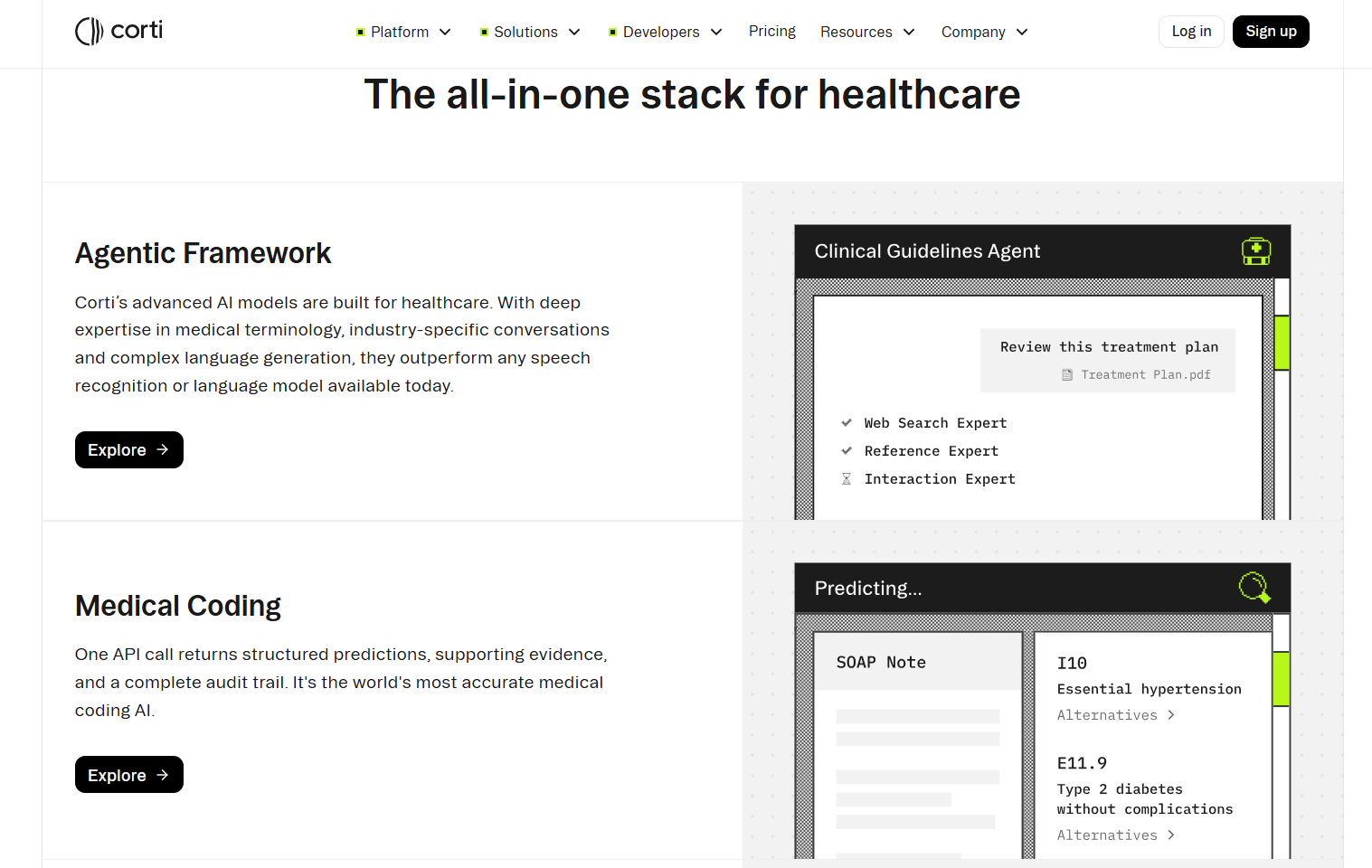
What it does: Corti powers documentation, medical coding, clinical reasoning, and multi-agent workflows.
Who it’s for: Organizations that need a wide range of AI healthcare tools for clinical support, documentation, transcription, and billing.
Corti's product documentation, workflow examples, and customer case studies show that the platform can support prior authorizations. It helps identify coding errors and flags missing information before a submission goes out.
The platform primarily operates through APIs and custom system connections. It is not a self-service application. Because of that, I based this evaluation on the company's published materials rather than direct testing.
Key Features
- Automated coding support: Suggests diagnosis and procedure codes based on documented encounter details.
- Clinical fact extraction: Pulls key clinical details from conversations and unstructured documentation automatically.
- Call quality monitoring: Reviews recorded calls against protocols so quality teams can evaluate more interactions.
Pros
- Helps improve emergency triage: Allows staff to identify higher-risk situations earlier during patient conversations.
- Reduces documentation burden: Captures information during encounters instead of relying on post-visit charting.
- Supports quality reviews: Makes it easier to audit calls and identify workflow or compliance issues.
Cons
- Not a turnkey product: Most organizations need technical resources to integrate it into workflows.
- Limited value for small clinics: Simpler documentation tools often solve the primary problem more directly.
What Real Users Say
“A deep, configurable API gives EHR vendors and health tech companies everything they need to ship a production-grade ambient scribe in days. Speech capture, clinical NLP, note structuring, dictation, and specialty templates are all exposed and controllable. No model training, no AI infrastructure to maintain.” - Elion Software Review
A YouTube review mentioned that integrating Corti’s agents into fragmented and diverse healthcare environments and EHR platforms can be complex and technically challenging.
Pricing
Corti charges a token fee for agentic input and output, depending on the task. For more information, contact the sales team.
Bottom Line
Corti makes the most sense for teams embedding agents for documentation and medical coding into healthcare products. If you want a ready-to-use HIPAA-compliant solution with minimal integration work, try ChatGPT for Healthcare.
6. Blaze: Best for Custom HIPAA-Compliant AI Workflows
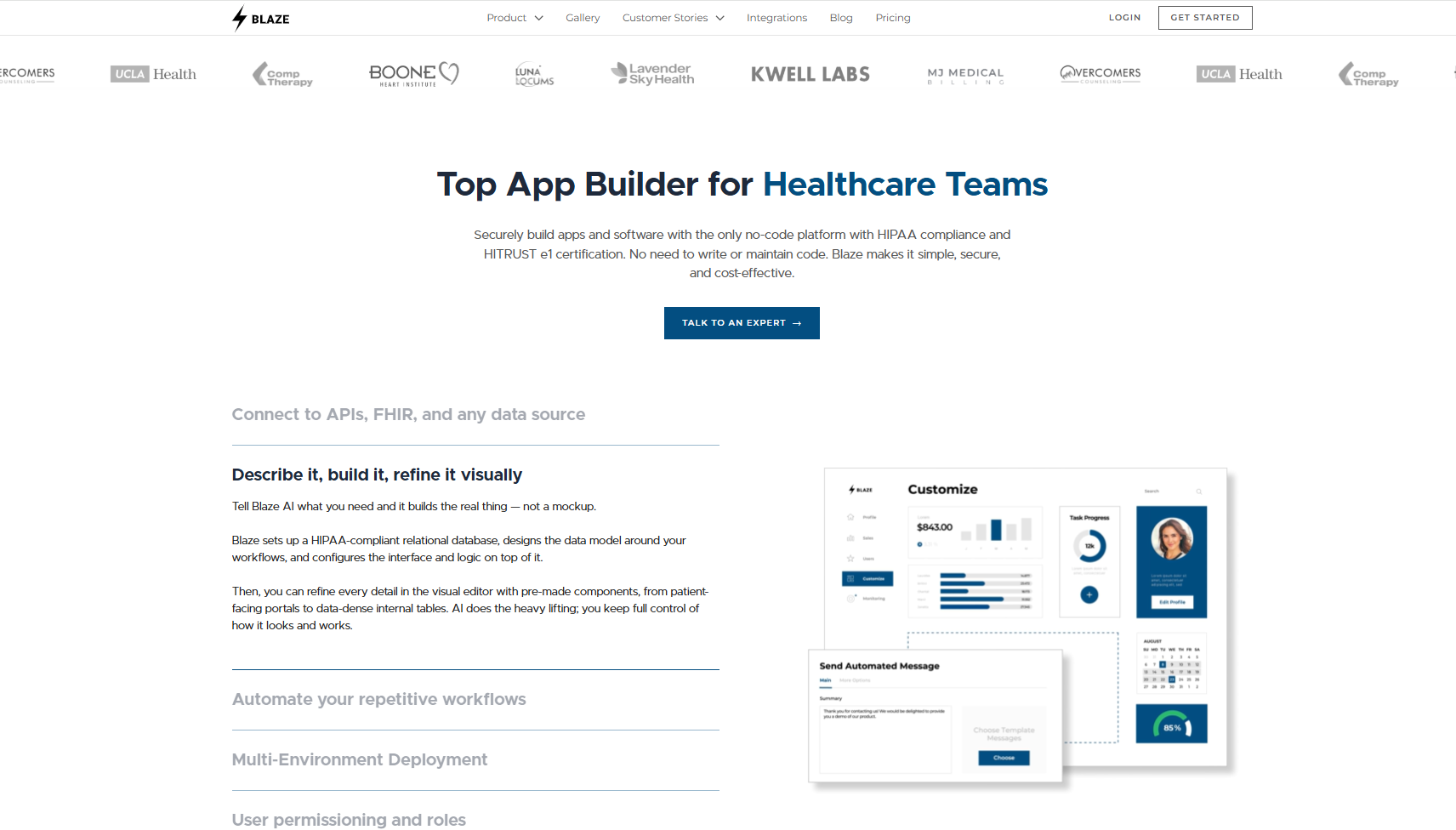
What it does: Blaze fits healthcare organizations that want both customized AI tools and healthcare software.
Who it’s for: Mid-sized to large clinics and healthcare organizations.
I tested Blaze by creating a chatbot that could explain mock lab reports. I then logged into the healthcare app, viewed my test results, and asked questions about LDL and HDL levels. It translated the results into plain language and explained the associated cardiovascular risks.
However, the responses stayed at a high level and avoided specific treatment recommendations. Patients would still need a clinician to interpret the results within the context of their overall health history.
Key Features
- No-code builder: Drag-and-drop interface assembles patient portals, dashboards, and intake forms.
- AI workflow automation: OpenAI integration lets teams build documentation assistants, intake categorizers, and data summary tools inside the platform.
- Multi-environment deployment: Blaze separates staging and production environments so teams can test changes safely before deployment and control user access in each environment.
- No-code + implementation: Choose if you want to build and maintain your tools in-house, or hire out Blaze’s technical team to build and launch your products for you.
- Fast time-to-launch: Non-technical teams can publish a compliant working app in days, not quarters.
- OpenAI integration with BAA coverage: Use OpenAI under a BAA to automate patient intake, document extraction, CPT coding, and clinical support tasks.
Cons
- Complex EHR integrations increase implementation effort: Epic and athenahealth API requirements can extend development timelines and project costs.
- Built primarily as an application builder: Blaze focuses on creating healthcare workflows, portals, and internal software rather than serving as a standalone AI tool.
What Real Users Say
“Amazing customer support. We used Blaze's team to fully build out all of our tools and it was a truly turnkey experience. They were very responsive and got us the apps done fast.” Jonathan M., G2

“Blaze is designed for mammoth organizations and enterprises. If you want to create an app for a small to medium-sized business, Blaze might not meet your needs.” - Adalo Review
Pricing
Contact the Blaze team for a custom quote.
Bottom Line
Blaze makes the most sense when you need a custom HIPAA-compliant application, such as a patient portal, intake workflow, or scheduling dashboard, with AI features like a chatbot. Teams that primarily want AI-powered call automation or virtual assistants might find Aisera a closer fit.
My Final Verdict: Which AI Healthcare Tool Should You Choose?
I reviewed 15 healthcare AI platforms through direct testing when possible and product documentation when testing was not available. These 6 tools stood out:
Choose Aisera If You:
Run a large hospital or provider network that needs to automate high volumes of patient scheduling, triage, and prescription refill requests.
Choose Suki AI If You:
Have a growing patient count and need to save time on charting and documentation tasks.
Choose Nabla If You:
Conduct a large portion of your visits via telehealth and want structured, near-final notes generated automatically.
Choose ChatGPT for Healthcare If You:
Need a flexible AI solution to build and manage custom clinical, research, and administrative tools across multiple departments.
Choose Corti AI If You:
Want a wide-ranging AI healthcare tool for documentation, medical coding, and decision support.
Choose Blaze If You:
Need a fully custom HIPAA-compliant application, like a patient portal or intake workflow, with OpenAI integration built in for documentation, coding, and clinical support tasks.
Let Blaze Develop Your Healthcare Software
Finding HIPAA-compliant AI tools that fit your clinical workflows is harder than it should be. Blaze builds your custom healthcare applications from the ground up, with compliance infrastructure and AI integrations already handled.
- Get HIPAA-compliant healthcare software built for you: Receive production-ready applications like custom patient portals and clinical databases built by an expert-led 3-person team, delivered to your specifications.
- Opt for no-code: Or, if you prefer, use Blaze’s no-code app builder to create your own custom healthcare app without any technical knowledge.
- Faster implementation than traditional builds: Launch in weeks instead of months.
- AI integrations built for real clinical workflows: Supports use cases like automated patient intake, document extraction, and OpenAI integration alongside secure EHR and EMR connections.
- Built on compliance-ready infrastructure: Blaze is a HIPAA-enabling, HITRUST e1-certified, SOC 2 Type II healthcare app development platform.
Schedule a free build consultation call today and stop stitching together AI tools that weren't built for healthcare compliance in the first place.
Frequently Asked Questions
Do Healthcare AI Tools Need To Be HIPAA Compliant?
Yes, healthcare AI tools need to be HIPAA compliant if they store, transmit, or process protected health information (PHI). Any vendor handling PHI on your behalf must sign a Business Associate Agreement (BAA), which defines data responsibilities. Your organization will attain compliance, not the AI tool.
How Much Do HIPAA-compliant AI tools Cost?
How much HIPAA-compliant AI tools cost depends on the platform, feature set, and deployment scope. Most HIPAA-compliant AI tools offer custom pricing based on size and use case. Pricing depends heavily on the workflows you need, so define your use cases before requesting quotes. Requesting multiple quotes helps avoid overpaying for features you won't use.
How Long Does It Take To Build Custom AI Tools?
How long it takes to build custom AI tools depends on the complexity of the workflow, integrations, and compliance requirements. Simple AI assistants can launch in days or weeks, while AI tools that connect to EHR systems and healthcare databases often take longer.
Sources
1. U.S. Department of Health & Human Services. “Summary of the HIPAA Security Rule.” HHS.gov. https://www.hhs.gov/hipaa/for-professionals/security/laws-regulations/index.html
2. U.S. Department of Health & Human Services. “Security Rule Guidance Material.” HHS.gov. https://www.hhs.gov/hipaa/for-professionals/security/guidance/index.html
3. National Institutes of Health: StatPearls. “Health Insurance Portability and Accountability Act (HIPAA) Compliance.” NCBI. https://www.ncbi.nlm.nih.gov/books/NBK500019/
The Secure No-Code & AI Platform
Supercharge your team's operations and performance with better apps and tools.
Create custom apps fast
Secure & HIPAA compliant
Streamline complex workflows

The Secure No-Code Platform
Build apps with best-in-class security.
Related Articles
Discover related guides on healthcare no-code development, HIPAA compliance, security, integrations, and launching apps faster.
10 Best HIPAA-Compliant Telehealth Platforms and Features | 2026
HIPAA-compliant telehealth platforms provide secure medical visits. Top platforms are Doxy.me and Zoom for Healthcare. Compare tools and learn your best fit.
.png)
10 Best Replit Alternatives: Tested for Developer Tasks (2026)
After comparing 10 Replit alternatives, I found differences in compliance features and needed coding skills. Discover platforms and prices to find the best fit.
%20(1).png)
Healthcare Claims Automation: How It Works (2026)
Healthcare claims automation connects systems to reduce repetitive work. Explore the 9 workflow stages that show how eligibility, validation, and payments move.