
Table of contents
Mendix Pricing (2026): Plans, Hidden Costs, and Alternatives

Written by
Blaze Team

Reviewed by
Nanxi Liu
Expert Verified
Mendix uses a three-tier pricing model. It includes a free plan, a Standard tier starting at $1,090 per month, and a Premium tier with custom pricing. However, between per-user licensing, separate cloud hosting, and support, you may often go over budget.
I broke down each Mendix pricing plan by major feature and then considered add-ons like Expert Services and onboarding. By the end, you'll have a better idea of what you pay for at each tier, where the free version falls short, and whether Mendix is worth it for your organization.
Mendix Pricing Plans
Mendix offers 3 pricing plans, each with an option for building one app or unlimited apps. Here’s a look at what each plan offers:
1. Mendix Free
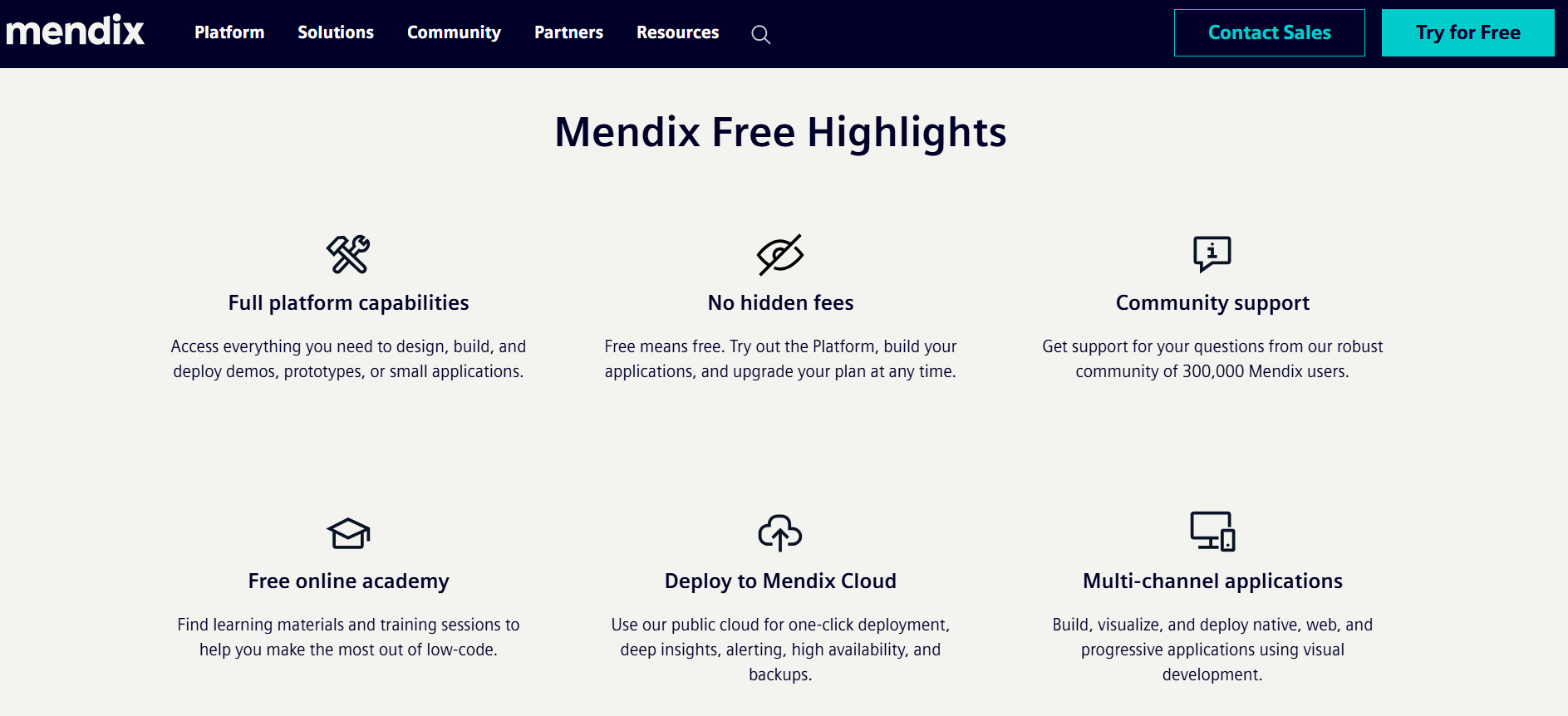
The free plan suits teams aiming to prove an app concept or build a light prototype with 2–3 features before anyone commits budget. But it doesn’t let you publish your apps.
What’s included
- Full visual builder access, so you validate an app idea without writing a licensing check first.
- A free cloud deployment environment for each app, letting you build and demonstrate your application without purchasing infrastructure.
- Unlimited users on your test environment, so you can test with a team.
Pros
- You can build a working demo without any money down.
- Test workflows with everyone on your team, not just the IT folks.
- Understand how Mendix works before signing a contract.
Cons
- The interface enters sleep mode after periods of inactivity, making it unsuitable for production workloads or applications that need to remain continuously available.
- The free plan doesn't include scaling tools, so you can't diagnose failures under real workloads.
The Bottom Line
The free plan stands out for anyone who wants to build MVPs and demonstrate reliable workflows and apps before publishing.
2. Mendix Standard (Starting at $1,090/month for 1 App, $2,725/month Unlimited Apps)
Mendix's Standard plan supports publishing one or more apps and works well for departmental workloads that need testing before production. However, it doesn’t include a Business Associate Agreement (BAA). If your application handles protected health information (PHI), you'll need a Premium or enterprise agreement to obtain a BAA from Mendix.
What’s included
- A licensed production environment with a 99.5% uptime SLA (service-level agreement) for production applications.
- 2 environments per app, so your team doesn't have to manually juggle development, testing, and production.
- Dedicated database tenancy and an Ops Dashboard help your team monitor your app’s health and performance.
Pros
- The uptime SLA and business-hours support help your team solve issues.
- With the separate environments, your team can find and fix bugs before they reach production.
- Scale applications over time by adding workflows, integrations, and software rules.
Cons
- Mendix only offers support during business hours, making it less suitable for organizations that require around-the-clock assistance.
- Per-user licensing means costs can increase as your user base grows.
The Bottom Line
Mendix Standard provides solid deployment and testing capabilities for growing teams. But its per-user pricing and business-hours support may limit long-term value.
3. Mendix Premium (Custom Pricing)
Mendix Premium is built for applications where downtime has serious business or compliance consequences. It supports enterprise organizations that need high availability across multiple regions.
What’s included
- 9 AM–5 PM support and a 99.5% uptime SLA, so critical issues can receive support.
- High availability and fallback options help reduce downtime during failures.
- Support for private cloud, on-premises, and government cloud deployments without rebuilding your app.
Pros
- Support larger application portfolios with more users, workflows, and transactions across multiple applications.
- Apply centralized governance across applications, giving development teams consistent standards while helping reduce duplicate work.
- Connect enterprise systems through one platform and keep data synchronized across workflows.
Cons
- Pricing requires a custom quote, so get ready to negotiate if you’re on a budget.
- The support and infrastructure are difficult to justify unless you're running large-scale production applications.
The Bottom Line
If you can't identify an outage that would cost you customers or disrupt your operations, you probably don't need enterprise-level resilience.
Additional Mendix Costs to Consider
Mendix also adds on other costs, such as high availability and expert services. You’ll also need to pay for cloud hosting separately. Let’s take a look at the Mendix add-ons that will cost you extra:
- Cloud hosting: Mendix doesn't include infrastructure on its Standard or Premium licenses. Public cloud, private cloud, dedicated cloud, government cloud, and server-based deployments all carry separate hosting costs based on your deployment model.
- High availability: Redundant infrastructure requires an additional purchase beyond the standard platform subscription. You'll need this if downtime costs your organization time or money.
- Marketplace tools: The platform offers a marketplace with many additional features and tools like AI agent builders and antivirus software. Some are free, but others come at a cost.
- Expert Services: Mendix includes technical support with its Standard and Premium plans, but that support focuses on troubleshooting platform issues instead of designing your application or its architecture. You’ll need to purchase specialist guidance for complex architectures, integrations, or migrations at extra costs.
- Training and onboarding: Mendix bills formal training separately from the platform subscription. If you want to train your team for enterprise application building, plan to invest in structured learning.
When Expert Services Is Worth It
Expert Services is worth it for complex projects, legacy system upgrades, or large Mendix rollouts. Mendix specialists work alongside your team to help with implementation and improve development.
Paying for experienced guidance often reduces long-term implementation costs. Multiple teams can build applications and integrations on the same foundation. You’ll spend less time reworking code and resolving conflicting approaches so they don’t introduce major problems down the road.
For large Mendix deployments, Expert Services often cost less than redesigning applications after production. A company connecting its ERP, CRM, and manufacturing software brings in Mendix consultants before development to establish a shared build and integration plan that saves money in the long run.
When You Should Avoid Expert Services
You should avoid Expert Services when your team already knows how to design, build, and manage Mendix applications. If you have a technical team with members who’ve used Mendix before, you can rely on your own existing standards.
Consider avoiding Expert Services if you're building a single application with limited integrations and a small user base. Simple applications are easier to design and review without outside help. A departmental approval app with one ERP connection rarely justifies the extra consulting expense.
Mendix Alternatives
If Mendix is too expensive, here are 4 alternatives, their pros and cons, and target users:
My Verdict: Is Mendix Worth the Price?
Mendix is worth the price for specific users. Here’s how to determine if you should get Mendix:
It's worth it if you…
- Build applications that need long-term support and connect to multiple business systems instead of maintaining separate custom applications across different teams.
- Plan to build multiple applications over several years and want teams using the same development standards and reusable components.
- Need to deploy applications to private cloud, public cloud, on-premises, or regulated environments without rebuilding them for each platform.
Consider another platform if you…
- Need a simple internal team application with few integrations because lower-cost platforms can deliver the same result without enterprise licensing.
- Want to launch a healthcare application quickly with implementation support instead of hiring a team of developers and consultants before building your application.
- Need predictable pricing because Mendix licensing, hosting, and optional consulting make long-term costs harder to estimate before you buy.
Blaze: The Best Mendix Competitor for Healthcare Apps
If you're still comparing Mendix pricing for your healthcare app, it's worth looking beyond license costs to the total expense of getting an application into production. Blaze combines healthcare-focused software development with optional implementation support, helping you launch production-ready apps without the complexity of a large enterprise platform.
Here’s why more healthcare providers go with Blaze:
- Healthcare software built for you: Receive production-ready patient portals, clinical databases, and internal healthcare applications built by an expert-led three-person team to your specifications.
- Choose no-code when it fits: Build your own custom healthcare application using Blaze's no-code platform without hiring developers or learning to code.
- Automate manual healthcare work: Replace patient intake, document routing, approvals, reminders, and other repetitive processes while keeping your existing EHR or EMR.
- Launch faster than traditional enterprise platforms: Go live in weeks instead of spending months configuring infrastructure, governance, and development environments.
- AI built for clinical operations: Automate patient intake, document extraction, and AI-assisted workflows with secure EHR and EMR integrations designed for healthcare teams.
- Healthcare-ready security foundation: Blaze provides HIPAA-enabling features alongside HITRUST e1 certification and SOC 2 Type II compliance for production healthcare applications.
Schedule a free build consultation call today and avoid paying enterprise platform costs for healthcare projects that reach production faster with a healthcare-focused platform.
Frequently Asked Questions
Is Mendix Really Free?
Yes, Mendix is really free, but it comes with a catch. Mendix offers a free plan for prototyping, but it doesn't support publishing apps and enters sleep mode during inactivity. It suits early validation, not production use. This free plan helps you avoid committing budget before confirming your app concept works.
Does Mendix Charge per User?
Yes, Mendix uses per-user licensing on paid plans. Mendix advertises “starting costs” for the standard plan at $1,090, but costs rise as your team grows. Premium plans will cost more. Budgeting per-seat pricing early helps avoid unexpected expense increases and keeps scaling costs predictable as adoption expands.
Does Mendix Support HIPAA Compliance?
Yes, Mendix can support HIPAA-compliant applications, but compliance depends on your implementation. The platform includes security features such as audit logs, role-based access controls, and encryption to help protect sensitive data. But to attain HIPAA compliance, your organization must properly configure, secure, and manage the platform. You must also implement required administrative, technical, and physical safeguards.
Sources
1. U.S. Department of Health & Human Services. “Summary of the HIPAA Security Rule.” HHS.gov. https://www.hhs.gov/hipaa/for-professionals/security/laws-regulations/index.html
2. U.S. Department of Health & Human Services. “Security Rule Guidance Material.” HHS.gov. https://www.hhs.gov/hipaa/for-professionals/security/guidance/index.html
3. National Institutes of Health: StatPearls. “Health Insurance Portability and Accountability Act (HIPAA) Compliance.” NCBI. https://www.ncbi.nlm.nih.gov/books/NBK500019/
The Secure No-Code & AI Platform
Supercharge your team's operations and performance with better apps and tools.
Create custom apps fast
Secure & HIPAA compliant
Streamline complex workflows

The Secure No-Code Platform
Build apps with best-in-class security.
Related Articles
Discover related guides on healthcare no-code development, HIPAA compliance, security, integrations, and launching apps faster.

12 Best No-Code Development Platforms 2026: Tested + Ranked
The best no-code development platforms offer live support, customization, and integrations. Learn features, pricing, pros, cons, and how we choose our top 12.
%20(1).png)
6 Best HIPAA-Compliant AI Tools for Healthcare (2026)
I found 6 HIPAA-compliant AI tools that improve data accuracy and save time. Compare healthcare AI platforms for scribing and automation to find the best fit.

10 Best No-Code Website Builders (2026): Expert Tested
After our expert tested 30 no-code website builders, these 10 stood out for design flexibility and e-commerce. Compare features and pricing to find the right fit in 2026.