
Table of contents
8 v0 Alternatives That I Tested to Save You Time (2026)

Written by
Nanxi Liu

Reviewed by
Blaze Team
Expert Verified
v0 is great for spinning up React interfaces, but its standard plans don’t include a BAA (Business Associate Agreement), and its native deployment workflow is built around Vercel. Try Blaze.tech for building a HIPAA-compliant app and GitHub Codespaces if you need more flexibility over where you deploy.
I tested 8 v0 alternatives by building real projects in each one. I compared each on backend depth and how much coding skill each one actually requires. By the end, you'll know which v0 alternative best fits your tech stack and budget.
The 8 Best v0 Alternatives: TL;DR
- Blaze.tech: Best for Making Healthcare Apps
- GitHub Codespaces: Best for Cloud Development Environments
- Cursor: Best for Existing Codebases
- Lovable: Best for Design-First Web Apps
- Emergent: Best for Autonomous Full-Stack Development
- Bolt.new: Best for Browser-Based Full-Stack Development
- Replit: Best for Building and Deploying in One Platform
- Claude Code: Best for Agentic Coding in the Terminal
Why Look for v0 Alternatives?
Many folks seek v0 alternatives because its credit usage can change and standard plans don’t offer BAAs. Here’s why people look for alternatives:
- Credit usage can vary: Paid plans include a set amount of monthly credits, and you can buy more when needed. But credit use can change based on the project and how often you revise it, which can make monthly costs harder to estimate.
- Backend features rely on other services: v0 connects to external services for capabilities such as databases, storage, and authentication, including Supabase, Neon, Upstash, and Vercel Blob. Builders who want more backend infrastructure built directly into one platform may prefer another option.
- Deployment centers on Vercel: You can deploy an app to Vercel with one click, but it’s the only hosting service you get. Teams that use another hosting service may prefer a tool that works more closely with their current setup.
- No BAA by default: v0’s standard plans don’t include a BAA. Vercel, its parent platform, offers a BAA as a paid add-on for Pro and Enterprise plans. Teams must buy this add-on before using v0 for apps that handle Protected Health Information (PHI).
Which v0 Alternative Should You Choose?
Here’s how to pick the right v0 alternative for your workflows:
Choose Blaze.tech If You:
Need a HIPAA-compliant healthcare app, like a patient portal or clinical dashboard, that connects with EHRs such as Epic.
Choose GitHub Codespaces If You:
Need consistent, pre-built development environments for a team working from GitHub repositories.
Choose Cursor If You:
Already have a codebase and want AI to edit it inside a familiar VS Code setup.
Choose Lovable If You:
Want to build a web app from a prompt and prefer to fine-tune the design yourself.
Choose Emergent If You:
Need AI agents to handle the whole build, from backend and authentication to payments and deployment.
Choose Bolt.new If You:
Must generate, run, and test a full-stack app entirely in your browser with no local setup.
Choose Replit If You:
Want to build, host, and manage an app in one platform while keeping full access to the code.
Choose Claude Code If You:
Want to hand off multi-step coding tasks from your terminal and let an agent plan, edit files, and run commands.
Stick with v0 If You:
Are aiming to build frontends with React, Next.js, shadcn/ui, and Tailwind and have no problem deploying on Vercel’s cloud.
8 v0 Alternatives: At a Glance
1. Blaze.tech: Best for Making Healthcare Apps
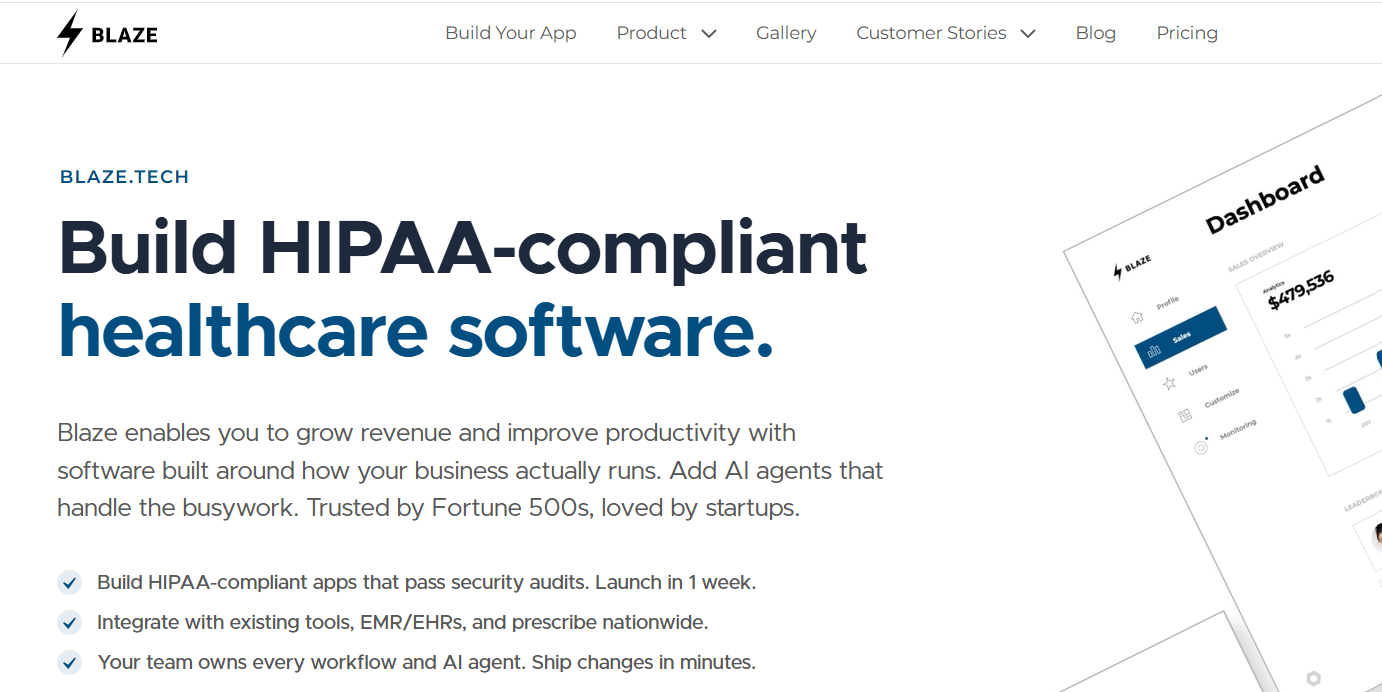
Blaze.tech is a visual app builder with optional vendor-build services for creating custom healthcare applications, including patient portals, internal dashboards, and workflow tools.
Testing experience
I built a patient appointment dashboard in Blaze. The app let staff view upcoming appointments, open patient records, and update appointment statuses from one screen.
The setup was straightforward: I created the dashboard, added the necessary fields and actions, and connected the screens into a basic workflow. This gave me a working app in about 45 minutes without having to manually code the interface or underlying functionality.
User Feedback
“We've tried a lot of no-code and low-code platforms for building internal tools. Blaze is by far the best and the one we're sticking with because they're easy-to-use, actually no-code required, secure (we're in the medical space so this is very important), highly customizable, and scalable.” - Jonathan, Capterra
“It's a premium product so they charge a premium price.” - Julian C., G2
Key Features
- Visual app builder: Make patient portals, dashboards, forms, and internal tools through a visual interface.
- Vendor-assisted build: Elect to have our team create your healthcare app if you need technical, low-code features or want to save time.
- Healthcare APIs: Connect applications with healthcare systems through FHIR, HL7, and REST APIs.
Pros
- Healthcare compliance: Production plans include a BAA, SOC 2 Type II, and HITRUST e1 for teams building applications that handle PHI.
- Visual database and rules building: Build data models, workflows, permissions, and application rules visually alongside the interface.
- Healthcare connectivity: Connect applications with 95+ EHRs, including Epic, Oracle Health, and athenahealth.
Cons
- No prompt-based app building: Blaze uses a visual no-code builder. You don’t build an entire app from a prompt like you can with v0.
- Cloud-hosted only: Blaze runs on AWS and doesn’t offer self-hosting or on-premises hosting. If you require your own servers or cloud environment, you may not be able to use Blaze.
Best Use Cases
- Building HIPAA-compliant healthcare applications
- Creating patient portals and intake workflows
- Connecting apps with EHR systems
- Automating clinical and administrative workflows
Pricing
Start using Blaze for $750/month.
2. GitHub Codespaces: Best for Cloud Development Environments
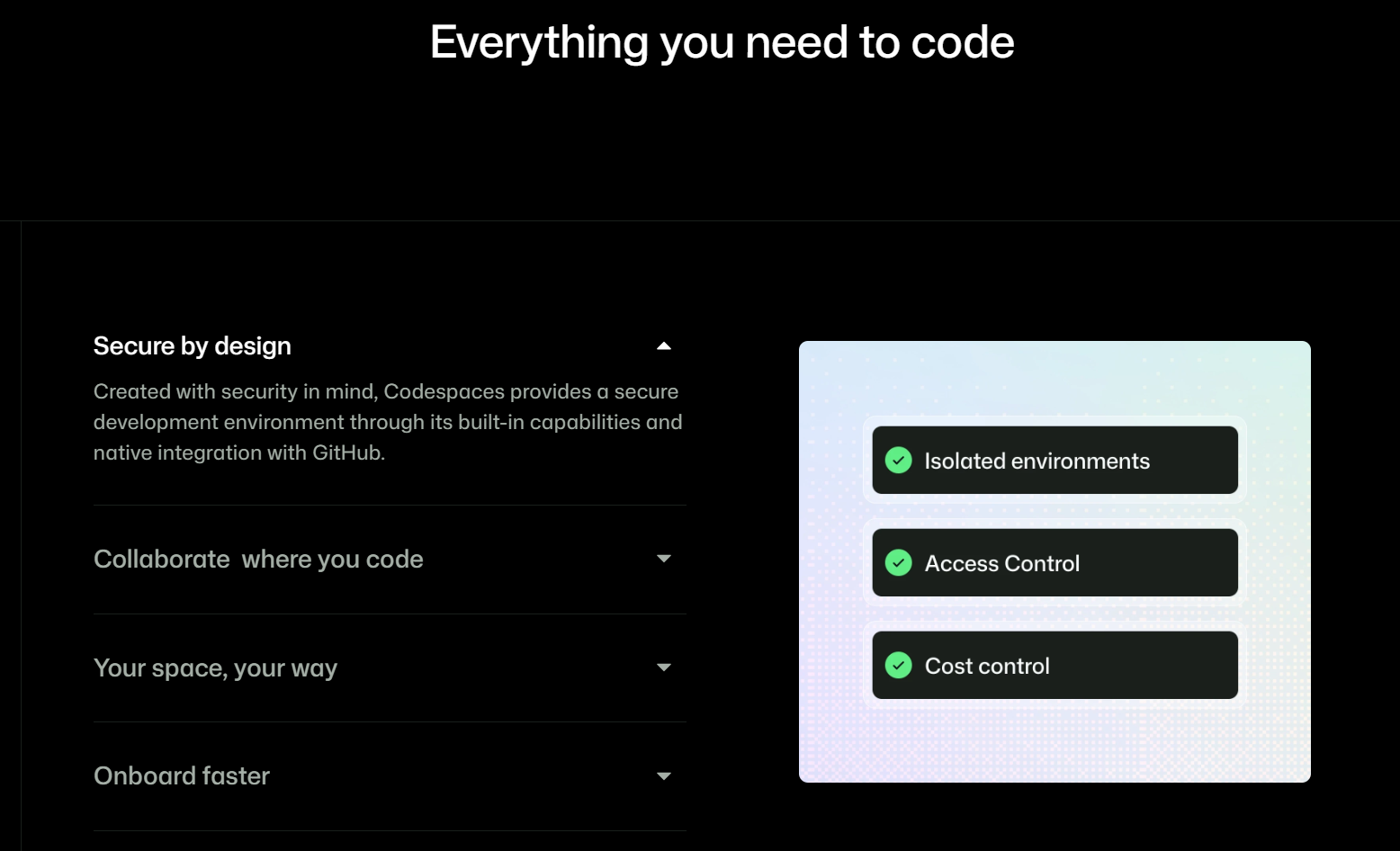
GitHub Codespaces provides cloud-hosted VS Code development environments built around GitHub repositories. Developers can launch a configured workspace from a repository and start working without setting up the project locally.
Testing Experience
I used Codespaces to launch an app and configure its Python and Node environments. The workspace was ready quickly, but I still had to manage the project files, terminal commands, and application setup myself. Coding knowledge was necessary throughout the process.
User Feedback
“...Codespaces has changed the way developers can work. As the development landscape continues to evolve, we can expect Codespaces to play a significant role in shaping the future of software development.” - User, Reddit
“The devcontainer configuration can also be used with a local container runtime, although I was unable to get this working owing to my use of rootless Docker (and Podman) being unsupported at the time.” - Paul B., Tempered
Key Capabilities
- Premade development environments: Set up project code, extensions, dependencies, and development tools before a workspace launches.
- Browser-based development: Open VS Code in your browser and work inside a cloud-hosted environment.
- Port forwarding: Access a running application through a URL and control whether the forwarded port stays private or becomes publicly accessible.
Pros
- Deeper GitHub integration: Launch a Codespace from a repository, branch, or pull request while keeping development tied to your existing GitHub workflow.
- Desktop VS Code support: Connect the cloud environment to desktop VS Code and continue using a familiar editor, extensions, and settings.
Cons
- Requires coding knowledge: You’ll need to understand how to edit project files, run terminal commands, and configure Python and Node.
- Usage-based costs: Compute and storage are billed based on consumption, so larger machines and longer development sessions can raise costs.
Best Use Cases
- Standardizing development environments across teams
- Reviewing pull requests in isolated environments
Pricing
Codespaces gives individuals a monthly included quota of 120 core-hours and 15 GB of storage. After that, a 2-core machine costs $0.18 per hour, while storage costs $0.07 per GB-month.
3. Lovable: Best for Design-First Web Apps
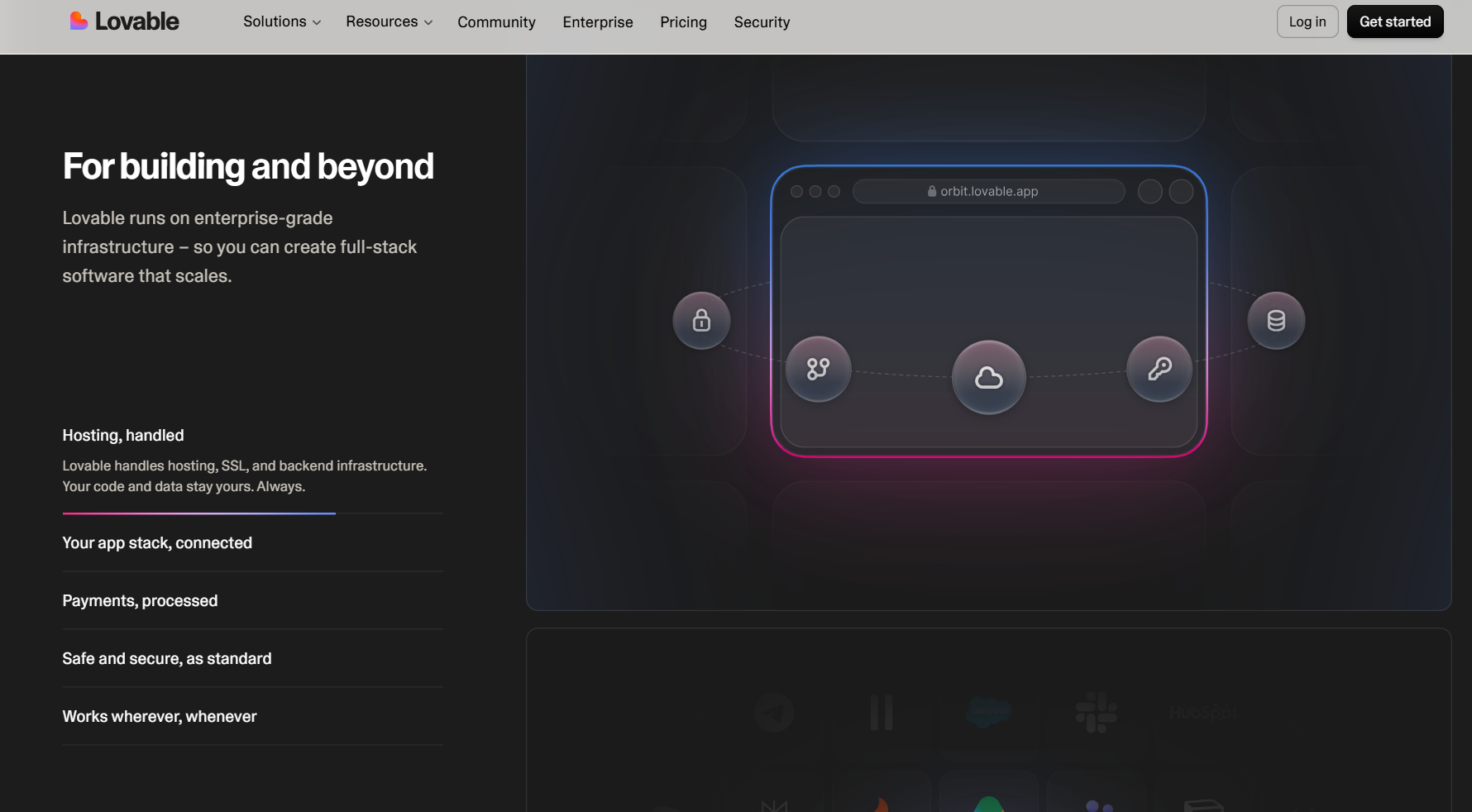
Lovable is an AI app builder that makes full-stack web applications from prompts and integrates with Supabase for backend services such as databases and authentication.
Testing experience
I asked Lovable to generate a personal budget app for tracking my monthly expenses. It gave me a core interface and transaction flow from my initial prompt. Then I used the visual editor to refine each individual feature.
User Feedback
“So far, I’m really impressed with how quickly I’ve been able to turn ideas into a functional, polished product without having to build everything from scratch. I’ve especially appreciated the ability to iterate on the structure, refine the user journey, and keep improving the platform as the requirements evolve.” - User, Trustpilot
“After months of development, repeated regressions and support tickets where my technical diagnoses were accepted, I discovered that Lovable's powerful proprietary builder AI is not available to the application it builds at runtime.” - User, Trustpilot
Key Features
- Built-in publishing: Deploy the generated web app through Lovable and connect your own domain when it is ready to go live.
- Payments and authentication: Connect services such as Stripe and Clerk when the project needs user accounts, subscriptions, or checkout flows.
- Plan mode: Explain a feature in plain language and get an implementation plan before Lovable starts changing the project.
Pros
- Visual editing after generation: Adjust text, colors, spacing, and other interface properties in the visual editor without spending build credits.
- GitHub code sync: Connect a project to GitHub to inspect the generated code, make changes externally, or continue development in your existing workflow.
Cons
- Debugging consumes credits: AI fixes and repeated generation attempts draw from your allowance, so a troublesome feature can burn through credits quickly.
- Complex projects demand closer review: As files, components, and logic accumulate, prompts can produce changes that require checking across several parts of the project.
Best Use Cases
- Prototyping data-driven internal tools
- Launching web apps that need backend services
Pricing
Lovable’s pricing starts at $25/month.
4. Cursor: Best for Existing Codebases
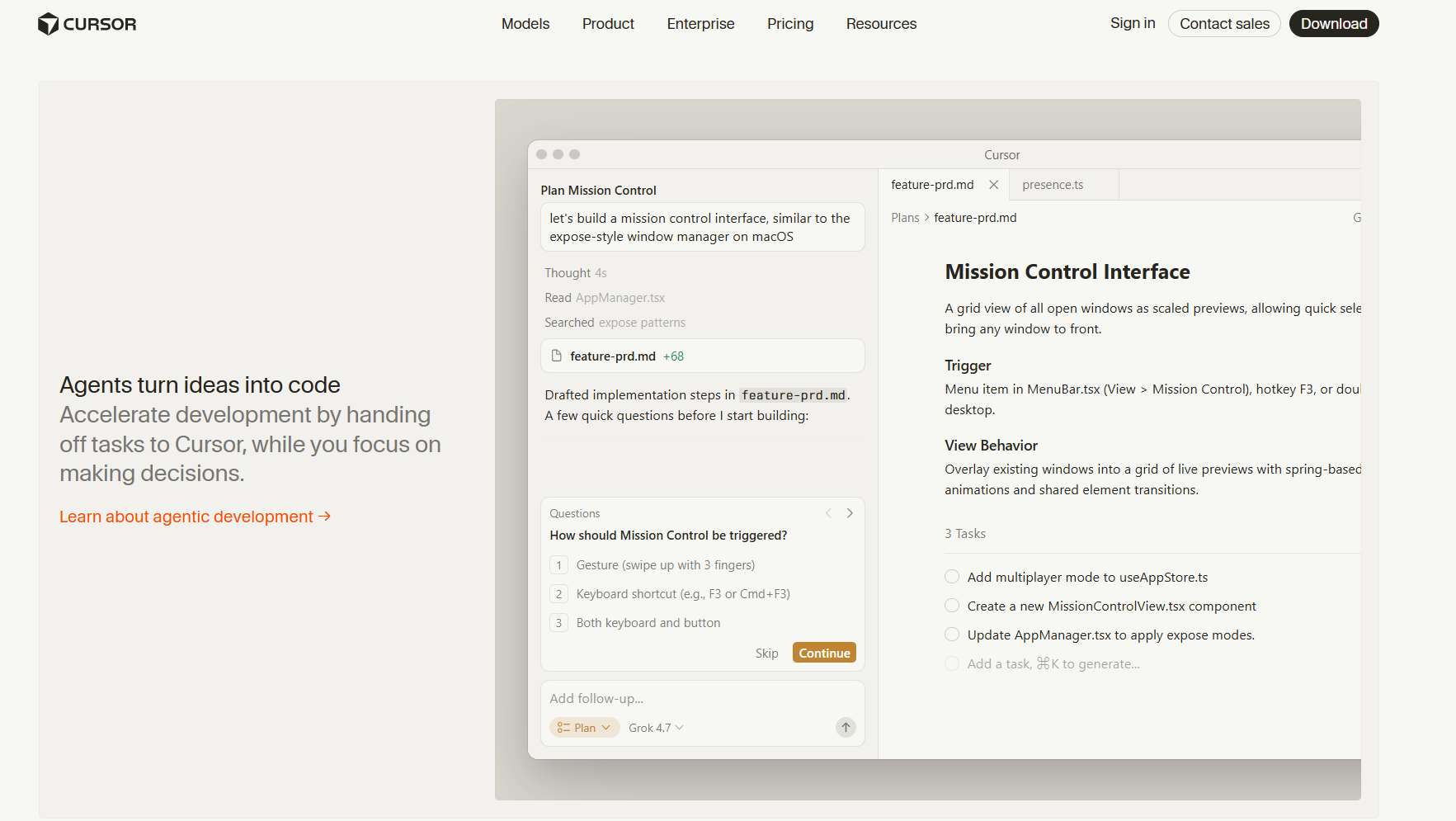
Cursor is an AI-powered code editor based on VS Code that provides project-wide context for AI-assisted coding.
Testing experience
I opened a small web app in Cursor and asked it to add a new dashboard page with several UI components. Cursor found the right files and edited the project directly, saving some time on my end. But I still had to check how the new components worked with the existing code, which required some developer knowledge.
Cursor works well for making AI-assisted changes across an existing project, but you still need to understand the code it changes.
User Feedback
“The AI integration in Cursor feels genuinely woven into the coding workflow instead of bolted on as an afterthought. Inline code generation and chat-based editing pull context from the whole codebase, not just the open file, so suggestions actually match existing architecture and coding patterns rather than generic boilerplate.” - Muhammed, G2
“Sometimes the AI makes broad changes when I want a small, targeted edit. It can also lose context in very large or complex codebases. Occasionally, the suggested code looks correct but misses subtle project-specific details. I would also like more transparency into why it chooses edits or approaches.” - Hitarth, G2
Key Features
- Intelligent autocomplete: Predicts upcoming edits based on surrounding code, speeding up routine typing.
- Ask mode for self-review: Lets developers review their own changes for bugs and edge cases before submitting a PR.
- Merkle-tree indexing: Detects exactly which files changed since the last index, avoiding full repo reprocessing.
Pros
- Full IDE integration: Because it’s a VS Code fork that retains extensions, themes, and keybindings, developers can keep a familiar desktop coding setup.
- Codebase-wide context: Cursor scans your codebase to understand how its files work together. This makes it useful for debugging and updating existing projects.
Cons
- Can struggle with very large projects: Cursor may become less accurate as projects grow and include more files.
- Edits can overreach: Agent-driven changes can touch more files or code than you intended, so review the diff carefully after targeted fixes.
Best Use Cases
- Reviewing code changes before opening pull requests
- Creating architecture diagrams from codebase context
Pricing
Start using Cursor for $20/month.
5. Emergent: Best for Autonomous Full-Stack Development
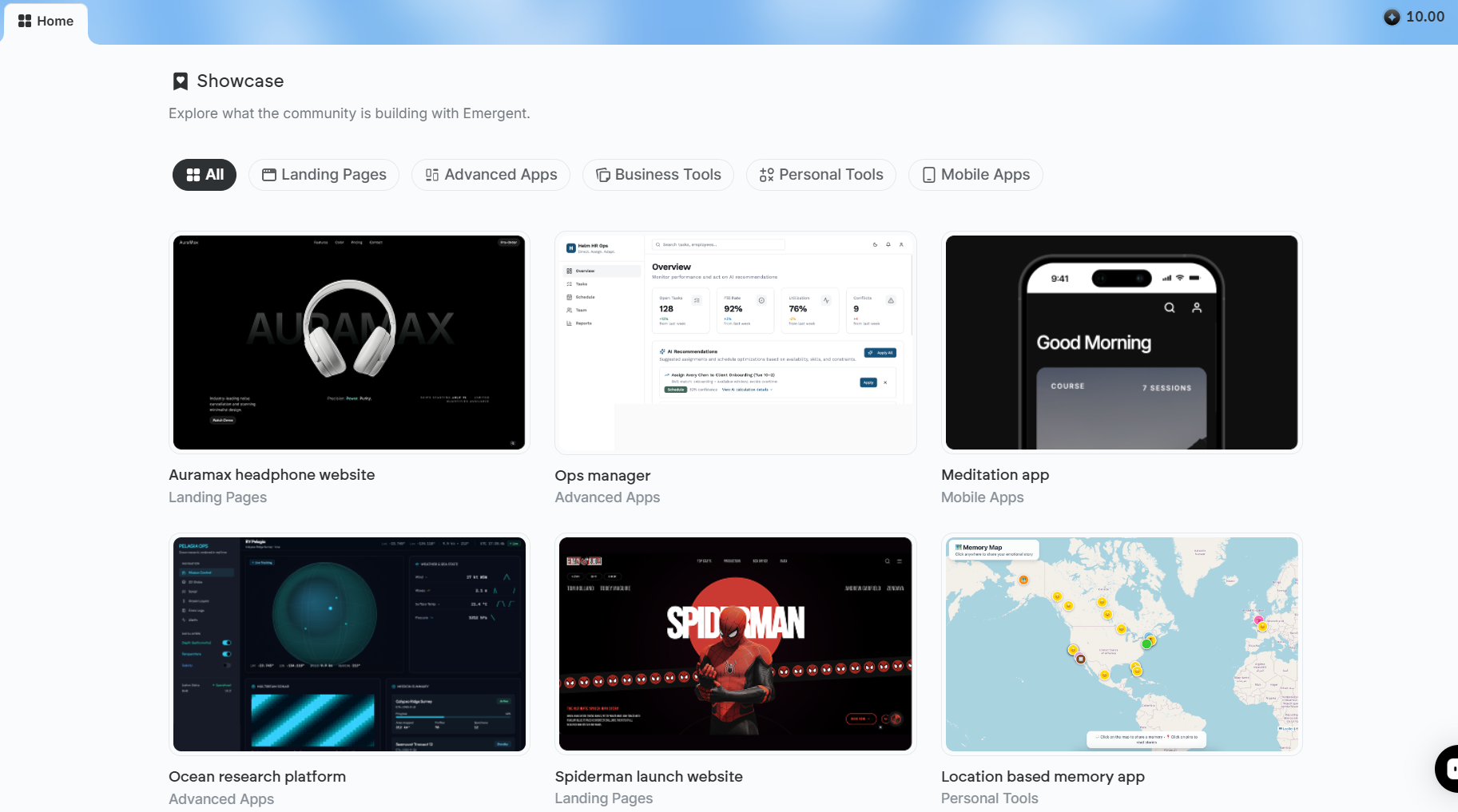
Emergent is an AI app builder that uses AI agents to design, code, test, and deploy full-stack web and mobile applications from plain-language prompts.
Testing Experience
I asked Emergent to build an eBay-style marketplace for buying and selling workout gear, including compression clothing and kettlebells. It generated product listings, seller pages, and the database, which I didn’t need to manually configure.
User Feedback
“I have been using Emergent (emergent.sh) for some time now, and I am highly impressed. The application is stable, intuitive, and provides an immediate solution to our needs. It saves us a lot of time daily.” - Jah, Trustpilot
“Emergent has no model of its own...It orchestrates calls to third-party models, the same models available directly from their providers, or bundled into flat-rate plans (Claude, Codex, Grok, Cursor Pro) that also include features like collaborative workspaces and broader tool integration that Emergent doesn't match.” - Manish, Trustpilot
Key Features
- Multi-agent building: Emergent uses multiple AI agents for planning, design, coding, testing, and other development tasks across a project.
- Built-in backend: Generate APIs, databases, authentication, and backend logic alongside the frontend.
- Mobile app support: Build cross-platform iOS and Android apps using Expo and React Native on paid plans
Pros
- Code ownership: Standard and higher plans include GitHub integration, and you can download the project code for development elsewhere.
- Payment integrations: Emergent can add Stripe-powered checkout and subscription flows to published apps.
Cons
- Mobile publishing takes extra work: Emergent creates the mobile app project, but you still need Expo EAS and developer accounts. You must also build and submit the app to the Apple App Store or Google Play Store.
- Limited mobile framework: The platform’s Mobile Agent currently builds apps with Expo and React Native. It doesn’t support Swift, Kotlin, or Flutter.
Best Use Cases
- Launching full-stack MVPs from prompts
- Building marketplaces and apps with payments
Pricing
Start using Emergent for $20/month.
6. Bolt.new: Best for Browser-Based Full-Stack Development
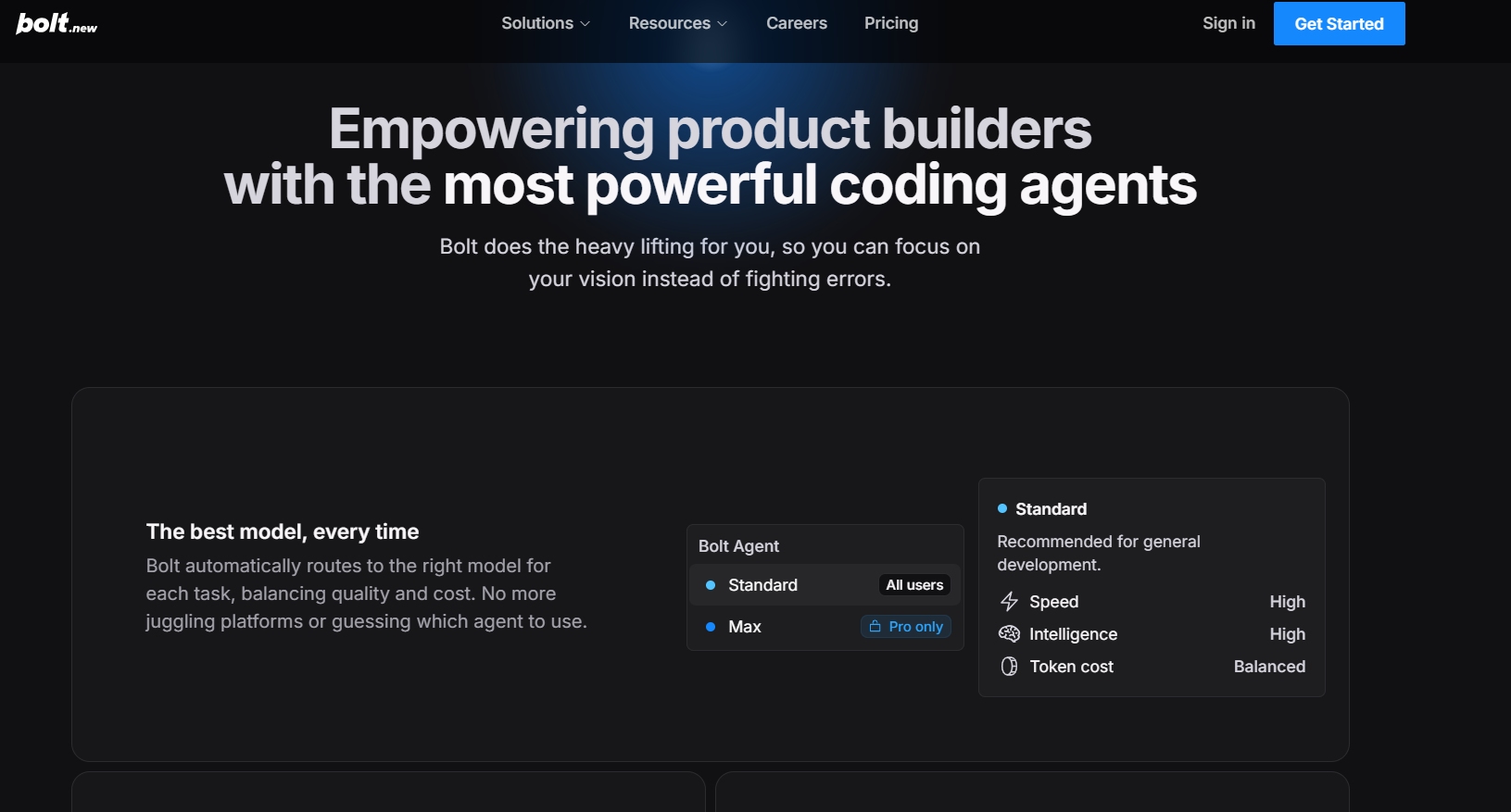
Bolt.new generates, runs, and deploys full-stack applications from natural-language prompts.
Testing experience
I prompted Bolt to build a bakery ordering app with a product menu, order form, and database for customer orders. It generated the pages and connected the ordering flow to the database during the initial build. When I placed a test order, the customer details and selected baked goods appeared in the database correctly.
User Feedback
“The biggest value for me is how much it compresses the gap between an idea and something a client can actually click. In a typical workflow, getting a functional prototype in front of a stakeholder usually means scoping, design, and at least a dev sprint before anyone sees anything real.” - Alvaro, G2
“For more complex projects, I sometimes need to manually optimize the generated code, improve the application architecture, or address edge cases that were not fully covered in the initial output. I have also found that the quality of results depends heavily on the clarity and specificity of the prompts provided.” - Kushal, G2
Key Features
- AI model routing: Bolt routes different tasks across AI models selected for the work being performed.
- Token rollover: Eligible paid plans let unused monthly tokens roll over for later builds.
- Managed backend services: Bolt Cloud includes authentication, server functions, file storage, databases, and secrets.
Pros
- Browser-native development environment: WebContainers run Node.js and npm directly in your browser. This lets you create and run your code in the same workspace.
- Framework flexibility: Bolt.new can generate projects using frameworks such as React, Vue, Svelte, and Astro based on the build requirements.
Cons
- Iterations consume tokens: Regeneration, debugging, and larger changes draw from your allowance, so repeated fixes can increase token use quickly.
- Generated code needs review: Developers still need to test the code and inspect changes as features are added.
Best Use Cases
- Building a full-stack MVP from prompts
- Prototyping apps with persistent user data
Pricing
Bolt’s pricing plans start at $25/month.
7. Replit: Best for Building and Deploying in One Platform
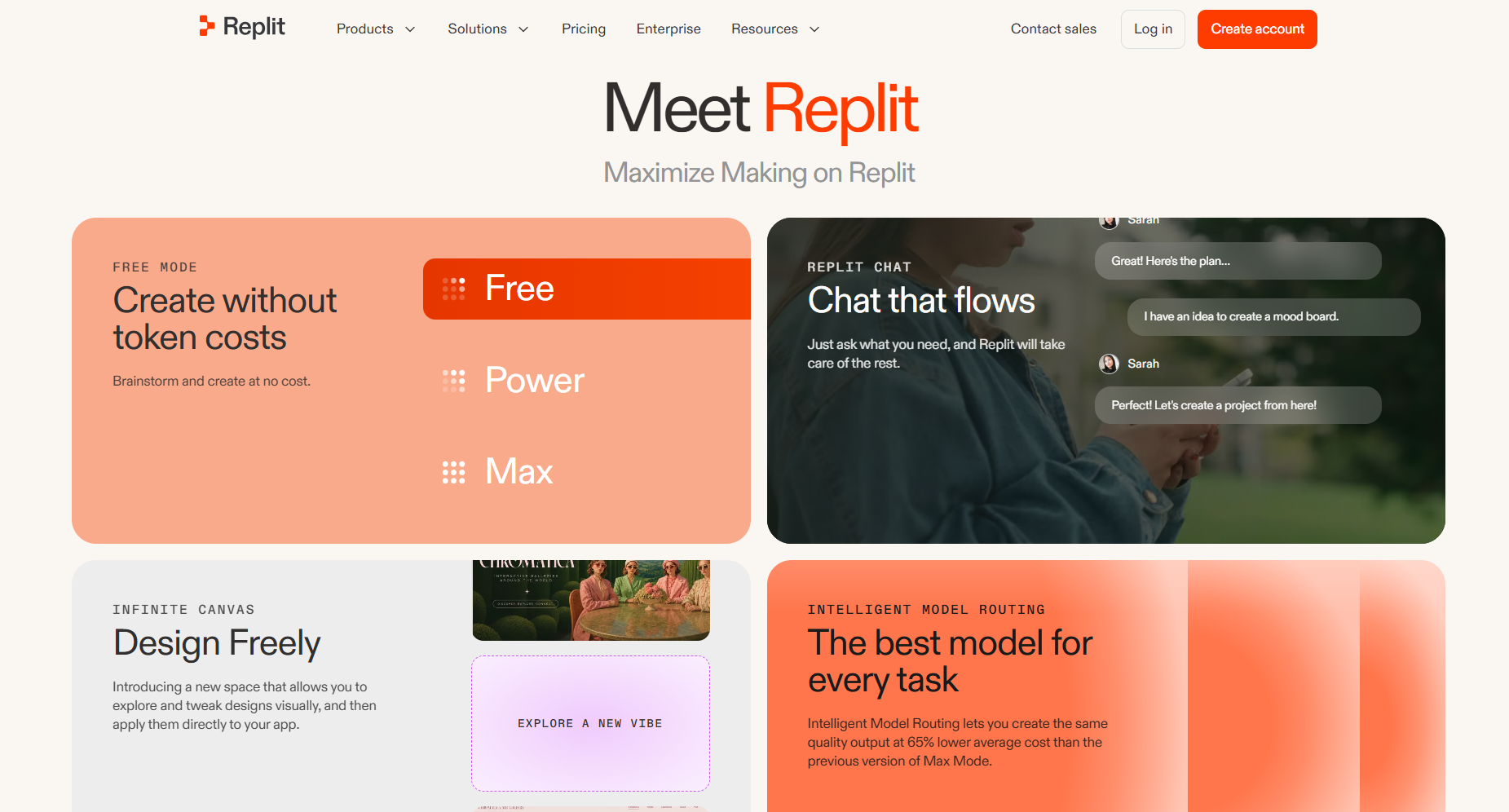
Replit combines AI-powered app creation with a general-purpose coding environment. Its Agent can build and modify applications while working with your codebase, databases, and other project resources.
Testing experience
I built two SaaS applications for tracking form submissions using Replit's AI Agent. The Agent quickly generated working databases, dashboards, and submission logs from plain-language prompts. Full code access let me adjust logic directly.
User Feedback
“As for Replit Agent and its AI development tools, I am extremely impressed. It follows instructions carefully and usually makes only the changes requested, which is very important when working on a serious project.” - User, Trustpilot
“The entire Replit application is a complete scam, from start to finish. I’ve been a paying subscriber for a year and have never managed to create a single successful application—not even a simple demo.” - User, Reddit
Key Features
- Agent modes: Choose Economy or Power modes across plans, with Pro and Enterprise adding Turbo Mode for AI tasks that require more inputs and compute.
- GitHub workflows: Import existing GitHub repositories and continue working with version control inside Replit.
- Collaborative workspace: Invite up to five collaborators on Core or 15 on Pro so multiple team members can work in the same place.
Pros
- Direct code access: Review and edit the code Agent produces, giving developers control over AI-generated changes.
- All-in-one environment: Manage code, packages, databases, secrets, deployments, and other resources from the same platform.
Cons
- Changing usage costs: Using the Agent can add extra charges on top of your subscription, especially for larger or more complex projects.
- Steeper learning curve: Replit has many coding tools and setup options, which can make it harder for beginners to learn.
Best Use Cases
- Teams that need direct access to source code
- Existing codebases adopting AI-assisted workflows
Pricing
Start using Replit for $20/month.
8. Claude Code: Best for Agentic Coding in the Terminal
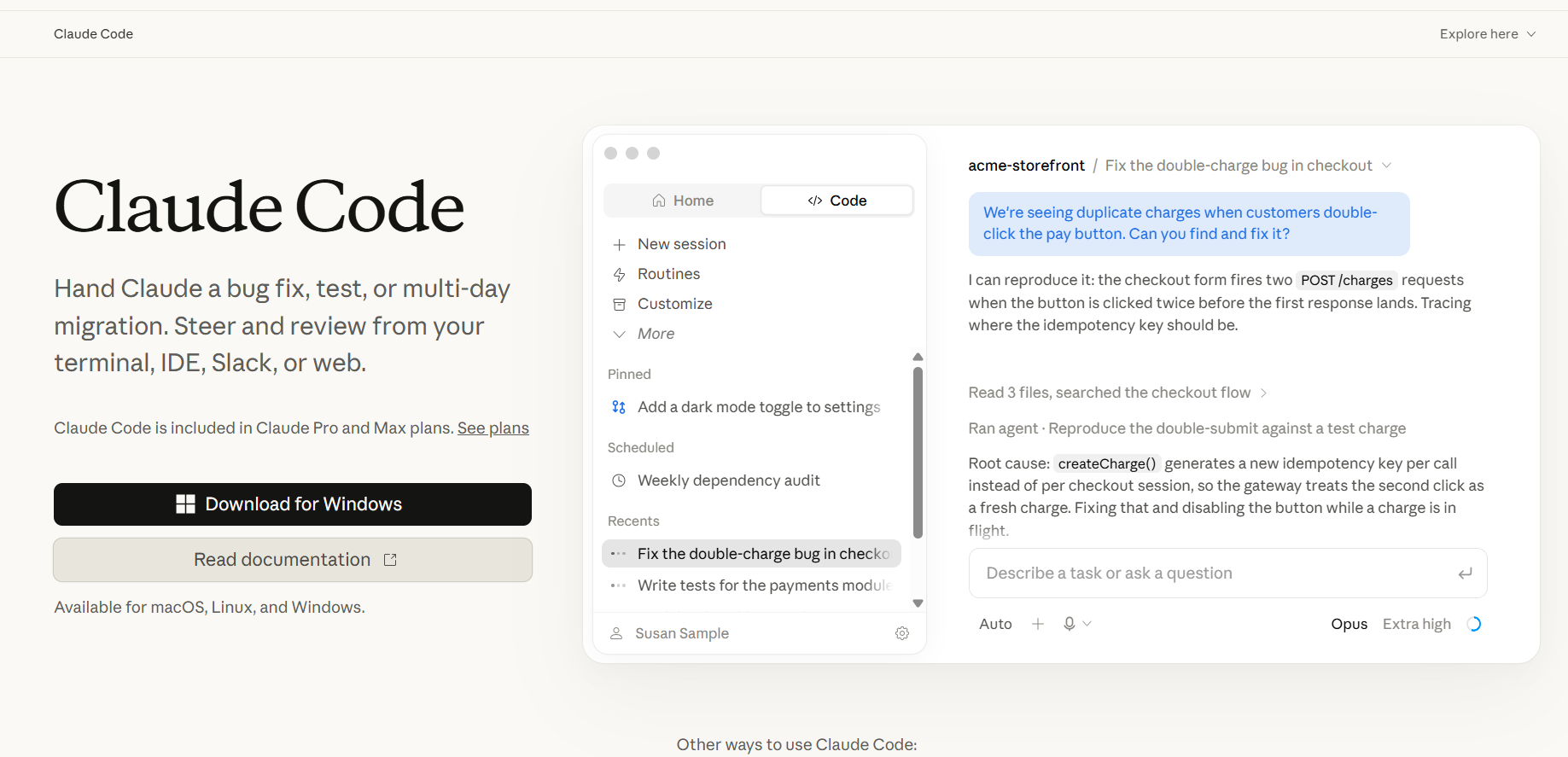
Claude Code is Anthropic's AI coding agent. It can read your codebase, edit files, run commands, and complete coding tasks from simple instructions.
Testing experience
I used Claude Code to build a vacation planner that shows nearby hotels at my destination, the top five sights to visit, and the closest jiu-jitsu gyms so I can keep training while traveling. Claude Code planned the app, created the files, and wired the three search features together from my initial instructions.
User Reviews
“Claude is pretty good at web dev. It's pretty good at prototypes and working on clean/new projects. “But I find it to still be rather poor at working with messy existing code bases...It's also pretty hopeless at most specialized computer science tasks.” - User, Reddit
Key Features
- Handles coding tasks: Describe a feature, code update, or bug fix. Claude Code can plan the task, edit files, run commands, and check its work.
- MCP integrations: Connect outside tools and data through the Model Context Protocol (MCP). This gives Claude Code more information to use while working.
- Project memory: Add coding rules, common commands, and project notes to CLAUDE.md files. Claude Code reads these files for extra project context.
Pros
- Works across multiple files: Claude Code can edit several files during one task. This helps with debugging, adding features, testing, and updating existing code.
- Flexible billing: Get Claude Code through an eligible Claude subscription. You can also use an API key and pay based on your usage.
Cons
- Shared usage limits: Some Claude plans share usage limits across Claude and Claude Code. Heavy use of other Claude tools can leave less usage available for coding.
- No visual app builder: Claude Code mainly works through terminals and IDEs. It doesn't offer v0's visual workflow for building and editing web interfaces.
Best Use Cases
- Updating and debugging existing code
- Automating multi-step coding tasks
Pricing
Claude Code pricing starts at $20/month.
How to Evaluate These v0 Alternatives
These tools differ in how they work and where your app can run. Use these 6 areas to narrow down your options:
- Compliance requirements: Healthcare apps that handle protected health information may need a vendor willing to sign a BAA. The features you use must also support HIPAA regulations with audit logs, encryption, and role-based access.
- Backend depth: Some platforms include databases, user logins, and storage. Others connect to outside services such as Supabase, which can add separate accounts, bills, setup steps, and dependencies.
- Cost under iteration: Repeated fixes and new generations can quickly use credits or tokens. Look at how much usage each plan includes and what you pay after reaching that limit.
- Code and hosting portability: Your future options depend partly on whether you can export your code or sync it to GitHub. Find out whether you can deploy the app with another hosting provider.
- Required technical skill: Visual builders are generally easier for people with limited coding experience. Terminal agents and AI code editors often require developers to review code, fix failed builds, manage integrations, and maintain the app.
- Developers still need to oversee AI-generated code: A September 2026 Business Insider report highlighted a wider debate among software engineers about developers reviewing AI-generated code even as AI takes on more of the coding work.
Build Your Next Healthcare App With Blaze
If you're comparing v0 alternatives for a healthcare project, Blaze combines a no-code app builder with backend capabilities, healthcare integrations, and implementation support for teams that don't want to assemble the entire stack themselves.
- Healthcare software built for you: Work with a three-person implementation team, including a project manager, healthcare developer, and integration engineer, to build production-ready applications such as patient portals and clinical databases. Blaze's Integrations team can also connect your EHRs and other systems.
- Opt to self-build: Use Blaze's visual builder to create custom healthcare dashboards and applications without coding or generating each change through prompts.
- Replace repetitive administrative work: Automate patient intake, document routing, approvals, reminders, and other manual tasks while keeping your existing EHR in place.
- Launch production apps in weeks: Blaze says its implementation teams can take healthcare applications into production in weeks instead of the months commonly associated with traditional custom development.
- Add AI to clinical workflows: Support automated patient intake, document extraction, summarization, and other AI workflows alongside secure EHR and EMR connections.
- Build on healthcare-focused infrastructure: Blaze is HIPAA-compliant, HITRUST e1 certified, and SOC 2 Type II certified. Production customers also receive a BAA, with role-based access, audit logging, and other security controls built into the platform.
Schedule a free build consultation call today to see how Blaze can take a healthcare app from requirements through backend development, EHR integration, and production deployment.
Frequently Asked Questions
What Are the Best Vercel v0 Alternatives?
The best Vercel v0 alternatives include Bolt, Replit, Lovable, and Blaze. Bolt, Replit, and Lovable support full-stack AI app building, while Blaze focuses on healthcare applications. Choose based on your development stack, backend requirements, and HIPAA-compliance needs.
Does v0 Work With Angular?
No, v0 doesn't natively generate Angular applications. Its interfaces primarily use React, Next.js, and Tailwind CSS. Angular teams may need to adapt or rewrite the output to fit their codebase.
How Does v0 Compare to Bolt and Replit?
v0 focuses on building web interfaces, especially with React and Next.js. Bolt and Replit cover more of the development process, including backend work and deployment.
Sources
1. U.S. Department of Health & Human Services. “Summary of the HIPAA Security Rule.” HHS.gov. https://www.hhs.gov/hipaa/for-professionals/security/laws-regulations/index.html
2. U.S. Department of Health & Human Services. “Security Rule Guidance Material.” HHS.gov. https://www.hhs.gov/hipaa/for-professionals/security/guidance/index.html
3. National Institutes of Health: StatPearls. “Health Insurance Portability and Accountability Act (HIPAA) Compliance.” NCBI. https://www.ncbi.nlm.nih.gov/books/NBK500019/
The Secure No-Code & AI Platform
Supercharge your team's operations and performance with better apps and tools.
Create custom apps fast
Secure & HIPAA compliant
Streamline complex workflows

The Secure No-Code Platform
Build apps with best-in-class security.
Related Articles
Discover related guides on healthcare no-code development, HIPAA compliance, security, integrations, and launching apps faster.
%20(1).png)
HIPAA-Compliant LLMs: A 2026 Deployment Guide
HIPAA-compliant LLMs require more than a vendor claim alone. Learn how BAAs, safeguards, and considerations can affect the right model for your organization.
%20(1).png)
Appian Pricing: Plans, Costs, & What You Actually Pay (2026)
Appian offers a free community version, but costs depend on your user count and AI usage. Here’s my breakdown of each Appian pricing plan so you can choose.
%20(1).png)
8 v0 Alternatives That I Tested to Save You Time (2026)
I compared 8 v0 alternatives' backend depth, coding requirements, and pricing. See which tools work best for cloud-based hosting and code portability.