
Table of contents
10 Best Replit Alternatives: Tested for Developer Tasks (2026)

Written by
Blaze Team

Reviewed by
Nanxi Liu
Expert Verified
Replit gets you from a prompt to a running app fast, with built-in hosting and AI agent support. But you may need an alternative if you want predictable pricing or compliance features for HIPAA-regulated apps.
I tested 10 Replit alternatives by signing up for each free plan and building a real app from a prompt or blank project. Top platforms are Blaze.tech for healthcare apps, Lovable for full-stack SaaS MVPs, and Bubble for complex no-code builds. I compared pricing, code control, deployment, and ease of use across every tool.
By the end, you'll know which Replit alternative fits your app-building needs.
The 10 Best Replit Alternatives: TL;DR
- Blaze.tech: Best for HIPAA-Compliant Healthcare App Development
- Cursor: Best for AI-Assisted Coding and Existing Codebases
- Bubble: Best for Complex No-Code Web Applications
- Lovable: Best for SaaS MVPs and Full-Stack Apps
- Bolt.new: Best for Fast Full-Stack App Prototyping
- Zite: Best for Visual Business Application Development
- Retool: Best for Custom Internal Operations Software
- Glide: Best for Polished Apps Connected to Business Data
- GitHub Codespaces: Best for Cloud-Based Development Environments
- V0 by Vercel: Best for Frontend Prototypes
Why Users Leave Replit: 4 Reasons
Users leave Replit because usage-based pricing can add up and debugging can increase costs. Although the platform offers a solid option for building MVPs, many users seek Replit alternatives for the following reasons:
- Usage-based pricing can get expensive: Replit charges for some resources based on usage, so costs can rise as an app consumes more compute, storage, or data transfer. If you prefer predictable costs, you may find Replit harder to budget for as usage grows.
- Debugging can increase agent costs: Replit Agent charges more credits for longer or harder tasks. If its code needs debugging or changes, you may spend more credits getting it to work.
- More team controls require the Enterprise Plan: Replit’s lower-priced plans let teams work together, but if you require controls like SSO/SAML, SCIM, audit logs, and advanced privacy controls, you’ll need to go with Replit’s Enterprise plan, which requires custom pricing.
- Less control over your setup: Although Replit supports production apps with autoscaling and Reserved VMs, you may want more control over where your apps run. Replit hosts deployments on its own infrastructure. You can’t choose a self-managed cloud or on-premises setup.
How to Choose the Right Replit Alternative
Here’s a guide to help you select the right Replit alternative for your specific use case:
Choose Blaze.tech If You:
Need HIPAA-compliant healthcare apps with EHR integrations and a dedicated implementation team.
Choose Cursor If You:
Already have an existing codebase and want AI-assisted code changes across multiple files at once.
Choose Bubble If You:
Want to build complex, native mobile and web apps visually using drag-and-drop tools.
Choose Lovable If You:
Need a full-stack SaaS MVP fast, with GitHub sync and free visual edits for tweaks.
Choose Bolt.new If You:
Want a working prototype quickly, with automatic error detection and built-in Stripe payment support.
Choose Zite If You:
Need embedded forms with conditional logic feeding a built-in database for internal team apps.
Choose Retool If You:
Have JavaScript and SQL skills and need admin panels connected directly to live business databases.
Choose Glide If You:
Want polished mobile-friendly apps built on top of existing Google Sheets or Airtable data.
Choose GitHub Codespaces If You:
Need a consistent, ready-made cloud coding environment tied directly to your GitHub repositories.
Choose V0 by Vercel If You:
Are building React or Next.js frontends and want quick, direct deployment to Vercel.
What to Know Before Considering Replit Alternatives
Each Replit alternative on my list comes with a free plan, so I signed up and built a simple app starting with either a prompt or a blank project. This helped me judge the real building experience that I could share with readers.
I also checked official pricing pages and product documents to review advanced features that I couldn’t access on the free versions. Reviews from sites like G2, Capterra, and Reddit provided me with user feedback.
To judge every tool, I looked into factors like pricing, code control, deployment, and ease of use. I also considered whether each platform works better for developers, non-technical founders, or both.
10 Replit Alternatives: At a Glance
1. Blaze.tech: Best for Healthcare Application Development
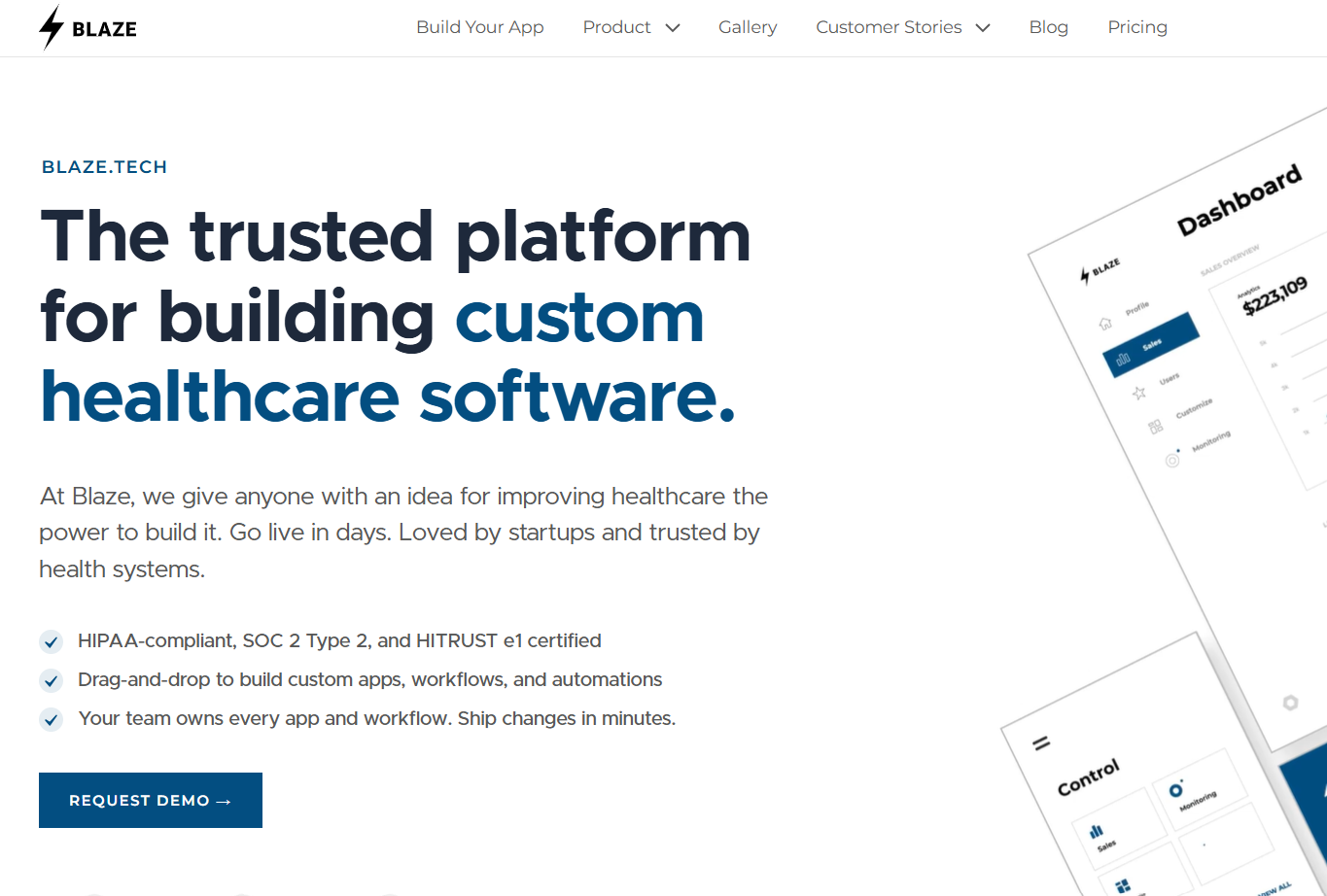
Blaze.tech offers both a healthcare app builder and vendor-build services to create HIPAA-compliant applications, with BAAs for production customers, SOC 2 Type II, and HITRUST e1 certification.
Testing Experience
I built a chatbot inside a mock healthcare app using Blaze’s OpenAI integration and configured it to explain sanitized A1C (average blood sugar for the past 2–3 months) results.
The setup was straightforward: I added the chatbot, gave it instructions, and tested it with sample patient questions. My experimental app mimicked a real-world one where patients could log in to a portal, view their results, and use a working chatbot that could explain their lab values in plain language.
User Feedback
“I really like the multi-environment deployment, something I didn't see other platforms offer. We use the advanced workflow builder a lot as well as the user permissioning system. We also have AI used in various projects.” - Julian C., G2
“The initial engagement with Blaze had a learning curve. The platform is robust and was transformative for our operations, but it did also require a dedicated period to learn. New users took some time to get used to it…” - Ryan C., G2
Key Capabilities
- Self-build interface: Use visual tools to create healthcare apps like patient portals, dashboards, intake forms, and workflows.
- Reusable workflows: Build healthcare workflows visually and reuse the underlying platform as you add new processes.
- Broad EHR connectivity: Connect applications with 95+ EHR systems and major healthcare interoperability networks.
- Custom data models: Create relational data models around healthcare workflows and data that sits outside existing EHR fields.
How It Beats Replit
- Healthcare compliance: Production plans include a BAA, SOC 2 Type II, and HITRUST e1, giving healthcare teams compliance support that vibe-coding tools like Replit don’t provide out of the box.
- Environment separation: Dedicated development, staging, and production environments let teams test changes before deploying them to live users.
- Fast vendor-assisted builds: We’ve helped our clients deploy operational healthcare apps in weeks, not months.
Where It Falls Short
- High production starting price: Production plans start at $750 per month, higher than many general-purpose Replit alternatives.
- No vibe coding: Blaze uses a visual no-code builder rather than a prompt-first AI agent that generates an application from natural-language instructions.
Best Use Cases
- Building HIPAA-compliant patient portals from scratch
- Replacing an out-of-the-box EHR like TherapyNotes
- Automating intake with AI-driven chatbots
- Launching multi-environment apps needing staged testing
Pricing
Blaze offers a free sandbox to build in. Production plans start at $750/month.
2. Cursor: Best for Existing Codebases
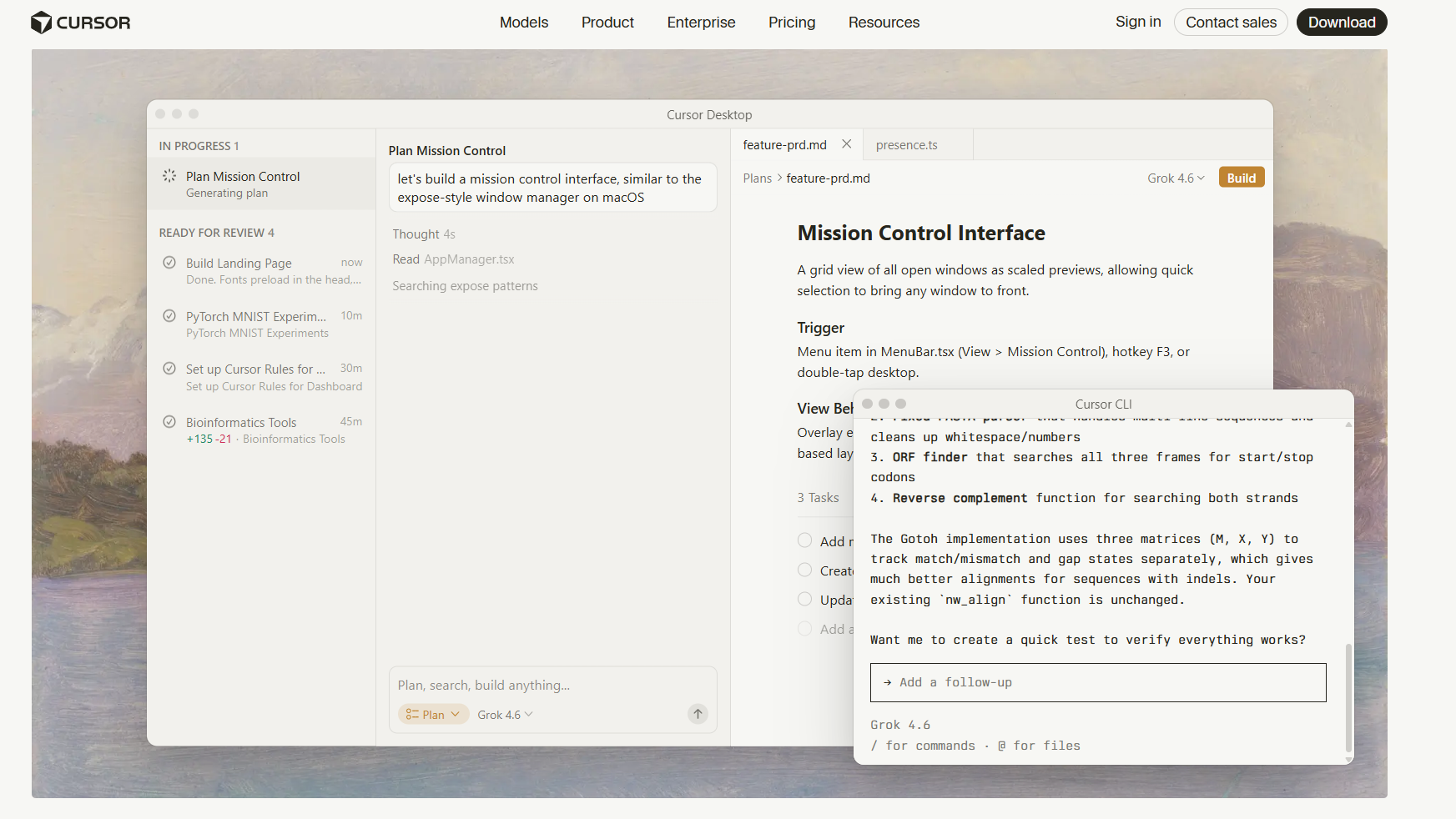
Cursor is an AI-powered code editor based on VS Code. It helps organize your codebase, providing project-wide context for AI-assisted coding. The tool suits developers who want to work inside an existing repository rather than build a new app from scratch.
Testing Experience
I built a small to-do list tracker from a prompt, then had to correct its file structure afterward. This action required understanding how the generated code actually connected together. Cursor users need to understand code.
User Feedback
“The interface stays close to a familiar VS Code layout, so there's almost no learning curve coming from that ecosystem…” - Muhammed A., G2
“Frozen UI & Ghost Tasks: The interface constantly gets stuck showing "6 progress tasks" running in the background when there are none, and clicking "Cancel" does absolutely nothing.” - User, Trustpilot
Key Capabilities
- Shared team indexing: Reuses a teammate's existing repo index, cutting time-to-first-query on large repos.
- Architectural diagram generation: Produces Mermaid diagrams of data flow for onboarding and design review.
- Extension compatibility: Existing VS Code extensions and settings carry over in just one build.
How It Beats Replit
- Predictable Pro entry cost: Cursor Pro starts at $20 per month with included agent usage, providing a defined monthly starting point for individual developers.
- Multi-file refactoring: Cursor can coordinate edits across multiple files, helping developers refactor features and automatically update dependencies.
Where It Falls Short
- No built-in hosting: Cursor helps you write and edit code, but you can’t host or deploy your app like Replit.
- Requires coding knowledge: You need to understand code to check and fix Cursor’s changes. Replit can handle more of the building process through prompts.
Best Use Cases
- Refactoring code across an existing repository
- Onboarding engineers to unfamiliar codebases
Pricing
Cursor has a free Hobby plan. Pro starts at $20/month.
3. Bubble: Best for Complex No-Code Web Applications
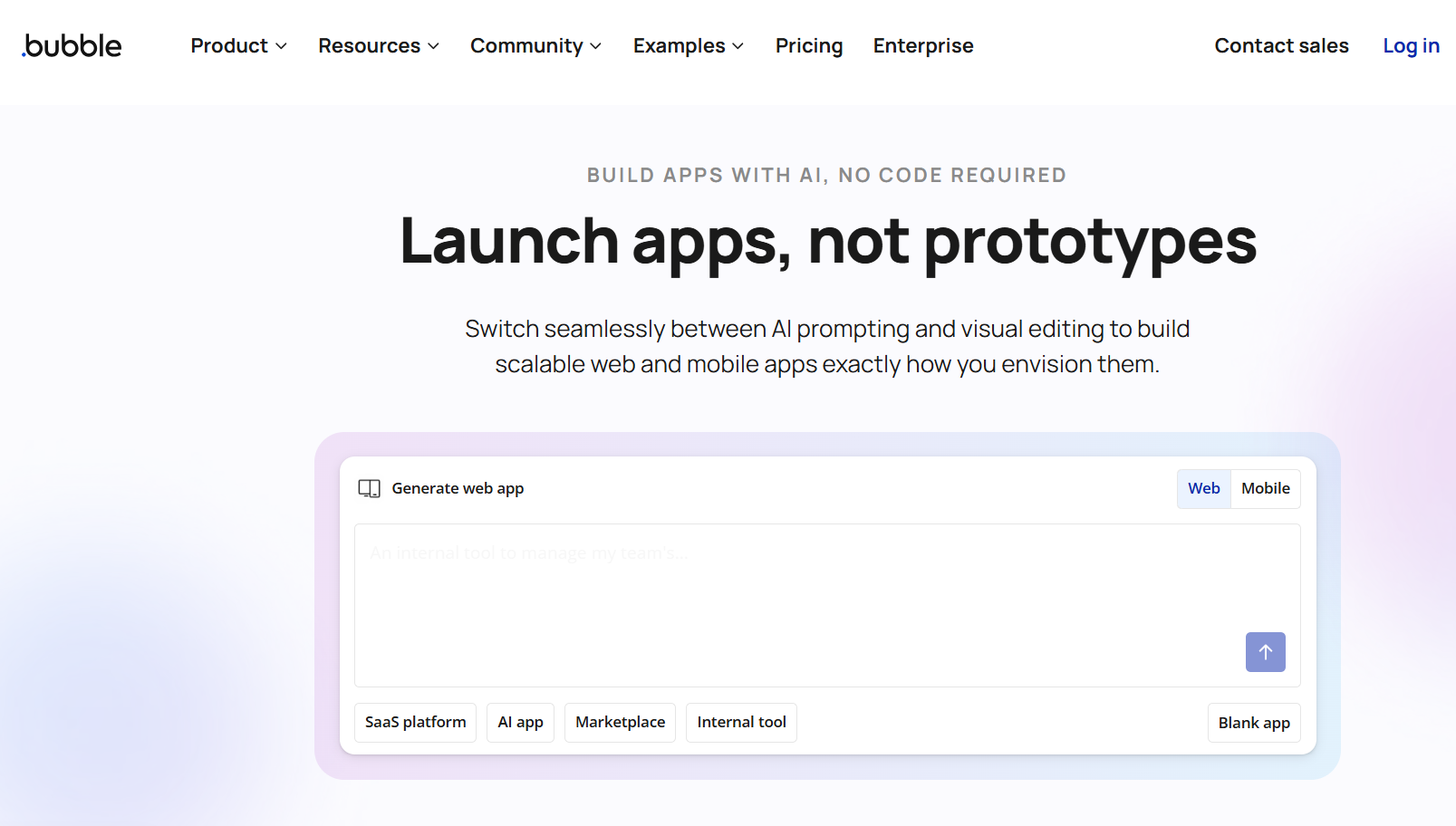
Bubble is a full-stack platform that combines prompt-based vibe-coding, a visual editor, a built-in database, and workflow logic for building complete web and native mobile applications.
Testing Experience
I prompted Bubble to build a financial app for handling payments. It produced the starting structure quickly, but configuring custom payment rules through the visual workflow editor took considerably more work. The test showed that Bubble can accelerate the initial build, while precise, non-standard business logic still requires hands-on workflow configuration.
User Feedback
“Bubble takes some getting used to but, once you are familiar with the layout, features and functions it is on a par with other WYSIWYG, low-code builders.” - Adam, Trustpilot
“There's a lot of "quirks" that you'll just have to learn to make it work. The order or methodology for writing Bubble expressions can sometimes be extremely fidgety.” - User, G2
Key Capabilities
- Drag-and-drop UI builder: Design responsive interfaces visually with drag-and-drop layout and styling tools.
- Large plugin ecosystem: 7,000+ plugins extend Bubble with payments, messaging, APIs, and other functionality.
- Dev and live environments: Separate environments let teams test changes before deploying them to users.
How It Beats Replit
- Easier for non-developers: You can build and change complete apps visually with the drag-and-drop interface. Replit’s AI-built projects still require some coding knowledge.
- Builds native mobile apps: Bubble can publish iOS and Android apps that use the same data as your web app. Replit focuses more on web apps.
Where It Falls Short
- Takes time to learn: Many first-time app builders switch to a Bubble alternative because complex features, such as payment workflows, can take time for non-technical folks to set up.
- No source-code export: Bubble doesn’t let you export the full app code and run it somewhere else.
Best Use Cases
- Launching a SaaS product with non-technical staff
- Managing role-based permissions across user types
Pricing
Bubble's free plan lets you build web and mobile apps. Paid plans start at $69/month for web and mobile, or $32 or $49 per month for web-only or mobile-only.
4. Lovable: Best for SaaS MVPs and Full-Stack Apps
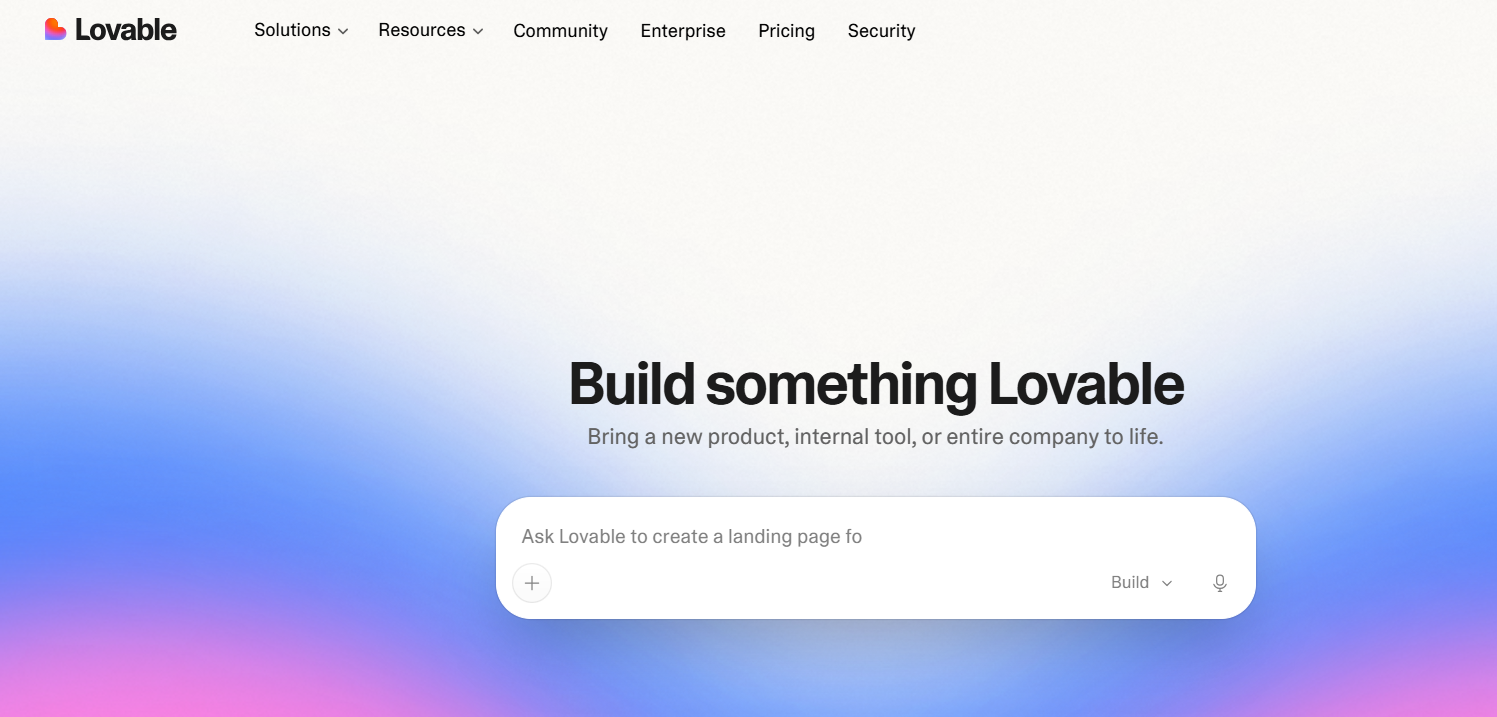
Lovable is an AI app builder that generates full-stack applications from natural-language prompts, including the frontend, backend, database, and authentication.
Testing Experience
I prompted Lovable to build a simple meal planner. The base app came together quickly, but I had to configure the alert and reminder logic myself because the generated version didn't handle it correctly. More complex functional details can still require hands-on configuration after the initial build.
User Feedback
“What I like most about Lovable is how quickly it can turn an idea into a working product. The AI-driven workflow makes it straightforward to build, tweak, and experiment with interfaces without spending hours on repetitive setup. I especially appreciate how fast the iteration cycle is: I can describe a change, test it right away, and keep refining the product.” - Dineshh, G2
“Charges per attempt, not per delivery. Destroys your project on request. I've been building a PWA called BotVerse on Lovable for months. The pattern never changed: one bug reported, fix delivered, two new bugs introduced. Tasks declared "done" without any visual validation on the real app. - Joao L., Trustpilot
Key Capabilities
- Template library: Start with existing application and website templates, then customize their structure and design.
- AI-assisted debugging: The “Try to fix” flow can attempt to resolve detected errors and uses credits when it runs.
- Managed deployment: Publish projects through Lovable’s hosting and connect a custom domain.
How It Beats Replit
- GitHub sync: Connect projects to GitHub so developers can review, modify, and continue working with the generated code in their repository.
- Credit-free visual edits: Change text, colors, spacing, and other visual properties through Lovable’s visual editor at zero build-credit cost.
Where It Falls Short
- Context problems on complex projects: Larger projects can require more careful prompting and review as changes spread across files, components, and application logic.
- No native mobile output: Lovable builds web applications; native iOS and Android binaries aren’t currently an output option.
Best Use Cases
- Validating a SaaS idea before hiring developers
- Prototyping internal tools using a no-code interface
Pricing
Lovable has a free plan. Paid starts at $25/month.
5. Bolt.new: Best for Fast Full-Stack App Prototyping
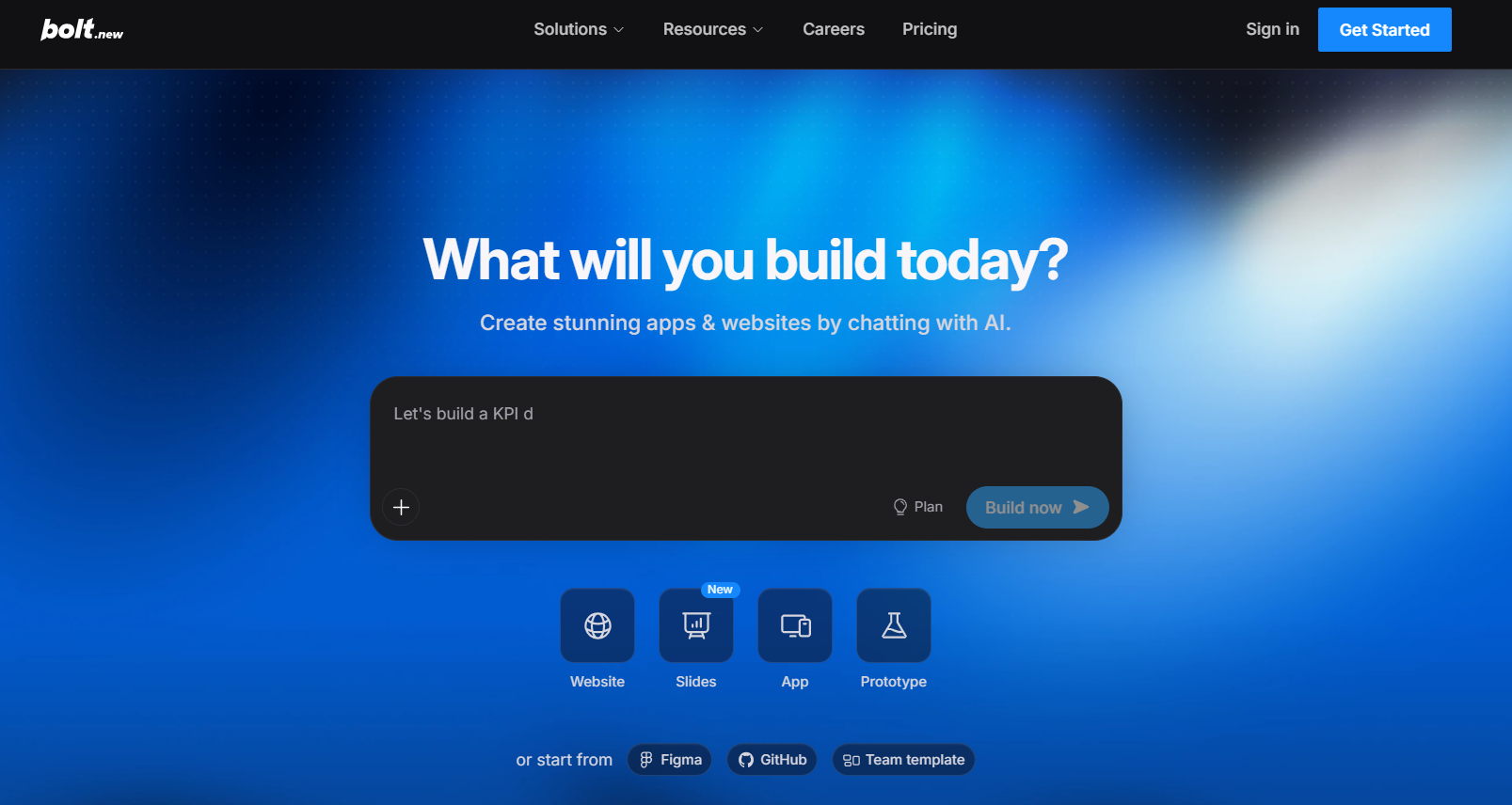
Bolt.new is a browser-based AI app builder from StackBlitz that generates, runs, and deploys full-stack applications from chat prompts.
Testing Experience
I prompted Bolt to build a dog-walking business app with a services page, signup form, and database for customer information. The platform created the database and connected the signup form during the initial build, so I didn’t have to configure the backend manually. When I tested the app, submitted customer details appeared in the database as expected.
User Feedback
“The biggest value for me is how much it compresses the gap between an idea and something a client can actually click. In a typical workflow, getting a functional prototype in front of a stakeholder usually means scoping, design, and at least a dev sprint before anyone sees anything real.” - Alvaro A., G2
“Since the beginning, the UPGRADE button didn't work. I should have known better. Github? Doesn't work. One can't commit to GitHub; it's an eternal loop of asking to connect.” - Vita, Trustpilot
Key Capabilities
- Integrated deployment: Publish projects through Bolt hosting or connect supported deployment services such as Netlify.
- Automatic error detection: Bolt runs your generated code in its WebContainer, shows errors as they happen, and can try to fix them for you.
- Stripe integration: Add payment functionality through Bolt’s integrated development workflow.
How It Beats Replit
- Fast prompt-to-prototype workflow: A detailed prompt can generate the interface, application logic, and supporting data structure for a testable prototype.
- Token rollover on paid plans: Unused monthly tokens can roll over, giving you additional capacity for heavier development periods.
Where It Falls Short
- Token consumption during iteration: Fixing errors, generating code again, and making larger changes all use tokens. Repeated attempts can quickly use up your plan’s token limit.
- AI-generated code still needs review: GitHub integration gives developers access to the project’s code. However, you still need to test and review AI-generated changes as the app grows.
Use Cases
- Testing a business idea with a signup flow
- Prototyping a payment-enabled customer portal
Pricing
Bolt has a free plan. Paid starts at $25/month.
6. Zite: Best for Visual Business Application Development
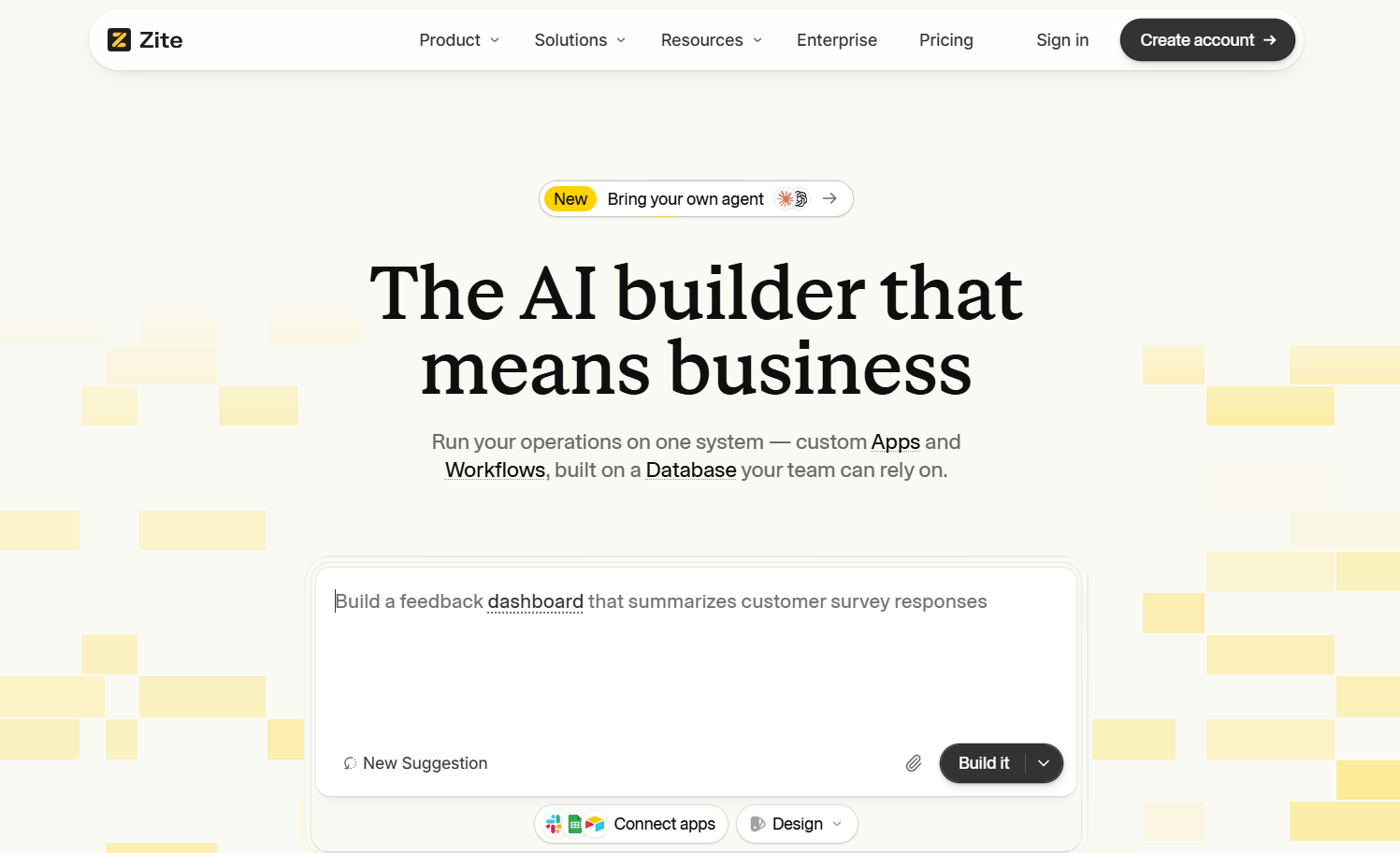
Zite is an AI no-code platform that creates web apps, databases, and internal workflows from text prompts.
Testing Experience
I built a workout tracker with exercise logging, sprint distance, and time fields. Zite generated the initial structure quickly, but I had to adjust the data-saving logic before workout records stored correctly. The interface and fields were already in place, while the underlying data fields required manual changes.
User Feedback
“We use Zite mainly for forms embedded on our website that feed directly into our ERP. The big wins: spam on those forms has dropped to essentially zero, which has cleaned up the data flowing into the ERP and removed a real source of manual cleanup work.” - Alvaro H., G2
“Do not use Zite. I paid for the Pro version, and all my credits got used up in a day. Chat version and Plan version used up credits too.” - User, Reddit
Key Capabilities
- Fillout foundation: Zite comes from the team behind Fillout and incorporates form-building capabilities such as conditional logic and multilingual forms.
- SOC 2 Type II controls: The tool documents SOC 2 Type II compliance for improved security and governance requirements.
- Spreadsheet-style database view: View and manage application records through a table-based data interface.
How It Beats Replit
- Built-in database: Zite creates a database for your app and keeps your data connected to the same project.
- Pricing works well for teams: Plans include unlimited app users and adjustable credits (for extra cost), which can make Zite useful for apps shared across larger teams.
Where It Falls Short
- Some features need manual fixes: In my workout tracker test, I had to change how the app saved sprint distance and time before I published my app.
- Design changes can take several tries: Getting the exact style and layout you want may require extra prompts and review.
Best Use Cases
- Sharing internal apps across larger teams
- Logging structured data such as costs and KPIs
Pricing
Zite has a free-forever plan (50 credits/month). Pro starts at $25/month.
7. Retool: Best for Custom Internal Operations Software
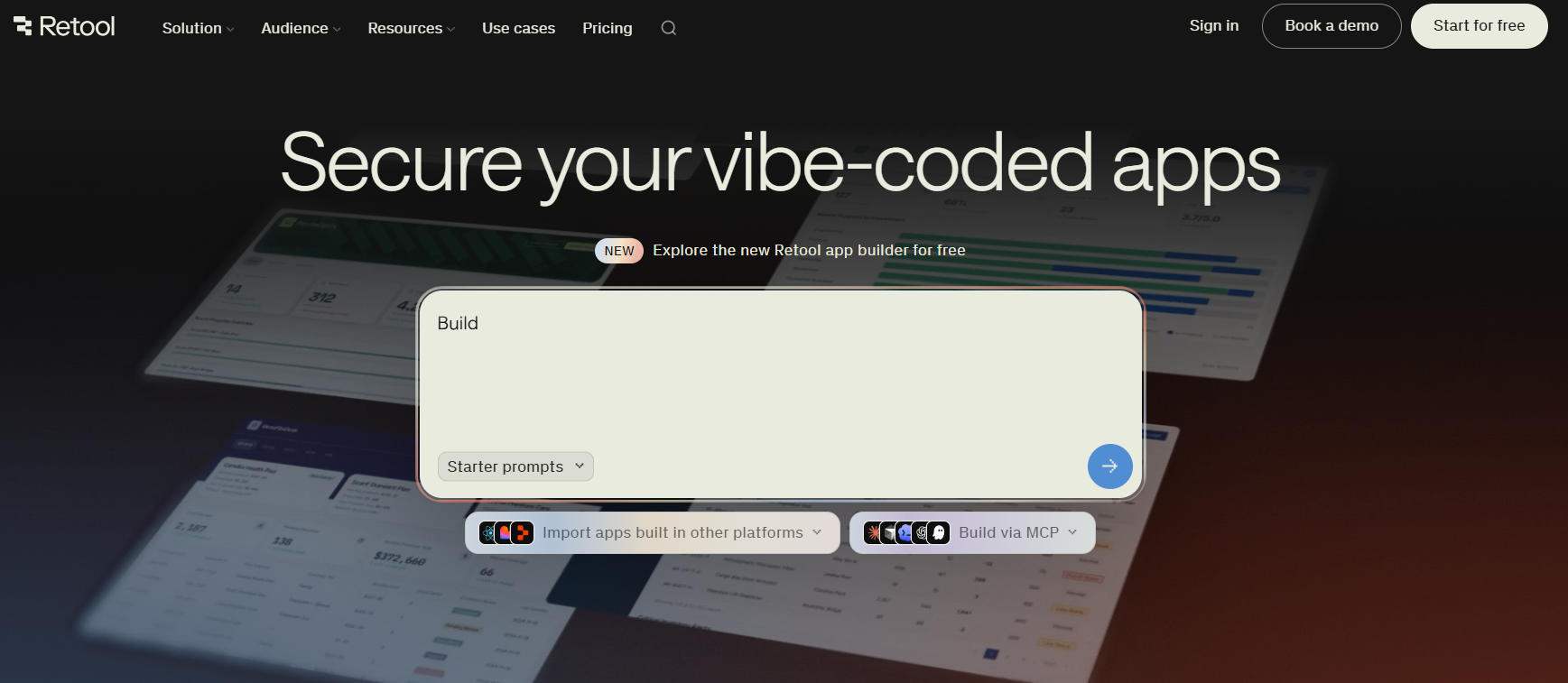
Retool is a low-code platform that combines a drag-and-drop UI builder with direct JavaScript and SQL access for connecting internal tools to existing databases and APIs.
Testing Experience
I built an inventory tracker for a reseller’s eBay collectibles. Setting up the interface was mostly visual, but I needed JavaScript to make some features work the way I wanted. You’ll need to have intermediate-level JavaScript experience to use Retool to the fullest, so if you don’t know this coding language, consider a Retool competitor.
User Feedback
“It is one of the most flexible low-code platforms that we have worked with. Through Retool, my team has been able to build a complete suite of internal tools, used across 22 dealerships. I can't say enough good things about this product.” - Eric T., Capterra
“Retool used to be a good low-code platform for business, but in the past year its reliability and quality have declined significantly. Right now a critical bug we reported several weeks ago remains unfixed, despite Retool support confirming it and promising a fix long time ago.” - Cello, Trustpilot
Key Capabilities
- Mobile app support: Build apps with components and workflows designed for iOS and Android devices.
- Audit logs: Track user activity and changes for security and compliance reviews.
- Self-hosting: Eligible organizations can run Retool on their own infrastructure.
How It Beats Replit
- Built-in database and API connections: Connect directly to PostgreSQL, MongoDB, REST APIs, GraphQL, and other business data sources.
- JavaScript and SQL support: Use JavaScript and SQL when you need more control than the visual builder provides.
Where It Falls Short
- Some changes require code: In my inventory tracker test, I needed JavaScript to make the app work the way I wanted.
- Per-user pricing: Retool charges differently for builders and other users, so costs can increase as your team grows.
Best Use Cases
- Building admin panels connected to live databases
- Turning spreadsheet workflows into internal apps
Pricing
Retool has a free plan for up to 5 users. Paid starts at $12/month per builder and $6/month per internal user.
8. Glide: Best for Apps Connected to Business Data
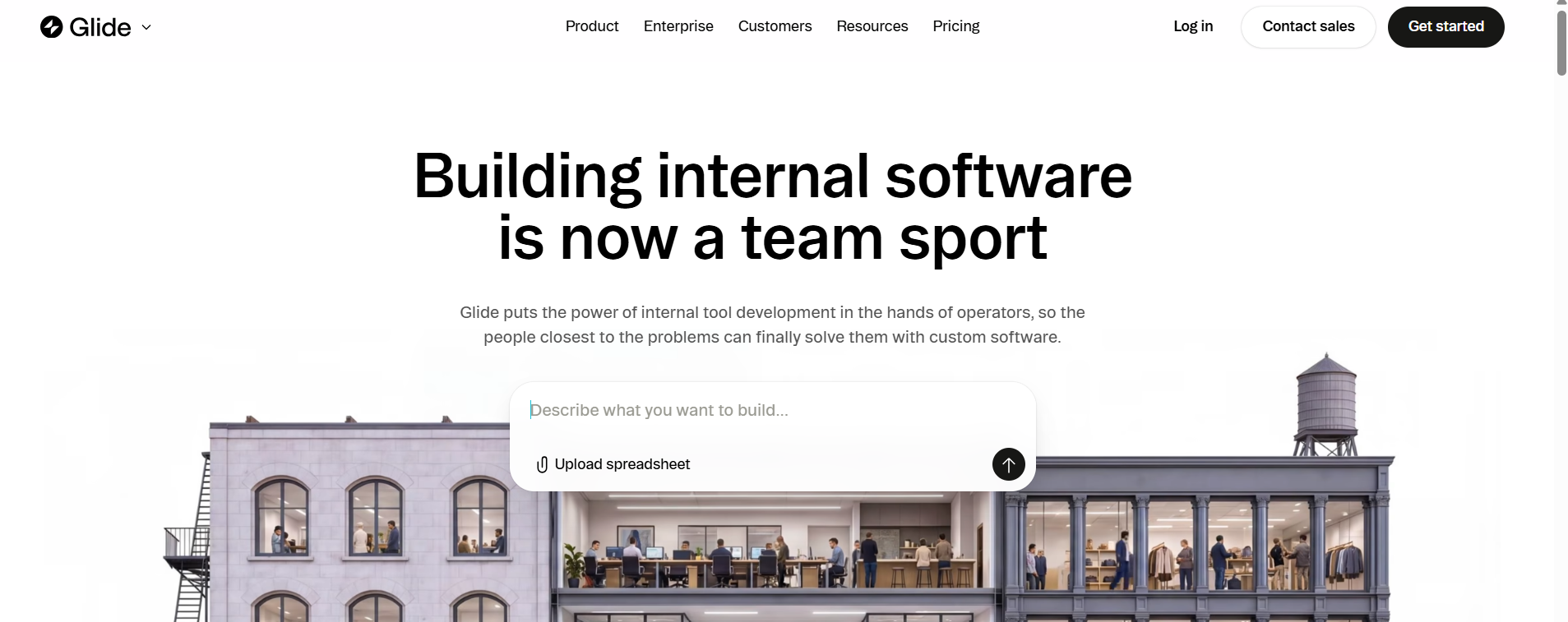
Glide is a no-code platform for building mobile and web apps using data from sources such as Google Sheets, but it also has its own native database builder, Glide Tables.
Testing Experience
I connected Glide to an old sample inventory Google Sheet and used it to build an office supply tracker. The spreadsheet records appeared in the app after I connected the data source. Glide let me switch between different chart types. However, I had limited control over each chart’s size and position on the page.
User Feedback
“Glide provides an intuitive platform that bridges the gap between technical complexity and user-friendly design, making it perfect for professionals and beginners alike.” - Gideon L., Trustpilot
“Glide is a very powerful platform, but some advanced features still require workarounds. Complex relationships, permissions and large data structures can sometimes become difficult to manage.” - User, G2
Key Capabilities
- Visual app builder: Build forms, lists, dashboards, and other screens with ready-made components.
- Multiple data sources: Connect Glide to Google Sheets, Airtable, Excel, SQL, or its own tables, depending on your plan.
- Built-in workflows: Create automated tasks that start on a schedule, after an action, or when data changes.
How It Beats Replit
- Works well on mobile: Glide apps adjust to different screen sizes, making them useful on phones, tablets, and computers.
- Keeps outside data connected: The tool lets you sync changes with supported data sources, such as Google Sheets.
Where It Falls Short
- Outside data can increase usage: Syncing data with services like Google Sheets can count toward your plan’s usage limits.
- Team size affects pricing: Paid plans have different limits on team members, so larger teams may need a higher plan.
Best Use Cases
- Giving field staff mobile access to inventory data
- Connecting spreadsheet data to app workflows
Pricing
Glide has a free plan. Basic starts at $25/month.
9. GitHub Codespaces: Best for Cloud-Based Development Environments
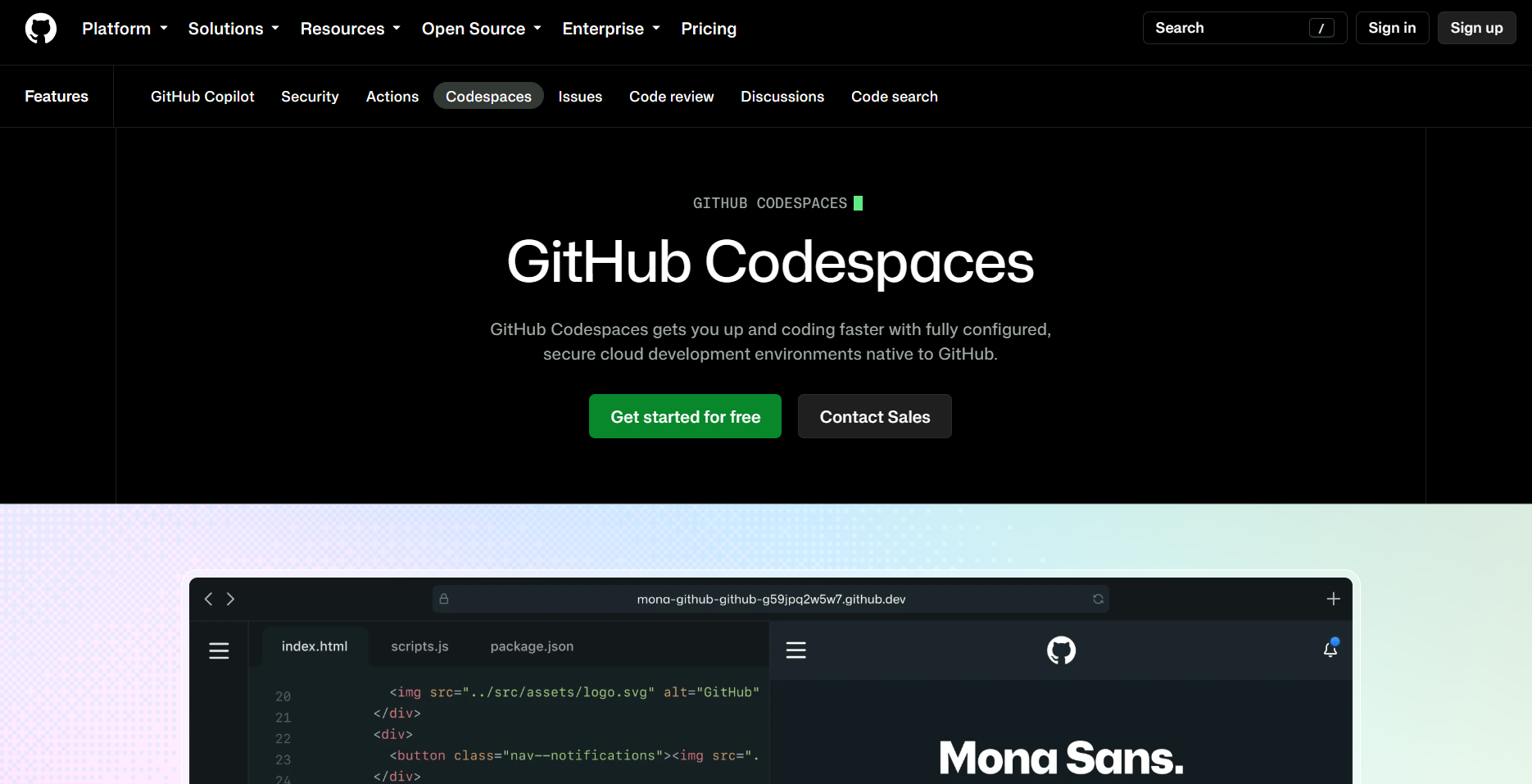
GitHub Codespaces gives developers a VS Code workspace in the cloud. It creates the workspace from code stored in a GitHub project.
Testing Experience
I used Codespaces to set up an app and prepare its Python and Node environments, but I had to work with the project files and terminal myself. Codespaces gave me a ready-to-use coding workspace. However, coding knowledge was essential to set up the app.
User Feedback
“Codespaces is the breath of fresh air … Container-based development, with all of the tedium that comes with it— fully automated.” - User, Reddit
“The devcontainer configuration can also be used with a local container runtime, although I was unable to get this working owing to my use of rootless Docker (and Podman) being unsupported at the time.” - Paul B., Tempered
Key Capabilities
- Ready-made environments: Codespaces can prepare your code, extensions, and other project tools before you start working.
- Works in your browser: Open Codespaces in a browser and work on your project in a cloud-hosted development environment.
- Share running apps: You can open your running app through a URL and choose whether to keep access private or share it.
How It Beats Replit
- Works directly with GitHub: Start a Codespace from a repository, branch, or pull request and keep it connected to your GitHub project.
- Works with desktop VS Code: Connect Codespaces to VS Code on your computer and keep using your usual extensions and settings.
Where It Falls Short
- No visual app builder: In my test, I had to work with project files, terminal commands, Python, and Node myself.
- Costs depend on usage: Codespaces charges for computing time and storage. Larger machines and longer work sessions can increase your costs.
Best Use Cases
- Giving a development team the same setup
- Reviewing pull requests in separate environments
Pricing
Codespaces gives individuals a free monthly quota (120 core-hours plus 15 GB storage). After that, compute starts at $0.18/hour for a 2-core machine and storage is $0.07 per GB-month.
10. v0: Best for Frontend Prototypes
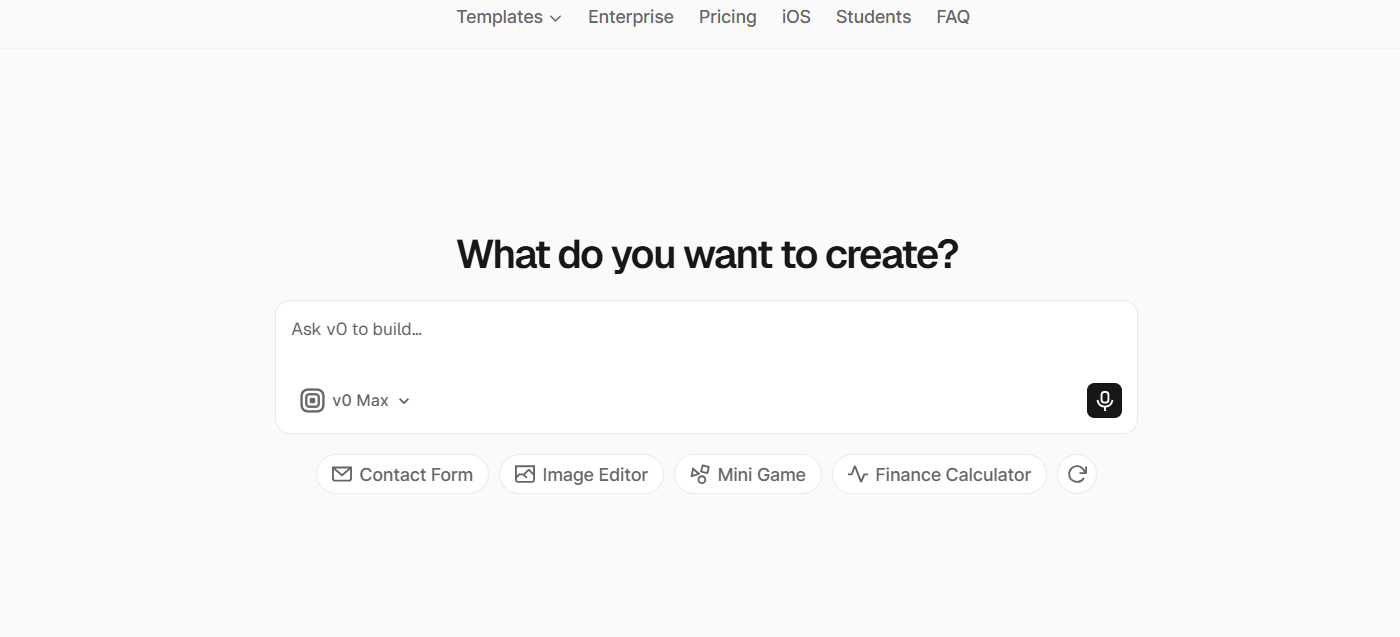
Vercel’s v0 builds web apps from written prompts using React, Next.js, and Tailwind. It can create interfaces, app logic, and database connections.
Testing Experience
I built a calculator with v0 to track social media use. When I ran into a server error, the live preview stopped working. The error details in v0 didn’t clearly show me what went wrong. I had to check the generated code and error messages myself before I could keep building.
User Feedback
“I’ve been using V0 for a while now, and I absolutely love it. It’s super easy to use, writes clean and understandable code, and the docs are clear and helpful.” - Bruno L., Trustpilot
“Instead of speeding things up, it keeps generating awkward, broken results that you have to redo by hand. You end up spending more time fixing its output than if you had built it yourself from scratch.” - Andrei R., Product Hunt
Key Capabilities
- Multiple AI models: Paid plans let you choose from several AI models with different features and token costs.
- GitHub support: Connect a GitHub project and use Git tools as you build your app.
- Database and API connections: Connect your app to databases, APIs, and outside services.
How It Beats Replit
- Built for React: v0 works closely with React, Next.js, Tailwind CSS, and shadcn/ui when building web interfaces.
- Easy Vercel deployment: Send your generated app to Vercel for testing or production from the same workflow.
Where It Falls Short
- Focused on specific tools: v0 mainly works with React, Next.js, Tailwind CSS, shadcn/ui, and other tools in the Vercel ecosystem.
- Complex features need more work: Databases, user logins, APIs, and server features may require extra setup and debugging.
Best Use Cases
- Building dashboard designs from screenshots
- Creating landing pages for Next.js projects
Pricing
v0 has a free plan with $5 in monthly credits. Paid starts at $30/month per user.
How to Evaluate These Replit Alternatives for Your Workflows
Compare each Replit alternative based on how well it fits your development approach and how much control you want over the frontend. Focus on these four factors:
- How you build: Compare prompt-based builders, AI code editors, visual builders, and cloud coding environments. Consider how much direct coding each approach involves.
- Design control: Check which components, styling, layouts, and underlying code you can edit directly.
- Backend features: Compare support for databases, authentication, APIs, storage, and server-side logic, including whether each capability is built in or connected through another service.
- Existing projects: Determine whether the tool can import, edit, and extend an existing codebase as part of its development workflow.
Build Your Healthcare App with Blaze
If you’re comparing Replit alternatives for healthcare software, Blaze gives you a visual development platform with healthcare integrations and compliance infrastructure already in place. You can build it yourself or have Blaze’s healthcare team handle the implementation.
- Healthcare software built for you: A three-person implementation team, including a project manager, healthcare developer, and integration engineer, can build production-ready patient portals, clinical databases, and other healthcare apps. Blaze’s Integrations team can also connect your EHRs and other systems.
- Automate repetitive administrative work: Replace manual patient intake, document routing, approvals, reminders, and similar tasks that you can connect to your EHR.
- Launch faster than traditional development: Get healthcare applications into production in weeks rather than spending months on a conventional software build.
Schedule a free build consultation call today and avoid hours researching which platforms offer BAAs and the HIPAA-enabling features your healthcare app needs.
Frequently Asked Questions
1. What Are the HIPAA-Compliant Replit Alternatives?
Blaze.tech is the main HIPAA-compliant option. It offers BAAs, SOC 2 Type II, and HITRUST e1 certification for production apps. This platform reduces compliance risk for teams building patient portals or other healthcare software.
2. What Is the Best Replit Alternative for iOS and Android Apps?
The best Replit alternatives for apps that users can download in the iOS and Android stores are Glide and Bubble. Both platforms can publish native mobile apps connected to real data sources like Google Sheets or a built-in database. You can also build web apps with these platforms.
3. Are There Any Replit Alternatives Without AI?
Yes, Retool and GitHub Codespaces rely on manual coding and visual configuration rather than AI-generated code. This gives developers more predictable control over app behavior and reduces unexpected debugging costs from AI-driven changes.
4. Is There Anything Better Than Replit?
Some tools may fit certain projects better than Replit. Blaze.tech supports teams building healthcare apps that enable HIPAA compliance, Lovable can turn prompts into SaaS MVPs, and Bubble provides a visual builder for complex web apps. Compare each tool based on what you’re building and how much code you want to manage.
5. Is Cursor Better Than Replit?
Where Cursor is better than Replit depends on your setup. Cursor excels at AI-assisted editing within existing codebases. Replit offers built-in hosting and agent-driven app creation, which can help you cut down on the time you spend improving existing code across multiple files.
6. Can I Export My Replit Project to Another Platform?
Yes, you can export your Replit project to another platform. But your code must live in a connected GitHub repository, so tools like Cursor or Codespaces pick it up directly. The ability to export code helps you avoid vendor lock-in risk.
Sources
1. U.S. Department of Health & Human Services. “Summary of the HIPAA Security Rule.” HHS.gov. https://www.hhs.gov/hipaa/for-professionals/security/laws-regulations/index.html
2. U.S. Department of Health & Human Services. “Security Rule Guidance Material.” HHS.gov. https://www.hhs.gov/hipaa/for-professionals/security/guidance/index.html
3. National Institutes of Health: StatPearls. “Health Insurance Portability and Accountability Act (HIPAA) Compliance.” NCBI. https://www.ncbi.nlm.nih.gov/books/NBK500019/
The Secure No-Code & AI Platform
Supercharge your team's operations and performance with better apps and tools.
Create custom apps fast
Secure & HIPAA compliant
Streamline complex workflows

The Secure No-Code Platform
Build apps with best-in-class security.
Related Articles
Discover related guides on healthcare no-code development, HIPAA compliance, security, integrations, and launching apps faster.
.png)
10 Best Replit Alternatives: Tested for Developer Tasks (2026)
After comparing 10 Replit alternatives, I found differences in compliance features and needed coding skills. Discover platforms and prices to find the best fit.
%20(1).png)
8 Healthcare Dashboard Examples (2026)
Explore healthcare dashboard examples for hospital operations, revenue, and compliance. Discover what each dashboard tracks and how to build one.

10 Best HIPAA-Compliant Telehealth Platforms and Features | 2026
HIPAA-compliant telehealth platforms provide secure medical visits. Top platforms are Doxy.me and Zoom for Healthcare. Compare tools and learn your best fit.