
Table of contents
Mendix vs. Appian: Which Low-Code Platform Is Better? (2026)

Written by
Nanxi Liu

Reviewed by
Blaze Team
Expert Verified
Choosing between Mendix and Appian can be confusing. Mendix focuses more on building and customizing apps, while Appian focuses more on automating business processes.
The platform you pick depends on whether you need more control over app development or better tools for automating complex tasks.
I reviewed each platform’s documentation and looked at how teams use its tools. By the end, you’ll understand how Mendix and Appian compare for AI, integrations, and growth. You’ll also know which platform better fits your needs.
Mendix vs. Appian: My Quick Verdict
Mendix is for teams that want to build large, custom enterprise apps.
Appian is for teams that want to make workflow automations
Choose Mendix if: You're building a wide range of custom enterprise apps and need serious flexibility in development, extensibility, and deployment.
Choose Appian if: You need to automate complex processes, track requests and tasks, use RPA, and coordinate work across your organization.
The nuance: Both platforms build apps and automate workflows. Mendix focuses more on app development, while Appian focuses more on business process automation.
Mendix vs. Appian: At a Glance
What Is Mendix?
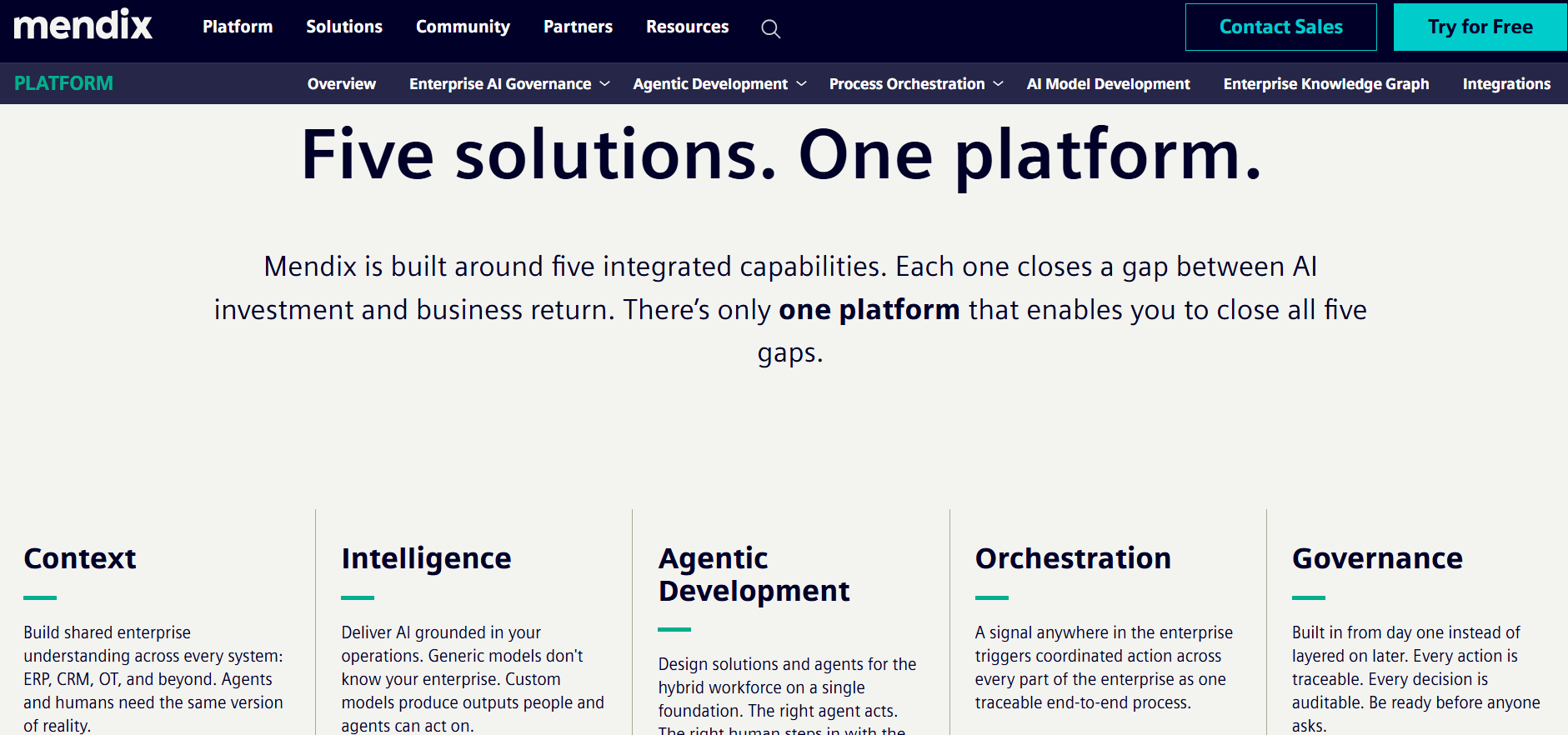
Mendix is a low-code platform for building business apps. It offers visual tools to create workflows, organize data, and design screens without writing all the code. But you can also add custom code when an app needs more advanced features or connections to other systems.
What Is Appian?
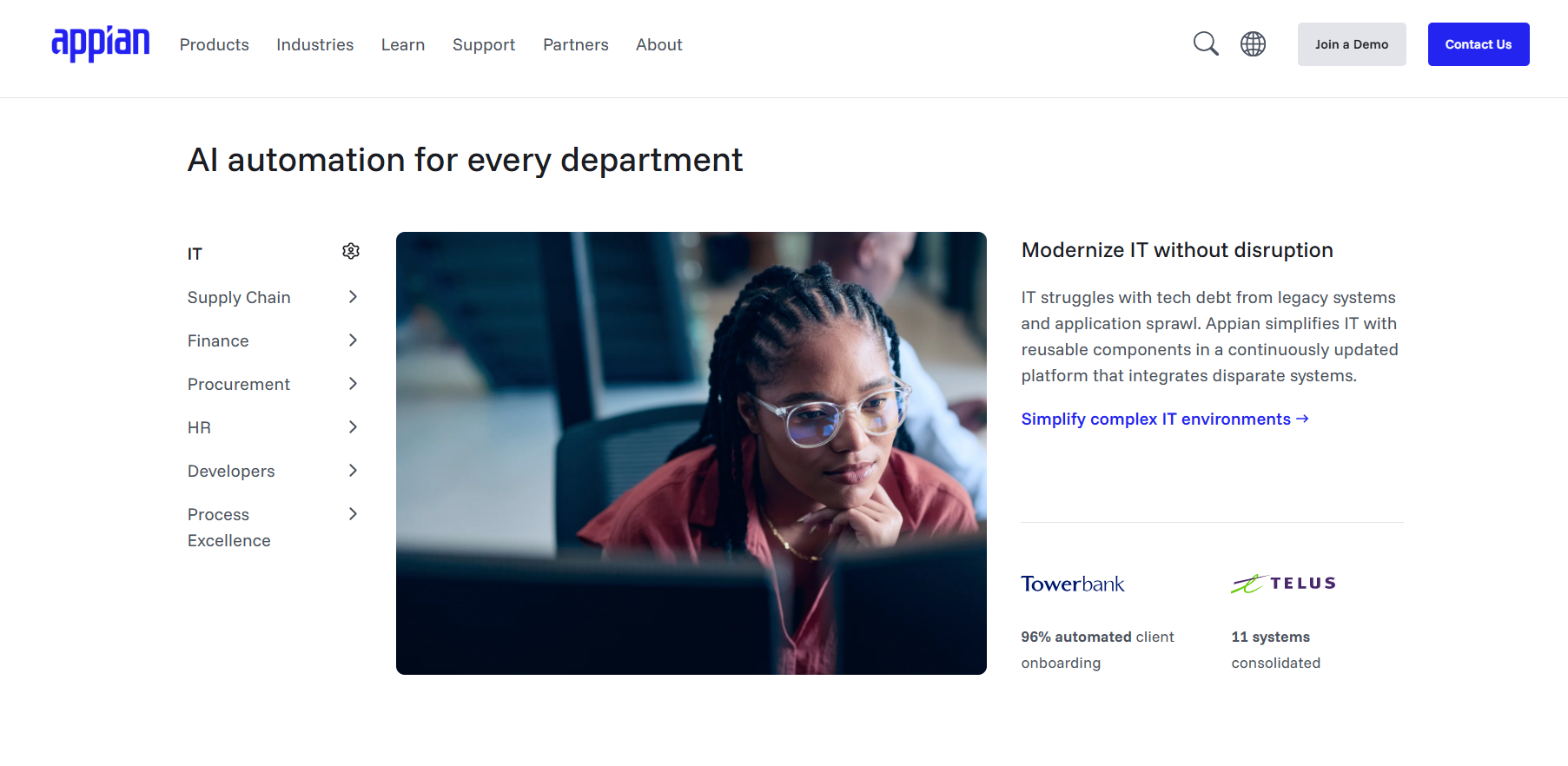
Appian automates business processes across teams and systems. It helps keep work moving when a process involves several people, tools, or steps. The platform can also bring data from different systems into one place.
Mendix vs. Appian: Feature Comparison
I evaluated Mendix and Appian by comparing each platform on the following 6 capabilities:
1. App Building and Customization
Mendix App Building and Customization
- Data model: Mendix uses a visual model to show what data an app stores and how that information connects.
- Visual development: Studio Pro lets developers build pages with reusable parts and create workflows that control how the app works. You can also add Java or JavaScript to customize commands.
Mendix app building and customization example: Build a supplier portal that connects vendors with purchase orders. Then, use the same approval process for several types of orders.
Appian App Building and Customization
- Simple process models: Appian uses visual tools that let you define how tasks, decisions, integrations, and handoffs move through a process.
- Process automation: Teams can connect workflows to interfaces, business rules, data, integrations, and RPA to coordinate work across people and systems.
Appian app building and customization example: If you’re onboarding a new employee, Appian lets you use one process model to collect documents, check requirements, route approvals, and automate routine tasks.
App Building and Customization Winner
Mendix wins for app building and customization because it gives you more control over data, design, workflows, and custom code. But if you need to automate processes and not build apps, try Appian.
2. Process Automation
Mendix Process Automation
- Visual automation: Mendix microflows visually model business logic, including calculations, data changes, approvals, integrations, and other automated application actions.
- Business rules: Teams can inspect and modify microflows that evaluate data, apply rules, update records, and call external services.
Mendix process automation example: Build a procurement app that automatically routes a purchase request to your finance team when spending exceeds your budget.
Appian Process Automation
- Process automation: Appian process models coordinate human tasks, system actions, and bots across workflows, keeping complex tasks organized.
- Supporting tools: RPA handles repetitive tasks, AI agents can review information and take actions based on set rules, and Process HQ helps teams find where work slows down.
Appian process automation example: A compliance case can extract document data, flag missing information, and route exceptions to a human for review.
Process Automation Winner
Appian wins for process automation because it offers more advanced tools: It can connect employee tasks, bots, software, and business decisions in one workflow. Appian focuses on keeping complex processes moving from start to finish. Tools like RPA, Process HQ, and Case Management Studio help teams automate tasks and manage each step.
3. Integrations and Data Connectivity
Mendix Integrations and Data
- Connection options: Mendix connects apps to ERPs, databases, APIs, and external services. It integrates in many ways such as Marketplace connectors, REST, OData, database connectors, and Java extensions.
- Reusable integrations: You can reuse your integration rules, allowing the same connection patterns to support many applications without rebuilding them each time.
Mendix integration example: Build an inventory app that pulls product data from SAP and sends updated order information to a third-party shipping service.
Appian Integrations and Data
- Data Fabric: Appian connects data across enterprise systems through Data Fabric, its native integration tool. This lets apps, workflows, RPA bots, and AI tools use the same information.
- Data access: Record types connect data from different systems. Appian can also copy data for faster access or pull it directly from supported databases when needed.
Appian integrations example: Bring customer transaction history from a connected data warehouse into the same compliance record a reviewer uses to investigate a case.
Integrations and Data Winner
This category is a tie: Mendix is stronger when you need to connect specific systems, such as SAP and a shipping API. You can also reuse those connections across multiple apps. Appian is stronger at bringing data from different business systems into one workflow. This helps teams access the information they need while completing each step.
4. AI and Automation Tools
Mendix AI
- Maia assistant: Maia is Mendix’s built-in AI development assistant. You can instruct it by typing English commands to help you build parts of your app, pages, and workflows.
- AI integrations: Mendix provides GenAI connectors for adding AI capabilities to finished applications by connecting them with external AI models and services.
Mendix AI example: Instruct Maia to draft a claims app. Further customize your app by changing the colors or using custom JavaScript. Then connect an external AI model to summarize claim documents for reviewers.
Appian AI
- AI Copilots: Appian’s built-in AI assistants help you build processes, so your team can complete work within applications and workflows.
- AI Skills and agents: AI Skills classify documents and extract data. Agents use that information to take actions within rules defined by your team.
Appian AI example: An insurance company can extract policy numbers and damage estimates from submitted claims. Then, they can use the agents to route uncertain information to a human reviewer for a final decision.
AI Winner
Both platforms can add AI to workflows, but Appian wins the AI category because its AI tools can handle more parts of a business process. AI Skills can pull information from documents and sort it into categories. AI agents can complete tasks and send results for review. Mendix also supports AI agents, but they focus mainly on helping developers build and update apps.
5. Deployment, Security, and Scalability
Mendix Deployment and Scalability
- Several deployment options: Mendix apps can run in Mendix Cloud or on Kubernetes (software for running, managing, and scaling apps across multiple servers). Your team can choose where to run each app based on its size, performance needs, and setup.
- Scalability: Add more computing power and support as your app grows from serving one team to handling important work across the company.
Mendix deployment example: Start a warehouse app with standard cloud deployment, then scale infrastructure as it expands into a company-wide fulfillment system.
Appian Deployment and Scalability
- Deployment options: Appian applications can run in Appian Cloud, self-managed environments, or hybrid deployments, giving you flexibility over where apps and processes run.
- Scalability: Higher plans can automatically add resources as demand grows. They also include tools to keep your apps running and recover from system failures.
Appian deployment example: Run a government case-management system in Appian Cloud with FedRAMP authorization to meet federal security requirements for sensitive case data.
Deployment, Security, and Scalability Winner
Mendix and Appian tie for deployment, security, and scalability.
Mendix stands out for deployment flexibility, with options spanning Mendix Cloud, dedicated cloud, Kubernetes, government cloud, and self-managed infrastructure.
Appian offers similarly flexible deployment, while its cloud offering adds defined availability and recovery targets plus autoscaling options for demanding workloads.
Both also support regulated government deployments. Your choice depends on whether you want more control over where your apps run or more built-in support for keeping workflows running as demand grows.
6. Pricing
Appian and Mendix pricing plans fit for mid-sized organizations and up. They don’t have pricing tiers that are friendly for small teams of less than 5 people on a budget. Let’s look at each platform’s pricing plans:
Mendix Pricing
Mendix has 2 pricing categories. One is for building 1 app, and another is for making unlimited apps.
Each of the 2 categories has these 3 tiers:
- Free: Build and test applications at no cost, making this tier suitable for testing before committing to a paid Mendix deployment.
- Standard: Starts at $1,090/month for one app or $2,725/month for unlimited apps, with the same platform capabilities across both licensing options.
- Premium: Uses custom pricing and adds horizontal scaling, high availability, fallback, and 24/7 support for mission-critical applications. Cloud compute costs are separate.
Appian Pricing
Appian doesn’t offer defined, fixed pricing like Mendix. Pricing depends on user count, app count, and capability. You’ll need to get in contact with Appian’s team about how much you’ll pay for each of the following plans:
- Community edition: Free development environment to test Appian’s capabilities, much like Mendix’s free version.
- Standard: Includes core development tools, Data Fabric, integrations, 5 RPA bots, and 1 portal per app.
- Advanced: Adds Process HQ, Case Management Studio, autoscaling, multiple data sources, 25 RPA bots, and broader AI capabilities.
- Premium: Raises platform limits further and includes unlimited RPA bots for organizations with larger, more demanding enterprise workloads.
Pricing Winner
Mendix wins pricing, publishing starting prices for its Standard plans, while Appian lists Standard, Advanced, and Premium without publishing dollar amounts. That makes Mendix easier to budget before a team enters the sales process.
What Real Users Say
I checked websites such as G2, Reddit, and Capterra for customer feedback on Mendix vs. Appian. Here’s what I found:
Mendix Pros
- Helpful reporting and Teamcenter integration: One user praised Mendix for simplifying manufacturing bill of materials preparation with downloadable color chart reports and making initial setup easier.
- Quick build for complex integrations: Mendix sped up a client’s app development with rapid data integration, flexible customization, and straightforward setup that supported continued growth.
Mendix Cons
- Maia may need a stronger external LLM: One user found Maia’s default model insufficient for demanding tasks and recommended using your own LLM to connect Maia to.
- SAP and custom integrations need improvement: Mendix’s integrations with SAP and custom applications had issues for one user, especially because ERP connectivity plays an important role in PLM environments.
Appian Pros
- AI features speed up development: A user appreciated Appian’s newer AI tools for supporting faster development, natural-language process analysis, and AI agent processing of complex documents.
- Easy to use and scale across teams: One user praised Appian for its straightforward interface, automation, and scalability, which helped departments collaborate and complete work more efficiently.
Appian Cons
- Task links can become outdated: While using the platform, one user reported that Appian kept an old task link after reassignment, causing an error until the Admin page was manually refreshed.
- UI could be more polished: One user found Appian’s interface visually unappealing and less pleasant to navigate.
My Final Verdict: Should You Choose Mendix or Appian?
Both platforms serve mid-size and large organizations building software, but they solve different problems well. The right choice comes down to what you're actually building, so follow this guide to choose:
Choose Mendix If You:
- Need to build highly customized enterprise apps: You want flexibility across UI, logic, data, and integrations.
- Want greater developer extensibility: Your developers need visual development plus the option to extend applications with Java, JavaScript, and custom components.
- Need to build several apps: You're planning multiple web, mobile, internal, or customer-facing apps, and you’re not looking to automate processes.
Choose Appian If You:
- Need complex process automation: Your workflows span multiple systems, departments, decisions, and human approvals.
- Need case management: Your organization manages long-running cases such as claims, investigations, service requests, or compliance processes.
- Need a workflow platform more than an app builder: Your priority is orchestrating processes across people, systems, bots, and AI, with applications serving those workflows.
Avoid Both Platforms If You:
- Only need a simple departmental app: Both platforms can add more complexity and cost than a lightweight no-code tool justifies.
- Have a very small software budget: Enterprise deployment costs can be difficult to justify for straightforward workflows.
- Need a healthcare-specialized platform out of the box: Both platforms support healthcare use cases, but organizations may still need substantial configuration and integration work for specialized clinical or administrative workflows.
Blaze.tech: A Healthcare-Built Alternative to Mendix and Appian
If you're comparing Mendix vs. Appian for a healthcare application and need a stronger solution, try Blaze.tech. It provides HIPAA-enabling features, a BAA, and the tools you need to build clinical workflows and apps.
Here’s why healthcare companies go with Blaze:
- Healthcare software built for you: An expert-led three-person implementation team, including a project manager, healthcare developer, and integration engineer, builds production-ready apps like patient portals and clinical databases. Blaze's Integrations team connects your EHRs and other existing systems.
- Opt to self-build: Use Blaze's visual builder to create custom healthcare dashboards and applications without an enterprise-platform learning curve.
- Replace repetitive administrative work: Automate patient intake, document routing, approvals, reminders, and other manual tasks without replacing your existing EHR.
- Faster implementation than many enterprise low-code builds: Launch in weeks, not the months a Mendix or Appian deployment typically takes.
- AI integrations built for real clinical workflows: Supports automated patient intake, document extraction, and OpenAI integration alongside secure EHR and EMR connections built for how your team actually works.
- Built on compliance-ready infrastructure: Blaze is a HIPAA-enabling, HITRUST e1-certified, SOC 2 Type II healthcare app development platform, so you're not retrofitting compliance after the build.
Schedule a free build consultation call today and skip the months of custom configuration Mendix and Appian require to make a general-purpose platform actually fit clinical work.
Frequently Asked Questions
What do users say about Mendix vs. Appian?
Users say Mendix stands out for flexibility, faster builds, and clear pricing. However, for cons, some users cite a learning curve. Appian users praise process automation and usability but note UI polish issues.
How do Mendix, Appian, and OutSystems compare?
Mendix, Appian, and OutSystems compare best by use case. Mendix suits flexible custom app development. Appian excels at process automation and case management. OutSystems offers strong developer tooling for complex apps. For a wider view, see our roundups of the top Mendix alternatives and top Appian competitors.
Are Mendix and Appian HIPAA compliant?
Yes, both Mendix and Appian support HIPAA compliance, with each offering a BAA and HIPAA-enabling features including encryption and role-based access control. Compliance still depends on how your organization configures and uses the platform.
Sources
1. U.S. Department of Health & Human Services. “Summary of the HIPAA Security Rule.” HHS.gov. https://www.hhs.gov/hipaa/for-professionals/security/laws-regulations/index.html
2. U.S. Department of Health & Human Services. “Security Rule Guidance Material.” HHS.gov. https://www.hhs.gov/hipaa/for-professionals/security/guidance/index.html
3. National Institutes of Health: StatPearls. “Health Insurance Portability and Accountability Act (HIPAA) Compliance.” NCBI. https://www.ncbi.nlm.nih.gov/books/NBK500019/
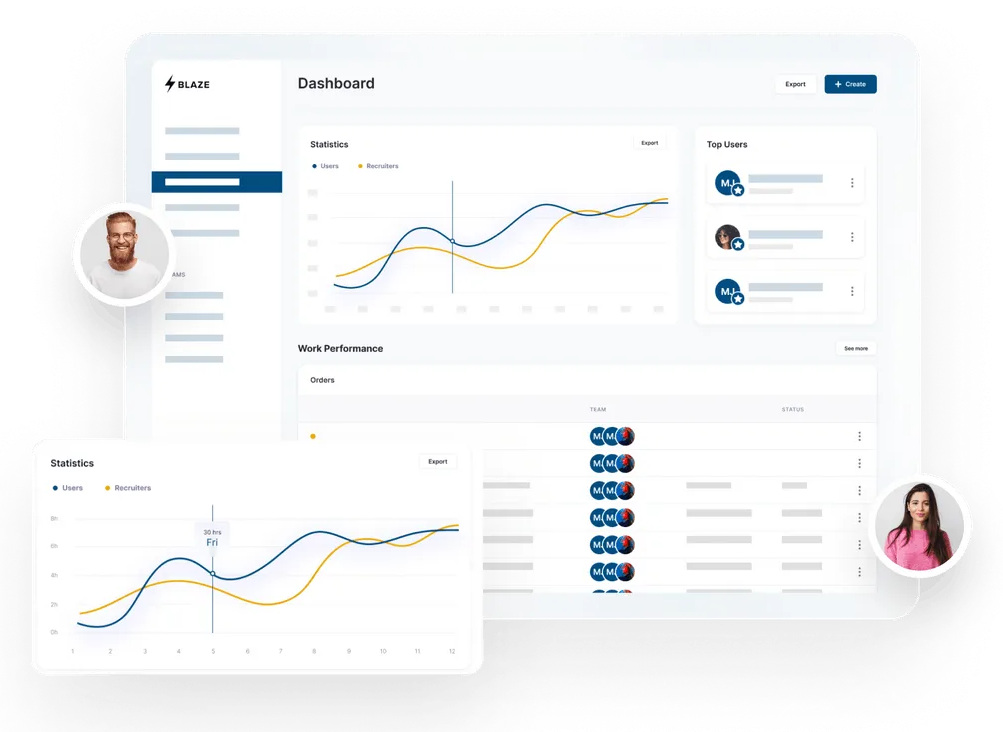
Build a HIPAA-Compliant App Today
Request the app you want. Blaze AI assembles it for you and your healthcare team.
Trusted by Fortune 500s and startups
HIPAA compliant, SOC 2 and HITRUST certified
Zero coding required

Ready to Build Your Custom Healthcare App?
Launch your own healthcare app today that's fully HIPAA compliant.
Related Articles
Discover related guides on healthcare no-code development, HIPAA compliance, security, integrations, and launching apps faster.
%20(1).png)
Hospital App Development: Features, Steps, and Costs in 2026
Hospital app development costs range from $1,000 to over $1 million. Compare needed features, EHR integrations, development steps, and the 3 build approaches.
%20(1).png)
EHR Implementation Cost Breakdown
This EHR implementation cost breakdown reveals upfront, ongoing, and hidden expenses. Compare costs from client projects and research to help you budget.
%20(1).png)
7 Top White Label Telehealth Platforms + How to Pick (2026)
I reviewed seven white-label telehealth platforms to see how they compare. Explore pricing, branding, integrations, and the best fits available.